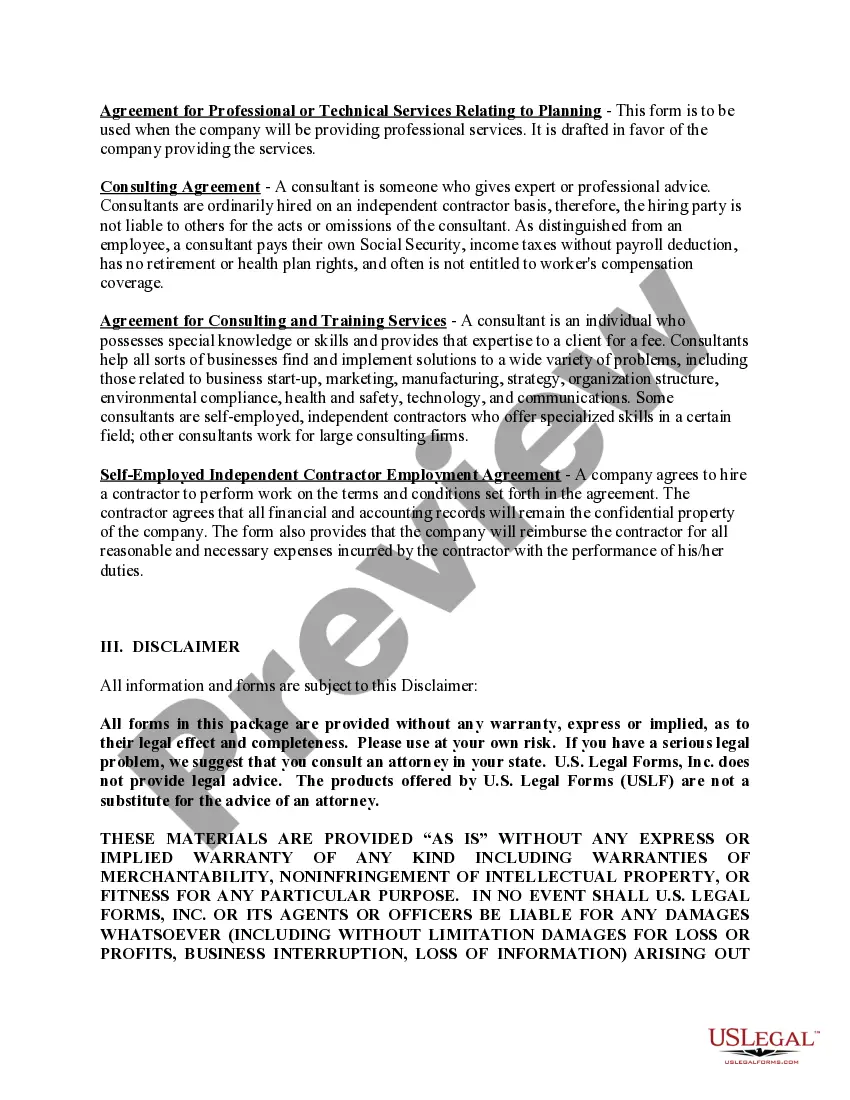
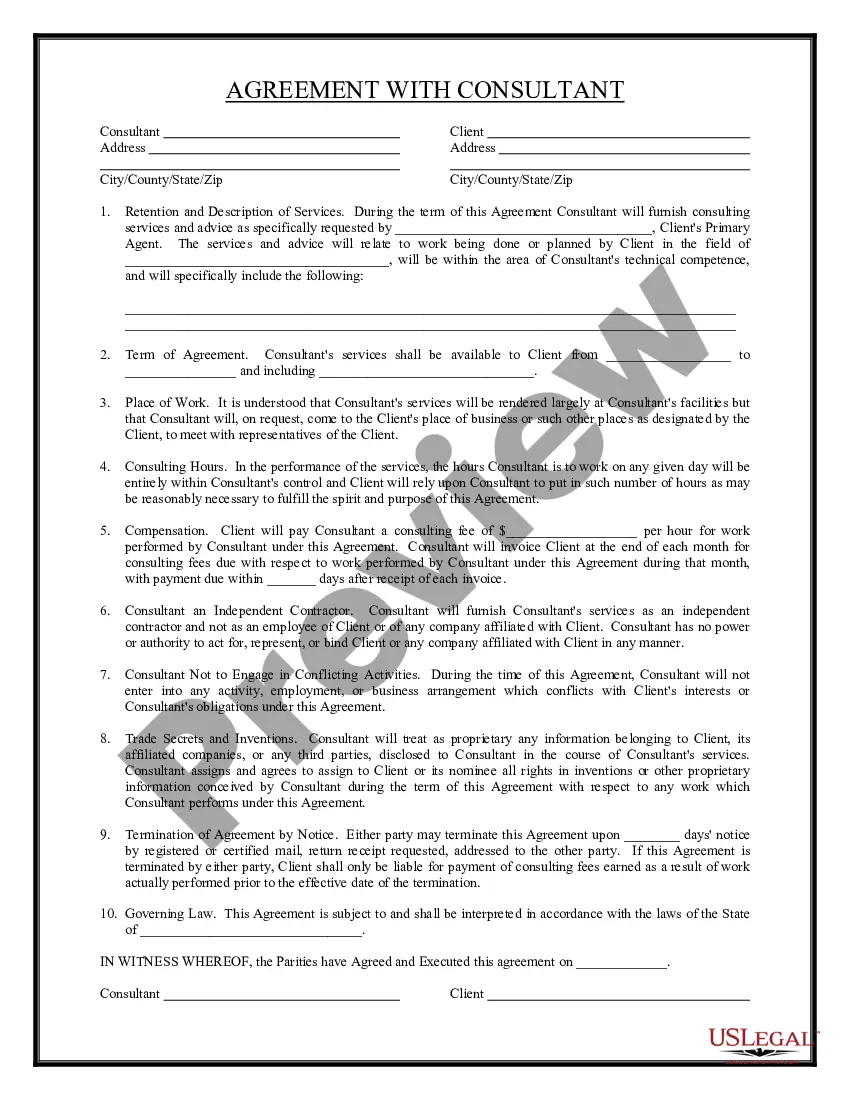
Guam Consultants Package
Description
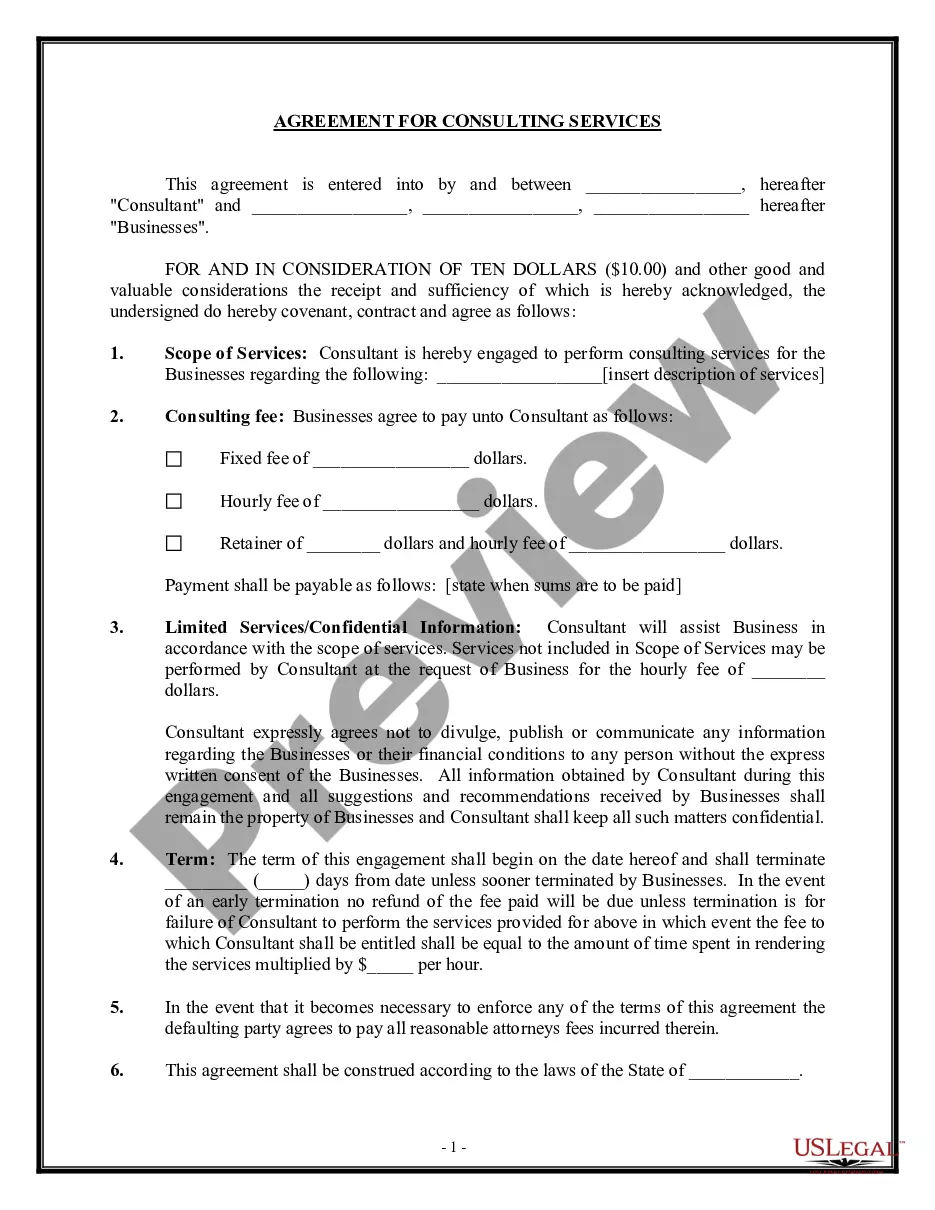
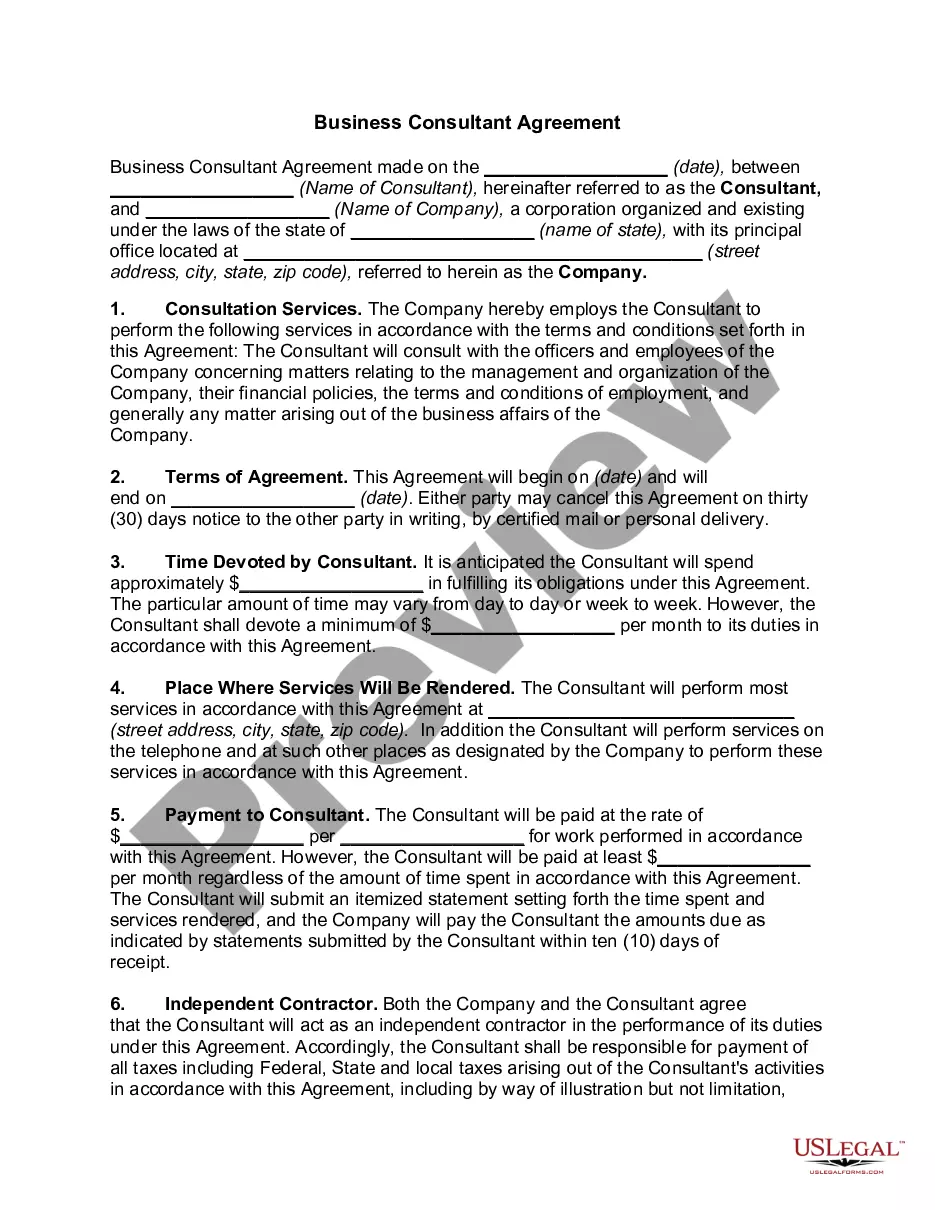
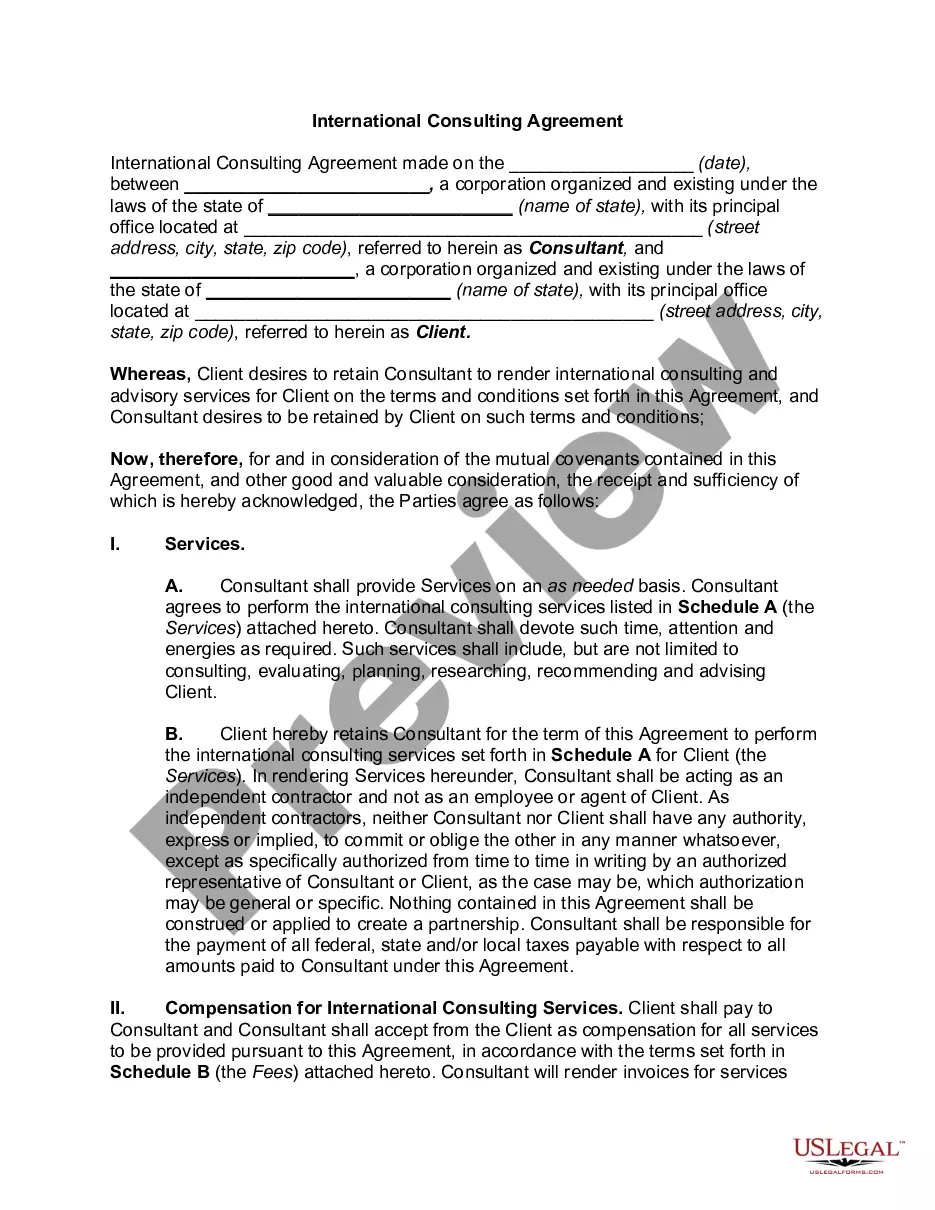
Get your form ready online
Our built-in tools help you complete, sign, share, and store your documents in one place.
Make edits, fill in missing information, and update formatting in US Legal Forms—just like you would in MS Word.
Download a copy, print it, send it by email, or mail it via USPS—whatever works best for your next step.
Sign and collect signatures with our SignNow integration. Send to multiple recipients, set reminders, and more. Go Premium to unlock E-Sign.
If this form requires notarization, complete it online through a secure video call—no need to meet a notary in person or wait for an appointment.
We protect your documents and personal data by following strict security and privacy standards.

Make edits, fill in missing information, and update formatting in US Legal Forms—just like you would in MS Word.

Download a copy, print it, send it by email, or mail it via USPS—whatever works best for your next step.

Sign and collect signatures with our SignNow integration. Send to multiple recipients, set reminders, and more. Go Premium to unlock E-Sign.

If this form requires notarization, complete it online through a secure video call—no need to meet a notary in person or wait for an appointment.

We protect your documents and personal data by following strict security and privacy standards.
Looking for another form?

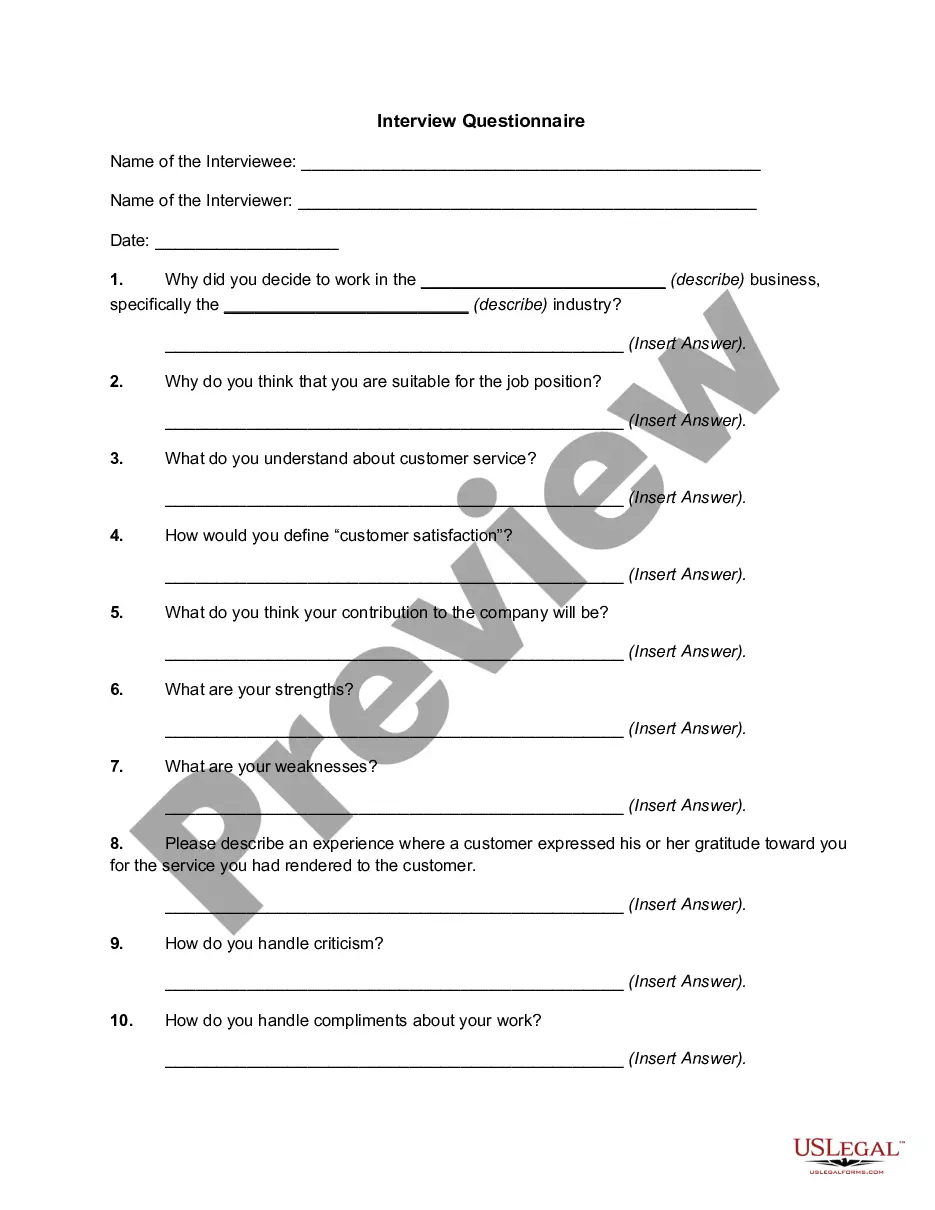
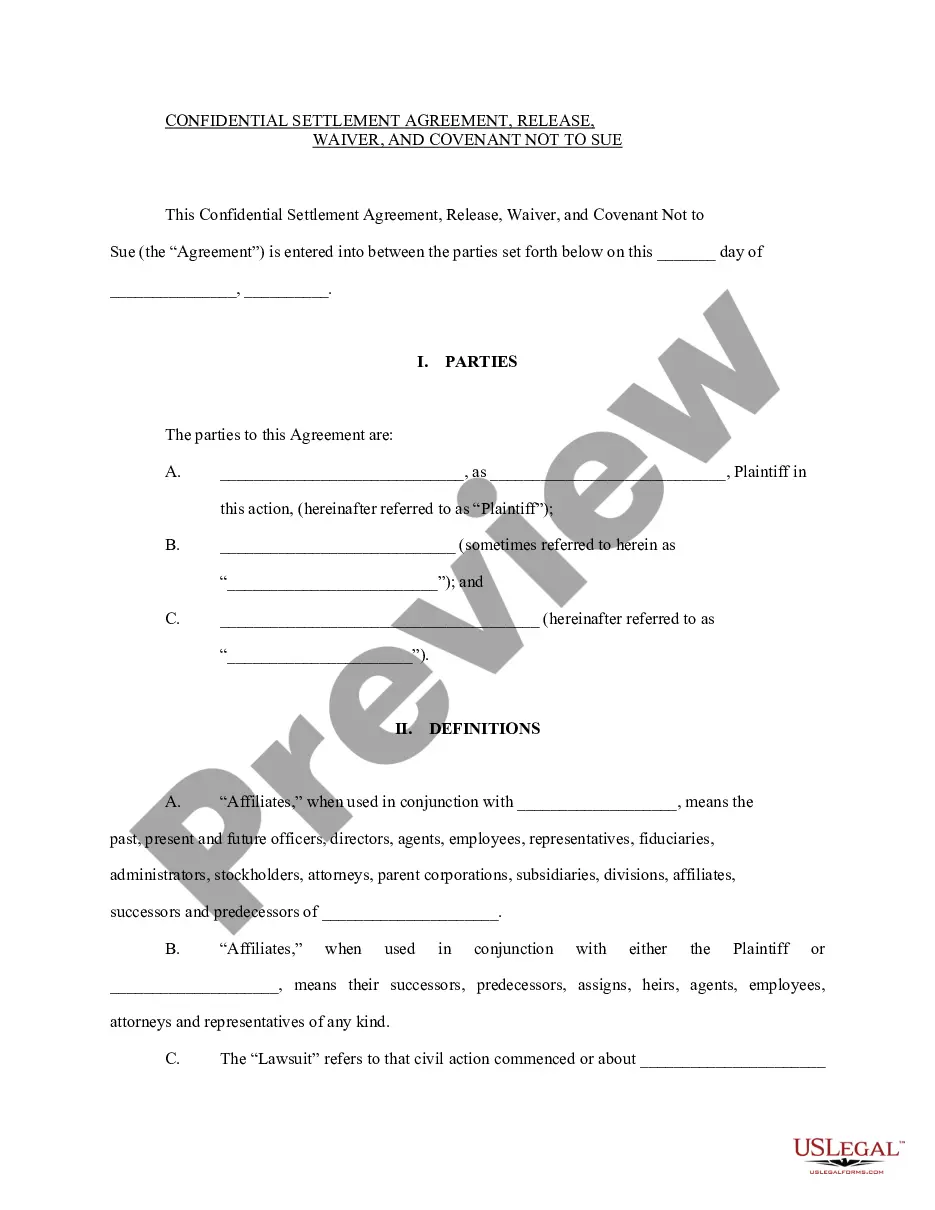
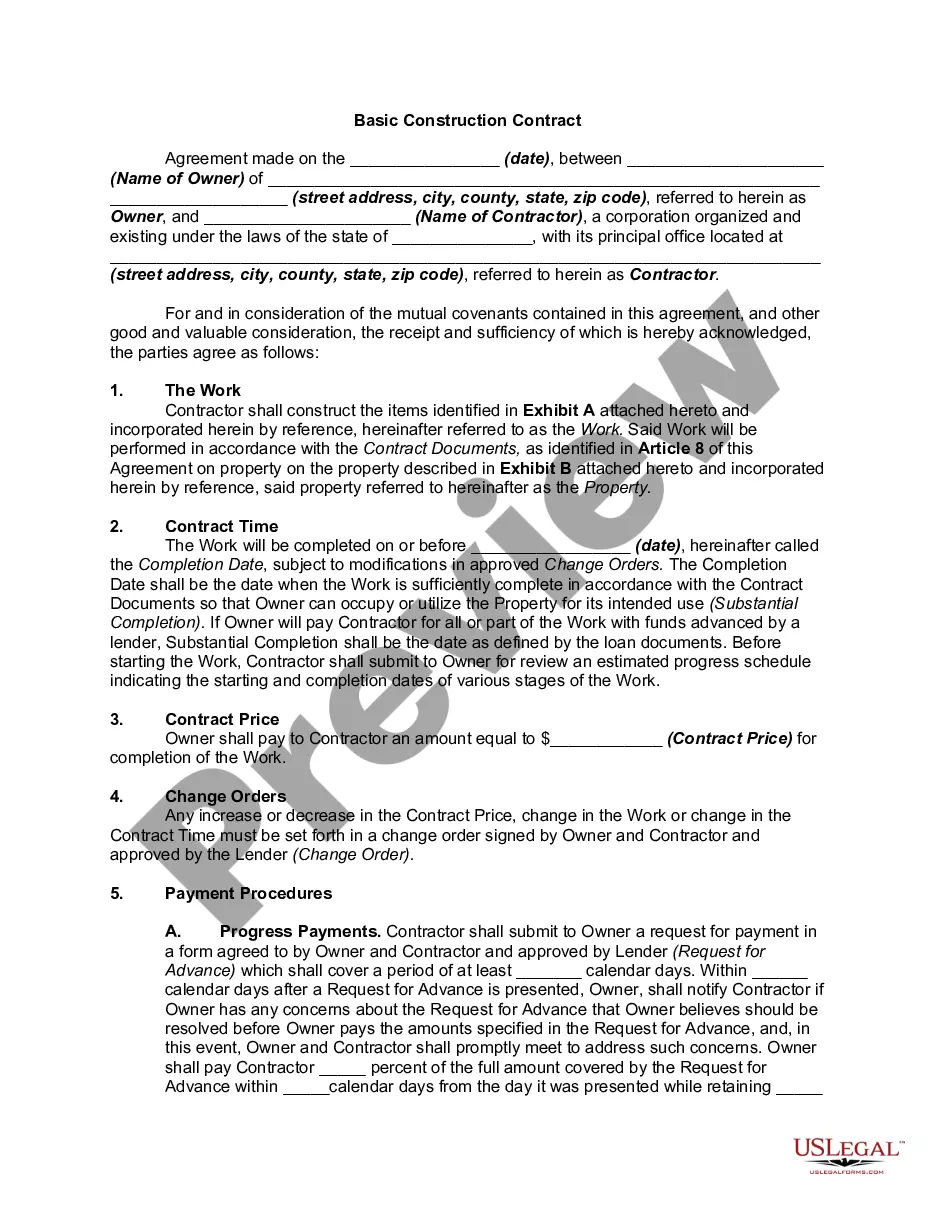
How to fill out Consultants Package?
US Legal Forms - among the largest libraries of lawful forms in America - gives a wide array of lawful record themes you can download or print out. Using the site, you can find thousands of forms for business and personal purposes, categorized by classes, claims, or keywords and phrases.You can find the most recent versions of forms like the Guam Consultants Package in seconds.
If you have a subscription, log in and download Guam Consultants Package through the US Legal Forms library. The Download key can look on every single form you look at. You get access to all earlier delivered electronically forms within the My Forms tab of your respective bank account.
If you wish to use US Legal Forms the first time, here are basic guidelines to obtain started off:
- Ensure you have selected the right form for your personal town/state. Click on the Preview key to review the form`s content material. Look at the form description to actually have selected the right form.
- When the form doesn`t fit your needs, utilize the Search field on top of the display to discover the one who does.
- When you are pleased with the shape, validate your selection by clicking the Get now key. Then, choose the prices prepare you want and offer your credentials to register to have an bank account.
- Procedure the transaction. Utilize your Visa or Mastercard or PayPal bank account to perform the transaction.
- Choose the format and download the shape on your system.
- Make alterations. Load, change and print out and indicator the delivered electronically Guam Consultants Package.
Every web template you put into your bank account does not have an expiration date and it is your own eternally. So, if you wish to download or print out one more copy, just proceed to the My Forms portion and click on on the form you require.
Obtain access to the Guam Consultants Package with US Legal Forms, probably the most substantial library of lawful record themes. Use thousands of professional and status-specific themes that meet up with your organization or personal requires and needs.
Form popularity
FAQ
OSHA covers most private sector employers and workers in all 50 states, the District of Columbia, and the other United States (U.S.) jurisdictions ? either directly through OSHA or through an OSHA-approved State Plan.
Federal OSHA covers most private sector employers and workers in 29 states, the District of Columbia, Virgin Islands, American Samoa, Guam, Northern Mariana Islands, Wake Island, Johnston Island, and the Outer Continental Shelf Lands.
Guam is under federal OSHA jurisdiction which covers most private sector workers within the state.
How Many States Have Their Own OSHA Plans? As of 2022, it's about half. Out of 50 states and 5 territories (plus DC), there are 27 states and 2 territories with an OSHA State Plan.
Guam is under federal OSHA jurisdiction which covers most private sector workers within the state.