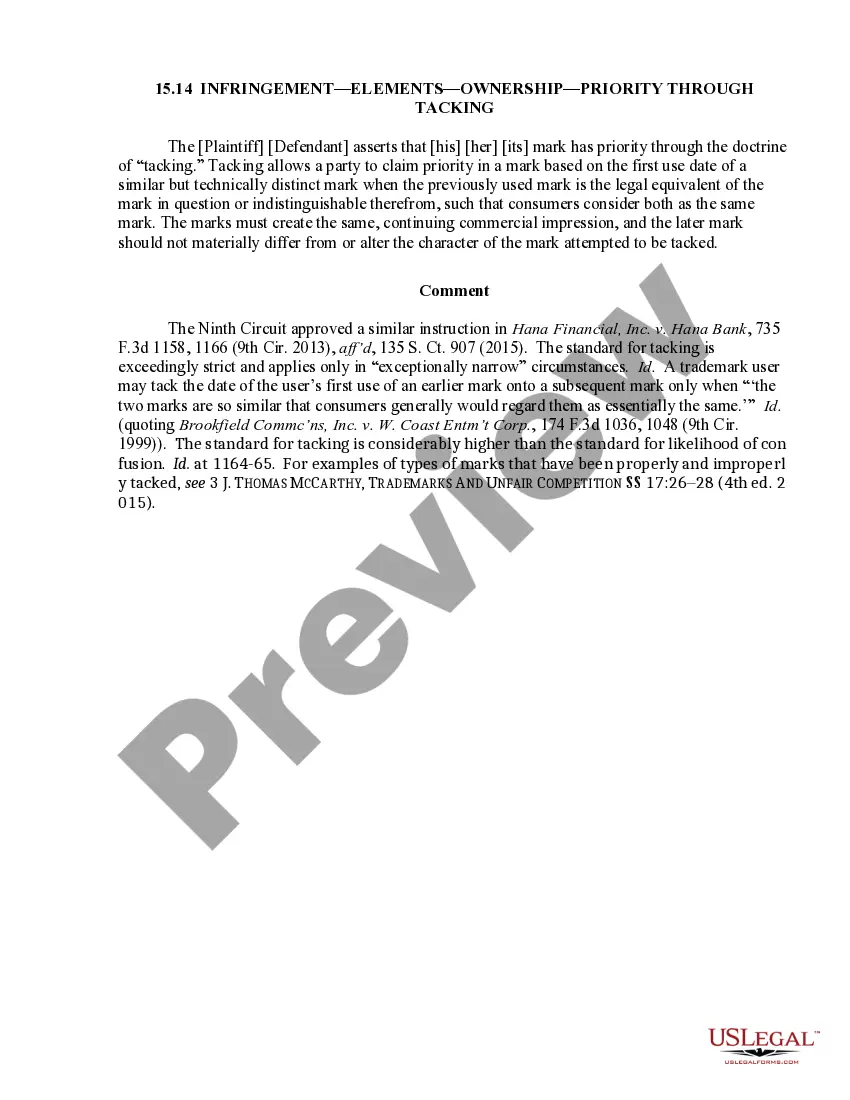
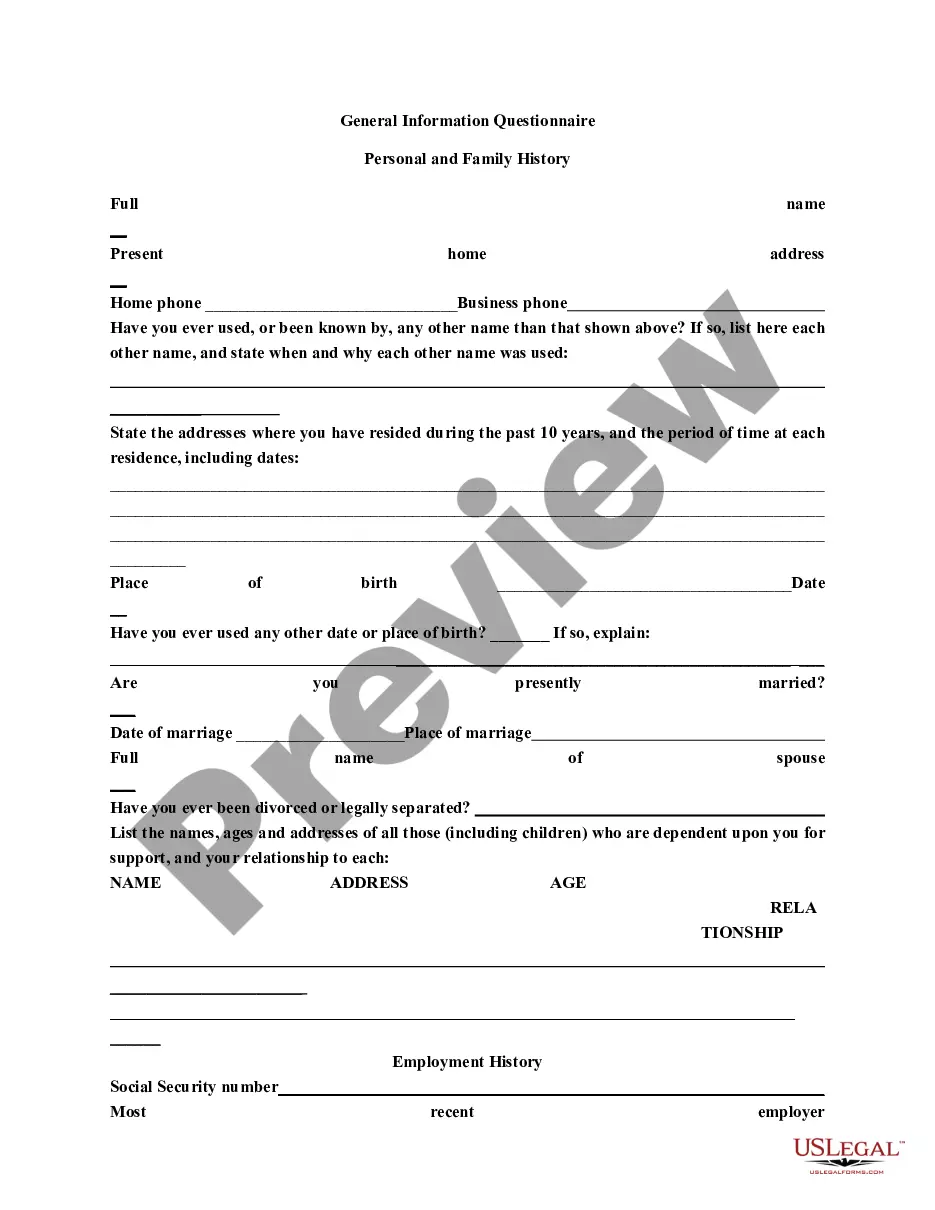
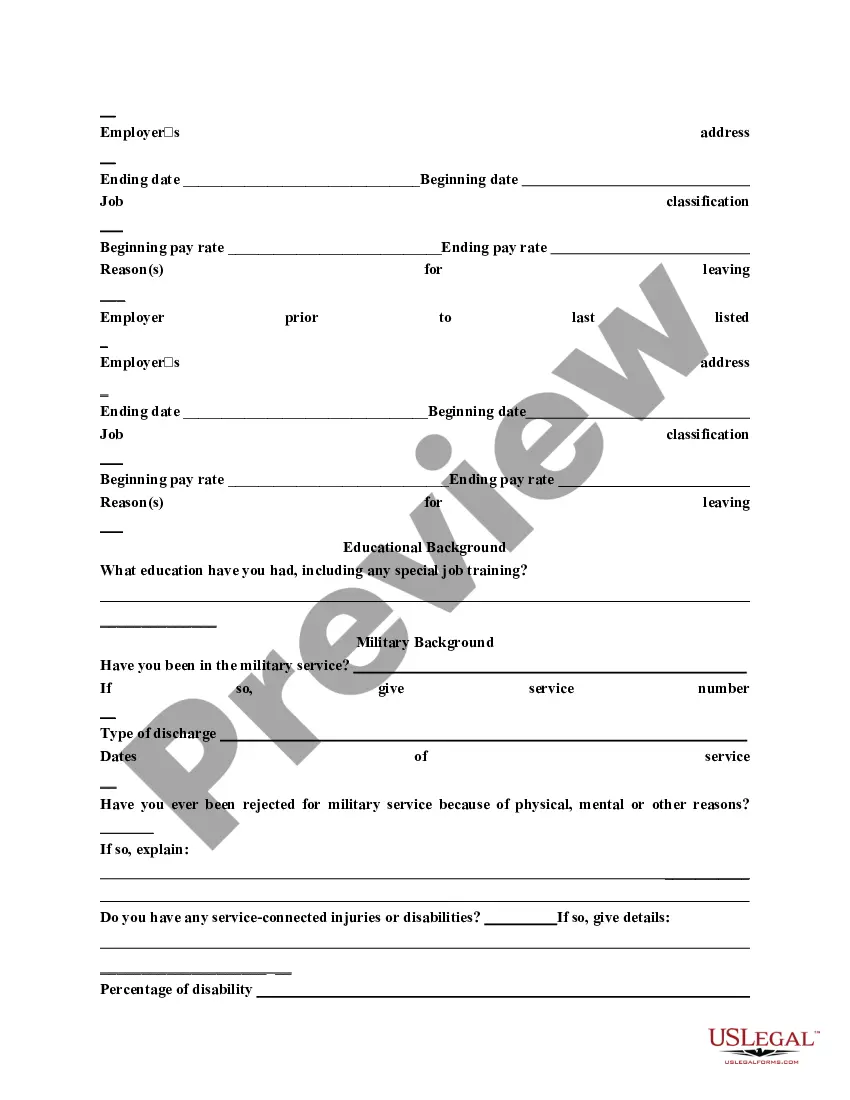
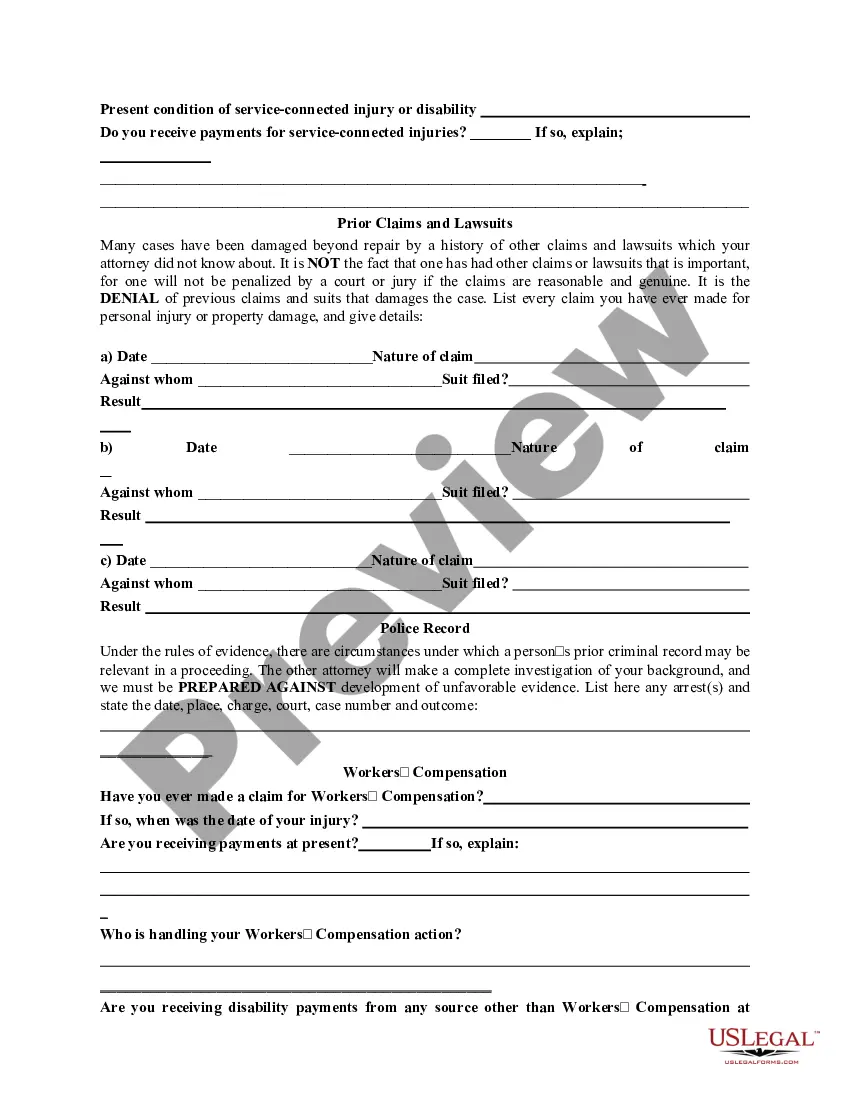
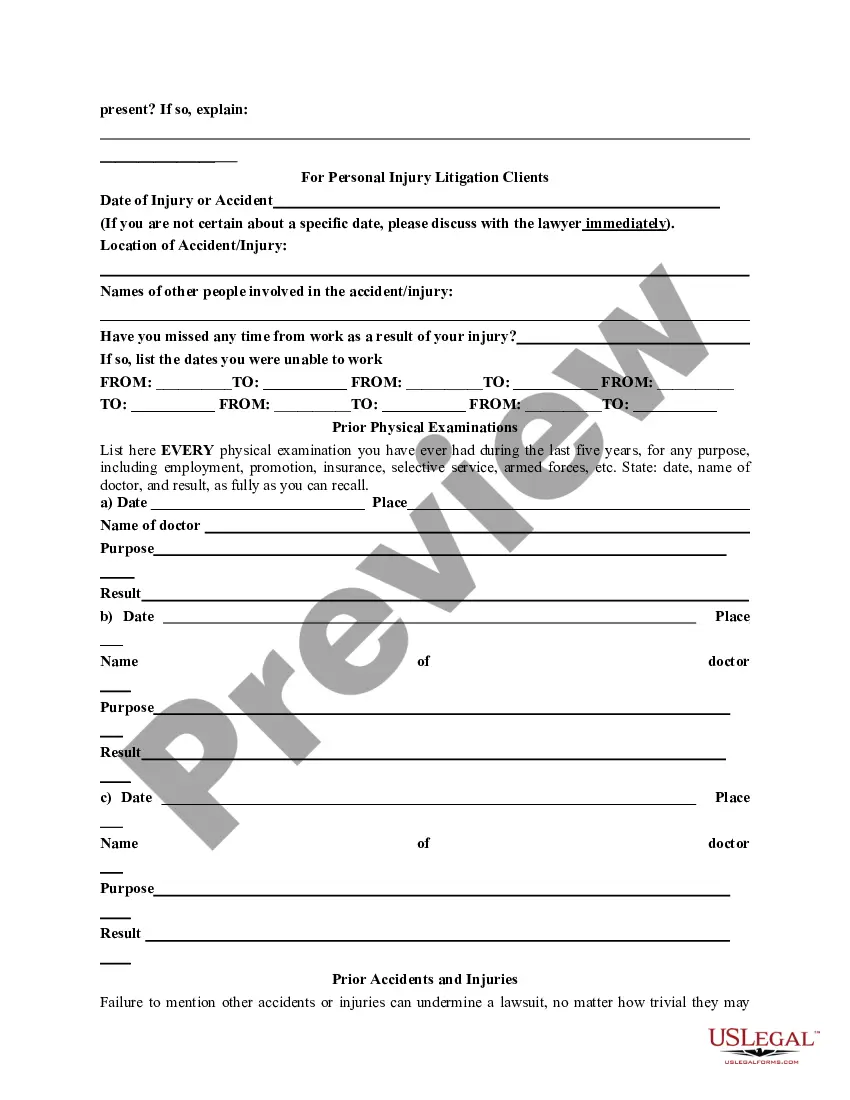
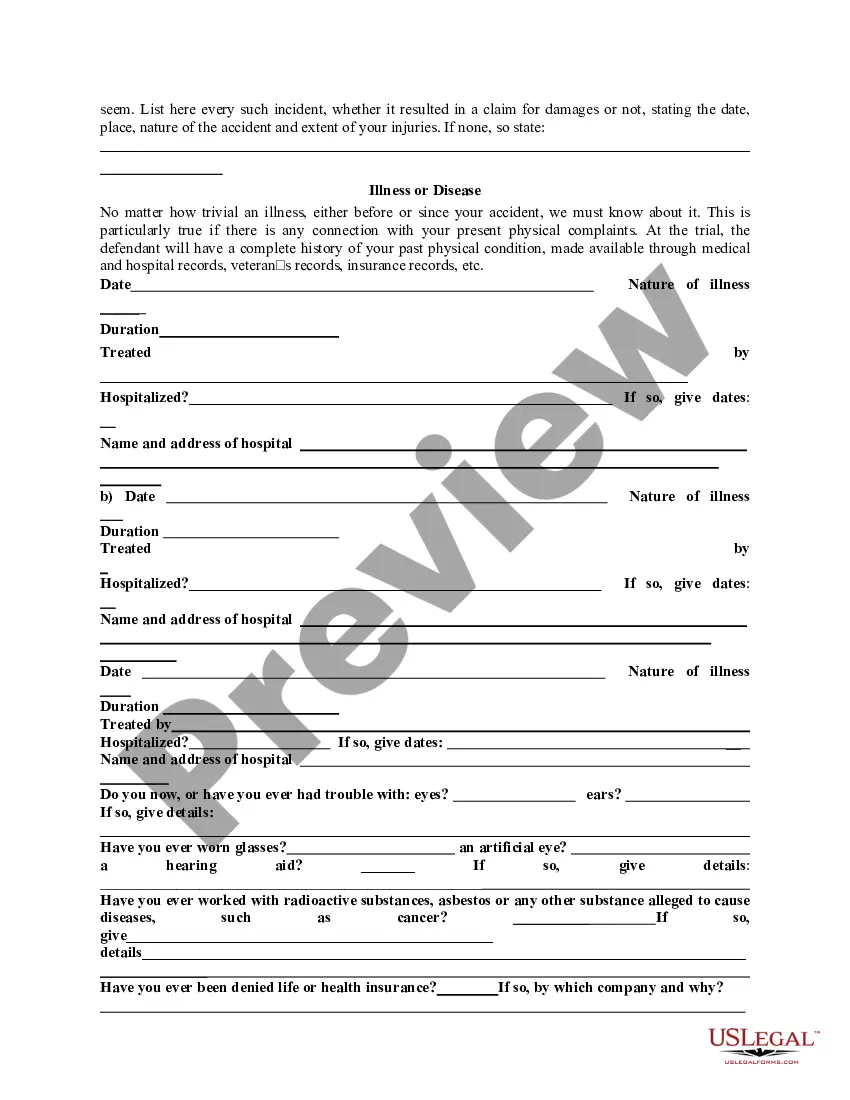
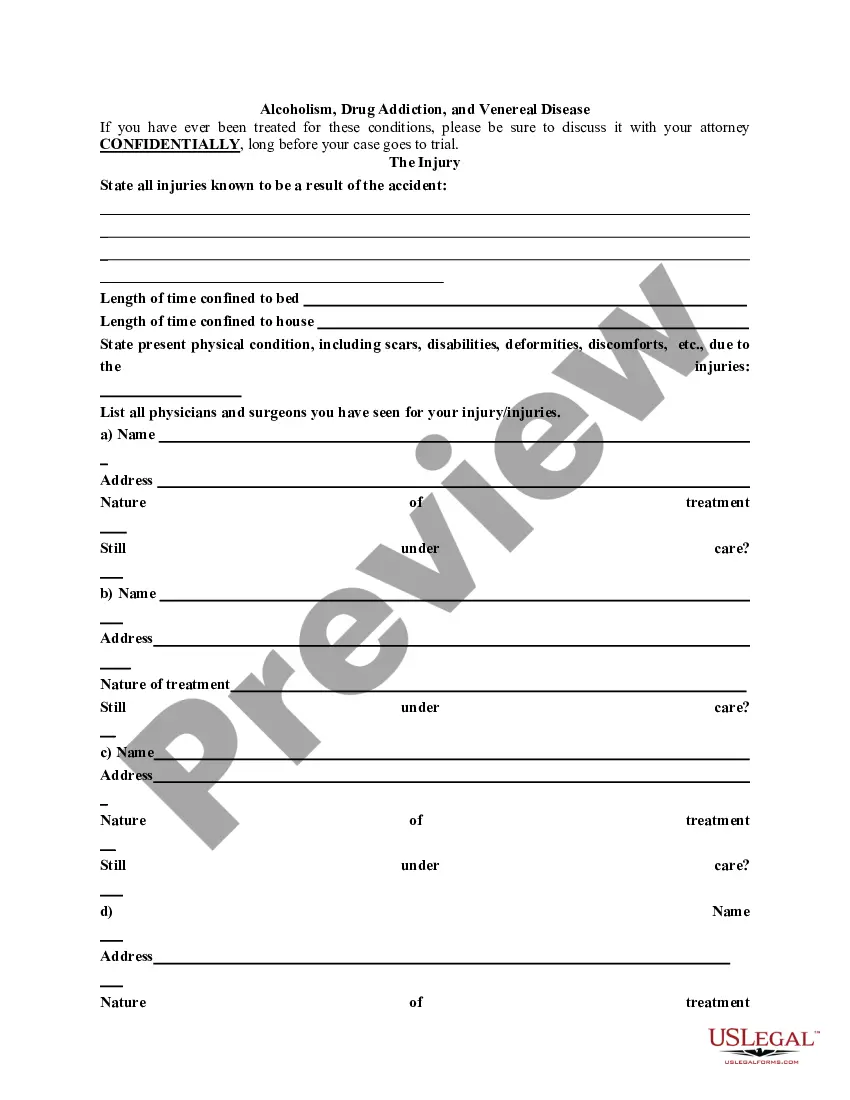
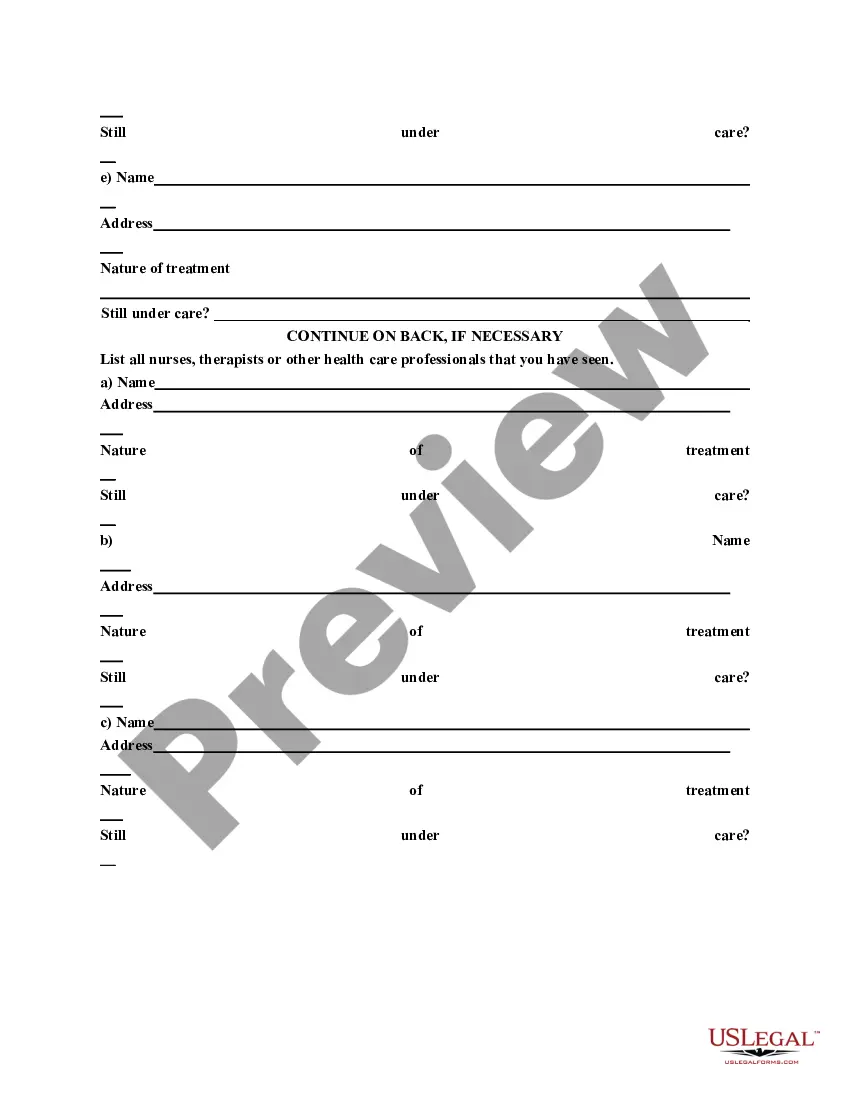
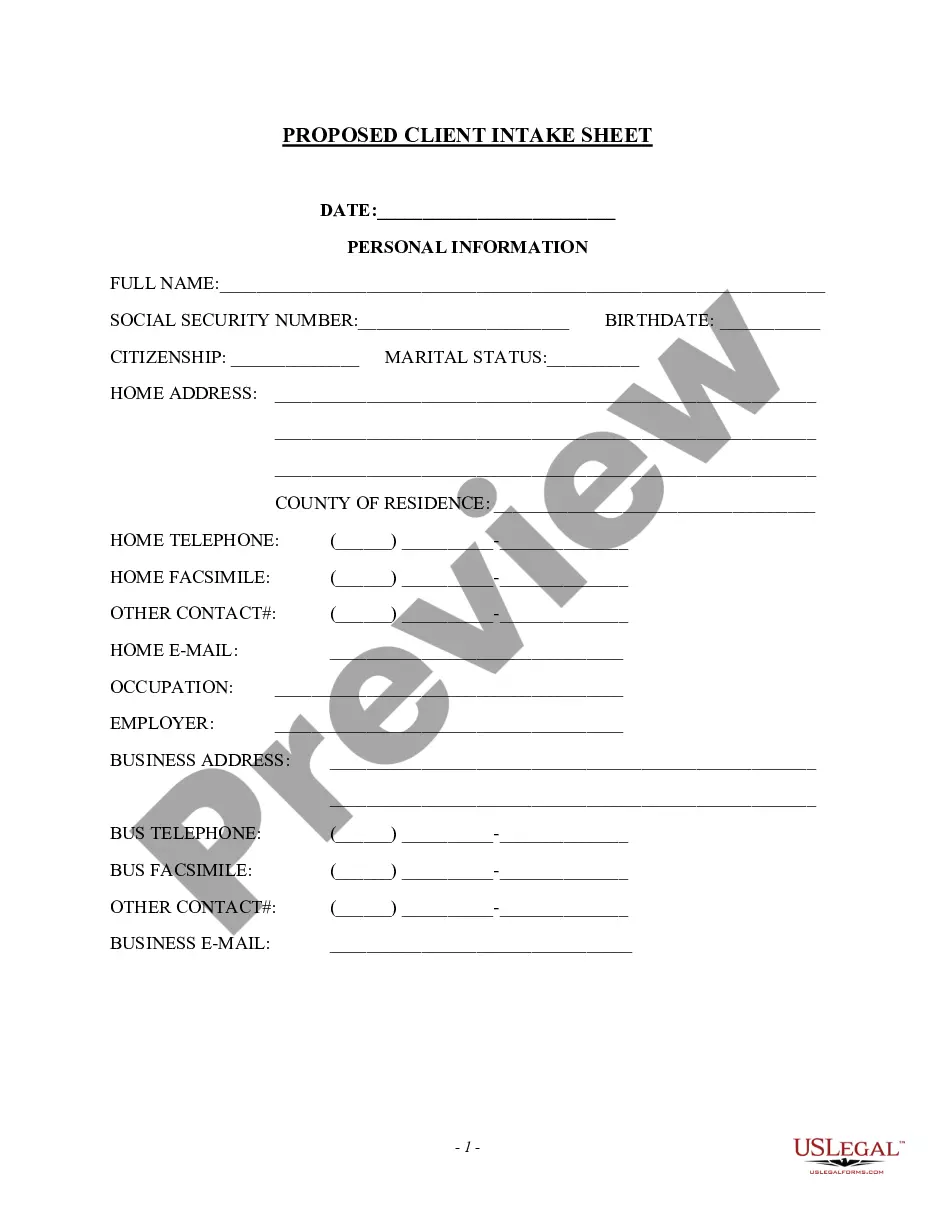
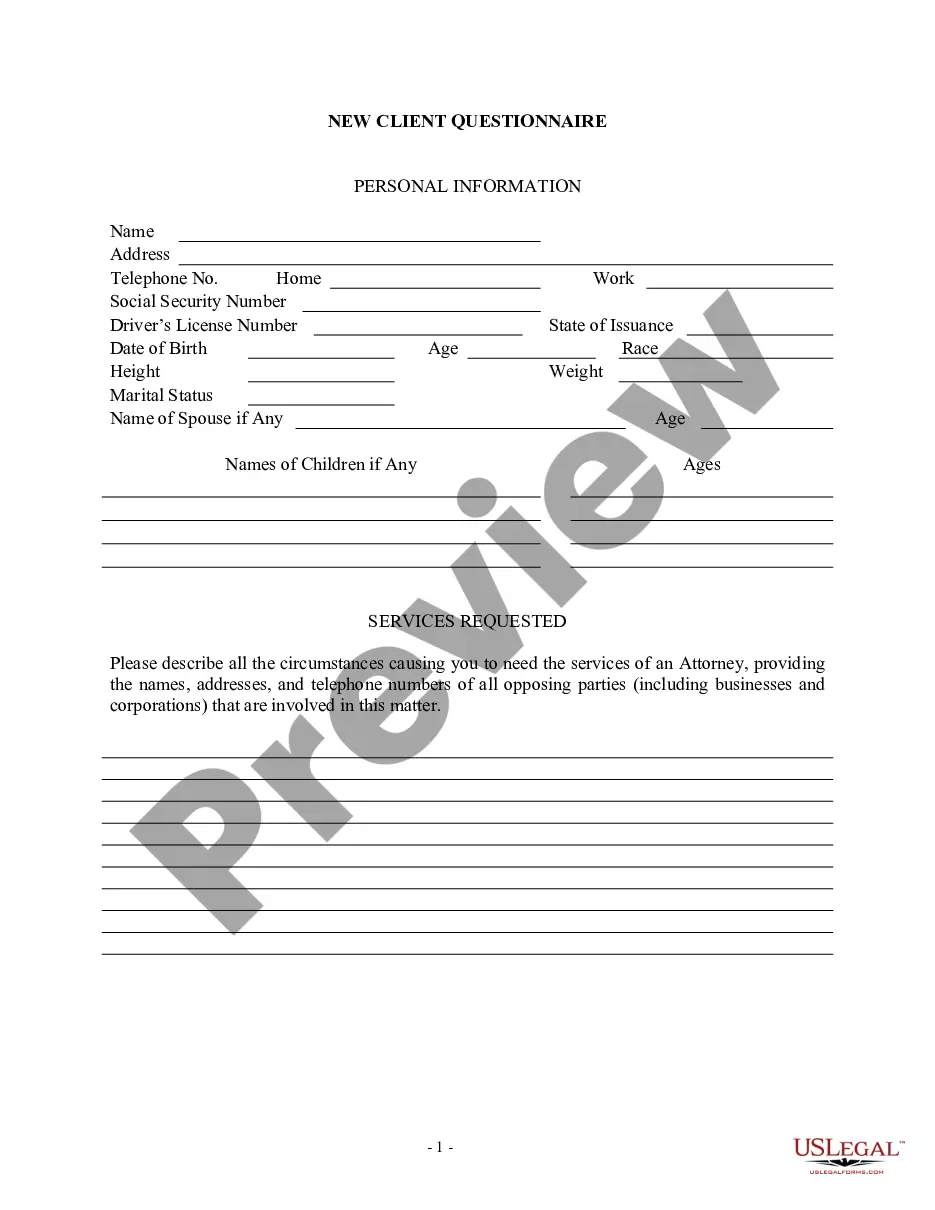
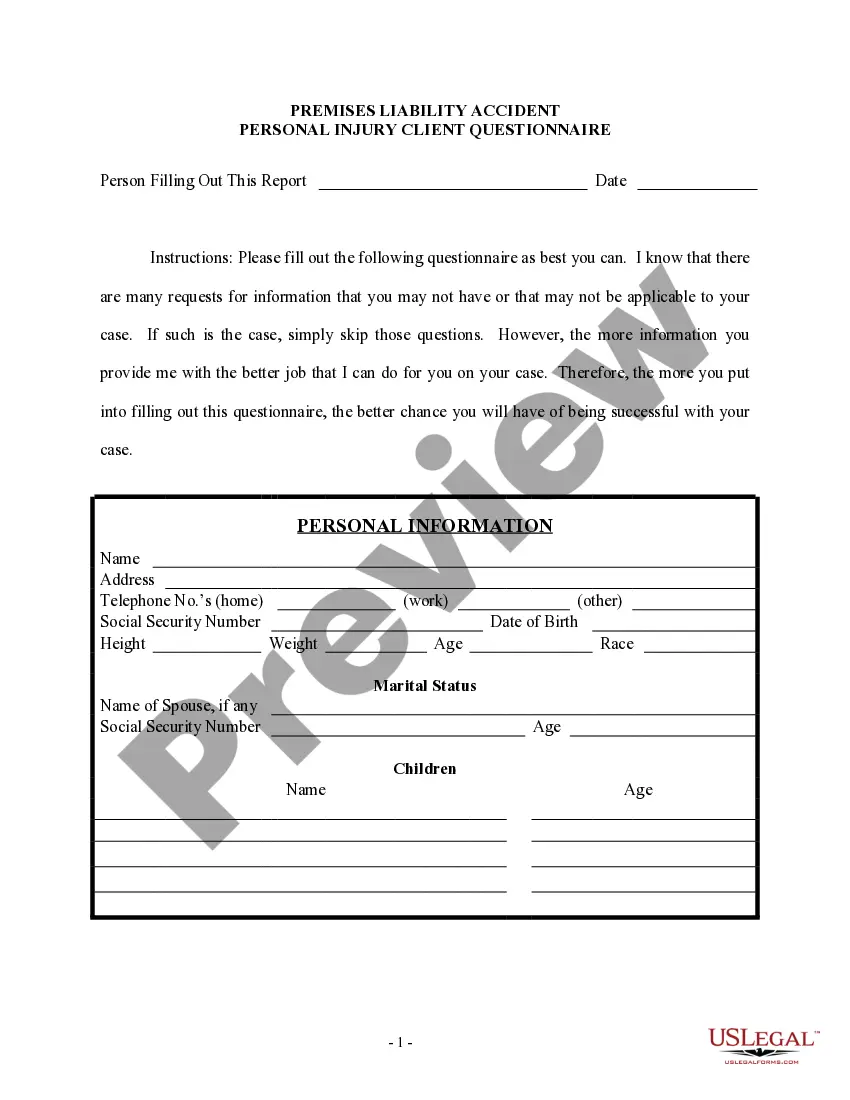
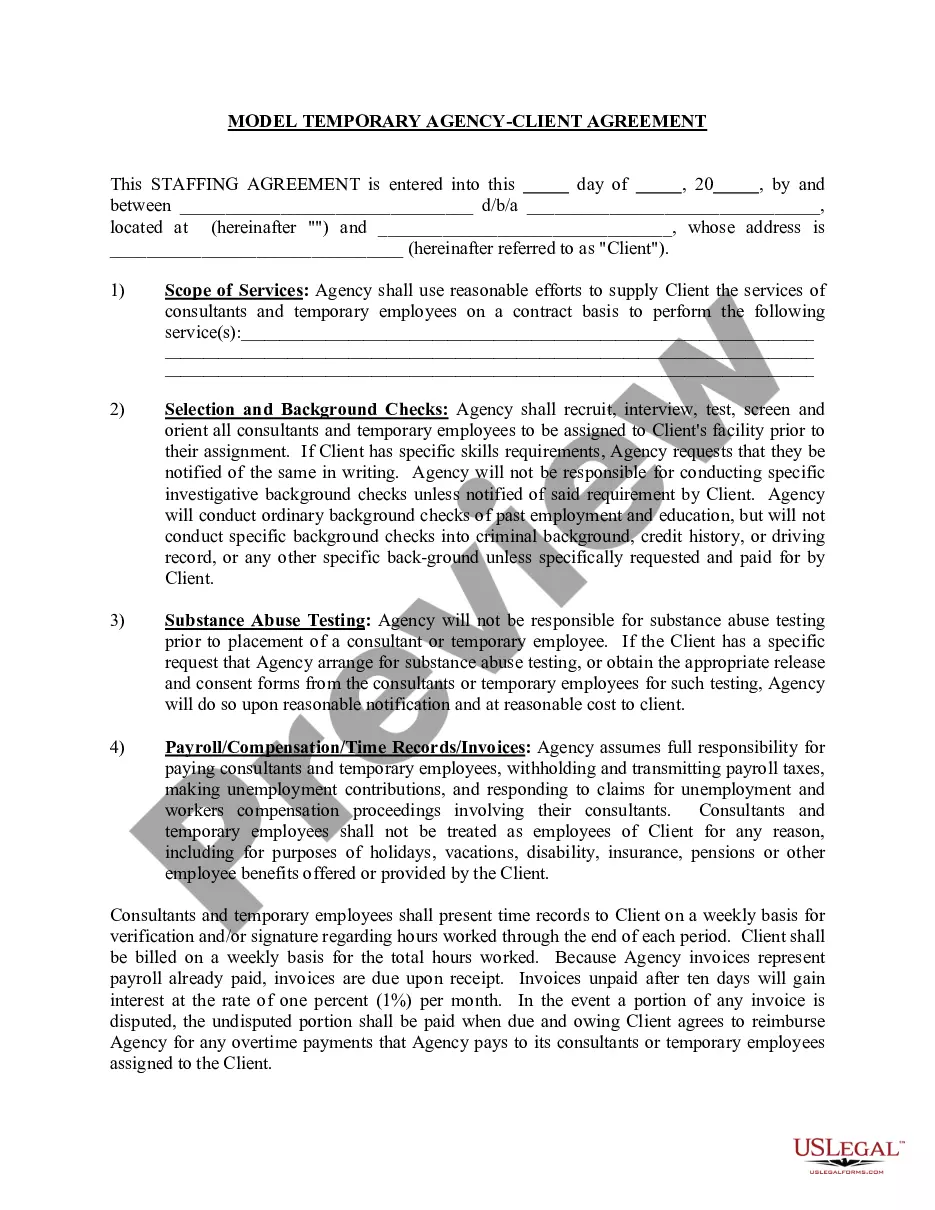
The first part of this questionnaire is designed to be useful in most civil and criminal representations. The last part can be used when screening prospective personal injury litigation clients. The questionnaire can be completed by the attorney during a first meeting with prospective clients or mailed to the client in advance and reviewed at a first meeting.
Guam General Information Questionnaire
Instant download
Description
Free preview

Get your form ready online
Our built-in tools help you complete, sign, share, and store your documents in one place.
Built-in online Word editor
Make edits, fill in missing information, and update formatting in US Legal Forms—just like you would in MS Word.
Export easily
Download a copy, print it, send it by email, or mail it via USPS—whatever works best for your next step.
E-sign your document
Sign and collect signatures with our SignNow integration. Send to multiple recipients, set reminders, and more. Go Premium to unlock E-Sign.
Notarize online 24/7
If this form requires notarization, complete it online through a secure video call—no need to meet a notary in person or wait for an appointment.
Store your document securely
We protect your documents and personal data by following strict security and privacy standards.

Make edits, fill in missing information, and update formatting in US Legal Forms—just like you would in MS Word.

Download a copy, print it, send it by email, or mail it via USPS—whatever works best for your next step.

Sign and collect signatures with our SignNow integration. Send to multiple recipients, set reminders, and more. Go Premium to unlock E-Sign.

If this form requires notarization, complete it online through a secure video call—no need to meet a notary in person or wait for an appointment.

We protect your documents and personal data by following strict security and privacy standards.
Looking for another form?





How to fill out General Information Questionnaire?
You can spend time online trying to find the official document template that meets the state and federal criteria you require. US Legal Forms offers thousands of legal forms that can be reviewed by experts.
You can download or print the Guam General Information Questionnaire from our service. If you already possess a US Legal Forms account, you can Log In and click the Download button. After that, you can complete, modify, print, or sign the Guam General Information Questionnaire. Each legal document template you acquire is yours indefinitely. To obtain another copy of the purchased form, go to the My documents section and click the corresponding button.
If you are using the US Legal Forms site for the first time, follow the simple instructions below: First, ensure you have selected the correct document template for your county/region of choice. Review the form description to confirm you have chosen the correct document. If available, use the Preview button to look through the document template as well. To find another version of the form, utilize the Search section to locate the template that meets your needs and specifications. Once you have identified the template you need, click on Get now to proceed. Select the pricing plan you require, enter your details, and create an account on US Legal Forms. Complete the transaction. You can use your credit card or PayPal account to pay for the legal document. Choose the format of the file and download it to your device. Make modifications to the document if necessary. You can complete, alter, sign, and print the Guam General Information Questionnaire. Download and print thousands of document templates using the US Legal Forms website, which offers the largest collection of legal forms. Use professional and state-specific templates to meet your business or personal needs.
Form popularity
FAQ
Guam, along with Puerto Rico and the Philippines, were ceded to the US. In subsequent court cases heard in the US Supreme Court, these areas were deemed ?unincorporated territories? as opposed to ?incorporated territories.?
Guam was valuable as a place from which planes could land and take off and ships could refuel. As World War II intensified in the Pacific, Guam became even more important to the United States as a base for possible attacks against Japan.
As statehood candidates, their admission to the Union requires congressional approval. American Samoa, Guam, the Northern Mariana Islands, and the United States Virgin Islands are other U.S. territories that could potentially become U.S. states.
Ethically, the island is majority Chamorros and Filipino (who were the original peoples to migrate to the island). The island is host to Naval Base Guam, Andersen Air Force Base, and Naval Forces Marianas, all vital and strategic American military installations.
It is a possession of the United States, a piece of land owned by the nation. A territory doesn't have the rights, responsibilities, or powers of a state or a nation. It has no sovereignty of its own. It's just a possession.
Guam is an unincorporated territory of the United States, meaning that only certain parts of the U.S. Constitution apply to its residents. Individuals born in Guam are considered citizens of the United States. They may vote in federal elections if they reside in one of the 50 states or Washington, DC.
No. Guam is an unincorporated and organised territory of USA since December 10, 1898, though a non-voting membership of the UN makes it a country alright. Guam is one of small island developing states categorised by the UN. It also is a lower middle income country , like desh, as declared by the World Bank.
Guam, island and unincorporated territory of the United States in the North Pacific Ocean, the largest, most populous, and southernmost of the Mariana Islands. It lies about 5,800 miles (9,300 km) west of San Francisco and 1,600 miles (2,600 km) east of Manila. Hagåtna (Agana) is the capital.