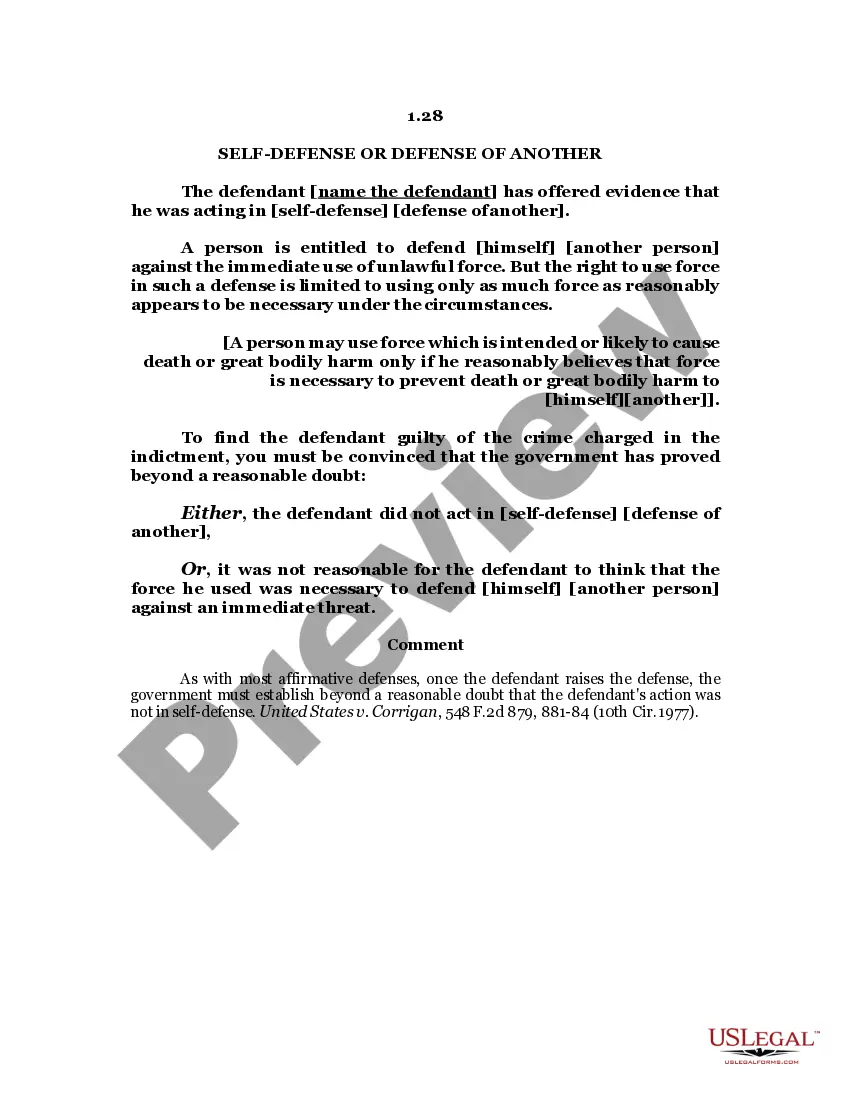
Guam Self-Defense - Assault
Description
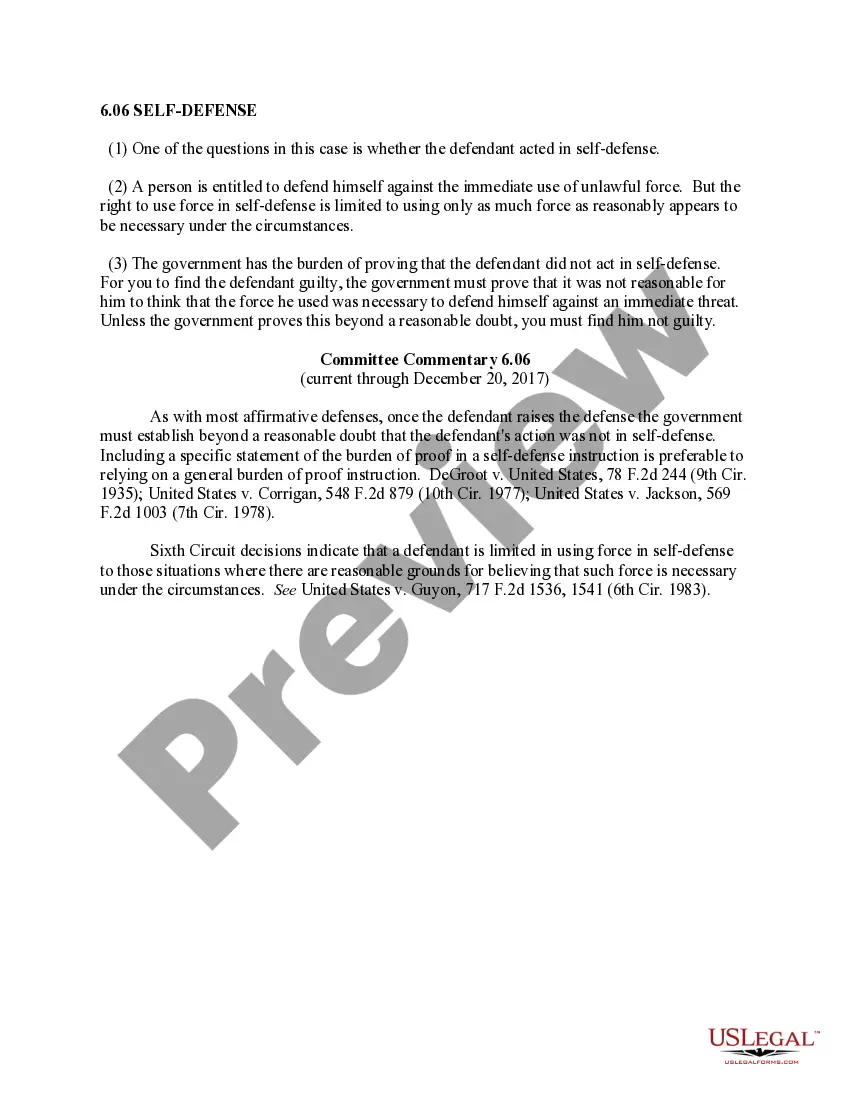
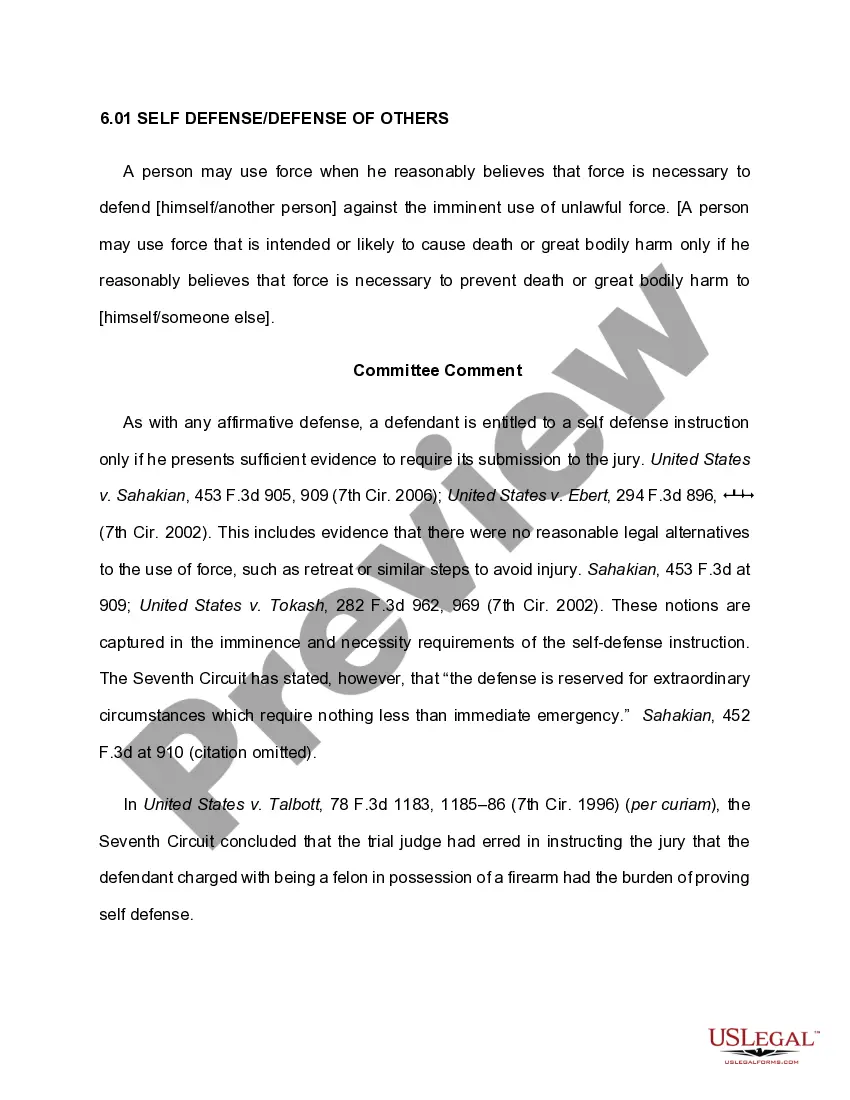
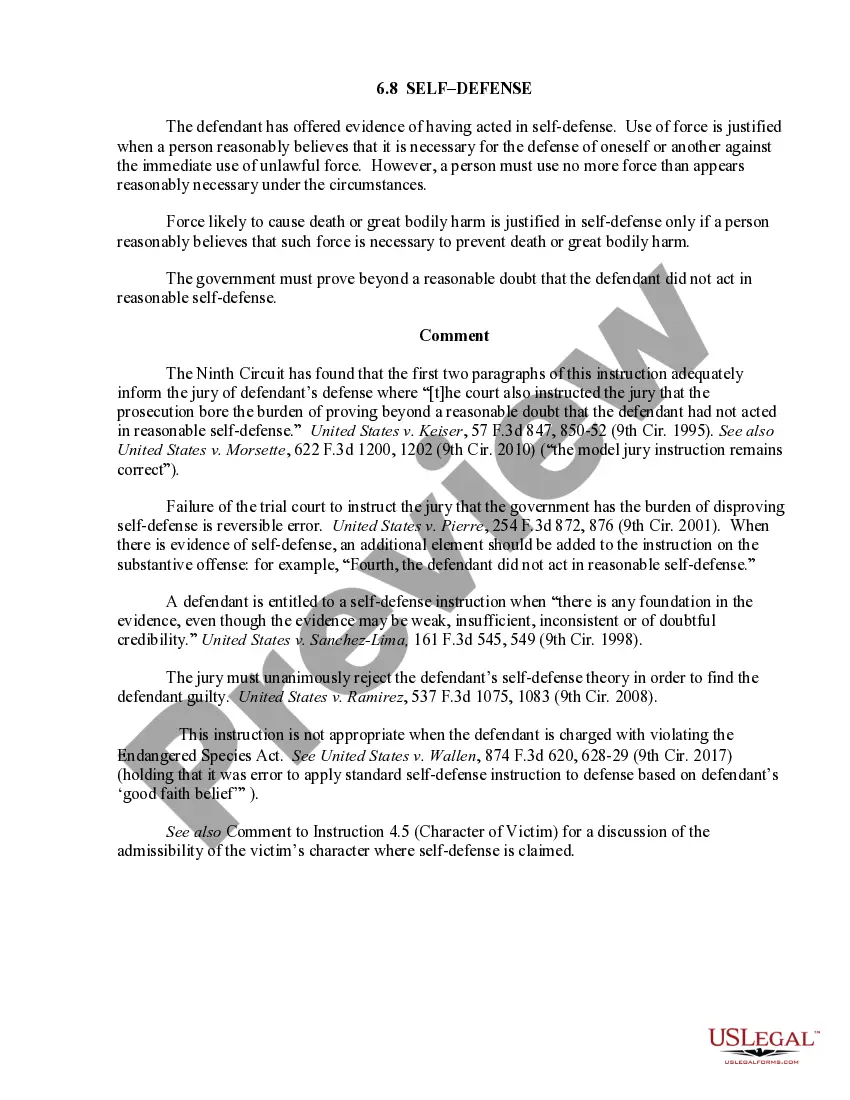
Get your form ready online
Our built-in tools help you complete, sign, share, and store your documents in one place.
Make edits, fill in missing information, and update formatting in US Legal Forms—just like you would in MS Word.
Download a copy, print it, send it by email, or mail it via USPS—whatever works best for your next step.
Sign and collect signatures with our SignNow integration. Send to multiple recipients, set reminders, and more. Go Premium to unlock E-Sign.
If this form requires notarization, complete it online through a secure video call—no need to meet a notary in person or wait for an appointment.
We protect your documents and personal data by following strict security and privacy standards.

Make edits, fill in missing information, and update formatting in US Legal Forms—just like you would in MS Word.

Download a copy, print it, send it by email, or mail it via USPS—whatever works best for your next step.

Sign and collect signatures with our SignNow integration. Send to multiple recipients, set reminders, and more. Go Premium to unlock E-Sign.

If this form requires notarization, complete it online through a secure video call—no need to meet a notary in person or wait for an appointment.

We protect your documents and personal data by following strict security and privacy standards.
Looking for another form?




How to fill out Self-Defense - Assault?
Selecting the optimal sanctioned document template can be a challenge.
Naturally, there are numerous templates accessible online, but how will you find the official form you require.
Utilize the US Legal Forms website.
First, ensure you have selected the appropriate form for your region/state. You can preview the form using the Review button and examine the form summary to confirm this is indeed the right fit for you. If the form does not meet your requirements, use the Search field to find the correct form. Once you are confident that the form is suitable, click the Purchase now button to obtain the form. Select the pricing plan you prefer and input the necessary information. Create your account and pay for the order using your PayPal account or credit card. Choose the file format and download the legal document template to your device. Complete, modify, print, and sign the acquired Guam Self-Defense - Assault. US Legal Forms is the premier collection of legal forms where you can find various document templates. Take advantage of the service to obtain professionally-crafted papers that adhere to state regulations.
- The service provides thousands of templates, such as the Guam Self-Defense - Assault, that you can utilize for business and personal needs.
- All of the forms are reviewed by professionals and comply with state and federal regulations.
- If you are already registered, Log In to your account and click the Download button to obtain the Guam Self-Defense - Assault.
- Use your account to search through the legal forms you have previously acquired.
- Navigate to the My documents tab of your account and obtain another copy of the document you need.
- If you are a new user of US Legal Forms, here are simple instructions that you can follow.
Form popularity
FAQ
South Carolina's ?Stand Your Ground? law puts various doctrines into one statute that relate to self-defense, whether they are in your home or outside your home: The ?castle doctrine,? which states that one does not have a duty to retreat when defending themselves inside their own home.
The "castle doctrine" is a legal principle that provides homeowners with the right to use deadly force to defend their home, without first having to retreat. Currently, Guam's Castle Doctrine law includes home and vehicle, but not the curtilage areas, which Parkinson said is the first line of defense against intruders.
The Castle Doctrine is a set of statutes that gives Californians the power to protect themselves, loved ones, and property from harmful intruders without the duty to retreat from danger.
Those sources stated: Open Carry is legal if you have a firearms ID Card issued by the Guam Police. The firearm must not be concealed.
Georgia's ?Stand Your Ground? statute, O.C.G.A. §16-3-23.1, complements the Castle Doctrine by allowing those in their home the right to protect themselves without first seeking a place to hide.