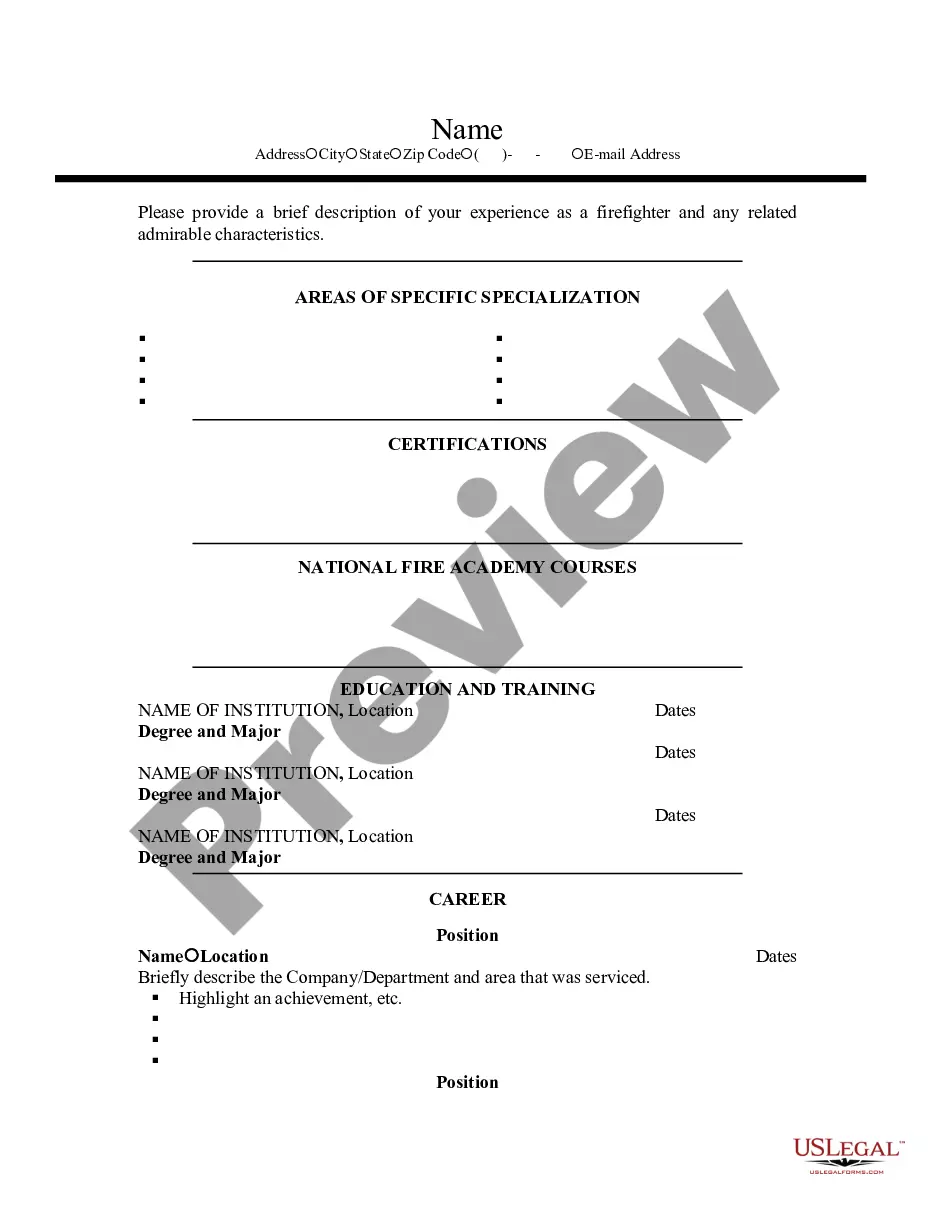
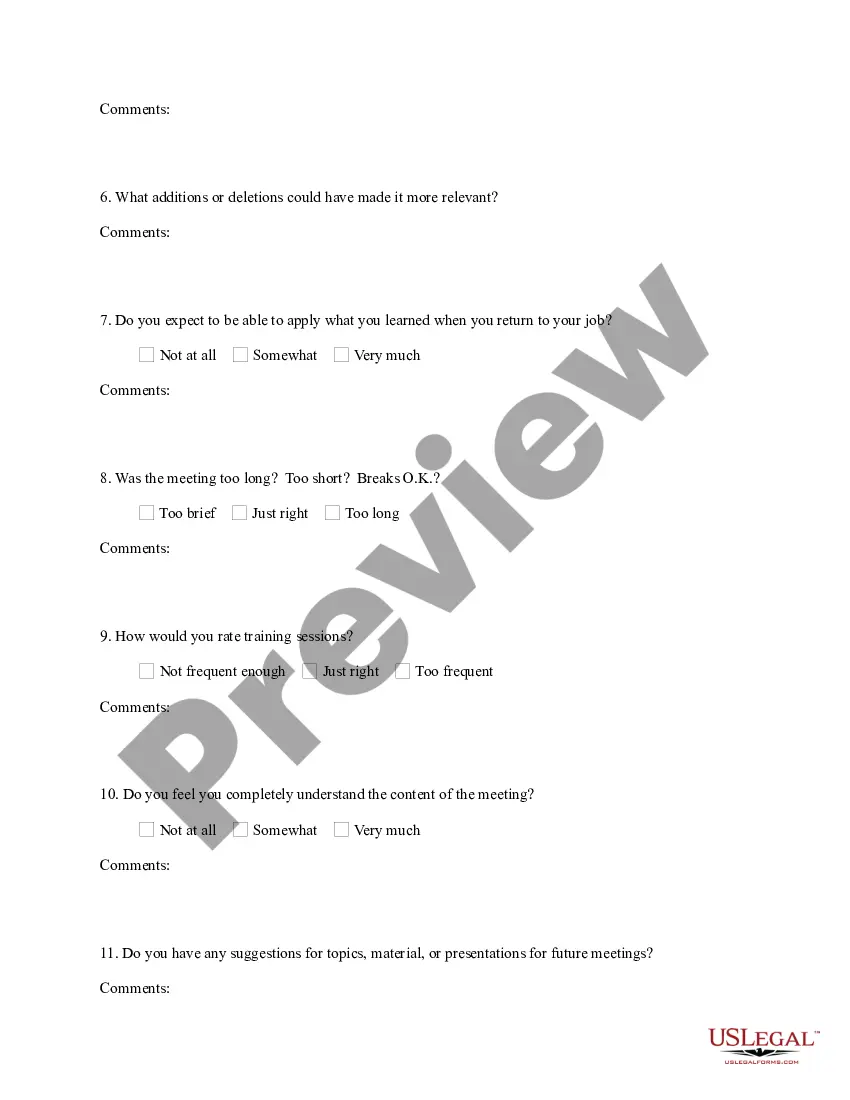
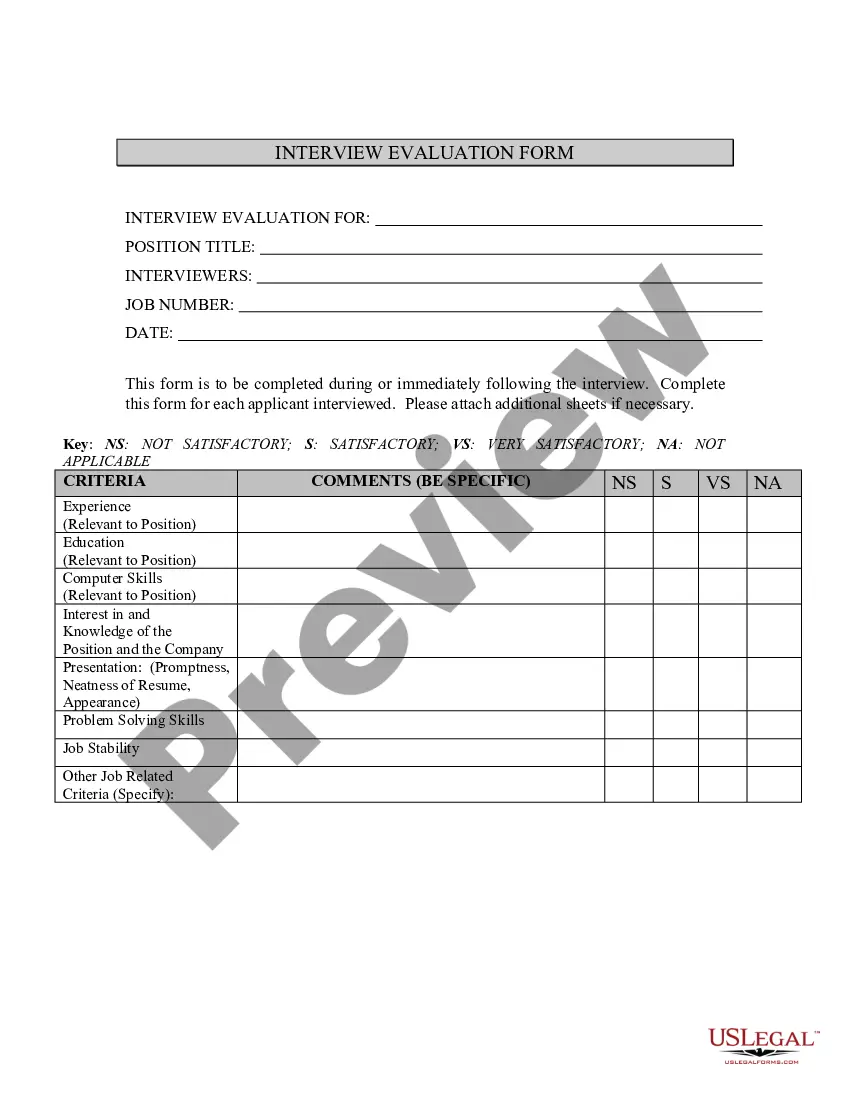
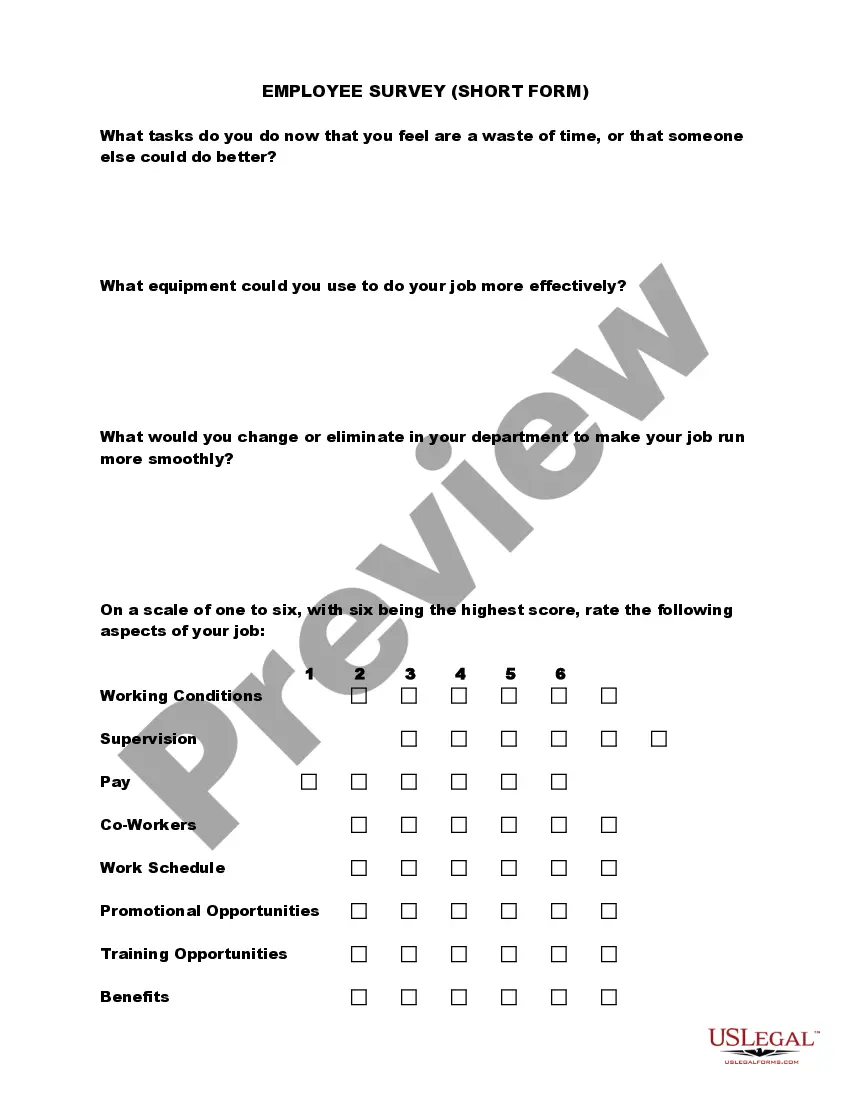
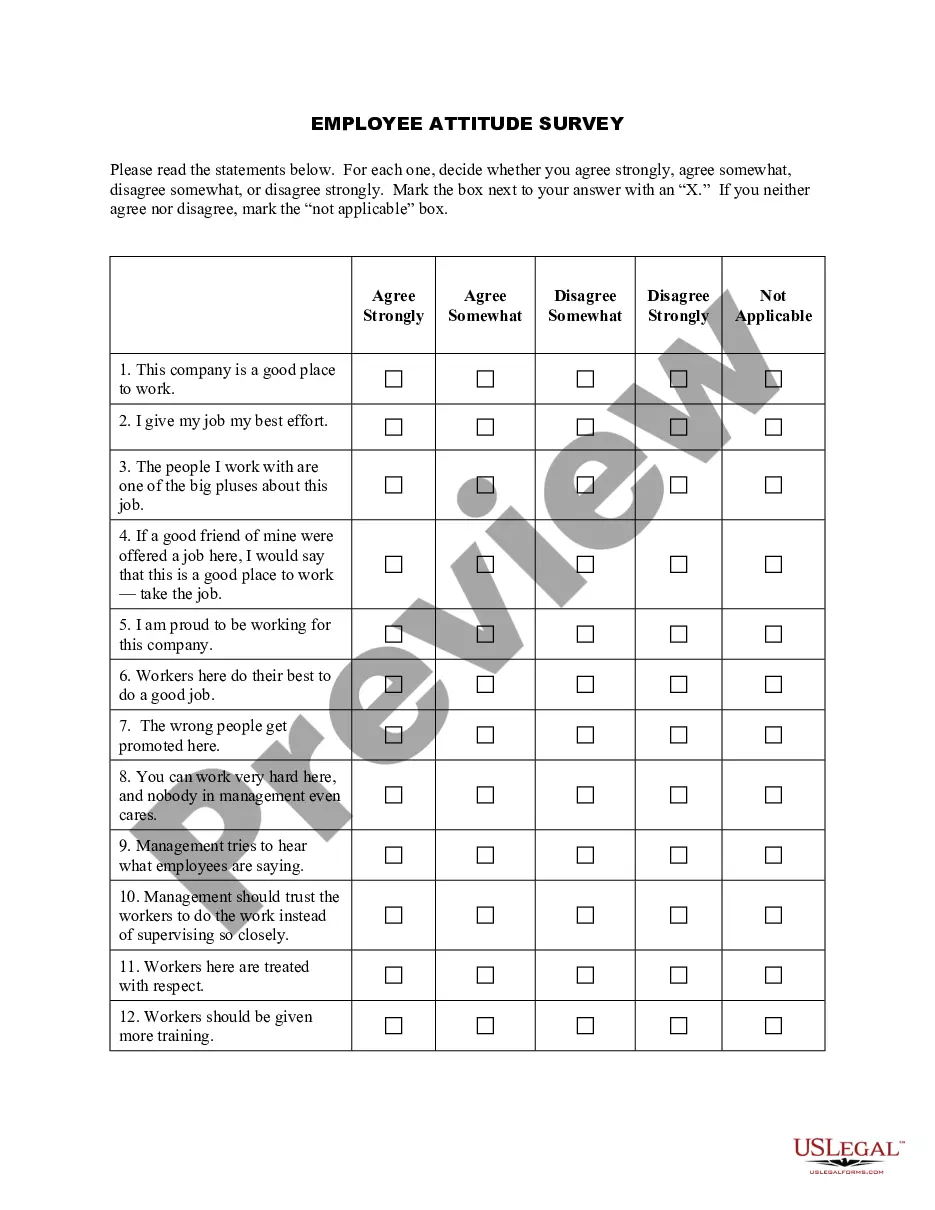
Georgia Employee Training Evaluation Questionnaire
Description

Get your form ready online
Our built-in tools help you complete, sign, share, and store your documents in one place.
Make edits, fill in missing information, and update formatting in US Legal Forms—just like you would in MS Word.
Download a copy, print it, send it by email, or mail it via USPS—whatever works best for your next step.
Sign and collect signatures with our SignNow integration. Send to multiple recipients, set reminders, and more. Go Premium to unlock E-Sign.
If this form requires notarization, complete it online through a secure video call—no need to meet a notary in person or wait for an appointment.
We protect your documents and personal data by following strict security and privacy standards.

Make edits, fill in missing information, and update formatting in US Legal Forms—just like you would in MS Word.

Download a copy, print it, send it by email, or mail it via USPS—whatever works best for your next step.

Sign and collect signatures with our SignNow integration. Send to multiple recipients, set reminders, and more. Go Premium to unlock E-Sign.

If this form requires notarization, complete it online through a secure video call—no need to meet a notary in person or wait for an appointment.

We protect your documents and personal data by following strict security and privacy standards.
Looking for another form?

How to fill out Employee Training Evaluation Questionnaire?
US Legal Forms - one of the largest collections of legal documents in the United States - offers a variety of legal form templates that you can download or print.
By using the website, you can access thousands of forms for business and personal purposes, organized by categories, states, or keywords. You can obtain the latest versions of forms such as the Georgia Employee Training Evaluation Questionnaire within moments.
If you already have a monthly subscription, Log In to download the Georgia Employee Training Evaluation Questionnaire from the US Legal Forms library. The Download button will appear on every form you view. You can access all previously downloaded forms in the My documents section of your account.
Process the transaction. Utilize your credit card or PayPal account to finalize the transaction.
Choose the format and download the form onto your device. Make modifications. Fill out, adjust, print, and sign the downloaded Georgia Employee Training Evaluation Questionnaire. Every format you add to your account has no expiration date and is yours indefinitely. So, if you need to download or print another copy, simply go to the My documents section and click on the form you need. Access the Georgia Employee Training Evaluation Questionnaire with US Legal Forms, the largest collection of legal document templates. Utilize thousands of professional and state-specific templates that meet your business or personal needs and requirements.
- If you are using US Legal Forms for the first time, here are straightforward steps to get started.
- Ensure you have selected the correct form for your city/region. Click the Preview button to examine the form's details.
- Review the form overview to confirm you have chosen the appropriate form.
- If the form does not fulfill your requirements, utilize the Search field at the top of the screen to find one that does.
- If you are satisfied with the form, confirm your choice by clicking the Buy now button.
- Then, select your preferred pricing plan and provide your information to create an account.
Form popularity
FAQ
Evaluating training effectiveness involves measuring various aspects of the training program. You can use tools like surveys and assessments to assess participant skills and knowledge after completing the training. A Georgia Employee Training Evaluation Questionnaire can help gather comprehensive feedback on the content and delivery, allowing you to identify areas for improvement and successes.
7 Tips for Writing Effective Training EvaluationsAlign your questions with desired learning outcomes.Write questions that give you measurable data.Keep the survey (and questions) short and sweet.Avoid vague or leading questions.Beware the nested question.Ensure your survey follows visual design principles.More items...
5 Levels of Learning: Evaluating SuccessLevel 1: Reaction, Satisfaction, and Intention.Level 2: Knowledge Retention.Level 3: Application and Implementation.Level 4: Business Impact.Level 5: Return on Investment (ROI)Evaluation is Critical to Measuring Training Success.
Post-training survey questions to askHow many days in advance did you find out about this training?Were the training objectives clearly defined?Were the topics covered relevant to you?How well was the training structured?Was the content well organized and easy to follow?Was the content structure clear and logical?More items...?
Training Evaluation FormConduct an evaluation on the program objectives, course content, facilitator and training facility.Add detailed notes or comments.Provide your final thoughts on the overall training experience.Add notes or comments where necessary.Sign off with digital signature from evaluator.
Just like these:Do you feel that your knowledge or skills have improved by taking the course?How would you rate your overall learning experience?How could we improve the learning experience?Do you feel that online training is more effective?Name the things you enjoyed the most in this course.More items...?
Training methodology, course structure, objectives and outcomes, and content by keeping these 4 essential things in mind, you will be on your way to better understanding how effective your training program really is.
Evaluation categories address training components and issues such as session content; what strategies, materials, and activities were used; trainer's approach; pace of training; and how well participants learned.
4 Steps to Create your Training Evaluation FormIntroduction. Just like all other business documents, a perfect form starts with an insightful introduction.Create a Questionnaire. The second and probably the most crucial fragment of a training evaluation form are the queries.Create a Rating System.Overall Suggestion Box.