An exhibition, in the most general sense, is an organized presentation and display of a selection of items. In practice, exhibitions usually occur within museums, galleries and exhibition halls, and World's Fairs. Exhibitions can include many things such as art in both major museums and smaller galleries, interpretive exhibitions, natural history museums and history museums, and also varieties such as more commercially focused exhibitions and trade fairs.
The word "exhibition" is usually, but not always, the word used for a collection of items. Sometimes "exhibit" is synonymous with "exhibition", but "exhibit" generally refers to a single item being exhibited within an exhibition.
Exhibitions may be permanent displays or temporary, but in common usage, "exhibitions" are considered temporary and usually scheduled to open and close on specific dates. While many exhibitions are shown in just one venue, some exhibitions are shown in multiple locations and are called travelling exhibitions, and some are online exhibitions.
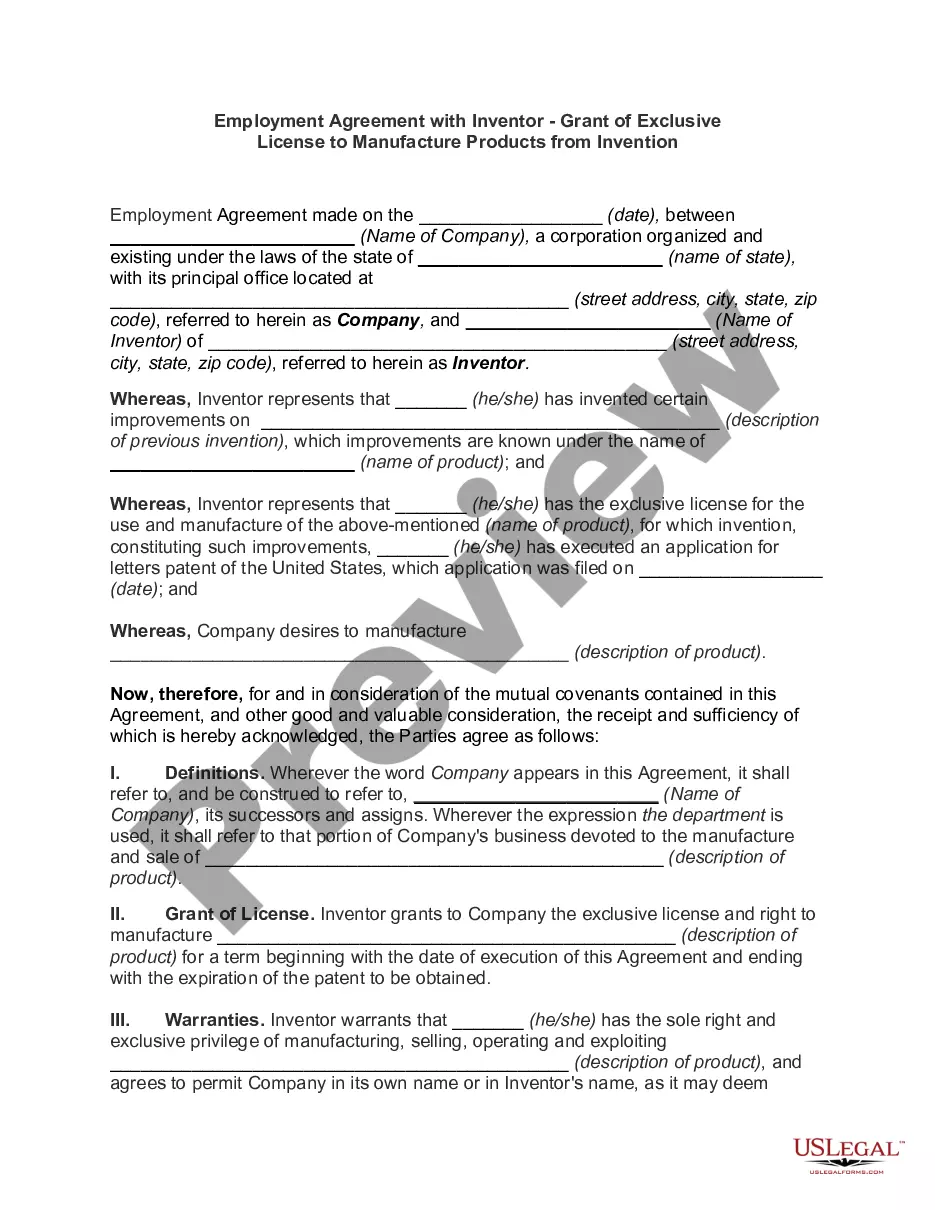
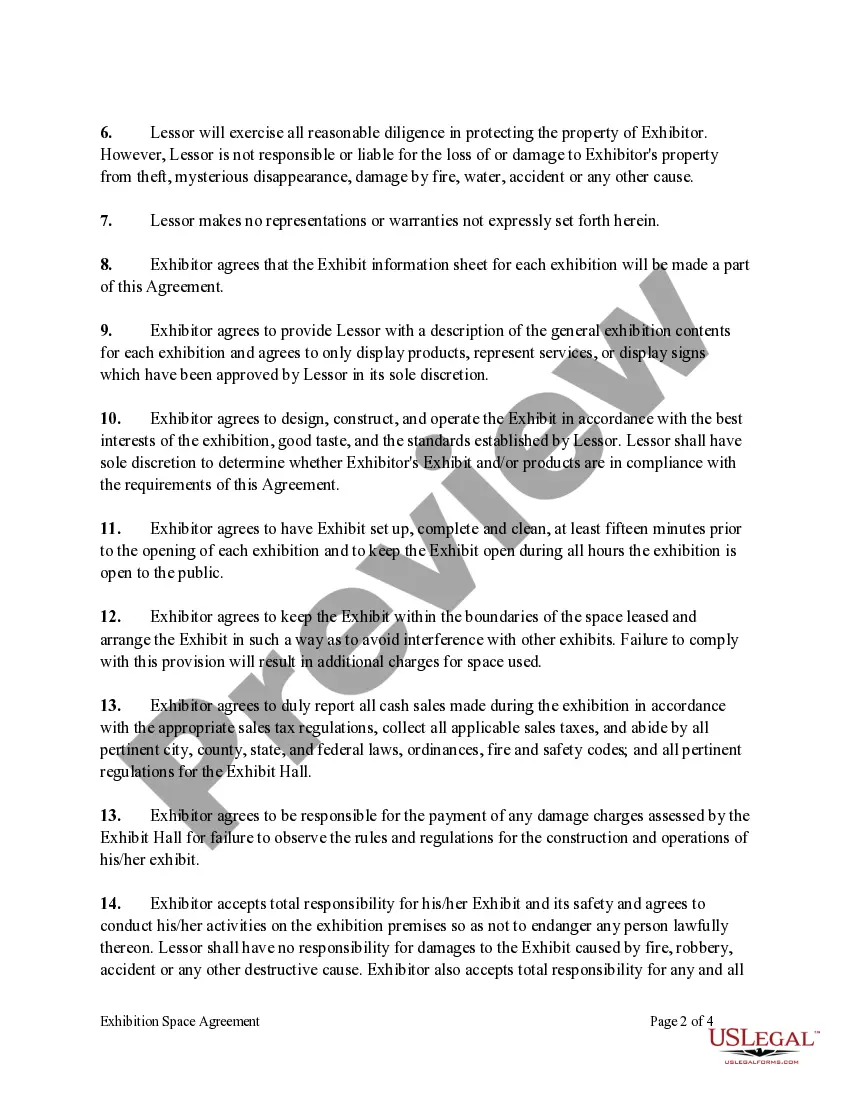
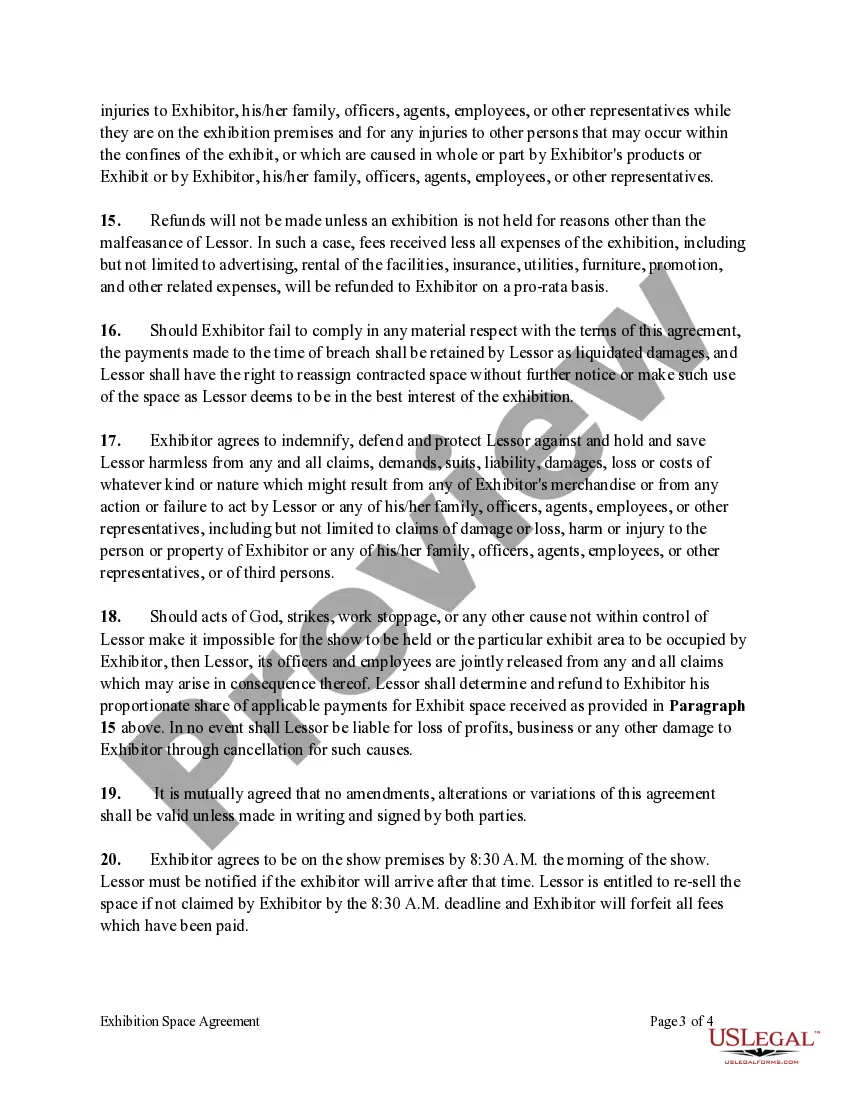
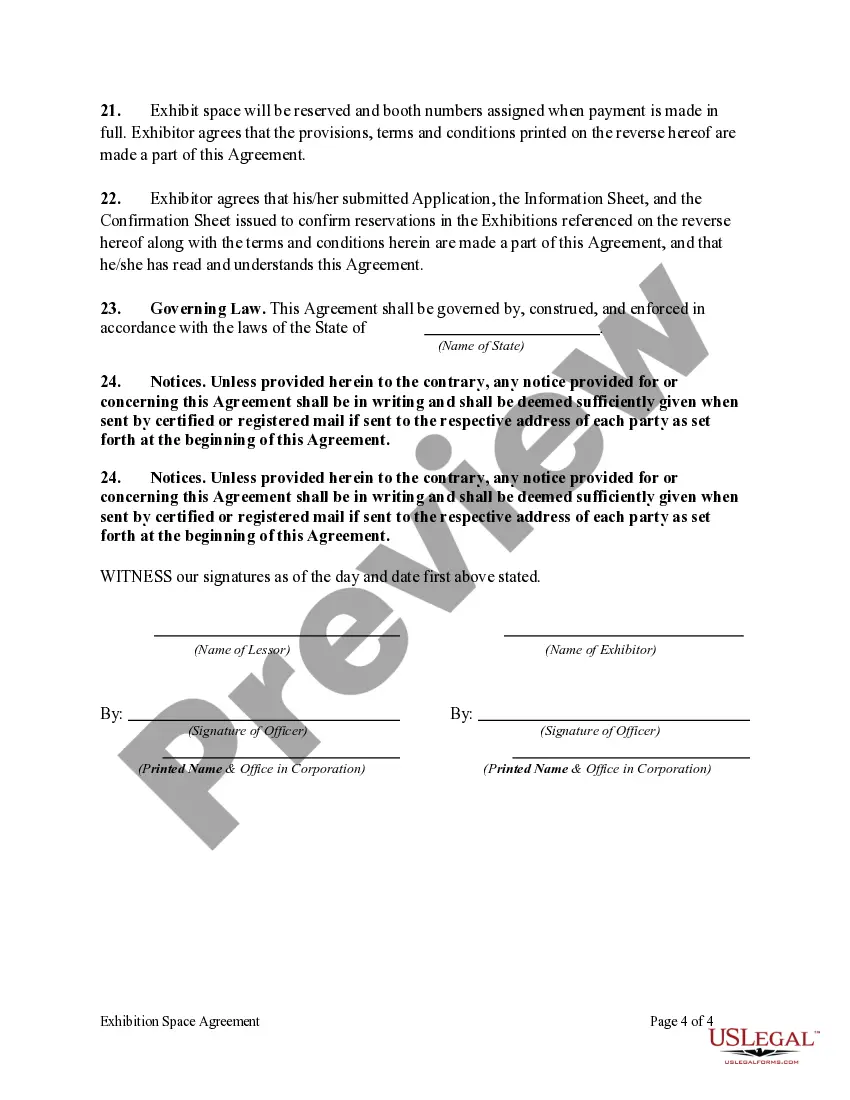
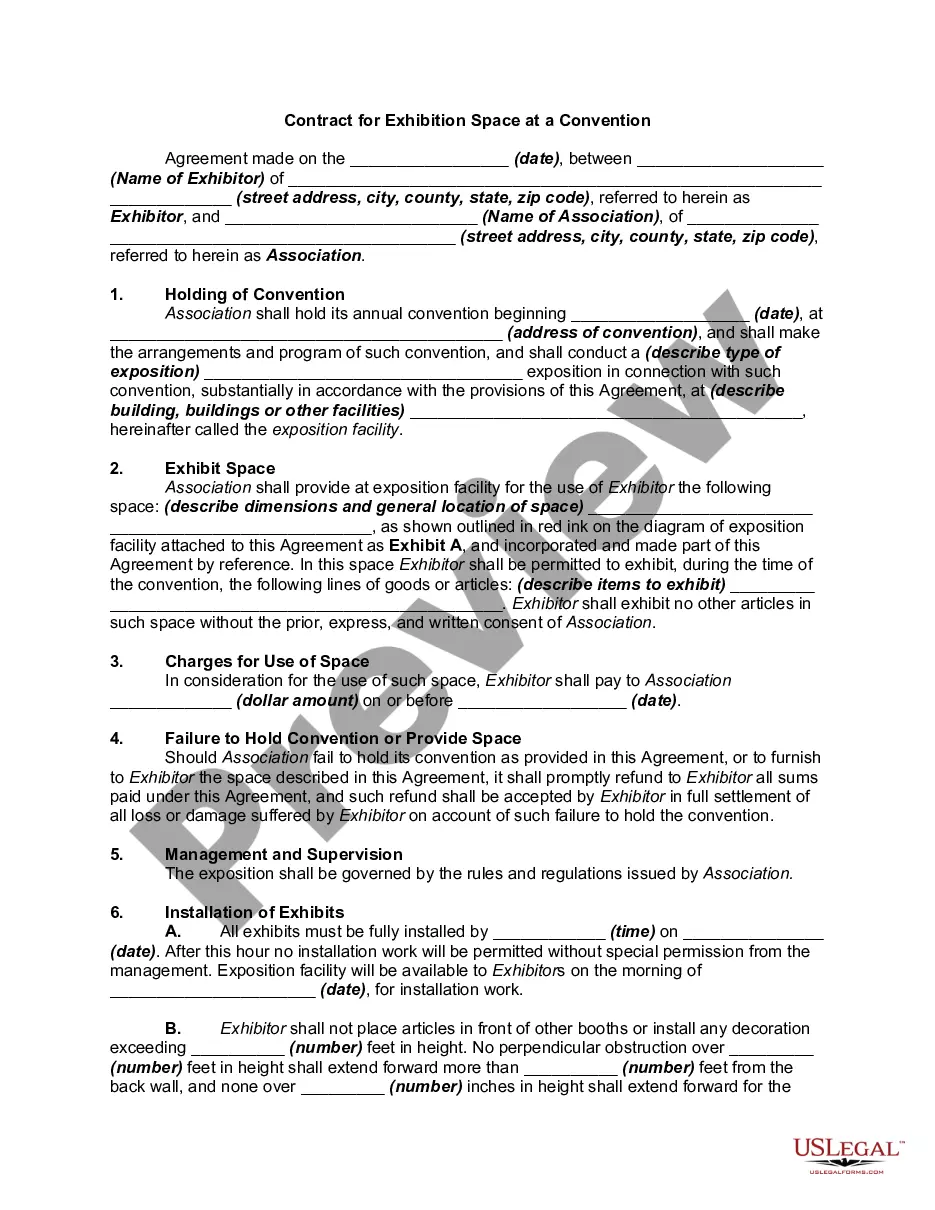
Florida Exhibition Space Agreement
Category:
State:
Multi-State
Control #:
US-0024BG
Format:
Word;
Rich Text
Instant download
Description
Free preview


Get your form ready online
Our built-in tools help you complete, sign, share, and store your documents in one place.
Built-in online Word editor
Make edits, fill in missing information, and update formatting in US Legal Forms—just like you would in MS Word.
Export easily
Download a copy, print it, send it by email, or mail it via USPS—whatever works best for your next step.
E-sign your document
Sign and collect signatures with our SignNow integration. Send to multiple recipients, set reminders, and more. Go Premium to unlock E-Sign.
Notarize online 24/7
If this form requires notarization, complete it online through a secure video call—no need to meet a notary in person or wait for an appointment.
Store your document securely
We protect your documents and personal data by following strict security and privacy standards.

Make edits, fill in missing information, and update formatting in US Legal Forms—just like you would in MS Word.

Download a copy, print it, send it by email, or mail it via USPS—whatever works best for your next step.

Sign and collect signatures with our SignNow integration. Send to multiple recipients, set reminders, and more. Go Premium to unlock E-Sign.

If this form requires notarization, complete it online through a secure video call—no need to meet a notary in person or wait for an appointment.

We protect your documents and personal data by following strict security and privacy standards.
Looking for another form?


How to fill out Exhibition Space Agreement?
If you require extensive, retrieve, or reproducing legal document templates, utilize US Legal Forms, the most extensive collection of legal forms available online.
Employ the site’s straightforward and user-friendly search feature to locate the documents you need.
Various templates for business and personal purposes are organized by categories and states, or keywords.
Every legal document template you purchase is your personal property forever.
You will have access to every form you downloaded in your account. Choose the My documents section and select a document to print or download again.
- Utilize US Legal Forms to acquire the Florida Exhibition Space Agreement in just a few clicks.
- If you are already a US Legal Forms customer, sign in to your account and select the Download option to obtain the Florida Exhibition Space Agreement.
- You can also access forms you previously downloaded in the My documents tab of your account.
- If you’re using US Legal Forms for the first time, follow the steps outlined below.
- Step 1. Ensure you have selected the form for your appropriate region/country.
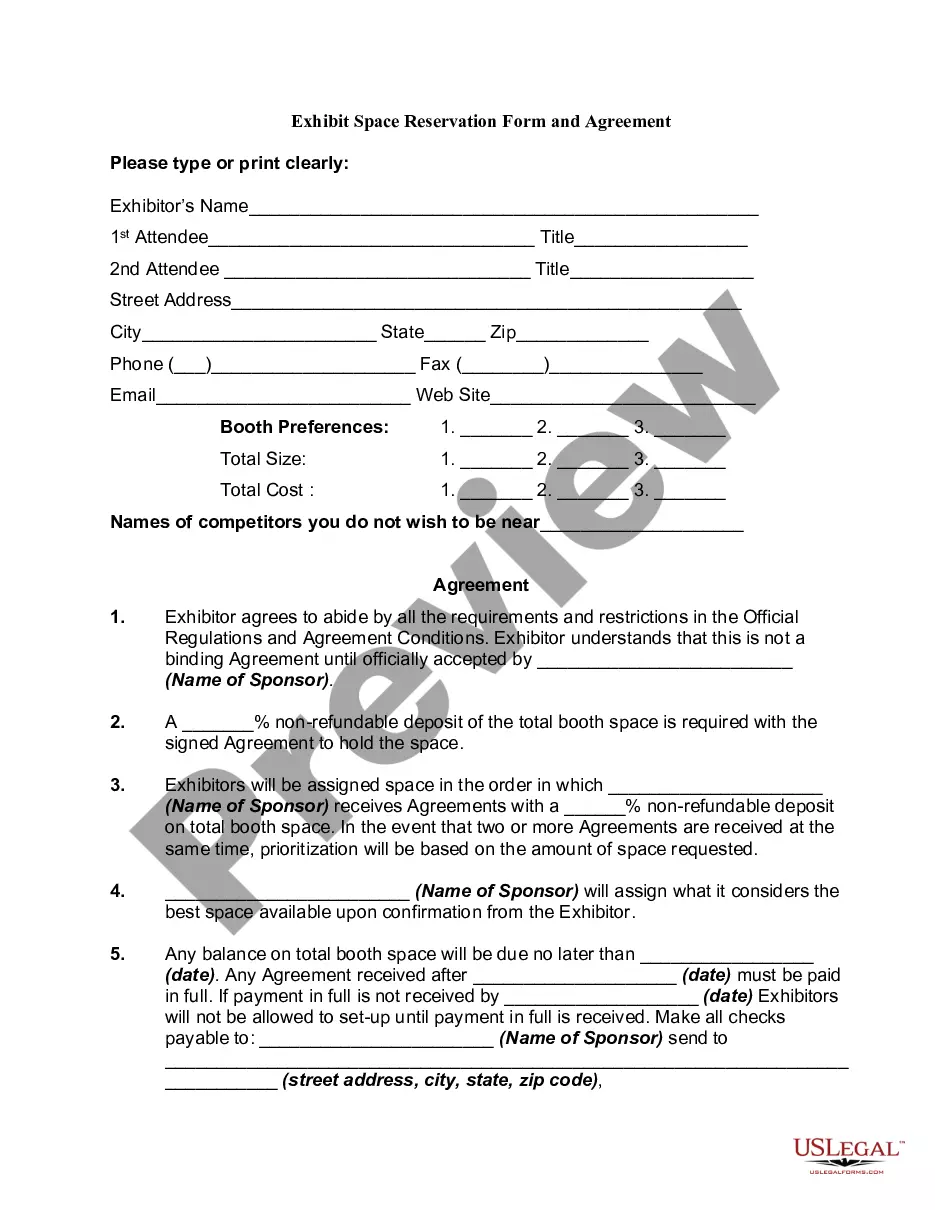
- Step 2. Use the Preview function to review the document’s content. Don’t forget to read the description.
- Step 3. If you are not satisfied with the form, utilize the Search field at the top of the page to find alternative versions of the legal form template.
- Step 4. Once you have located the necessary form, click the Purchase now option. Choose the payment plan you prefer and provide your credentials to register for the account.
- Step 5. Complete the transaction. You may use your Visa or Mastercard or PayPal account to finalize the payment.
- Step 6. Select the format of your legal document and download it to your device.
- Step 7. Complete, edit, and print or sign the Florida Exhibition Space Agreement.