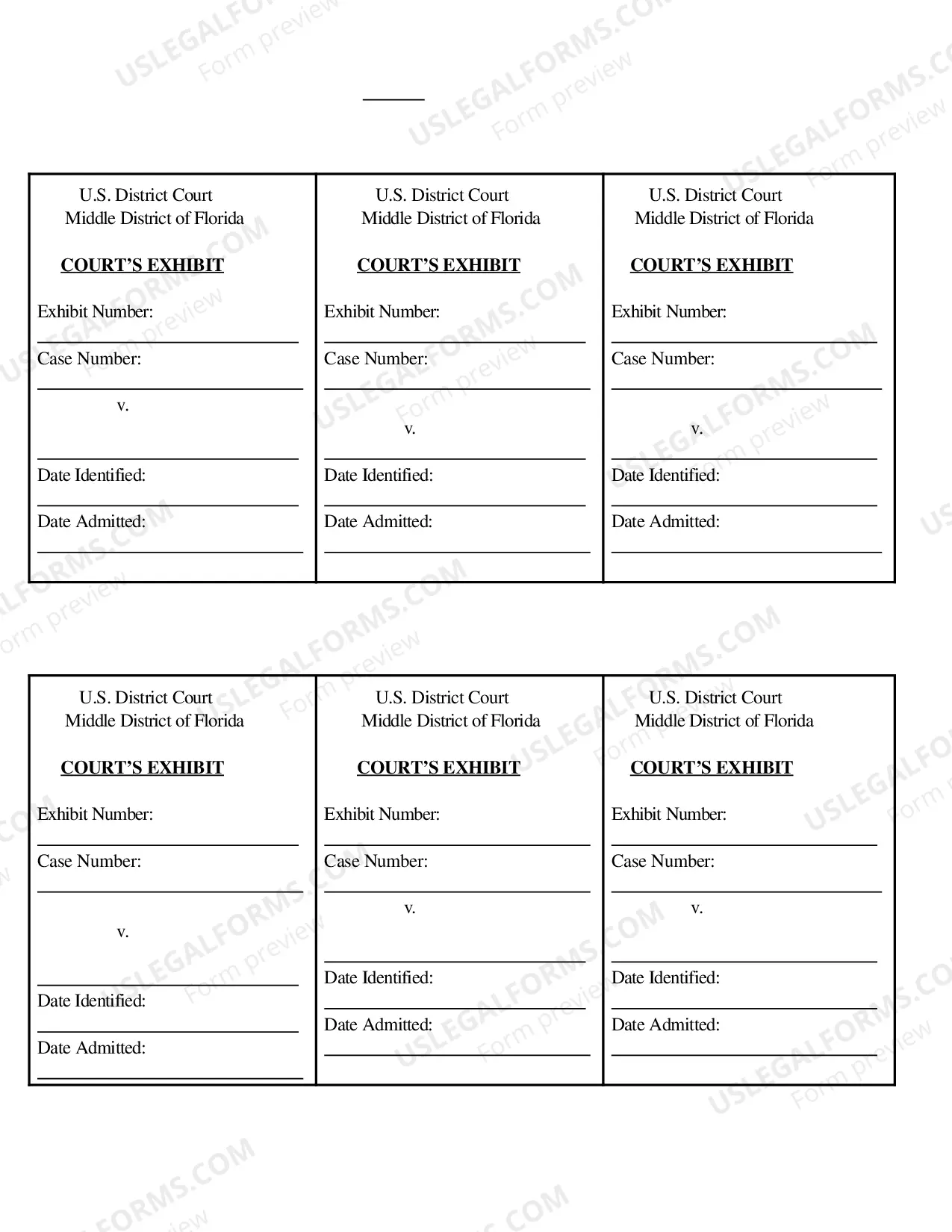
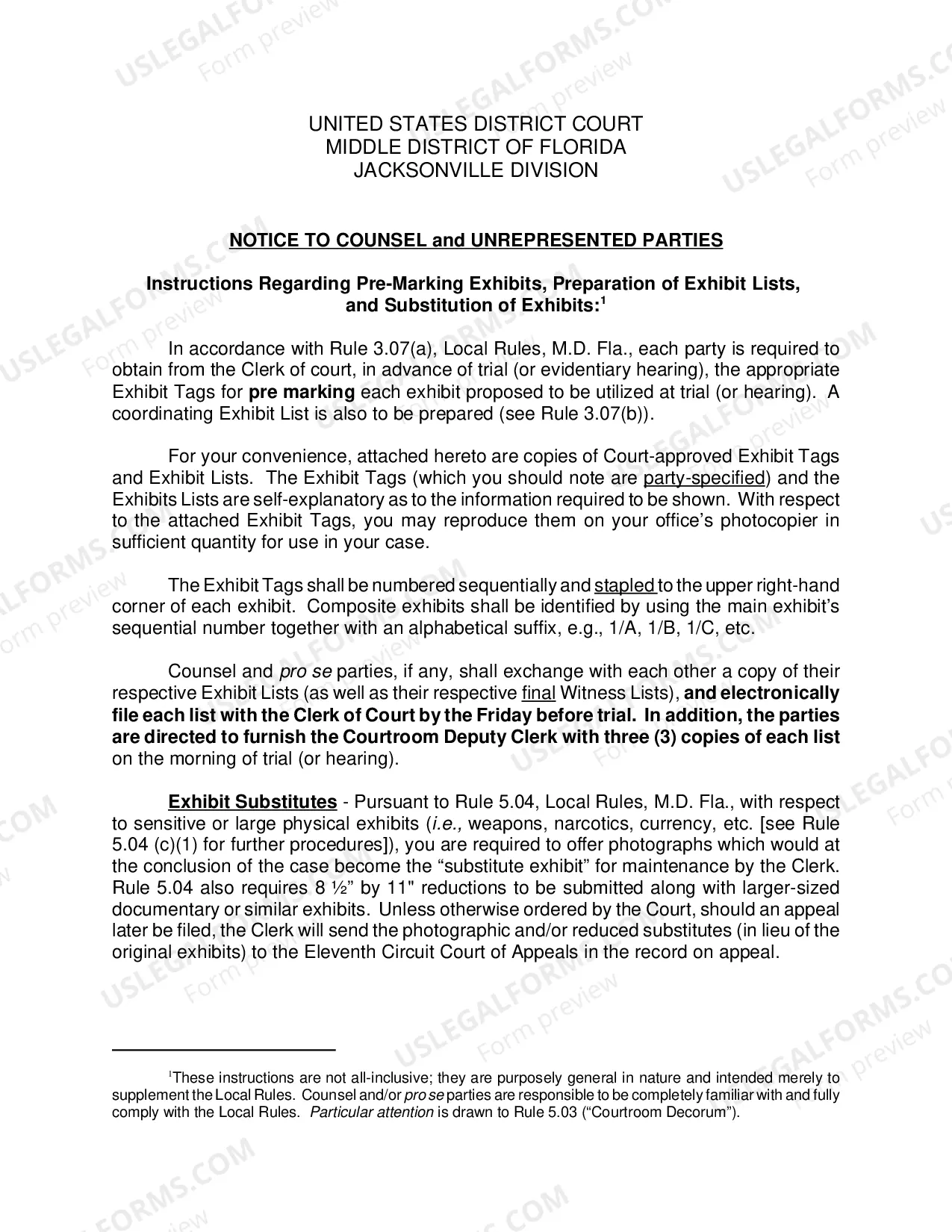
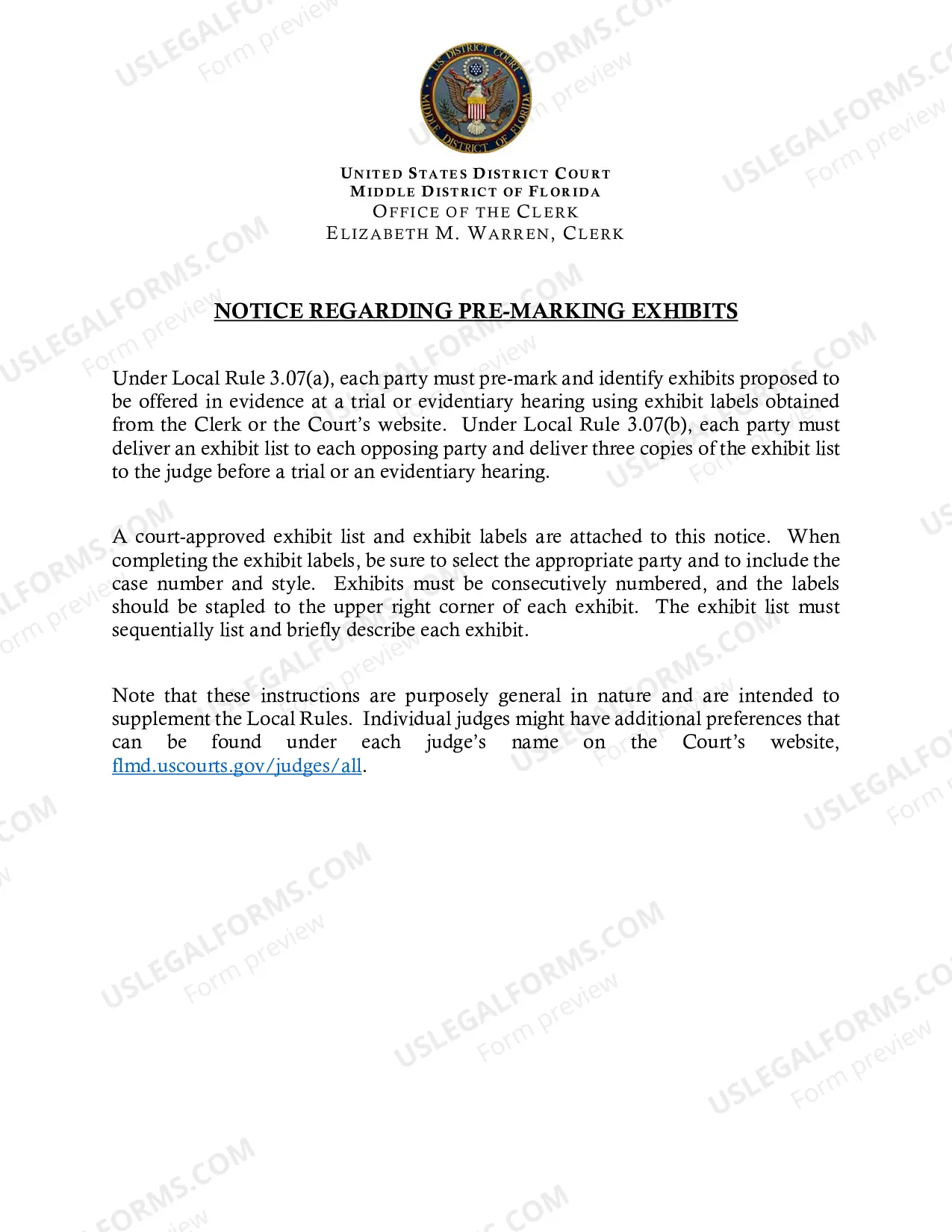
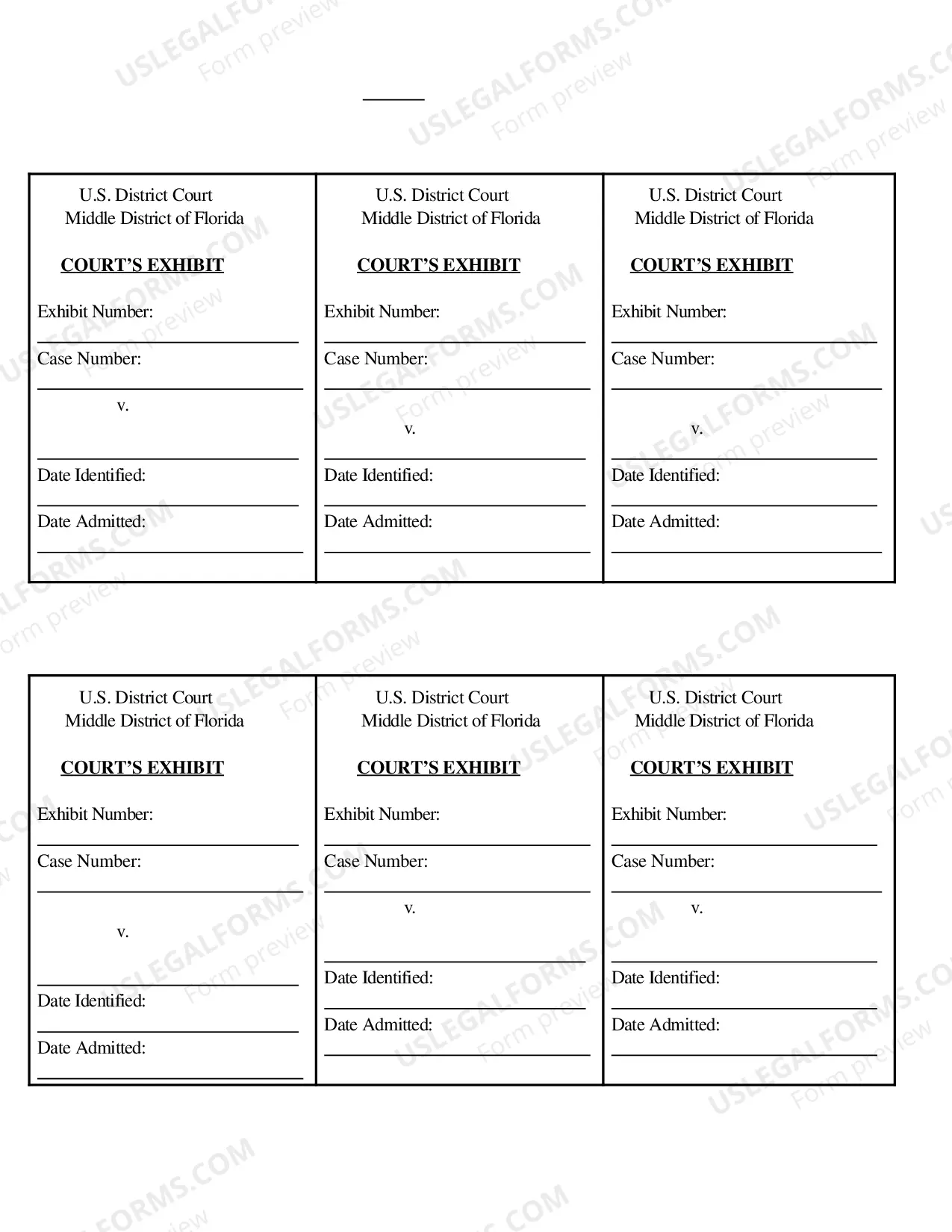
Florida Exhibit Tags — Orlando Division is a division of the Florida Department of Agriculture and Consumer Services. It provides services such as issuing tags for exhibits, conducting inspections, and issuing licenses. The division provides tags for exhibits in the state of Florida, which are used to identify animals or birds that are being exhibited at a fair or show. There are four types of Florida Exhibit Tags — Orlando Division: 1. Standard Tag— – These tags are used for identification of animals or birds that will be exhibited at a fair or show. The tags are issued in multiple colors and are attached to the animal or bird’s ear or leg. 2. Limited Tag— – These tags are issued for animals or birds that are only available for viewing and not for sale or transfer. 3. Permanent Tags — These tags are issued for animals or birds that will be kept by the exhibitor for more than one year. 4. Temporary Tags — These tags are issued for animals or birds that will be exhibited at a fair or show for a limited amount of time.
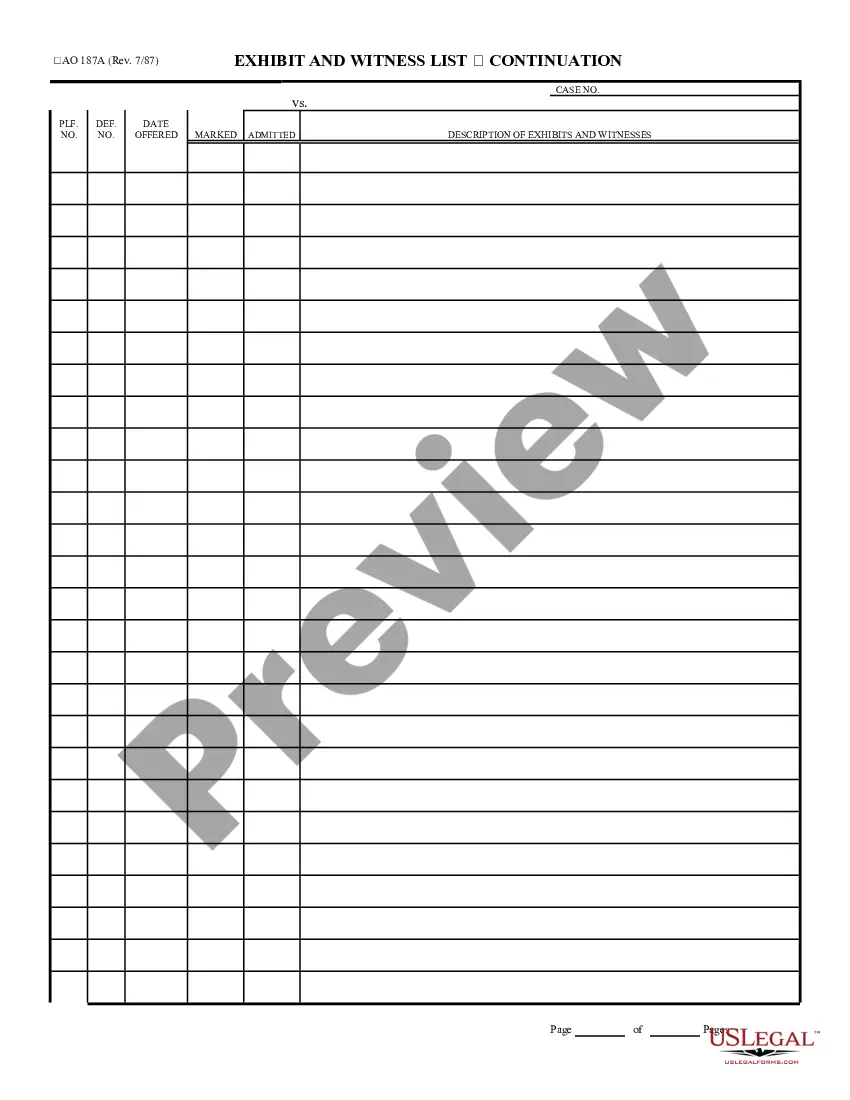
Florida Exhibit Tags - Orlando Division
Description
Get your form ready online
Our built-in tools help you complete, sign, share, and store your documents in one place.
Make edits, fill in missing information, and update formatting in US Legal Forms—just like you would in MS Word.
Download a copy, print it, send it by email, or mail it via USPS—whatever works best for your next step.
Sign and collect signatures with our SignNow integration. Send to multiple recipients, set reminders, and more. Go Premium to unlock E-Sign.
If this form requires notarization, complete it online through a secure video call—no need to meet a notary in person or wait for an appointment.
We protect your documents and personal data by following strict security and privacy standards.

Make edits, fill in missing information, and update formatting in US Legal Forms—just like you would in MS Word.

Download a copy, print it, send it by email, or mail it via USPS—whatever works best for your next step.

Sign and collect signatures with our SignNow integration. Send to multiple recipients, set reminders, and more. Go Premium to unlock E-Sign.

If this form requires notarization, complete it online through a secure video call—no need to meet a notary in person or wait for an appointment.

We protect your documents and personal data by following strict security and privacy standards.
Looking for another form?

How to fill out Florida Exhibit Tags - Orlando Division?
Filling out official documents can be quite a challenge if you lack accessible fillable templates. With the US Legal Forms online repository of formal documentation, you can be assured of the forms you find, as all of them adhere to federal and state regulations and are validated by our specialists.
So if you need to prepare Florida Exhibit Tags - Orlando Division, our service is the ideal place to download it.
Here’s a quick guide for you: Document compliance check. You should thoroughly examine the content of the form you desire and ensure whether it meets your requirements and complies with your state law regulations. Reviewing your document and checking its general description will aid you in doing just that.
- Acquiring your Florida Exhibit Tags - Orlando Division from our service is as simple as ABC.
- Previously registered users with an active subscription merely need to Log In and click the Download button once they find the appropriate template.
- Afterwards, if necessary, users can select the same document from the My documents tab on their profile.
- However, even if you’re new to our service, signing up with a valid subscription will take only a few minutes.
Form popularity
FAQ
How Do I Choose and Prepare Exhibits? - YouTube YouTube Start of suggested clip End of suggested clip Write. Your case number on the line provided on the sticker. If. You are the plaintiff. You willMoreWrite. Your case number on the line provided on the sticker. If. You are the plaintiff. You will number your exhibits. Starting with the number one and going up from there for each new exhibit.
Place one sticker on the bottom right corner of the first page of each exhibit. ? If you are the plaintiff, use a yellow sticker. ? If you are the defendant, use a blue sticker. Once you have put stickers on the first pages of all of your exhibits, place the exhibits in an order you like.
How Do I Choose and Prepare Exhibits? - YouTube YouTube Start of suggested clip End of suggested clip Write. Your case number on the line provided on the sticker. If. You are the plaintiff. You willMoreWrite. Your case number on the line provided on the sticker. If. You are the plaintiff. You will number your exhibits. Starting with the number one and going up from there for each new exhibit.
Many paralegals know the correct way to assign letters for exhibits. The first 26 exhibits are easy, EX-A through EX-Z, and the next exhibit is also usually correct, EX-AA, but it's after that where things can go awry. The 28th exhibit should be EX-AB (not EX-BB) followed by EX-AC, EX-AD, EX-AE, EX-AF and so on.
Examples of Trial Exhibits Real evidence includes items like firearms, blood, glass, and any other objects that can be stripped for DNA analysis. The other two types of evidence are not items found at the crime scene, but rather exhibits created later in order to prove one side's version of events.
The following is an example of how you can reference an exhibit in a definitive agreement: "On the Closing Date, each of the Buyer and the Seller shall execute a Transition Services Agreement substantially in the form of Exhibit attached hereto."
Exhibits must be identified by number with a brief description of the exhibit. All bookmarks must be set to retain the reader's selected zoom setting.
Documents must be consecutively paginated. The page numbering must begin with the first page and use only Arabic numerals (e.g., 1, 2, 3). The page number may be suppressed and need not appear on the first page.
Exhibit Naming: For a multi-page exhibit, use a dash after the exhibit number, followed by two or more lead zeros, to create a properly organized separate file for each page of the exhibit. Additional parties, including any additional plaintiffs, should use separate letters in their alpha-numeric naming scheme.