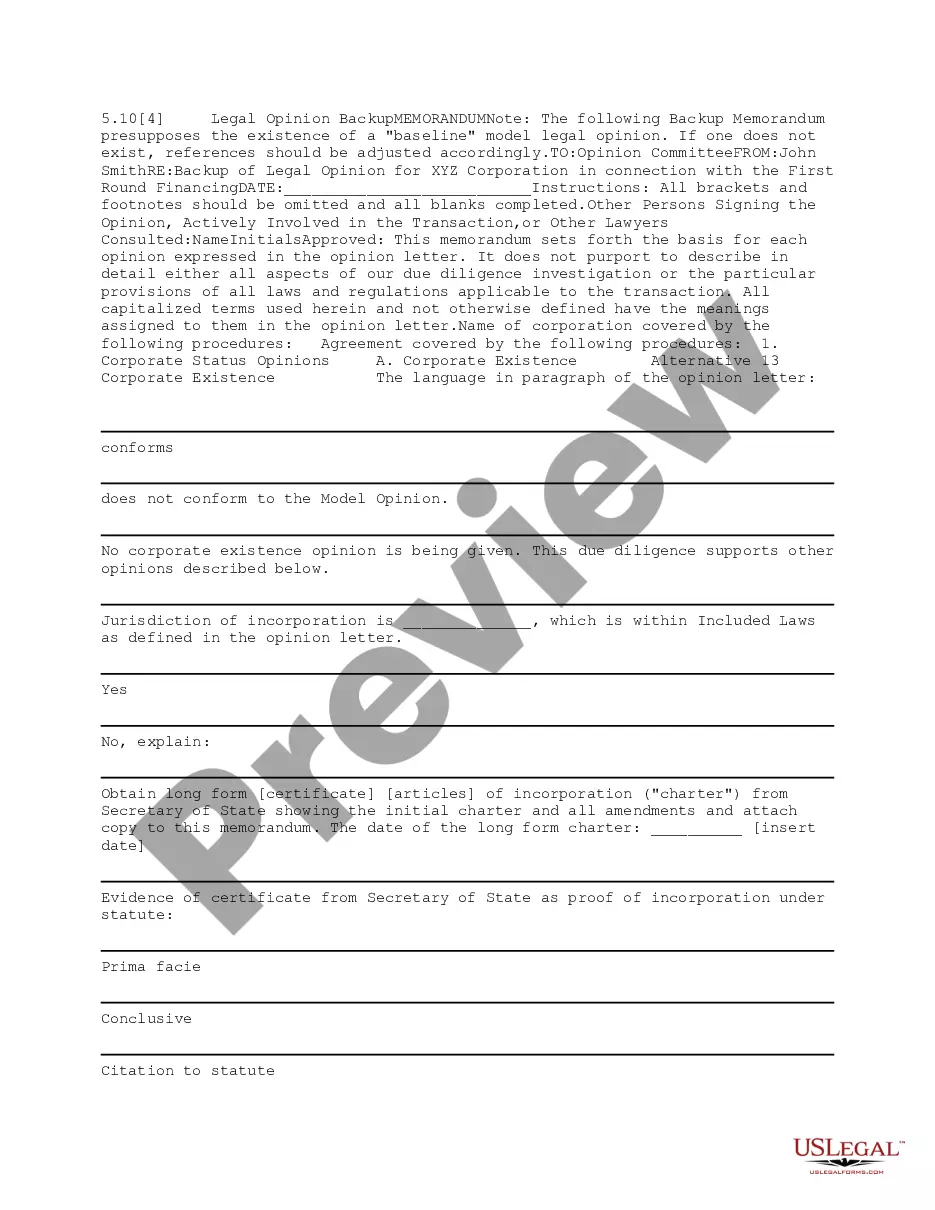
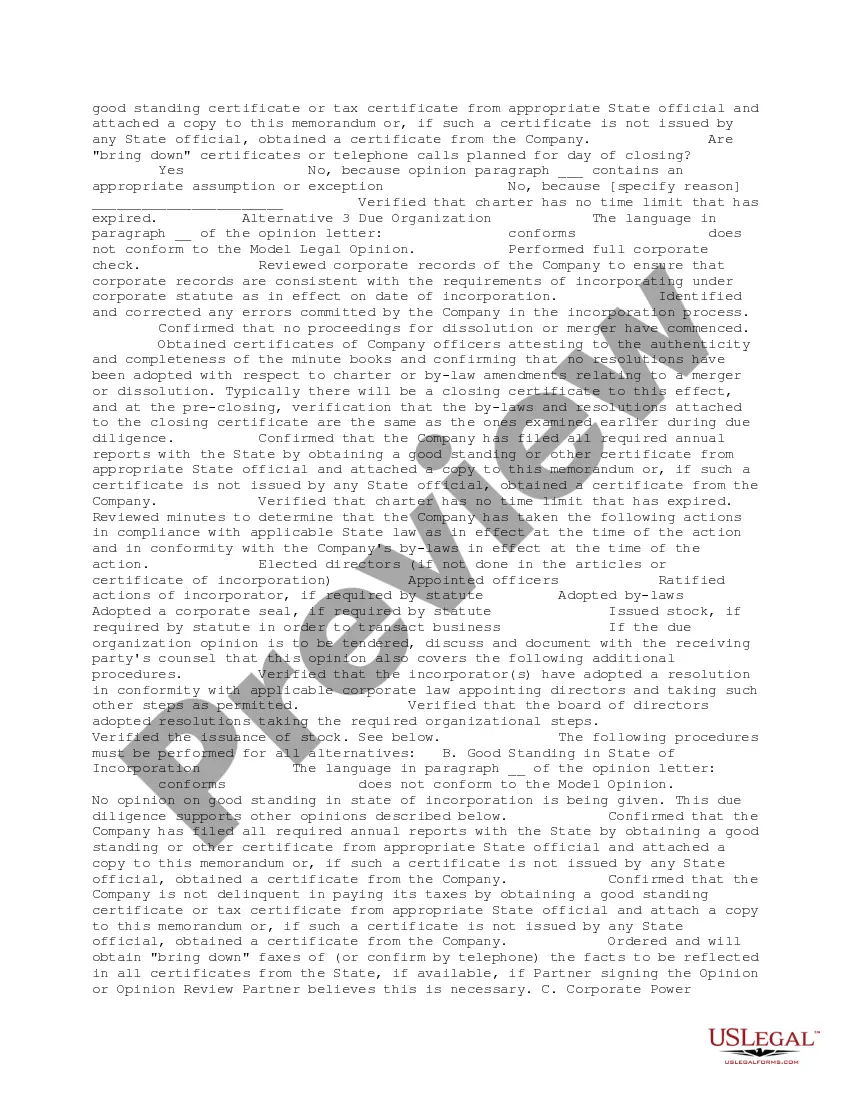
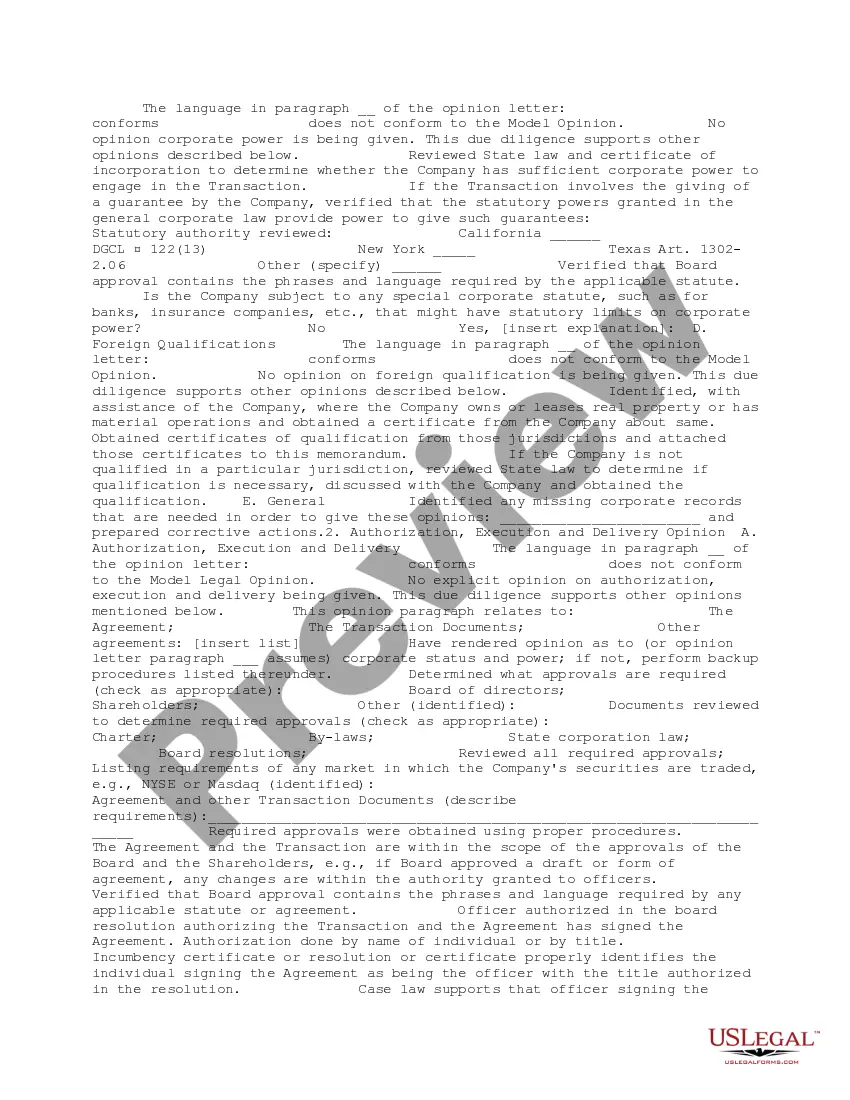
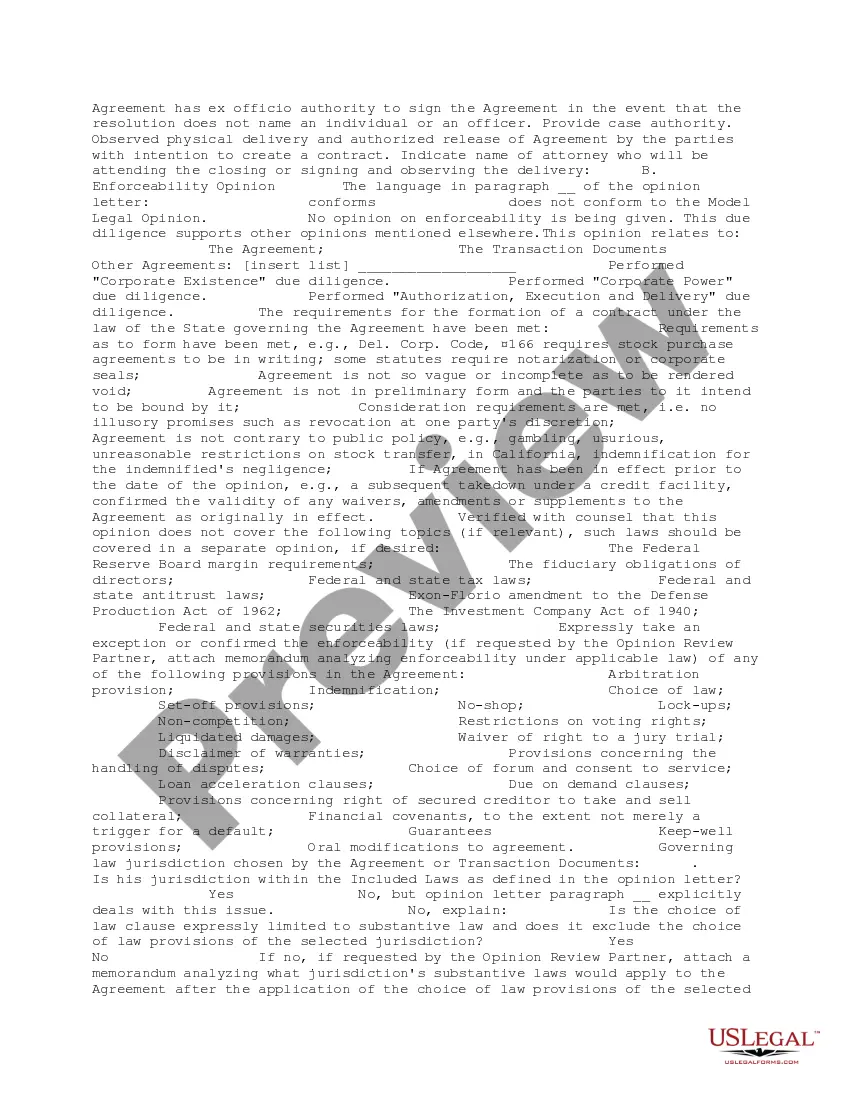
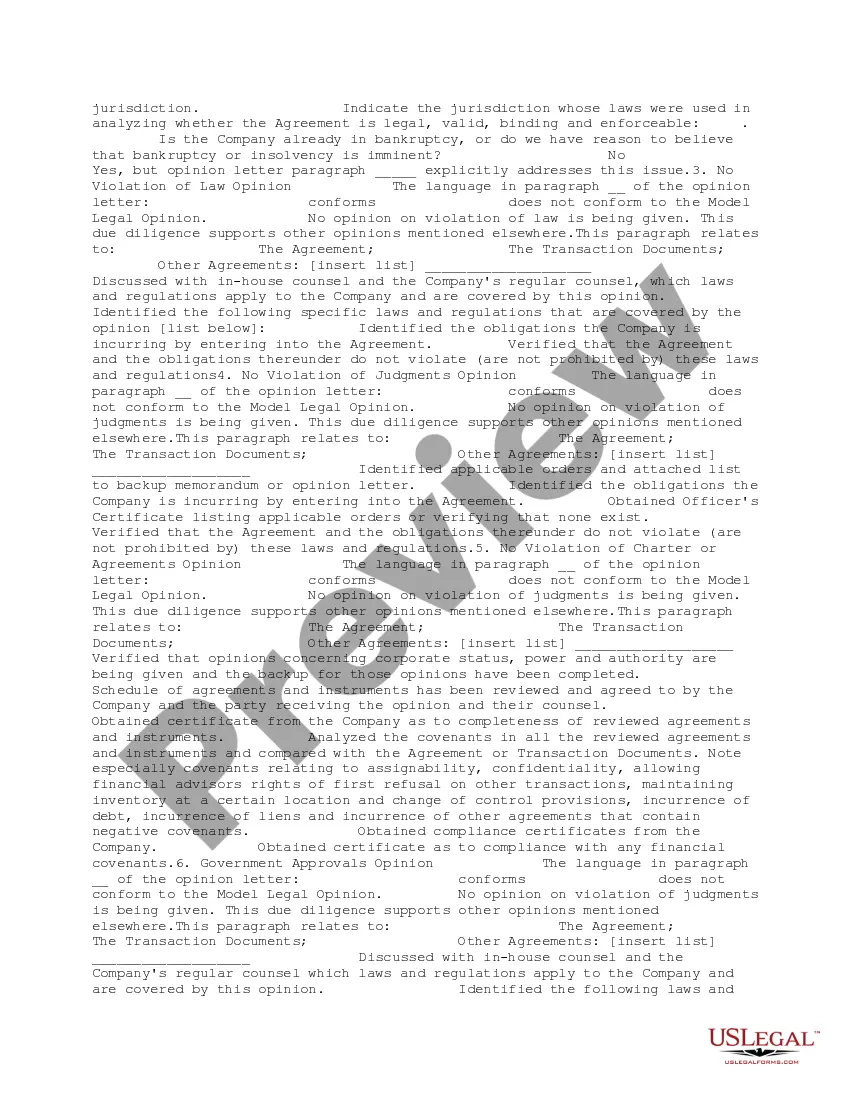
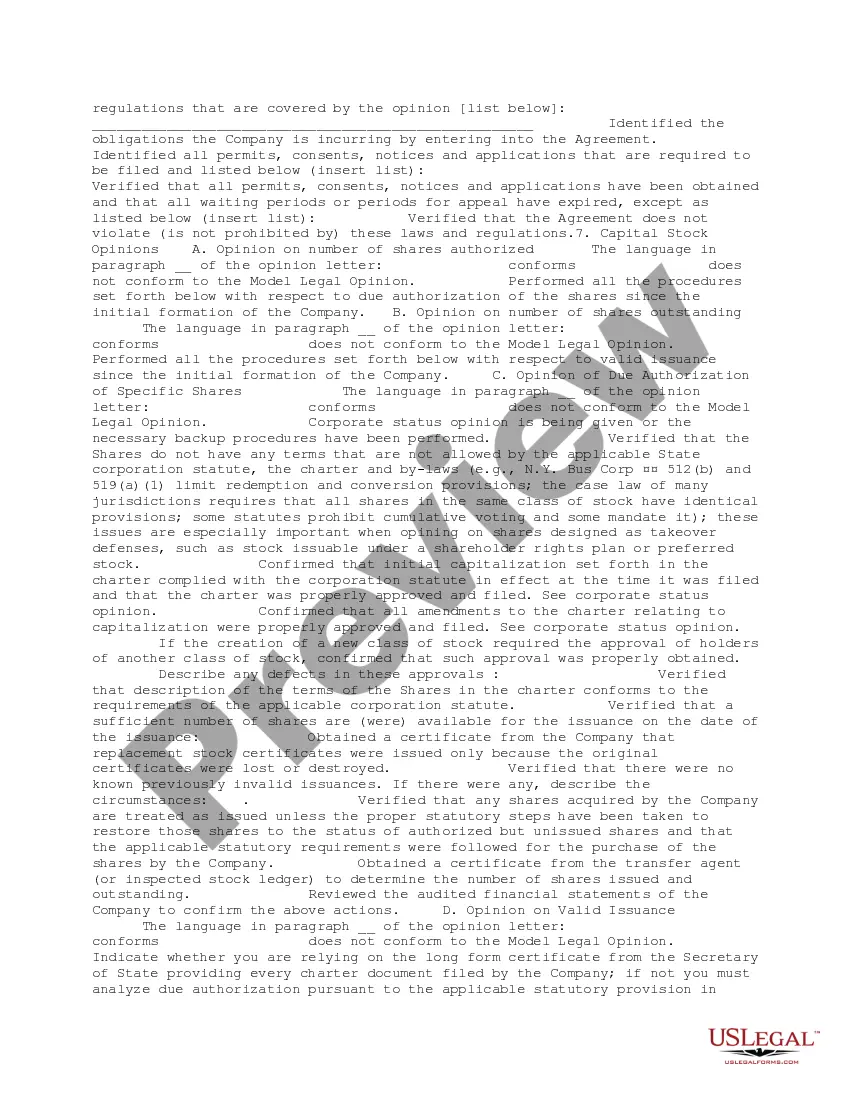
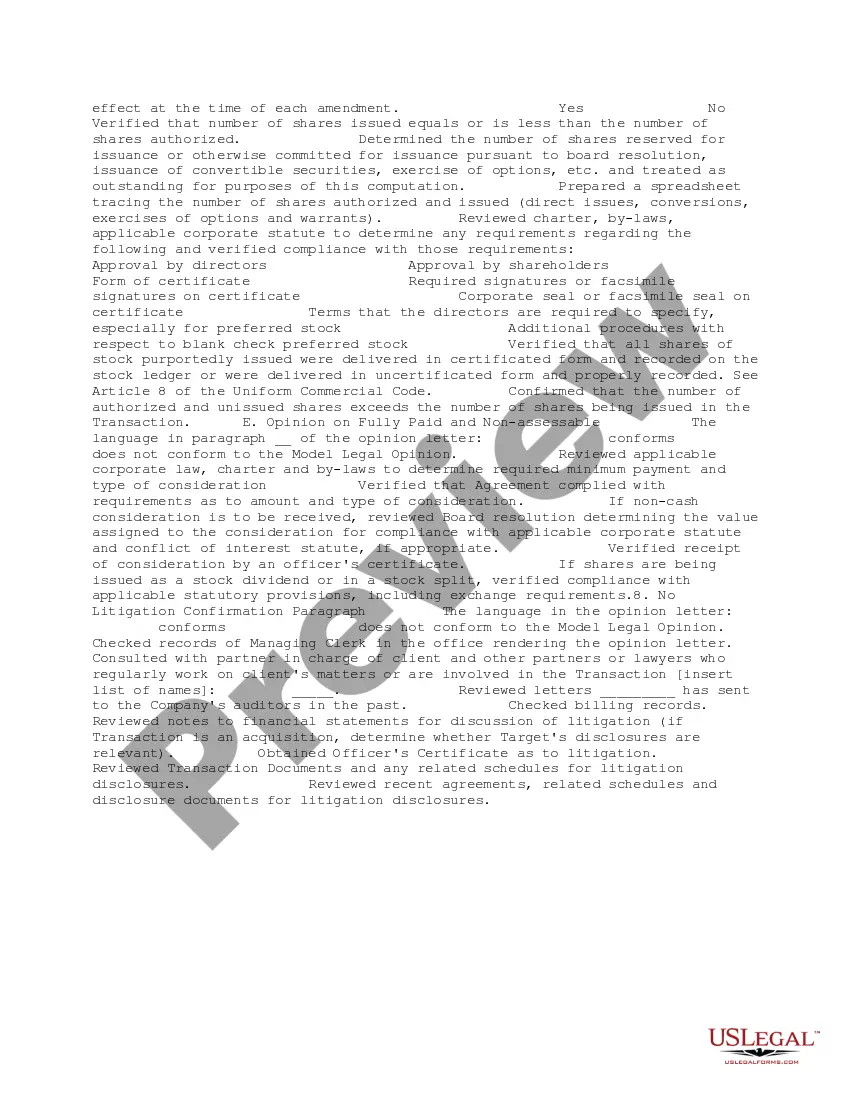
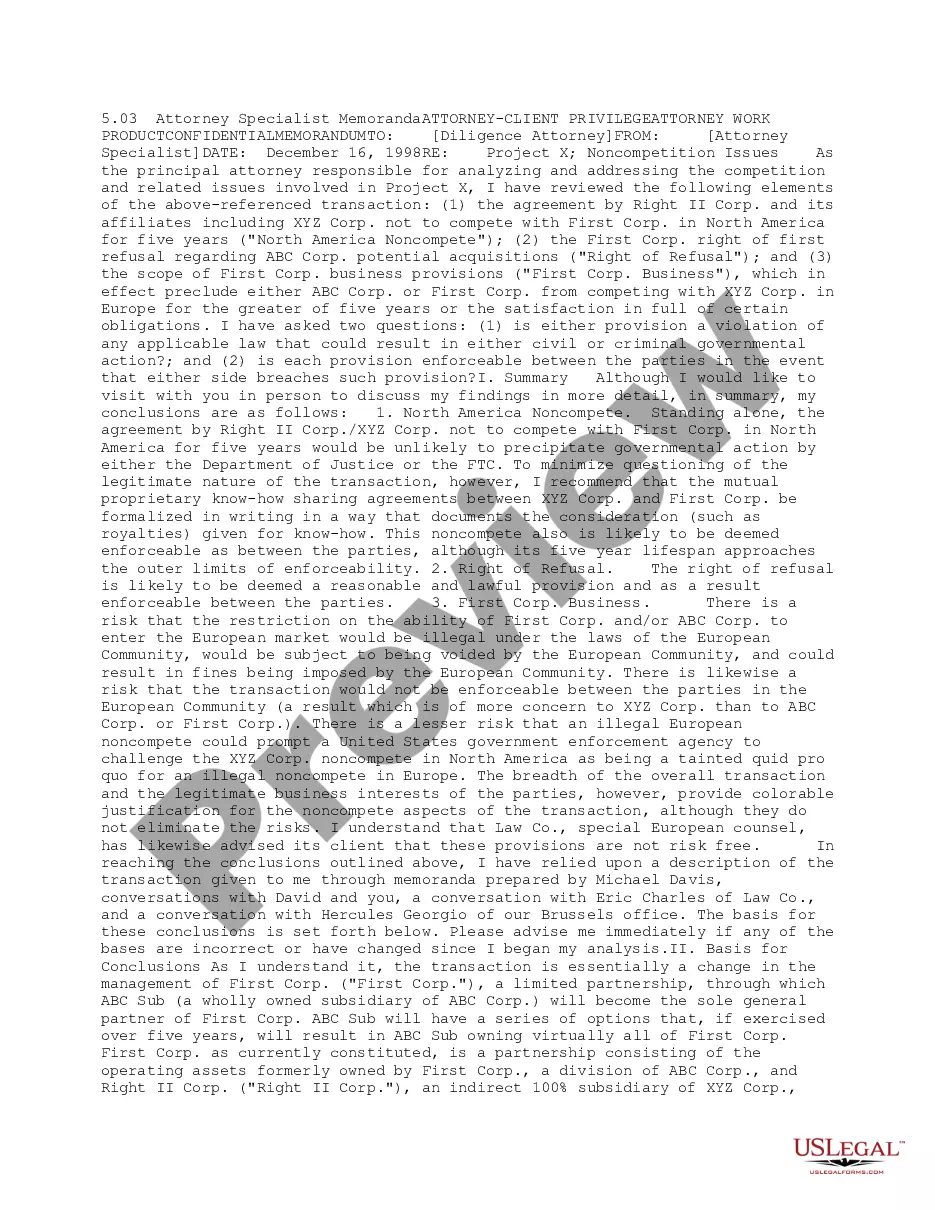
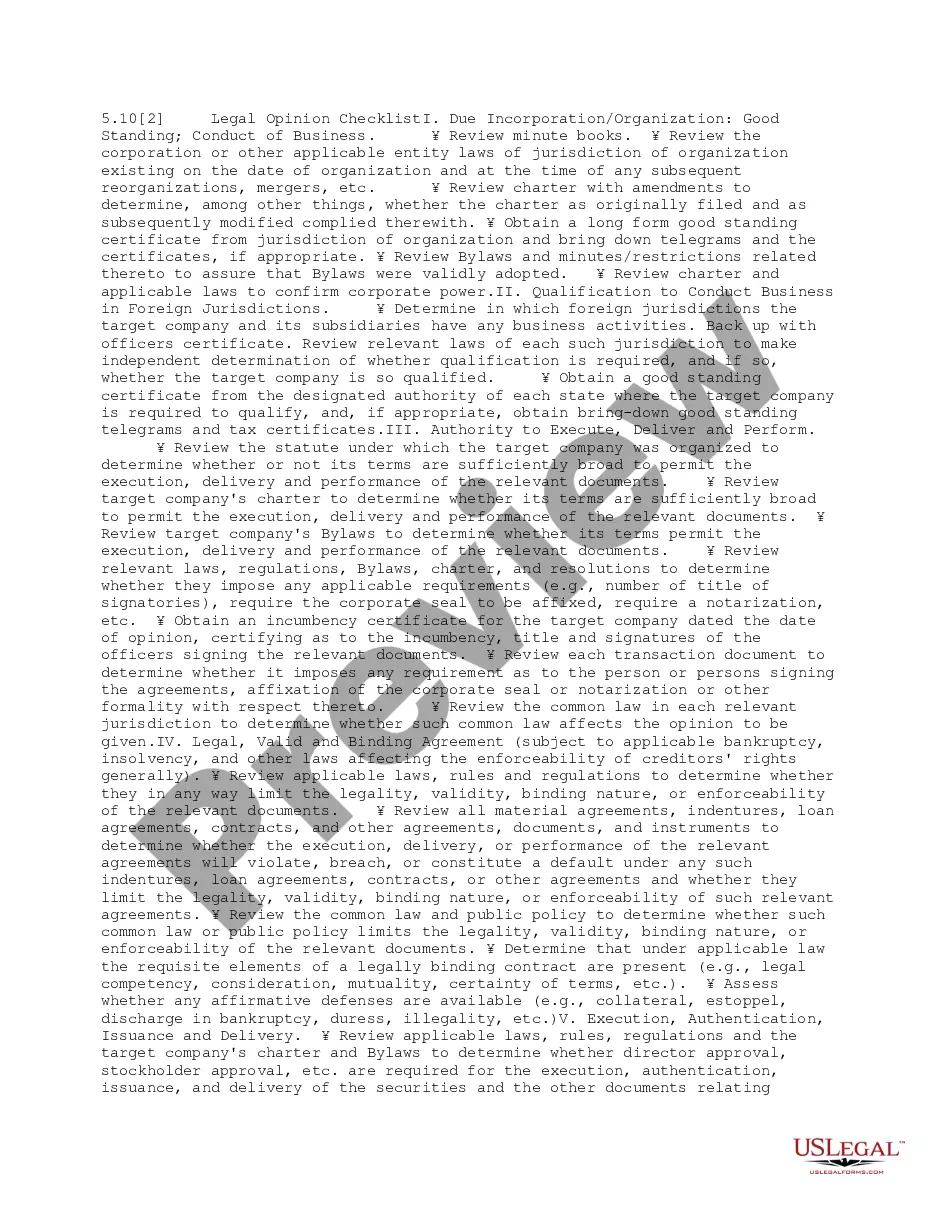
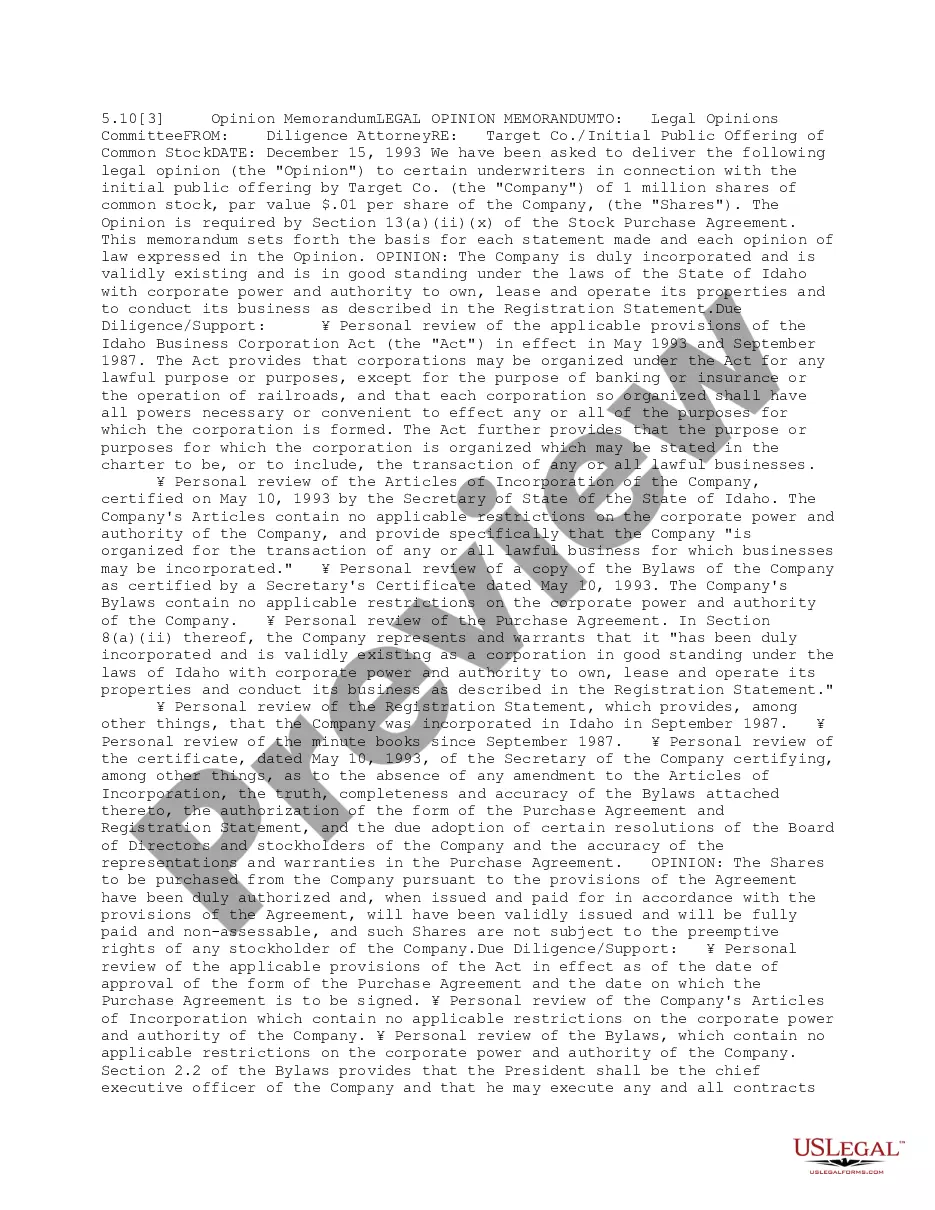
This form is a backup memorandum that presupposes the existence of a "baseline" model legal opinion. This memorandum sets forth the basis for each opinion expressed in the opinion letter. It does not describe in detail either all aspects of the due diligence investigation or the particular provisions of all laws and regulations applicable to the transaction.
District of Columbia Legal Opinion Backup
Category:
State:
Multi-State
Control #:
US-DD05104
Format:
Word;
PDF;
Rich Text
Instant download
Description
Free preview
Get your form ready online
Our built-in tools help you complete, sign, share, and store your documents in one place.
Built-in online Word editor
Make edits, fill in missing information, and update formatting in US Legal Forms—just like you would in MS Word.
Export easily
Download a copy, print it, send it by email, or mail it via USPS—whatever works best for your next step.
E-sign your document
Sign and collect signatures with our SignNow integration. Send to multiple recipients, set reminders, and more. Go Premium to unlock E-Sign.
Notarize online 24/7
If this form requires notarization, complete it online through a secure video call—no need to meet a notary in person or wait for an appointment.
Store your document securely
We protect your documents and personal data by following strict security and privacy standards.

Make edits, fill in missing information, and update formatting in US Legal Forms—just like you would in MS Word.

Download a copy, print it, send it by email, or mail it via USPS—whatever works best for your next step.

Sign and collect signatures with our SignNow integration. Send to multiple recipients, set reminders, and more. Go Premium to unlock E-Sign.

If this form requires notarization, complete it online through a secure video call—no need to meet a notary in person or wait for an appointment.

We protect your documents and personal data by following strict security and privacy standards.
Looking for another form?


How to fill out Legal Opinion Backup?
US Legal Forms - one of the largest collections of legal templates in the United States - provides a vast selection of legal document formats that you can download or print.
By using the site, you can acquire numerous forms for business and personal purposes, sorted by categories, states, or keywords. You will find the latest versions of forms like the District of Columbia Legal Opinion Backup in moments.
If you are already a subscriber, Log In and obtain the District of Columbia Legal Opinion Backup from the US Legal Forms library. The Download button will appear on every form you view. You can access all previously downloaded forms in the My documents tab of your account.
Process the transaction. Use your credit card or PayPal account to complete the transaction.
Select the format and download the form onto your device. Make changes. Fill out, edit, print, and sign the downloaded District of Columbia Legal Opinion Backup. Every document you add to your account has no expiration date and is yours indefinitely. So, if you wish to download or print another copy, just go to the My documents section and click on the form you need. Access the District of Columbia Legal Opinion Backup with US Legal Forms, the most comprehensive library of legal document formats. Utilize a wealth of professional and state-specific templates that meet your business or personal needs and requirements.
- If you are using US Legal Forms for the first time, here are simple steps to help you get started.
- Ensure you have selected the correct form for your city/county.
- Click the Review button to check the form's details.
- Review the form description to confirm that you have chosen the right one.
- If the form does not meet your needs, use the Search field at the top of the screen to find one that does.
- If you are satisfied with the form, confirm your choice by clicking the Purchase now button.
- Then, select the pricing plan you prefer and provide your credentials to register for an account.
Form popularity
FAQ
The chief judge of the D.C. District Court oversees the administrative functions of the court while ensuring the smooth handling of cases. This individual is crucial in maintaining the court's integrity and operations. For those needing reliable access to information about the judiciary, a District of Columbia Legal Opinion Backup serves as a valuable resource for understanding current court leadership and their decisions.
D.C. court records contain various important documents, including case filings, judgments, and opinions. You can access both civil and criminal case details, which provide insights into court proceedings. Utilizing a District of Columbia Legal Opinion Backup helps you efficiently retrieve and preserve these essential legal documents, ensuring you stay informed and organized in your legal matters.
A written opinion, as defined by the judicial conference, refers to a detailed judgment that outlines the court's reasoning and decisions in a case. Under the E Government Act, these opinions must be available to the public, ensuring transparency and access to legal information. For those needing to manage these documents efficiently, a District of Columbia Legal Opinion Backup can be invaluable in securing and organizing these critical records.
Certificates of good standing in the District of Columbia do not expire; however, they must be updated regularly for specific legal processes. Generally, entities should obtain a new certificate before major transactions or legal proceedings to confirm that their status remains unchanged. To ensure you are always compliant, regularly check with US Legal Forms for up-to-date information regarding your business's standing. This proactive approach can save you future legal hassles.
Writing a will in the District of Columbia requires a clear declaration of your wishes regarding asset distribution upon your death. You must ensure the document is signed in the presence of at least two witnesses, who also must sign the will. Utilizing US Legal Forms can simplify this process by providing templates that comply with D.C. laws. This approach ensures your intentions are honored and legally binding.
DC Ethics Opinion 388 addresses the ethical obligations of attorneys when providing informational materials to clients. This opinion clarifies the standards of transparency lawyers must maintain, particularly regarding financial interests. Knowing these ethical guidelines can impact your practice significantly, and it's wise to stay informed. A thorough understanding can enhance your firm's compliance and ethical presence in the District of Columbia.
To maintain good standing in the District of Columbia, your business must be compliant with all licensing, tax, and filing obligations. This includes timely submission of annual reports and payment of any necessary fees. Understanding these requirements often helps in assessing your legal position, and US Legal Forms can guide you through the process. Adhering to these rules ensures your business stays legally recognized.
You can find DC Court of Appeals opinions by visiting the official website of the court, where opinions are published and archived. Additionally, resources such as legal research platforms can provide enhanced access to these opinions and allow for efficient searches. Accessing these opinions is fundamental for anyone utilizing District of Columbia Legal Opinion Backup to ensure well-informed legal decisions.
The process for appealing a DC ruling begins with filing a notice of appeal in the appropriate court. You’ll need to submit certain documents, along with any required fees, within specific time frames. It’s crucial for you to understand this process, as it is fundamental to obtaining a comprehensive District of Columbia Legal Opinion Backup for future reference.
Yes, the DC court has an official website that provides vital resources for residents. You can access legal opinions, court schedules, and other important information. This website is an essential tool for anyone seeking access to District of Columbia Legal Opinion Backup, as it houses numerous public records and documents.