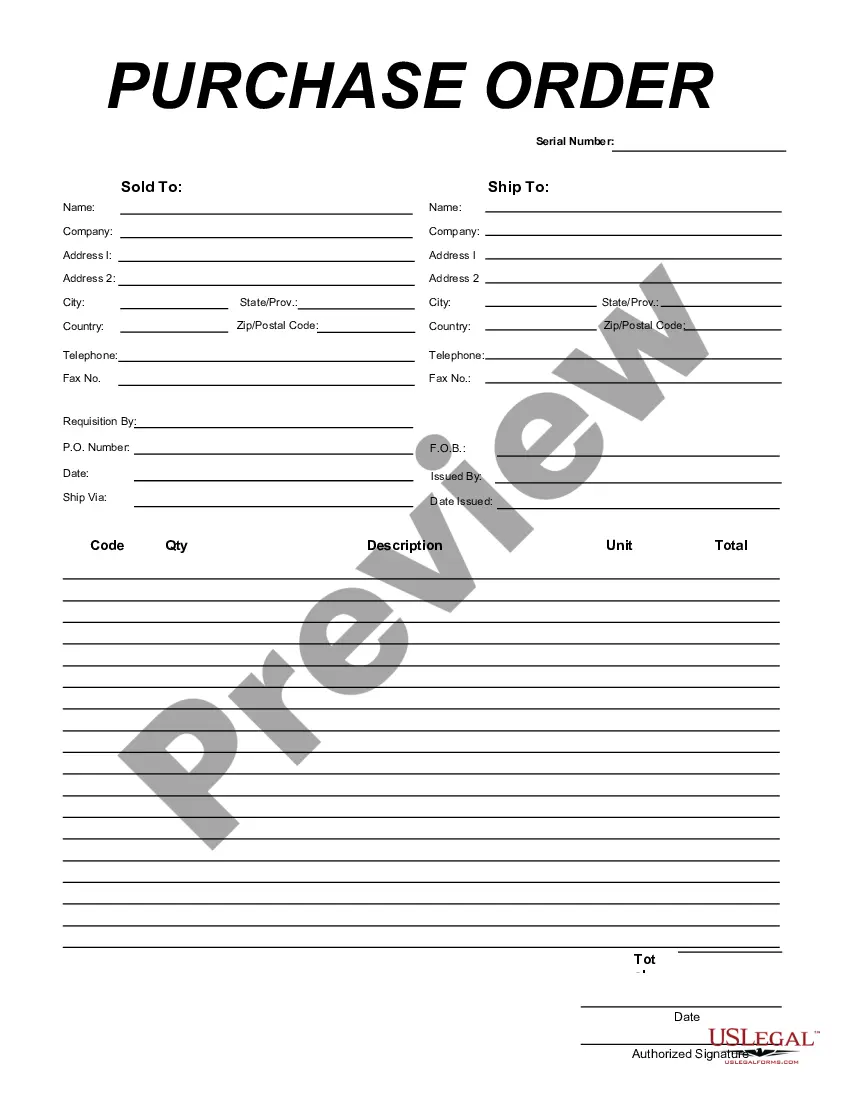
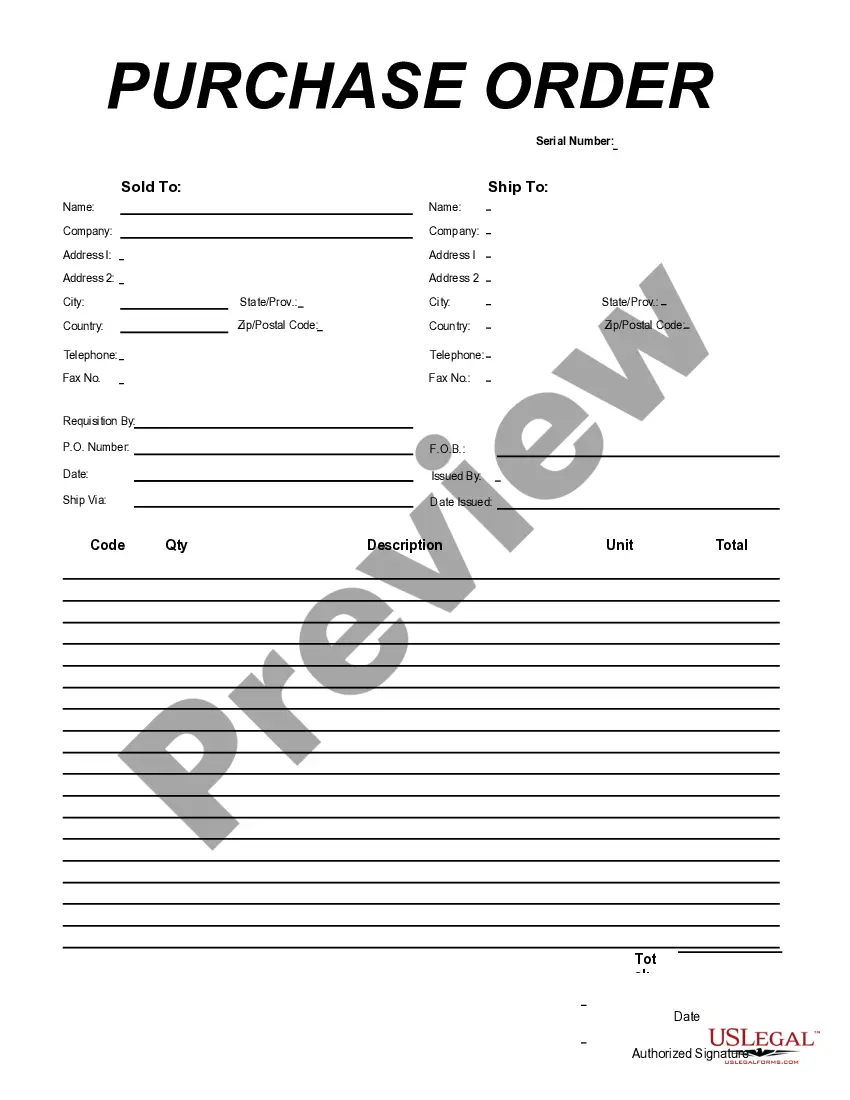
District of Columbia Purchase Order for Computer
Description

Get your form ready online
Our built-in tools help you complete, sign, share, and store your documents in one place.
Make edits, fill in missing information, and update formatting in US Legal Forms—just like you would in MS Word.
Download a copy, print it, send it by email, or mail it via USPS—whatever works best for your next step.
Sign and collect signatures with our SignNow integration. Send to multiple recipients, set reminders, and more. Go Premium to unlock E-Sign.
If this form requires notarization, complete it online through a secure video call—no need to meet a notary in person or wait for an appointment.
We protect your documents and personal data by following strict security and privacy standards.

Make edits, fill in missing information, and update formatting in US Legal Forms—just like you would in MS Word.

Download a copy, print it, send it by email, or mail it via USPS—whatever works best for your next step.

Sign and collect signatures with our SignNow integration. Send to multiple recipients, set reminders, and more. Go Premium to unlock E-Sign.

If this form requires notarization, complete it online through a secure video call—no need to meet a notary in person or wait for an appointment.

We protect your documents and personal data by following strict security and privacy standards.
Looking for another form?





How to fill out Purchase Order For Computer?
Are you currently in a position where you need documents for either business or personal purposes almost every day.
There are many legal document templates available online, but finding reliable ones can be challenging.
US Legal Forms provides a vast array of template formats, including the District of Columbia Purchase Order for Computer, designed to meet federal and state requirements.
Access all the document templates you have purchased in the My documents section.
You can download an additional copy of the District of Columbia Purchase Order for Computer whenever needed. Just click the relevant form to download or print the document template.
- If you are already familiar with the US Legal Forms website and possess an account, simply Log In.
- Next, you can download the District of Columbia Purchase Order for Computer template.
- If you do not have an account and wish to start using US Legal Forms, follow these steps.
- Find the form you need and confirm it is for the correct city/state.
- Use the Review button to examine the form.
- Check the description to ensure you have selected the appropriate form.
- If the form is not what you're looking for, use the Search field to locate the template that meets your needs.
- Once you find the correct form, click Get now.
- Choose the pricing plan you prefer, complete the necessary information to create your account, and pay for your order using PayPal or credit card.
- Select a suitable format and download your document.
Form popularity
FAQ
To do business with the District of Columbia, you should first register as a vendor on their procurement system. Familiarize yourself with the requirements for the District of Columbia Purchase Order for Computer and ensure you provide all necessary documentation. Engaging with local agencies through procurement opportunities will also enhance your visibility and potential for successful contracts.
To find your District of Columbia Purchase Order for Computer number, start by checking your confirmation emails or purchase receipts. If you do not see it there, you can log into your account on the relevant procurement platform. Alternatively, you may contact customer service for assistance in retrieving your PO number.
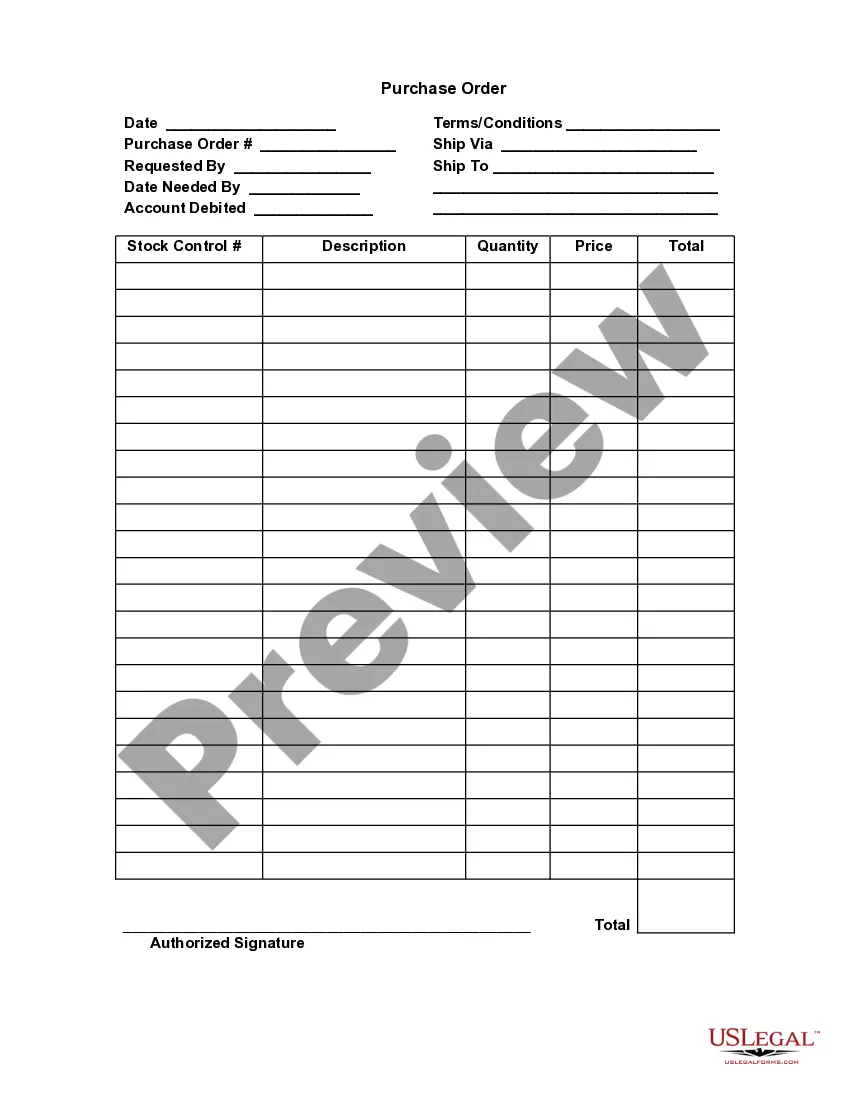
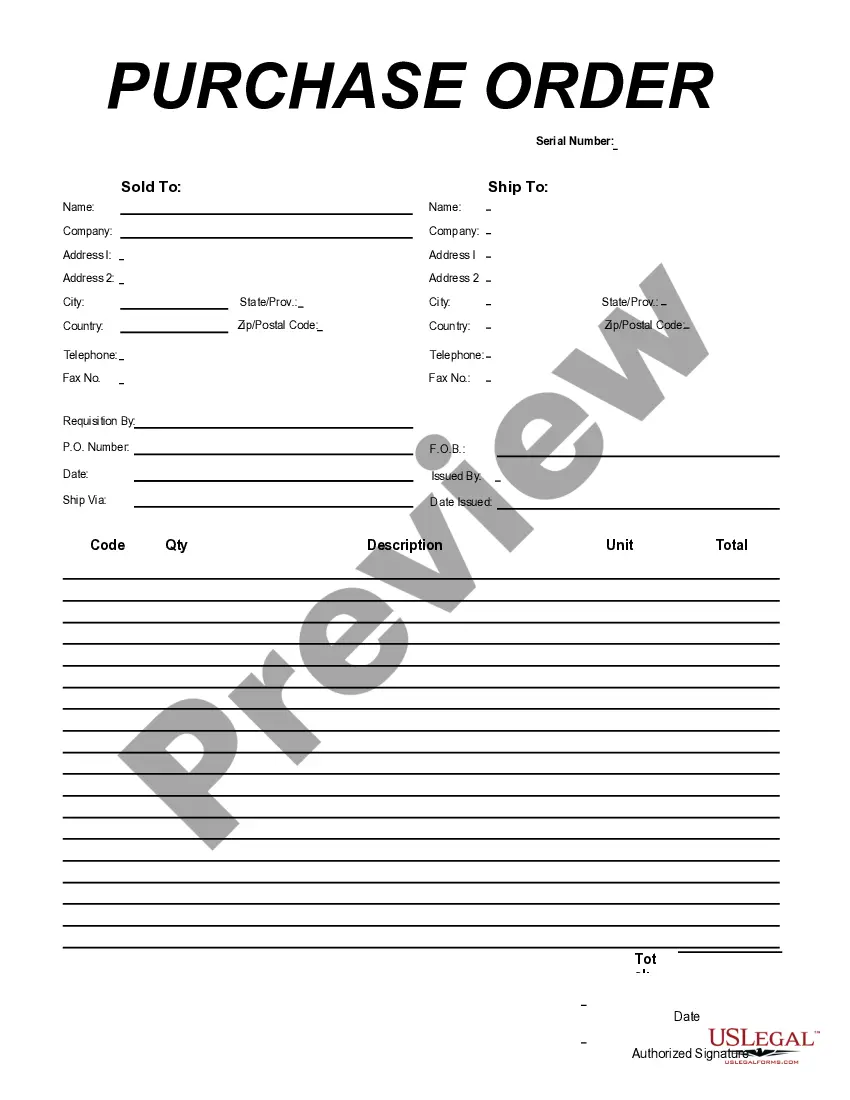
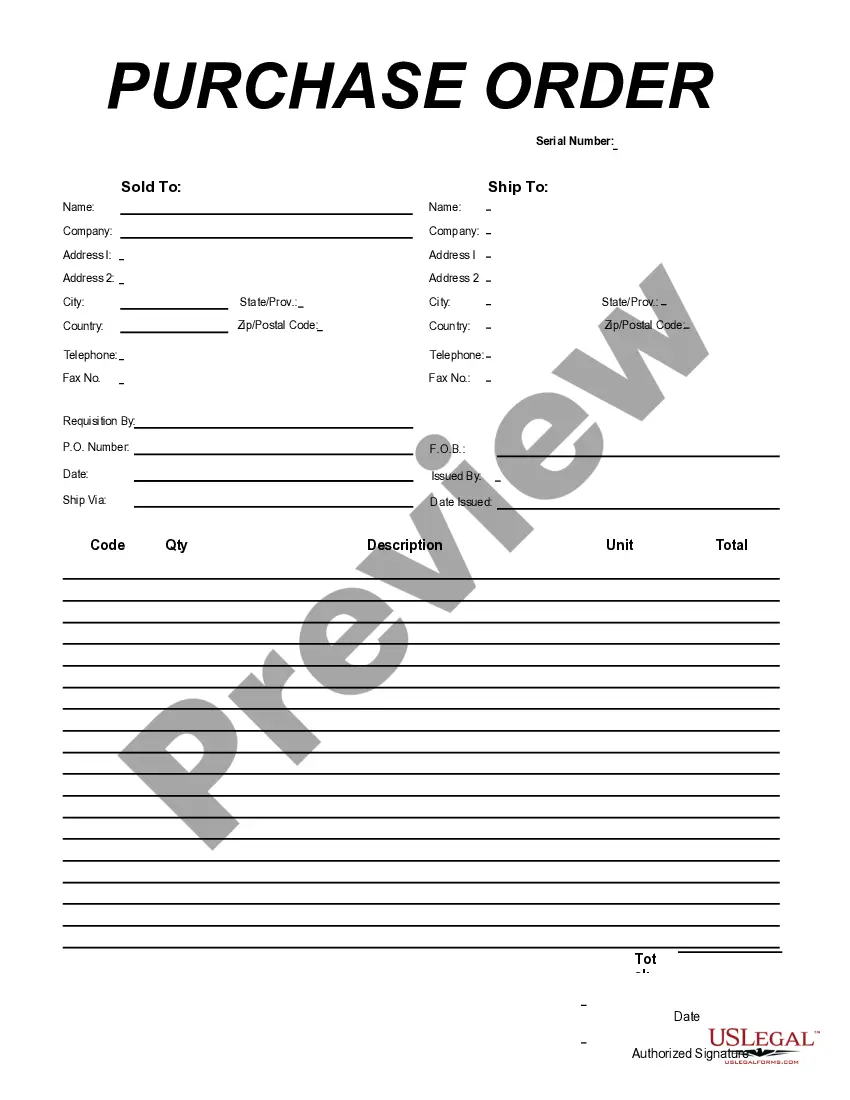
A District of Columbia Purchase Order for Computer represents a formal agreement between a buyer and a supplier. For instance, if an organization needs to acquire new computer equipment, they generate a purchase order stating the specific items, quantities, and prices. This document ensures that both parties have clear expectations, making transactions smooth and transparent. Utilizing such a purchase order can help streamline your purchasing process and maintain accurate records.