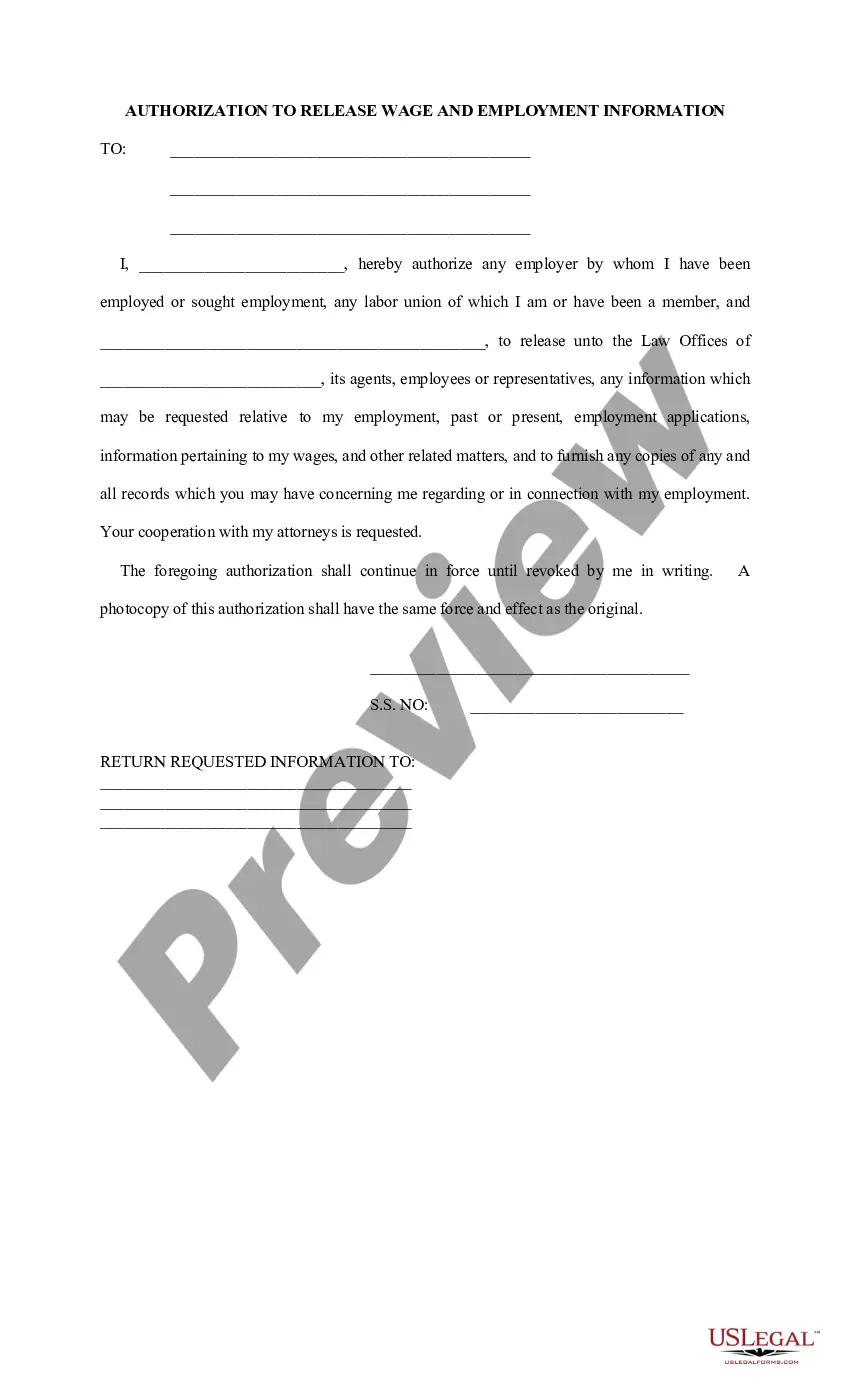
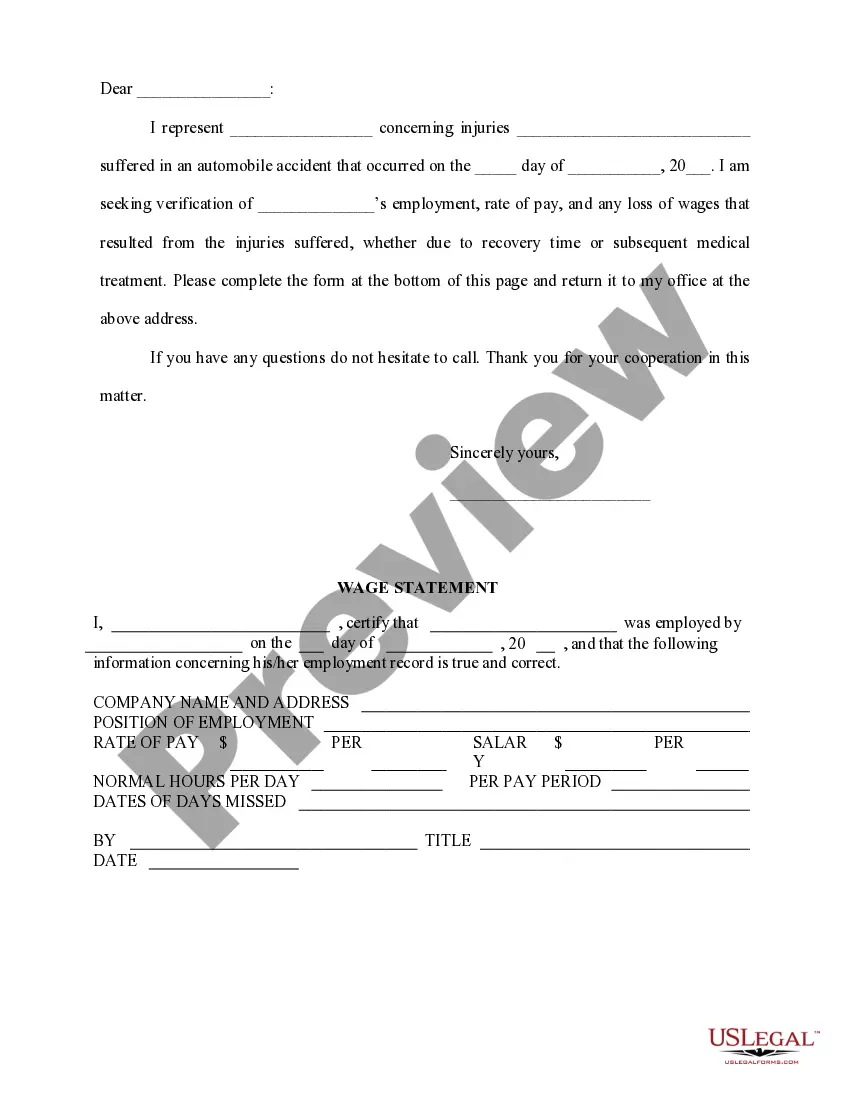
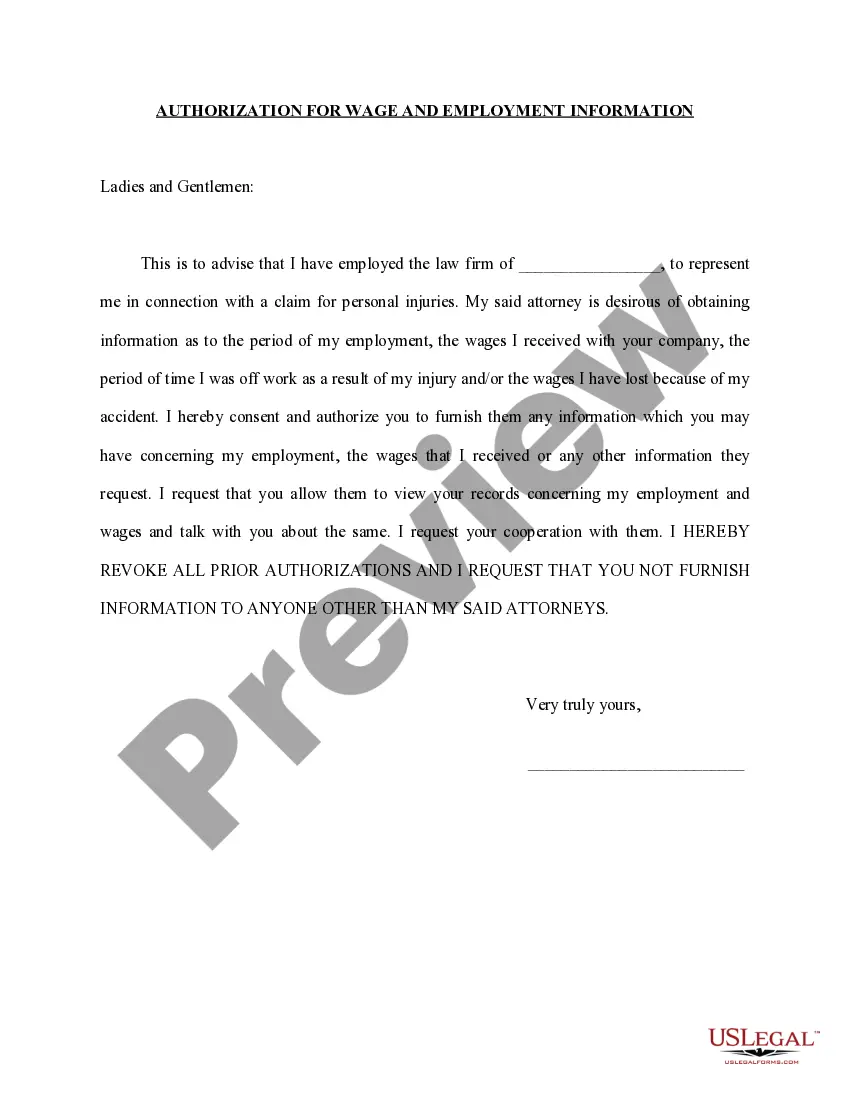
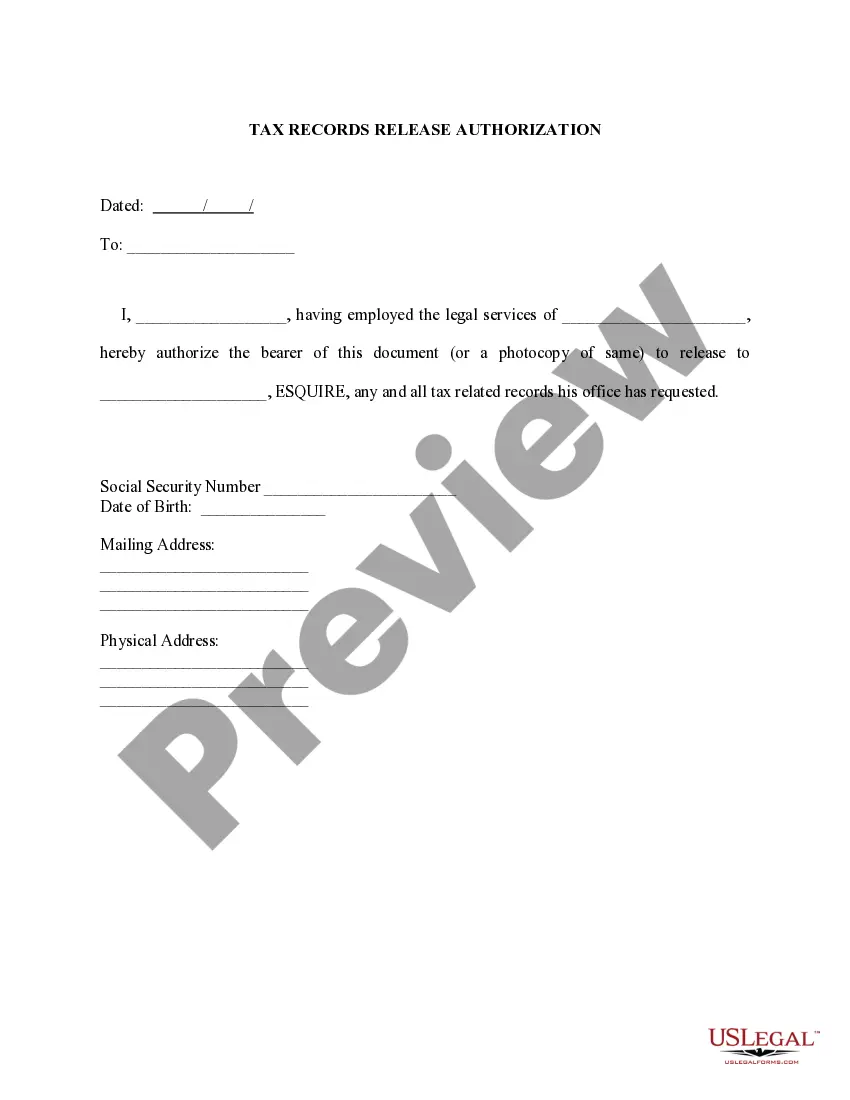
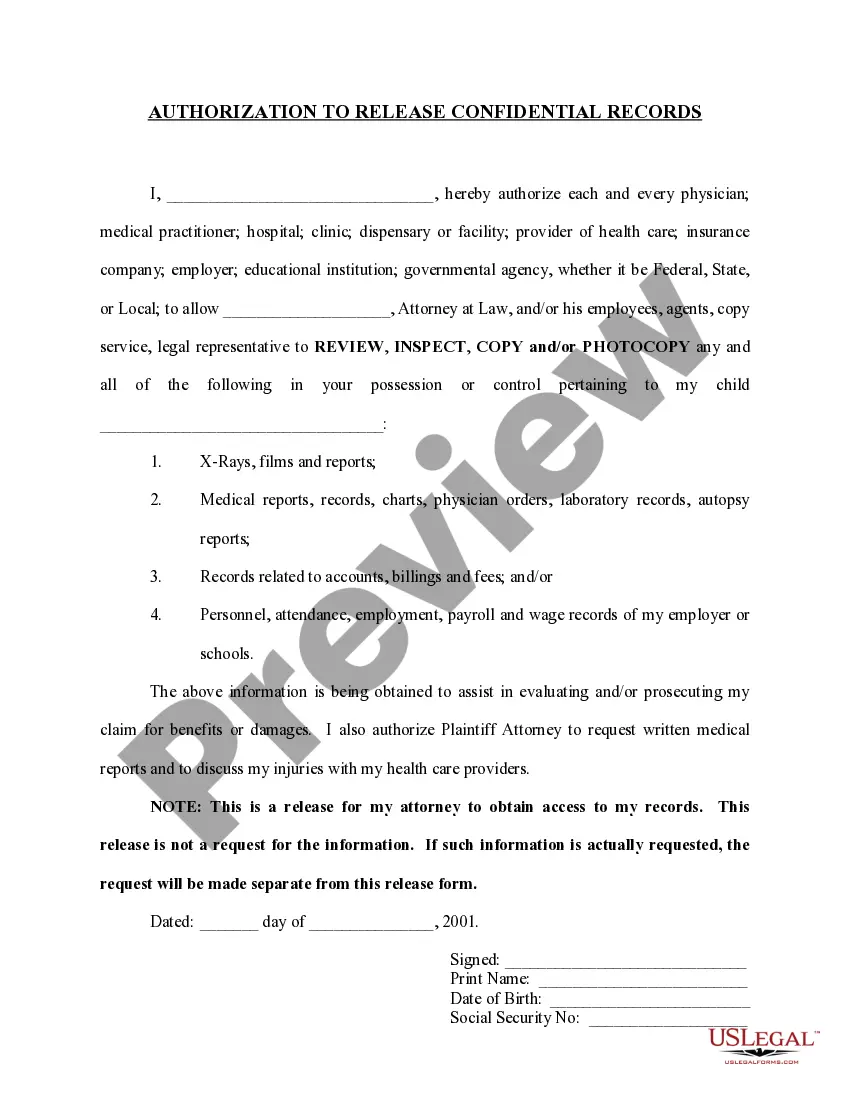
This form authorizes the release of any information regarding the client's employment history to his or her attorney.
Connecticut Authorization to Release Wage and Employment Information
State:
Multi-State
Control #:
US-PI-0008
Format:
Word;
Rich Text
88 downloads
Description

Get your form ready online
Our built-in tools help you complete, sign, share, and store your documents in one place.
Built-in online Word editor
Make edits, fill in missing information, and update formatting in US Legal Forms—just like you would in MS Word.
Export easily
Download a copy, print it, send it by email, or mail it via USPS—whatever works best for your next step.
E-sign your document
Sign and collect signatures with our SignNow integration. Send to multiple recipients, set reminders, and more. Go Premium to unlock E-Sign.
Notarize online 24/7
If this form requires notarization, complete it online through a secure video call—no need to meet a notary in person or wait for an appointment.
Store your document securely
We protect your documents and personal data by following strict security and privacy standards.

Make edits, fill in missing information, and update formatting in US Legal Forms—just like you would in MS Word.

Download a copy, print it, send it by email, or mail it via USPS—whatever works best for your next step.

Sign and collect signatures with our SignNow integration. Send to multiple recipients, set reminders, and more. Go Premium to unlock E-Sign.

If this form requires notarization, complete it online through a secure video call—no need to meet a notary in person or wait for an appointment.

We protect your documents and personal data by following strict security and privacy standards.
Looking for another form?
How to fill out Authorization To Release Wage And Employment Information?
If you wish to full, down load, or produce authorized file web templates, use US Legal Forms, the biggest collection of authorized types, which can be found on the web. Utilize the site`s simple and easy handy look for to discover the files you require. Numerous web templates for company and specific functions are categorized by types and states, or keywords and phrases. Use US Legal Forms to discover the Connecticut Authorization to Release Wage and Employment Information in just a number of mouse clicks.
In case you are already a US Legal Forms consumer, log in in your accounts and click the Acquire switch to find the Connecticut Authorization to Release Wage and Employment Information. You can even gain access to types you in the past delivered electronically from the My Forms tab of your accounts.
If you are using US Legal Forms the very first time, follow the instructions beneath:
- Step 1. Be sure you have chosen the form to the appropriate city/country.
- Step 2. Use the Preview method to look through the form`s articles. Never neglect to learn the information.
- Step 3. In case you are unhappy using the form, make use of the Look for industry near the top of the display screen to discover other variations of the authorized form template.
- Step 4. Once you have identified the form you require, click on the Acquire now switch. Pick the rates strategy you prefer and add your credentials to sign up for the accounts.
- Step 5. Approach the deal. You may use your bank card or PayPal accounts to perform the deal.
- Step 6. Select the formatting of the authorized form and down load it in your gadget.
- Step 7. Full, change and produce or sign the Connecticut Authorization to Release Wage and Employment Information.
Each authorized file template you buy is yours forever. You may have acces to each form you delivered electronically inside your acccount. Select the My Forms portion and pick a form to produce or down load once again.
Compete and down load, and produce the Connecticut Authorization to Release Wage and Employment Information with US Legal Forms. There are many specialist and condition-distinct types you may use for the company or specific needs.
Form popularity
FAQ
New hire forms checklist Form I-9. W-4. State new hire tax forms. New hire reporting. Offer letter. Employment agreement. Employee handbook acknowledgment. Direct deposit authorization.
Locate your seven-digit (XX--) registration number on any previously filed quarterly report (Form UC-5A / UC-2R) or correspondence from the Department of Labor. If you can't find your locate your Department of Labor Employer Registration Number, you may fax a request to the Employer Status Unit at (860) 263-6567.
New employees need to fill out a Form I-9 to verify employment eligibility as well as a W-4 for income tax. In states with an income tax, it's necessary to fill out a second W-4.
Under Connecticut law, personnel files must be kept for at least one year after the termination of an employee's employment. However, many employers maintain personnel records for three years, since that period of time will cover most statutes of limitations for employment-related claims.
These documents are the Form I-9 and the Form W-4. In addition to these documents, most new employees will also complete a direct deposit form so that their paychecks can be properly routed.
New Employee Checklist. Employee Handbook. W4-CT. W4-Federal. Form I-9, Employ Eligibility. Supplemental Application Form. ePay. Direct Deposit Form.
Ask all new employees to give you a signed Form W-4 when they start work. Make the form effective with the first wage payment. If employees claim exemption from income tax withholding, then they must indicate this on their W-4.
Regulations established by the Fair Labor Standards Act define a working week as any seven consecutive working days and a total of 40 hours for this period. Anything over 40 hours counts as overtime and must be compensated at a higher hourly rate.