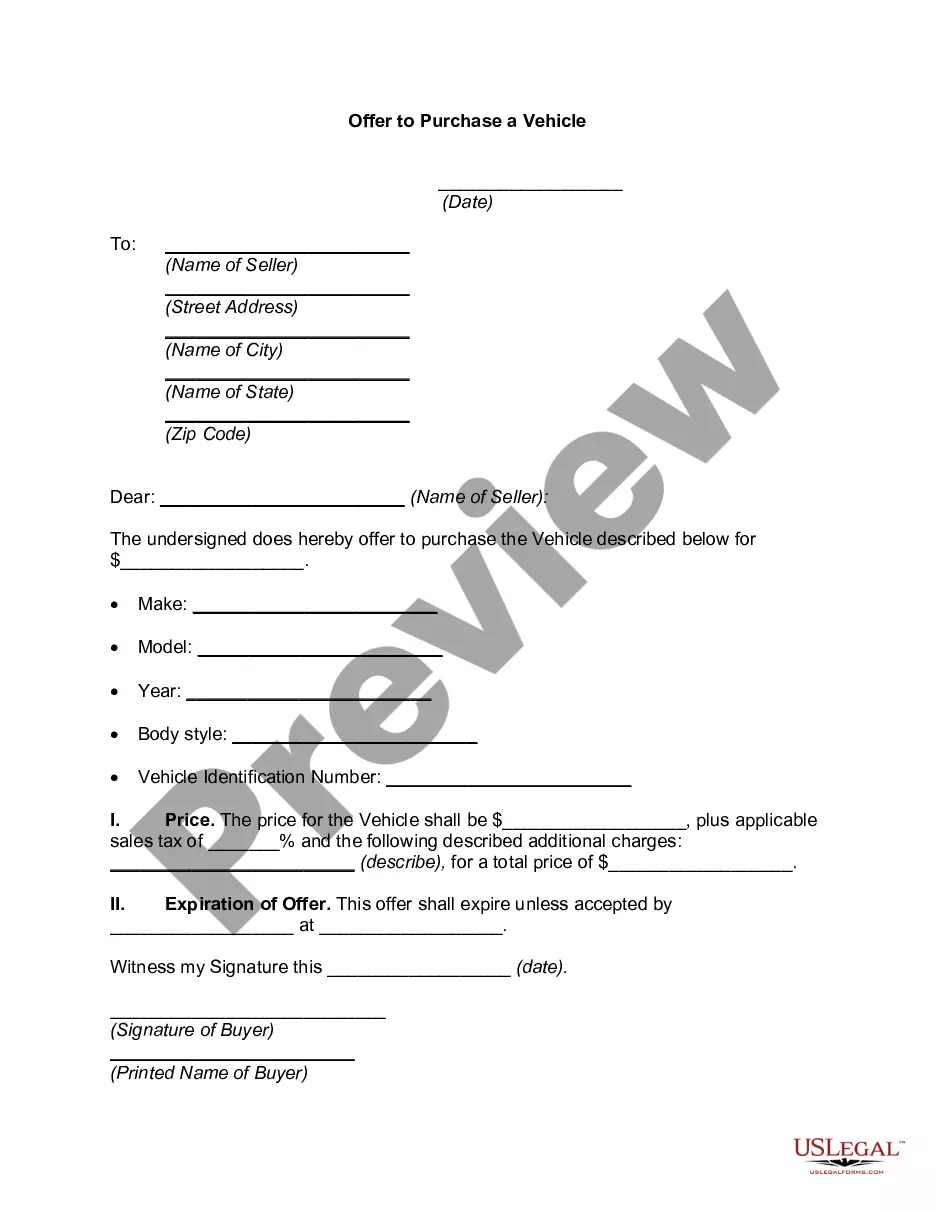
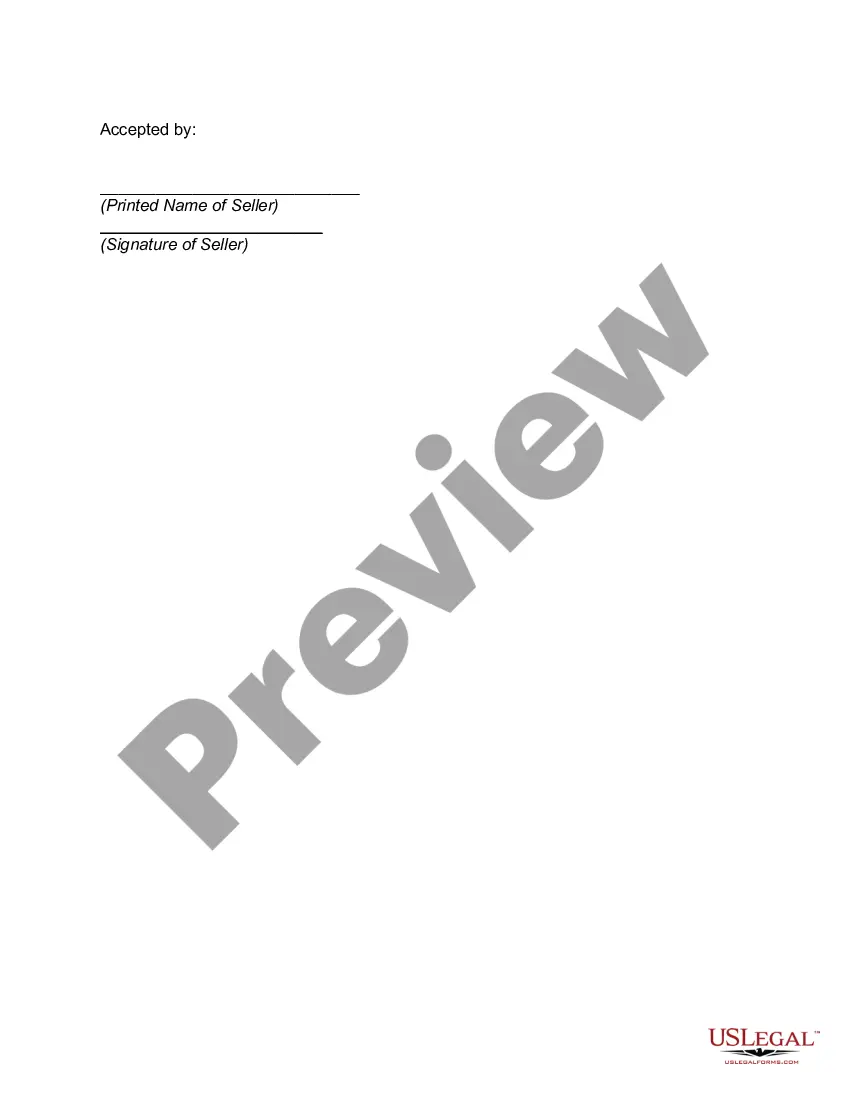
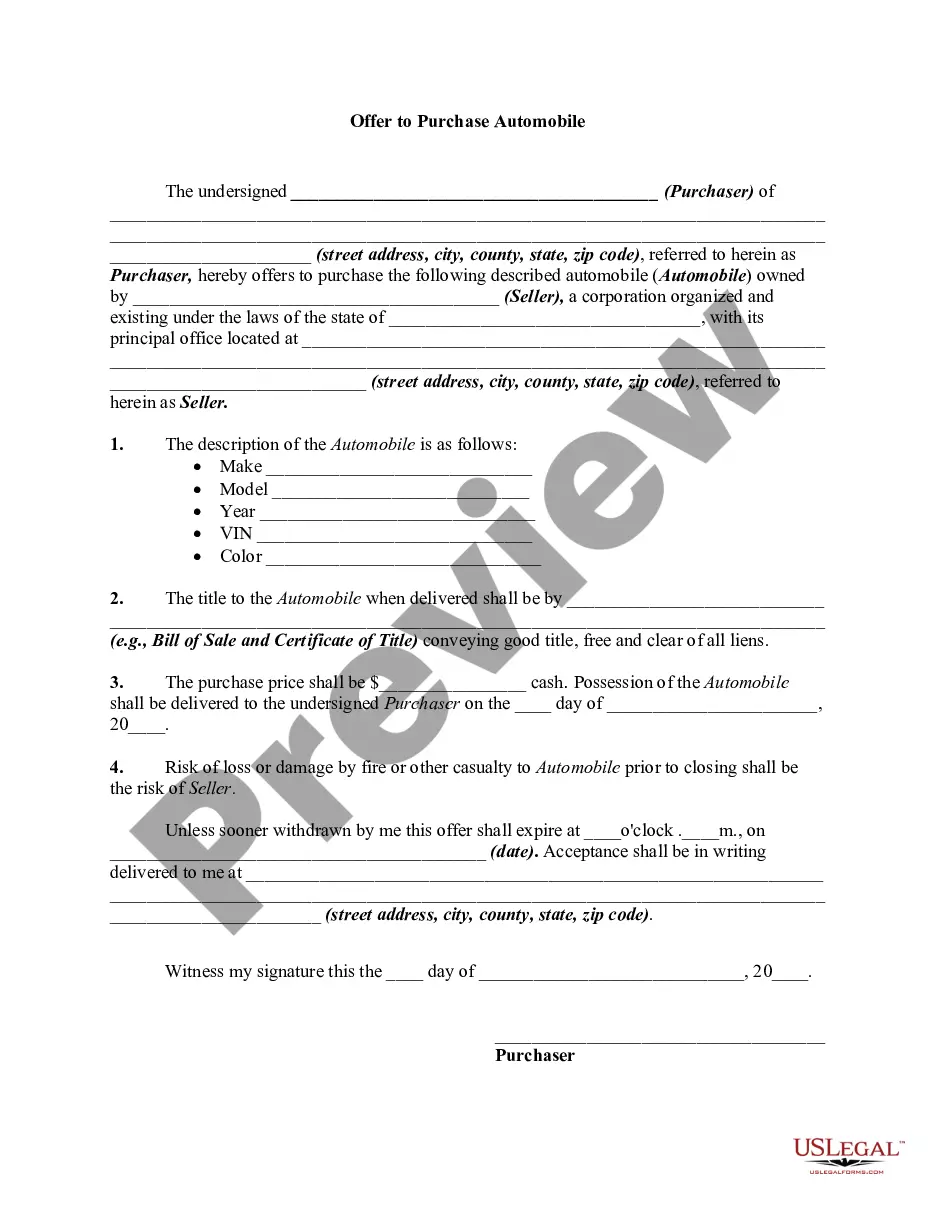
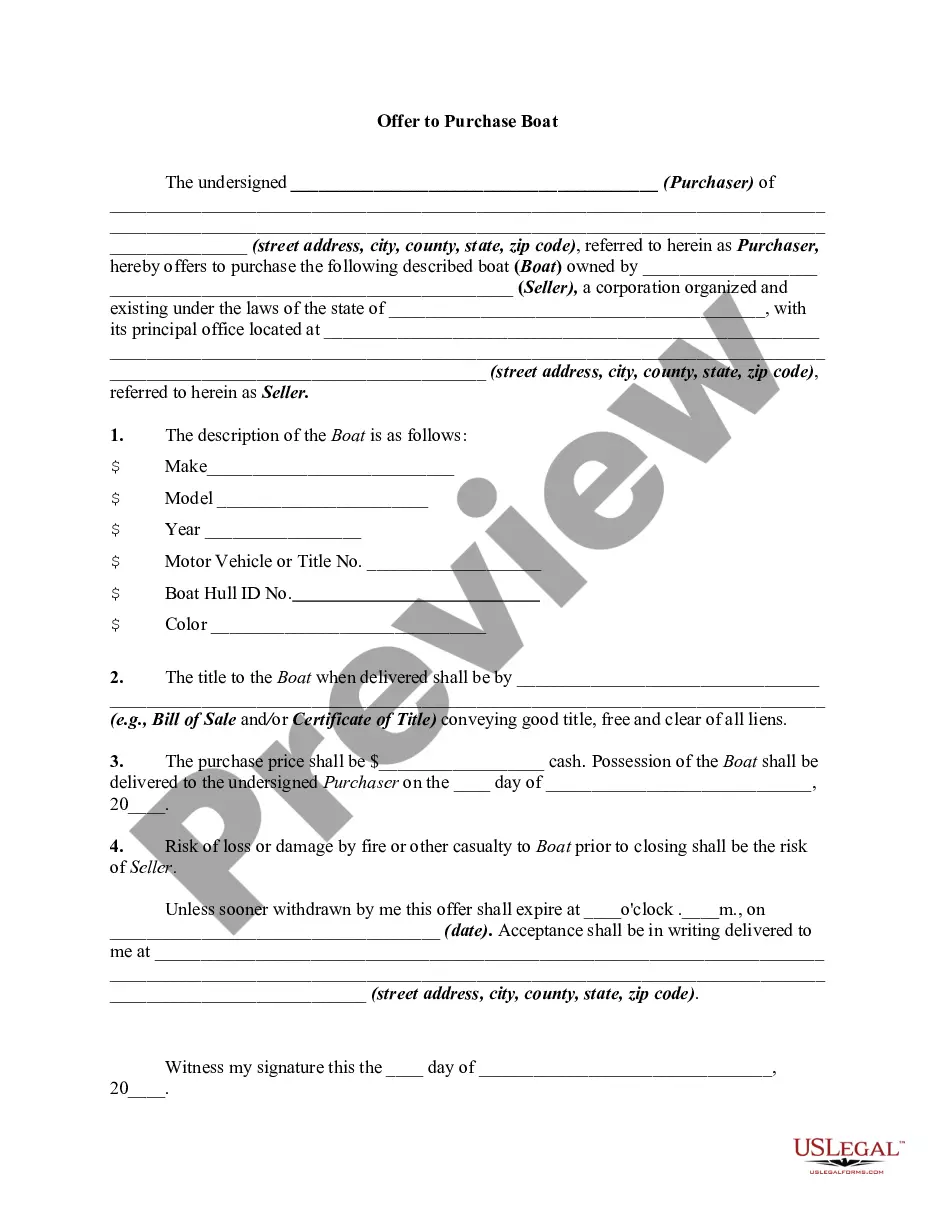
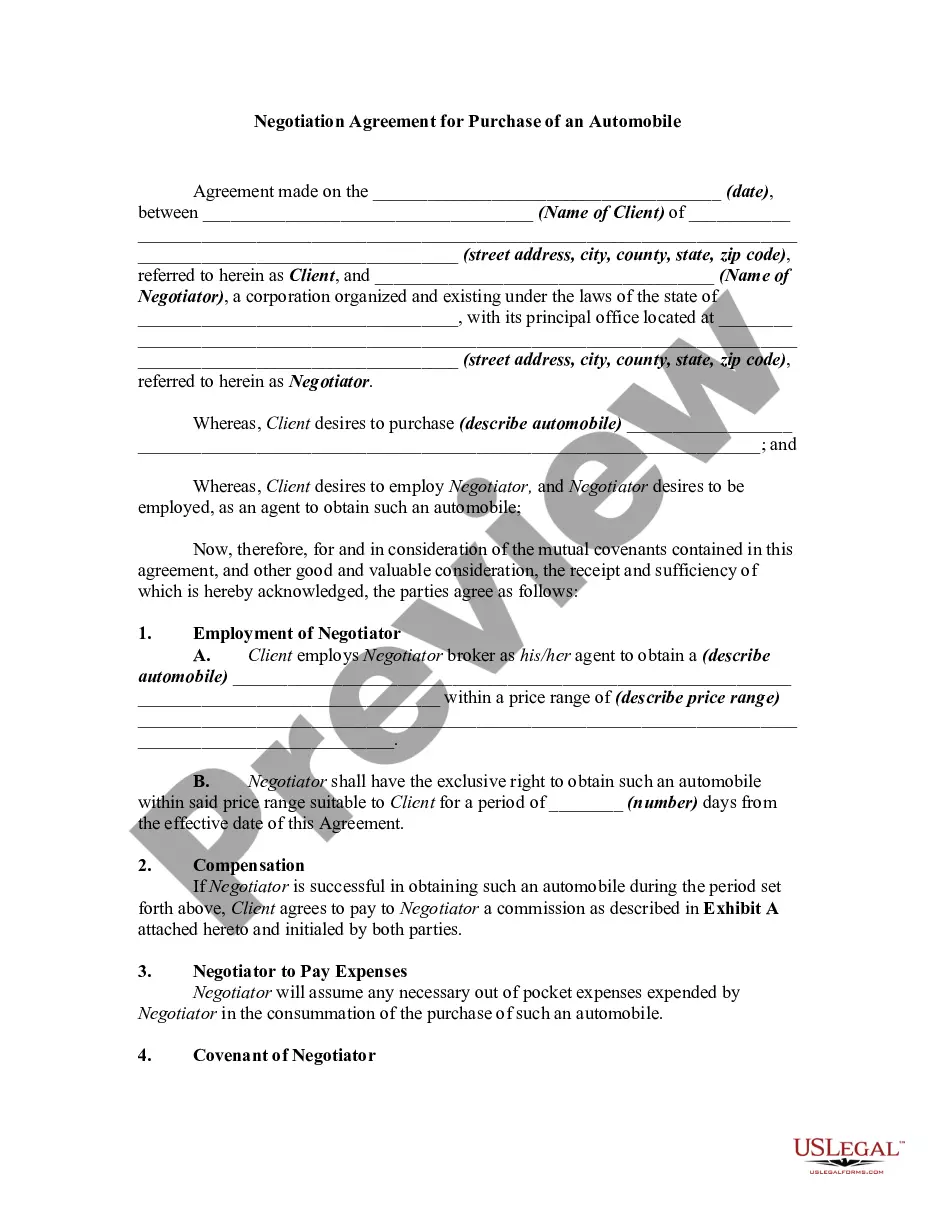
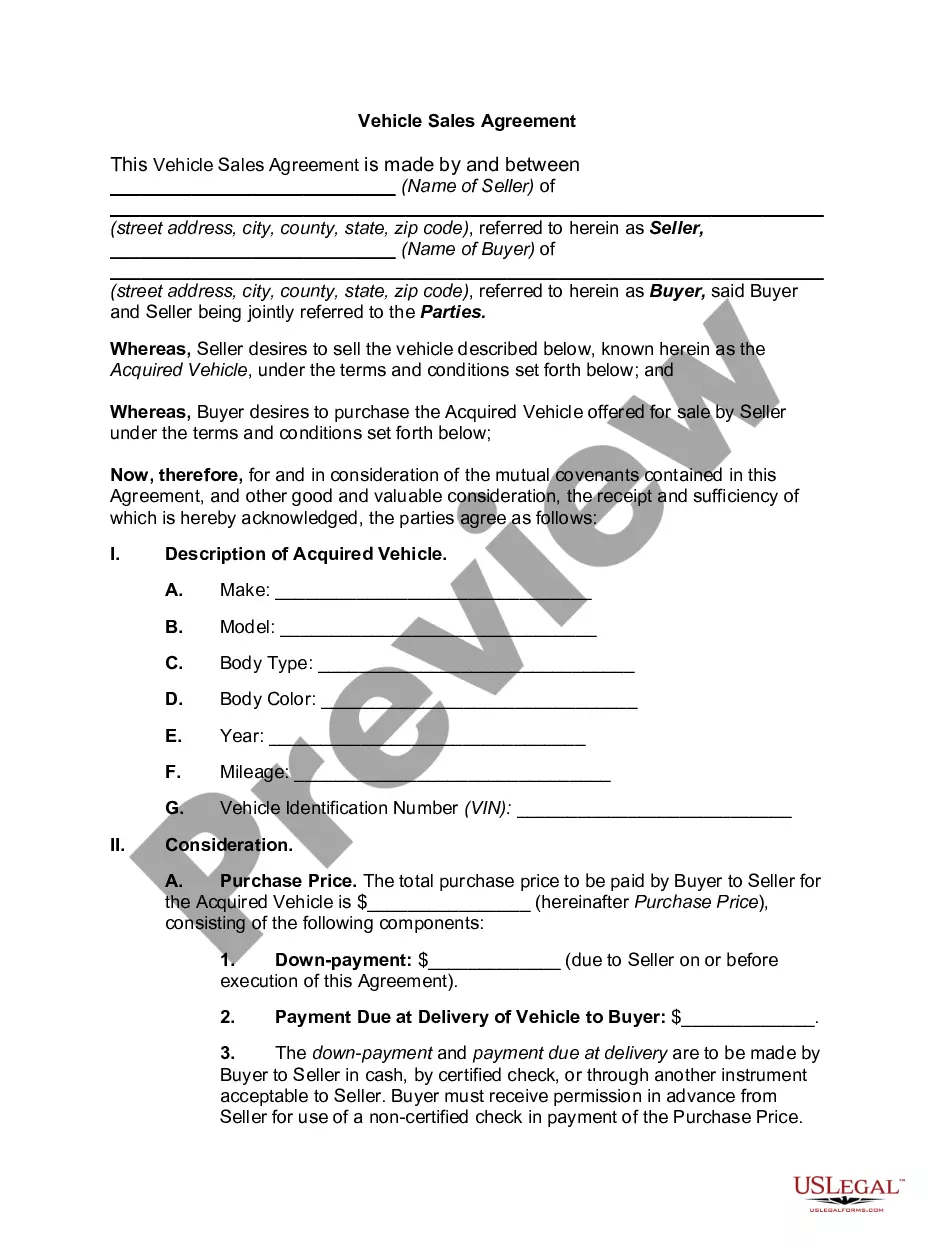
Connecticut Offer to Purchase a Vehicle
Description
Get your form ready online
Our built-in tools help you complete, sign, share, and store your documents in one place.
Make edits, fill in missing information, and update formatting in US Legal Forms—just like you would in MS Word.
Download a copy, print it, send it by email, or mail it via USPS—whatever works best for your next step.
Sign and collect signatures with our SignNow integration. Send to multiple recipients, set reminders, and more. Go Premium to unlock E-Sign.
If this form requires notarization, complete it online through a secure video call—no need to meet a notary in person or wait for an appointment.
We protect your documents and personal data by following strict security and privacy standards.

Make edits, fill in missing information, and update formatting in US Legal Forms—just like you would in MS Word.

Download a copy, print it, send it by email, or mail it via USPS—whatever works best for your next step.

Sign and collect signatures with our SignNow integration. Send to multiple recipients, set reminders, and more. Go Premium to unlock E-Sign.

If this form requires notarization, complete it online through a secure video call—no need to meet a notary in person or wait for an appointment.

We protect your documents and personal data by following strict security and privacy standards.
Looking for another form?

How to fill out Offer To Purchase A Vehicle?
If you require detailed, download, or print sanctioned document templates, utilize US Legal Forms, the largest compilation of sanctioned forms accessible on the web.
Employ the site's straightforward and user-friendly search to locate the documents you need.
A range of templates for business and personal purposes are arranged by categories and states, or keywords.
Step 4. Once you have found the form you need, click the Get now button. Choose the payment plan you prefer and enter your details to sign up for an account.
Step 5. Complete the transaction. You can use your Visa, Mastercard, or PayPal account to finalize the payment. Step 6. Select the format of your legal form and download it to your device. Step 7. Complete, edit, and print or sign the Connecticut Offer to Purchase a Vehicle.
- Utilize US Legal Forms to find the Connecticut Offer to Purchase a Vehicle with just a few clicks.
- If you are already a US Legal Forms customer, Log In to your account and click the Download button to obtain the Connecticut Offer to Purchase a Vehicle.
- You can also access forms you previously downloaded from the My documents tab in your account.
- If this is your first time using US Legal Forms, follow the instructions listed below.
- Step 1. Confirm you have selected the form for the correct city/county.
- Step 2. Use the Preview option to review the form’s details. Be sure to check the description.
- Step 3. If you are not satisfied with the form, utilize the Search field at the top of the screen to find alternative versions of the legal form template.
Form popularity
FAQ
Filling out a CT vehicle title requires accuracy and attention to detail. Start by signing the title in the designated seller section, then fill in the buyer's information. Make sure to include the sale date and odometer reading. Following these steps correctly is crucial for a successful Connecticut Offer to Purchase a Vehicle transaction.
To fill out a title when selling a car in Connecticut, locate the seller's signature section and sign the title. Provide the buyer's name and address in the appropriate fields. Additionally, include the sale date and the odometer reading. Completing these steps accurately ensures a smooth transfer of ownership as part of the Connecticut Offer to Purchase a Vehicle process.
Yes, Connecticut requires a bill of sale in certain transactions, especially when selling a vehicle. It serves as proof of the transaction and can assist with the registration process. While not always mandatory, having a bill of sale is recommended for clarity and protection for both buyer and seller. Understanding the importance of this document can enhance the Connecticut Offer to Purchase a Vehicle experience.
When filling out a Connecticut registration and title application, begin by downloading the form from the Connecticut DMV website. Fill in your personal information along with the vehicle details, including the VIN and odometer reading. Make sure to check the box for the type of transaction you are completing, such as a purchase or a transfer. Using a straightforward process makes the Connecticut Offer to Purchase a Vehicle easier.
To fill out a bill of sale in Connecticut, start by entering the date of the transaction. Next, include the names and addresses of both the buyer and the seller. Be sure to describe the vehicle accurately, including its make, model, year, and Vehicle Identification Number (VIN). Finally, sign the document to complete the Connecticut Offer to Purchase a Vehicle.
Gifting a car and selling it for a dollar each have their advantages in Connecticut. Gifting typically requires fewer formalities and can be easier for both parties. However, if you choose to sell the car for a dollar, ensure you complete a Connecticut Offer to Purchase a Vehicle to formalize the agreement. Think about which option works best for your situation and consult with a tax professional if needed.
In Connecticut, you cannot register a car with just a bill of sale. You need the vehicle title, a completed bill of sale, and, ideally, the Connecticut Offer to Purchase a Vehicle form. This documentation helps establish proof of ownership and meets state requirements for registration. Be sure to visit the DMV with all required information to secure your registration.
To sell a car privately in Connecticut, you need to gather essential documents including the car's title and a completed bill of sale. It’s also advisable to use the Connecticut Offer to Purchase a Vehicle to clarify the terms of the sale. Ensure that the title is signed over to the new owner, and keep a copy of all documents for your records. This preparation ensures a smooth transaction.
Yes, you can buy a car out of state and register it in Connecticut. First, ensure you have all the necessary documentation, including a bill of sale and the vehicle's title. After the purchase, you will need to complete the Connecticut Offer to Purchase a Vehicle form during registration at your local DMV. This process allows you to legally acquire and register an out-of-state vehicle.
To register a car purchased out of state in Connecticut, you first need to obtain a Connecticut Offer to Purchase a Vehicle. This document serves as proof of your ownership. Next, gather the necessary paperwork, including your out-of-state title, proof of identity, and proof of residence. Finally, visit your local Department of Motor Vehicles (DMV) office to complete the registration process, ensuring you meet all state requirements.