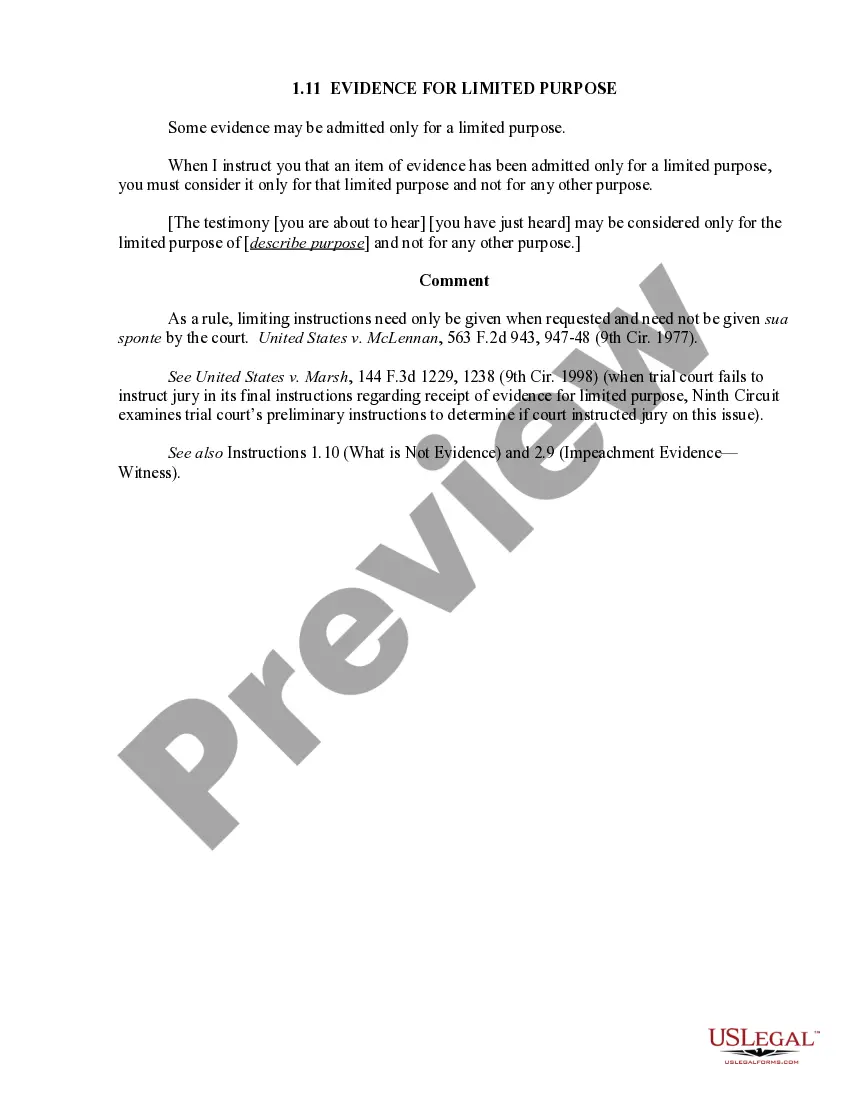
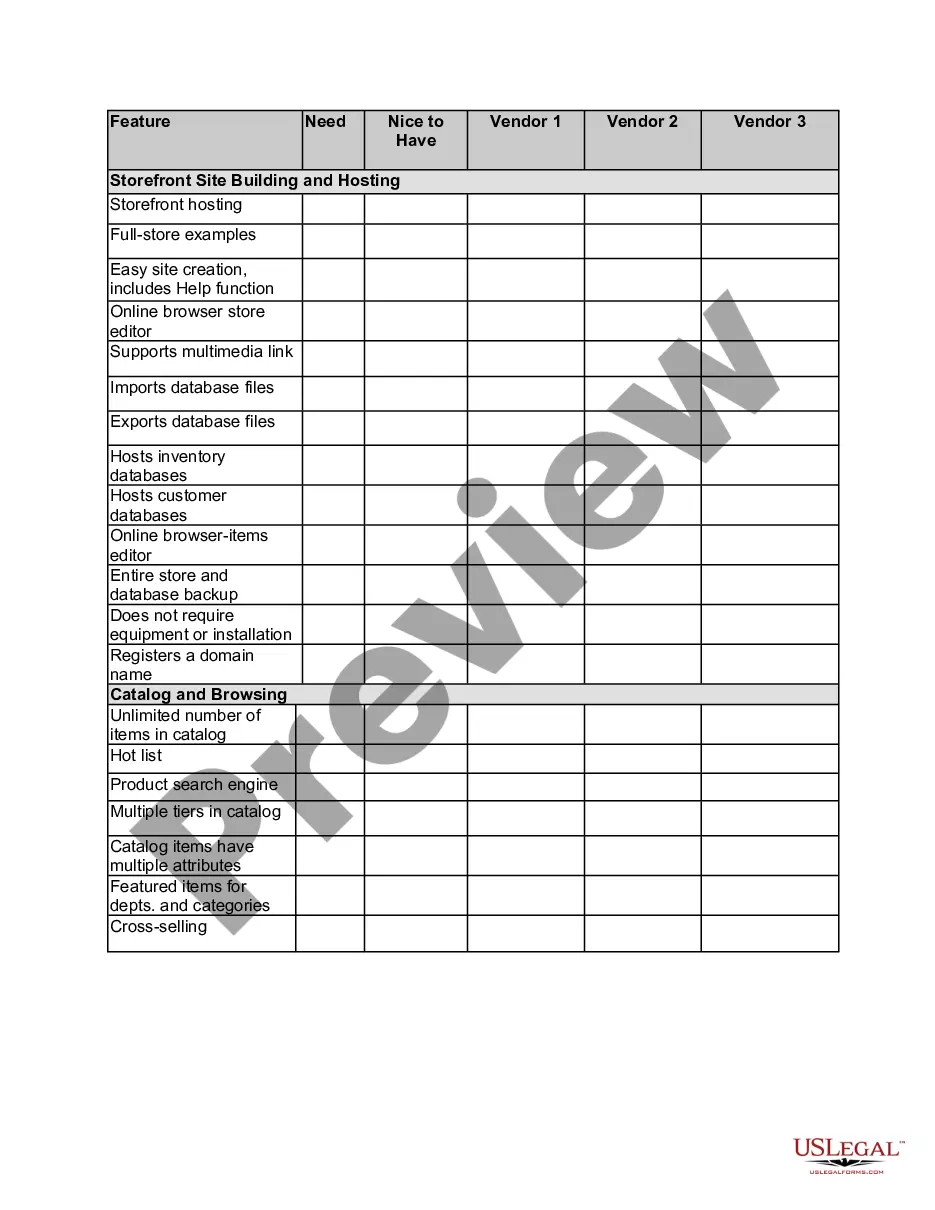
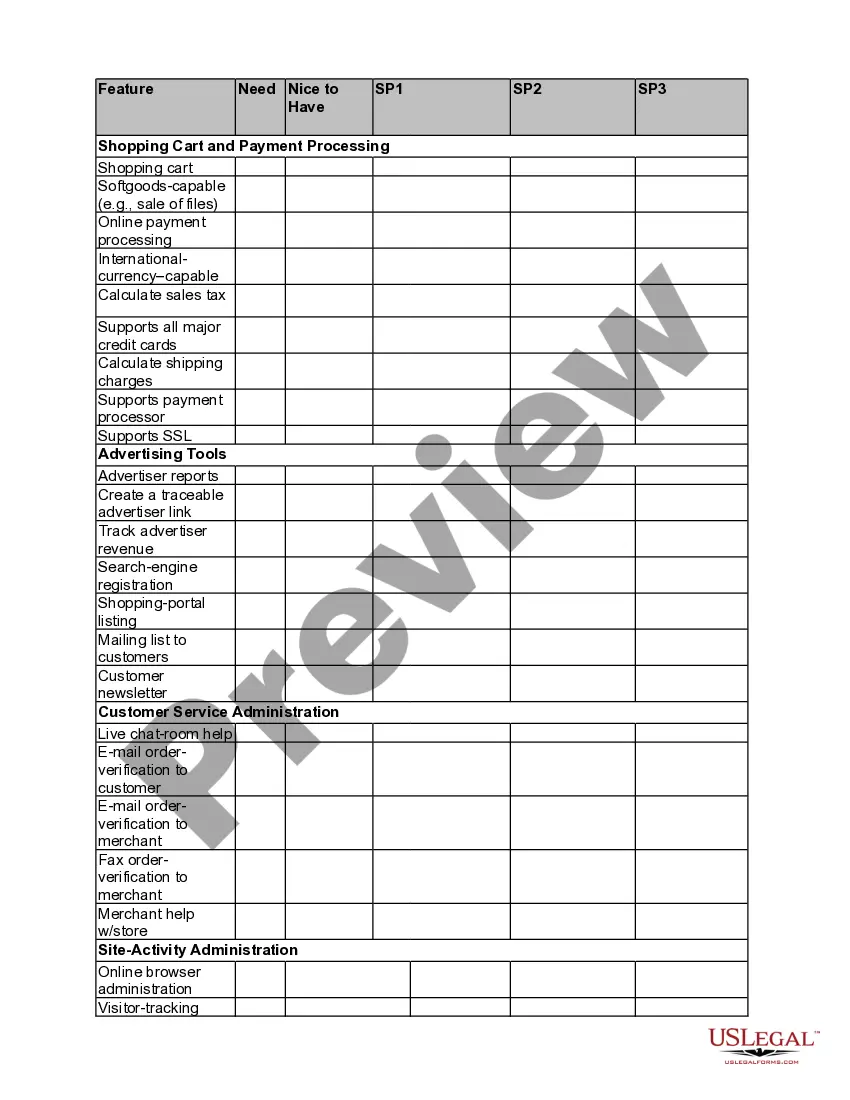
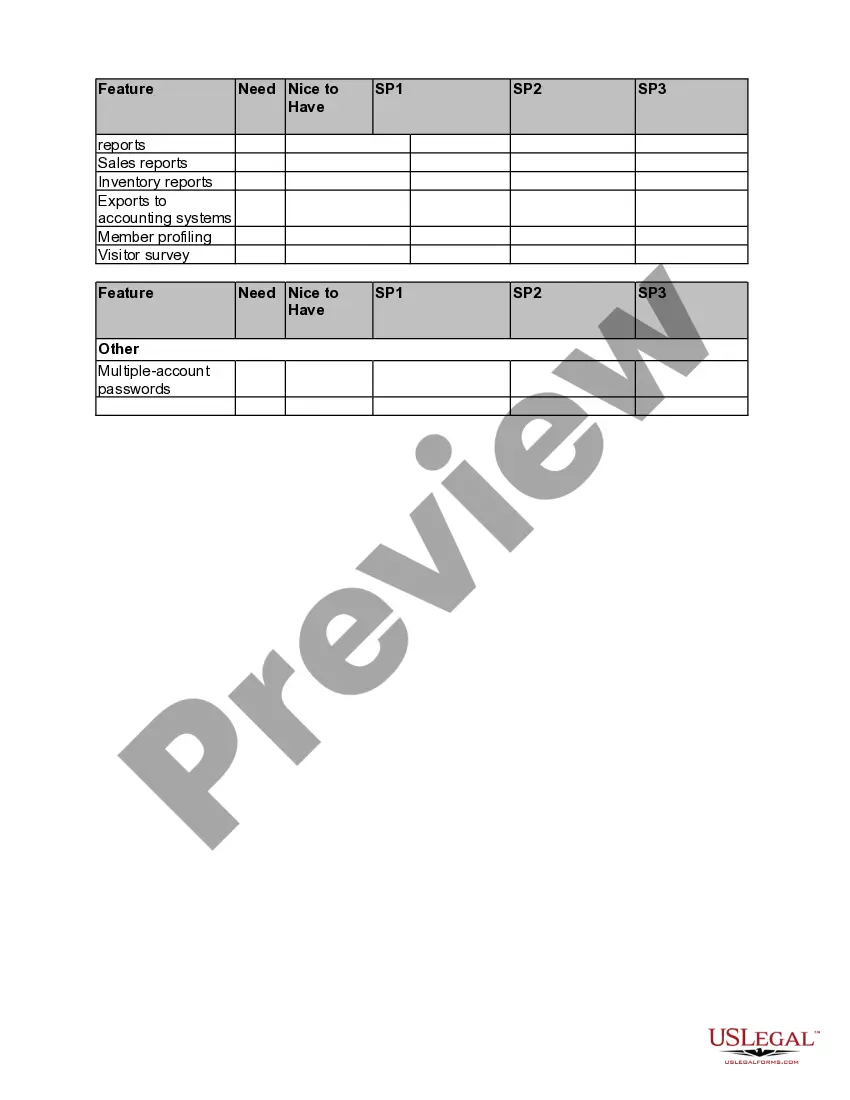
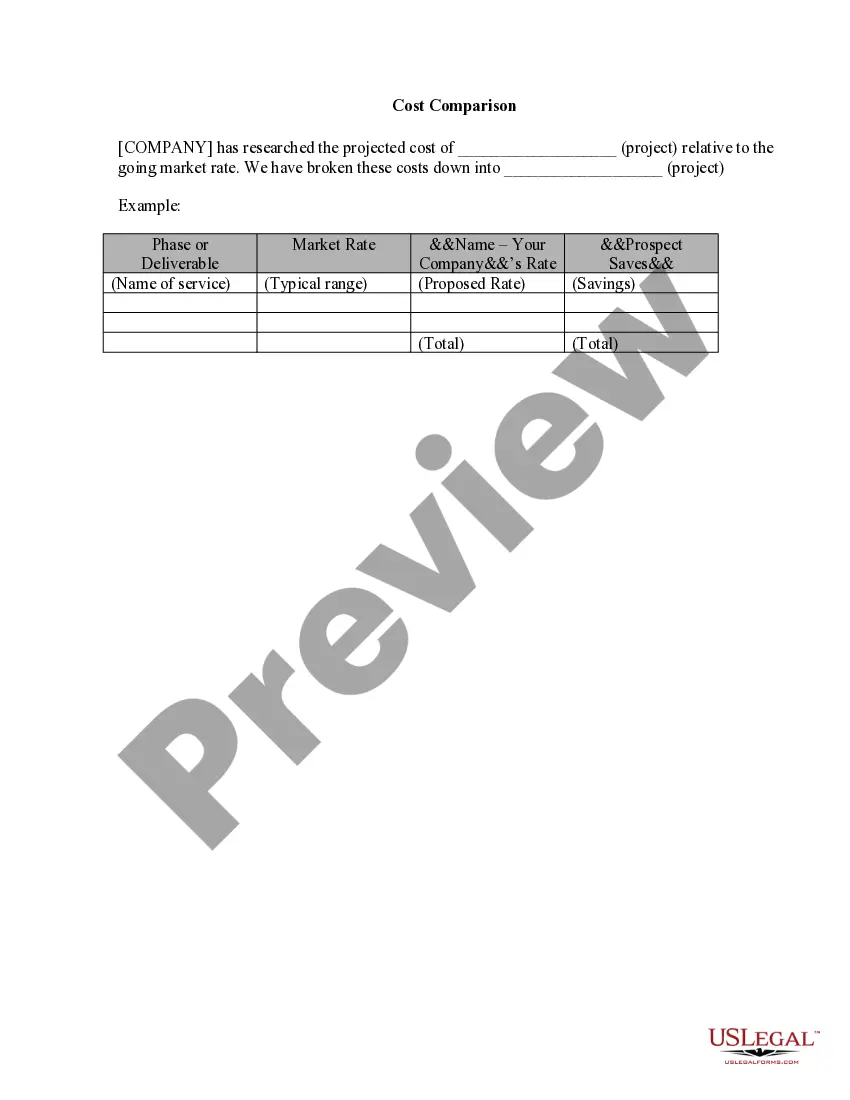
Connecticut E-commerce Product-Comparison Matrix
Description
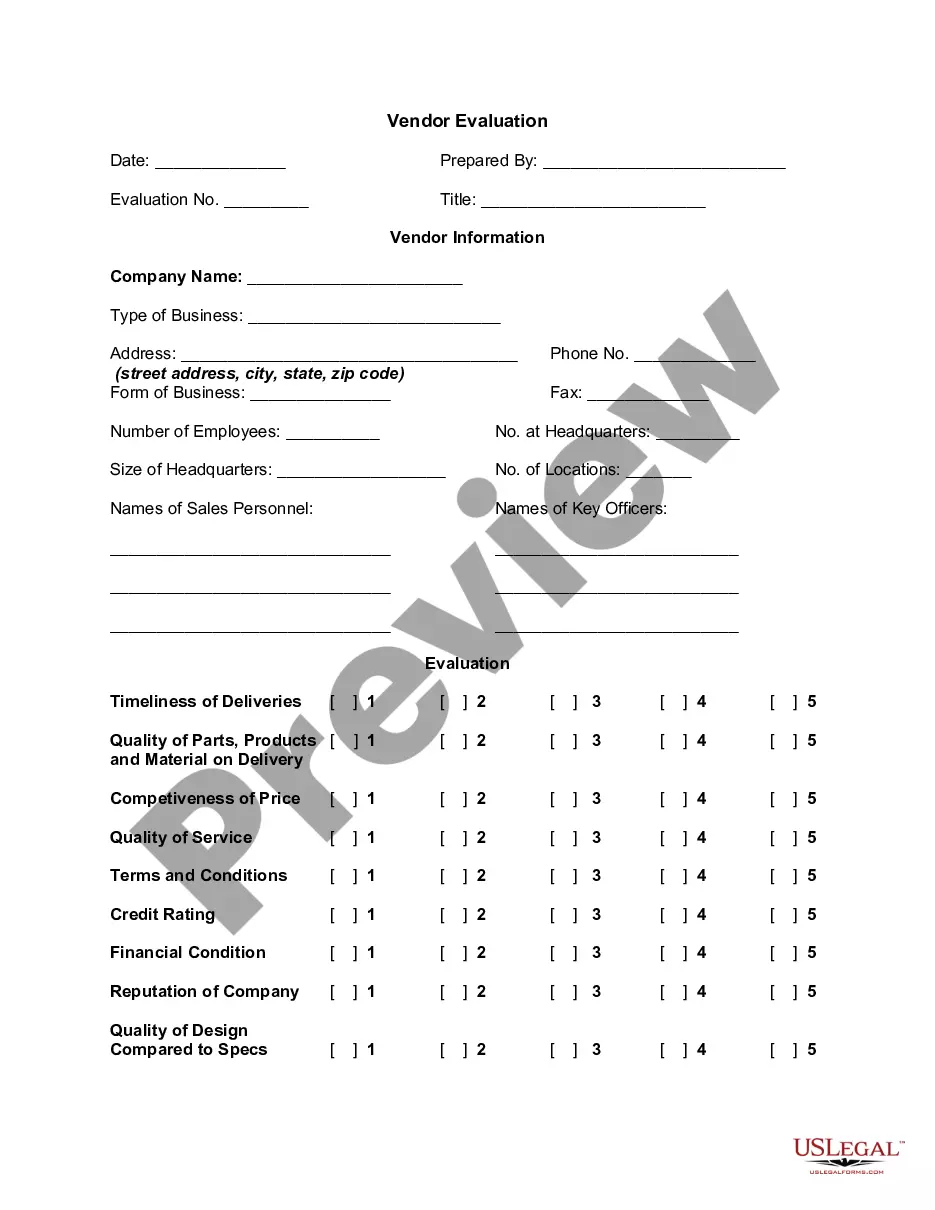
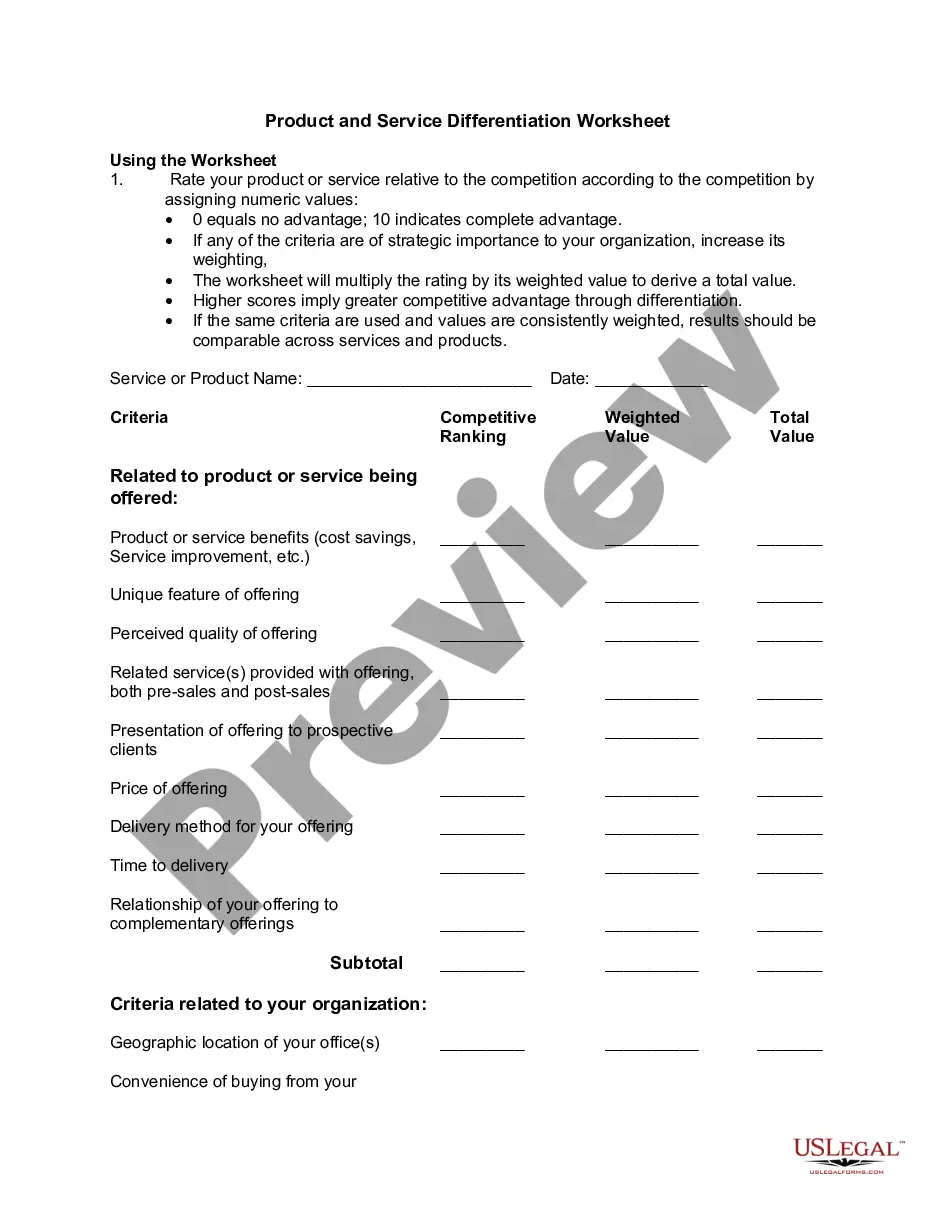
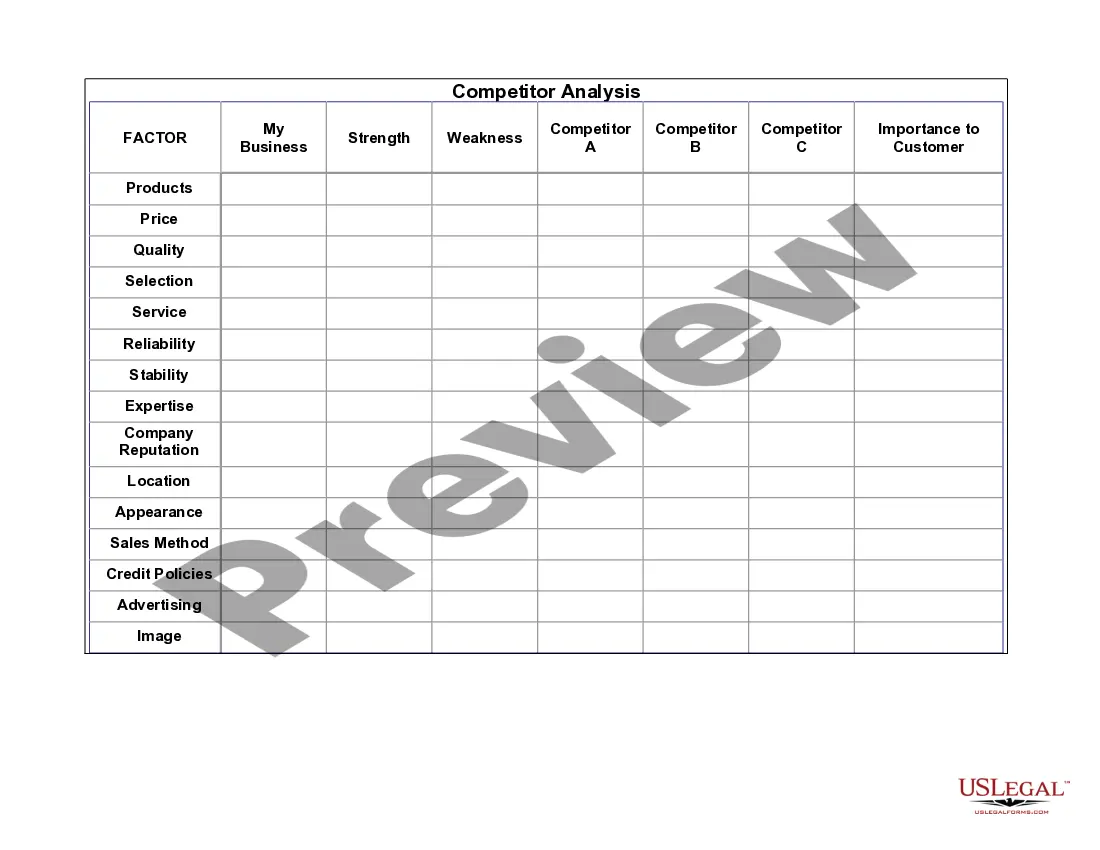
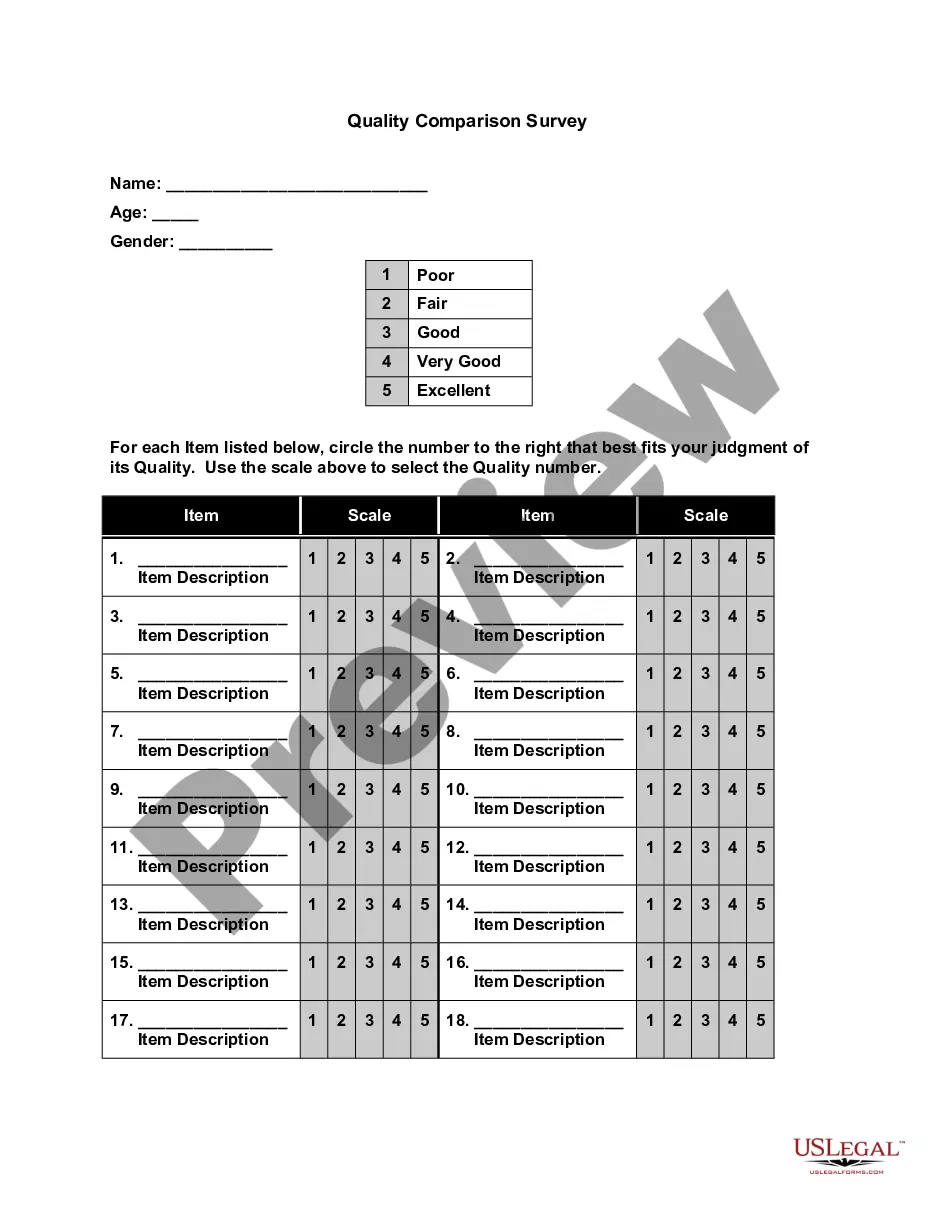
Get your form ready online
Our built-in tools help you complete, sign, share, and store your documents in one place.
Make edits, fill in missing information, and update formatting in US Legal Forms—just like you would in MS Word.
Download a copy, print it, send it by email, or mail it via USPS—whatever works best for your next step.
Sign and collect signatures with our SignNow integration. Send to multiple recipients, set reminders, and more. Go Premium to unlock E-Sign.
If this form requires notarization, complete it online through a secure video call—no need to meet a notary in person or wait for an appointment.
We protect your documents and personal data by following strict security and privacy standards.

Make edits, fill in missing information, and update formatting in US Legal Forms—just like you would in MS Word.

Download a copy, print it, send it by email, or mail it via USPS—whatever works best for your next step.

Sign and collect signatures with our SignNow integration. Send to multiple recipients, set reminders, and more. Go Premium to unlock E-Sign.

If this form requires notarization, complete it online through a secure video call—no need to meet a notary in person or wait for an appointment.

We protect your documents and personal data by following strict security and privacy standards.
Looking for another form?

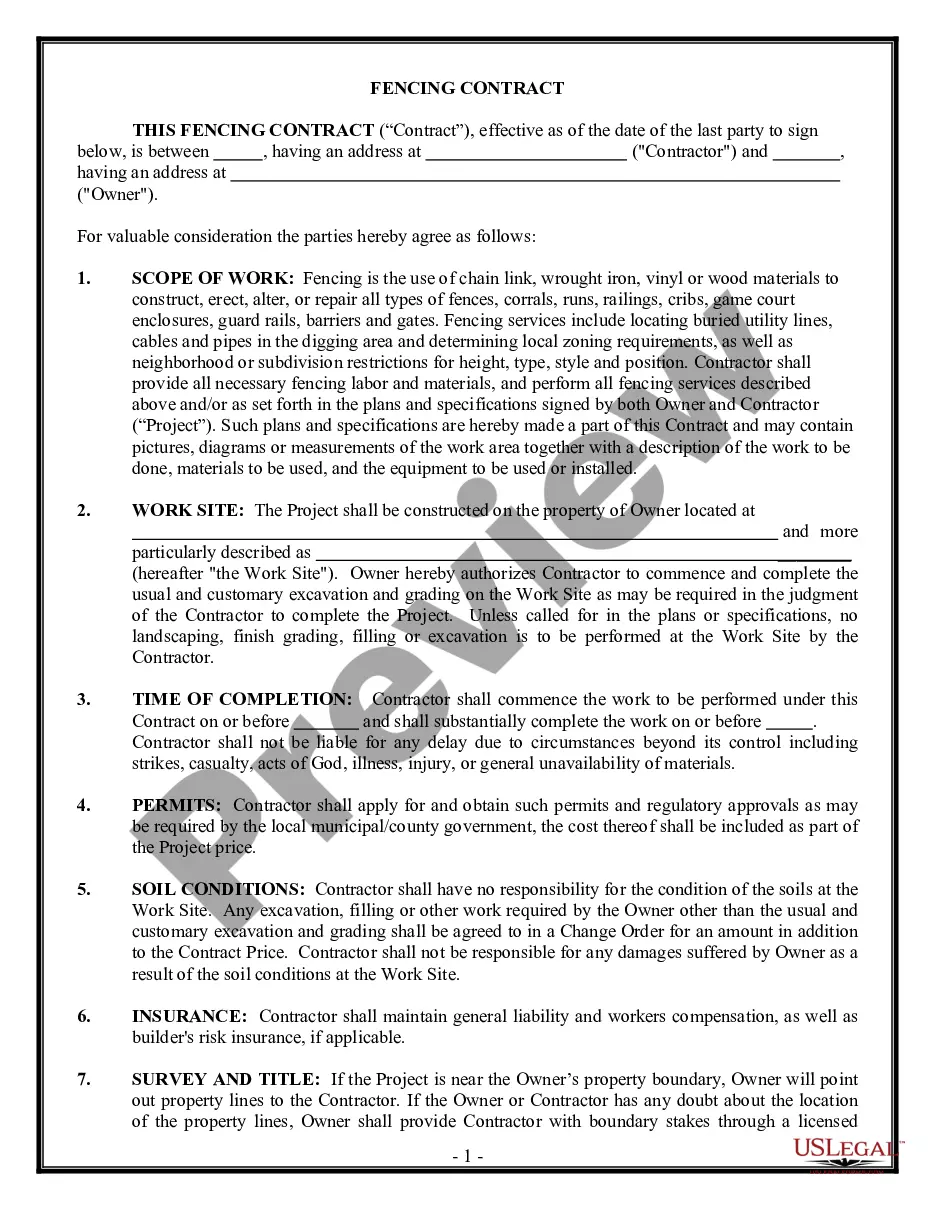




How to fill out E-commerce Product-Comparison Matrix?
You might spend hours online trying to locate the valid document template that meets the state and federal requirements you require.
US Legal Forms provides thousands of valid templates that have been reviewed by professionals.
It is easy to download or print the Connecticut E-commerce Product-Comparison Matrix from my services.
If available, use the Preview button to view the document template as well.
- If you already possess a US Legal Forms account, you can Log In and then click the Download button.
- After that, you can fill out, modify, print, or sign the Connecticut E-commerce Product-Comparison Matrix.
- Each valid document template you obtain is yours indefinitely.
- To acquire another copy of any downloaded template, go to the My documents tab and click the appropriate button.
- If you are using the US Legal Forms website for the first time, follow the simple instructions below.
- First, ensure that you have selected the correct document template for the area/city of your choice.
- Review the template details to ensure you have chosen the right template.
Form popularity
FAQ
Competitive Product AnalysisStep 1: Assess your current product pricing. The first step in any product analysis is to assess current pricing.Step 2: Compare key features. Next is a comparison of key features.Step 3: Pinpoint differentiators.Step 4: Identify market gaps.
Place the similar features on top, followed by the unique and exclusive details about the products. Compare products with distinct features, so the buyers will know that they benefit from choosing one item. Know the customers' deciding factor. Research what they need, why purchasing the items can be beneficial to them.
How To2026 Undertake a Product ComparisonStep 1: Create a list of competiting products. Determine which products compete directly in the same marketplace as your product.Step 2: Undertake research.Step 3: Create a Product Comparison table.Step 4: Conclusion.
How to Create a Comparison Chart in ExcelStep 1 Launch Excel. To create a comparison chart in Excel, launch the MS Excel desktop app, and select a blank workbook.Step 2 Enter Data. Now enter your data in the workbook.Step 3 Inset Comparison Chart.Step 4 Customize.Step 5 Save.
How to Create a Product Comparison Template?A general description of the product (what it does, how it looks)The product's purpose (how is it intended to be used, and what pain points it resolves)Practicability and how functional it is.
How To2026 Undertake a Product ComparisonStep 1: Create a list of competiting products. Determine which products compete directly in the same marketplace as your product.Step 2: Undertake research.Step 3: Create a Product Comparison table.Step 4: Conclusion.
How to Create a Comparison Chart in ExcelStep 1 Launch Excel.Step 2 Enter Data.Step 3 Inset Comparison Chart.Step 4 Customize.Step 5 Save.Step 1 Go to Edraw.Step 2 Search Template.Step 3 Add Data and Customize.More items...
A product Comparison tool allows the customer to choose the best products available based on the attributes described by the seller.