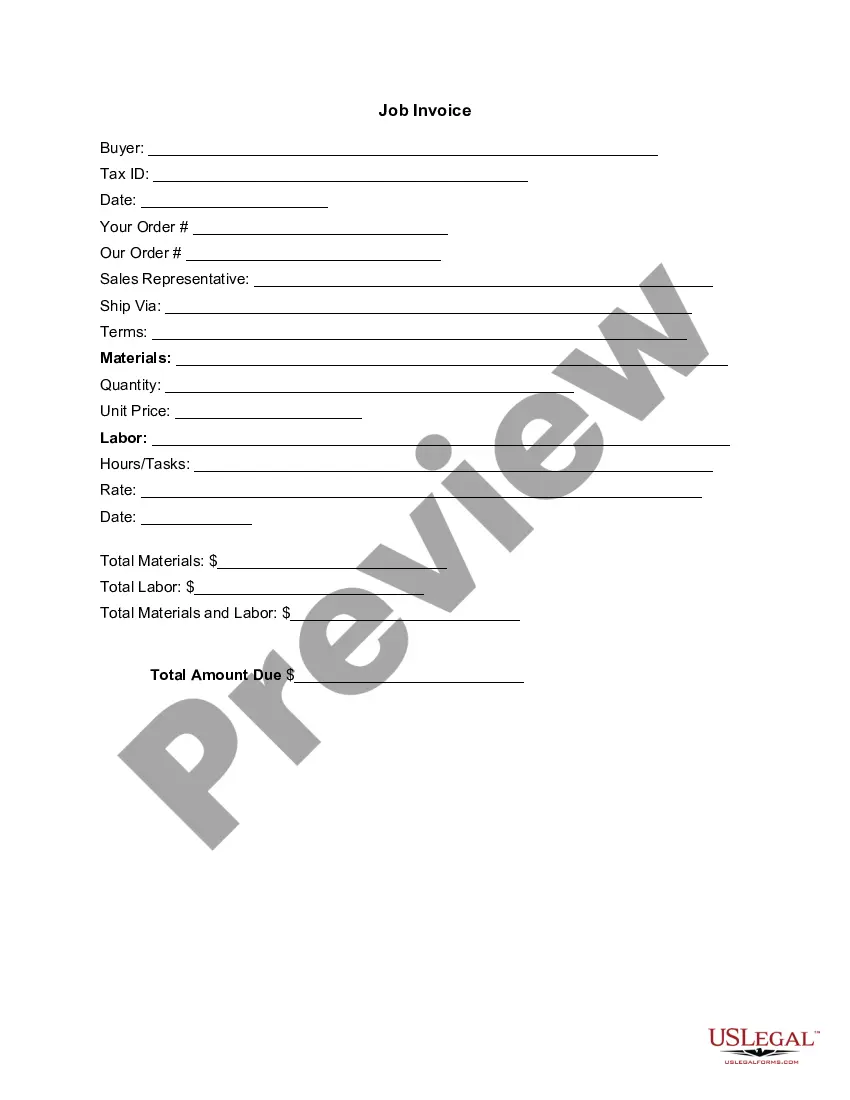
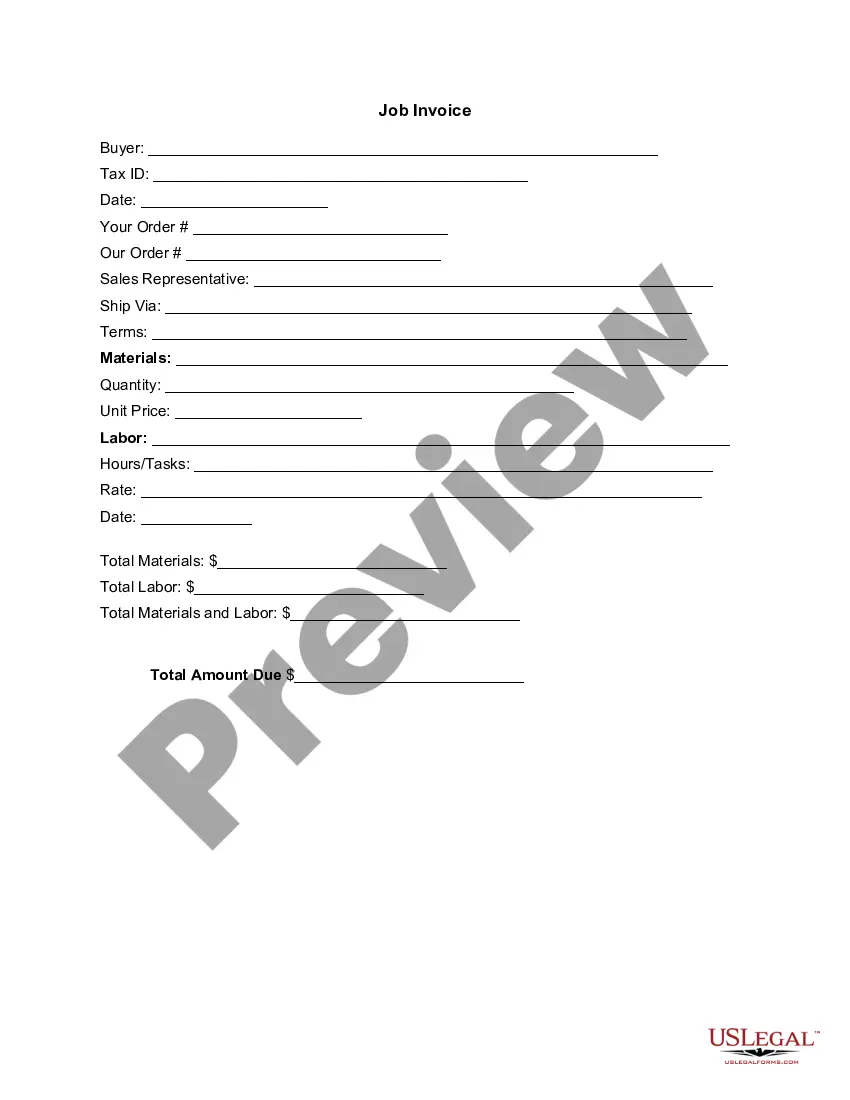
Connecticut Invoice Template for Designer
Description

Get your form ready online
Our built-in tools help you complete, sign, share, and store your documents in one place.
Make edits, fill in missing information, and update formatting in US Legal Forms—just like you would in MS Word.
Download a copy, print it, send it by email, or mail it via USPS—whatever works best for your next step.
Sign and collect signatures with our SignNow integration. Send to multiple recipients, set reminders, and more. Go Premium to unlock E-Sign.
If this form requires notarization, complete it online through a secure video call—no need to meet a notary in person or wait for an appointment.
We protect your documents and personal data by following strict security and privacy standards.

Make edits, fill in missing information, and update formatting in US Legal Forms—just like you would in MS Word.

Download a copy, print it, send it by email, or mail it via USPS—whatever works best for your next step.

Sign and collect signatures with our SignNow integration. Send to multiple recipients, set reminders, and more. Go Premium to unlock E-Sign.

If this form requires notarization, complete it online through a secure video call—no need to meet a notary in person or wait for an appointment.

We protect your documents and personal data by following strict security and privacy standards.
Looking for another form?

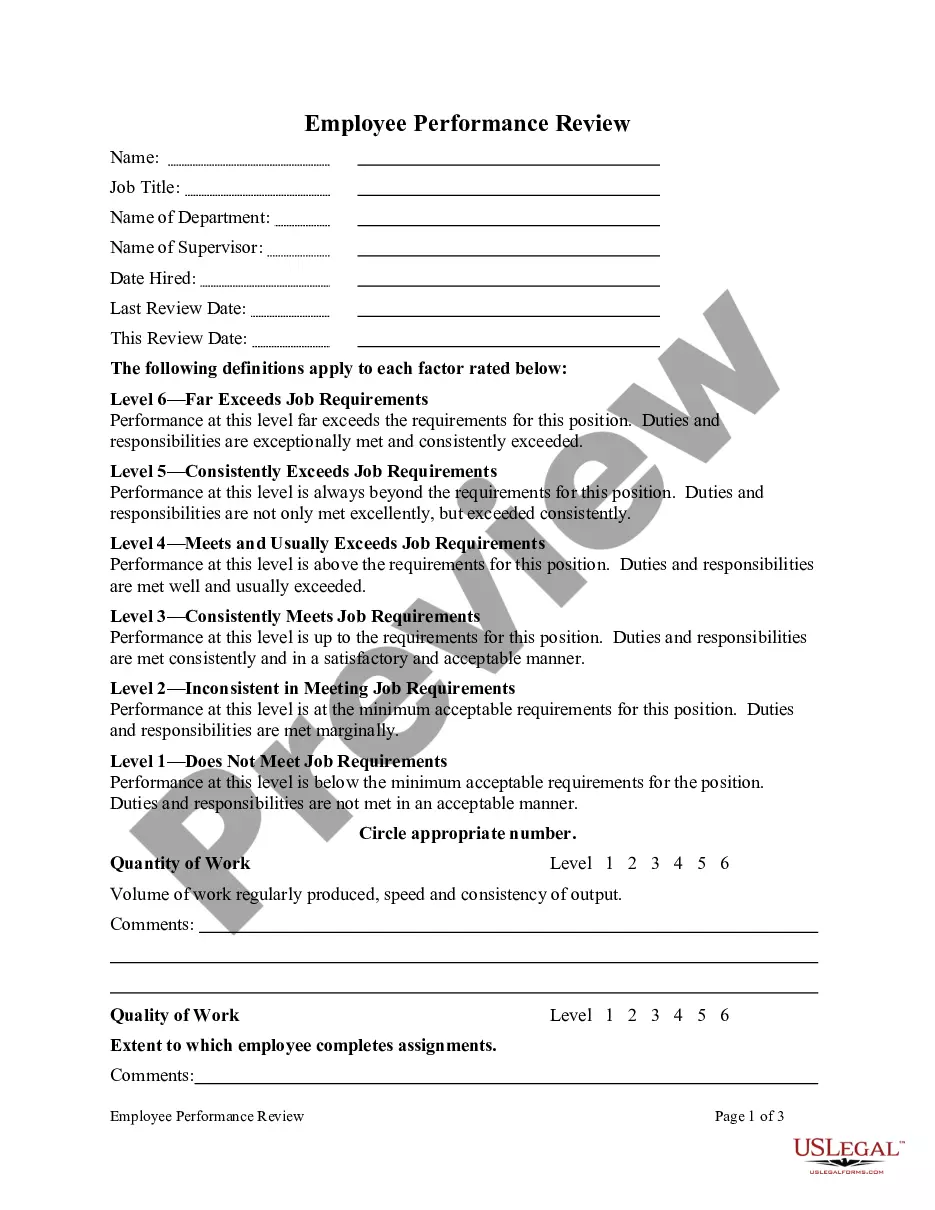
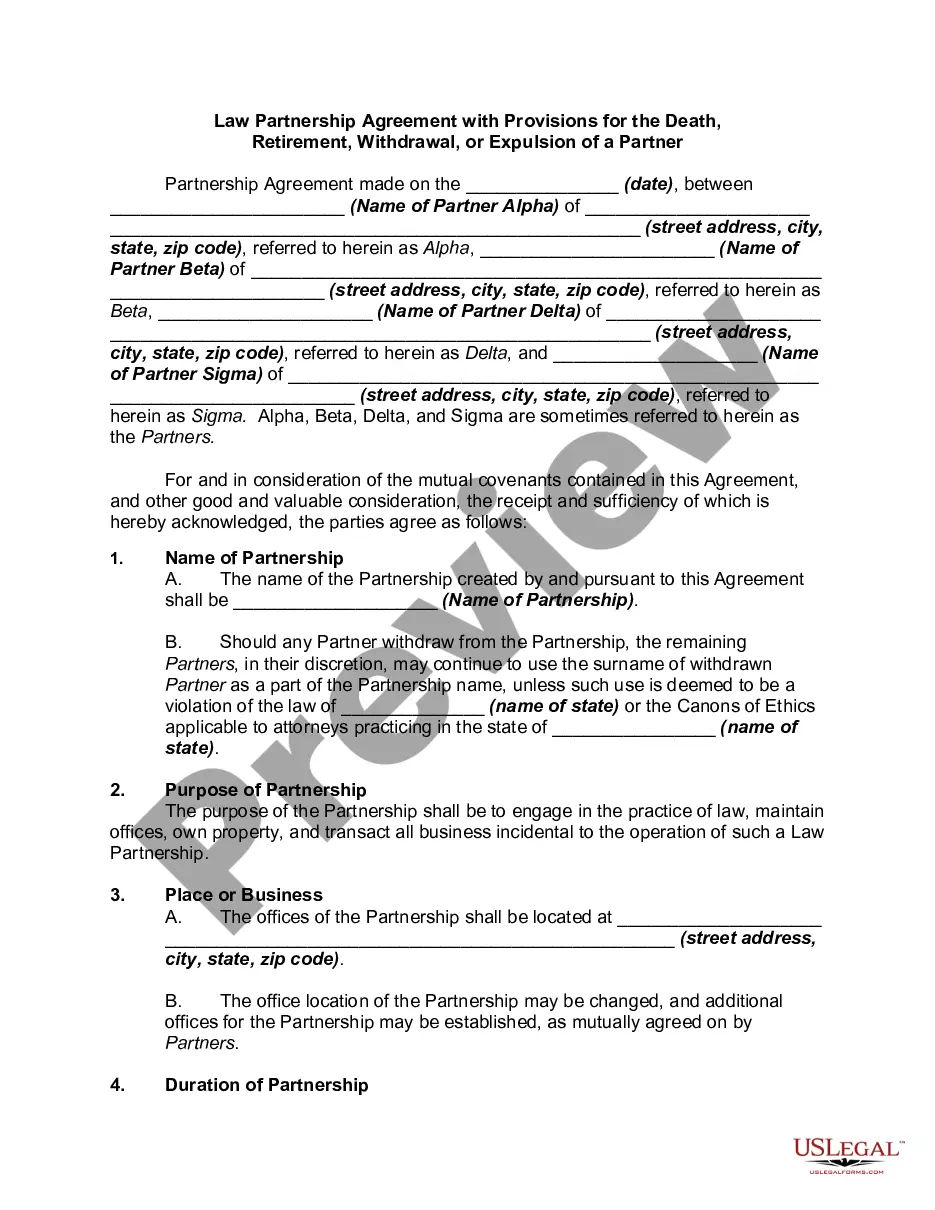







How to fill out Invoice Template For Designer?
Have you ever been in a situation where you need documents for both professional or personal purposes almost daily.
There are numerous legal document templates accessible online, but finding versions you can rely on isn’t easy.
US Legal Forms offers a vast assortment of form templates, including the Connecticut Invoice Template for Designers, designed to meet federal and state requirements.
Choose the pricing plan you desire, complete the necessary information to create your account, and pay for the order using your PayPal or credit card.
Select a convenient file format and download your copy.
- If you are already familiar with the US Legal Forms website and possess an account, simply Log In.
- Then, you can download the Connecticut Invoice Template for Designer format.
- If you lack an account and wish to start using US Legal Forms, follow these instructions.
- Obtain the form you require and ensure it is for your correct state/region.
- Utilize the Preview button to review the form.
- Examine the description to confirm you have selected the correct form.
- If the form isn’t what you’re looking for, use the Search field to locate the form that fits your requirements and needs.
- After finding the appropriate form, click on Get now.
Form popularity
FAQ
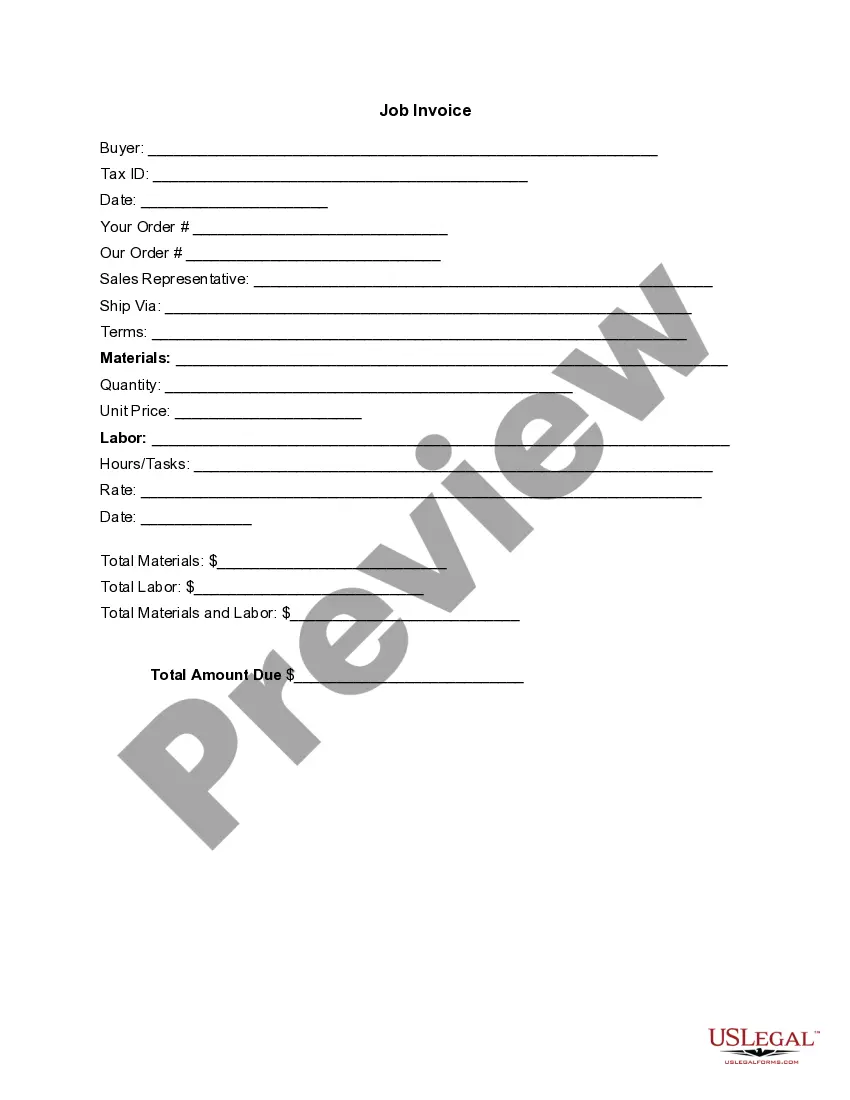
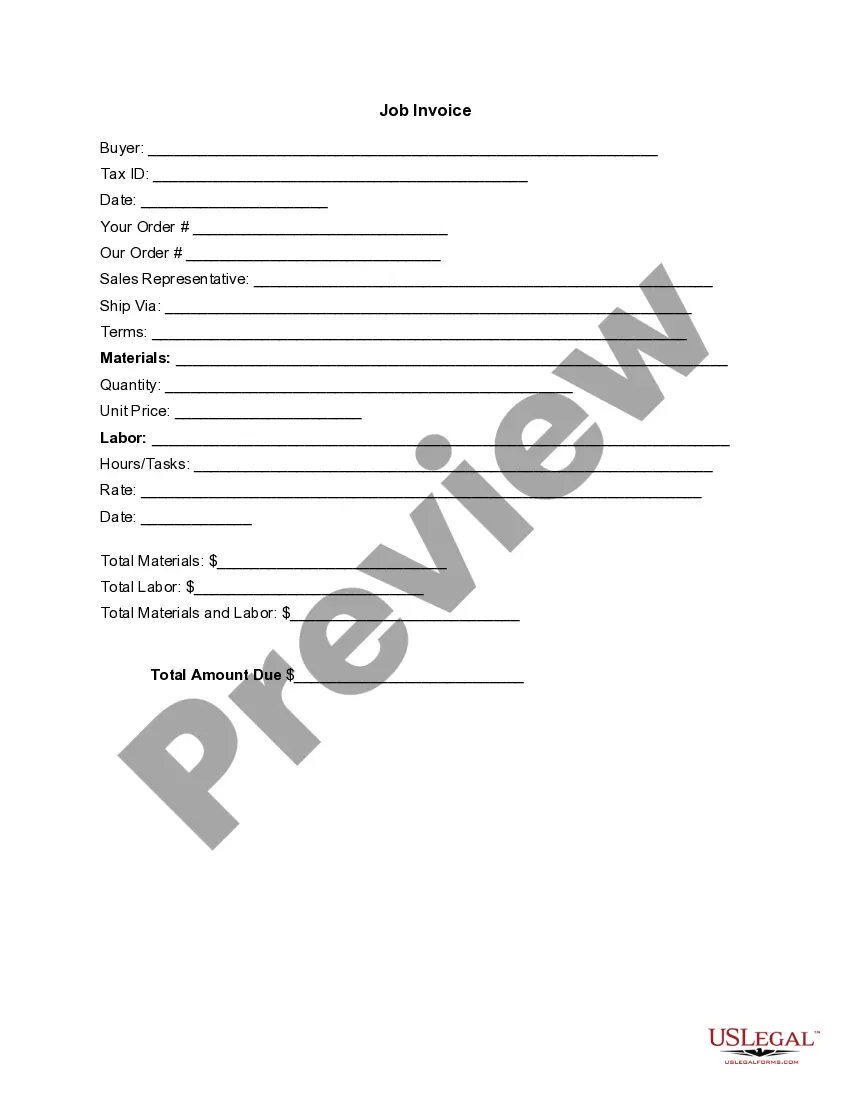
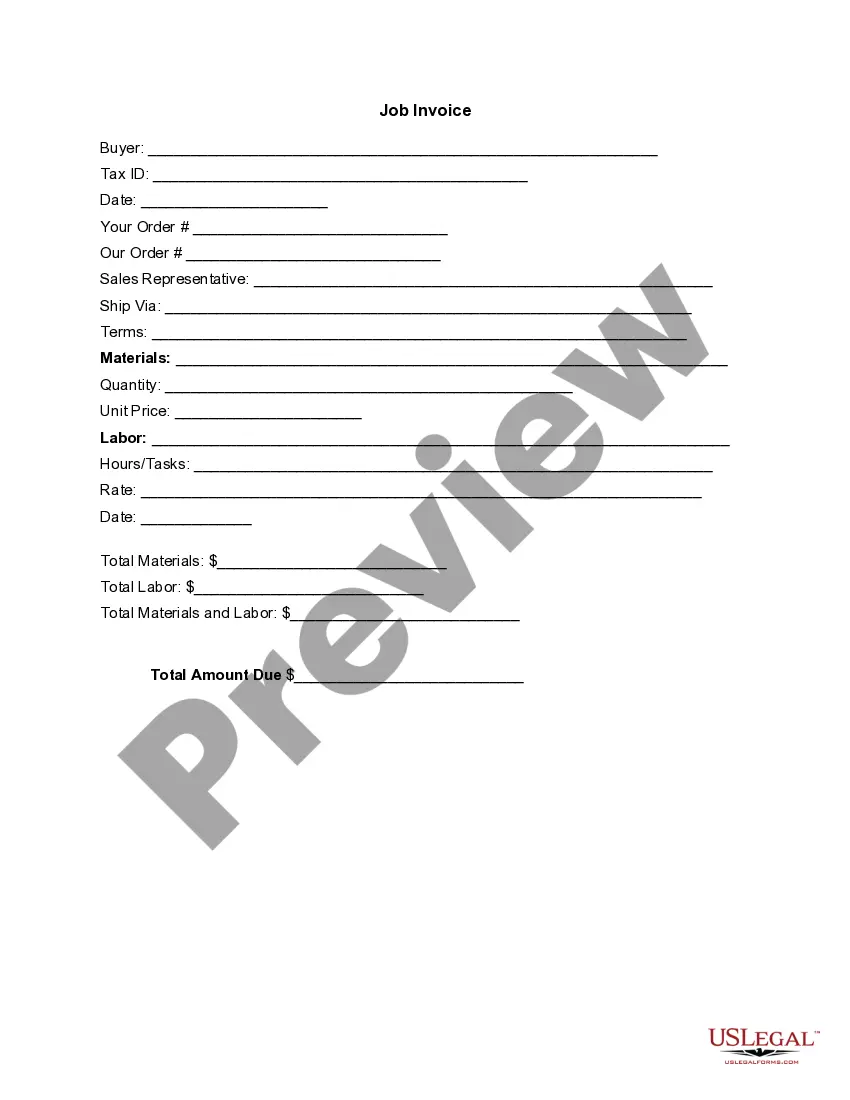
Creating a design invoice is efficient with a Connecticut Invoice Template for Designer tailored to your needs. Input your business information, the client's details, and a detailed list of design services rendered such as consultations, drafts, or final artwork. Don't forget to include payment terms and conditions to facilitate prompt payment. A structured invoice fosters clear communication and professionalism.
Changing the invoice format is easy when you use a customizable Connecticut Invoice Template for Designer. Select a template that fits your needs, then edit the layout, colors, or fonts as needed. This flexibility allows you to maintain a professional look while enhancing your brand’s identity. Always save your changes so you can use your customized format in future invoices.
To make an acting invoice, you can utilize a Connecticut Invoice Template for Designer for a polished presentation. Enter your name, contact information, and the details of the services rendered, such as rehearsals or performances. Make sure to include payment terms and deadlines for clearer communication with your clients. This template will help streamline the payment process and ensure you get compensated on time.
Creating an invoice for modeling is straightforward when you use a Connecticut Invoice Template for Designer. Start by inputting your personal information and the client's details. Include a description of the modeling services provided, the rate, and any additional fees. Finally, choose a professional format that suits your style and send it to your client for payment.
The format of an invoice generally includes your business name, client details, an itemized list of services, and the total amount due. A Connecticut invoice template for designer helps you effectively organize these elements. This format not only aids in clarity but also reinforces professionalism in your transactions.
Creating a modeling invoice requires you to list your services accurately. Use a Connecticut invoice template for designer tailored for creative services to present your work professionally. Detail your sessions, costs, and any additional fees to ensure your client remains informed and understands the billing structure.
The best format for an invoice is one that is clear and easy to understand. A well-designed Connecticut invoice template for designer can guide you in arranging all necessary information, ensuring that your clients grasp the details at a glance. Simplicity and clarity in format lead to faster payments and better relationships.
A standard invoicing format typically includes your details, client information, itemized services, total fees, and payment terms. Utilizing a Connecticut invoice template for designer can streamline this process by providing a user-friendly layout. This standardization not only helps in communication but also in professional presentation.
The correct format for an invoice includes a header with your business name, followed by the client's information, service details, and payment terms. Using a Connecticut invoice template for designer ensures that you maintain the right order and structure. Remember to number your invoices for record-keeping and tracking purposes.
Writing an invoice correctly involves including essential details. Use a Connecticut invoice template for designer that guides you to include your information, client details, a list of services rendered, payment due date, and total amount due. Always check for accuracy to eliminate miscommunications and fast-track payment.