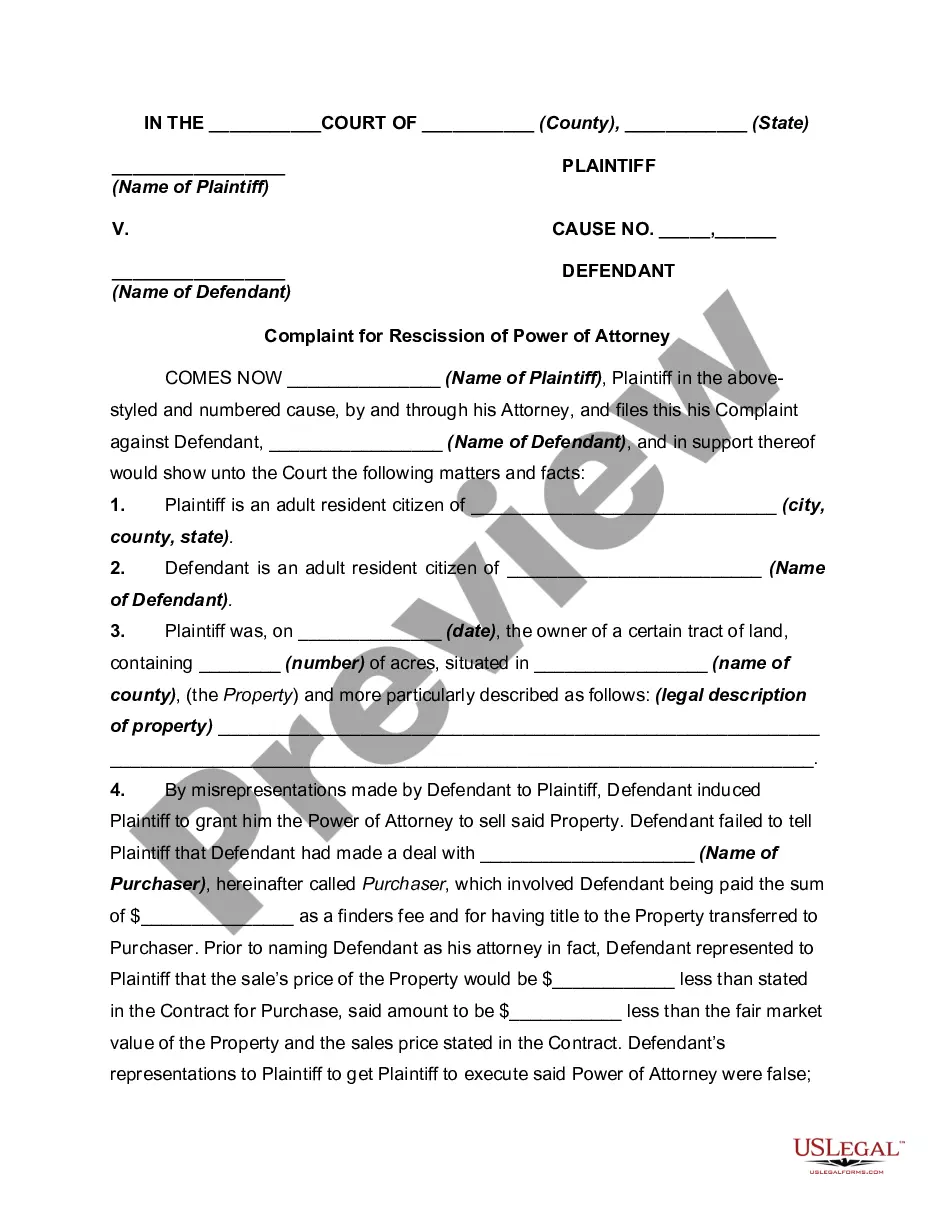
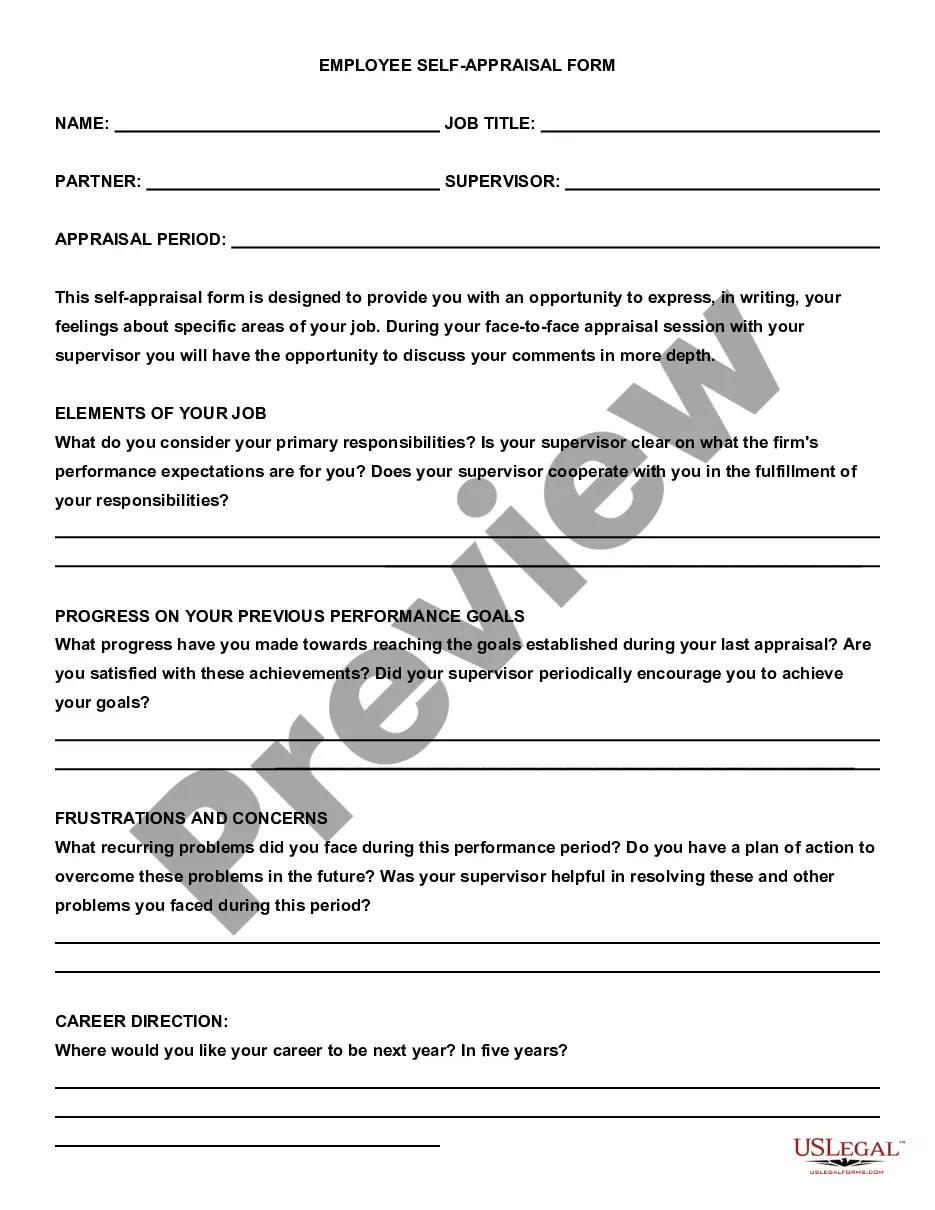
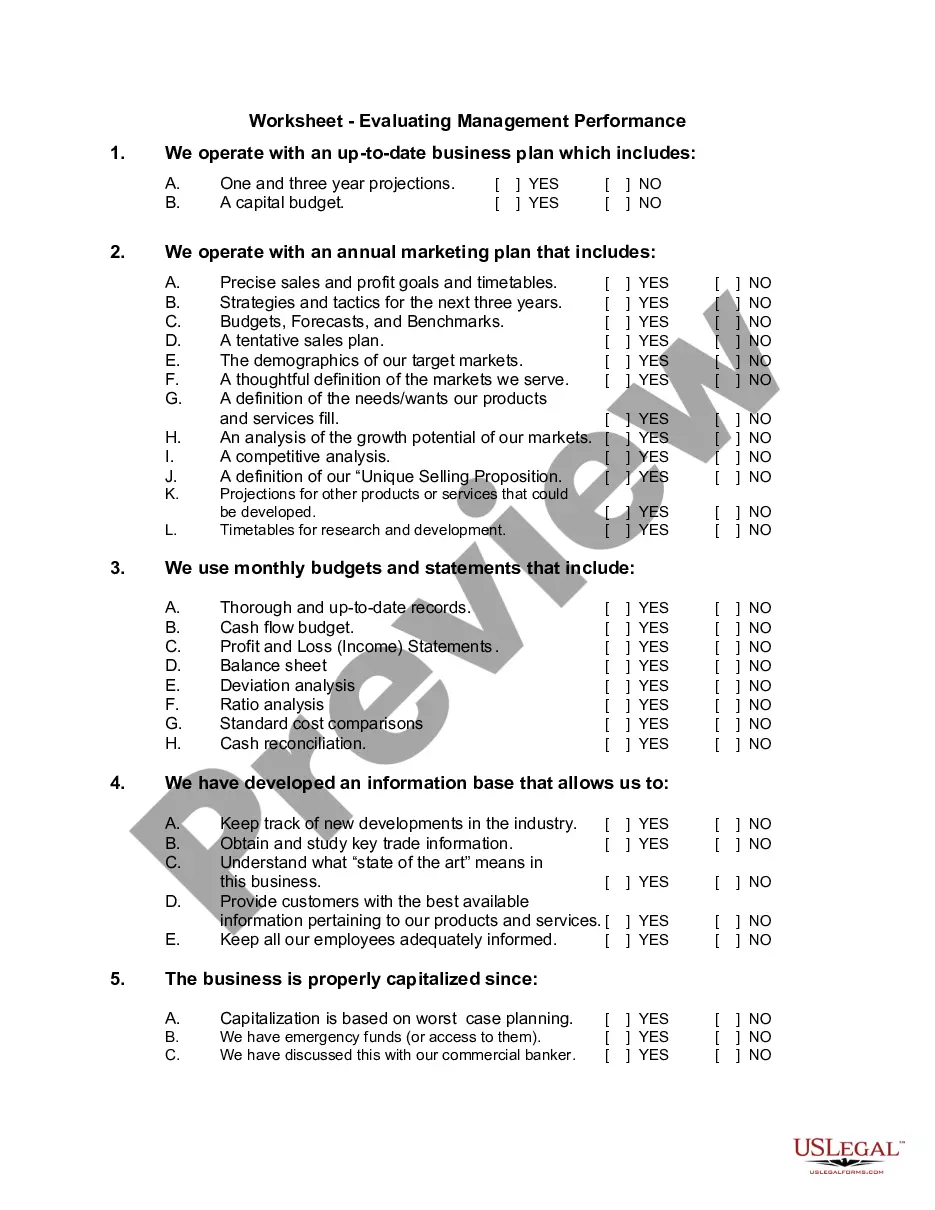
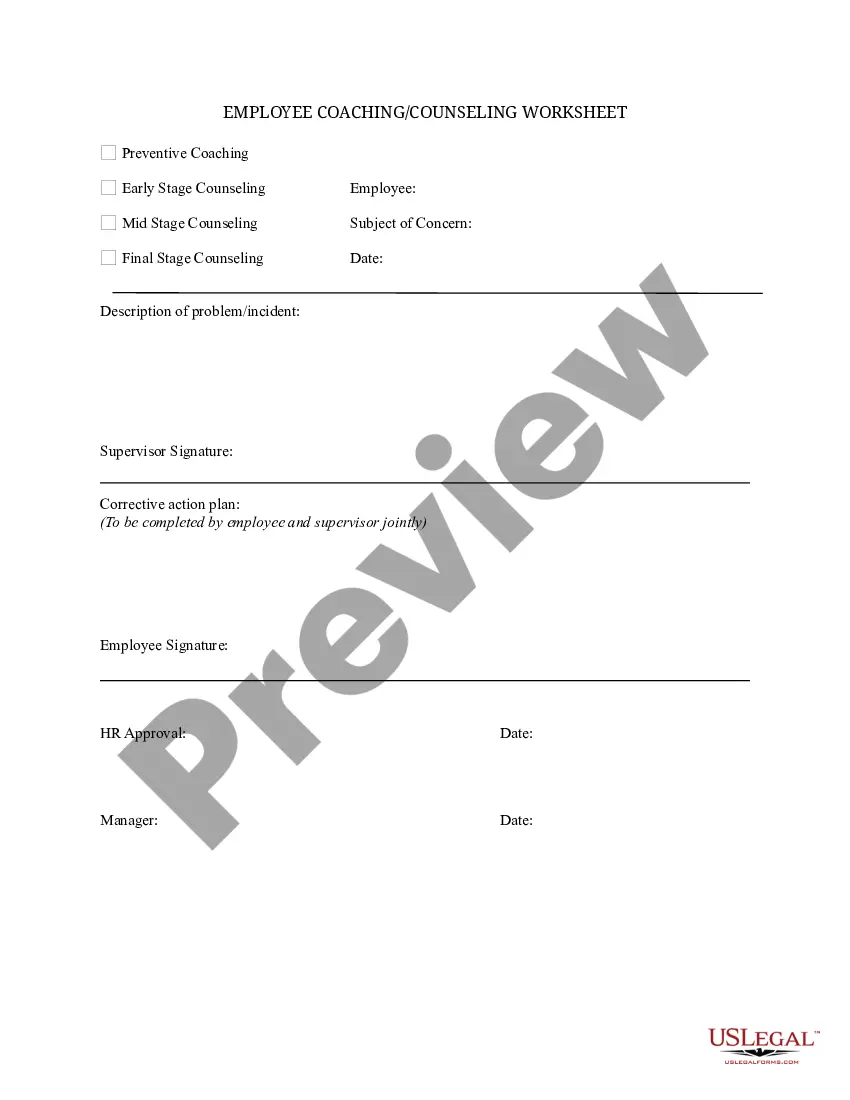
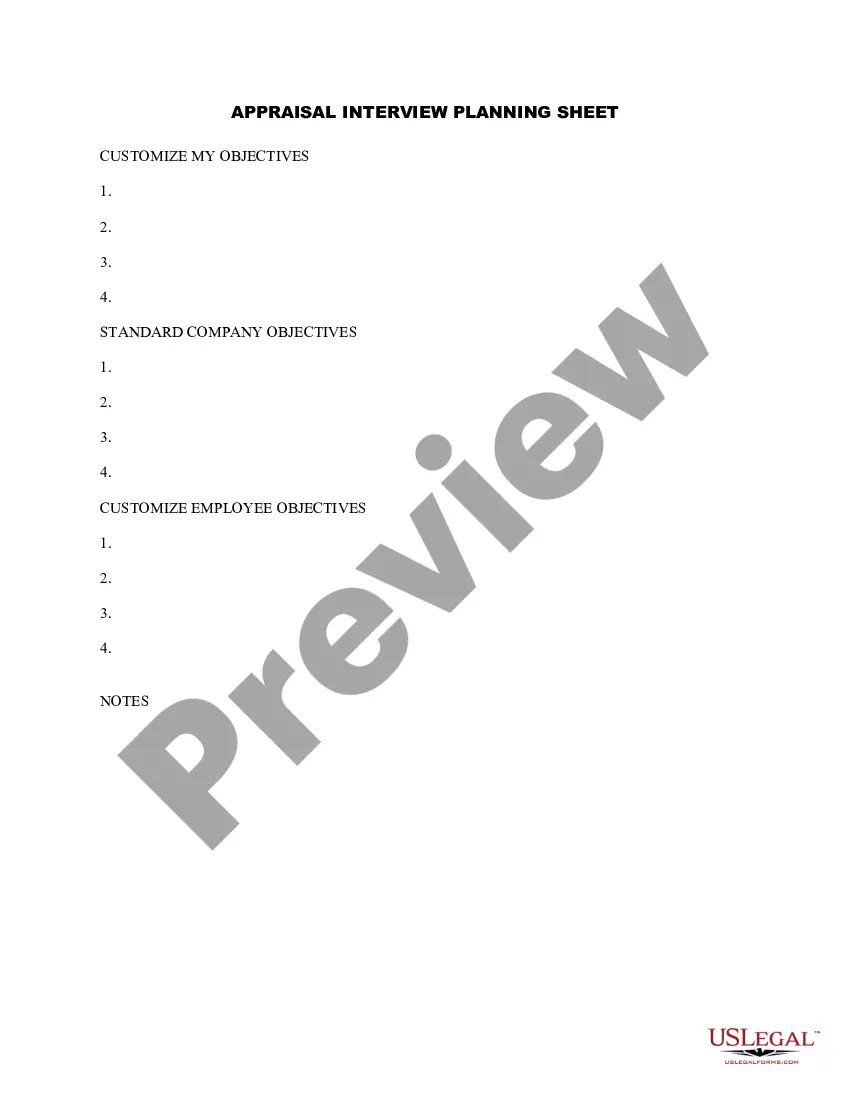
Colorado Coaching Worksheet
Description

Get your form ready online
Our built-in tools help you complete, sign, share, and store your documents in one place.
Make edits, fill in missing information, and update formatting in US Legal Forms—just like you would in MS Word.
Download a copy, print it, send it by email, or mail it via USPS—whatever works best for your next step.
Sign and collect signatures with our SignNow integration. Send to multiple recipients, set reminders, and more. Go Premium to unlock E-Sign.
If this form requires notarization, complete it online through a secure video call—no need to meet a notary in person or wait for an appointment.
We protect your documents and personal data by following strict security and privacy standards.

Make edits, fill in missing information, and update formatting in US Legal Forms—just like you would in MS Word.

Download a copy, print it, send it by email, or mail it via USPS—whatever works best for your next step.

Sign and collect signatures with our SignNow integration. Send to multiple recipients, set reminders, and more. Go Premium to unlock E-Sign.

If this form requires notarization, complete it online through a secure video call—no need to meet a notary in person or wait for an appointment.

We protect your documents and personal data by following strict security and privacy standards.
Looking for another form?
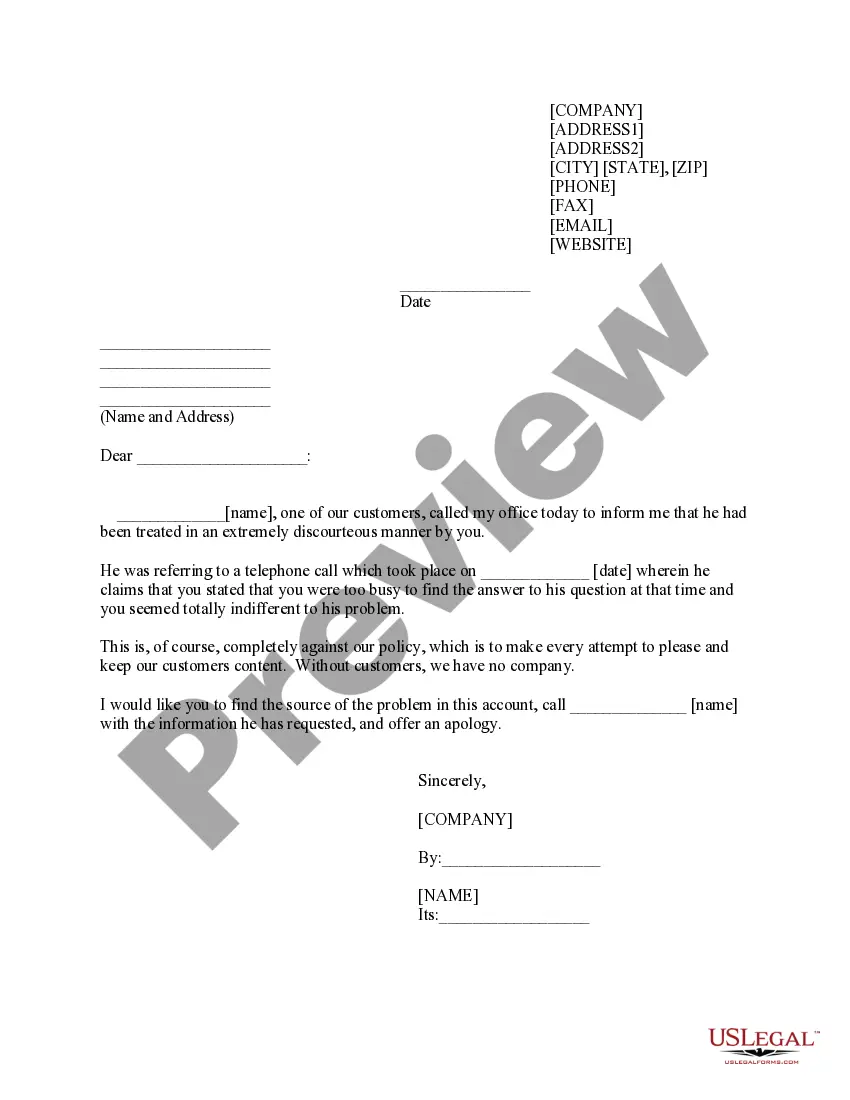





How to fill out Coaching Worksheet?
Choosing the right lawful papers design can be a battle. Obviously, there are tons of layouts accessible on the Internet, but how do you find the lawful type you want? Use the US Legal Forms site. The service gives 1000s of layouts, for example the Colorado Coaching Worksheet, that can be used for company and private needs. Each of the forms are inspected by experts and meet up with federal and state needs.
In case you are currently registered, log in to your profile and click the Down load button to get the Colorado Coaching Worksheet. Make use of profile to check with the lawful forms you have ordered in the past. Visit the My Forms tab of your own profile and have an additional copy of the papers you want.
In case you are a whole new user of US Legal Forms, allow me to share easy recommendations that you should comply with:
- Initial, make certain you have selected the proper type for the town/region. It is possible to look through the shape using the Preview button and study the shape information to make certain it is the best for you.
- In the event the type does not meet up with your preferences, utilize the Seach area to find the correct type.
- Once you are sure that the shape is suitable, click on the Acquire now button to get the type.
- Pick the prices program you would like and enter the required information and facts. Make your profile and pay money for your order using your PayPal profile or credit card.
- Pick the submit formatting and down load the lawful papers design to your product.
- Total, revise and printing and sign the attained Colorado Coaching Worksheet.
US Legal Forms is the most significant local library of lawful forms that you can find different papers layouts. Use the company to down load appropriately-produced papers that comply with condition needs.
Form popularity
FAQ
Colorado Shines is a quality rating and improvement system that monitors and supports early learning programs. Its primary functions are to help participating programs and professionals improve their quality through assessment, training and tools, and to connect Colorado families with quality child care.
If at any time during the process you have questions or need additional support, contact Colorado Shines as follows: For QRIS related questions please email cdec_coshines@state.co.us or call 844-447-4441 option 1.
Once a program is a Level 2, the process to reach a Level 3-5 Colorado Shines rating is based on the program's success in these areas: Workforce Qualifications and Professional Development. ... Family Partnerships. ... Leadership, Management and Administration. ... Learning Environment. ... Child Health.
The Colorado Shines rating is a guarantee to families that your program is licensed, in good standing and meets basic health and safety standards. Colorado Shines rates the quality of Colorado's early learning programs, on a scale of 1 to 5, based on how well your program: Supports children's health and safety.
Early Childhood Teacher (ECT) Certification The Colorado Division of Early Care and Learning offers an optional Official Early Childhood Teacher Qualification Verification Letter from CDHS for individuals seeking to be assigned responsibility for a single group of children in a child care center.
Follow these steps to advance to a Level 2 program in Colorado Shines. Step 1: Ensure you are a Level 1 program in Colorado Shines with a license in good standing. Step 2: Sign in to the Provider Hub and click on the Colorado Shines QRIS button. ... Step 3: Complete the Colorado Shines professional development requirements:
Follow these steps to advance to a Level 2 program in Colorado Shines. Step 1: Ensure you are a Level 1 program in Colorado Shines with a license in good standing. Step 2: Sign in to the Provider Hub and click on the Colorado Shines QRIS button. ... Step 3: Complete the Colorado Shines professional development requirements: