California Plan of Liquidation
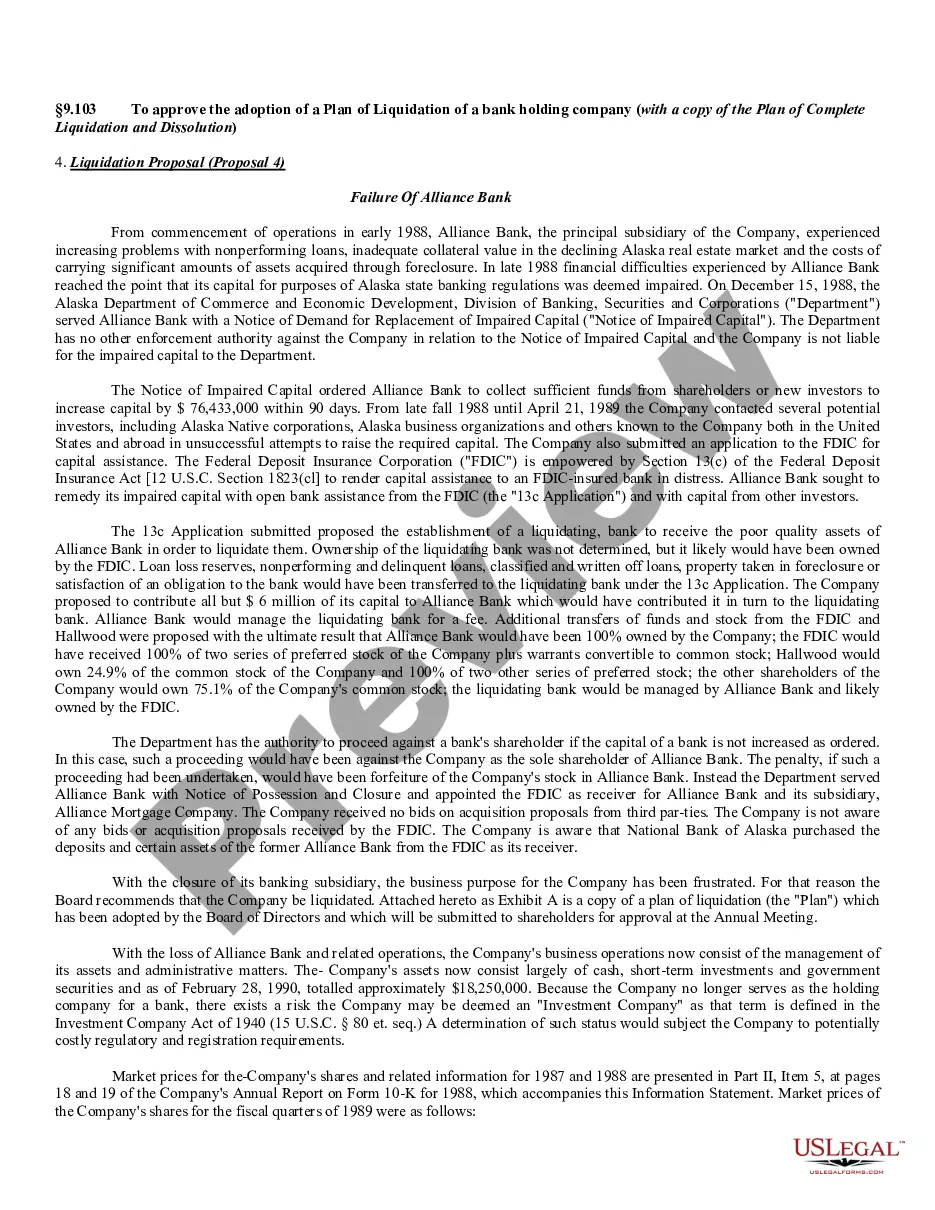
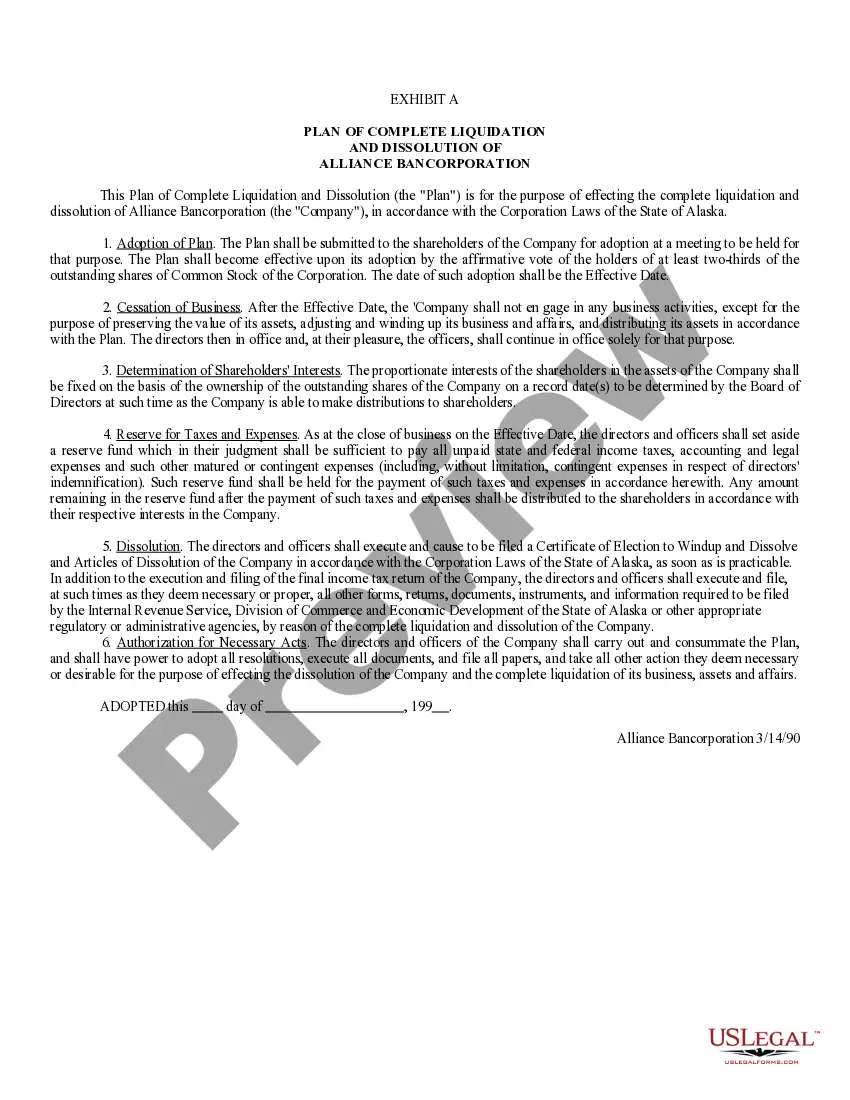
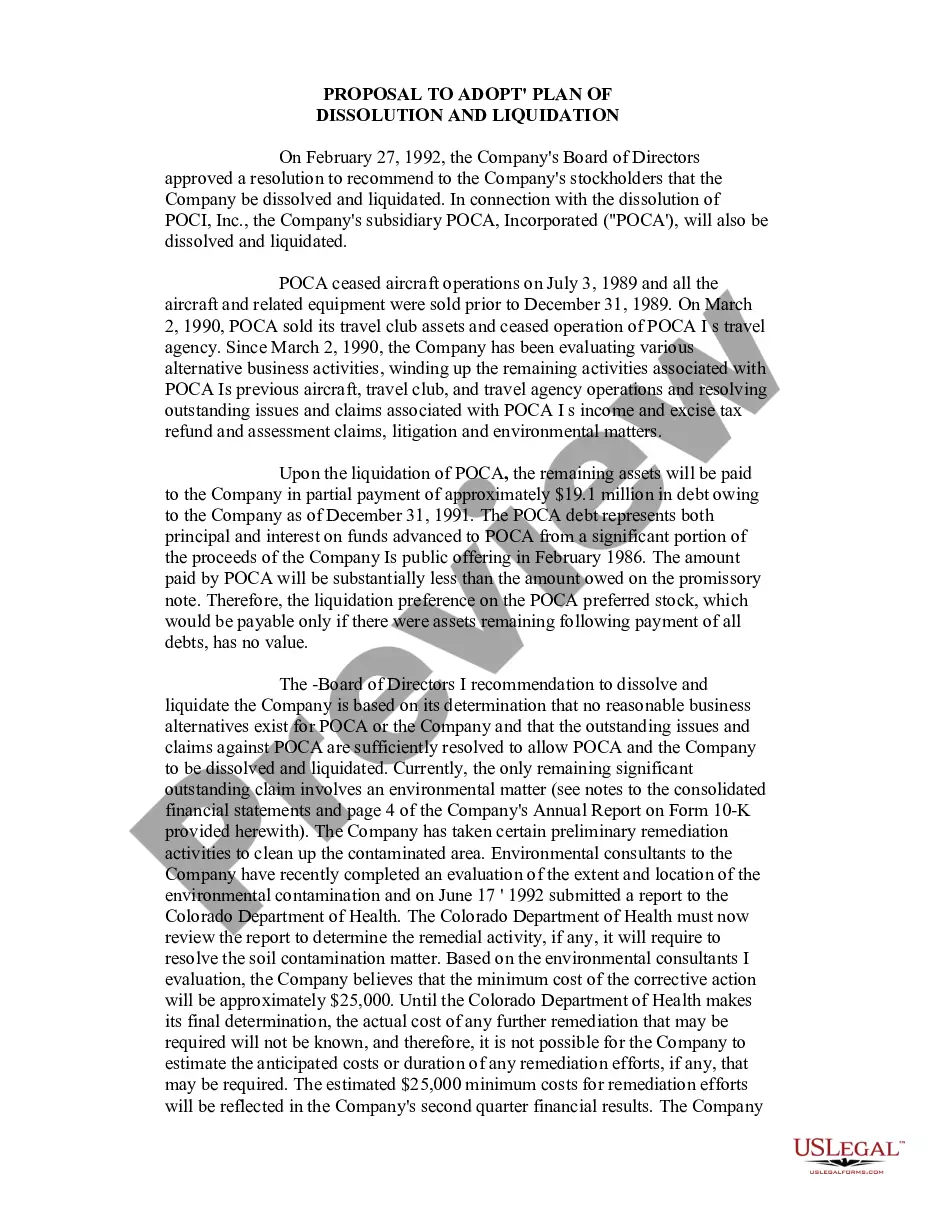
Description
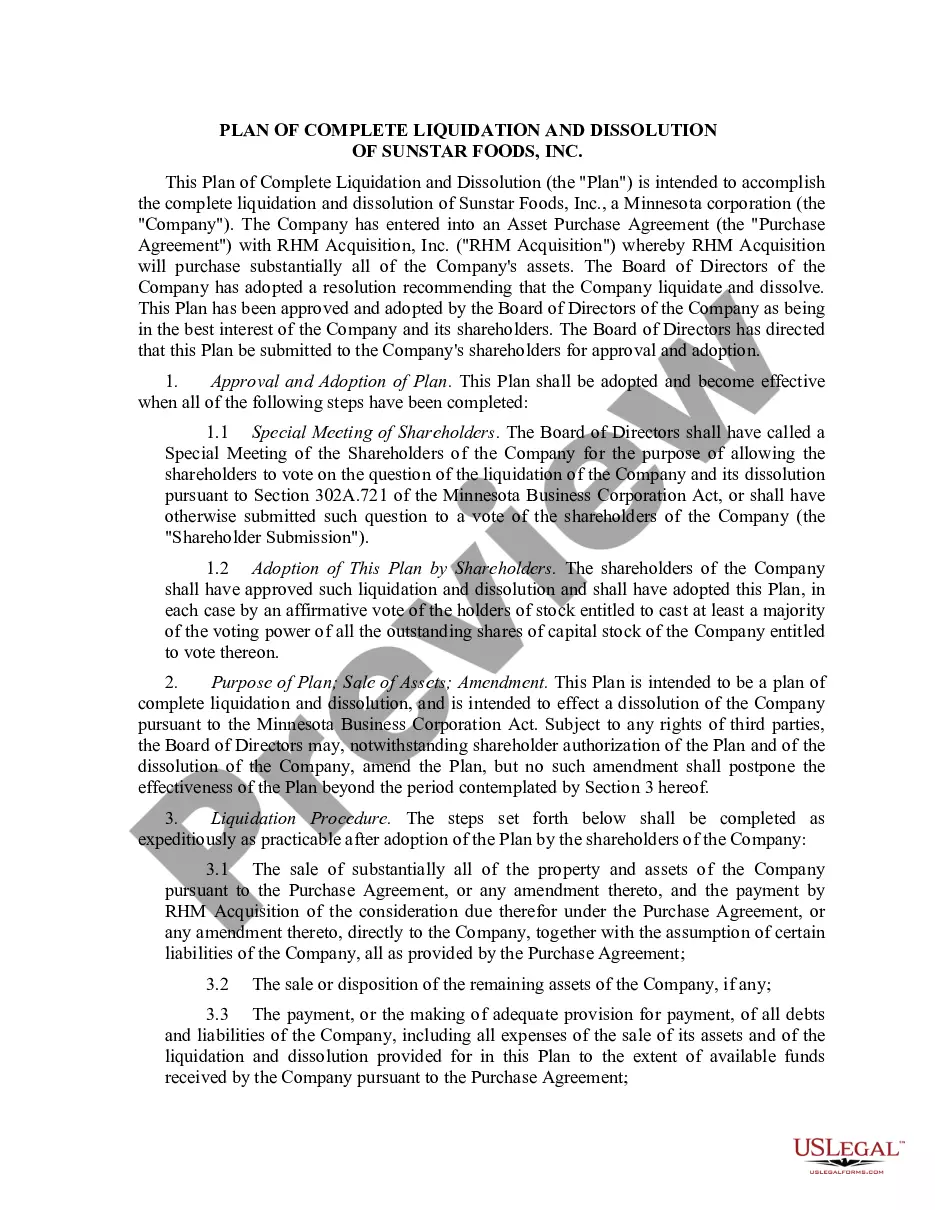
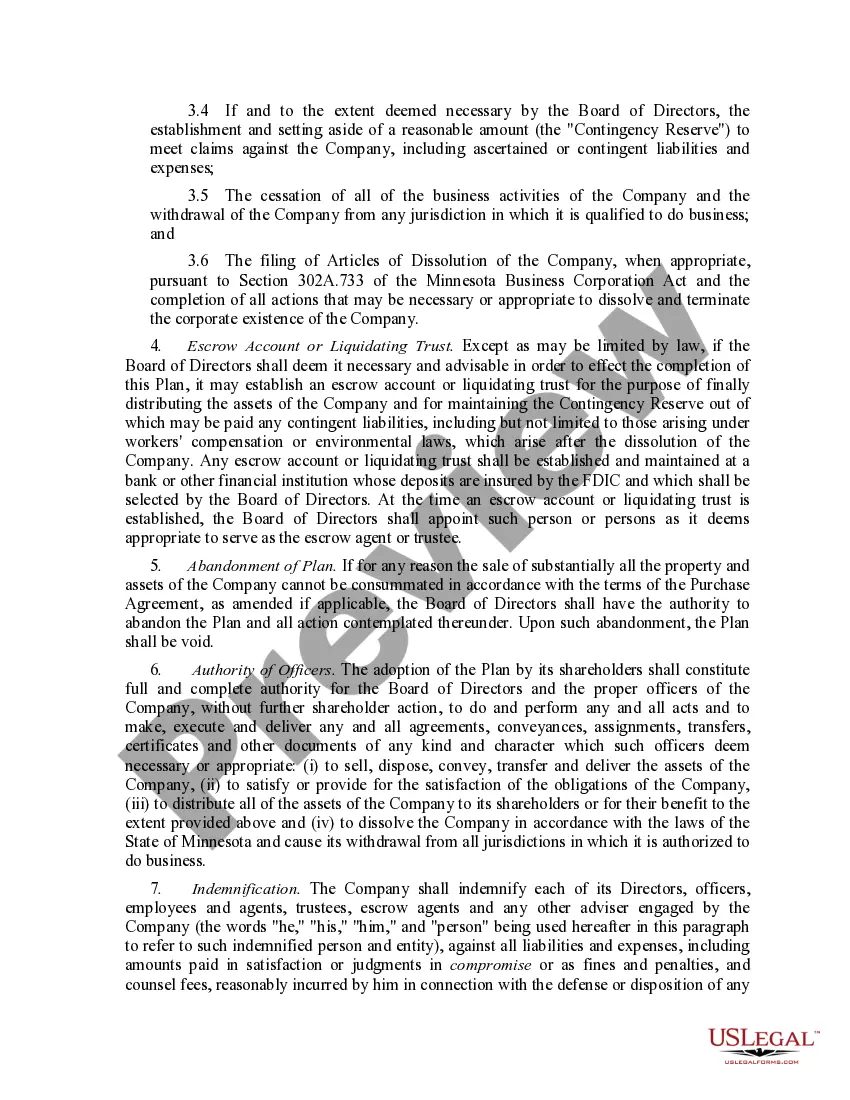
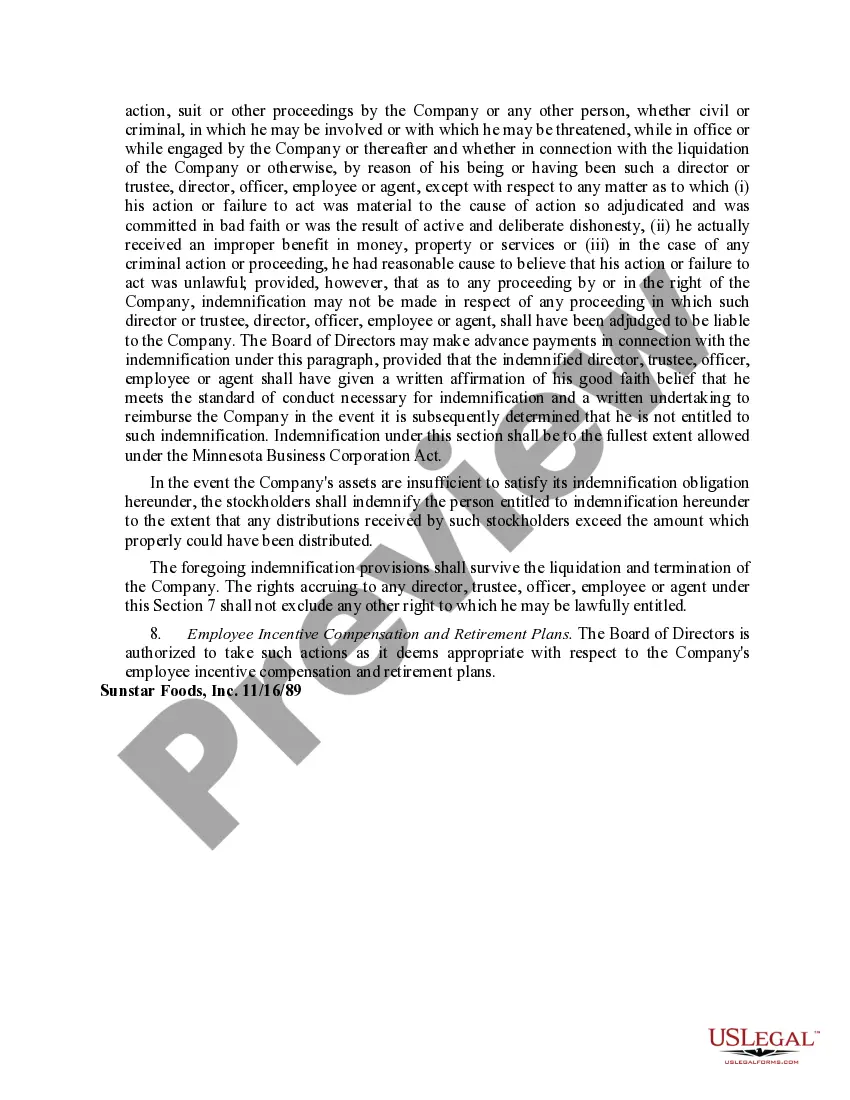
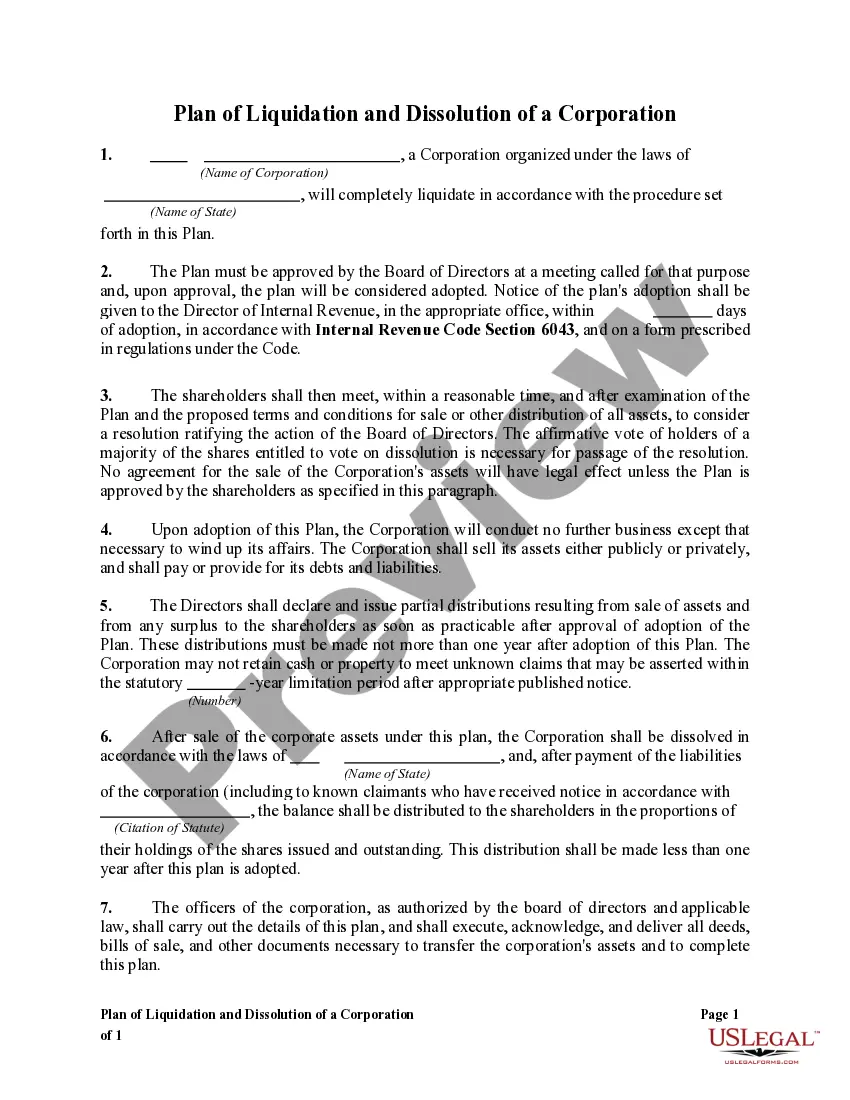
Get your form ready online
Our built-in tools help you complete, sign, share, and store your documents in one place.
Make edits, fill in missing information, and update formatting in US Legal Forms—just like you would in MS Word.
Download a copy, print it, send it by email, or mail it via USPS—whatever works best for your next step.
Sign and collect signatures with our SignNow integration. Send to multiple recipients, set reminders, and more. Go Premium to unlock E-Sign.
If this form requires notarization, complete it online through a secure video call—no need to meet a notary in person or wait for an appointment.
We protect your documents and personal data by following strict security and privacy standards.

Make edits, fill in missing information, and update formatting in US Legal Forms—just like you would in MS Word.

Download a copy, print it, send it by email, or mail it via USPS—whatever works best for your next step.

Sign and collect signatures with our SignNow integration. Send to multiple recipients, set reminders, and more. Go Premium to unlock E-Sign.

If this form requires notarization, complete it online through a secure video call—no need to meet a notary in person or wait for an appointment.

We protect your documents and personal data by following strict security and privacy standards.
Looking for another form?
How to fill out Plan Of Liquidation?
Finding the right legitimate file design could be a battle. Obviously, there are a lot of layouts available on the Internet, but how would you find the legitimate type you will need? Use the US Legal Forms site. The support gives a huge number of layouts, like the California Plan of Liquidation, which can be used for company and private demands. Every one of the types are checked by specialists and meet federal and state specifications.
In case you are already listed, log in to the account and click on the Download switch to obtain the California Plan of Liquidation. Use your account to search throughout the legitimate types you may have acquired in the past. Proceed to the My Forms tab of your account and have one more version from the file you will need.
In case you are a fresh consumer of US Legal Forms, listed here are easy instructions for you to follow:
- Initially, be sure you have selected the appropriate type to your area/area. You may look over the form utilizing the Review switch and read the form outline to make certain it will be the right one for you.
- In the event the type does not meet your requirements, make use of the Seach field to get the right type.
- Once you are sure that the form is proper, click on the Acquire now switch to obtain the type.
- Select the costs strategy you desire and type in the needed information and facts. Build your account and pay for your order making use of your PayPal account or charge card.
- Pick the submit formatting and download the legitimate file design to the system.
- Full, modify and print and indicator the received California Plan of Liquidation.
US Legal Forms is definitely the biggest local library of legitimate types where you will find a variety of file layouts. Use the service to download skillfully-created paperwork that follow express specifications.
Form popularity
FAQ
How to Dissolve a Corporation in California Step 1: Shareholders Vote to Dissolve the Corporation. ... Step 2: Prepare and File a Certificate of Election. ... Step 3: Board of Directors Provides Written Notice of Corporation's Dissolution. ... Step 4: Pay Taxes, Settle Debts, and Distribute Remaining Assets to Shareholders.
If your business entity is suspended or forfeited, it will need to go through the revivor process and be in good standing before being allowed to dissolve, surrender, or cancel.
There is no fee to file the California dissolution forms. To speed up the process, you can pay for expedited service and preclearance. Preclearance means that you can drop your document off in person for a review prior to filing to ensure you haven't made any mistakes that will get your filing rejected.
The corporation must file 1) A certificate of dissolution (Form DISS NP) and 2) an election to wind up and dissolve with the Secretary of State (Form ELEC NP). The election to wind up and dissolve is only necessary if the dissolution is not by unanimous consent of all members or directors.
Step 1: Shareholders Vote to Dissolve the Corporation. ... Step 2: Prepare and File a Certificate of Election. ... Step 3: Board of Directors Provides Written Notice of Corporation's Dissolution. ... Step 4: Pay Taxes, Settle Debts, and Distribute Remaining Assets to Shareholders.
8610. (a) Any corporation may elect voluntarily to wind up and dissolve (1) by approval of a majority of all members (Section 5033), or (2) by approval of the board and approval of the members (Section 5034).
There are three (3) potential ways of moving a corporation from one state to another. Reincorporation. Form a new-state corporation; transfer assets and liabilities of the existing corporation to the new-state corporation; and dissolve the existing corporation ( known as "Reincorporation").
There is no fee to file the California dissolution forms. To speed up the process, you can pay for expedited service and preclearance. Preclearance means that you can drop your document off in person for a review prior to filing to ensure you haven't made any mistakes that will get your filing rejected.