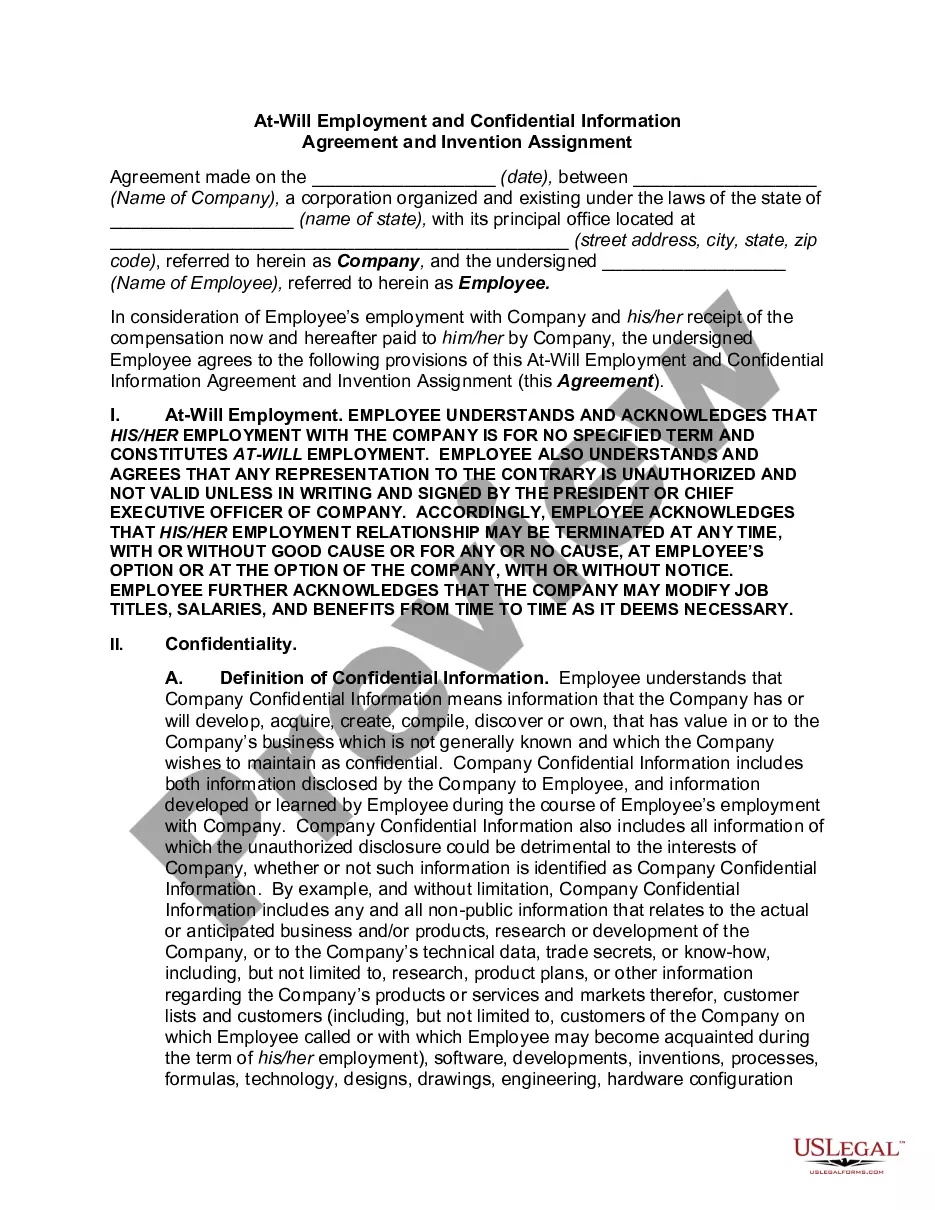
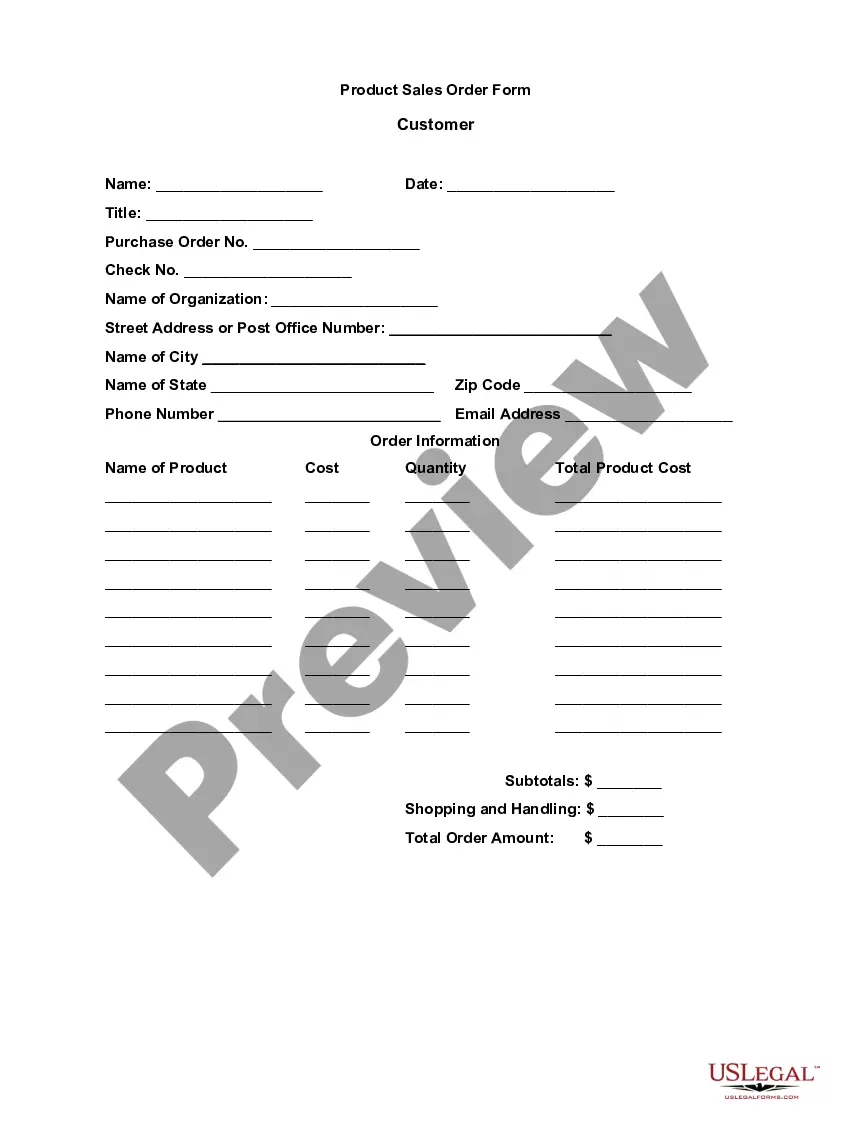
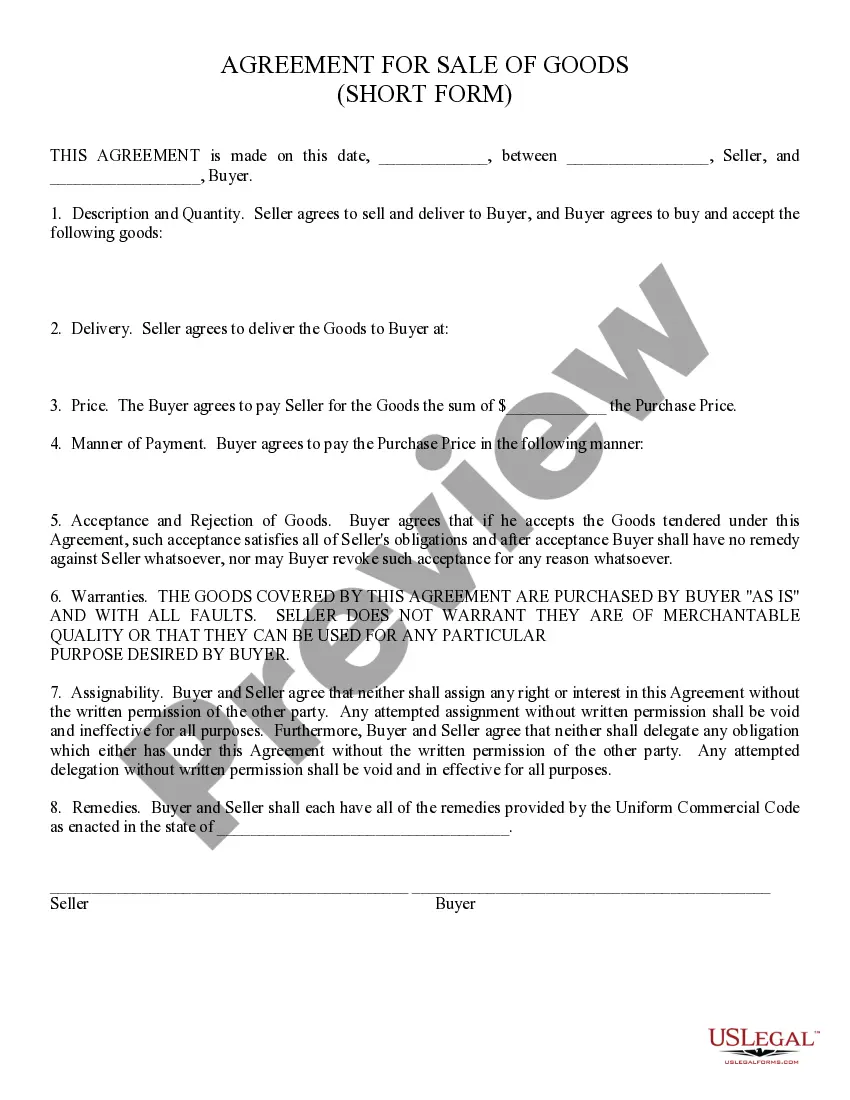
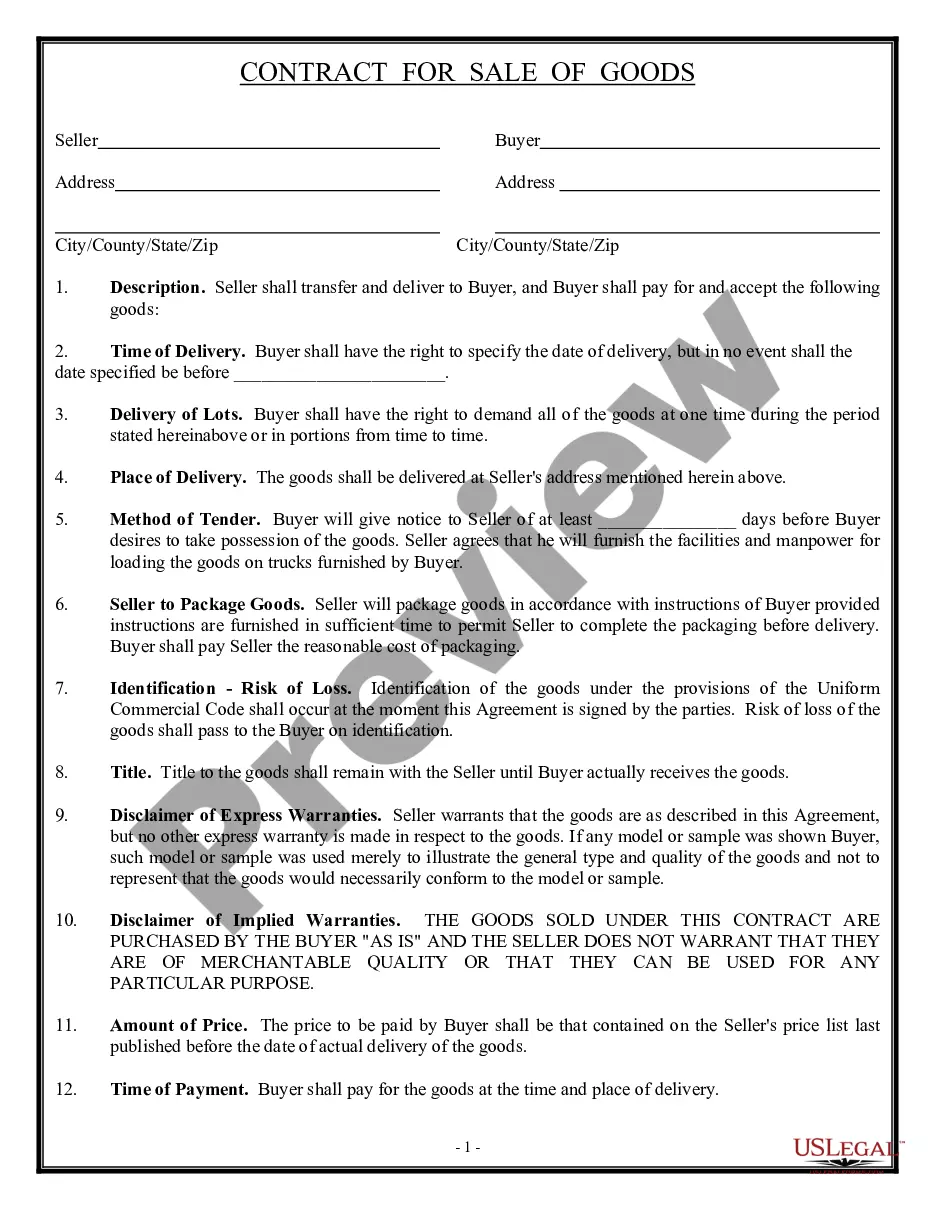
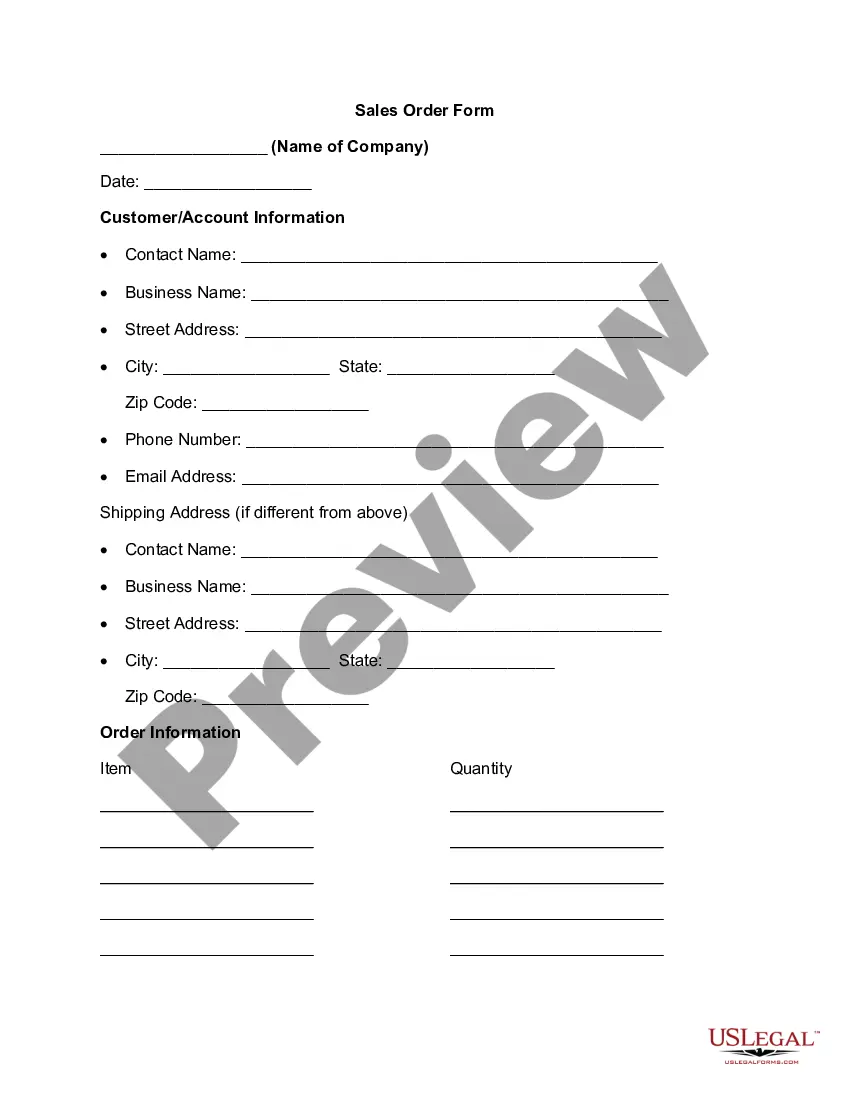
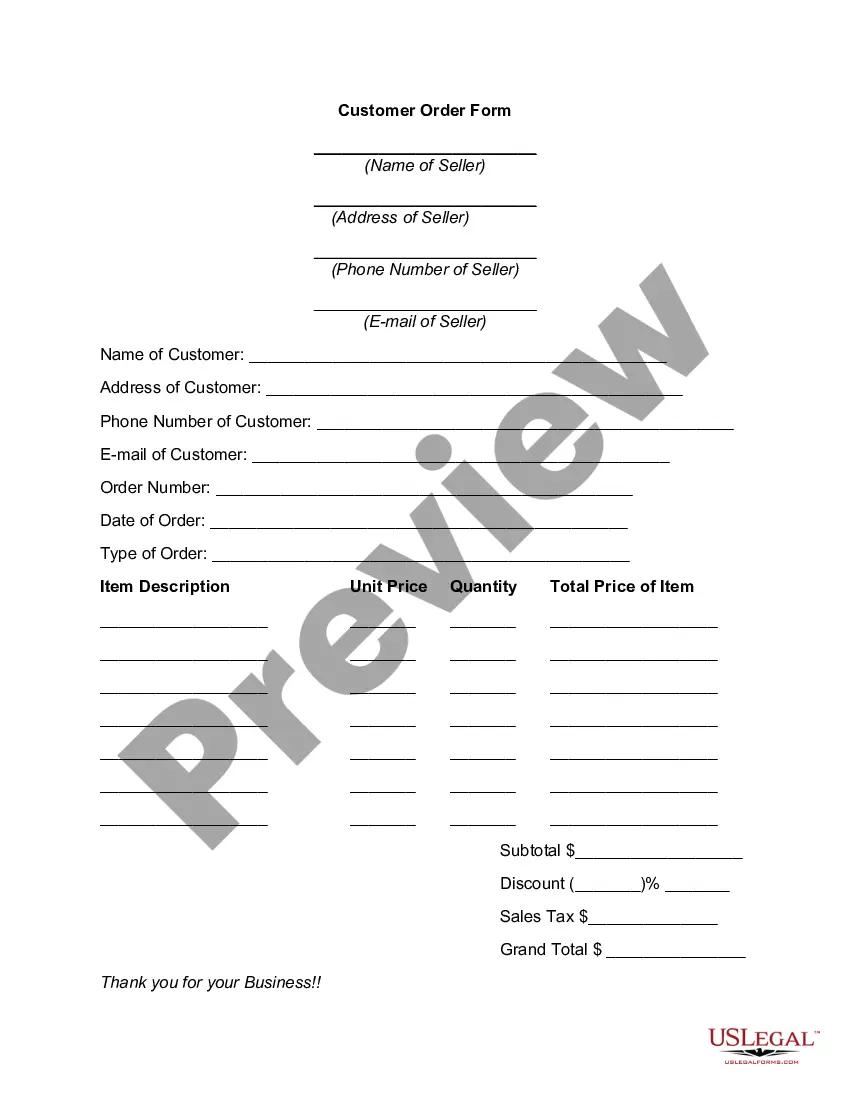
California Product Sales Order Form
Description
Get your form ready online
Our built-in tools help you complete, sign, share, and store your documents in one place.
Make edits, fill in missing information, and update formatting in US Legal Forms—just like you would in MS Word.
Download a copy, print it, send it by email, or mail it via USPS—whatever works best for your next step.
Sign and collect signatures with our SignNow integration. Send to multiple recipients, set reminders, and more. Go Premium to unlock E-Sign.
If this form requires notarization, complete it online through a secure video call—no need to meet a notary in person or wait for an appointment.
We protect your documents and personal data by following strict security and privacy standards.

Make edits, fill in missing information, and update formatting in US Legal Forms—just like you would in MS Word.

Download a copy, print it, send it by email, or mail it via USPS—whatever works best for your next step.

Sign and collect signatures with our SignNow integration. Send to multiple recipients, set reminders, and more. Go Premium to unlock E-Sign.

If this form requires notarization, complete it online through a secure video call—no need to meet a notary in person or wait for an appointment.

We protect your documents and personal data by following strict security and privacy standards.
Looking for another form?





How to fill out Product Sales Order Form?
It is feasible to spend hours online searching for the legal document format that complies with the requirements of your state and the federal regulations you require.
US Legal Forms provides a vast array of legal documents that have been evaluated by experts.
You can easily download or print the California Product Sales Order Form from my service.
If available, utilize the Preview button to look through the document format as well. To obtain another version of your form, use the Search field to find the format that fits your needs and requirements. Once you have located the format you want, click Purchase now to continue. Select the pricing plan you desire, enter your details, and register for your account on US Legal Forms. Complete the transaction. You can use your credit card or PayPal account to purchase the legal form. Choose the format of your document and download it to your system. Make modifications to the document if necessary. You can complete, alter, sign, and print California Product Sales Order Form. Download and print numerous document templates using the US Legal Forms website, which offers the largest selection of legal forms. Utilize professional and state-specific templates to meet your business or personal needs.
- If you already possess a US Legal Forms account, you can Log In and click the Download button.
- Subsequently, you can complete, modify, print, or sign the California Product Sales Order Form.
- Every legal document format you purchase is yours indefinitely.
- To obtain another copy of any purchased form, visit the My documents tab and click the corresponding button.
- If you are using the US Legal Forms website for the first time, follow the straightforward instructions below.
- First, make sure you have selected the correct document format for the state or city of your choice.
- Review the form description to ensure that you have selected the right form.
Form popularity
FAQ
Filling out a California tax form involves collecting your income details, deductions, and credits. Use the California Product Sales Order Form to track your sales transactions, which will assist in preparing your tax documents accurately. This form simplifies your records, making it easier to file your taxes correctly.
These are the key parts of an order form:Your company's name and business address.Customer's name and billing address.Customer's shipping address.Date of Purchase Order.Sales Order Number.Customer number.Purchase order number.Name of the salesperson.More items...
An Online Shopping Form allowing your customers to order online through providing their contact information, shipping address, product ID, quantity, size, color information and select their desired delivery and payment option. E-commerce Forms.
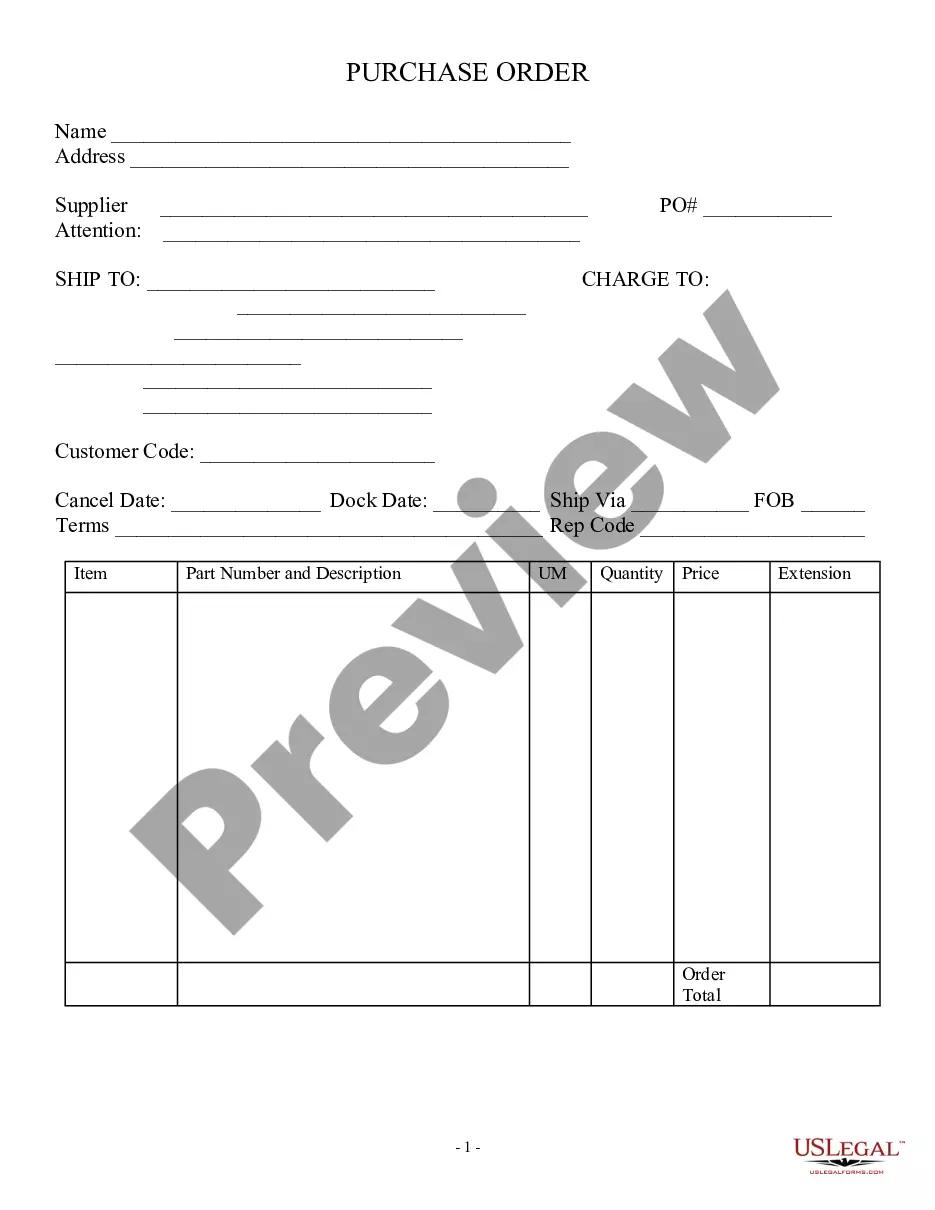
An order form, also known as a purchase order, is a document that buyers submit to sellers when requesting products or services. They are typically used for all service businesses and on high-priced products. An order form also shows a quoted price for products or services to be rendered by the seller.
Go to Sheets from a Google page and either create a blank sheet or click Template Gallery to expand the options, navigate to Work, and then choose Purchase Order. If you use the latter approach which is the closest you can get to a Google Docs purchase order template everything has been done for you.
A sales order is a commercial document prepared by a seller and issued to a customer. It confirms the sale of goods or services and details the sale's specifics, including the quantity, pricing, and quality of goods or services provided.
Go to Sheets from a Google page and either create a blank sheet or click Template Gallery to expand the options, navigate to Work, and then choose Purchase Order. If you use the latter approach which is the closest you can get to a Google Docs purchase order template everything has been done for you.
Steps to Create an Order FormDecide what to sell.Choose a form builder tool.Customize the template with proper fields.Add photos of the products.Customize the order form with branding.Set up a payment method.Set up a success message.Share the order form.More items...
The sales order, sometimes abbreviated as SO, is an order issued by a business or sole trader to a customer. A sales order may be for products and/or services. Given the wide variety of businesses, this means that the orders can be fulfilled in several ways.
A sales order definition is an internal document which lists buyer and sales quantity for a given purchase. It is also a valuable document for operations. A sales order form generally indicates that no additional production effort will be applied to the product.