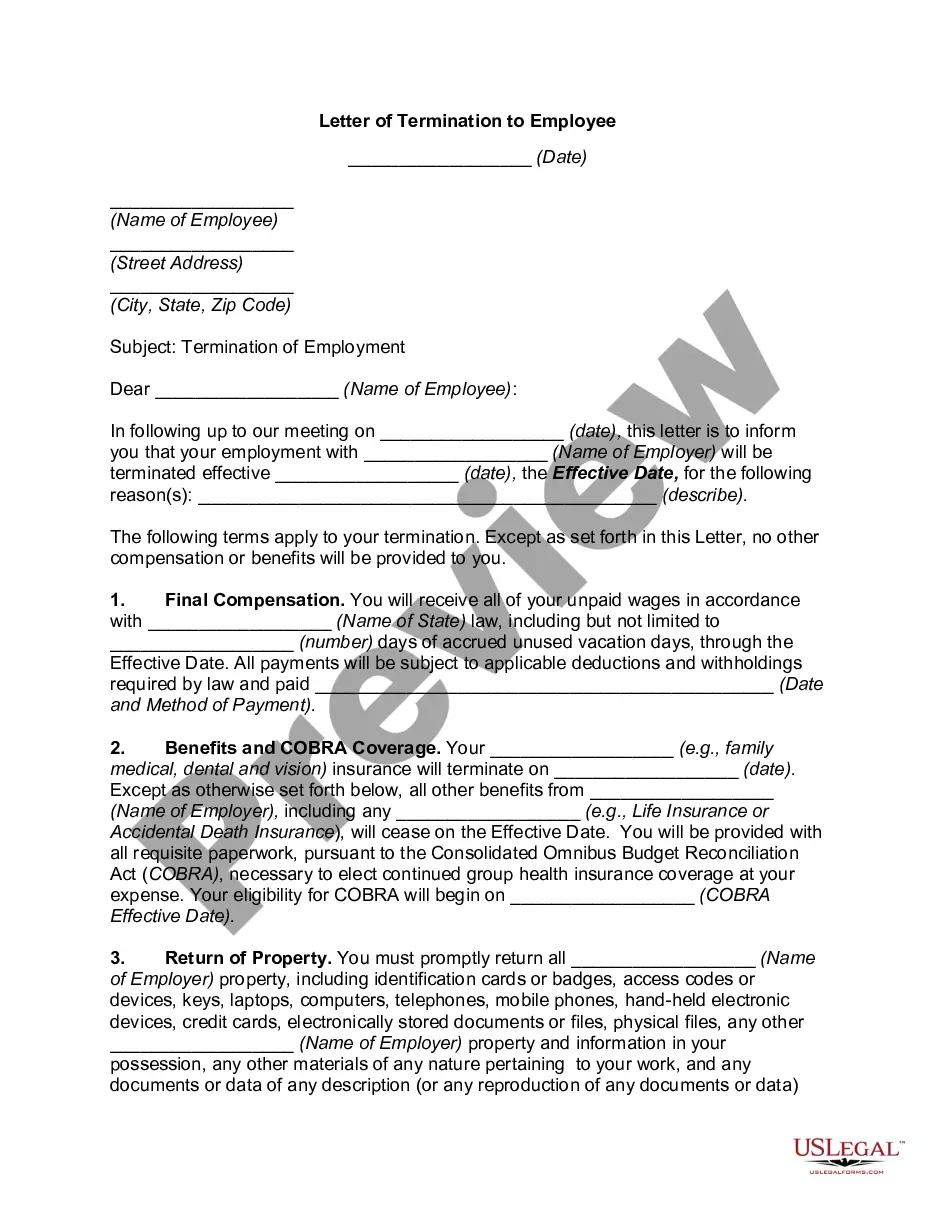
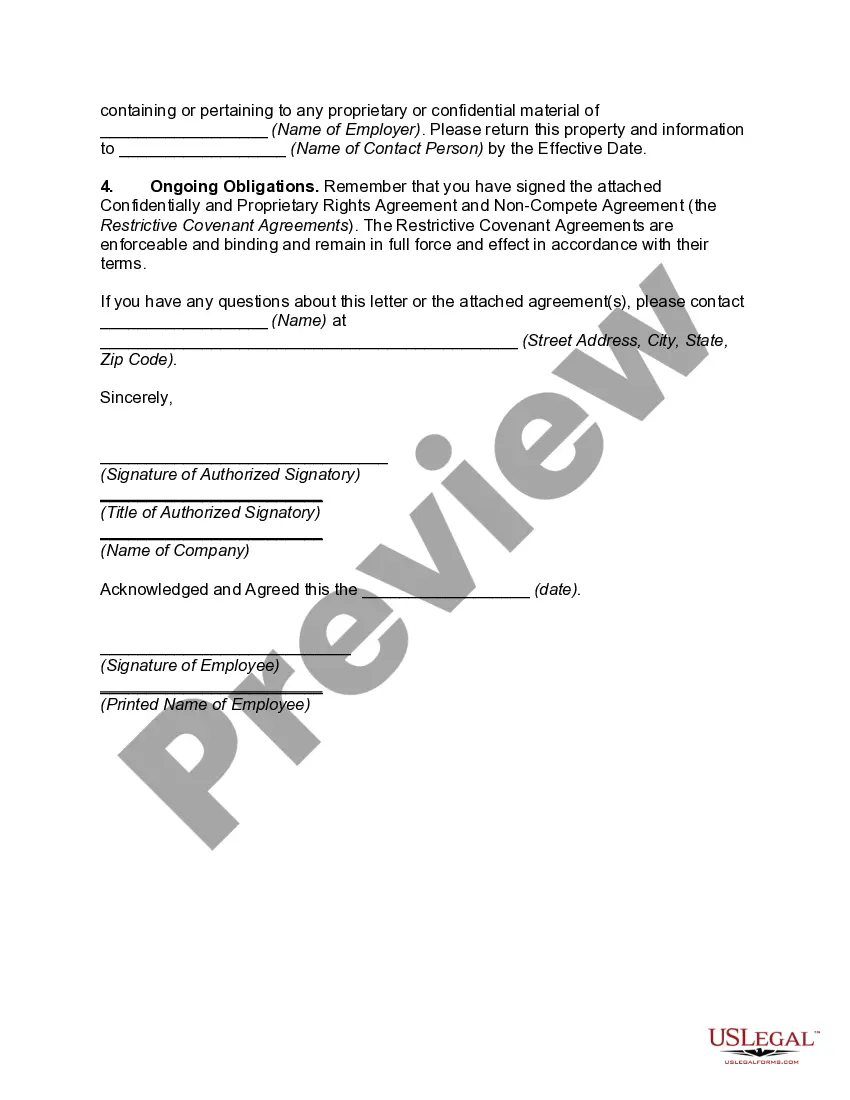
California Letter of Termination to Employee
Description
Get your form ready online
Our built-in tools help you complete, sign, share, and store your documents in one place.
Make edits, fill in missing information, and update formatting in US Legal Forms—just like you would in MS Word.
Download a copy, print it, send it by email, or mail it via USPS—whatever works best for your next step.
Sign and collect signatures with our SignNow integration. Send to multiple recipients, set reminders, and more. Go Premium to unlock E-Sign.
If this form requires notarization, complete it online through a secure video call—no need to meet a notary in person or wait for an appointment.
We protect your documents and personal data by following strict security and privacy standards.

Make edits, fill in missing information, and update formatting in US Legal Forms—just like you would in MS Word.

Download a copy, print it, send it by email, or mail it via USPS—whatever works best for your next step.

Sign and collect signatures with our SignNow integration. Send to multiple recipients, set reminders, and more. Go Premium to unlock E-Sign.

If this form requires notarization, complete it online through a secure video call—no need to meet a notary in person or wait for an appointment.

We protect your documents and personal data by following strict security and privacy standards.
Looking for another form?

How to fill out Letter Of Termination To Employee?
Finding the appropriate legal document template can be quite challenging.
Naturally, there are a multitude of formats accessible online, but how do you locate the legal template you require.
Utilize the US Legal Forms website.
First, ensure you have selected the correct form for your city/region. You can review the form using the Review button and examine the form details to confirm it is appropriate for your needs. If the form does not meet your requirements, use the Search field to find the correct form. Once you are confident the form is suitable, click the Acquire now button to obtain it. Choose your desired pricing plan and enter the necessary details. Create your account and complete your payment using your PayPal account or credit card. Select the file format and download the legal document template to your device. Complete, modify, print, and sign the obtained California Letter of Termination to Employee. US Legal Forms is the largest repository of legal forms where you can find numerous document templates. Take advantage of the service to download professionally crafted documents that adhere to state regulations.
- The platform offers thousands of templates, including the California Letter of Termination to Employee, suitable for business and personal purposes.
- All templates are reviewed by professionals and comply with both state and federal regulations.
- If you are already registered, Log Into your account via the provided link and click the Download button to access the California Letter of Termination to Employee.
- You can search through the legal forms you have previously acquired by using your account.
- Visit the My documents tab in your account to get another copy of the document you need.
- For new users of US Legal Forms, here are some simple steps to follow.
Form popularity
FAQ
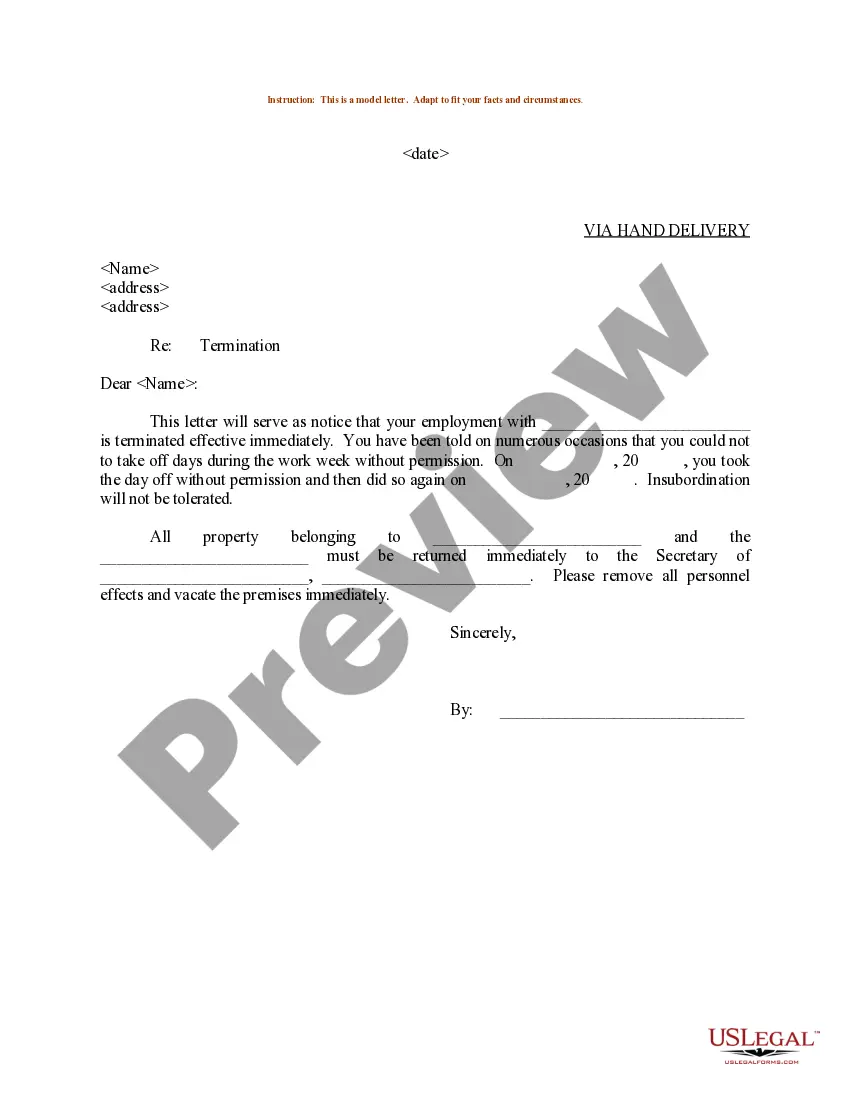
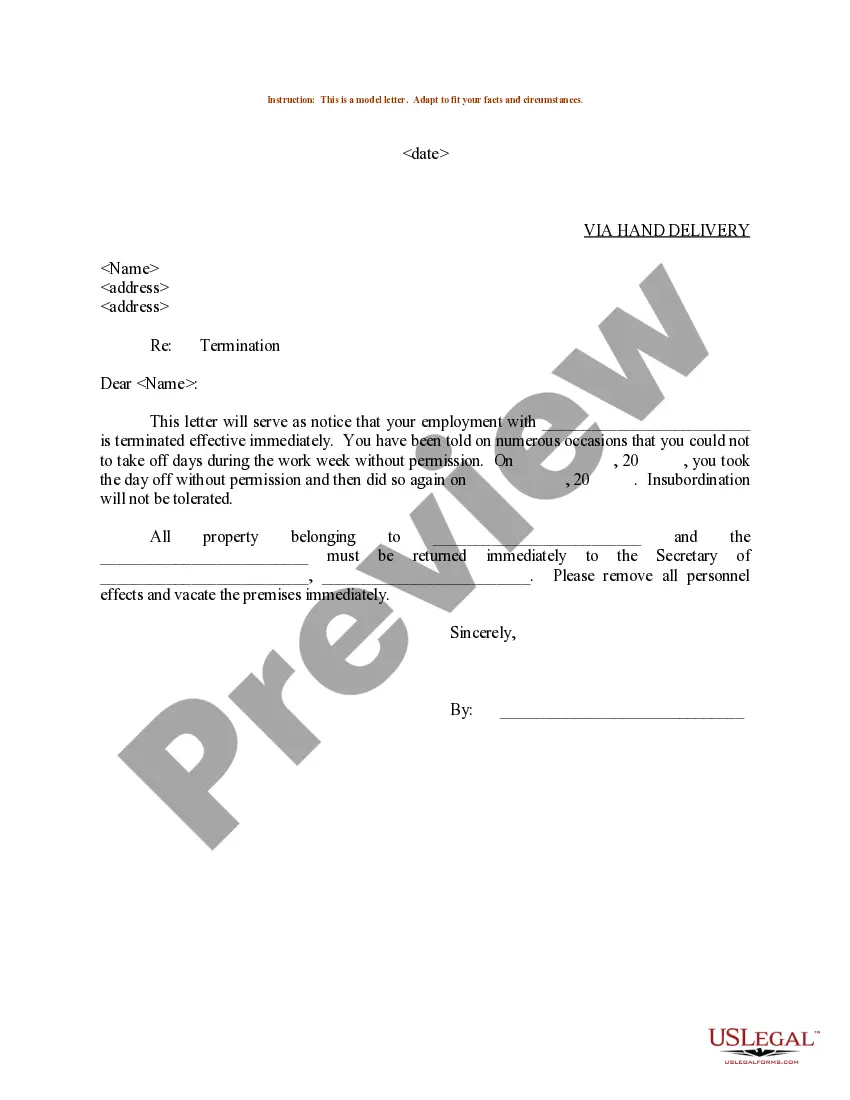
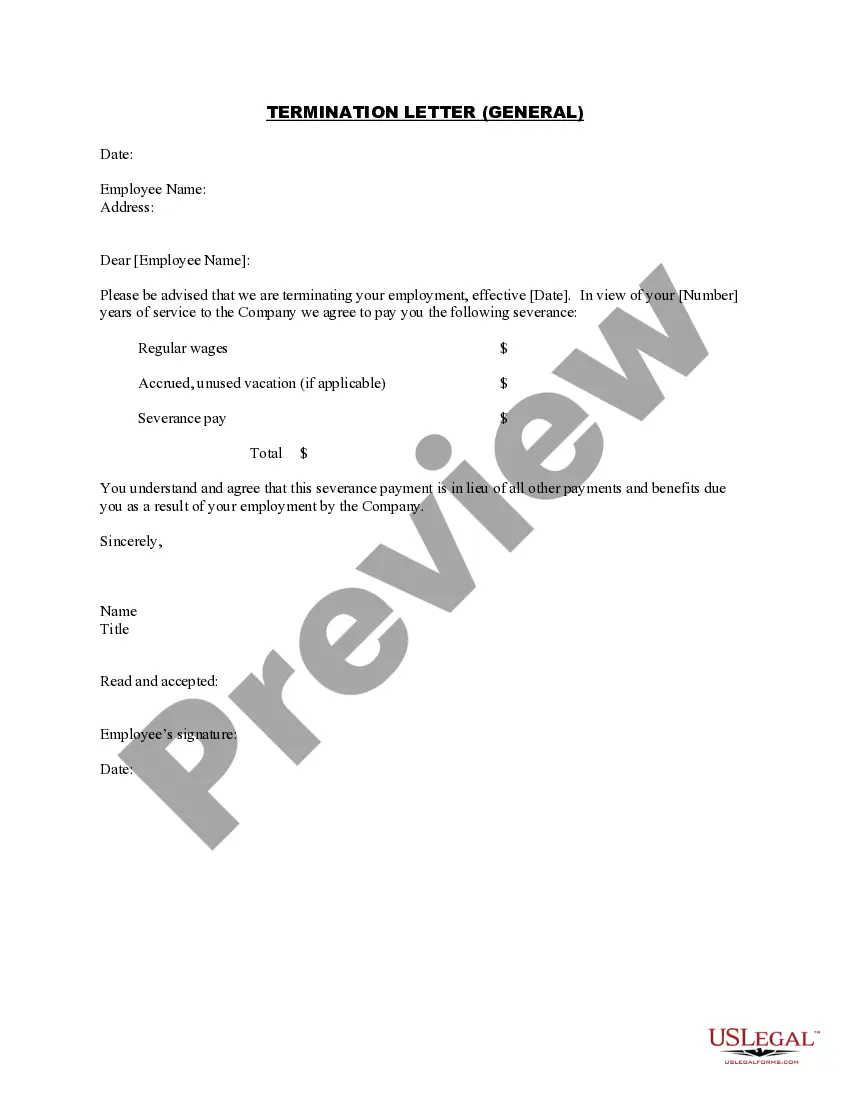
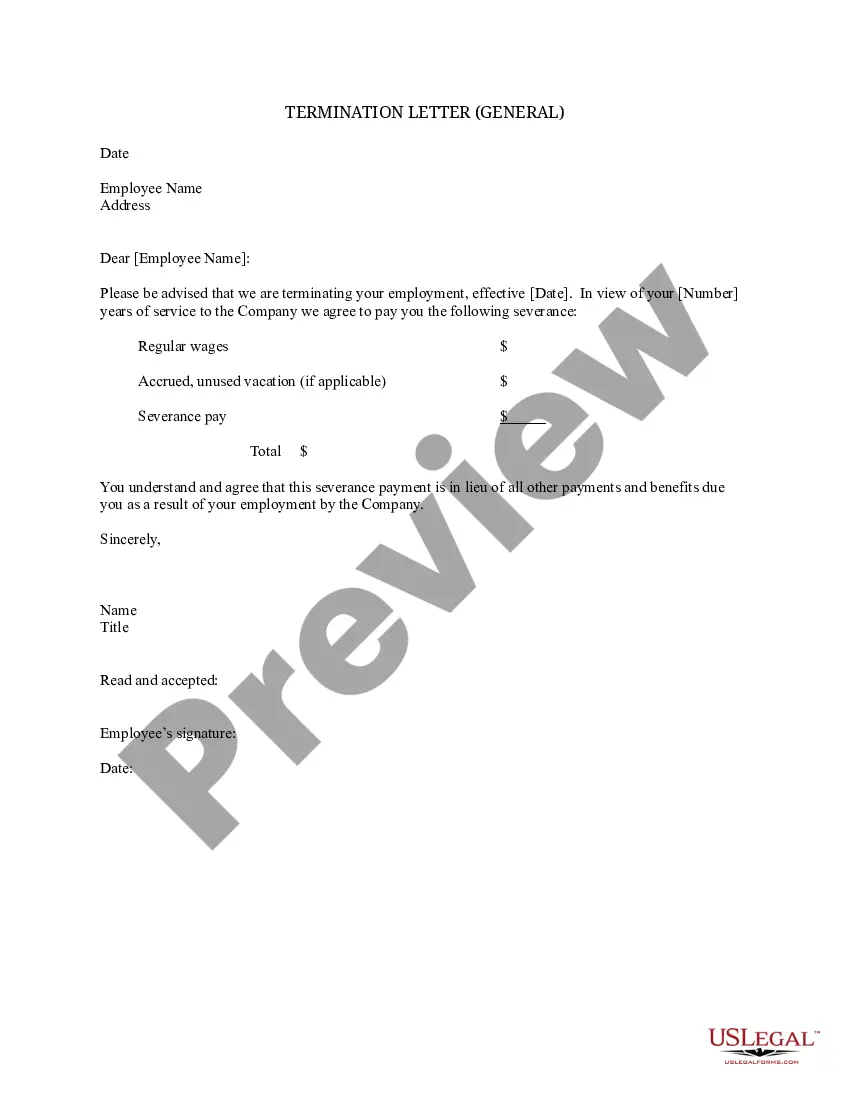
What should be included in a termination letter?The date the termination is effective from.The reason(s) for termination.An explanation of their compensation (if any) and what will happen to their benefits.A list of company property to be returned (if any).More items...
Even though California is an at-will state, meaning that an employer or employee can be terminated at any time with or without cause at any time and for any lawful reason, with or without advance notice.
California RequirementsCalifornia Unemployment Insurance Code 1089 requires employers to give a written Notice to Employee as to Change in Relationship form to all discharged or laid off employees immediately upon termination.
When going through the termination process with an employee, make sure they are given these required documents:Final paycheck acknowledgment- Signed by the employee.For your benefit (Form 2320)COBRA notice.Health Insurance Premium (HIP) notice.
Show compassion for the employee you are firing. Offer to serve as a reference for them for any future jobs. Give your team the news in person but keep the reasons for the decision private.
How to write a termination letter?Let the employee know the date of their termination.State the accurate and detailed reason(s) for his/her termination.Mention compensation and/or benefits, if any.Notify that they must immediately return all company property.More items...?
Phrases to use when you need a better way of saying firedWe are letting you go.We think you would be better off working for another company.Your services are no longer needed here.We are downsizing the company.We are restructuring our department.We are terminating you.Your employment here has ended.More items...?
How to Fire an Employee in CaliforniaShould I Terminate an Employee?Ensure There Are Written Records to Show The Employee Was Disciplined.Review the Employee's Personnel File.Document the Termination Decision in Writing.Have the Termination Reason in Writing.Do Not Give Too Many Reasons For Termination.More items...
California RequirementsCalifornia Unemployment Insurance Code 1089 requires employers to give a written Notice to Employee as to Change in Relationship form to all discharged or laid off employees immediately upon termination.
Requirements Under California LawNotice to Employee as to Change in Relationship.Final paycheck.Notification of Coverage Options.Pamphlet on California's Programs for the Unemployed.Notice of Cal-COBRA Continuation Rights.HIPP Notice.WARN Notice (State).