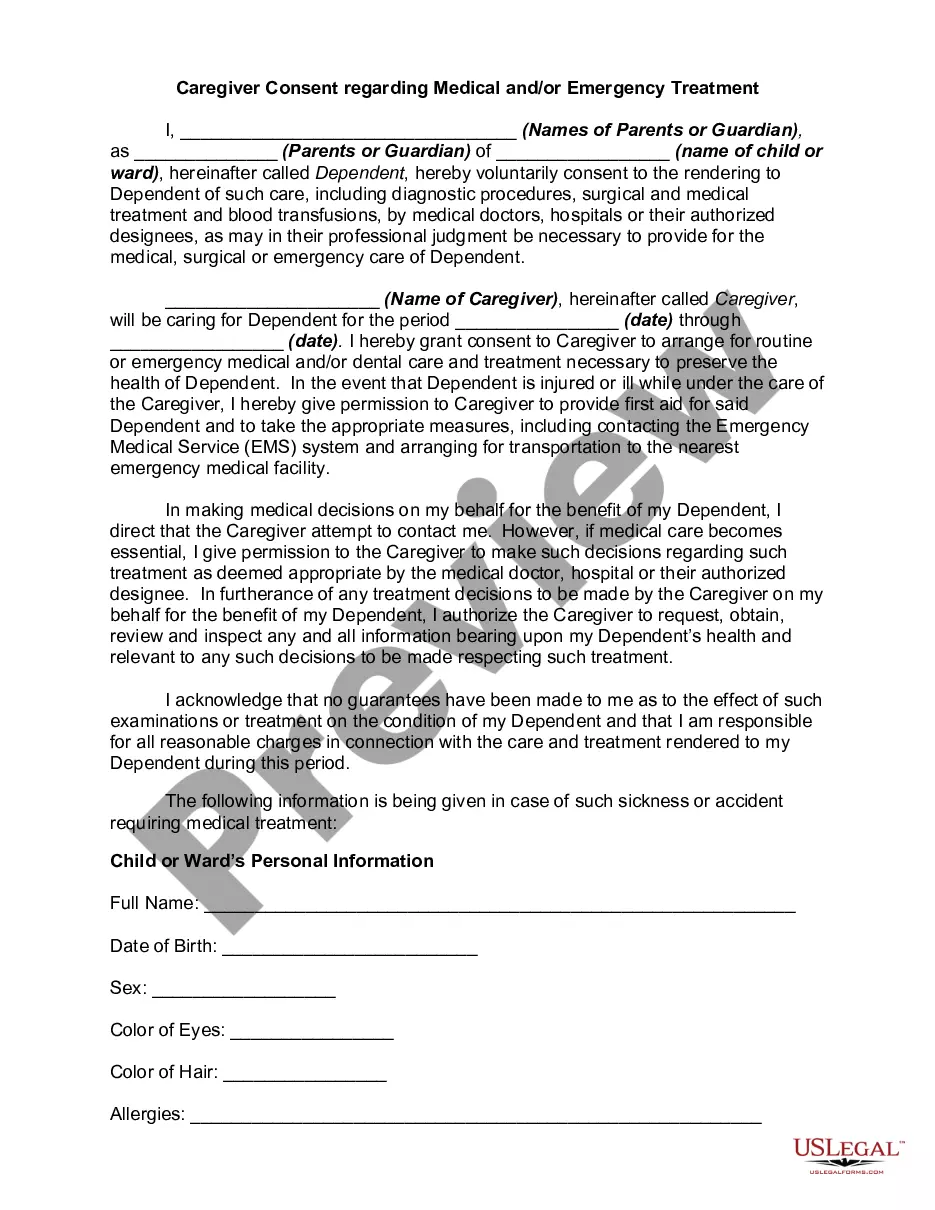
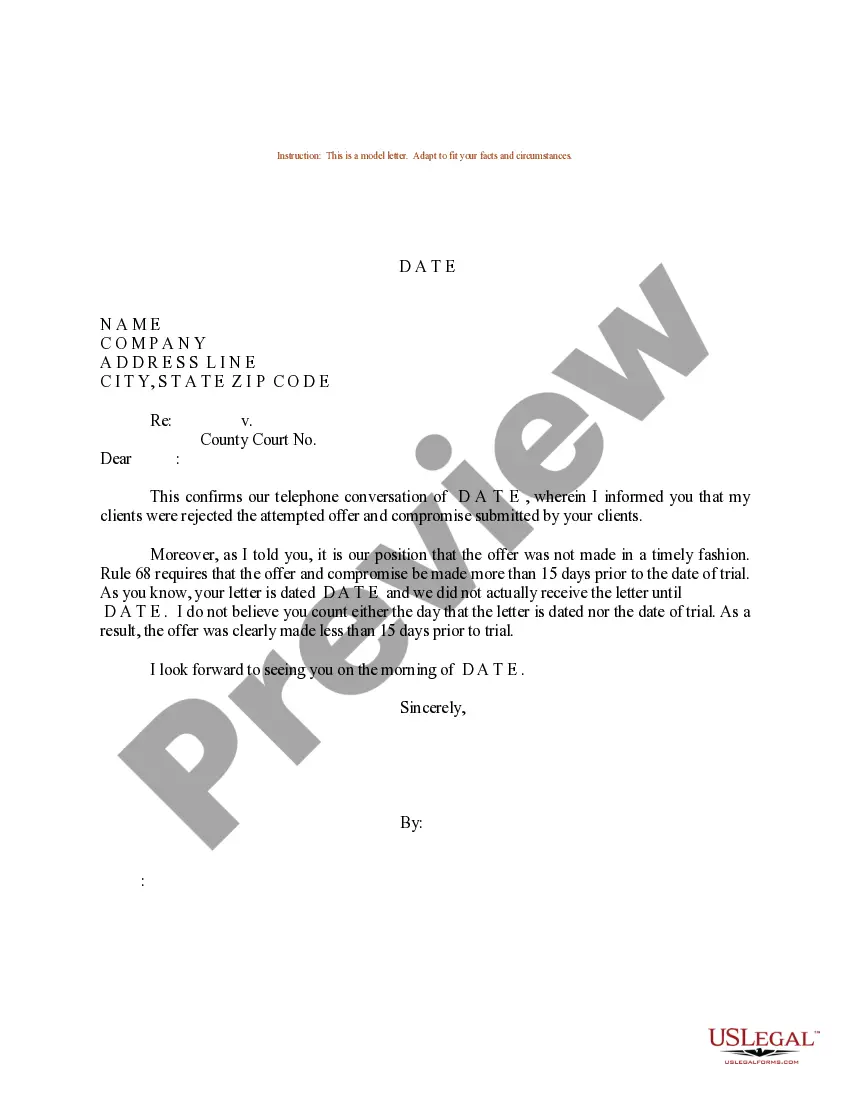
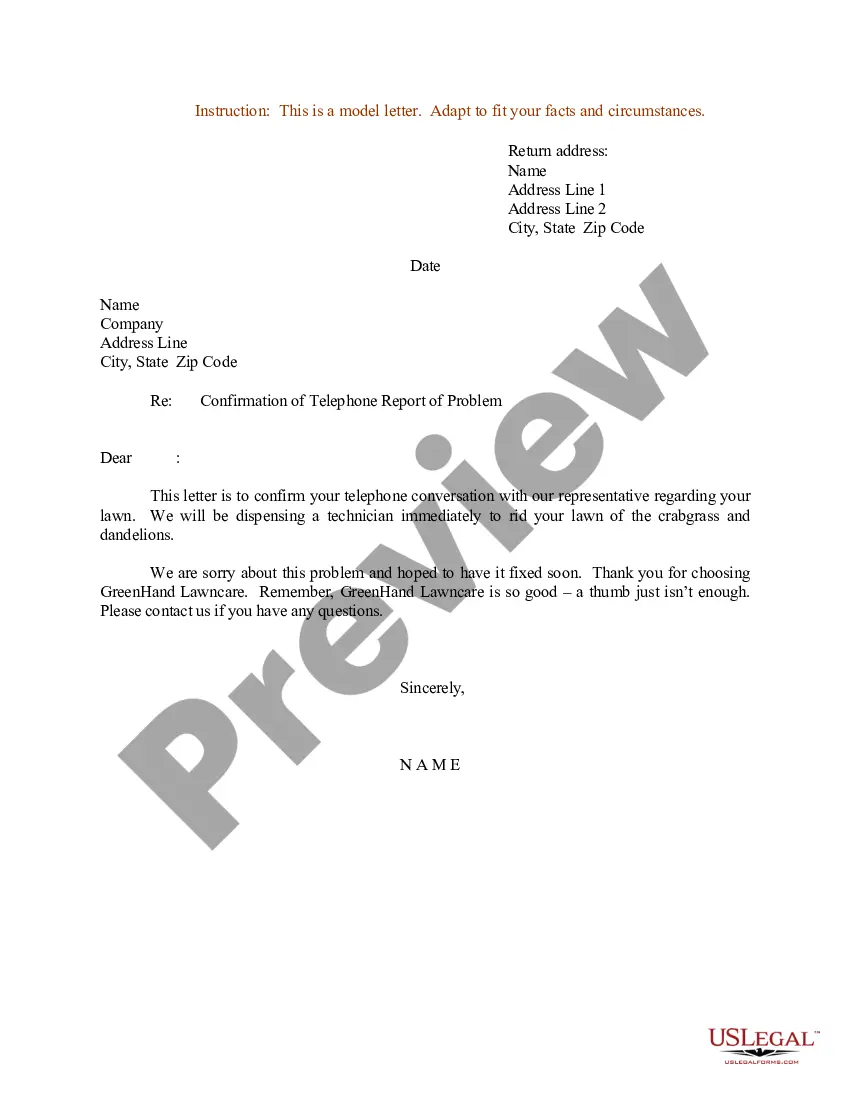
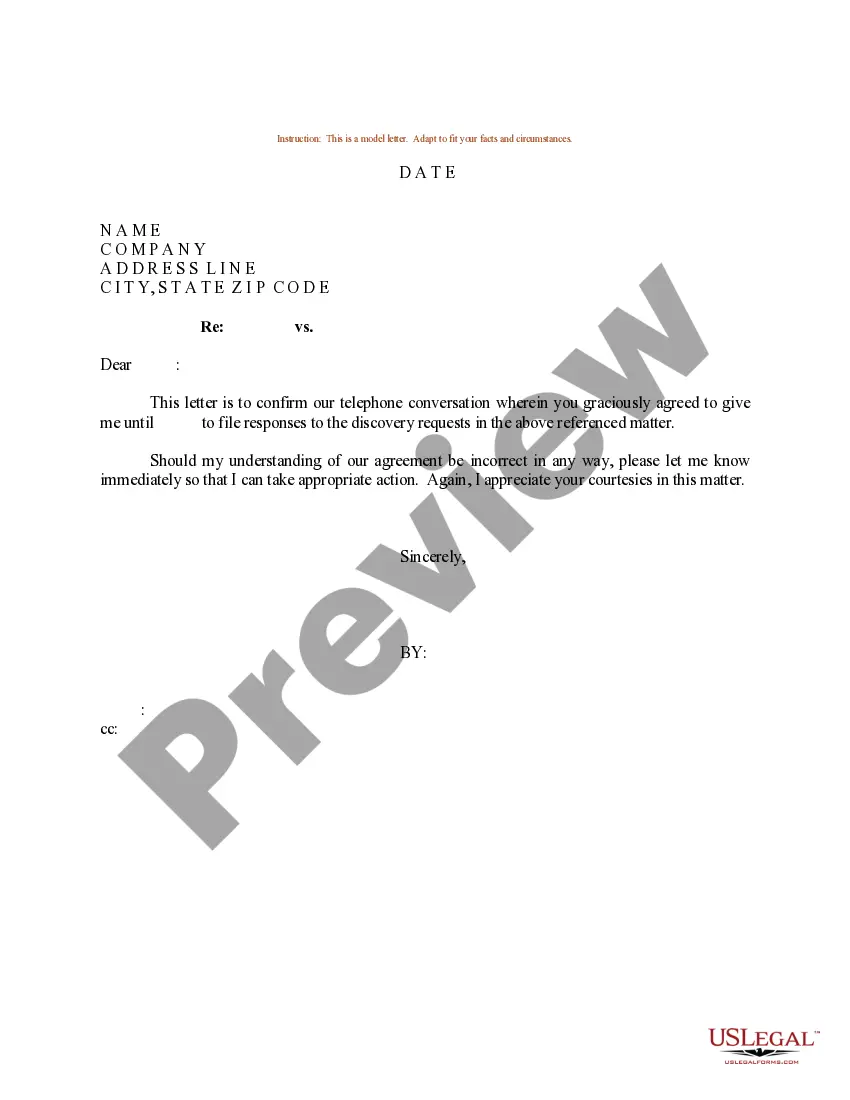
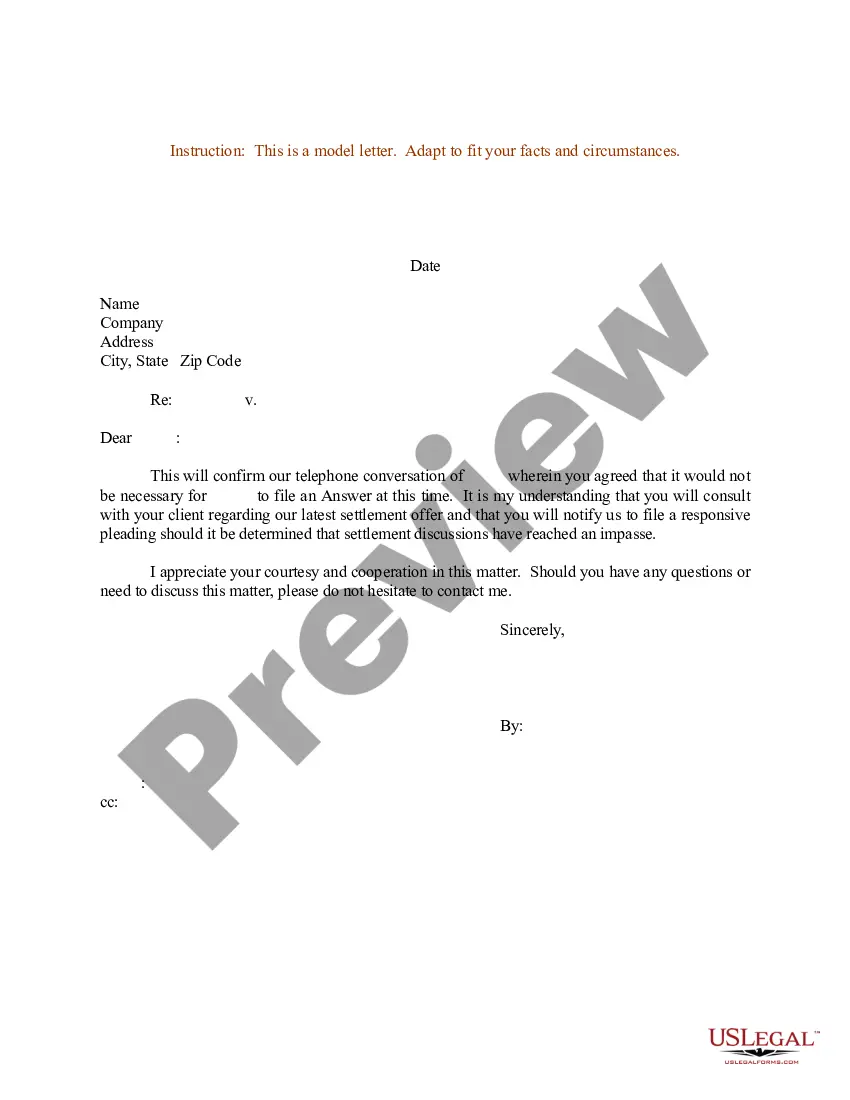
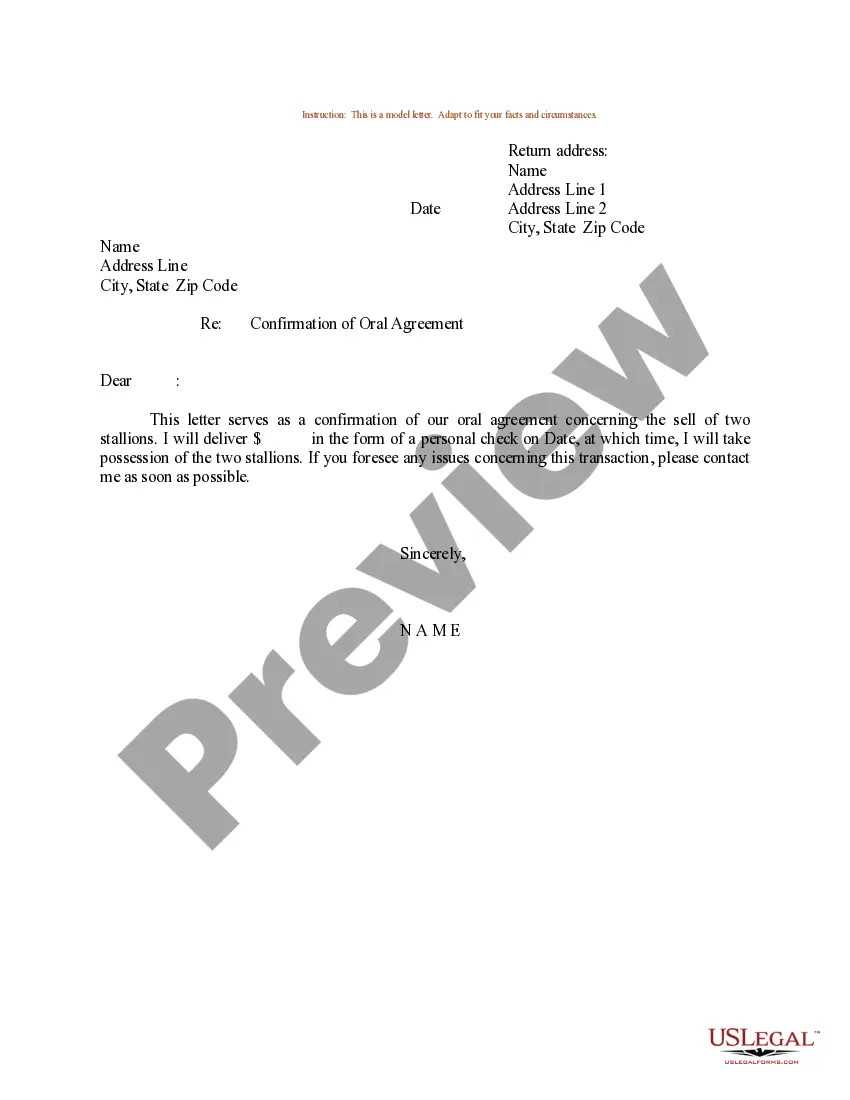
California Sample Letter for Telephone Conversation
Description
Get your form ready online
Our built-in tools help you complete, sign, share, and store your documents in one place.
Make edits, fill in missing information, and update formatting in US Legal Forms—just like you would in MS Word.
Download a copy, print it, send it by email, or mail it via USPS—whatever works best for your next step.
Sign and collect signatures with our SignNow integration. Send to multiple recipients, set reminders, and more. Go Premium to unlock E-Sign.
If this form requires notarization, complete it online through a secure video call—no need to meet a notary in person or wait for an appointment.
We protect your documents and personal data by following strict security and privacy standards.

Make edits, fill in missing information, and update formatting in US Legal Forms—just like you would in MS Word.

Download a copy, print it, send it by email, or mail it via USPS—whatever works best for your next step.

Sign and collect signatures with our SignNow integration. Send to multiple recipients, set reminders, and more. Go Premium to unlock E-Sign.

If this form requires notarization, complete it online through a secure video call—no need to meet a notary in person or wait for an appointment.

We protect your documents and personal data by following strict security and privacy standards.
Looking for another form?






How to fill out Sample Letter For Telephone Conversation?
US Legal Forms - among the most significant libraries of lawful kinds in the States - provides a wide range of lawful document web templates it is possible to acquire or printing. Making use of the website, you can find a huge number of kinds for company and specific functions, categorized by groups, suggests, or search phrases.You can find the latest models of kinds such as the California Sample Letter for Telephone Conversation in seconds.
If you already possess a monthly subscription, log in and acquire California Sample Letter for Telephone Conversation through the US Legal Forms library. The Obtain button will appear on each develop you view. You gain access to all formerly acquired kinds from the My Forms tab of your respective profile.
In order to use US Legal Forms for the first time, listed below are simple guidelines to help you began:
- Be sure to have picked the right develop for your personal town/region. Go through the Preview button to analyze the form`s content. Browse the develop explanation to actually have chosen the right develop.
- In the event the develop does not suit your specifications, make use of the Search area at the top of the monitor to get the one which does.
- When you are content with the shape, verify your selection by simply clicking the Purchase now button. Then, choose the rates plan you prefer and offer your qualifications to sign up for the profile.
- Process the financial transaction. Make use of credit card or PayPal profile to perform the financial transaction.
- Choose the file format and acquire the shape on your own system.
- Make alterations. Load, edit and printing and indication the acquired California Sample Letter for Telephone Conversation.
Each and every web template you put into your money lacks an expiry particular date which is yours forever. So, if you would like acquire or printing one more backup, just go to the My Forms area and click in the develop you need.
Get access to the California Sample Letter for Telephone Conversation with US Legal Forms, one of the most substantial library of lawful document web templates. Use a huge number of expert and express-specific web templates that fulfill your business or specific requirements and specifications.
Form popularity
FAQ
Here are some tips on how to write a follow-up email with a request and build an effective follow-up strategy. Pick the right time for follow-up emails. ... Start with a friendly quick reminder. ... Provide context for a polite follow-up email. ... Ask for an update. ... Provide a deadline. ... Be specific. ... Keep it brief. ... Stay polite and friendly.
I left a message for you to call me back on (date), but since I have not heard from you, I thought it best to write again. Enclosed is a copy of my first letter to you. I would like to hear from you by (give a date, 3-5 working days). Thank you for your prompt attention to this matter.
Here are six steps you can follow to learn how to write a confirmation letter: Start with a header. ... Begin with an explanation. ... Include relevant information about the confirmation. ... Explain the attached documents. ... Add a supportive statement. ... Proofread the letter. ... Informal confirmation letter template.
How to write a follow-up letter Use proper formatting and structure. Write your follow-up letter using a block format, where the entire text is left-aligned and single-spaced. ... Add contact information and the date. ... Include a salutation. ... Express appreciation. ... Express your enthusiasm. ... Complimentary close and name.
Determine an Objective. ... Open With Context. ... Clearly State a Purpose. ... Craft a Subject Line. ... Send the Follow-Up Email. ... Take Your Follow-Up Emails to the Next Level.
The best way to follow up after submitting a resume is to send a polite email to the employer. In your message, thank them for considering you for the position and express your interest in meeting with them. You can also provide additional information or answer any questions they may have.