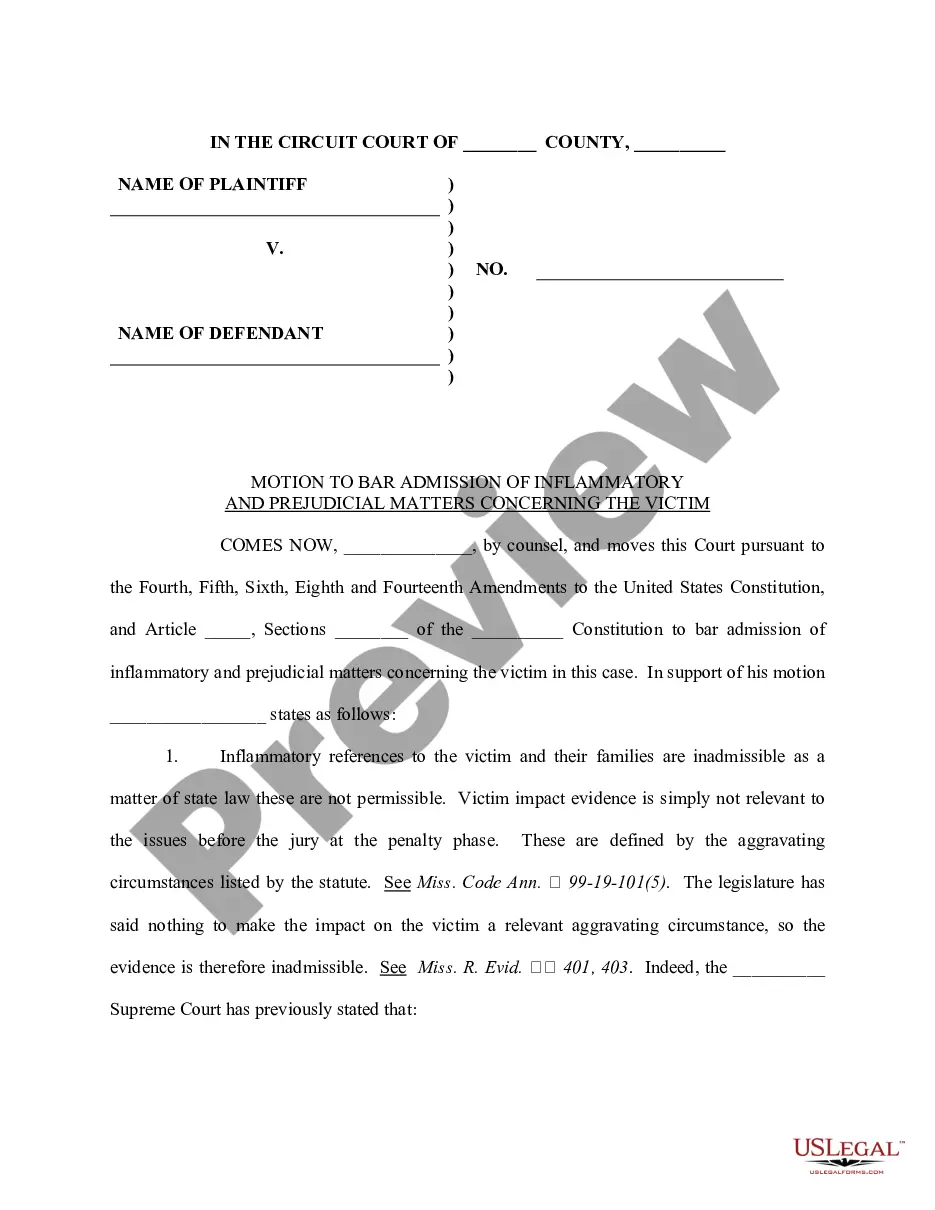
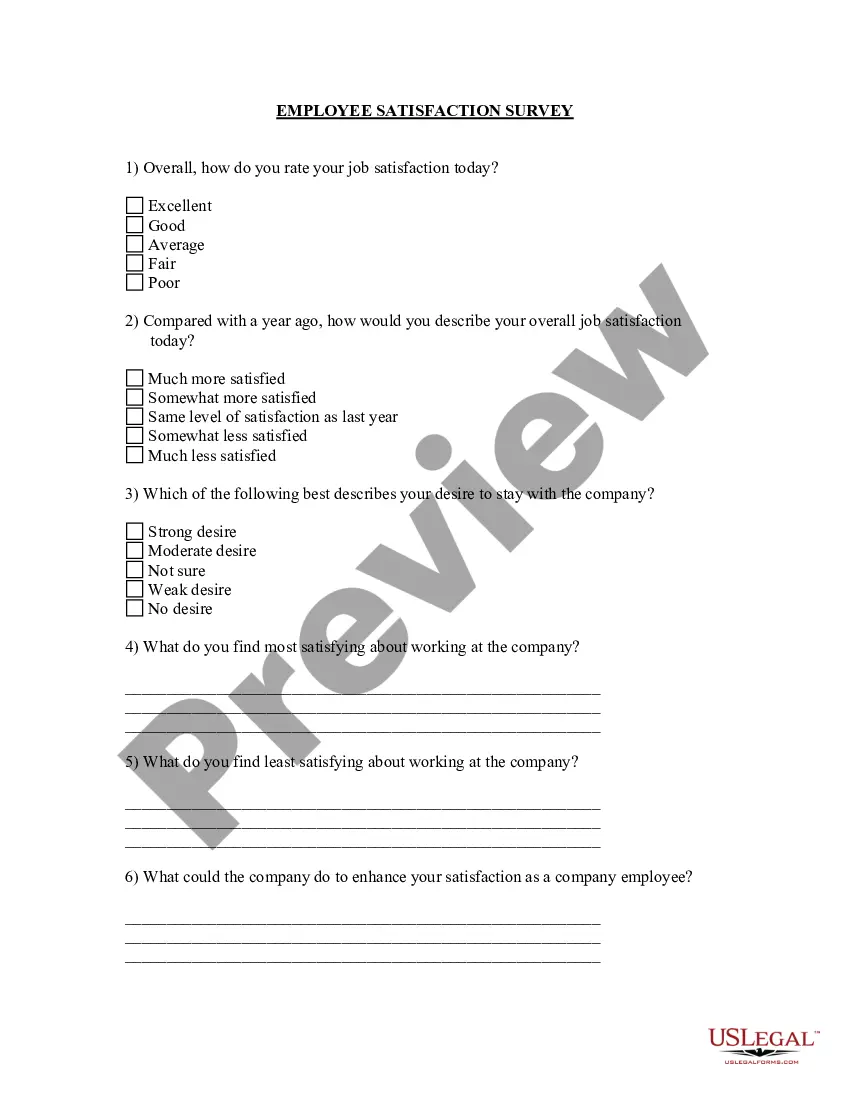
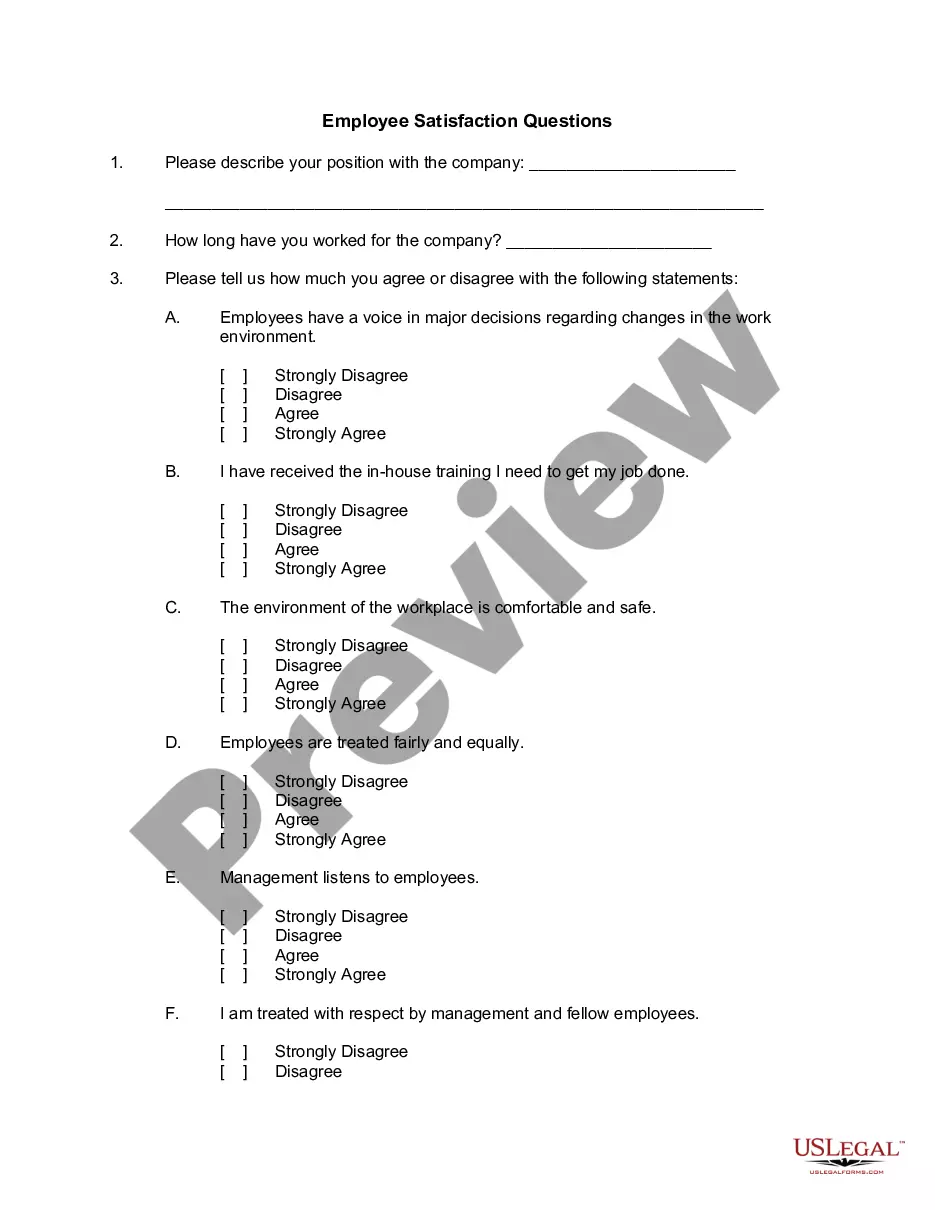
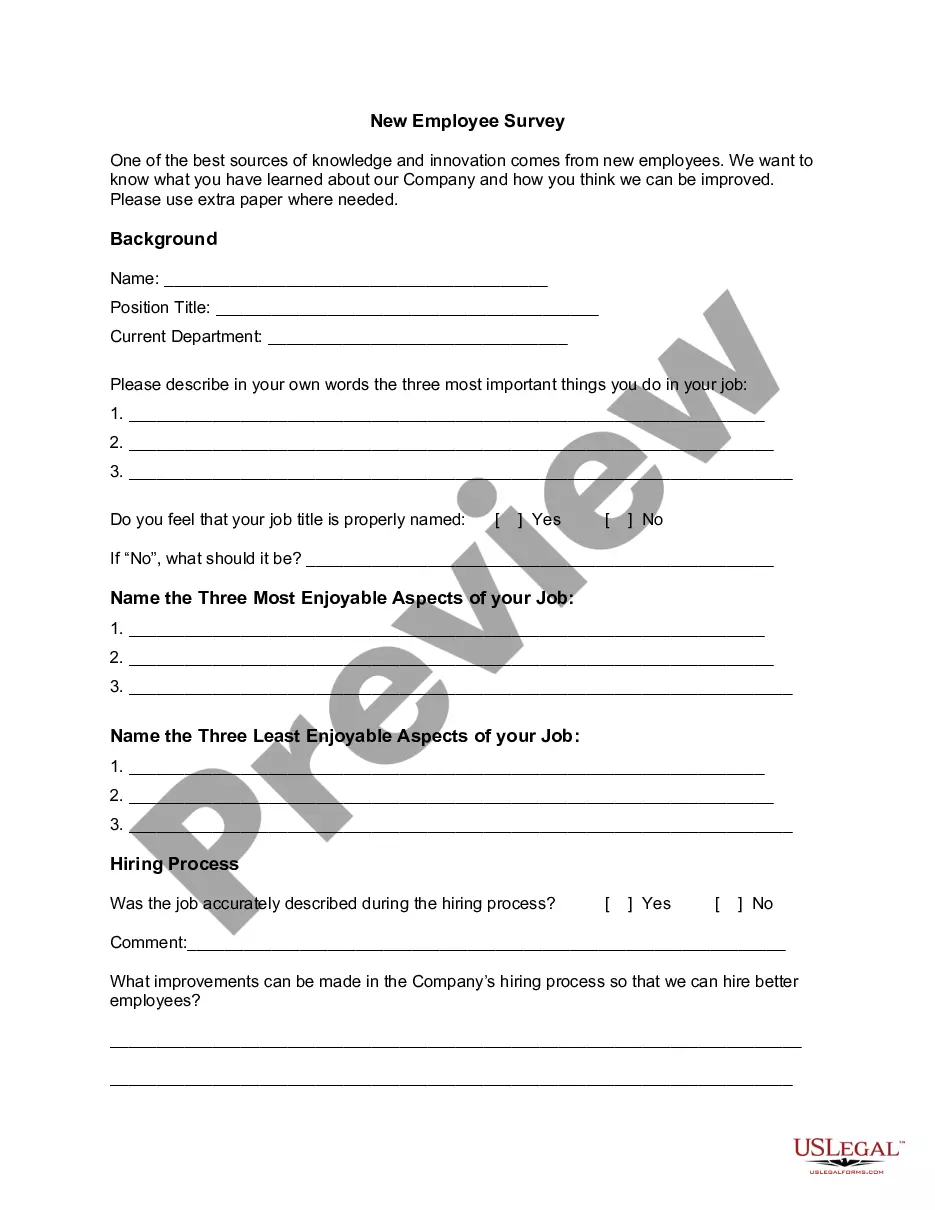
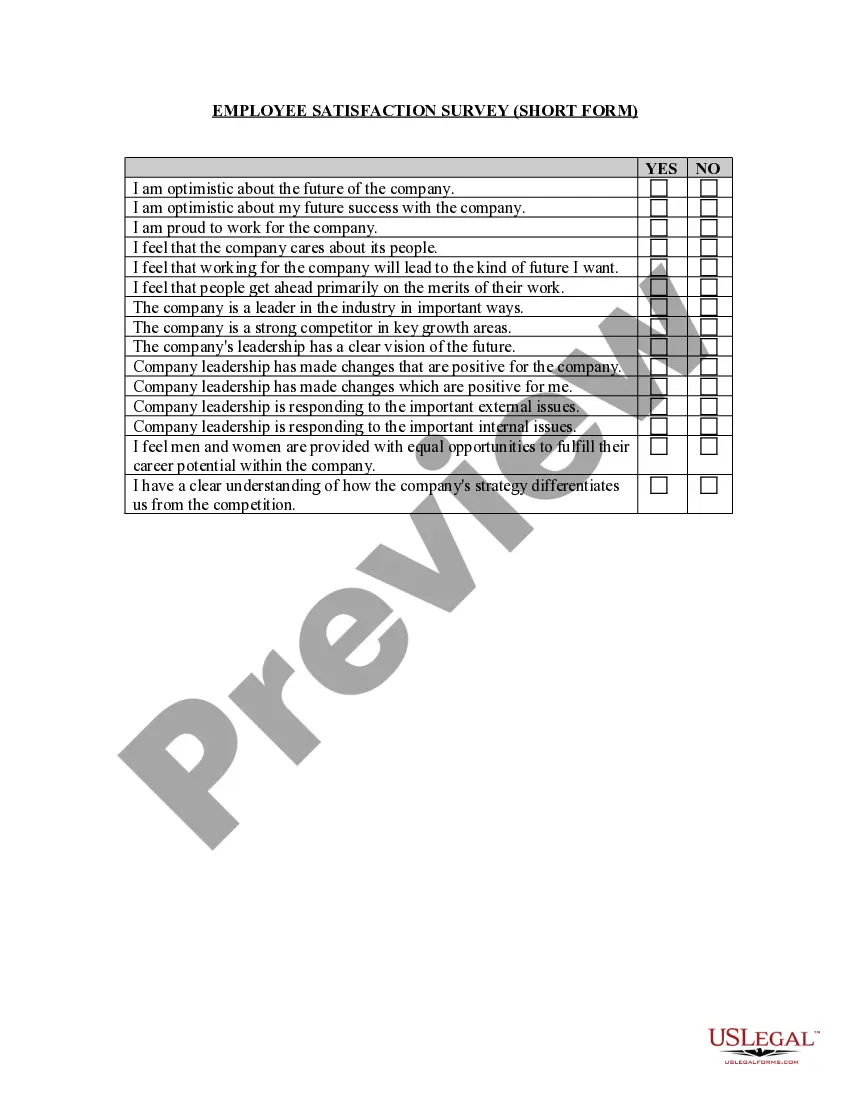
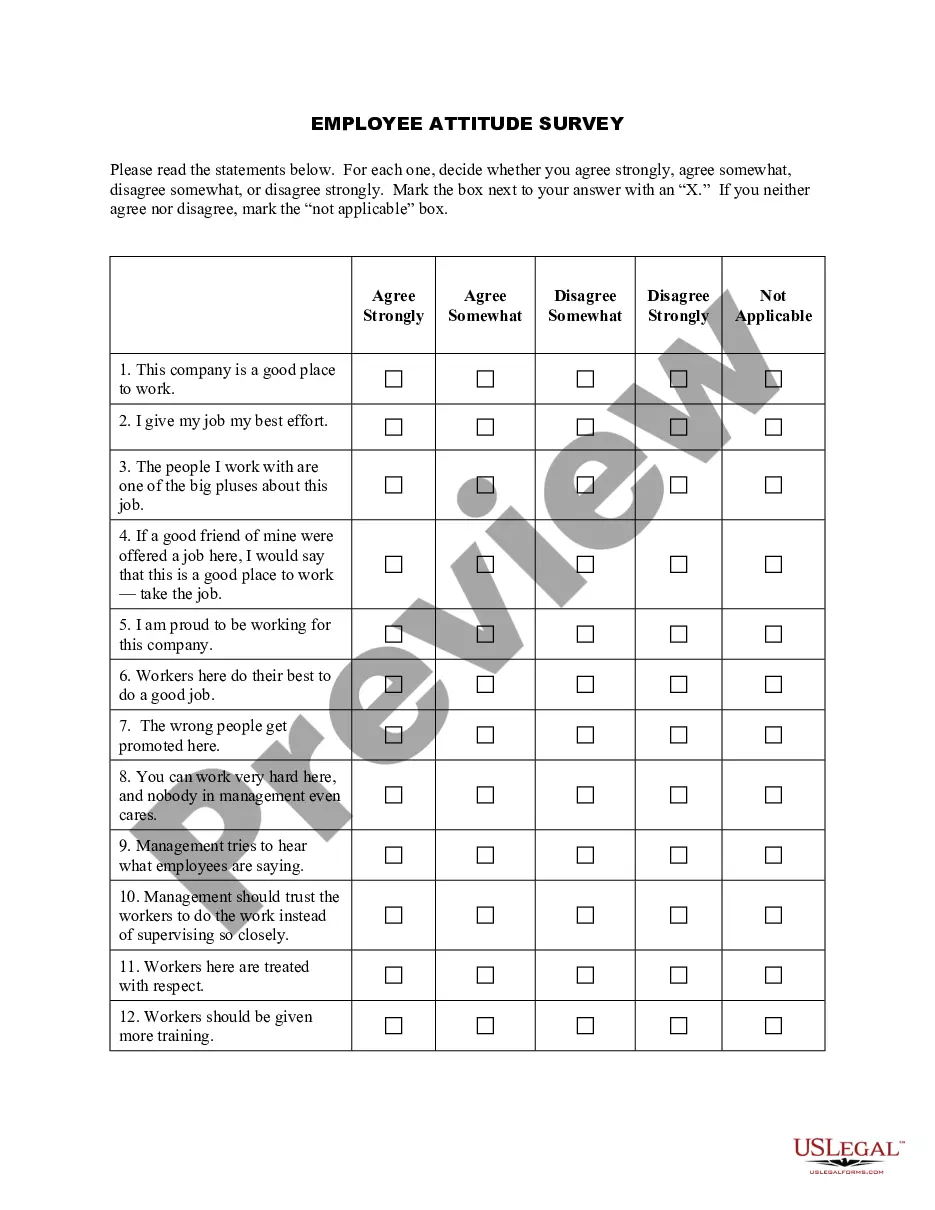
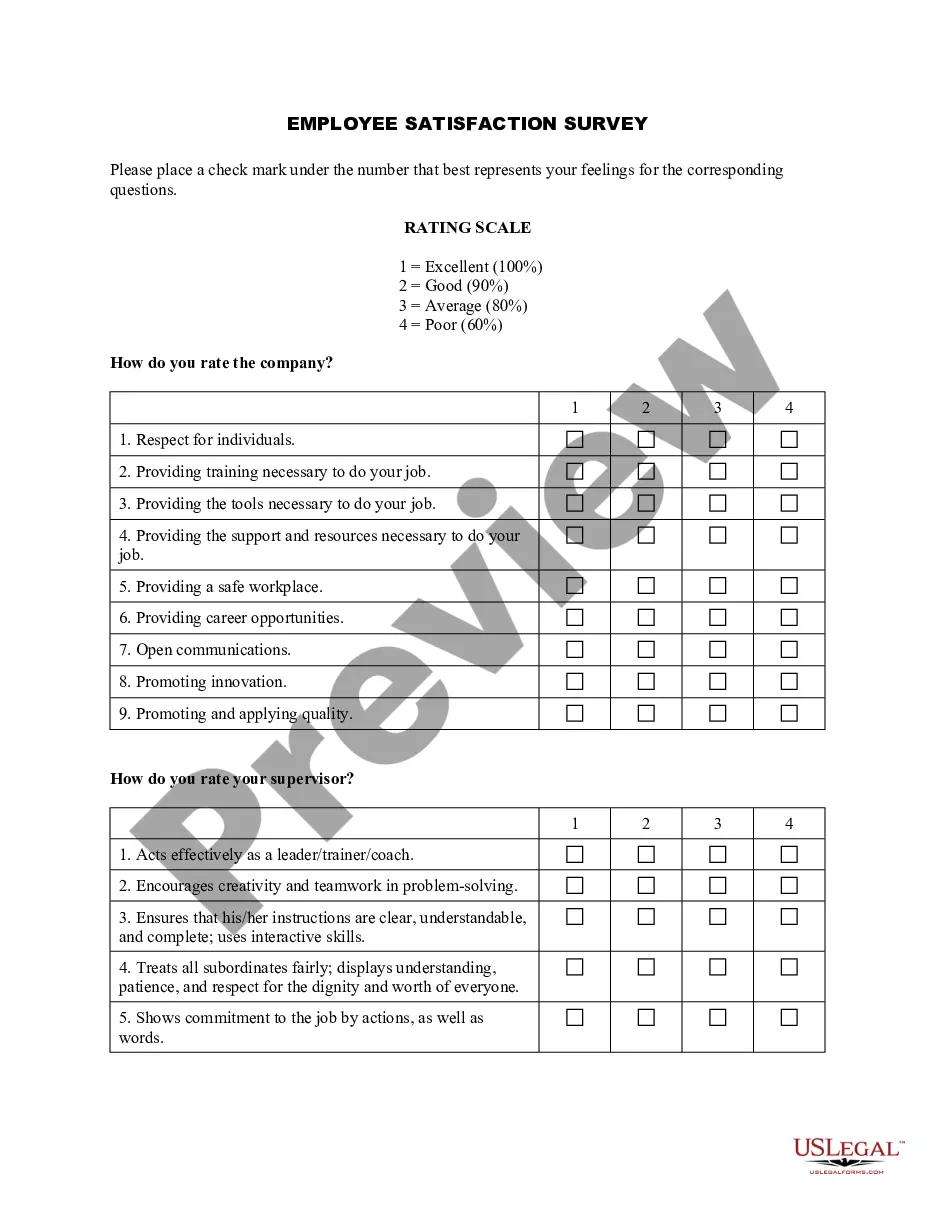
Arizona Employee Satisfaction Survey
Description
Get your form ready online
Our built-in tools help you complete, sign, share, and store your documents in one place.
Make edits, fill in missing information, and update formatting in US Legal Forms—just like you would in MS Word.
Download a copy, print it, send it by email, or mail it via USPS—whatever works best for your next step.
Sign and collect signatures with our SignNow integration. Send to multiple recipients, set reminders, and more. Go Premium to unlock E-Sign.
If this form requires notarization, complete it online through a secure video call—no need to meet a notary in person or wait for an appointment.
We protect your documents and personal data by following strict security and privacy standards.

Make edits, fill in missing information, and update formatting in US Legal Forms—just like you would in MS Word.

Download a copy, print it, send it by email, or mail it via USPS—whatever works best for your next step.

Sign and collect signatures with our SignNow integration. Send to multiple recipients, set reminders, and more. Go Premium to unlock E-Sign.

If this form requires notarization, complete it online through a secure video call—no need to meet a notary in person or wait for an appointment.

We protect your documents and personal data by following strict security and privacy standards.
Looking for another form?


How to fill out Employee Satisfaction Survey?
US Legal Forms - one of the largest collections of legal documents in the United States - offers a vast selection of legal document templates that you can obtain or print.
By utilizing the website, you will find a multitude of forms for both business and personal purposes, organized by categories, states, or keywords. You can access the most recent versions of forms such as the Arizona Employee Satisfaction Survey in no time.
If you have a membership, Log In to download the Arizona Employee Satisfaction Survey from the US Legal Forms library. The Download option will appear on every form you view. You can find all previously downloaded forms in the My documents section of your account.
Complete the transaction. Use your Visa or Mastercard or PayPal account to finalize the purchase.
Choose the format and acquire the form on your device. Modify it as needed. Fill out, amend, print, and sign the downloaded Arizona Employee Satisfaction Survey. Each template you have uploaded to your account has no expiration date and is yours permanently. Therefore, if you want to download or print another copy, simply go to the My documents section and click on the form you need. Access the Arizona Employee Satisfaction Survey with US Legal Forms, the most extensive collection of legal document templates. Utilize thousands of professional and state-specific templates that cater to your business or personal needs and requirements.
- Ensure you have selected the correct form for your location/state.
- Click the Preview option to review the contents of the form.
- Read the form description to confirm that you have chosen the right document.
- If the form does not meet your needs, use the Search field at the top of the page to find one that does.
- When you are satisfied with the form, verify your selection by clicking the Acquire now button.
- Then, select your desired payment plan and provide your details to create an account.
Form popularity
FAQ
In this article, we'll share 20 expert-recommended, employee engagement survey questions to include in your employee survey, including questions about:Employee engagement outcomes.Career growth and development.Communication and resources.Change management.Individual needs.Manager effectiveness.Team dynamics.More items...?
Identifying key findings of the employee survey report....The goal of the employee satisfaction survey effort included:Get a pulse check on employee satisfaction.Create a baseline for employee satisfaction measurements.Share findings with executive leadership and organization.Identify takeaways and action items.
How to Write a Summary of Survey ResultsUse Visualizations to Show Data.Write the Key Facts First.Write a Short Survey Summary.Explain the Motivation For Your Survey.Put Survey Statistics in Context.Tell the Reader What the Outcome Should Be.Export Your Survey Result Graphs.
The best way to answer this question is by being as honest as possible about the problem while providing concrete examples of how it affects your work. For example, if you're not able to meet productivity goals because you're constantly working through technical issues, this is a great time to mention that.
What To Do With Employee Survey Results: A 7 Step Process For HRThank Your Employees.Interpret & Analyze the Survey Results.Encourage Leadership & Management to Discuss & Communicate Results.Encourage Managers to Conduct Team/Department Meetings.Make Decisions & Create Action Plans Based on Results.Communicate Actions.More items...?
Use the following tips on how to communicate employee engagement survey results effectively in both company-wide and manager-to-team settings.Thank employees for participating.Provide an initial overview of results.Analyze results with leadership.Announce detailed results.Discuss team-level results within teams.
The following are some tips to make sure your survey on employee morale is successful.Guarantee employees' confidentiality. Your team members need the reassurance that their views will be confidential.Use clear language.Avoid tinkering with the words.Use technology to your advantage.
It should:Announce the upcoming survey, with timeline.Explain why you are conducting the survey.Explain how and when the results will be shared.Emphasize that all responses are anonymous and that the data are being collected by an outside company.Highlight the benefits to each employee.
5-answer Likert scale employee satisfaction survey questionsWhen I do something successfully, it feels like a personal accomplishment. I have all the resources I need to do my job successfully. My goals are clearly defined. My supervisors does a great job informing us about things that affect our work.
Without Further Ado: Five TipsEnsure Anonymity. All survey results should be completely anonymous to allow employees to be as honest as possible without fear of retaliation.Strive for Convenience.Showcase Importance.Share Results.Make Changes.BONUS: Offer Thanks.