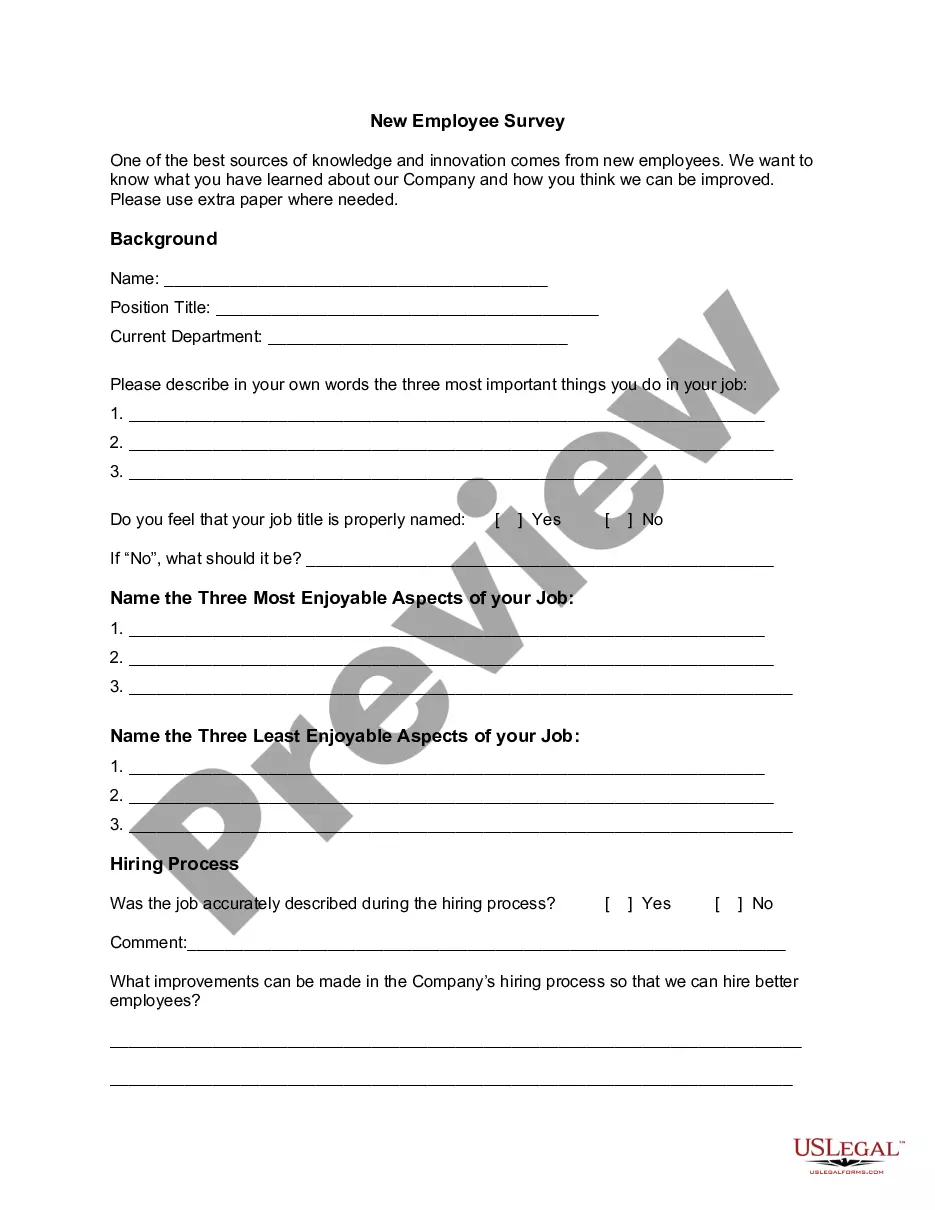
New employees can be a reliable source of information for a company. Most companies ignore the wealth of information that new employees are likely to bring from their previous experiences. As a result, a lot of valuable information gets swept away in the process of incorporating the new employee into the company.
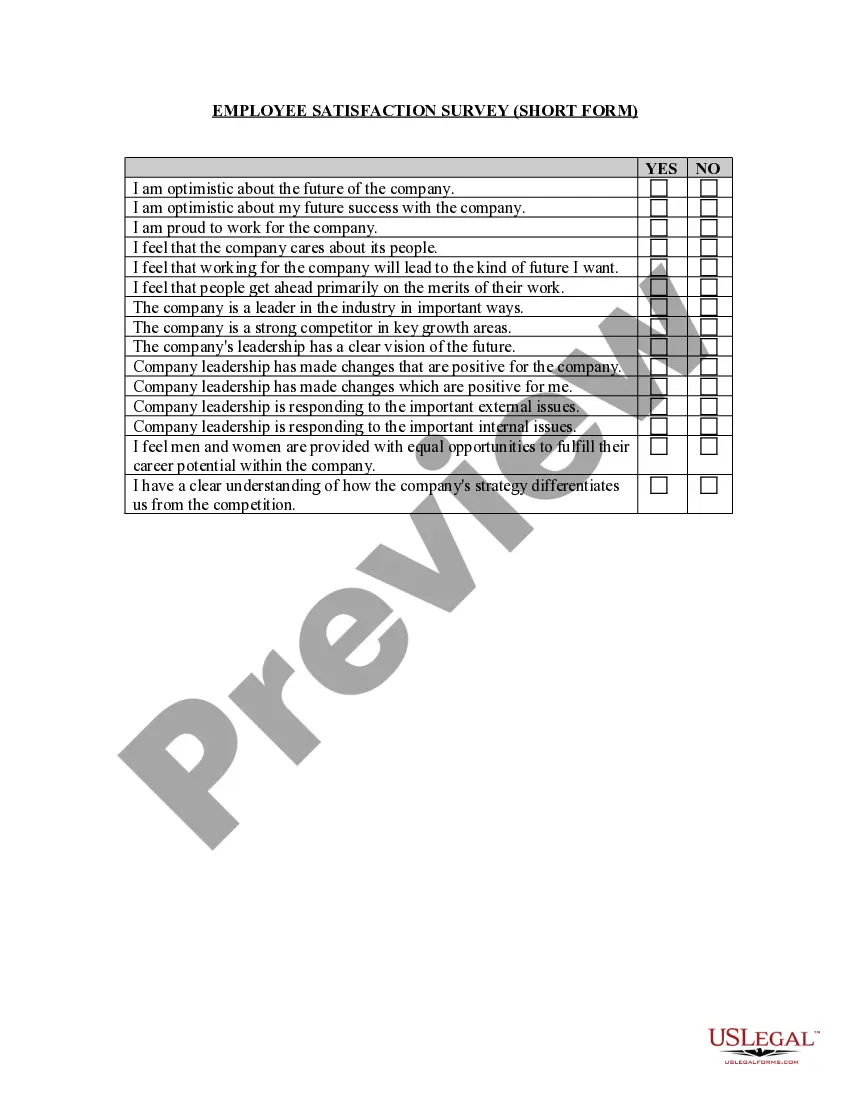
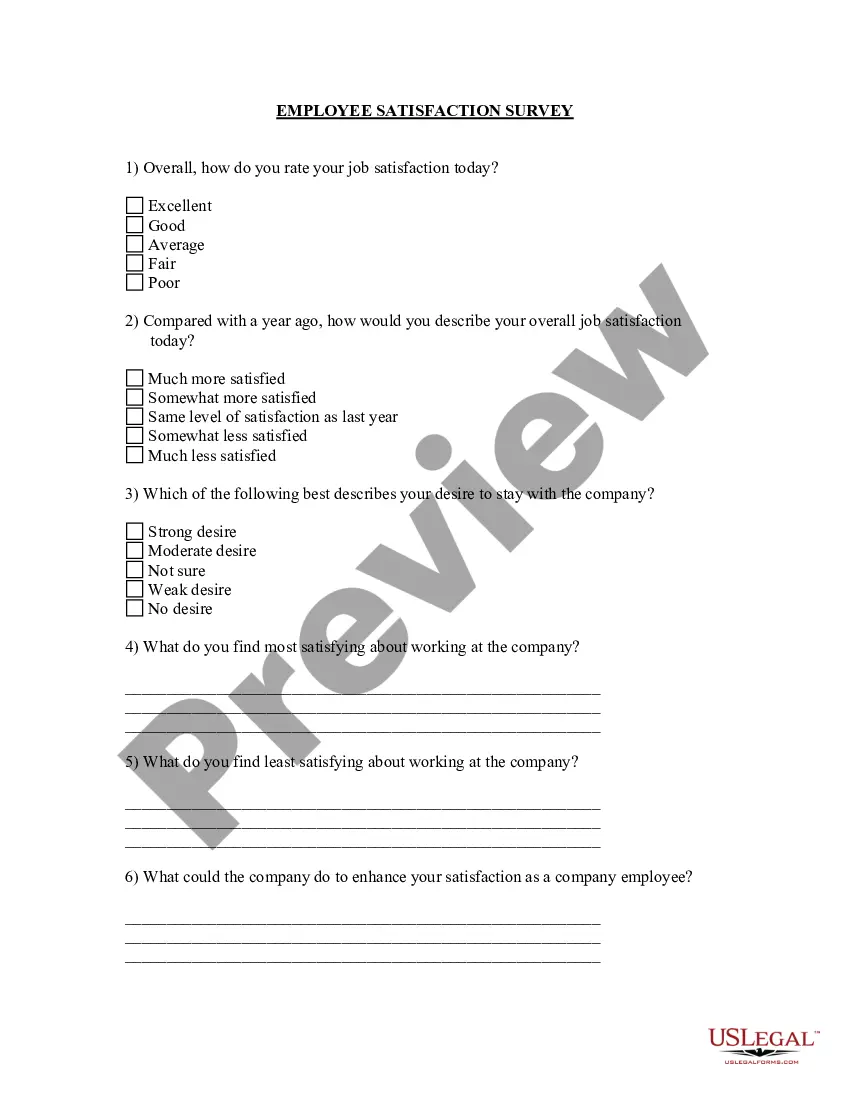
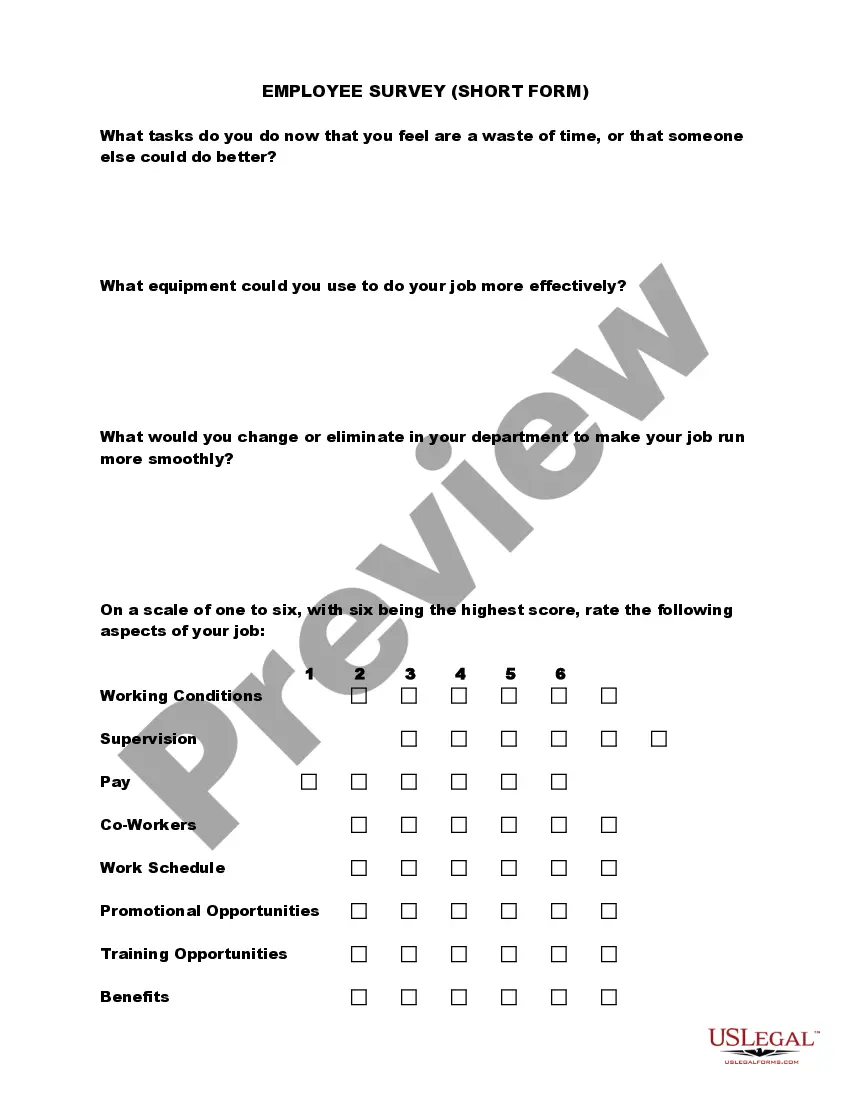
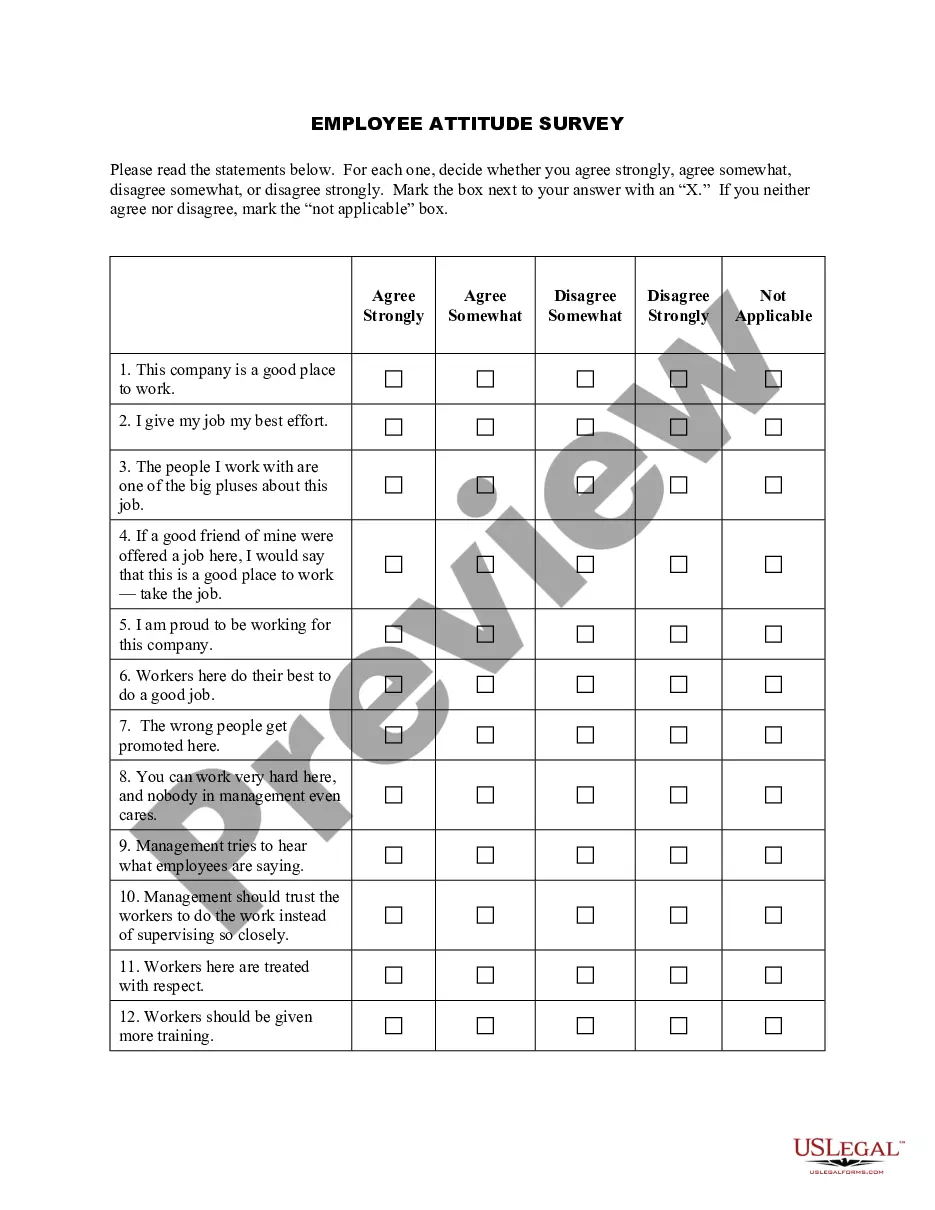
New employee surveys can be done for many purposes. One of them is the new employee orientation survey. This survey is generally done after a few days of orientation to determine any potential issues relating to productivity, turnover, attitudes and other aspects. It would also help the management to understand the productivity of the orientation or training program that the new employee went through in the initial days. The employee's experiences in the early days of employment are also important determinants, since they represent the company's image through the eyes of a new person.
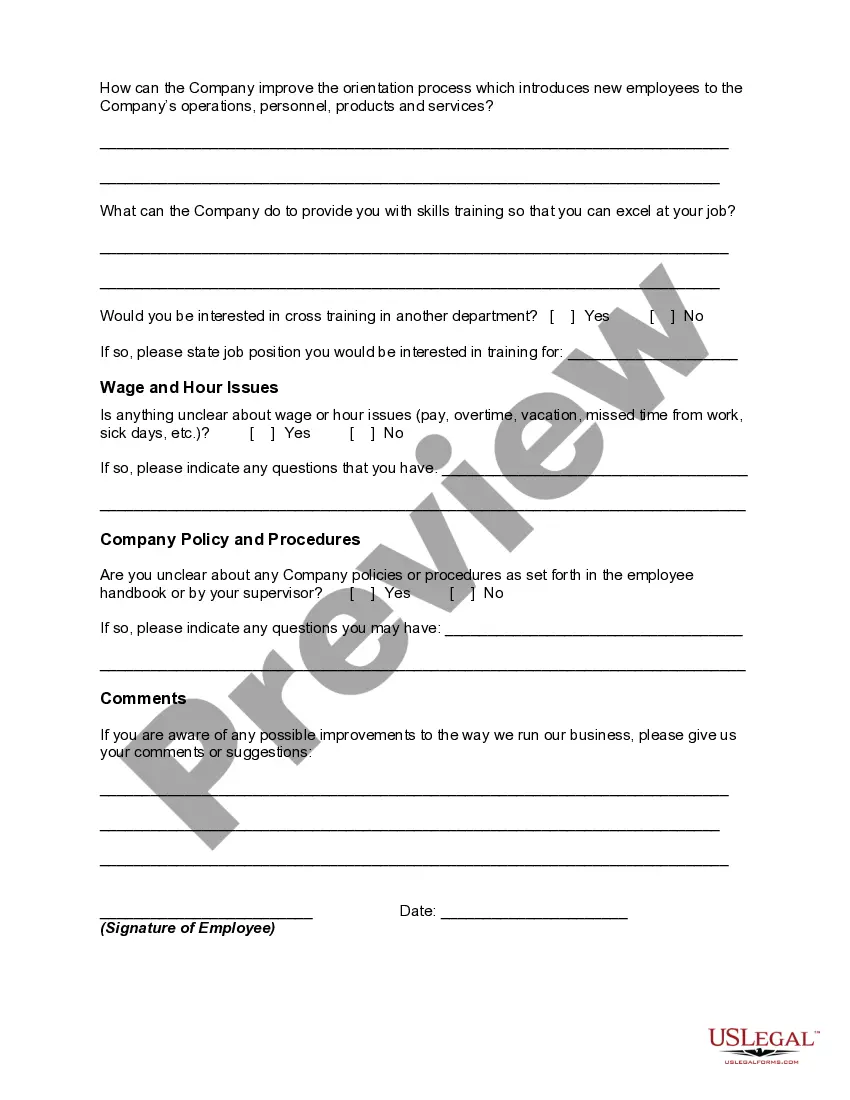
Another kind of new employee survey can be undertaken to know whether the employee has completely understood all the aspects of the new job or not. This can include the job analysis and description, the basics of the job, the most enjoyable and least enjoyable parts of the job, and so on. New employee survey can include information relating to corporate culture, training, supervisor relations, work environment, pay and benefits, communications, feedback, leadership, corporate vision, and overall satisfaction.
Arizona New Employee Survey
Instant download
Description
Free preview
Get your form ready online
Our built-in tools help you complete, sign, share, and store your documents in one place.
Built-in online Word editor
Make edits, fill in missing information, and update formatting in US Legal Forms—just like you would in MS Word.
Export easily
Download a copy, print it, send it by email, or mail it via USPS—whatever works best for your next step.
E-sign your document
Sign and collect signatures with our SignNow integration. Send to multiple recipients, set reminders, and more. Go Premium to unlock E-Sign.
Notarize online 24/7
If this form requires notarization, complete it online through a secure video call—no need to meet a notary in person or wait for an appointment.
Store your document securely
We protect your documents and personal data by following strict security and privacy standards.

Make edits, fill in missing information, and update formatting in US Legal Forms—just like you would in MS Word.

Download a copy, print it, send it by email, or mail it via USPS—whatever works best for your next step.

Sign and collect signatures with our SignNow integration. Send to multiple recipients, set reminders, and more. Go Premium to unlock E-Sign.

If this form requires notarization, complete it online through a secure video call—no need to meet a notary in person or wait for an appointment.

We protect your documents and personal data by following strict security and privacy standards.
Looking for another form?

How to fill out New Employee Survey?
Finding the correct official document template can be a challenge.
Of course, there are numerous templates available online, but how can you acquire the official document you require.
Use the US Legal Forms website.
First, ensure you have selected the correct form for your city/region. You can view the form using the Preview option and review the form description to confirm it’s the right one for you.
- The service provides thousands of templates, including the Arizona New Employee Survey, suitable for various business and personal purposes.
- All forms are vetted by professionals and comply with federal and state regulations.
- If you are already registered, Log In to your account and click the Download button to obtain the Arizona New Employee Survey.
- Utilize your account to browse through the legal forms you have previously purchased.
- Navigate to the My documents section of your account and download another copy of the document you need.
- For new users of US Legal Forms, here are simple instructions to follow.
Form popularity
FAQ
In a 90-day new hire check-in, questions often center on job satisfaction, team dynamics, and resources provided. Examples include, 'What challenges have you faced in your role?' or 'Do you have the tools needed for success?' These questions facilitate meaningful conversations and identify potential issues early on. Utilizing the feedback from this check-in can refine future Arizona New Employee Surveys, enhancing the overall onboarding process.
What is the best percentage for Arizona withholding Reddit? Your tax burden is $1,195, or 2.98%. If you want to owe a little bit at the end of the year, pick the 2.7% withholding - you'll owe an additional 0.28% ($112) in April. If you want a little back, pick 3.36% and you'll get 0.38% ($152) back in April.
Employee's Withholding Tax Exemption Certificate. FORM. A4. (REV.
Whatever number is reported on line H is the number of allowances you can claim. However, if you want to have the maximum withheld from your paycheck, simply enter a 0 for lines A G, and line H.
To keep your withholding the same as last year, choose a withholding percentage of 1.8% (40,000 x . 018 = 720) and withhold an additional $10.77 per biweekly pay period (1,000 - 720 = 280 / 26 = 10.77). Be sure to take into account any amount already withheld for this year.
Here's a step-by-step look at how to complete the form.Step 1: Provide Your Information. Provide your name, address, filing status, and Social Security number.Step 2: Indicate Multiple Jobs or a Working Spouse.Step 3: Add Dependents.Step 4: Add Other Adjustments.Step 5: Sign and Date Form W-4.
It is your gross wages less any pretax deductions, such as your share of health insurance premiums. Complete this form within the first five days of your employment to select an Arizona withholding percentage. You may also have your employer withhold an extra amount from each paycheck.
How do I fill out a W-4?Step 1: Enter your personal information. In this section you'll enter your name, address, filing status and Social Security number.Step 2: Complete if you have multiple jobs or two earners in your household.Step 3: Claim Dependents.Step 4: Other Adjustments.Step 5: Sign your form.
Registration must be done by completing the Arizona Joint Tax Application, (Arizona Form JT-1), available here. Completing and submitting Arizona Form JT-1 also begins the process of registering the employer for unemployment compensation insurance with the Arizona Department of Economic Security.
How to file a W-4 form in 5 StepsStep 1: Enter your personal information. The first step is filling out your name, address and Social Security number.Step 2: Multiple jobs or spouse works.Step 3: Claim dependents.Step 4: Factor in additional income and deductions.Step 5: Sign and file with your employer.