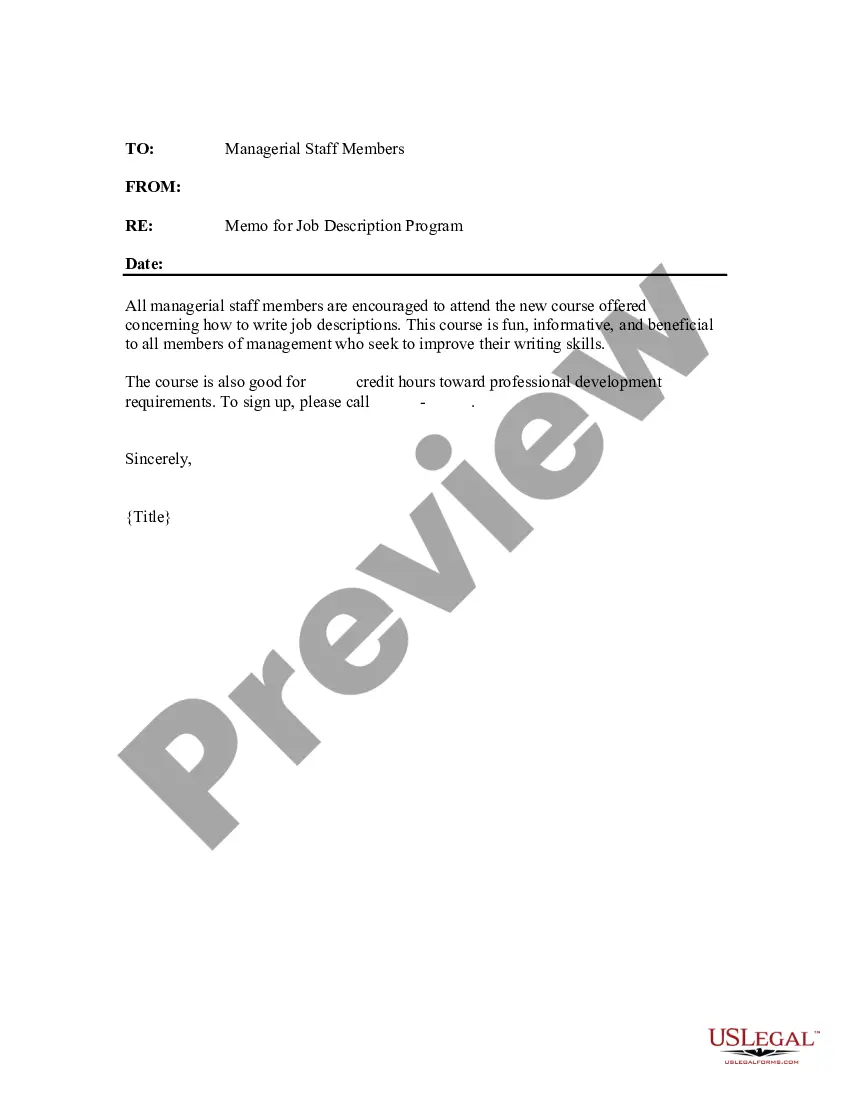
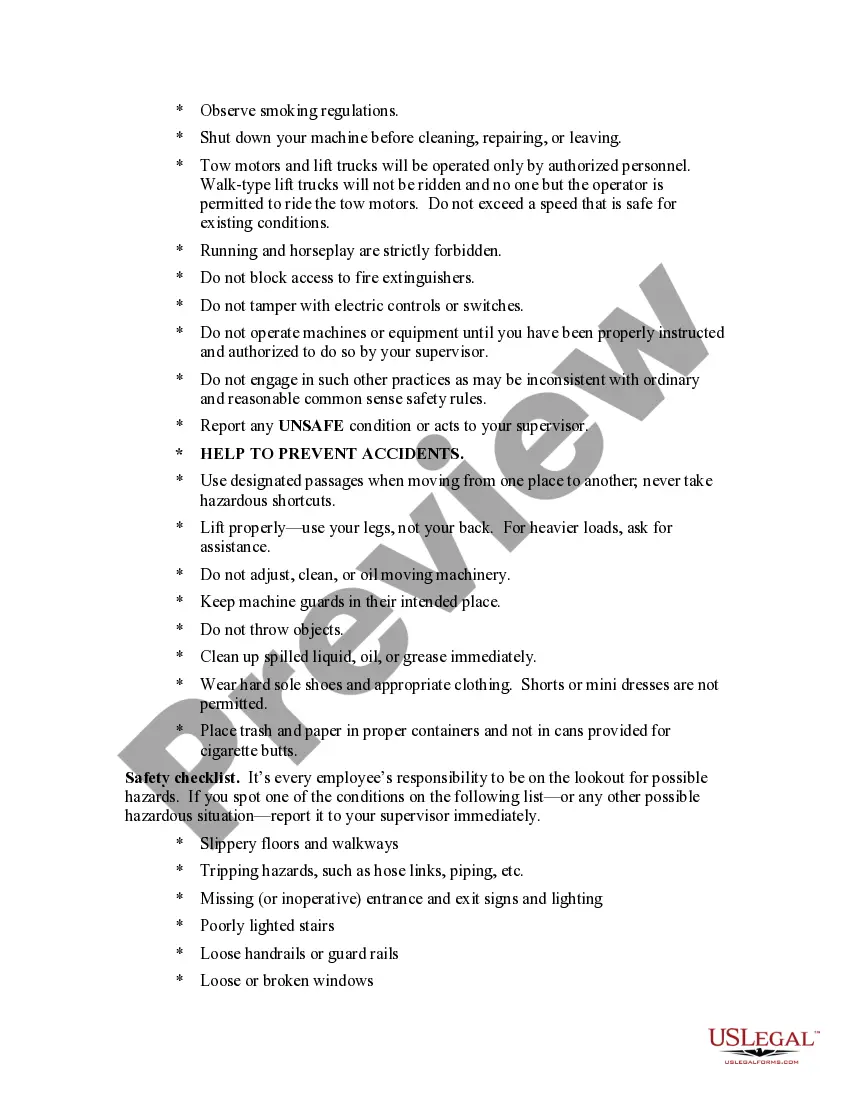
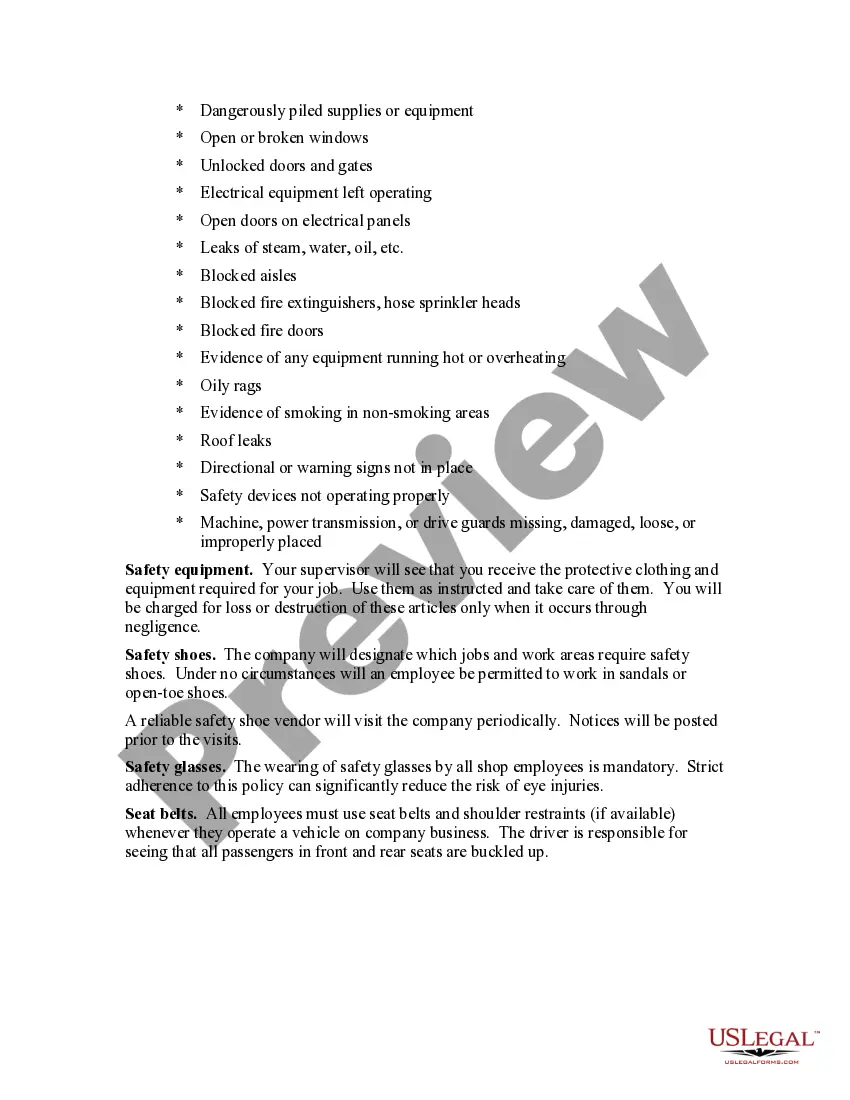
Arizona Workplace Safety Rules
Description
Get your form ready online
Our built-in tools help you complete, sign, share, and store your documents in one place.
Make edits, fill in missing information, and update formatting in US Legal Forms—just like you would in MS Word.
Download a copy, print it, send it by email, or mail it via USPS—whatever works best for your next step.
Sign and collect signatures with our SignNow integration. Send to multiple recipients, set reminders, and more. Go Premium to unlock E-Sign.
If this form requires notarization, complete it online through a secure video call—no need to meet a notary in person or wait for an appointment.
We protect your documents and personal data by following strict security and privacy standards.

Make edits, fill in missing information, and update formatting in US Legal Forms—just like you would in MS Word.

Download a copy, print it, send it by email, or mail it via USPS—whatever works best for your next step.

Sign and collect signatures with our SignNow integration. Send to multiple recipients, set reminders, and more. Go Premium to unlock E-Sign.

If this form requires notarization, complete it online through a secure video call—no need to meet a notary in person or wait for an appointment.

We protect your documents and personal data by following strict security and privacy standards.
Looking for another form?






How to fill out Workplace Safety Rules?
If you wish to obtain, download, or print authorized document templates, utilize US Legal Forms, the largest assortment of legal forms available online.
Take advantage of the site's user-friendly and straightforward search to find the documents you need.
Numerous templates for business and personal purposes are organized by types and categories or keywords.
Step 4. Once you have found the form you need, click the Purchase now button. Choose your preferred pricing plan and enter your details to register for an account.
Step 5. Process the payment. You can use your credit card or PayPal account to finalize the transaction. Step 6. Select the format of your legal form and download it to your device. Step 7. Complete, modify, and print or sign the Arizona Workplace Safety Rules.
- Utilize US Legal Forms to acquire the Arizona Workplace Safety Rules in just a few clicks.
- If you are already a US Legal Forms user, Log In to your account and click the Download button to retrieve the Arizona Workplace Safety Rules.
- You can also access forms you previously saved in the My documents section of your account.
- If this is your first time using US Legal Forms, follow the steps below.
- Step 1. Ensure you have selected the form for the correct city/state.
- Step 2. Use the Review option to examine the form's content. Always remember to read the information carefully.
- Step 3. If you are not satisfied with the form, use the Search box at the top of the screen to find alternative versions of the legal form format.
Form popularity
FAQ
The following 22 states or territories have OSHA-approved State Plans that cover both private and state and local government workers:Alaska.Arizona.California.Hawaii.Indiana.Iowa.Kentucky.Maryland.More items...
You have the right to a safe workplace. The Occupational Safety and Health Act of 1970 (OSH Act) was passed to prevent workers from being killed or otherwise harmed at work. The law requires employers to provide their employees with working conditions that are free of known dangers.
The following 22 states or territories have OSHA-approved State Plans that cover both private and state and local government workers:Alaska.Arizona.California.Hawaii.Indiana.Iowa.Kentucky.Maryland.More items...
Arizona is a state plan state; that is, it has its own federally approved occupational safety and health program. Consequently, AOSHA governs workplace safety and health in both the public and private sectors.
State Plan StandardsADOSH has adopted federal OSHA standards and incorporates them by reference. In addition, Arizona has the following unique standards: General Industry.
Not every state creates their own OSHA plans, but there are 22 states in the U.S. that administer these plans, which cover both public and private sector employees.
State Plan StandardsADOSH has adopted federal OSHA standards and incorporates them by reference. In addition, Arizona has the following unique standards: General Industry.
Arizona is a state plan state; that is, it has its own federally approved occupational safety and health program. Consequently, AOSHA governs workplace safety and health in both the public and private sectors.
Arizona is one of 28 states and territories that operate their own OSHA-approved state plans. That's allowed under federal law, as long as a state's rules are at least as effective as OSHA's. If they're not, the federal government can revoke a state's plan.