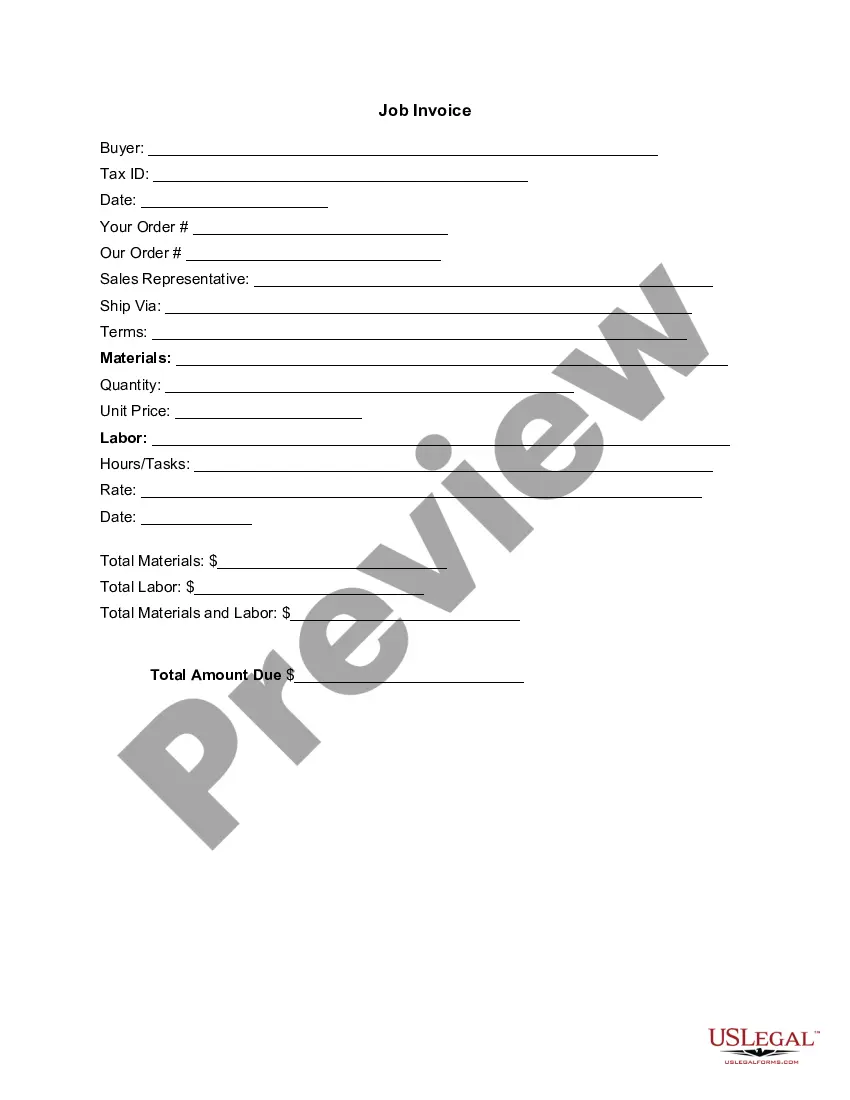
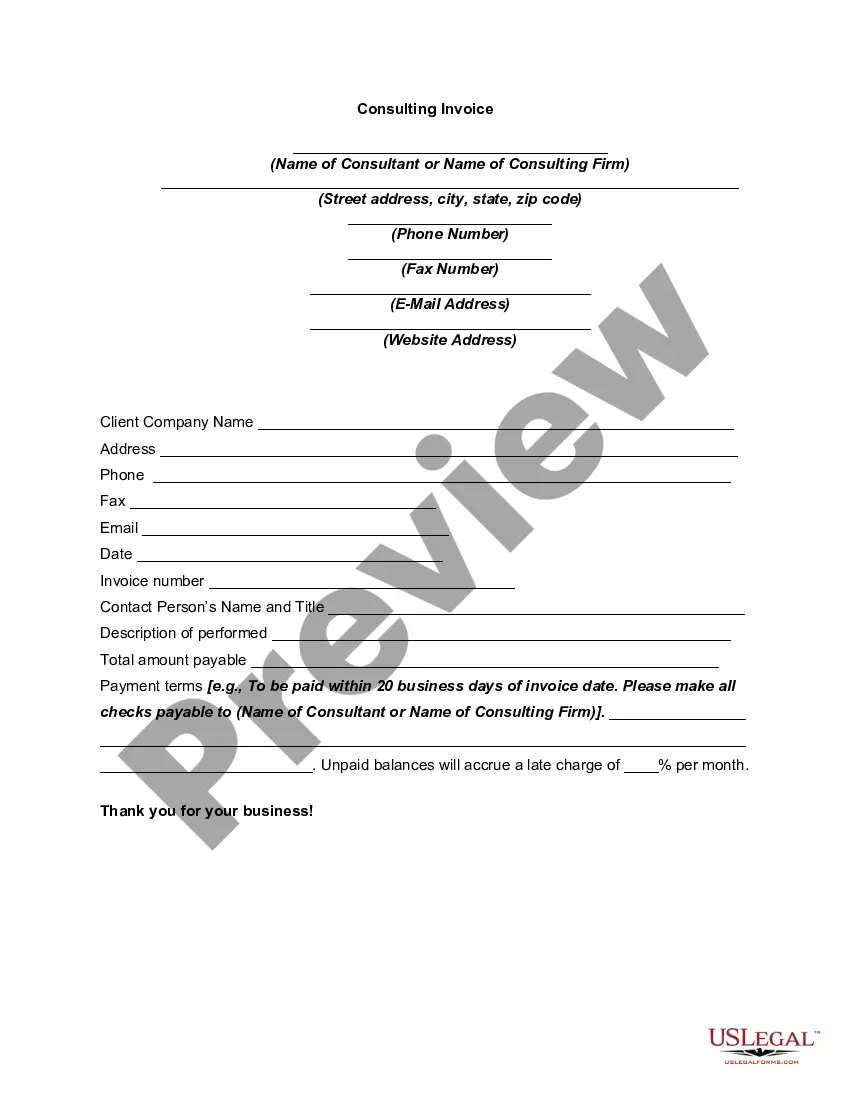
Arizona Invoice Template for Consulting Services
Description



Get your form ready online
Our built-in tools help you complete, sign, share, and store your documents in one place.
Make edits, fill in missing information, and update formatting in US Legal Forms—just like you would in MS Word.
Download a copy, print it, send it by email, or mail it via USPS—whatever works best for your next step.
Sign and collect signatures with our SignNow integration. Send to multiple recipients, set reminders, and more. Go Premium to unlock E-Sign.
If this form requires notarization, complete it online through a secure video call—no need to meet a notary in person or wait for an appointment.
We protect your documents and personal data by following strict security and privacy standards.

Make edits, fill in missing information, and update formatting in US Legal Forms—just like you would in MS Word.

Download a copy, print it, send it by email, or mail it via USPS—whatever works best for your next step.

Sign and collect signatures with our SignNow integration. Send to multiple recipients, set reminders, and more. Go Premium to unlock E-Sign.

If this form requires notarization, complete it online through a secure video call—no need to meet a notary in person or wait for an appointment.

We protect your documents and personal data by following strict security and privacy standards.
Looking for another form?



How to fill out Invoice Template For Consulting Services?
You can spend hours online attempting to locate the valid document format that meets the federal and state requirements you need.
US Legal Forms offers thousands of valid forms that are reviewed by experts.
You can easily obtain or create the Arizona Invoice Template for Consulting Services from my service.
If available, use the Review button to look through the document format, as well.
- If you already have a US Legal Forms account, you can sign in and then click the Download button.
- After that, you can complete, modify, print, or sign the Arizona Invoice Template for Consulting Services.
- Each valid document you obtain is your property forever.
- To get another copy of the obtained form, go to the My documents tab and click the corresponding button.
- If you are using the US Legal Forms website for the first time, follow the simple instructions below.
- First, ensure that you have selected the correct document format for the area/town of your choice.
- Read the form details to ensure you have chosen the appropriate form.
Form popularity
FAQ
To raise a consultancy invoice, first collect all relevant details, including service descriptions, time spent, and agreed rates. Format the invoice professionally, incorporating your information and the client’s details. Don’t forget to specify payment terms and methods clearly. An Arizona Invoice Template for Consulting Services simplifies this process, allowing you to focus on your consulting work while managing invoicing seamlessly.
Invoicing a client as a consultant starts by creating a detailed invoice that includes your services, rates, and payment deadlines. Make sure to include invoice numbers for tracking purposes and a summary of the work completed. Always send the invoice promptly after services are delivered. Using an Arizona Invoice Template for Consulting Services helps streamline this process, ensuring no important details are overlooked.
Determining a consultant's billable rate involves assessing market rates, your expertise level, and the specific industry. Typical rates vary widely, but research similar professionals in Arizona for guidance. Keep in mind additional factors such as project complexity and client budget. Utilizing an Arizona Invoice Template for Consulting Services can help you display your rates clearly and understandably.
To create an invoice for consulting services, start by including your business information and the client's details. Clearly outline the services provided, along with dates and rates. A well-structured invoice should also mention payment terms and methods. Consider using an Arizona Invoice Template for Consulting Services to ensure a professional appearance and compliance with local regulations.
Filling out an invoice template is straightforward. Start by entering your business information at the top and then add your client's details. Finally, list your services, quantities, and rates. Using the Arizona Invoice Template for Consulting Services simplifies the process, as it guides you in capturing all essential details needed for proper invoicing.
To write an invoice for consulting services, begin with your business name and contact information. Then, include a comprehensive list of the consulting services provided, along with their prices. Implement our Arizona Invoice Template for Consulting Services to ensure you follow best practices and create a professional-looking invoice.
Creating an invoice for consulting work involves detailing the services you offered and their associated costs. Use our Arizona Invoice Template for Consulting Services to format your invoice clearly, which helps clients understand what they are paying for. Be sure to outline payment methods and deadlines to facilitate prompt payments.
To write an invoice for services provided, start by including your business name and contact details at the top. Next, list the services rendered, specifying each task along with the corresponding rates. Use our Arizona Invoice Template for Consulting Services to simplify this process, ensuring all necessary information is included like invoice number and payment terms.
To create an invoice for your services, start by identifying the essential details you need to include. Use the Arizona Invoice Template for Consulting Services, which provides a structured format, including your business name, client information, service descriptions, rates, and payment terms. Utilizing this template helps you maintain professionalism and clarity. Finally, remember to keep a copy for your records and send the invoice promptly to ensure timely payment.
To submit an invoice for a service, prepare the document by detailing the services provided and the amount due. Using an Arizona Invoice Template for Consulting Services makes this task easier and more professional. Once ready, send the invoice to your client via email or postal service, depending on what they prefer. Keep a record of all submitted invoices for your reference and tracking.