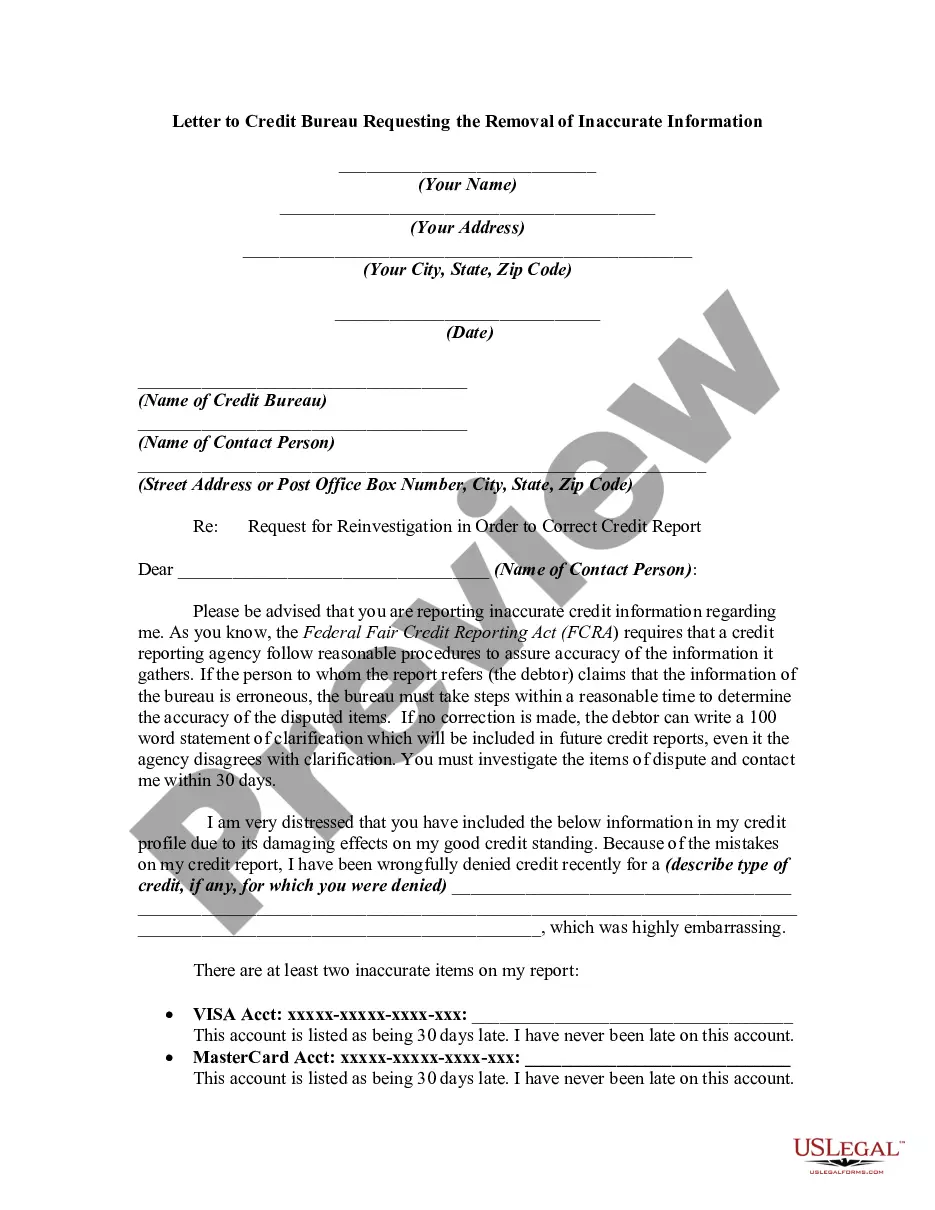
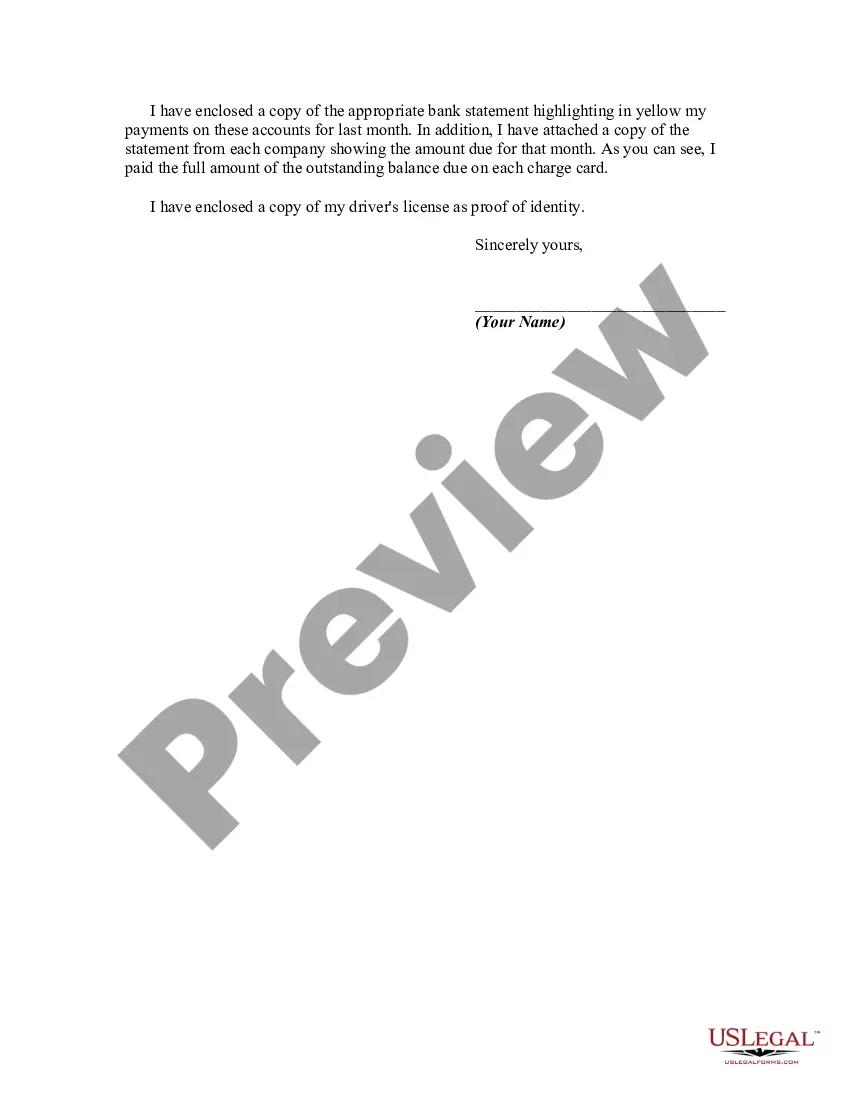
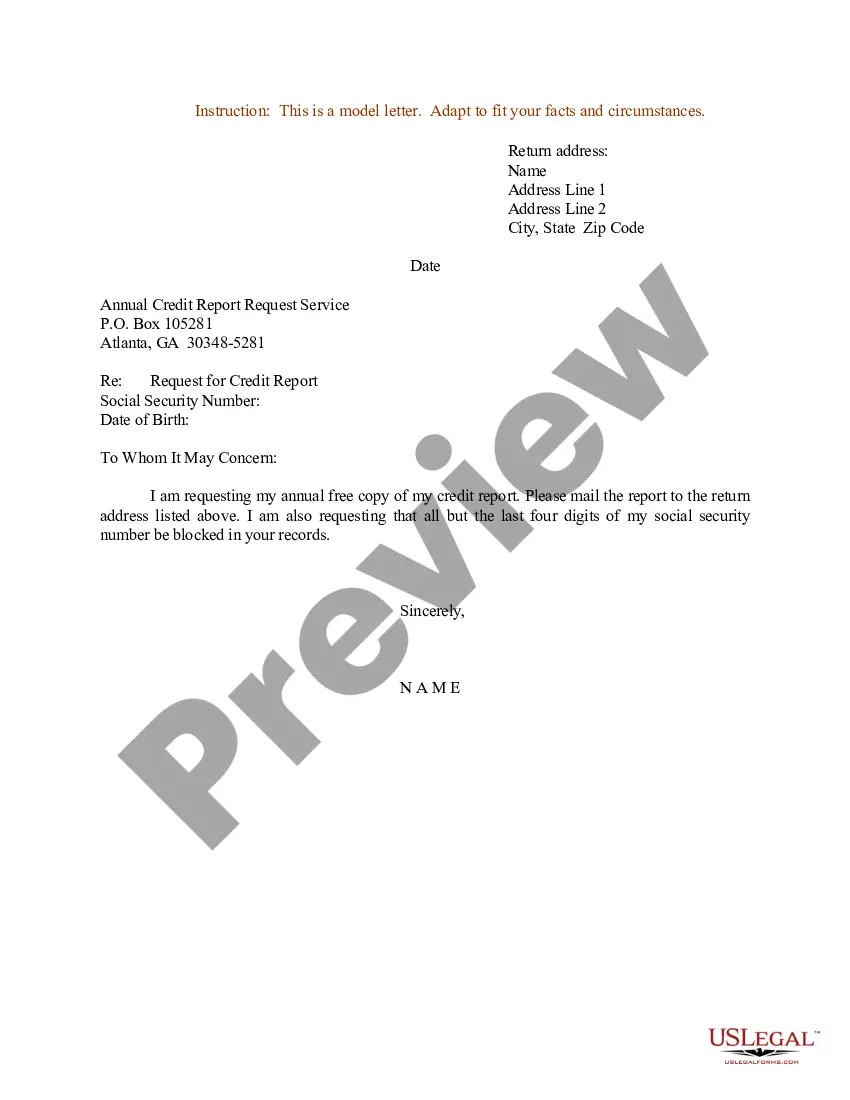
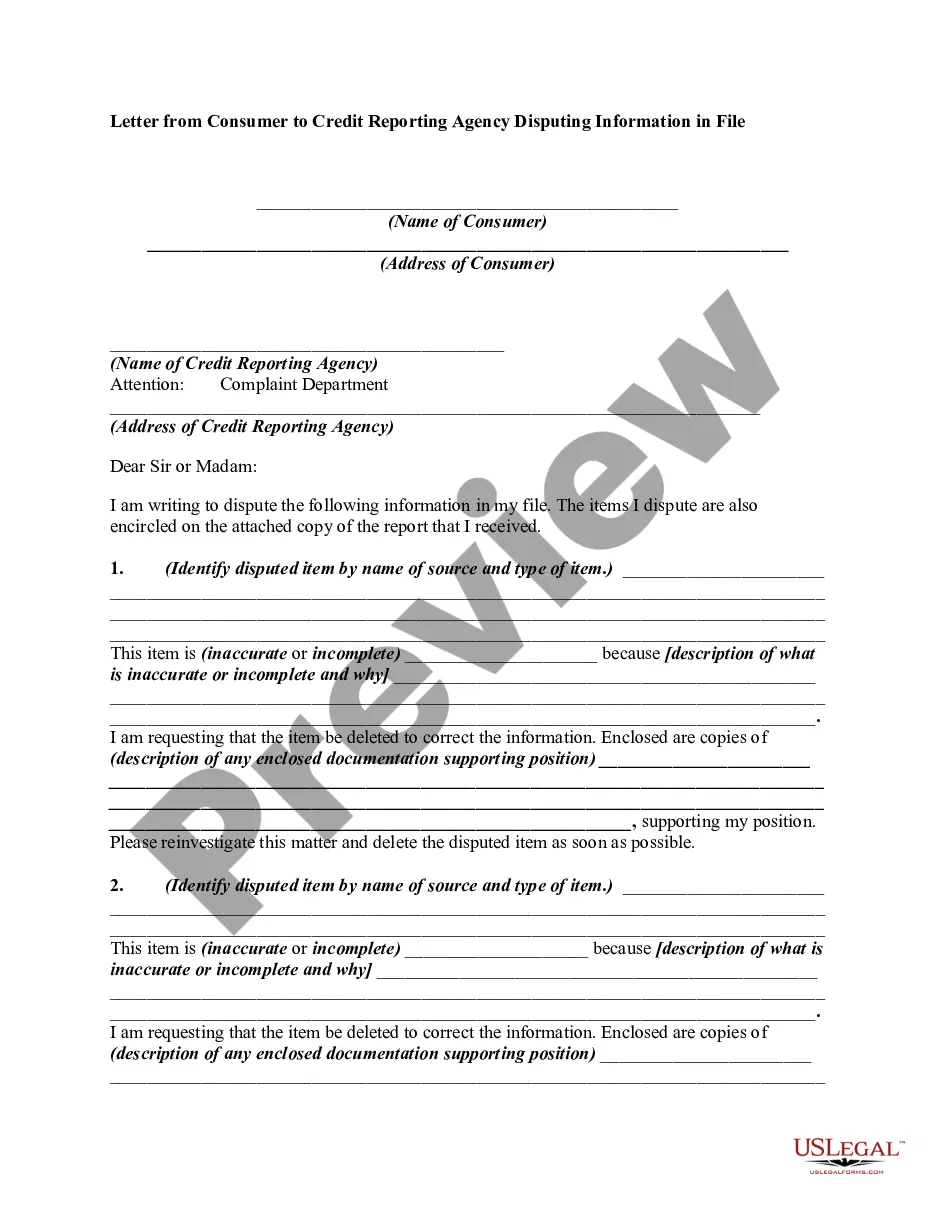
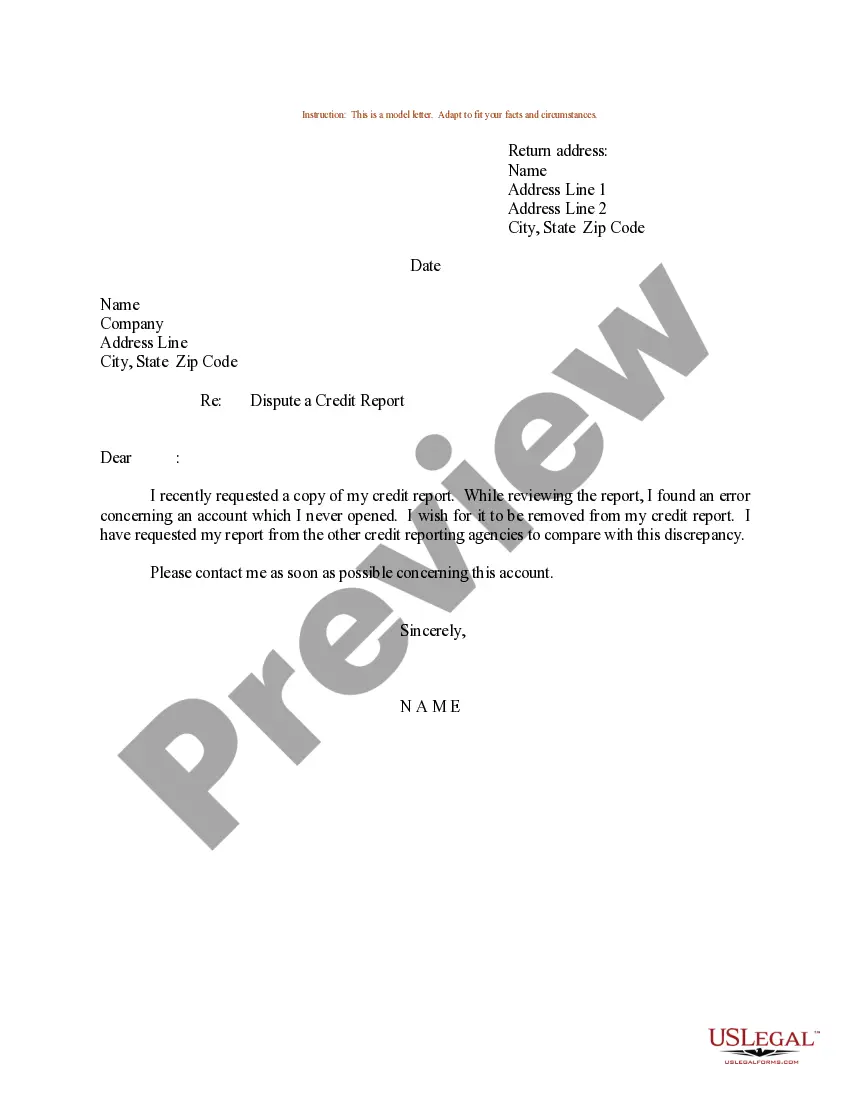
This form is a sample letter requesting the removal of inaccurate information. Always include any copies of proof you may have (e.g., copies of cancelled checks showing timely payments). If the person claims that the information of the bureau is erroneous, the bureau must take steps within a reasonable time to determine the accuracy of the disputed items. If no correction is made, the debtor can write a 100 word statement of clarification which will be included in future credit reports, even it the agency disagrees with clarification.
Arizona Letter to Credit Bureau Requesting the Removal of Inaccurate Information
State:
Multi-State
Control #:
US-01600BG
Format:
Word;
Rich Text
100 downloads
Description
Free preview
Get your form ready online
Our built-in tools help you complete, sign, share, and store your documents in one place.
Built-in online Word editor
Make edits, fill in missing information, and update formatting in US Legal Forms—just like you would in MS Word.
Export easily
Download a copy, print it, send it by email, or mail it via USPS—whatever works best for your next step.
E-sign your document
Sign and collect signatures with our SignNow integration. Send to multiple recipients, set reminders, and more. Go Premium to unlock E-Sign.
Notarize online 24/7
If this form requires notarization, complete it online through a secure video call—no need to meet a notary in person or wait for an appointment.
Store your document securely
We protect your documents and personal data by following strict security and privacy standards.

Make edits, fill in missing information, and update formatting in US Legal Forms—just like you would in MS Word.

Download a copy, print it, send it by email, or mail it via USPS—whatever works best for your next step.

Sign and collect signatures with our SignNow integration. Send to multiple recipients, set reminders, and more. Go Premium to unlock E-Sign.

If this form requires notarization, complete it online through a secure video call—no need to meet a notary in person or wait for an appointment.

We protect your documents and personal data by following strict security and privacy standards.
Looking for another form?
How to fill out Letter To Credit Bureau Requesting The Removal Of Inaccurate Information?
US Legal Forms - one of the largest collections of legal documents in the United States - offers a range of legal template files that you can download or print.
By using the platform, you can discover thousands of forms for business and personal purposes, categorized by groups, states, or keywords. You can access the latest versions of forms such as the Arizona Letter to Credit Bureau Requesting the Elimination of Inaccurate Information in moments.
If you have a monthly subscription, Log In and download the Arizona Letter to Credit Bureau Requesting the Elimination of Inaccurate Information from the US Legal Forms library. The Acquire button appears on every form you view. You can find all previously saved forms in the My documents tab of your account.
Complete the transaction. Use your Visa, Mastercard, or PayPal account to finalize the payment.
Select the format and download the form to your device. Edit. Fill out, modify, print, and sign the saved Arizona Letter to Credit Bureau Requesting the Elimination of Inaccurate Information. Every template added to your account has no expiration date and is yours forever. Therefore, if you need to download or print another copy, simply go to the My documents section and click on the form you require. Access the Arizona Letter to Credit Bureau Requesting the Elimination of Inaccurate Information with US Legal Forms, one of the most comprehensive collections of legal document templates. Utilize a vast array of professional and state-specific templates that meet your business or personal needs.
- Verify you have selected the appropriate form for the city/county.
- Click the Review button to view the content of the form.
- Examine the form details to ensure you have chosen the correct one.
- If the form doesn’t suit your needs, use the Search box at the top of the screen to find one that does.
- If satisfied with the form, confirm your choice by clicking the Buy now button.
- Then, select the pricing plan you prefer and provide your credentials to register for an account.
Form popularity
FAQ
To dispute an inaccurate credit report letter, start by collecting any documentation that supports your claim. Next, draft an Arizona Letter to Credit Bureau Requesting the Removal of Inaccurate Information, detailing the errors you found and providing evidence. Send this letter to the credit bureau along with any supporting documents. Remember, using a platform like US Legal Forms can simplify this process, ensuring your letter is correctly formatted and contains all necessary information.
Yes, you can sue a company for reporting false information on your credit report, especially if you have taken steps to resolve the issue through an Arizona Letter to Credit Bureau Requesting the Removal of Inaccurate Information. It's essential to provide evidence that the disputed information is wrong. Consulting a lawyer experienced in credit reporting laws can also be beneficial. Taking legal action may lead to compensation for damages caused by the inaccurate reporting.
To dispute incorrect information on your credit report, start by preparing an Arizona Letter to Credit Bureau Requesting the Removal of Inaccurate Information. Include a detailed description of the incorrect entry and any documents that back your claim. After sending your letter, the credit bureau is obligated to investigate your dispute within a month. This proactive approach can help rectify errors.
To write a letter for removing an inquiry from your credit report, you need to create an Arizona Letter to Credit Bureau Requesting the Removal of Inaccurate Information. You should explain why the inquiry is incorrect or unauthorized, and include any relevant documentation that supports your case. Keep your letter professional and concise. This process can help maintain your credit score.
Removing inaccurate personal information from your credit report requires you to write an Arizona Letter to Credit Bureau Requesting the Removal of Inaccurate Information. Specify exactly what details are incorrect, such as your name, address, or social security number. Include copies of any identification that support your claim. This action can help ensure that your credit report reflects accurate personal data.
To remove inaccurate information from your credit report, you should begin by drafting an Arizona Letter to Credit Bureau Requesting the Removal of Inaccurate Information. Ensure you clearly state the specifics of the inaccuracies and provide any supporting documents. Sending this letter via certified mail will help you keep a record of your request. The credit bureau is typically required to investigate and respond to your dispute within 30 days.
You can take legal action against a debt collector for false reporting if the inaccuracies persist after you submit an Arizona Letter to Credit Bureau Requesting the Removal of Inaccurate Information. Documenting your communication is crucial to strengthen your case. Additionally, it's wise to consult with a lawyer who specializes in credit reporting issues to ensure your rights are protected.
You can indeed sue for false information on a credit report if you follow the necessary steps, including sending an Arizona Letter to Credit Bureau Requesting the Removal of Inaccurate Information. If your efforts to correct the information fail, you may pursue legal action to seek damages. It's important to consult with legal experts to understand the best approach.
Yes, you can sue a credit bureau for false information if they fail to correct errors after receiving your Arizona Letter to Credit Bureau Requesting the Removal of Inaccurate Information. You must demonstrate that the information caused you harm. However, it is usually best to attempt to resolve the issue through the credit bureau’s dispute process before considering legal action.
To remove inaccurate information from your credit report, start by gathering supporting documents. Then, draft an Arizona Letter to Credit Bureau Requesting the Removal of Inaccurate Information to explain your case. This letter should detail the inaccuracies and point to evidence that supports your claim. Following up with the bureau is also essential once you submit your letter.