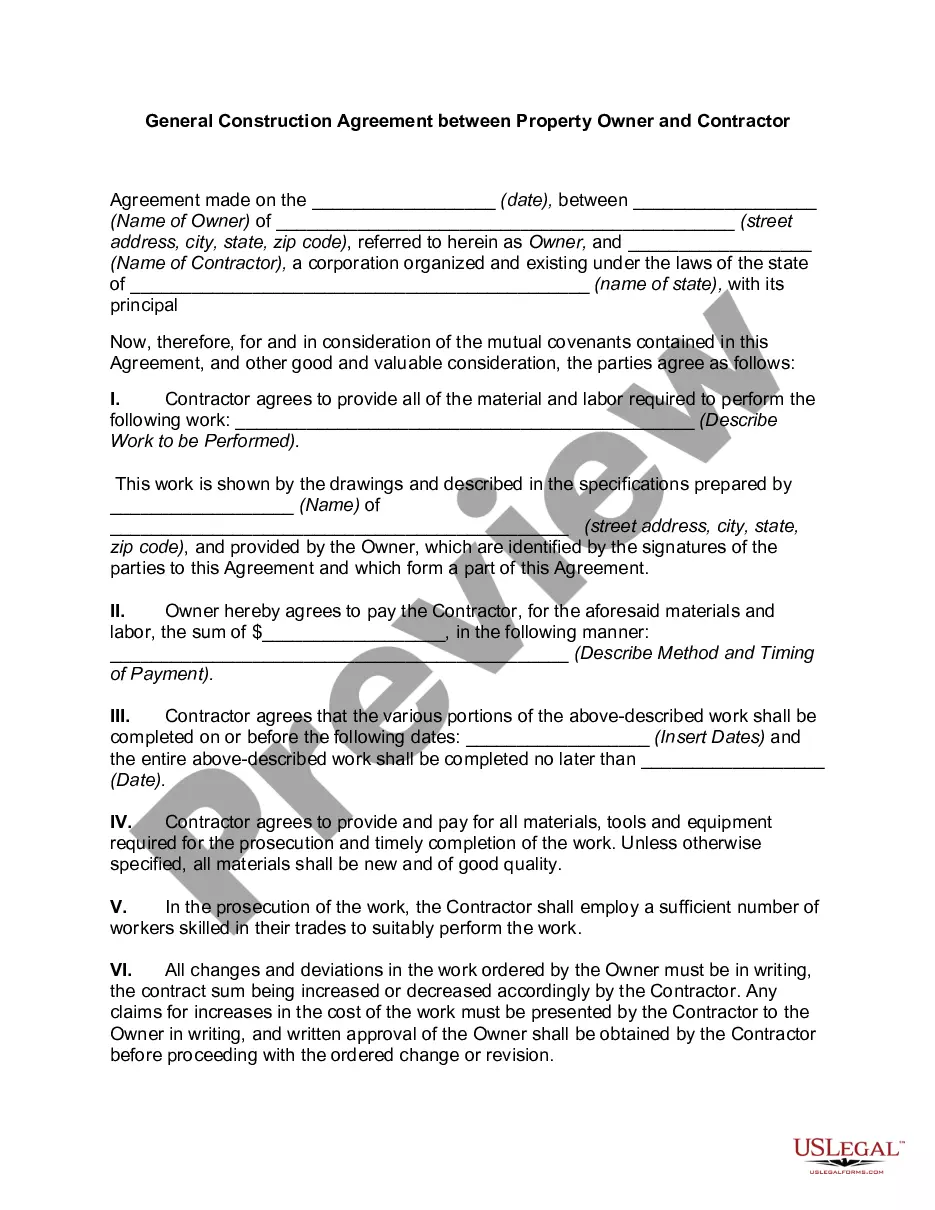
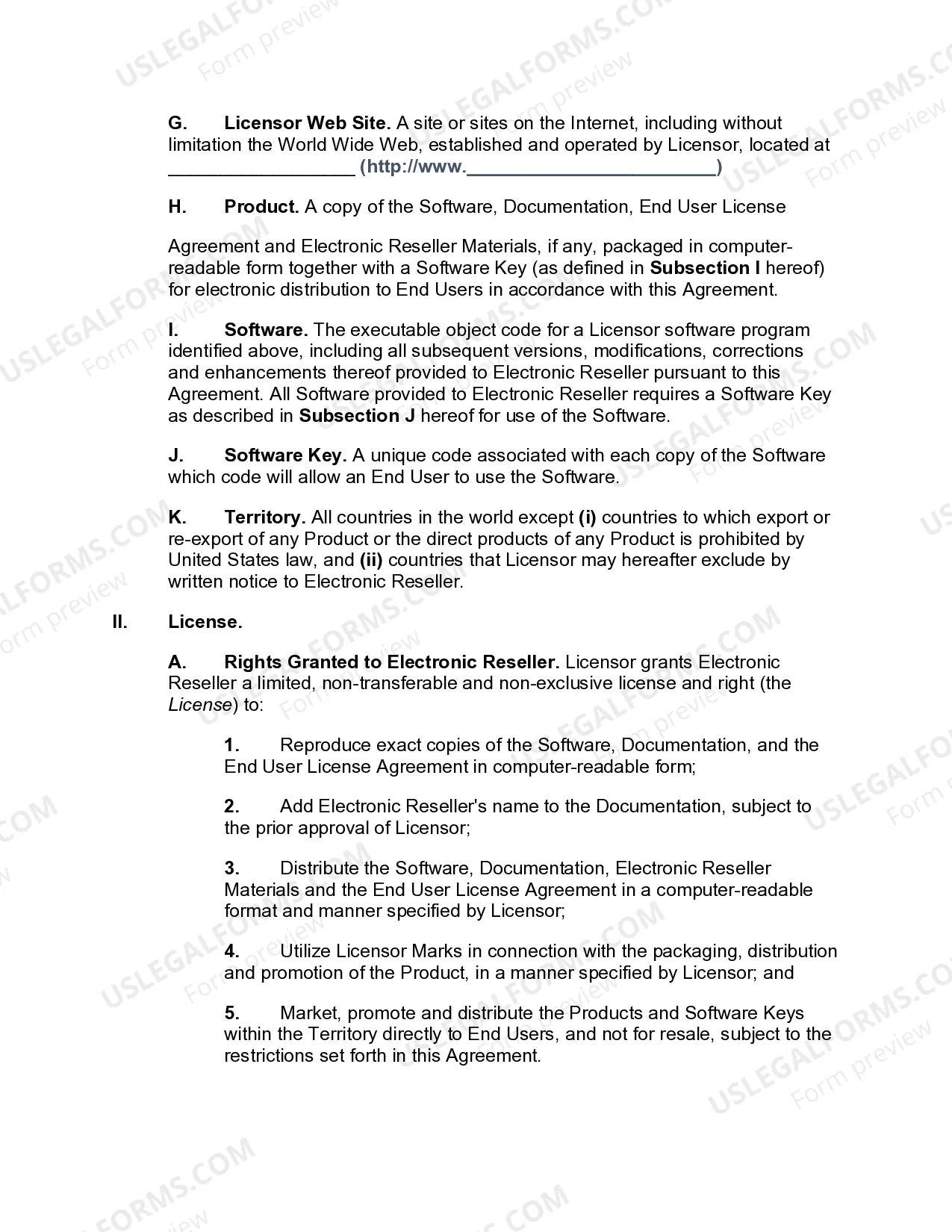
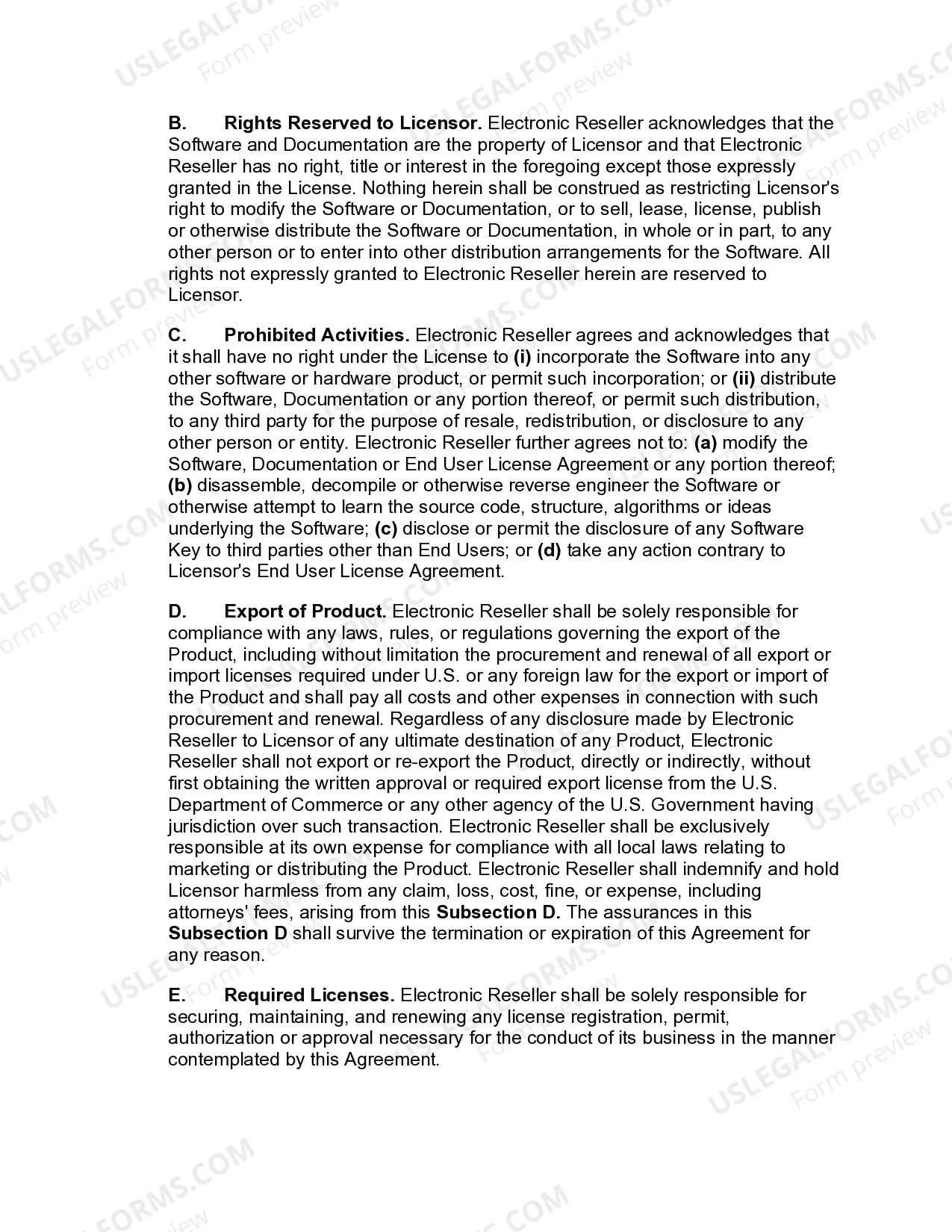
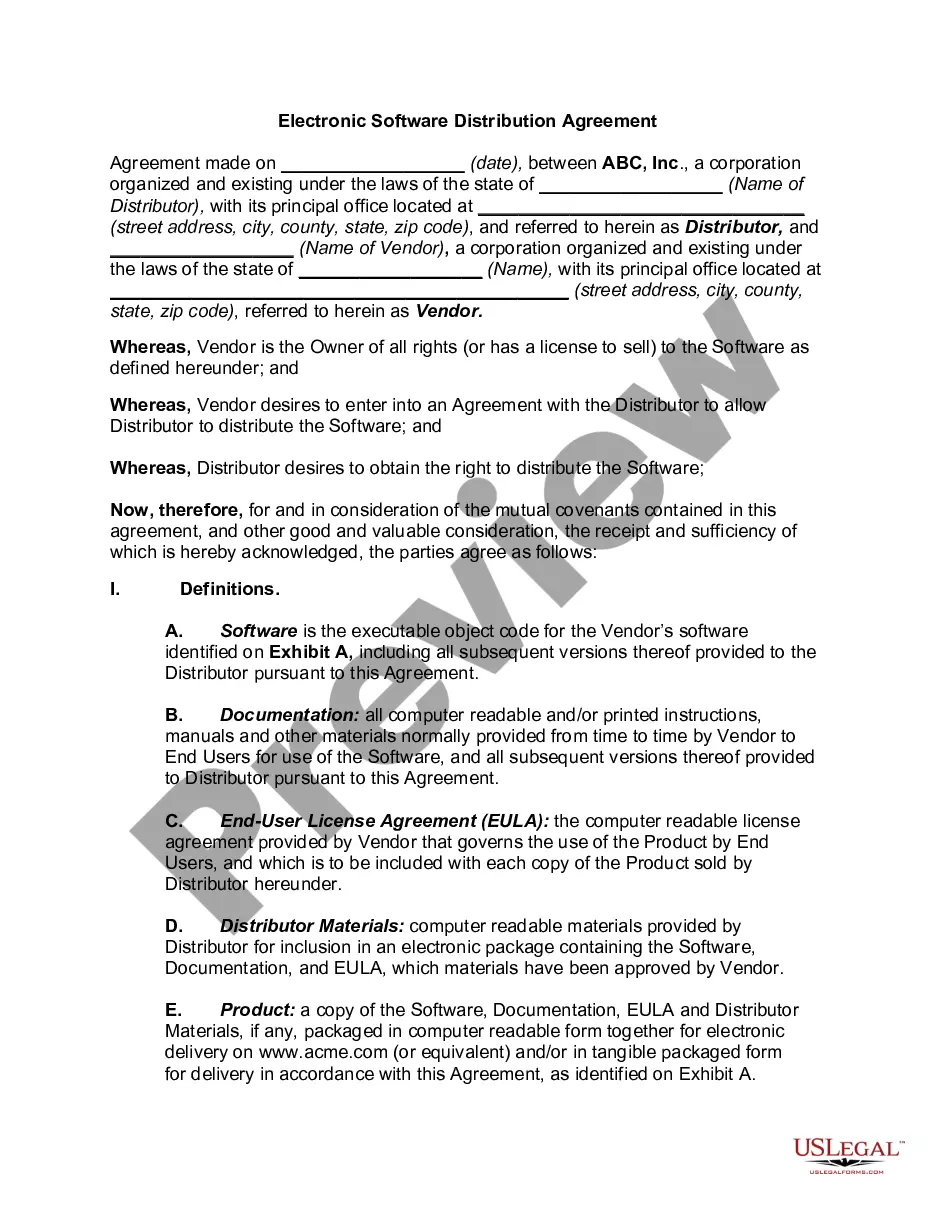
Arkansas Electronic Software Reseller Agreement
Description
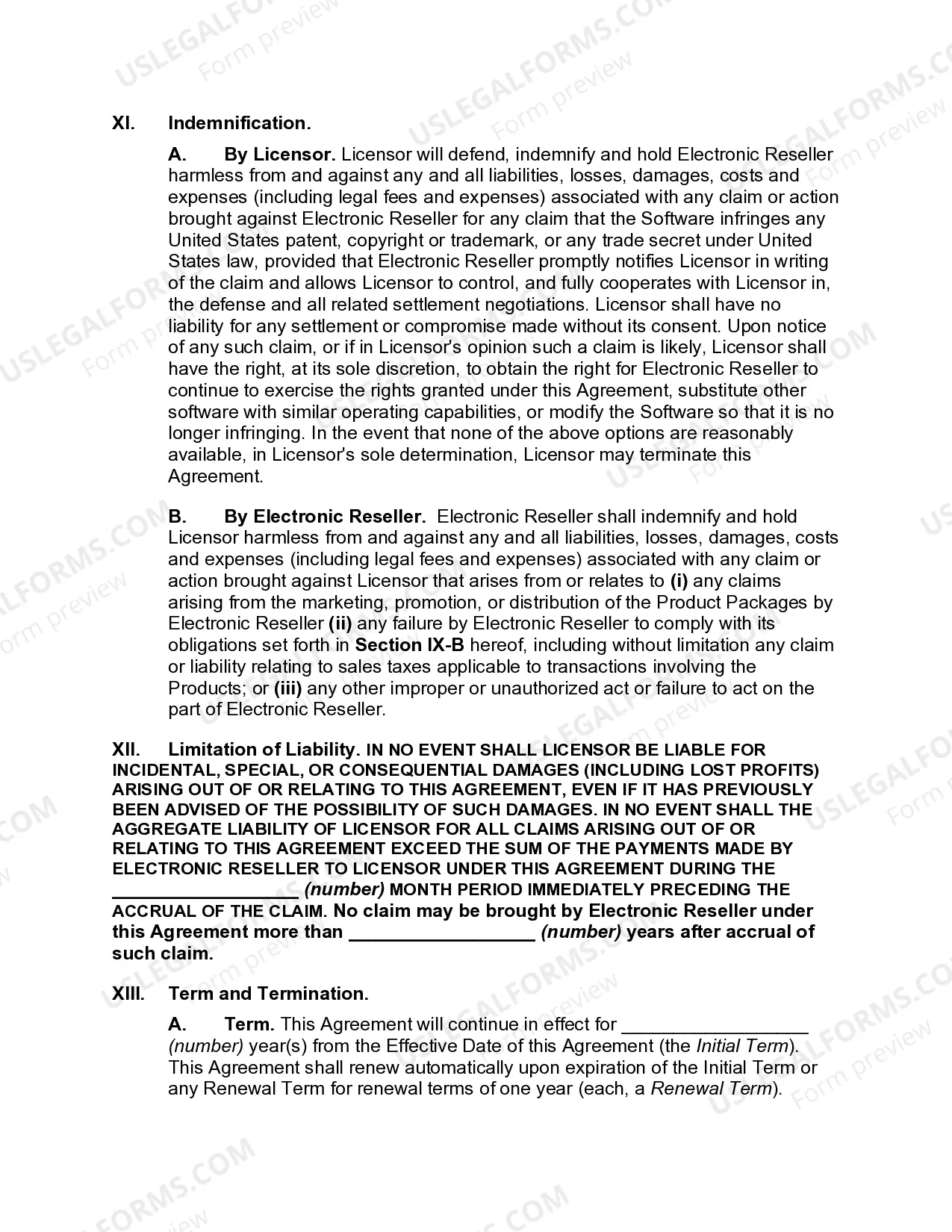
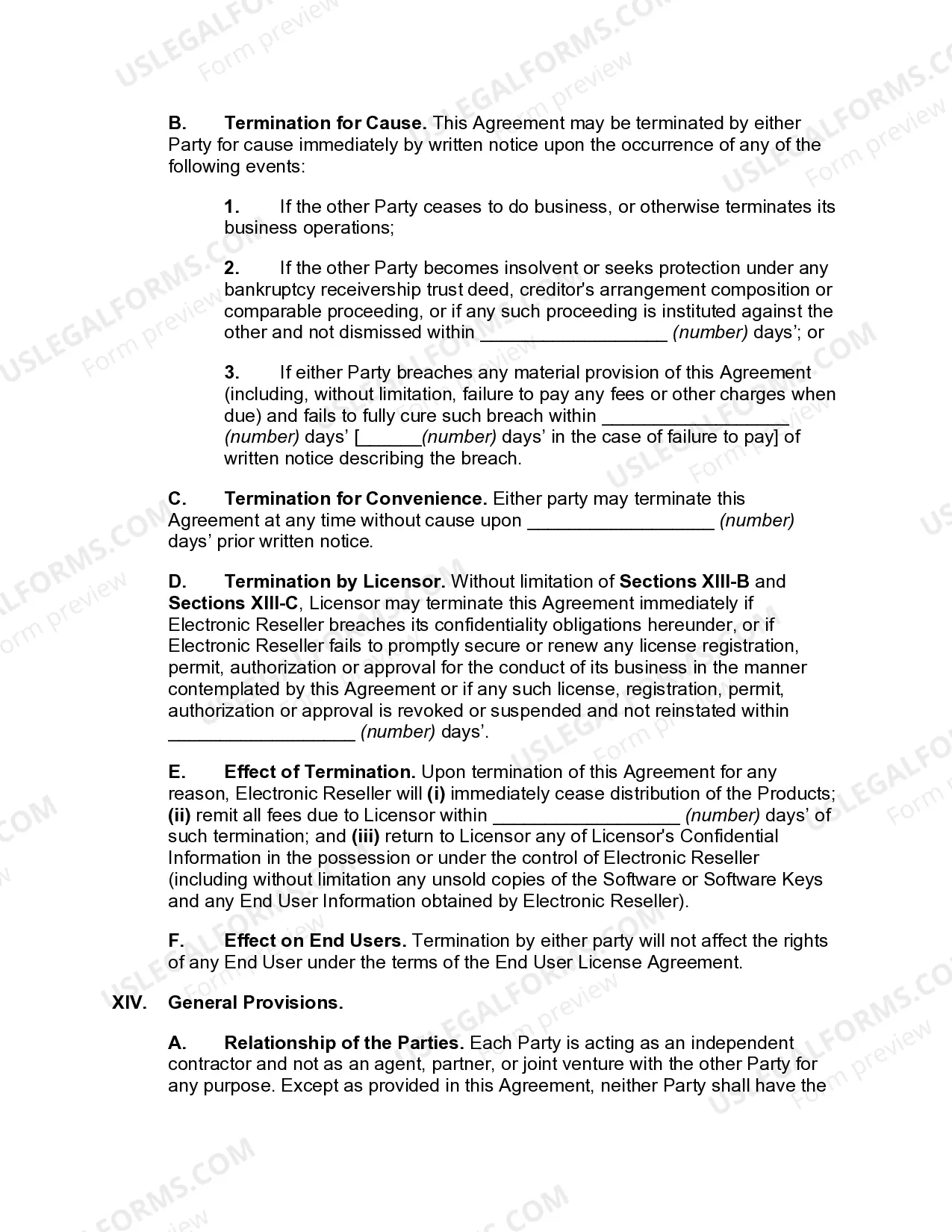
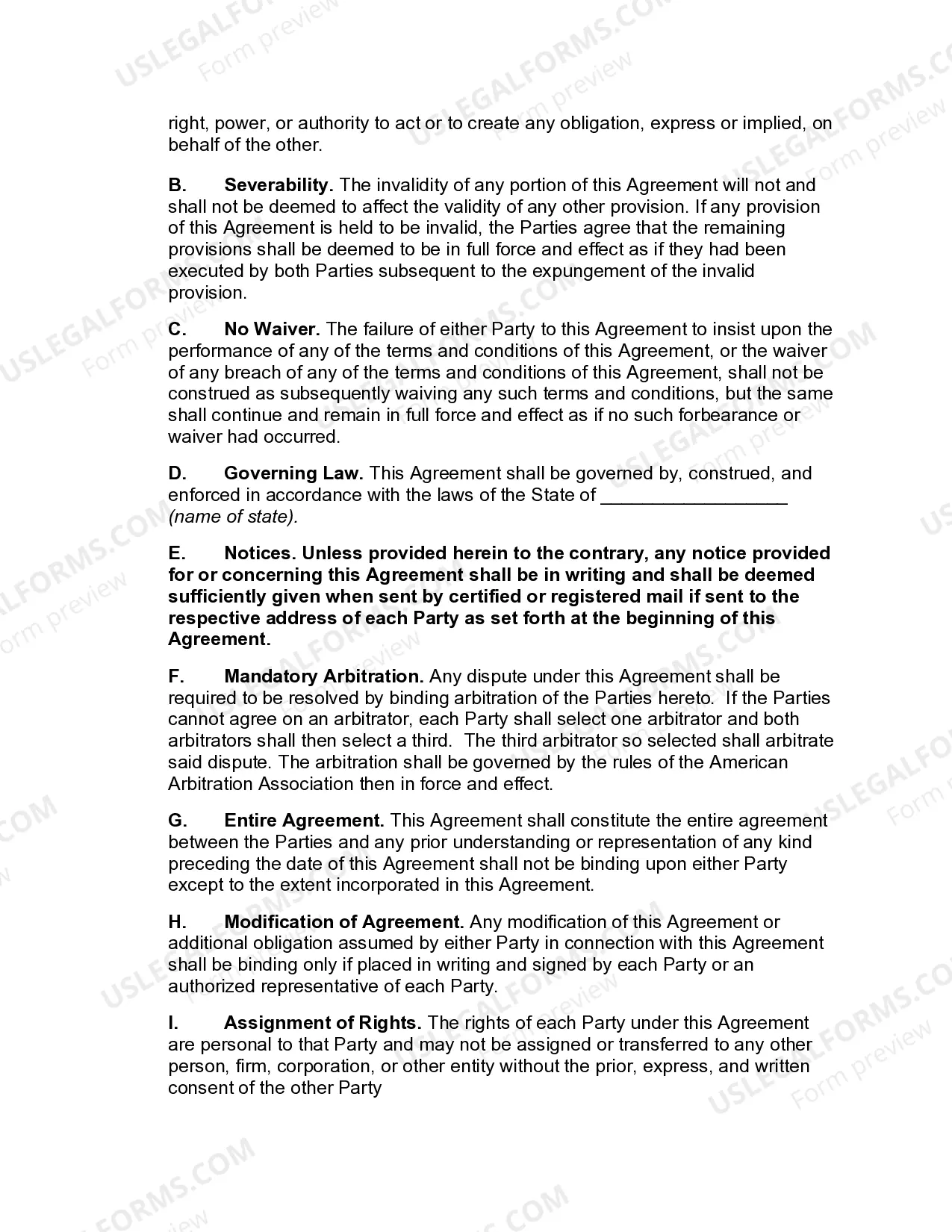

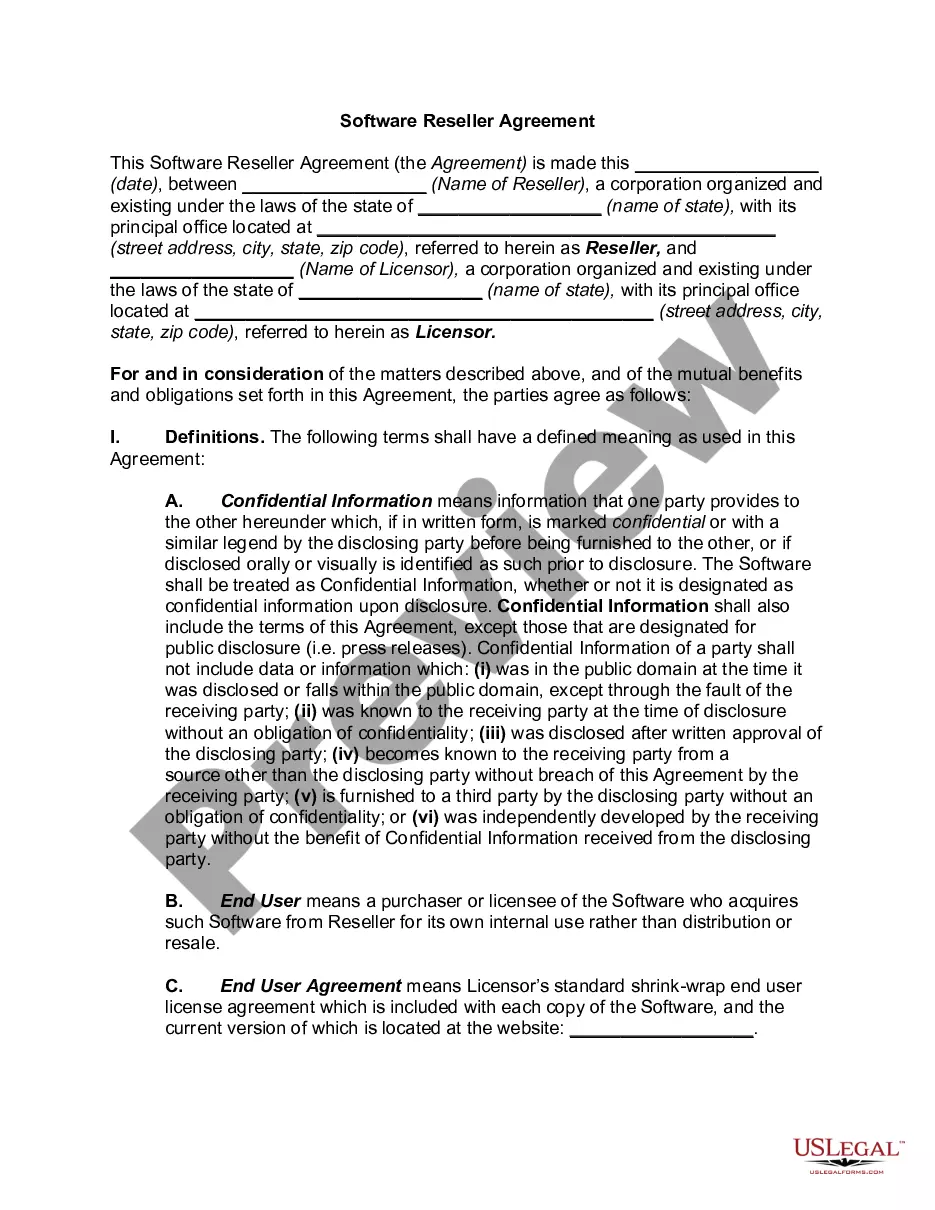
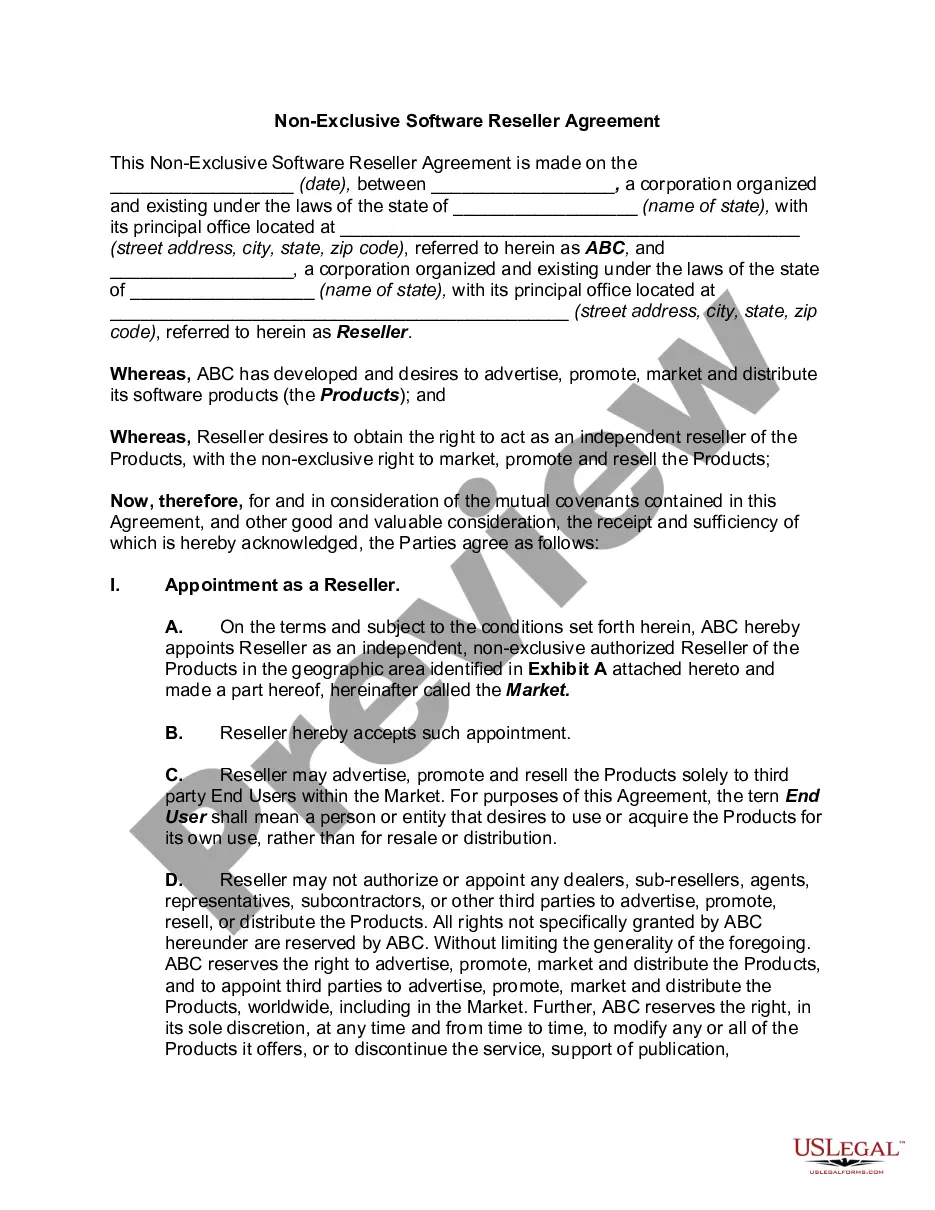
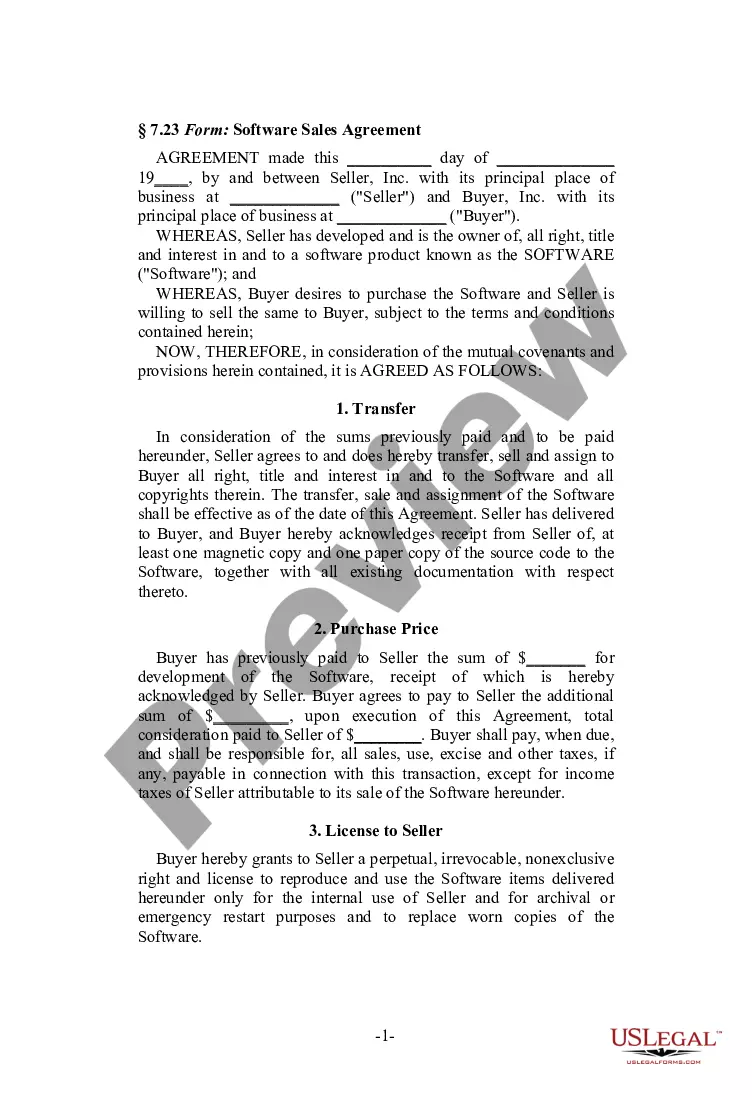
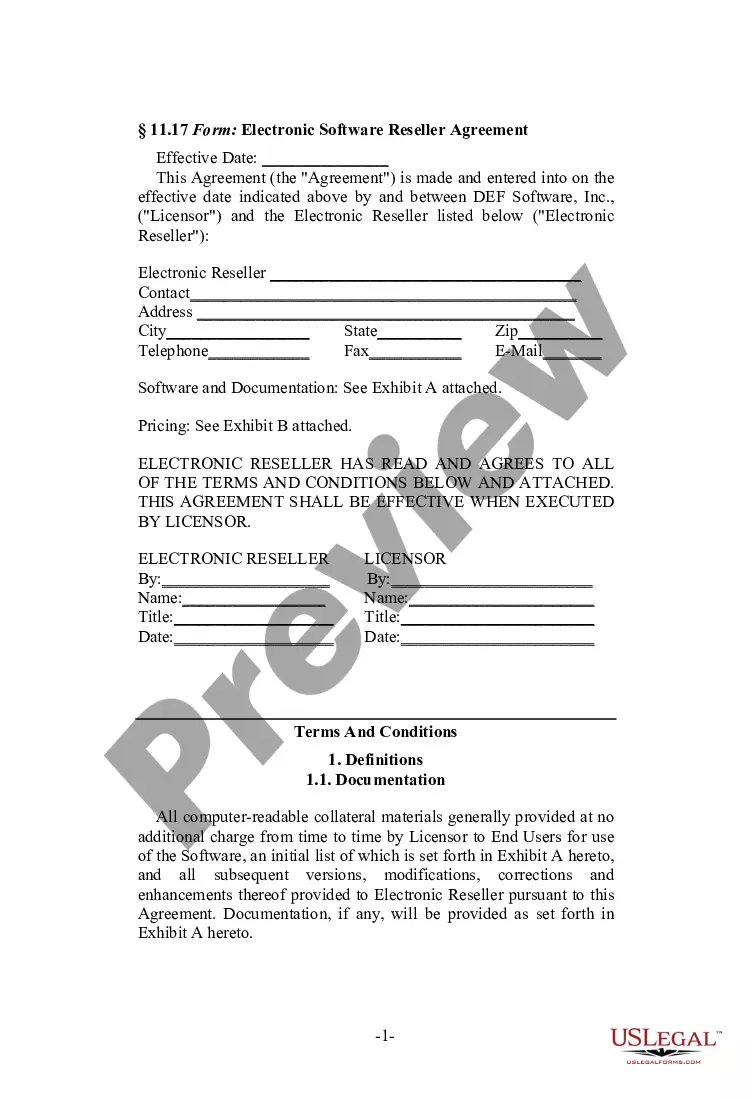
Get your form ready online
Our built-in tools help you complete, sign, share, and store your documents in one place.
Make edits, fill in missing information, and update formatting in US Legal Forms—just like you would in MS Word.
Download a copy, print it, send it by email, or mail it via USPS—whatever works best for your next step.
Sign and collect signatures with our SignNow integration. Send to multiple recipients, set reminders, and more. Go Premium to unlock E-Sign.
If this form requires notarization, complete it online through a secure video call—no need to meet a notary in person or wait for an appointment.
We protect your documents and personal data by following strict security and privacy standards.

Make edits, fill in missing information, and update formatting in US Legal Forms—just like you would in MS Word.

Download a copy, print it, send it by email, or mail it via USPS—whatever works best for your next step.

Sign and collect signatures with our SignNow integration. Send to multiple recipients, set reminders, and more. Go Premium to unlock E-Sign.

If this form requires notarization, complete it online through a secure video call—no need to meet a notary in person or wait for an appointment.

We protect your documents and personal data by following strict security and privacy standards.
Looking for another form?

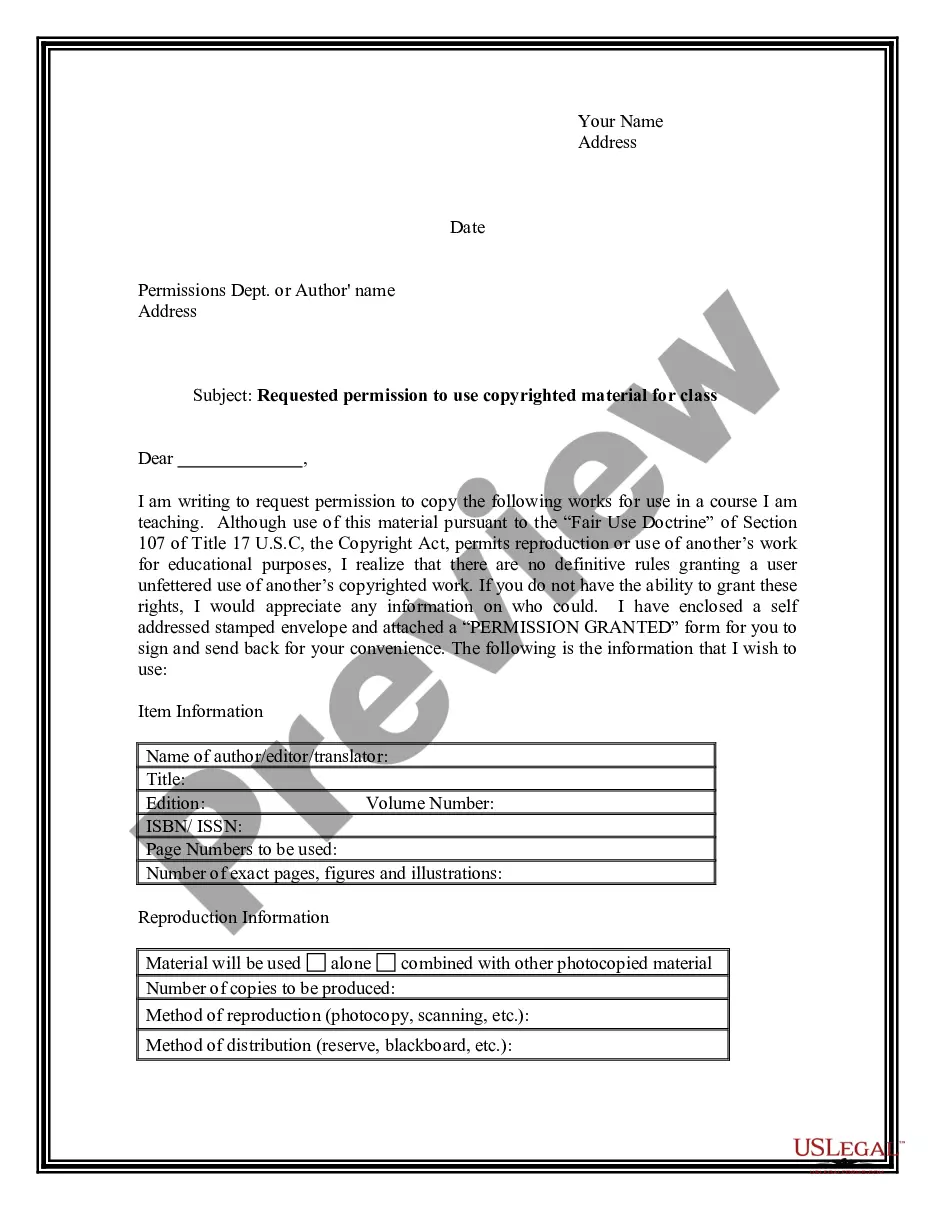



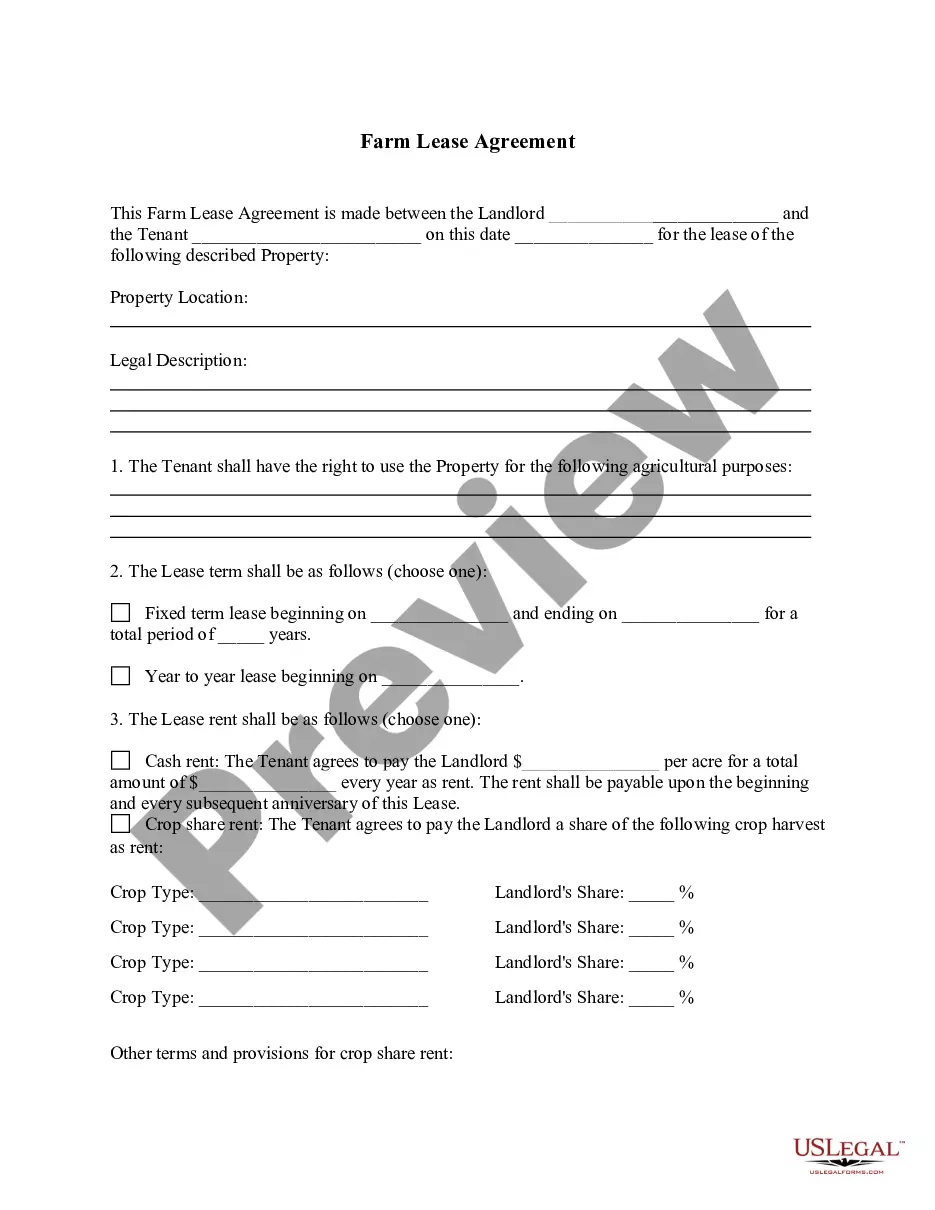

How to fill out Electronic Software Reseller Agreement?
US Legal Forms - one of the most prominent collections of legal templates in the United States - provides a selection of legal document formats you can download or create.
By utilizing the website, you can access thousands of templates for business and personal use, organized by categories, states, or keywords. You can find the latest versions of documents such as the Arkansas Electronic Software Reseller Agreement in moments.
If you already have a subscription, Log In and retrieve the Arkansas Electronic Software Reseller Agreement from the US Legal Forms library. The Download option will be available for each document you view. You can access all previously downloaded templates in the My documents section of your account.
Make modifications. Fill out, edit, and print and sign the downloaded Arkansas Electronic Software Reseller Agreement.
Every template you add to your account has no expiration date and is yours permanently. So, if you wish to download or print another copy, simply navigate to the My documents section and click on the form you desire. Access the Arkansas Electronic Software Reseller Agreement with US Legal Forms, the largest collection of legal document templates. Use thousands of professional and state-specific templates that meet your personal or business needs and requirements.
- If you are using US Legal Forms for the first time, here are some straightforward guidelines to get you started.
- Make sure you have chosen the correct form for your jurisdiction/area. Click on the Preview button to review the content of the form. Check the form description to ensure that you have selected the appropriate form.
- If the form does not meet your needs, use the Search bar at the top of the screen to find one that does.
- If you are satisfied with the form, confirm your choice by clicking on the Get now button. Then, select your preferred payment plan and enter your details to create an account.
- Proceed with the payment. Use your credit card or PayPal account to finalize the transaction.
- Choose the format and download the form to your device.
Form popularity
FAQ
Generally, all agreements are able to be signed electronically, as the Electronic Transactions Acts do not discriminate as to what amounts to electronic execution. The courts have also openly accepted that there is little distinction between a wet ink signature and an electronic signature.
Currently, electronic deeds and subsequently electronic signatures on deeds are not enforceable in Australia except for some deeds in NSW. In NSW, the Conveyancing Act 1919 (NSW) allows for certain deeds to be electronically signed by people (not corporations).
For example, an electronic signer can more easily deny that he actually signed the document. And it may be difficult to determine how to lay proper foundation for an electronic signature. Electronic signatures also allow corporate entities to argue that the signor did not have authority to bind the entity.
How to Sign a Contract Online Using SignaturelyChoose your signers. Once you have your contract, you can use Signaturely to send them to the signers.Prepare the Document. Now, you'll have to prepare your document for signing.Let your signers sign the contract. Creating eSignatures with Signaturely is easy.
You can use a digital signature for many of the same reasons that you might sign a paper document. A digital signature is used to authenticate digital information such as form templates, forms, e-mail messages, and documents by using computer cryptography.
You can send a contract and let clients add an electronic signature. Sending contracts for online eSigning eliminates the costs and hassle of printing, scanning, faxing, and overnight delivery. Use 's free trial to send your contract, and allow clients to sign anywhere, on any device.
To qualify as an enforceable electronic signature, there must be evidence of the signer's intent to execute or accept the agreement. This is typically accomplished by requiring the signer to take affirmative action, like typing their name or drawing their signature using a mouse or touchscreen.
Yes, electronic contracts are legally binding. Thanks to the Electronic Signatures in the Global and International Commerce Act (ESIGN Act) and the Uniform Electronic Transactions Act (UETA) are just as enforceable as traditional pen-and-paper contracts.
Electronic Signatures, Not Digital SignaturesWindows: Open the PDF in Adobe Reader and click the Fill & Sign button in the right pane.Mac: Open the PDF in Preview, click the Toolbox button, then click Sign.iPhone and iPad: Open the PDF attachment in Mail, then click Markup and Reply to sign.More items...?
In 2000, the U.S. federal government passed the Electronic Signatures in Global and National Commerce Act (ESIGN), which in tandem with the Uniform Electronic Transactions Act (UETA) confirms that electronic signatures constitute legally binding documents if all parties choose to sign digitally.