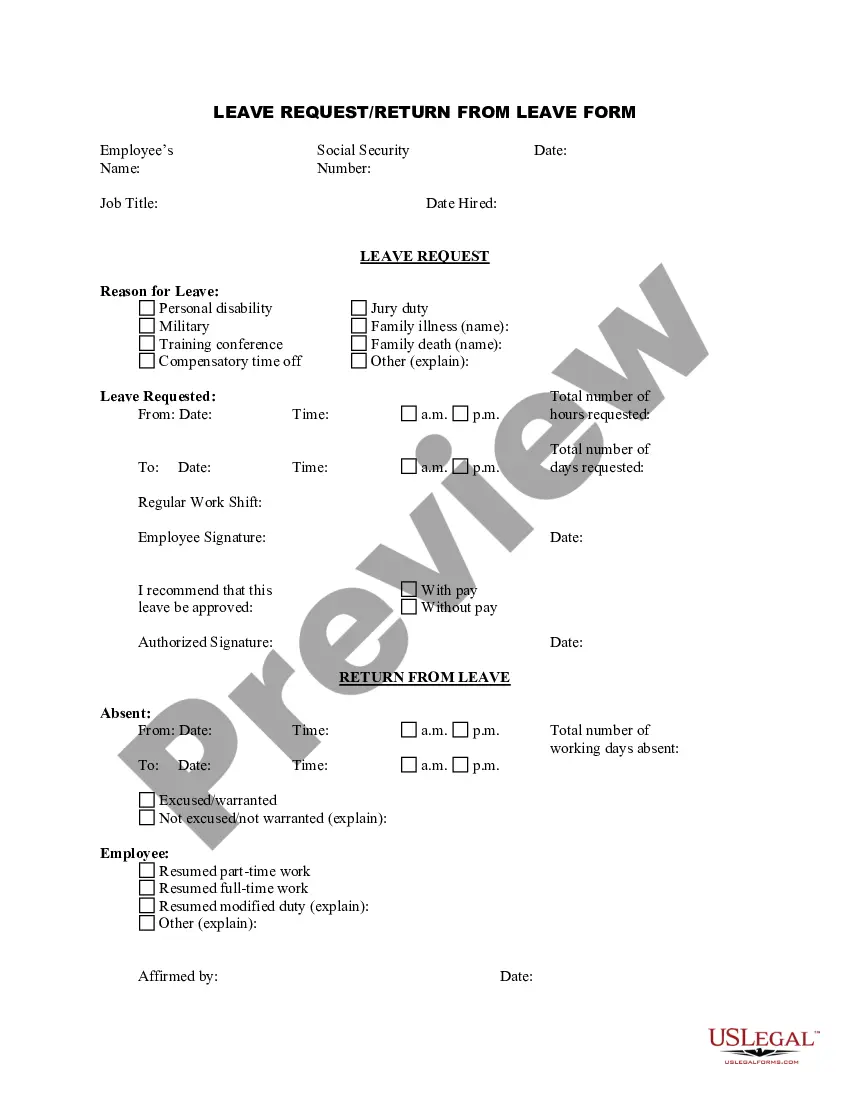
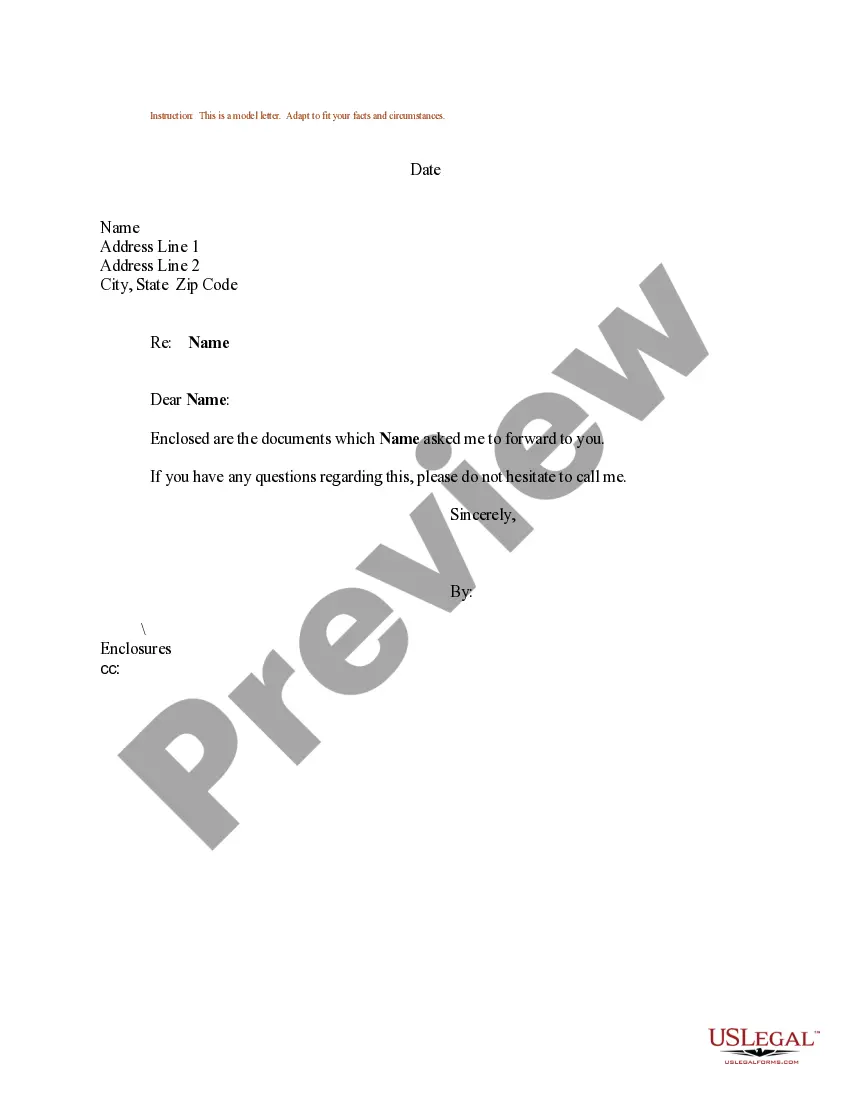
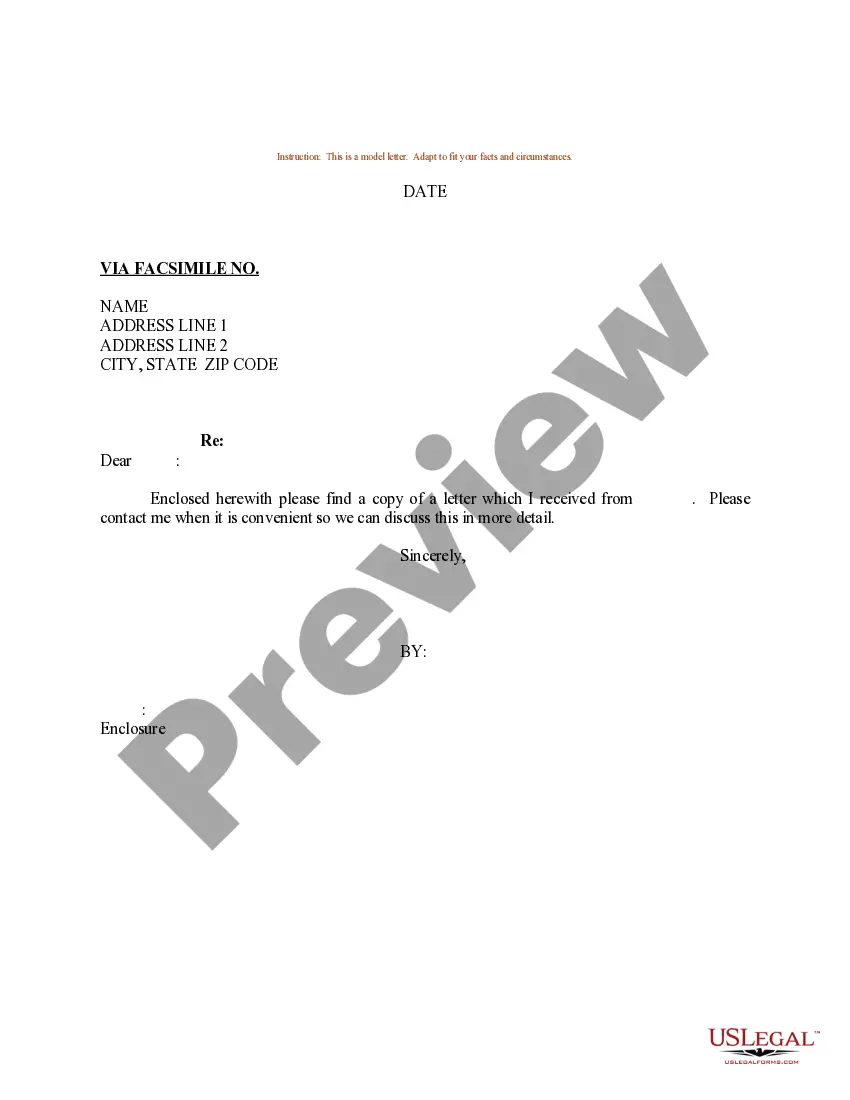
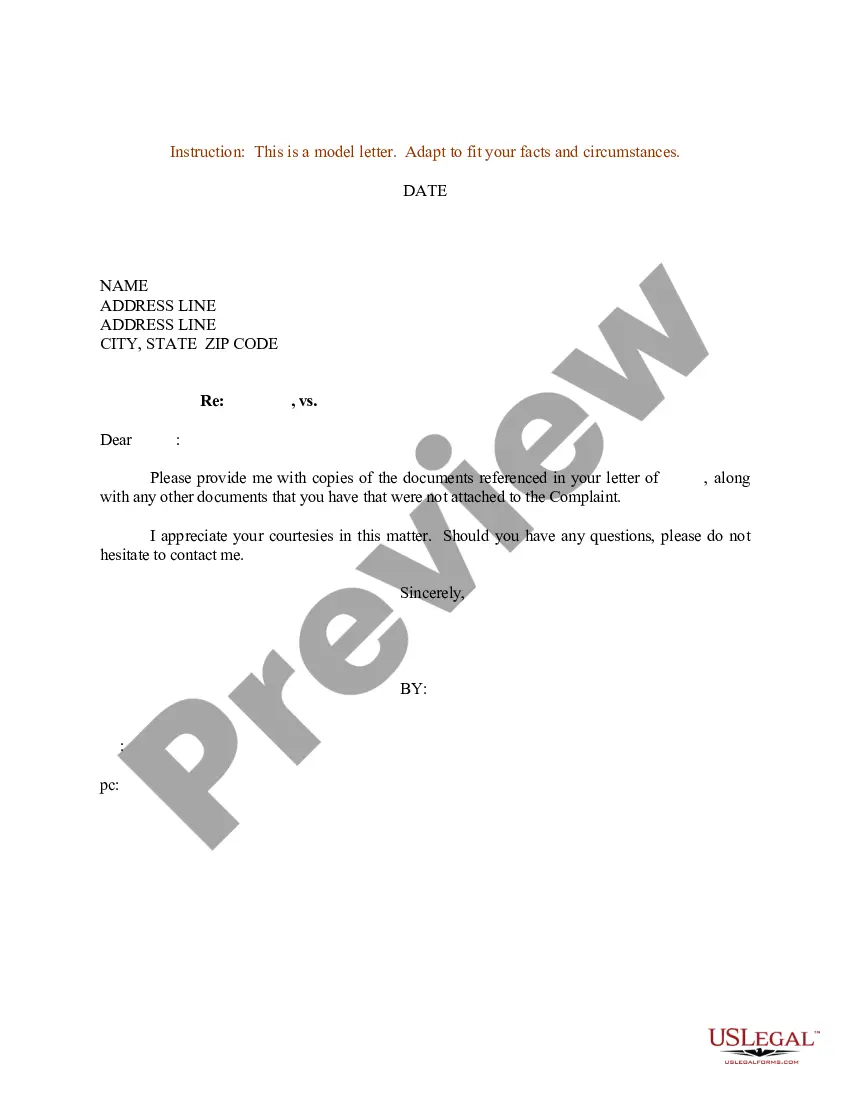
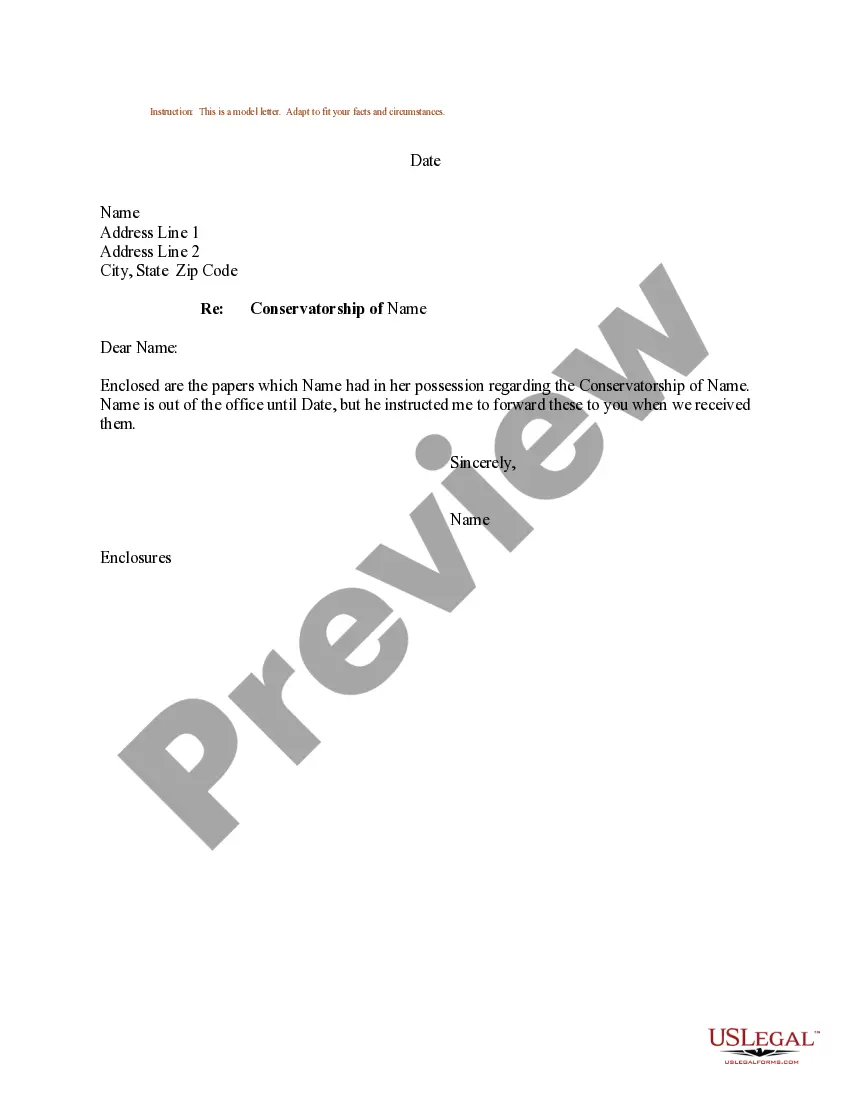
Arkansas Sample Letter for Forwarding of Documentation
Description

Get your form ready online
Our built-in tools help you complete, sign, share, and store your documents in one place.
Make edits, fill in missing information, and update formatting in US Legal Forms—just like you would in MS Word.
Download a copy, print it, send it by email, or mail it via USPS—whatever works best for your next step.
Sign and collect signatures with our SignNow integration. Send to multiple recipients, set reminders, and more. Go Premium to unlock E-Sign.
If this form requires notarization, complete it online through a secure video call—no need to meet a notary in person or wait for an appointment.
We protect your documents and personal data by following strict security and privacy standards.

Make edits, fill in missing information, and update formatting in US Legal Forms—just like you would in MS Word.

Download a copy, print it, send it by email, or mail it via USPS—whatever works best for your next step.

Sign and collect signatures with our SignNow integration. Send to multiple recipients, set reminders, and more. Go Premium to unlock E-Sign.

If this form requires notarization, complete it online through a secure video call—no need to meet a notary in person or wait for an appointment.

We protect your documents and personal data by following strict security and privacy standards.
Looking for another form?





How to fill out Sample Letter For Forwarding Of Documentation?
It is possible to invest time online trying to find the legitimate document design that fits the federal and state requirements you need. US Legal Forms supplies thousands of legitimate varieties that are analyzed by professionals. You can easily obtain or printing the Arkansas Sample Letter for Forwarding of Documentation from my assistance.
If you have a US Legal Forms bank account, you can log in and then click the Down load option. Afterward, you can full, revise, printing, or sign the Arkansas Sample Letter for Forwarding of Documentation. Every legitimate document design you buy is your own for a long time. To acquire an additional duplicate of any acquired kind, visit the My Forms tab and then click the corresponding option.
If you work with the US Legal Forms website for the first time, adhere to the easy recommendations beneath:
- First, make sure that you have selected the proper document design to the area/city of your choice. Browse the kind information to ensure you have picked out the proper kind. If available, make use of the Preview option to appear with the document design too.
- In order to find an additional model of the kind, make use of the Lookup area to find the design that suits you and requirements.
- After you have identified the design you want, click Purchase now to continue.
- Choose the prices program you want, key in your qualifications, and register for a free account on US Legal Forms.
- Full the deal. You can use your charge card or PayPal bank account to purchase the legitimate kind.
- Choose the formatting of the document and obtain it to your gadget.
- Make adjustments to your document if needed. It is possible to full, revise and sign and printing Arkansas Sample Letter for Forwarding of Documentation.
Down load and printing thousands of document templates utilizing the US Legal Forms site, which provides the largest assortment of legitimate varieties. Use professional and condition-distinct templates to take on your business or individual requirements.
Form popularity
FAQ
Also, I am sending the necessary documents for verification and completion of the hiring process. I have attached all the documents asked by the HR team. In case any kind of document is needed, please contact me on the number mentioned below.
Essential information: Editor's name (when known) Name of the journal to which you are submitting. Your manuscript's title. Article type (review, research, case study, etc.) Submission date. Brief background of your study and the research question you sought to answer. Brief overview of methodology used.
In the main paragraph, you will write what documents you are enclosing with the letter. In the conclusion, you can mention the attachments and provide your contact details. Sign off - The signature on the document submission letter will be formal as well. You will write something like 'Yours Sincerely' or 'Faithfully.
What should you mention in a cover letter for document submission Start with your contact details and your name. ... State why you're contacting the company. ... An itemized list of documents. ... Express your excitement.
In the letter, mention the additional documents briefly to draw the recipient's attention to the attachment. For example, you might state, ?As my enclosed CV shows, I have 10 years of professional experience in this field.?