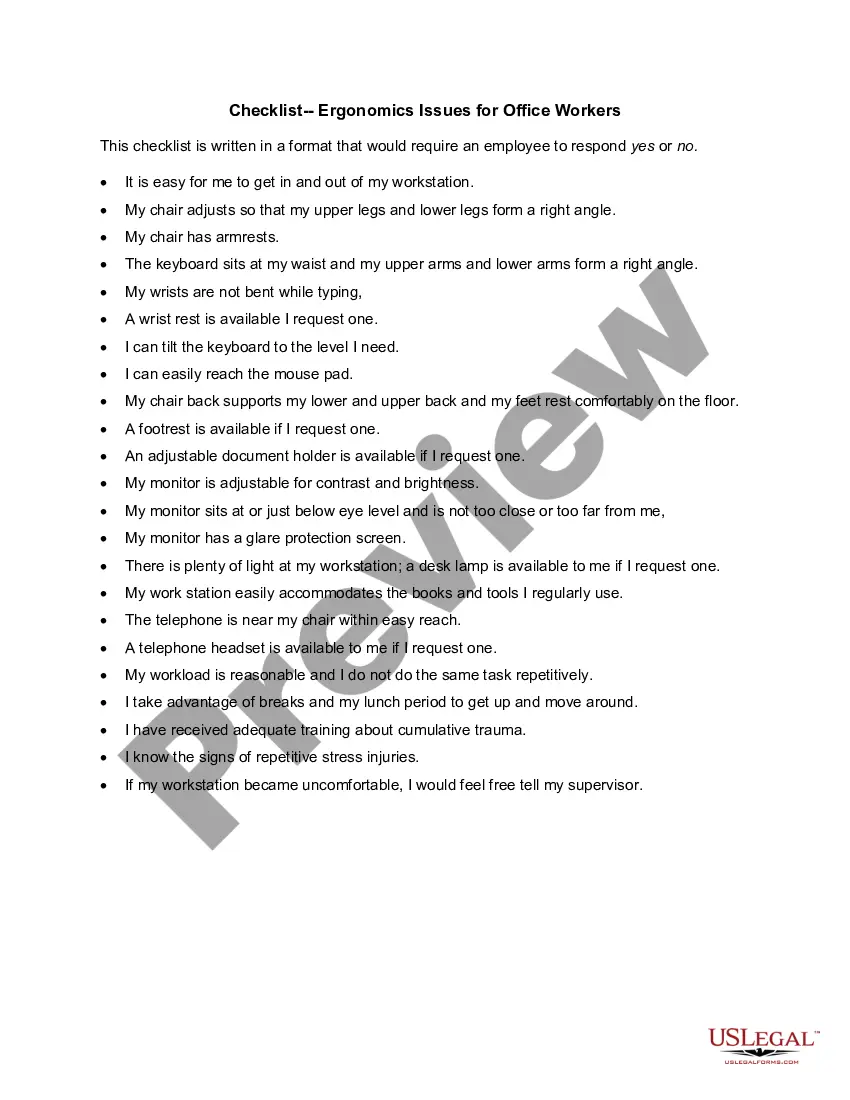
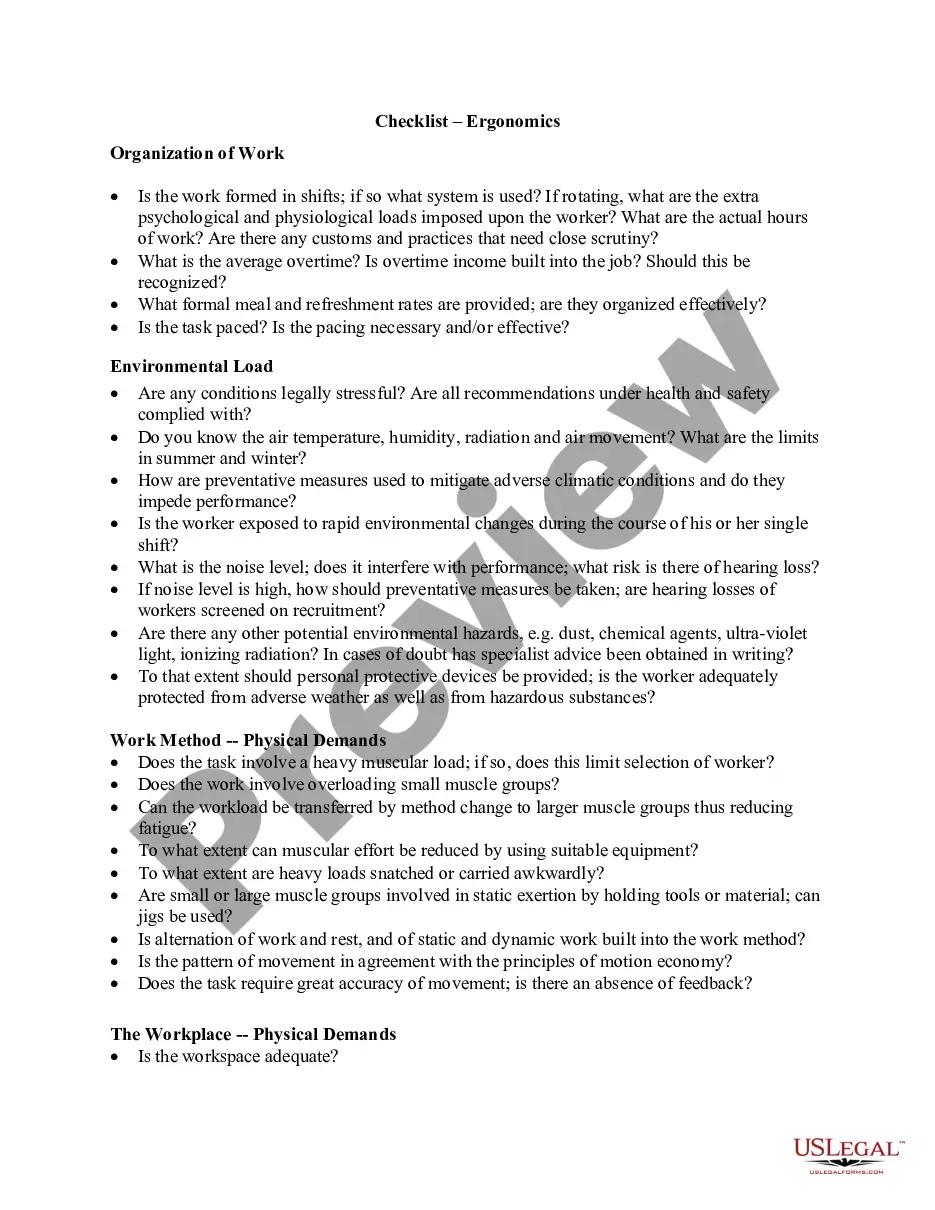
Alabama Checklist - Ergonomics Issues for Office Workers
Description
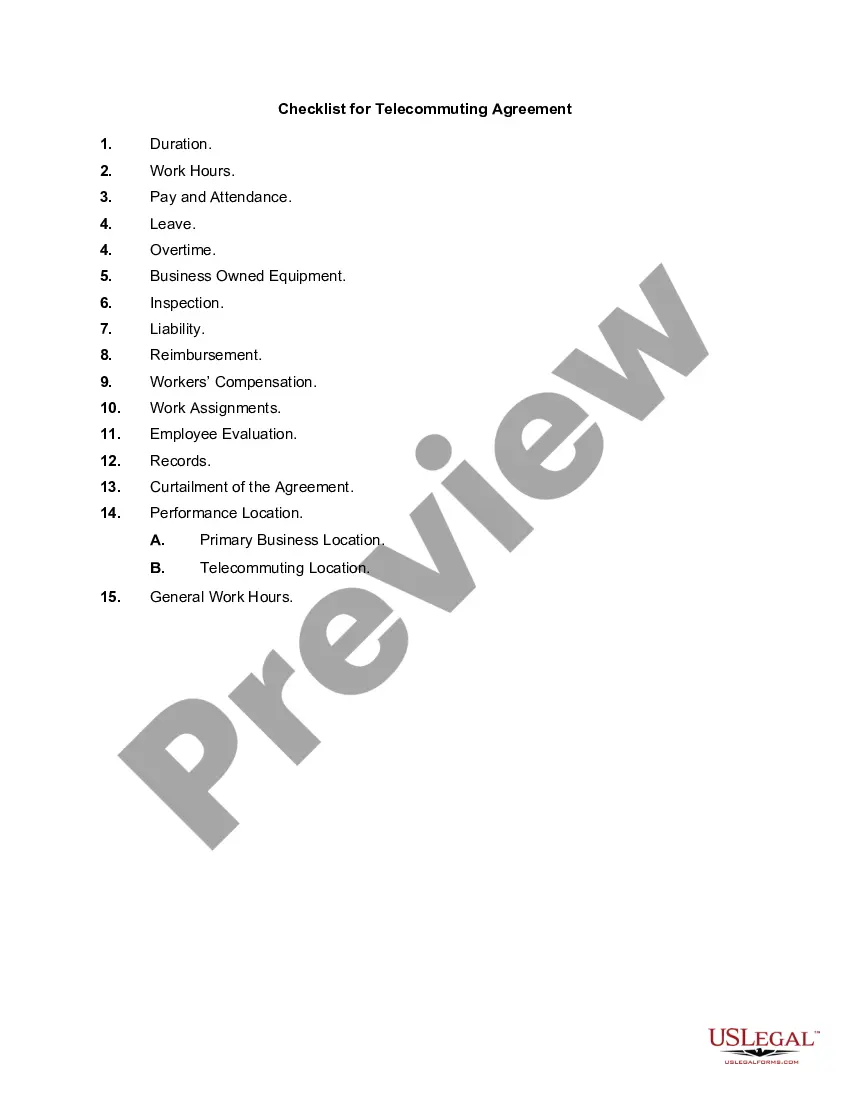
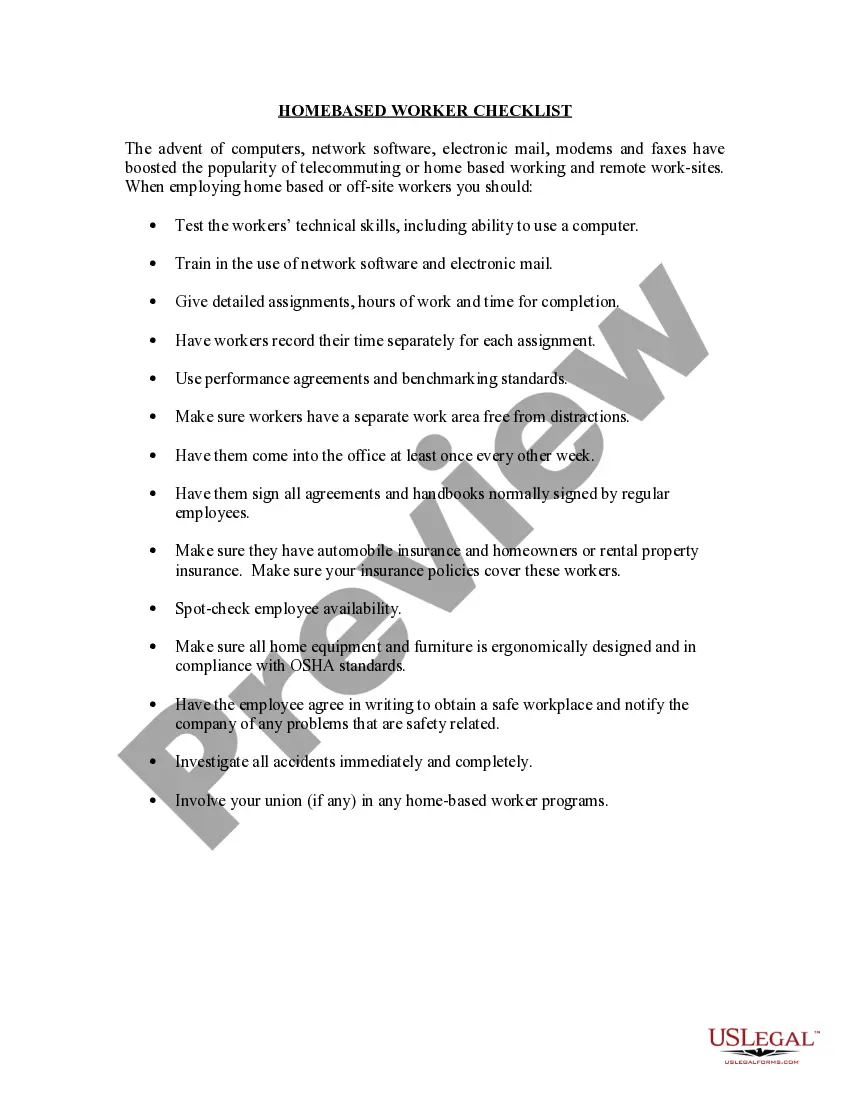
Get your form ready online
Our built-in tools help you complete, sign, share, and store your documents in one place.
Make edits, fill in missing information, and update formatting in US Legal Forms—just like you would in MS Word.
Download a copy, print it, send it by email, or mail it via USPS—whatever works best for your next step.
Sign and collect signatures with our SignNow integration. Send to multiple recipients, set reminders, and more. Go Premium to unlock E-Sign.
If this form requires notarization, complete it online through a secure video call—no need to meet a notary in person or wait for an appointment.
We protect your documents and personal data by following strict security and privacy standards.

Make edits, fill in missing information, and update formatting in US Legal Forms—just like you would in MS Word.

Download a copy, print it, send it by email, or mail it via USPS—whatever works best for your next step.

Sign and collect signatures with our SignNow integration. Send to multiple recipients, set reminders, and more. Go Premium to unlock E-Sign.

If this form requires notarization, complete it online through a secure video call—no need to meet a notary in person or wait for an appointment.

We protect your documents and personal data by following strict security and privacy standards.
Looking for another form?


How to fill out Checklist - Ergonomics Issues For Office Workers?
Have you ever found yourself in a situation where you need to obtain documents for either business or personal purposes almost all the time.
There are numerous legal form templates available online, but finding reliable ones is not simple.
US Legal Forms offers thousands of form templates, including the Alabama Checklist - Ergonomics Issues for Office Workers, that are designed to meet national and state requirements.
You can find all the form templates you have purchased in the My documents section.
You can obtain an additional copy of the Alabama Checklist - Ergonomics Issues for Office Workers any time, if needed. Just click the required form to download or print the document template.
- If you are already acquainted with the US Legal Forms website and possess an account, just Log In.
- Then, you can download the Alabama Checklist - Ergonomics Issues for Office Workers template.
- If you do not have an account and wish to start using US Legal Forms, follow these instructions.
- Find the form you need and ensure it is for the correct state/region.
- Use the Preview button to review the form.
- Check the details to confirm you have selected the correct form.
- If the form is not what you are looking for, utilize the Search feature to find the form that matches your needs and specifications.
- Once you locate the appropriate form, click Acquire now.
- Choose the pricing plan you prefer, fill in the required information to create your account, and finalize the purchase using PayPal or a credit card.
- Select a convenient file format and download your copy.
Form popularity
FAQ
Employers are encouraged to offer ergonomic assessments as part of their commitment to employee health and safety. While specific regulations may vary by state, using the Alabama Checklist - Ergonomics Issues for Office Workers can help companies identify potential risks and make necessary adjustments. Providing these assessments not only minimizes workplace injuries but also promotes a culture of care and concern for employees' long-term health. Ultimately, investing in ergonomics can lead to a more engaged and efficient workforce.
Ergonomics guidelines for office settings focus on adapting the workspace to fit the needs of individuals. These guidelines emphasize proper desk height, suitable chair support, and optimal computer screen placement. By following the Alabama Checklist - Ergonomics Issues for Office Workers, you can significantly reduce discomfort and prevent injuries. Implementing these guidelines benefits both workers and employers, leading to enhanced productivity and well-being.
To complete an ergonomic assessment, first observe each workstation and identify risk factors for injuries. Next, use tools and checklists, such as the Alabama Checklist - Ergonomics Issues for Office Workers, to evaluate the comfort and safety of each setup. Finally, implement necessary changes to enhance ergonomics and promote worker well-being.
The three key ergonomic factors include workstation design, chair support, and computer monitor placement. Each factor plays a crucial role in preventing discomfort and injury. Utilizing the Alabama Checklist - Ergonomics Issues for Office Workers will guide you in assessing these factors and ensuring an optimized office environment.
Ergonomic requirements typically include providing an appropriate workstation setup, ensuring proper chair height, and maintaining screen visibility. Additionally, the layout should facilitate easy movement and reduce awkward postures. By adhering to the Alabama Checklist - Ergonomics Issues for Office Workers, employers can implement these requirements effectively for a healthier workspace.
The 30 30 rule suggests taking a break from screen time every 30 minutes for at least 30 seconds. This practice helps reduce eye strain and maintains overall comfort at work. Incorporating this rule is essential, especially within the framework of the Alabama Checklist - Ergonomics Issues for Office Workers, as it encourages consistent well-being for office employees.
The Occupational Safety and Health Administration (OSHA) provides guidelines to help employers maintain a safe workplace. While there is not a specific ergonomics rule, employers must implement practices to reduce ergonomic hazards as part of their overall safety program. Following the Alabama Checklist - Ergonomics Issues for Office Workers can assist businesses in identifying these hazards and complying with safety standards.
Conducting an office ergonomic assessment involves analyzing workstation setups, employee posture, and work processes. Use checklists to evaluate chair height, desk arrangement, and equipment placement. The Alabama Checklist - Ergonomics Issues for Office Workers can guide you through this assessment to ensure a healthier work environment.
To request an ergonomic assessment, communicate your needs to your employer or safety officer. Provide details about any discomfort or observed ergonomic issues in your workspace. Leveraging resources like the Alabama Checklist - Ergonomics Issues for Office Workers can strengthen your request by outlining specific assessment criteria.
Measuring ergonomics in the workplace involves evaluating worker posture, reviewing task efficiency, and monitoring injury reports. Utilize tools such as surveys and observational studies to gather data. The Alabama Checklist - Ergonomics Issues for Office Workers serves as a comprehensive guide to measuring and improving ergonomic conditions.