Alabama Amendment to Living Trust

What is this form?
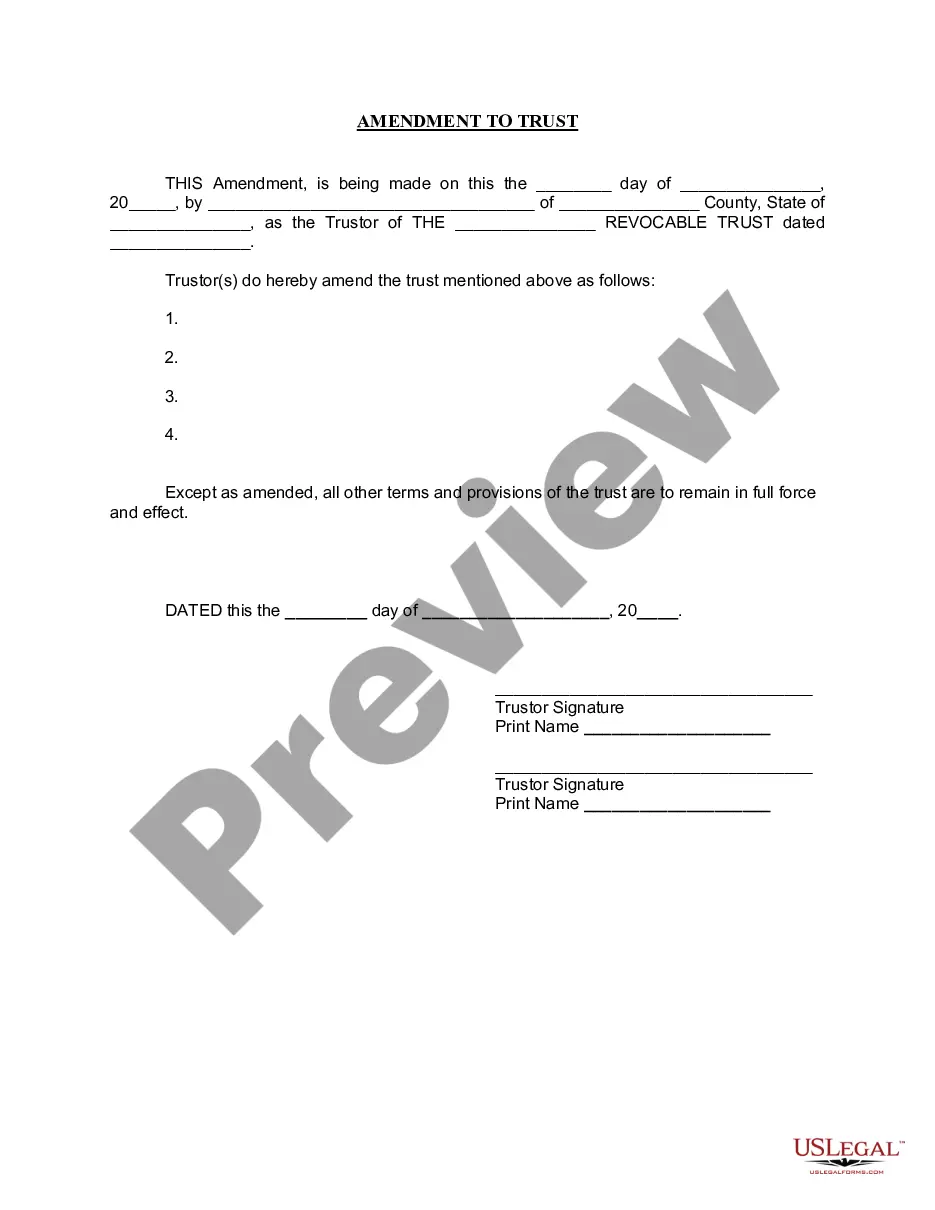
The Amendment to Living Trust is a legal document used to make specific changes to an existing living trust while keeping its original purpose intact. Unlike creating a new trust, this form allows the Trustor to modify the terms, beneficiaries, or assets of the trust without altering its fundamental structure. This amendment ensures that all other aspects of the trust remain valid and enforceable.
Form components explained
- Date of amendment, which identifies when the changes are made.
- Name and address of the Trustor, who is responsible for the trust.
- The name of the living trust being amended, including its date of establishment.
- Specific provisions that are being amended, clearly outlined for clarity.
- Signatures of the Trustor(s), confirming the intent to amend the trust.
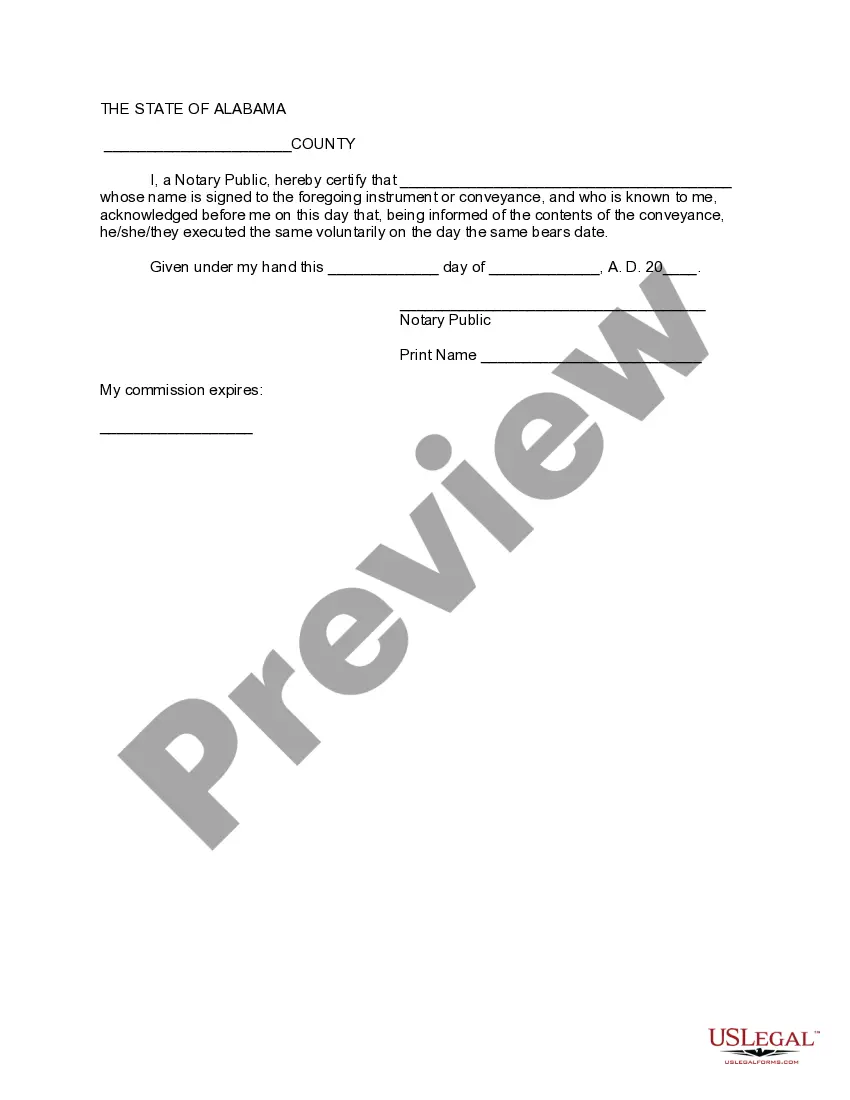
- A section for notarization to verify the authenticity of the signatures.


When to use this form
You should use the Amendment to Living Trust form in situations where you need to update or change specific provisions of your existing living trust. This can include altering beneficiaries, modifying distributions of assets, or changing the Trustee. Common scenarios may arise due to changes in familial circumstances, financial situations, or personal wishes regarding estate plans.
Intended users of this form
This form is suitable for:
- Individuals who have already established a living trust.
- Trustors looking to modify their trust without creating a new document.
- Those who have experienced significant life changes that affect their estate planning.
- Estate planning professionals assisting clients with trust amendments.
Steps to complete this form
- Identify the date on which the amendment is being made.
- Provide the name and county of the Trustor, along with their state.
- Clearly state the name of the living trust and its original date.
- Specify the amendments being made in the designated section.
- Sign the document in front of a notary public.
Notarization guidance
Yes, this form must be notarized to be legally valid. Proper notarization ensures that the signatures of the Trustor(s) are authentic and that they executed the amendment willingly. US Legal Forms offers integrated online notarization through secure video calls, making the process easy and accessible.
Get your form ready online
Our built-in tools help you complete, sign, share, and store your documents in one place.
Make edits, fill in missing information, and update formatting in US Legal Forms—just like you would in MS Word.
Download a copy, print it, send it by email, or mail it via USPS—whatever works best for your next step.
Sign and collect signatures with our SignNow integration. Send to multiple recipients, set reminders, and more. Go Premium to unlock E-Sign.
If this form requires notarization, complete it online through a secure video call—no need to meet a notary in person or wait for an appointment.
We protect your documents and personal data by following strict security and privacy standards.

Make edits, fill in missing information, and update formatting in US Legal Forms—just like you would in MS Word.

Download a copy, print it, send it by email, or mail it via USPS—whatever works best for your next step.

Sign and collect signatures with our SignNow integration. Send to multiple recipients, set reminders, and more. Go Premium to unlock E-Sign.

If this form requires notarization, complete it online through a secure video call—no need to meet a notary in person or wait for an appointment.

We protect your documents and personal data by following strict security and privacy standards.
Mistakes to watch out for
- Failing to clearly state the specific amendments can lead to confusion.
- Not having the signatures notarized, making the document invalid.
- Using outdated trust information, which may cause legal issues.
- Completing the form without considering the implications of the amendments.
Advantages of online completion
- Convenience of having a downloadable form that can be completed at your own pace.
- Editability allows you to personalize the document as needed.
- Access to professionally drafted forms ensures legal compliance.
Main things to remember
- The Amendment to Living Trust allows for specific modifications to an existing trust.
- It is essential for updating estate planning documents while retaining other trust provisions.
- Notarization is required for the form to be legally recognized.
Looking for another form?





Form popularity
FAQ
The Alabama Amendment to Living Trust is a legal document used to change specific terms, beneficiaries, or assets of an existing living trust without creating a new one, while keeping the trust’s overall purpose and structure intact. It confirms the changes and preserves other provisions as originally written, ensuring continued validity and enforceability.
To complete the amendment using this form, fill in the amendment date, provide the Trustor’s name and address, identify the living trust being amended (including its establishment date), specify exactly which provisions are changing, and obtain signatures of the Trustor(s). A notary should complete the notarization section to verify the signatures.
Yes, this form includes a section for notarization to verify the authenticity of signatures. Whether notarization is legally required depends on state law and the trust’s terms, but notarizing the amendment is commonly recommended to support its validity and acceptance by banks, trustees, and other institutions.
Not necessarily required, but many people choose to consult a licensed attorney to ensure the amendment aligns with the trust terms and local requirements. The form provides the essential fields—date, trustor name and address, trust name (with establishment date), the changed provisions, signatures, and a notarization section—to document the change properly.
Yes. If you are the trustor, you can amend your living trust using this form to change specific provisions, beneficiaries, or asset distributions without creating a new trust. The amendment preserves the trust’s original structure and purpose, while the listed components ensure the changes are properly documented and enforceable.
It amends an existing living trust rather than creating a new one, identifying the exact provisions being changed while keeping the original trust’s structure and purpose intact. It requires the amendment date, trustor information, the amended provisions, signatures, and a notarization section to document the changes.