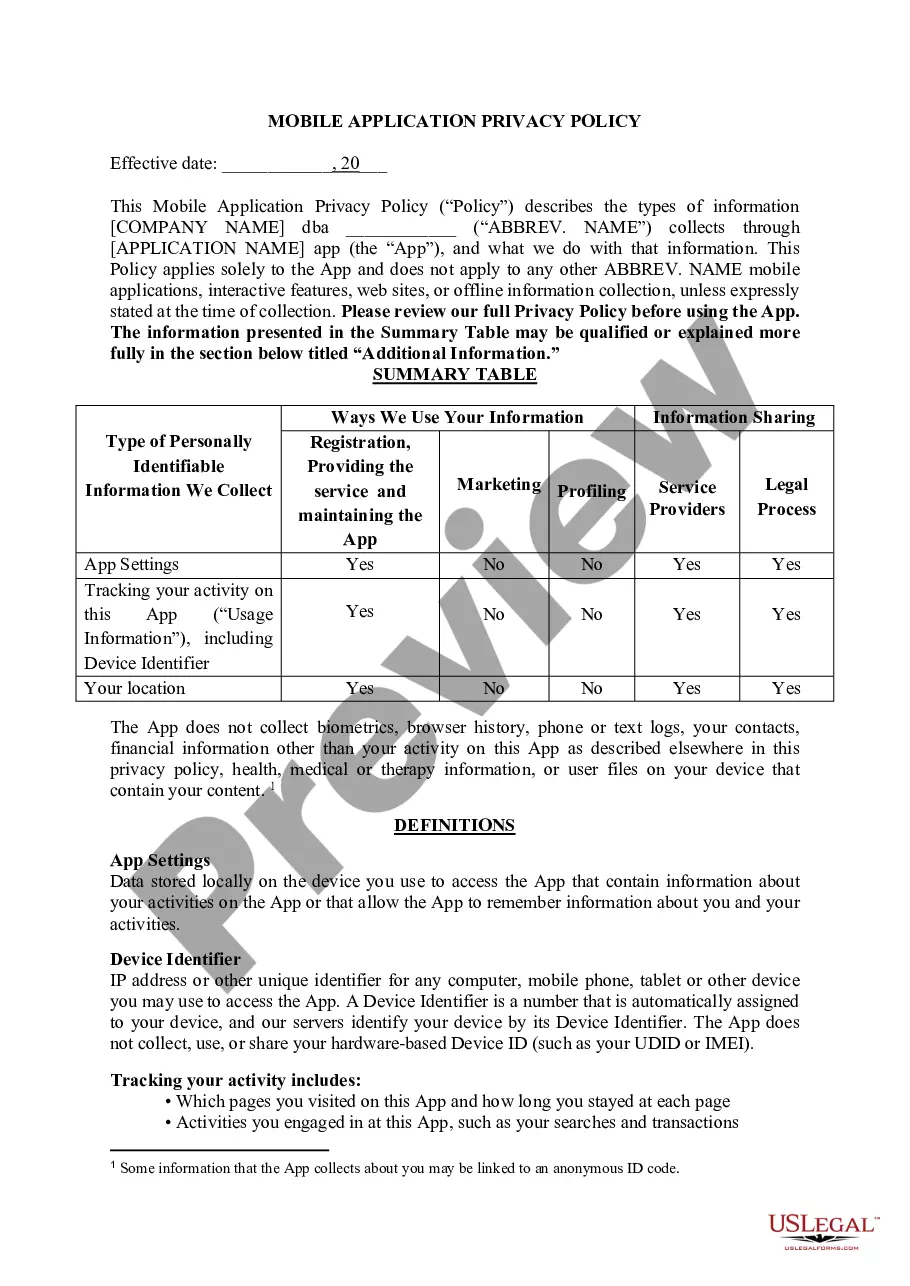
Alaska Mobile App Privacy Policy
Description
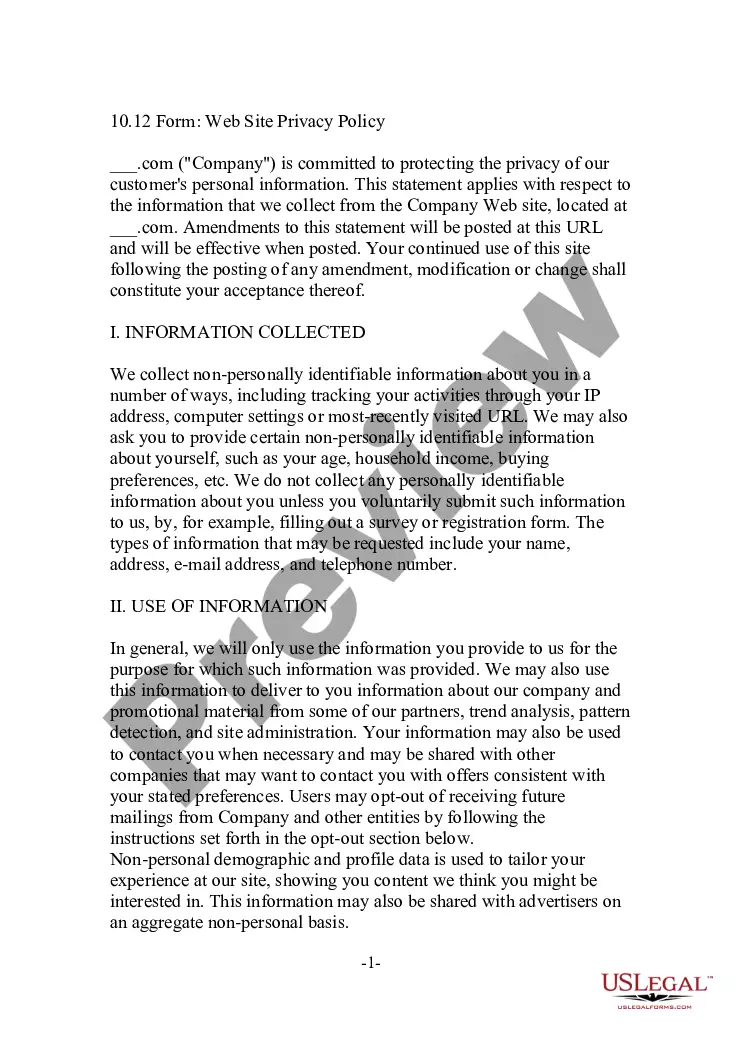
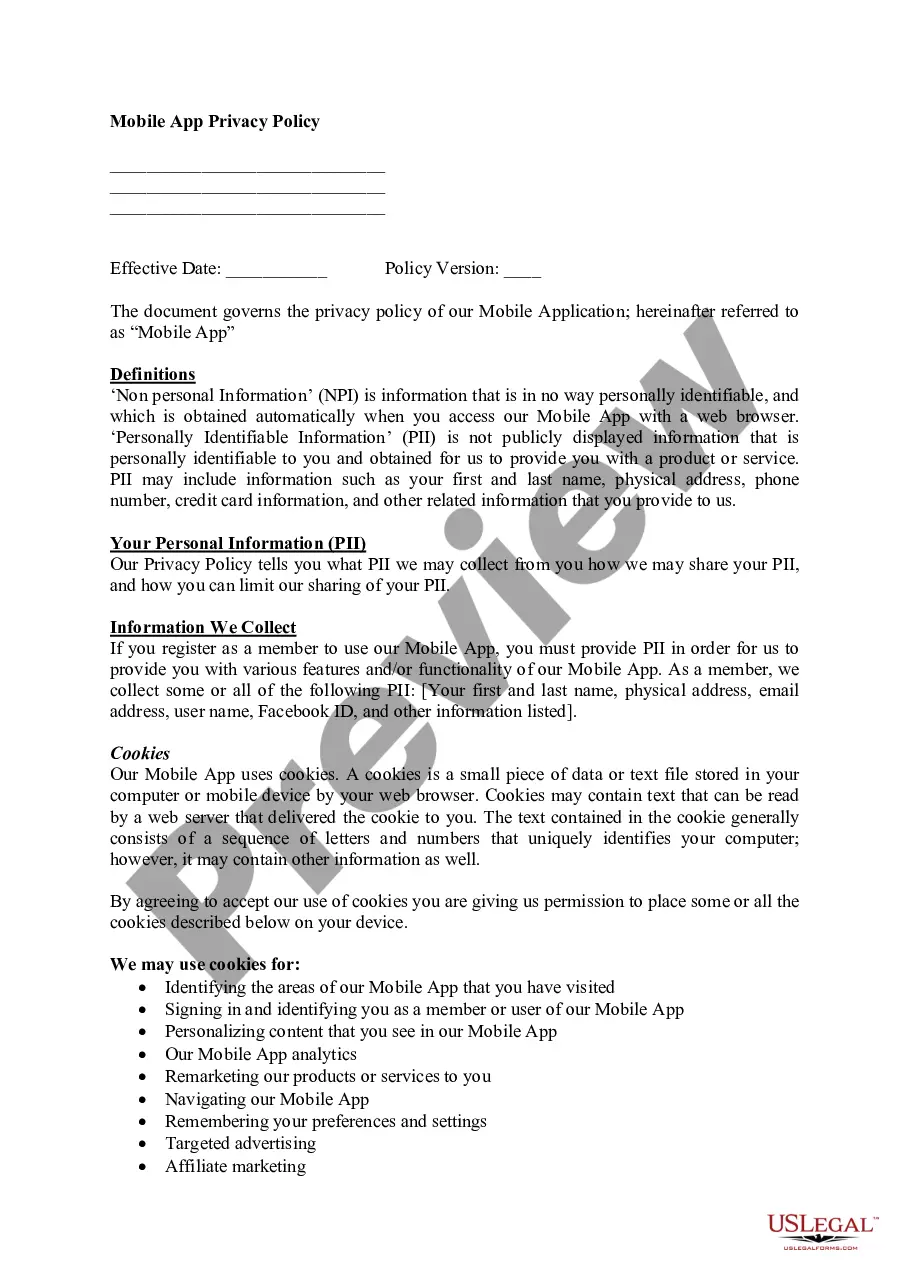
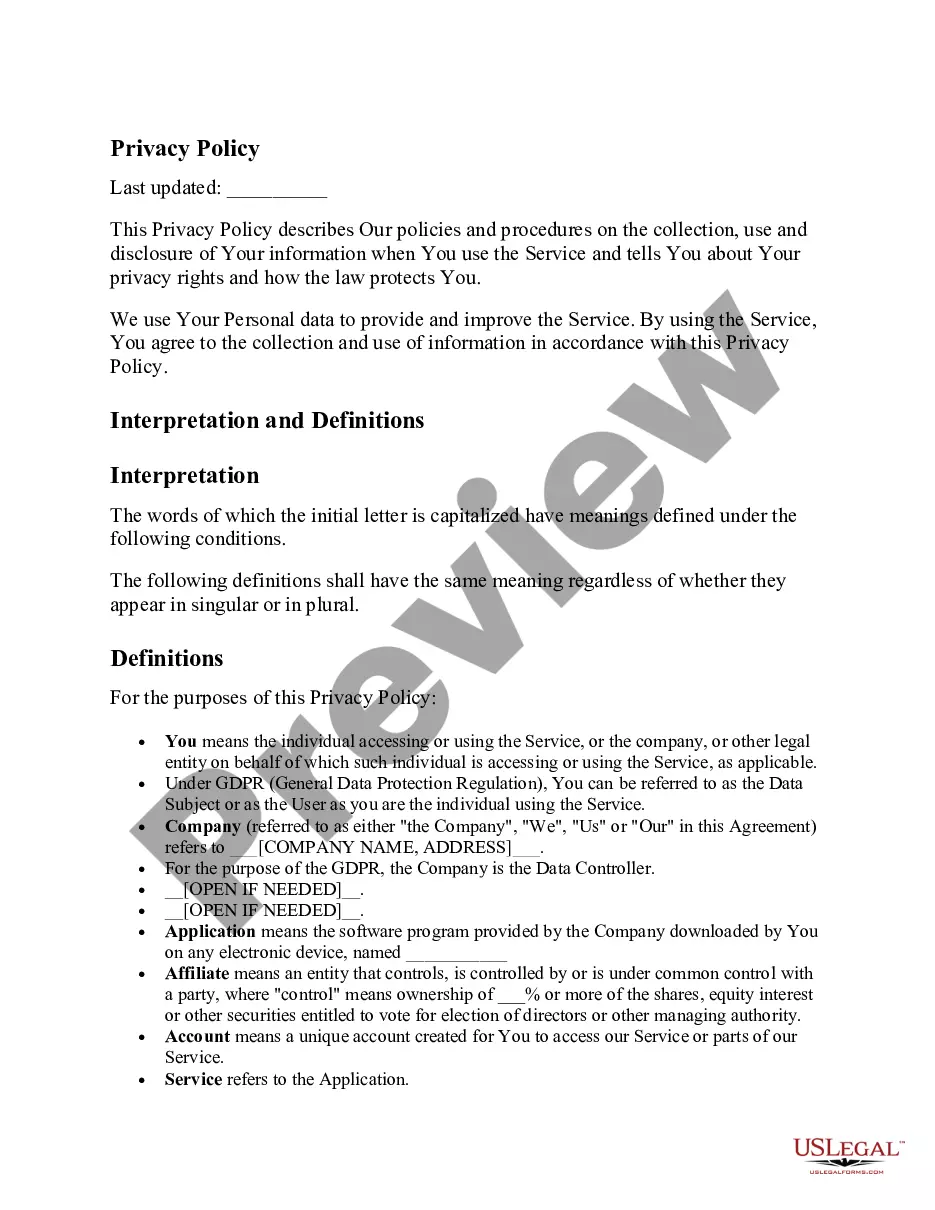
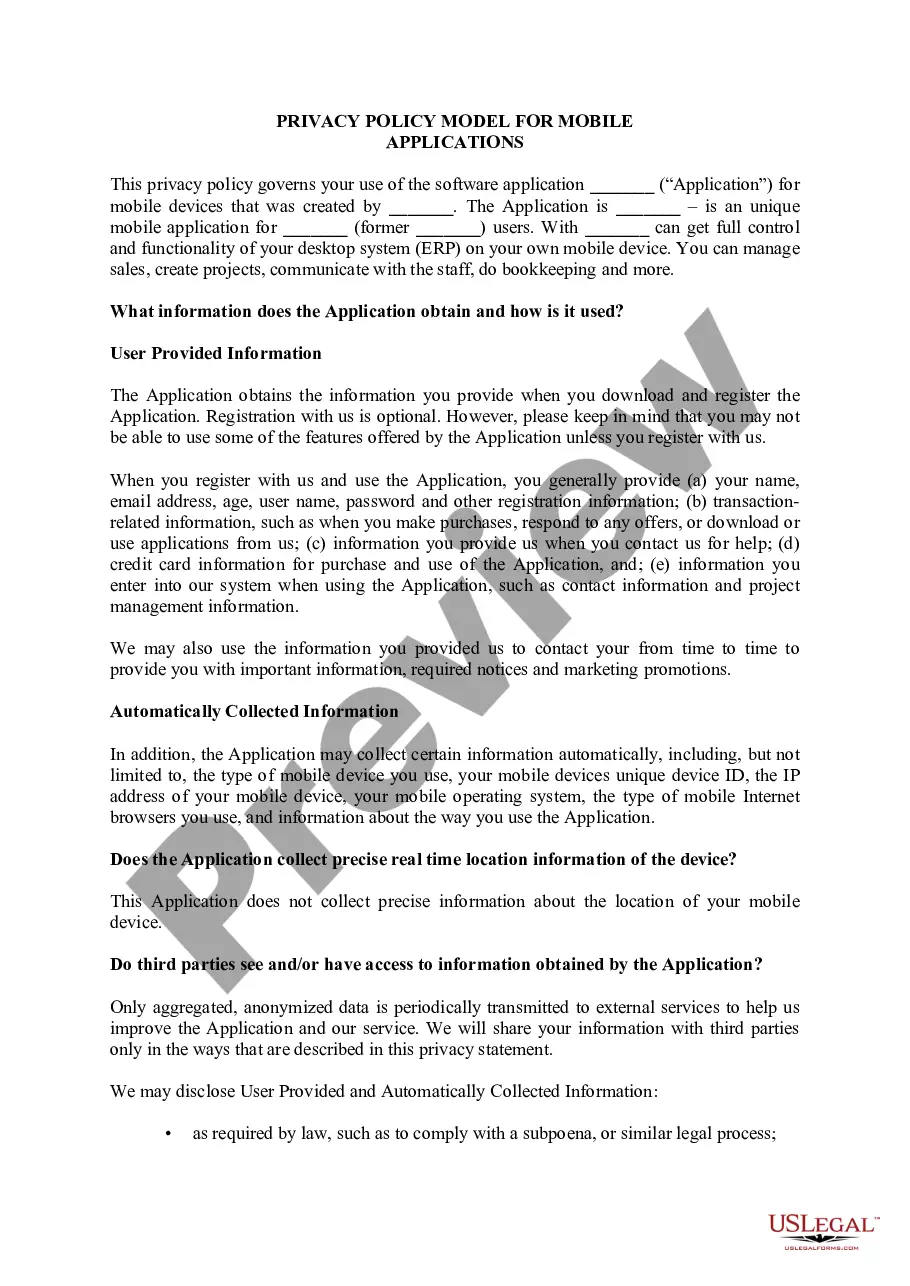
Get your form ready online
Our built-in tools help you complete, sign, share, and store your documents in one place.
Make edits, fill in missing information, and update formatting in US Legal Forms—just like you would in MS Word.
Download a copy, print it, send it by email, or mail it via USPS—whatever works best for your next step.
Sign and collect signatures with our SignNow integration. Send to multiple recipients, set reminders, and more. Go Premium to unlock E-Sign.
If this form requires notarization, complete it online through a secure video call—no need to meet a notary in person or wait for an appointment.
We protect your documents and personal data by following strict security and privacy standards.

Make edits, fill in missing information, and update formatting in US Legal Forms—just like you would in MS Word.

Download a copy, print it, send it by email, or mail it via USPS—whatever works best for your next step.

Sign and collect signatures with our SignNow integration. Send to multiple recipients, set reminders, and more. Go Premium to unlock E-Sign.

If this form requires notarization, complete it online through a secure video call—no need to meet a notary in person or wait for an appointment.

We protect your documents and personal data by following strict security and privacy standards.
Looking for another form?








How to fill out Mobile App Privacy Policy?
If you need to full, download, or print out authorized papers layouts, use US Legal Forms, the greatest assortment of authorized kinds, which can be found online. Take advantage of the site`s basic and hassle-free research to get the files you want. Numerous layouts for business and individual purposes are categorized by categories and says, or search phrases. Use US Legal Forms to get the Alaska Mobile App Privacy Policy in a couple of clicks.
Should you be already a US Legal Forms consumer, log in to your accounts and click the Acquire button to obtain the Alaska Mobile App Privacy Policy. You can also access kinds you previously downloaded inside the My Forms tab of the accounts.
If you work with US Legal Forms the first time, follow the instructions below:
- Step 1. Ensure you have selected the form to the appropriate city/country.
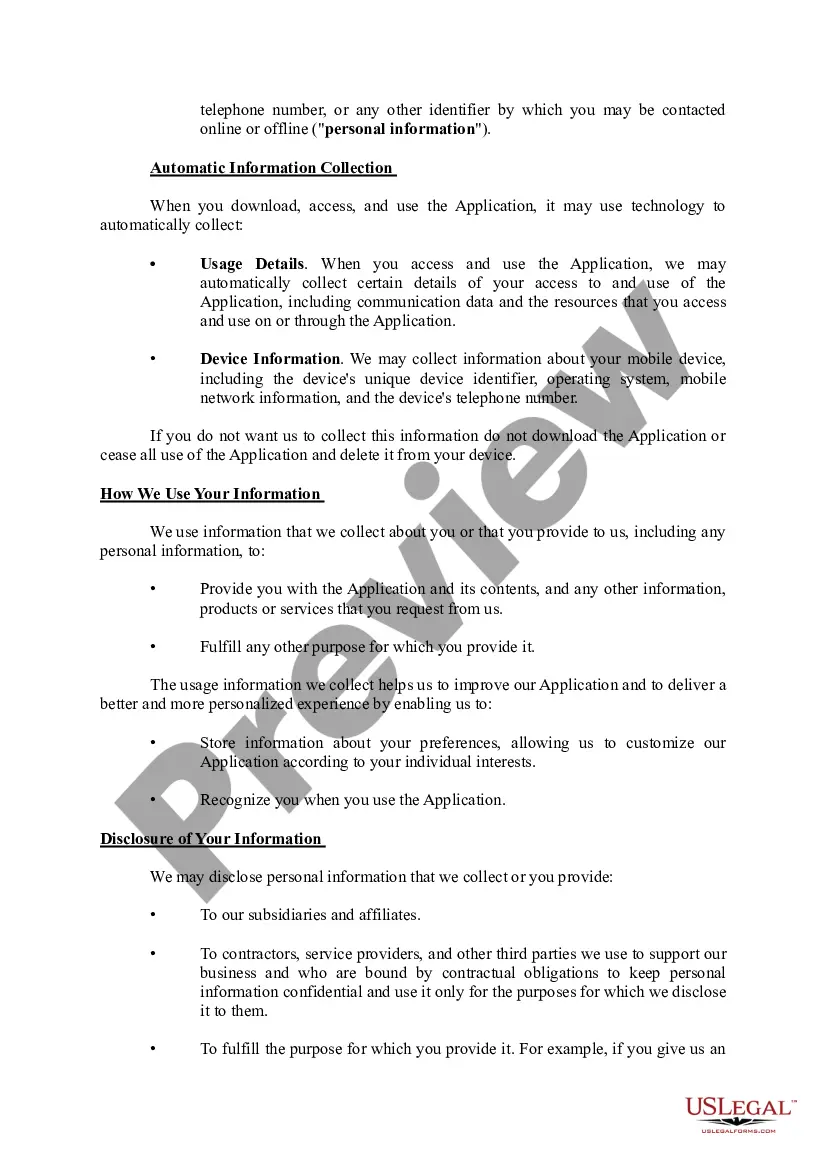
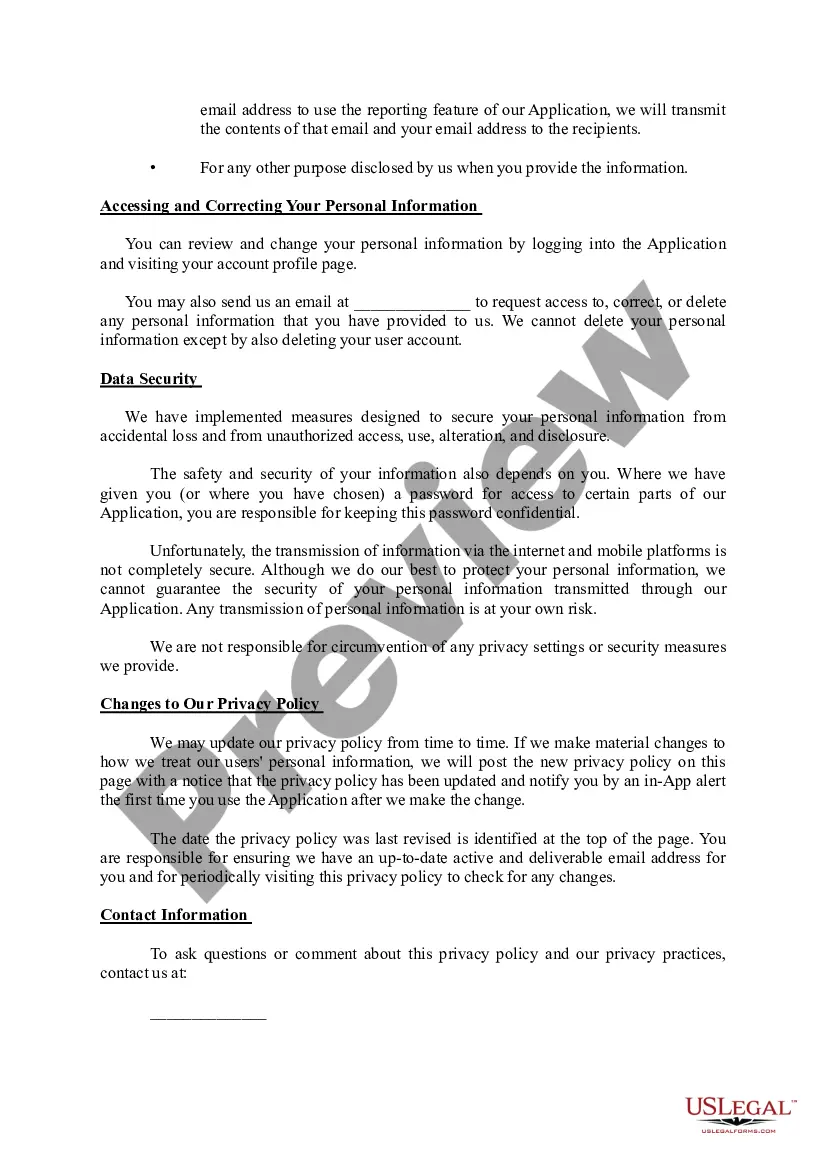
- Step 2. Take advantage of the Preview choice to look through the form`s content. Don`t overlook to learn the description.
- Step 3. Should you be not satisfied together with the develop, utilize the Search discipline at the top of the display screen to discover other types from the authorized develop design.
- Step 4. Upon having located the form you want, go through the Acquire now button. Opt for the pricing program you like and include your credentials to register on an accounts.
- Step 5. Approach the transaction. You may use your Мisa or Ьastercard or PayPal accounts to finish the transaction.
- Step 6. Choose the file format from the authorized develop and download it on the gadget.
- Step 7. Complete, change and print out or indicator the Alaska Mobile App Privacy Policy.
Every single authorized papers design you acquire is yours eternally. You may have acces to each develop you downloaded inside your acccount. Click the My Forms portion and decide on a develop to print out or download again.
Contend and download, and print out the Alaska Mobile App Privacy Policy with US Legal Forms. There are thousands of skilled and status-distinct kinds you may use to your business or individual requirements.
Form popularity
FAQ
Alaska Airlines' BAGTAG services will be available to all guests early 2023 and will function on all Alaska Airlines marketed flights operated by Alaska Airlines, Horizon Air, and SkyWest Airlines in the United States.
Prior to your flight Check in and access your boarding pass on your phone by using the Alaska Airlines app. You can also use the app (or alaskaair.com) to add traveler details, pre-pay for bags, upgrade or change seats and check your flight status.
The Alaska Airlines app is available for free at alaskaair.com/mobile and at the Android Market at .
Membership is free. Start earning benefits, like worldwide award travel, right away. I have a Mileage Plan number.
Yes, you will lose your miles if you cancel your Alaska Airlines Credit Card, but only the miles earned during the billing cycle at the time of cancellation.
Call Guest Care at 1-800-654-5669, Monday - Friday, am - p.m. PT and Saturday, am - p.m PT.
You can request to opt out of receiving prescreened offers of credit for Mileage Plan?-branded cards from Bank of America by calling 1-888-341-5000 or from The Toronto-Dominion Bank (MBNA, for Canadian residents) by calling 1-866-845-0980.
Alaska Mileage Plan is a favorite award program of many points and miles collectors. Alaska flights still earn (at least) one mile per mile flown, and premium cabin flights on partner airlines can really rack up miles. Elite status earning is still based on the miles and segments you fly?and not how much you spend.