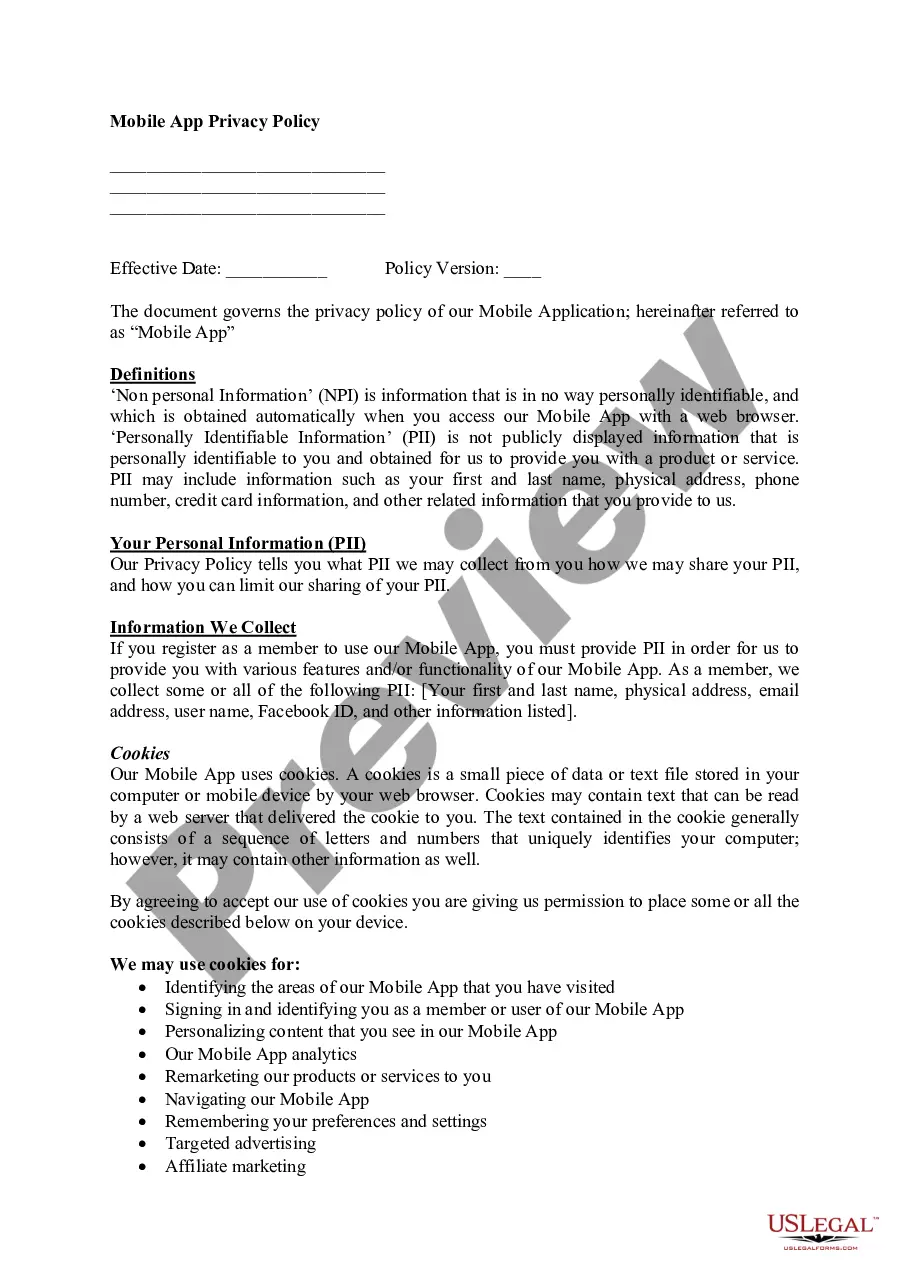
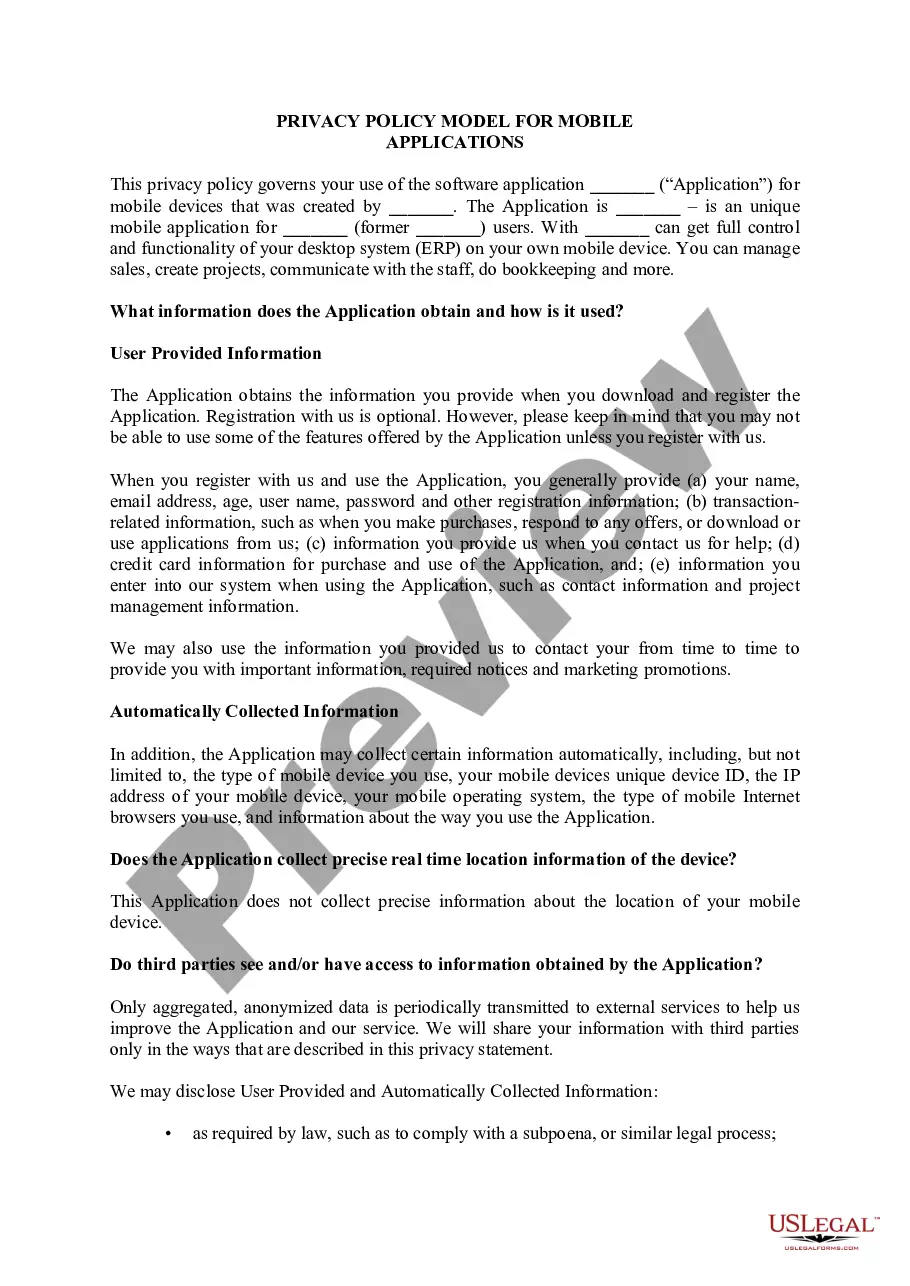
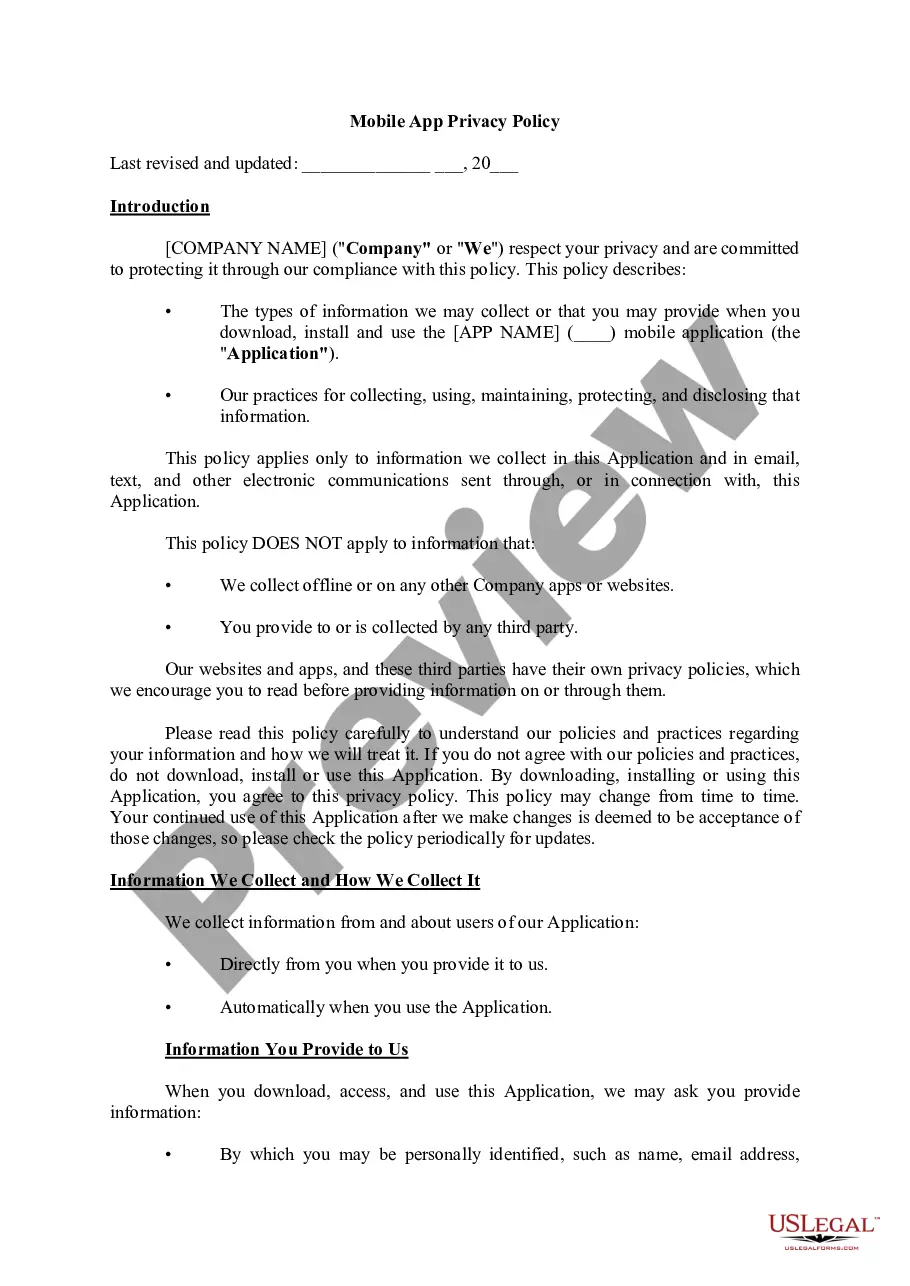
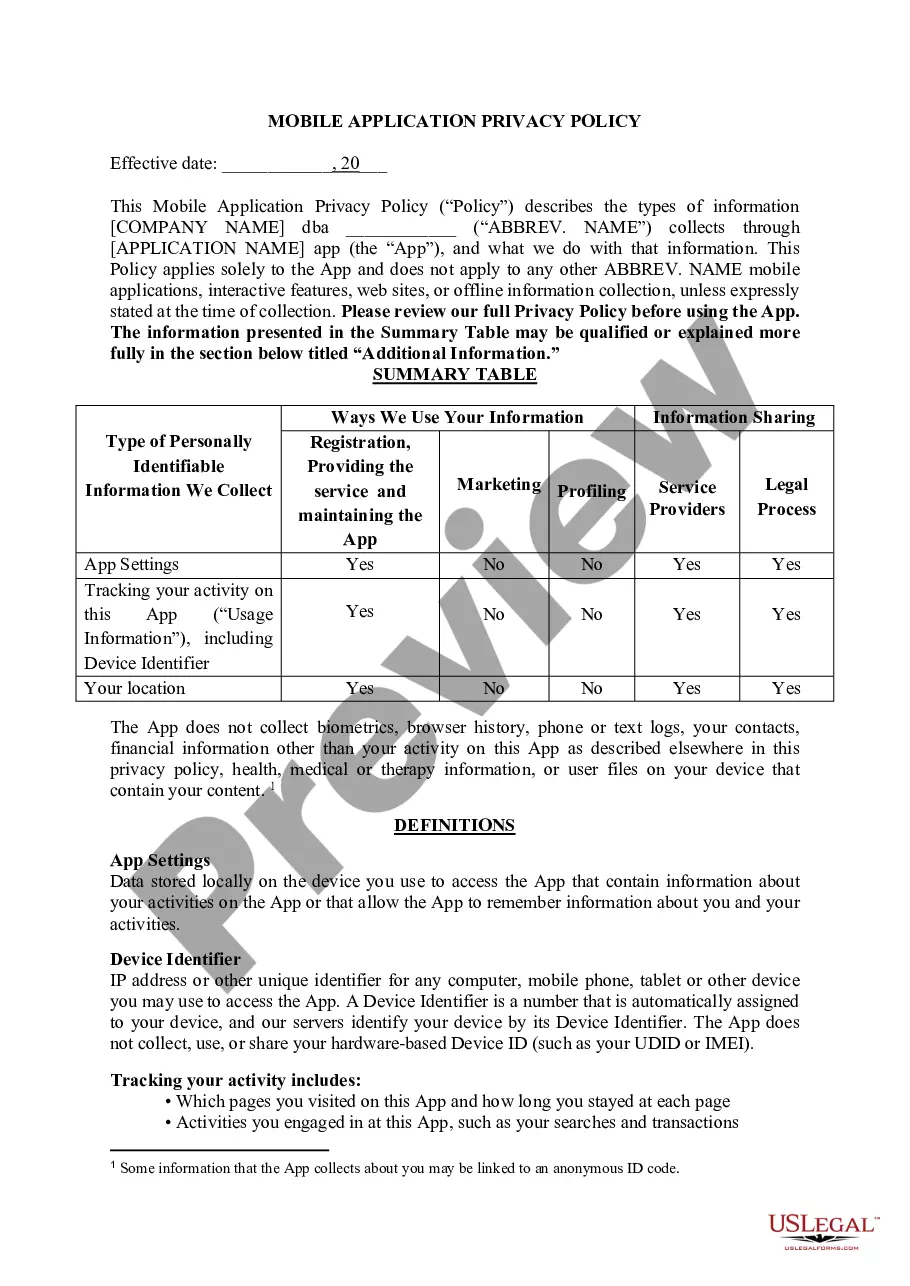
Alaska Mobile App Privacy Policy
Description
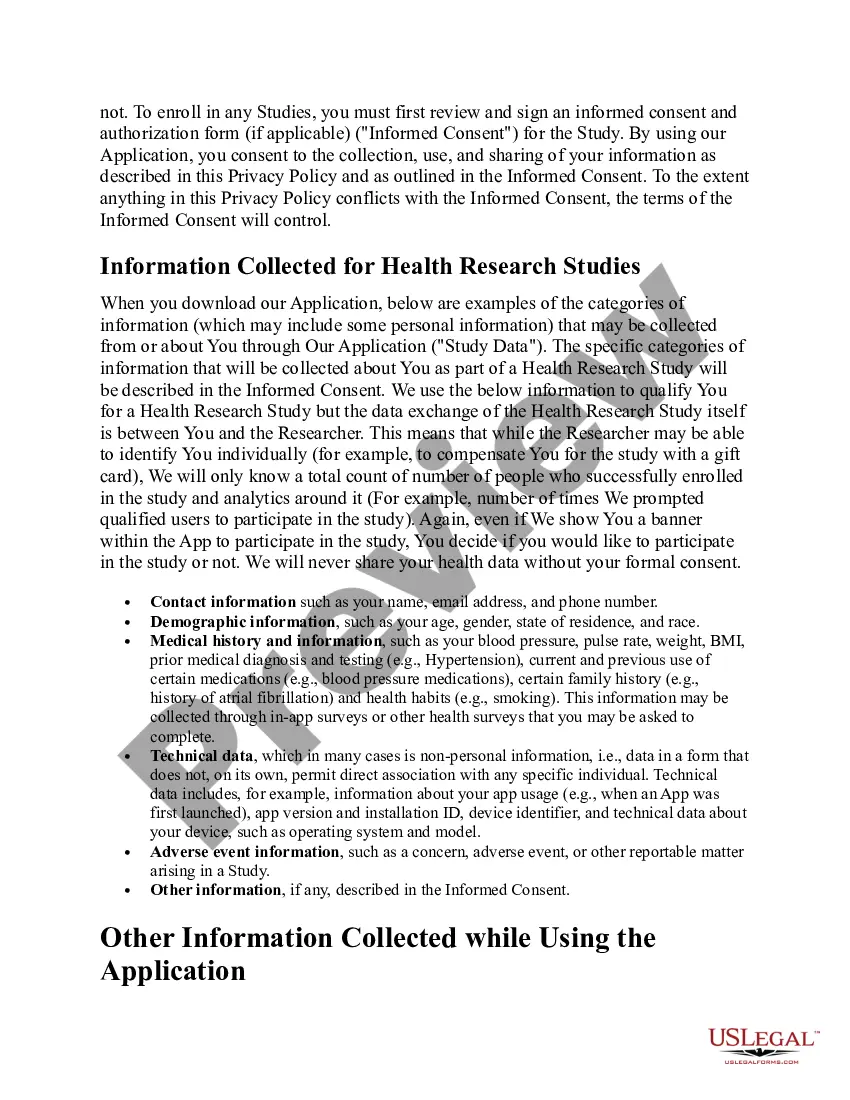
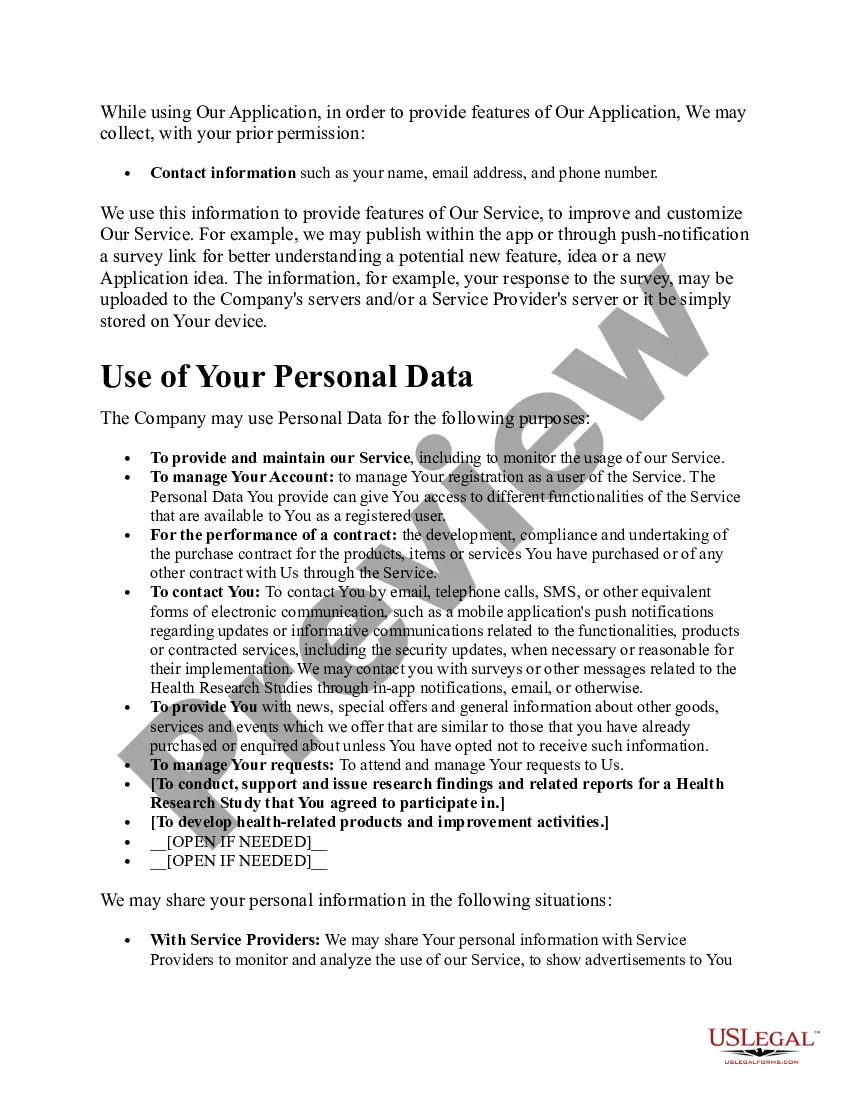
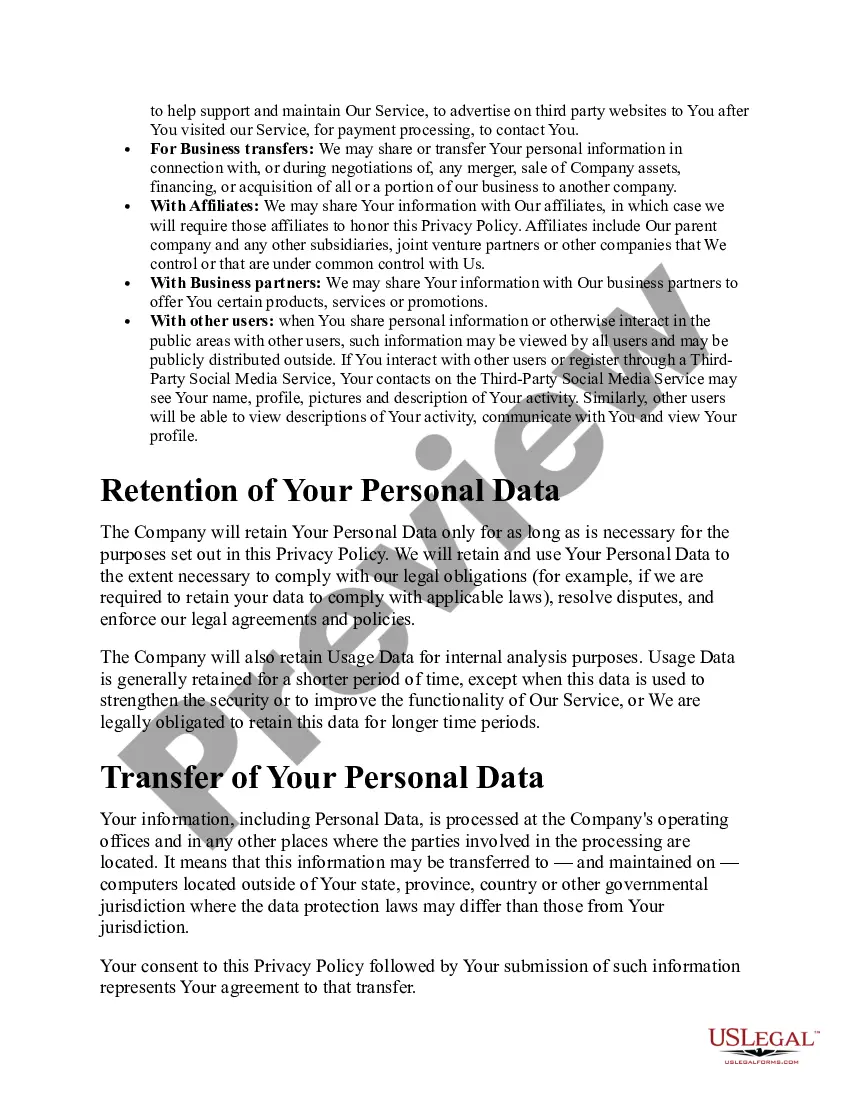
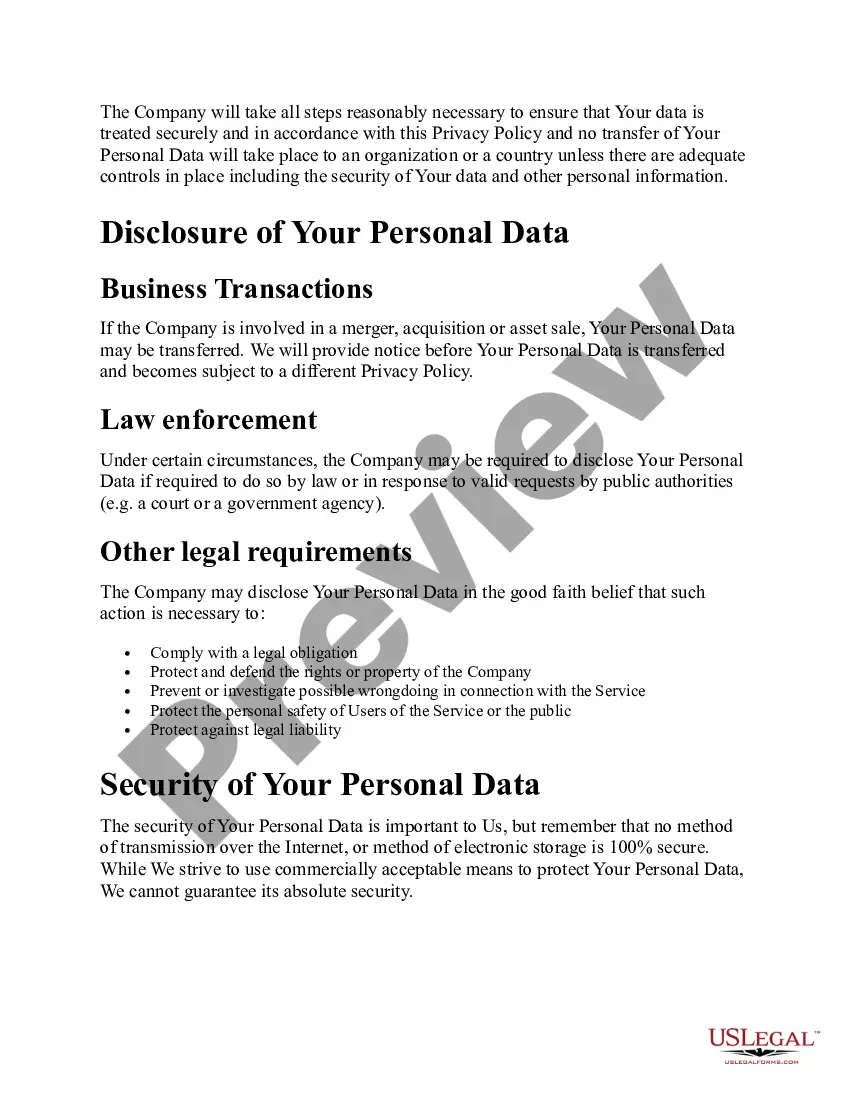
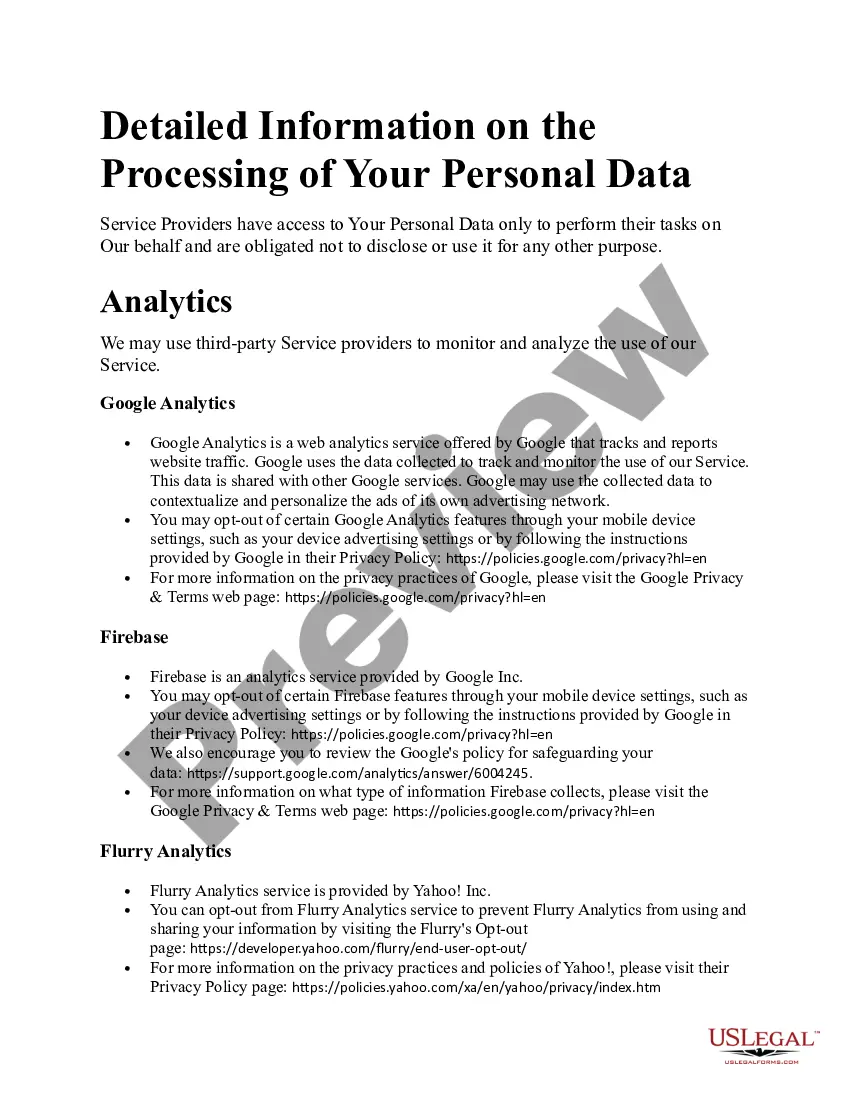
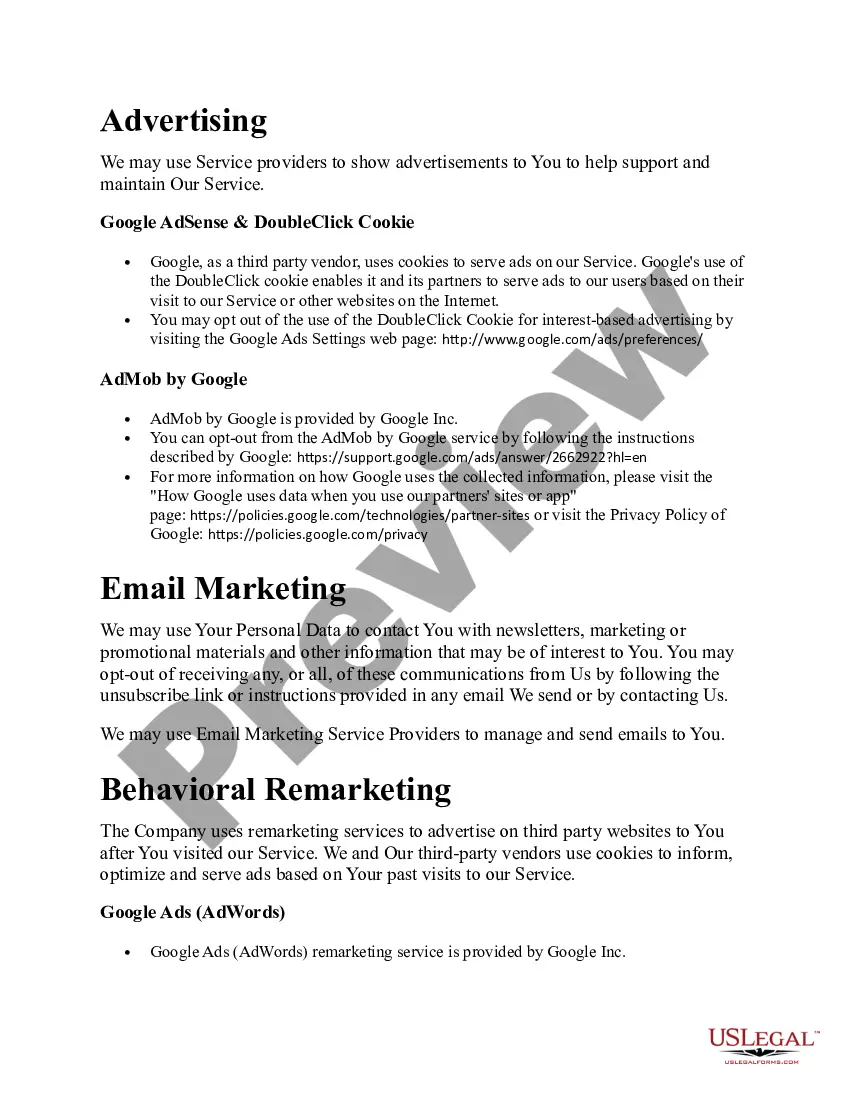
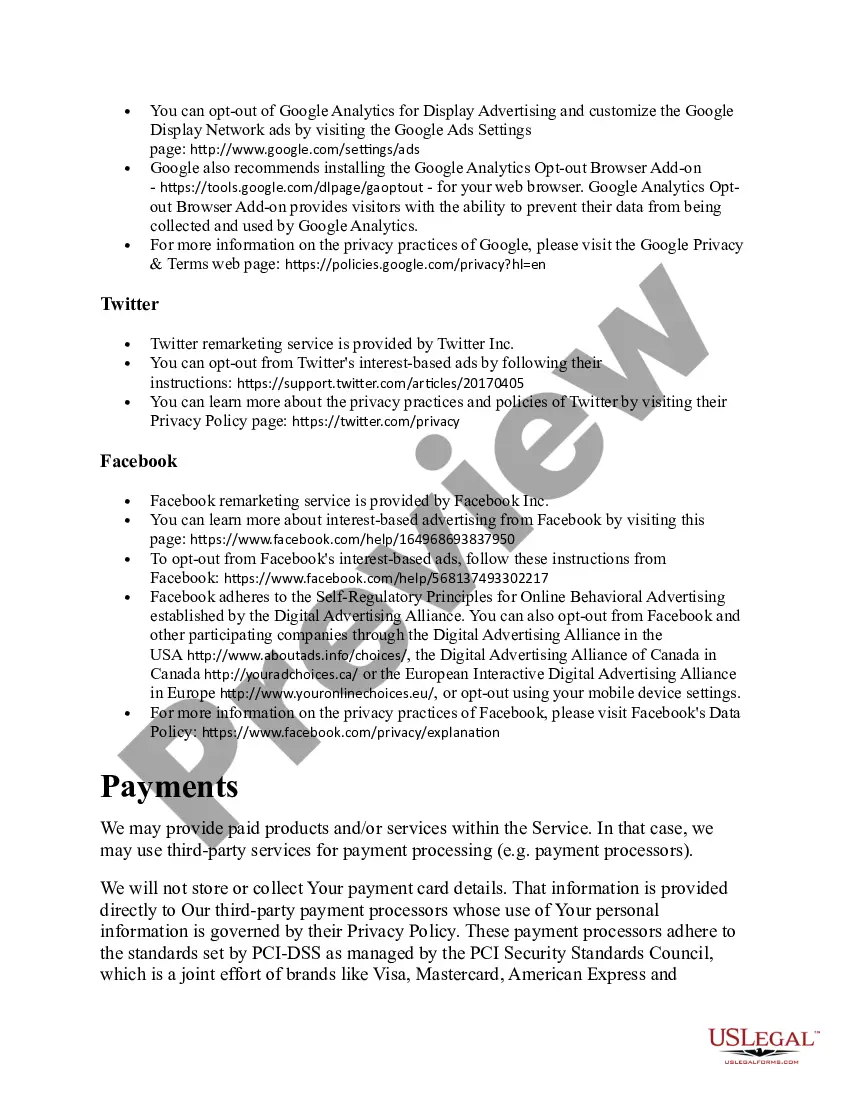

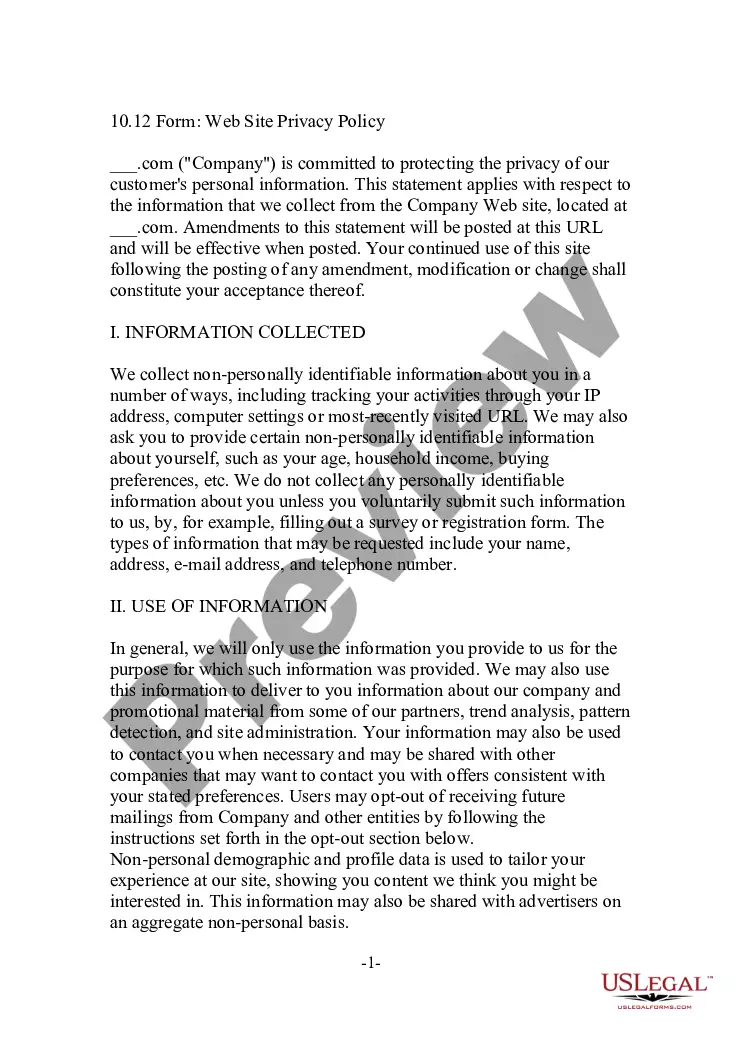
Get your form ready online
Our built-in tools help you complete, sign, share, and store your documents in one place.
Make edits, fill in missing information, and update formatting in US Legal Forms—just like you would in MS Word.
Download a copy, print it, send it by email, or mail it via USPS—whatever works best for your next step.
Sign and collect signatures with our SignNow integration. Send to multiple recipients, set reminders, and more. Go Premium to unlock E-Sign.
If this form requires notarization, complete it online through a secure video call—no need to meet a notary in person or wait for an appointment.
We protect your documents and personal data by following strict security and privacy standards.

Make edits, fill in missing information, and update formatting in US Legal Forms—just like you would in MS Word.

Download a copy, print it, send it by email, or mail it via USPS—whatever works best for your next step.

Sign and collect signatures with our SignNow integration. Send to multiple recipients, set reminders, and more. Go Premium to unlock E-Sign.

If this form requires notarization, complete it online through a secure video call—no need to meet a notary in person or wait for an appointment.

We protect your documents and personal data by following strict security and privacy standards.
Looking for another form?







How to fill out Mobile App Privacy Policy?
Have you been in the placement that you require paperwork for either enterprise or individual uses virtually every day time? There are a variety of authorized papers web templates available on the net, but discovering ones you can rely on is not effortless. US Legal Forms provides 1000s of form web templates, much like the Alaska Mobile App Privacy Policy, that happen to be published in order to meet federal and state requirements.
Should you be previously acquainted with US Legal Forms internet site and also have your account, basically log in. After that, you may acquire the Alaska Mobile App Privacy Policy format.
If you do not provide an profile and need to begin using US Legal Forms, adopt these measures:
- Get the form you want and make sure it is for that appropriate town/county.
- Utilize the Review button to review the shape.
- See the description to actually have chosen the correct form.
- In the event the form is not what you`re searching for, take advantage of the Look for field to get the form that meets your needs and requirements.
- Whenever you get the appropriate form, click Purchase now.
- Choose the pricing prepare you would like, complete the required details to generate your money, and buy the transaction with your PayPal or credit card.
- Pick a practical file structure and acquire your duplicate.
Find each of the papers web templates you have bought in the My Forms menu. You may get a extra duplicate of Alaska Mobile App Privacy Policy at any time, if necessary. Just go through the essential form to acquire or print out the papers format.
Use US Legal Forms, by far the most comprehensive collection of authorized varieties, to save lots of time and avoid mistakes. The assistance provides expertly made authorized papers web templates which you can use for a selection of uses. Produce your account on US Legal Forms and commence producing your way of life a little easier.
Form popularity
FAQ
The Alaska Airlines app is available for free at alaskaair.com/mobile and at the Android Market at .
Add a boarding pass with a screenshot Open the email, app, or website that has your boarding pass. Find your boarding pass. ... For a few seconds, press and hold the Power and Volume down buttons at the same time. ... On the ?Screenshot saved? notification, tap Add to Google Wallet. ... Tap Save.
This could be because some airports do not accept mobile boarding passes, or it may be unavailable for a number of other reasons, technical or otherwise. If this is the case, please collect your boarding pass at the airport. You can see which airports accept mobile boarding passes on our accepted boarding passes page.
You can request to opt out of receiving prescreened offers of credit for Mileage Plan?-branded cards from Bank of America by calling 1-888-341-5000 or from The Toronto-Dominion Bank (MBNA, for Canadian residents) by calling 1-866-845-0980.
You can use your mobile boarding pass at most airports. Before you leave, check to see if your departure or connecting airports accept mobile boarding passes: Does my airport accept mobile boarding passes? Find your airport, then look under 'Airport details' to see if mobile boarding passes are available.
Depending on the requirements of airport authorities, you will need to present a mobile boarding pass, a paper boarding pass printed out by you or a paper boarding pass picked up from the check-in desk.
Alaska Airlines' BAGTAG services will be available to all guests early 2023 and will function on all Alaska Airlines marketed flights operated by Alaska Airlines, Horizon Air, and SkyWest Airlines in the United States.
Prior to your flight Check in and access your boarding pass on your phone by using the Alaska Airlines app. You can also use the app (or alaskaair.com) to add traveler details, pre-pay for bags, upgrade or change seats and check your flight status.