Texas Name Affidavit of Seller
About this form
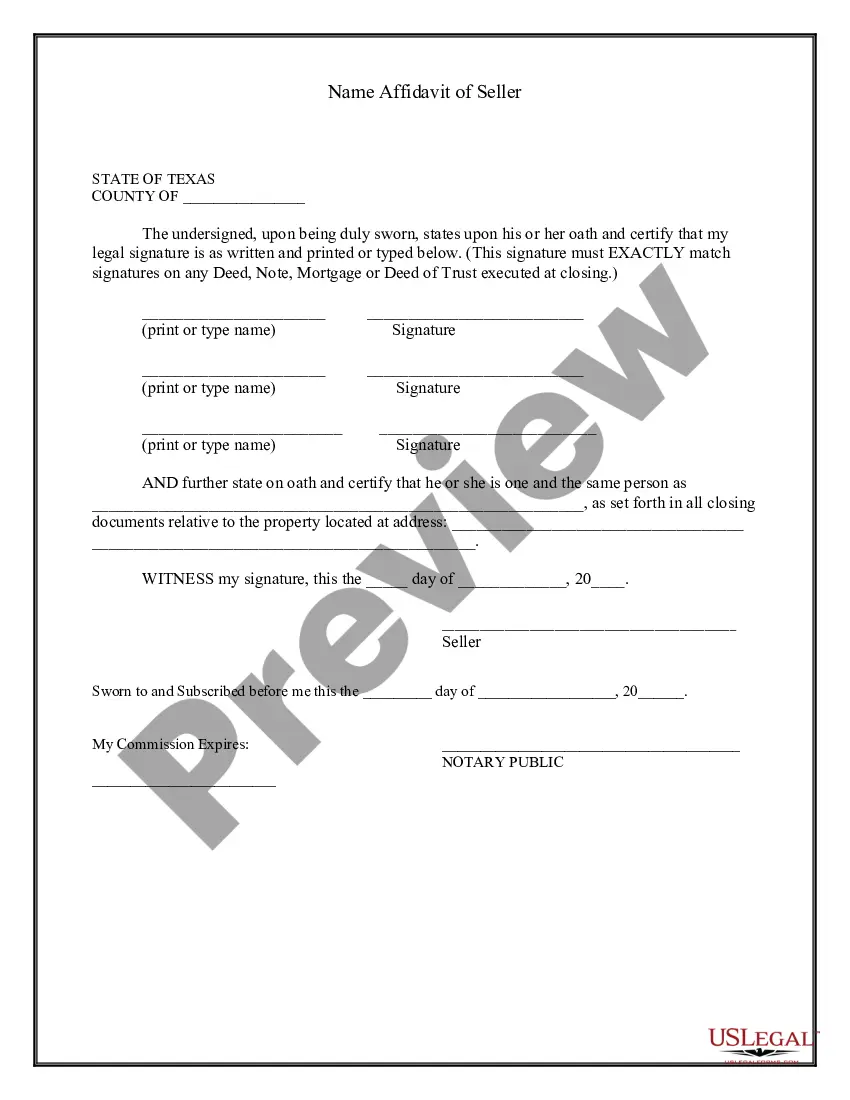
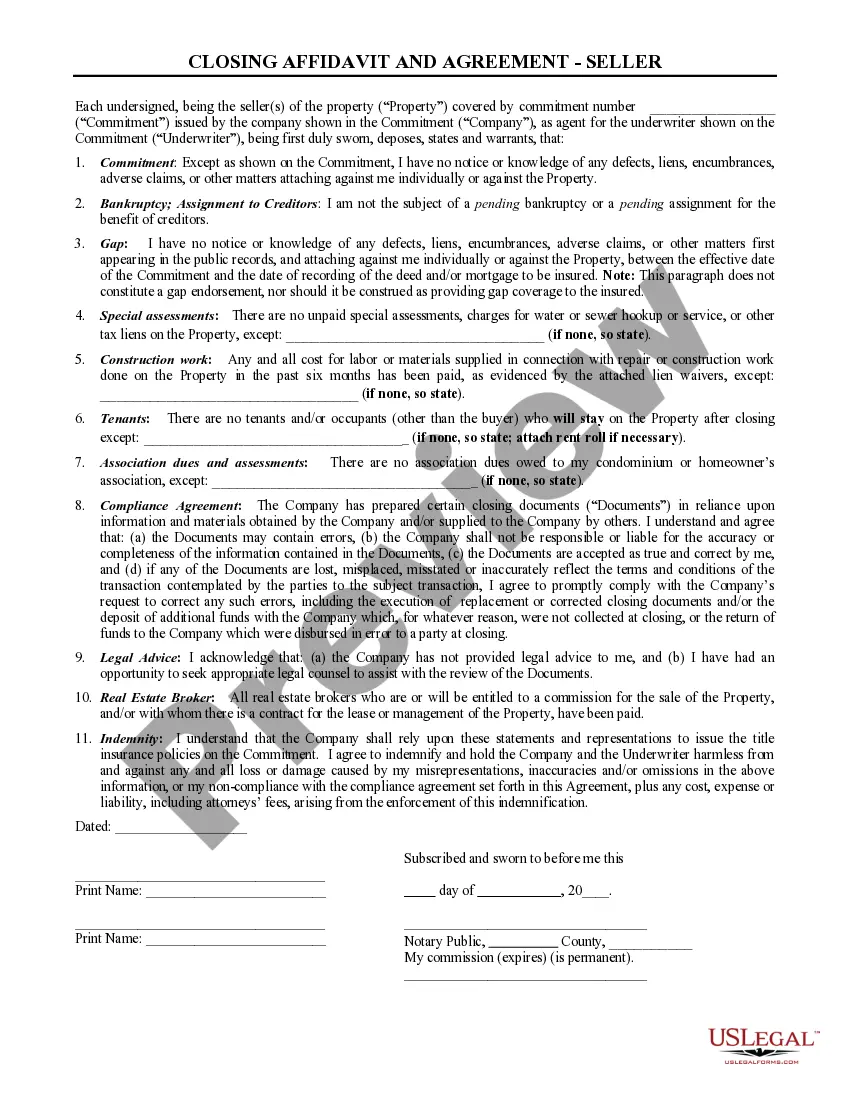
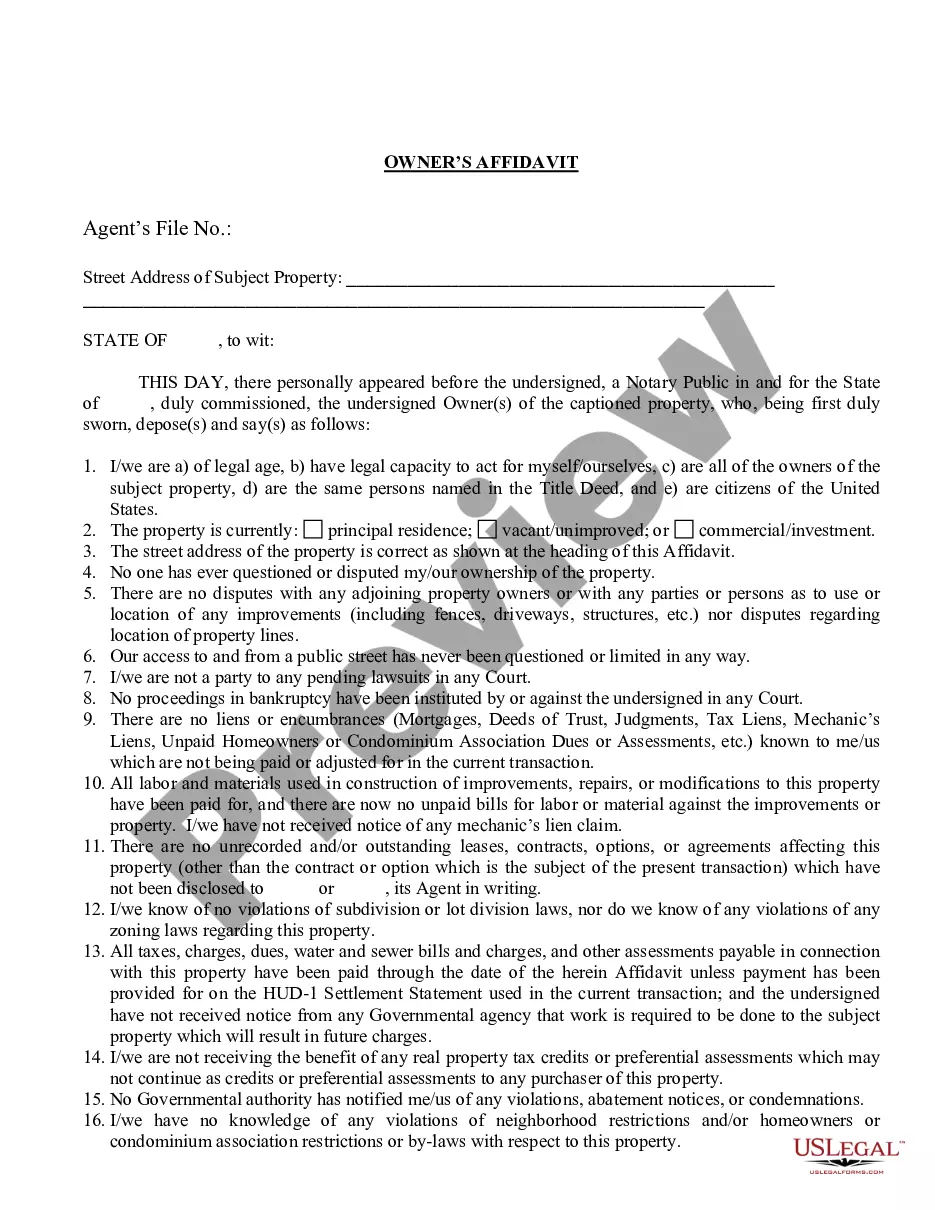
The Name Affidavit of Seller is a legal document that allows the seller to verify their legal name and provide their signature, including any other names by which they are known. This affidavit is essential for clarifying that different signatures belong to the same individual, such as John Jones, John T. Jones, and J.T. Jones. This form helps to eliminate confusion regarding identity in legal transactions, ensuring clarity in property dealings and other agreements.
Main sections of this form
- Affiant's legal name and signature must match precisely with the signatures on related documents.
- Sections for additional names to establish identity.
- This form requires a statement affirming that the seller is one and the same person as mentioned in the closing documents.
- Notary acknowledgement to validate the affidavit.

Common use cases
This form should be used whenever a seller is involved in a property transaction and has signed documents using different versions of their name. It is often required during real estate transactions, loan closings, or any contractual agreements that mandate the verification of identity against multiple names.
Who needs this form
- Property sellers who have used different names in various documents.
- Individuals involved in real estate transactions requiring a clear identification.
- Anyone needing to certify their identity in a legal format for any agreement or contract.
How to prepare this document
- Fill in the state and county at the top of the document.
- Print or type your legal name in the specified fields.
- Sign the affidavit where indicated, ensuring that it matches your other signatures.
- Complete the section affirming that you are the same person as named in closing documents.
- Include date and witness signature, if required.
- Have the form notarized to validate its legality.
Notarization guidance
Yes, this form must be notarized to be legally valid. Notarization ensures that the identities of the affiant are verified, providing additional legal protection. US Legal Forms offers convenient online notarization services, available twenty-four hours a day, allowing you to complete this process securely via video call without the need for travel.
Get your form ready online
Our built-in tools help you complete, sign, share, and store your documents in one place.
Make edits, fill in missing information, and update formatting in US Legal Forms—just like you would in MS Word.
Download a copy, print it, send it by email, or mail it via USPS—whatever works best for your next step.
Sign and collect signatures with our SignNow integration. Send to multiple recipients, set reminders, and more. Go Premium to unlock E-Sign.
If this form requires notarization, complete it online through a secure video call—no need to meet a notary in person or wait for an appointment.
We protect your documents and personal data by following strict security and privacy standards.

Make edits, fill in missing information, and update formatting in US Legal Forms—just like you would in MS Word.

Download a copy, print it, send it by email, or mail it via USPS—whatever works best for your next step.

Sign and collect signatures with our SignNow integration. Send to multiple recipients, set reminders, and more. Go Premium to unlock E-Sign.

If this form requires notarization, complete it online through a secure video call—no need to meet a notary in person or wait for an appointment.

We protect your documents and personal data by following strict security and privacy standards.
Mistakes to watch out for
- Failing to match signatures exactly as they appear on other legal documents.
- Inaccurately stating the names you are known by.
- Not including the date of signing or failing to sign in the designated areas.
- Omitting the notarization step, which is often necessary for the form to be legally effective.
Why use this form online
- Convenient access to legally drafted forms that can be downloaded and filled out instantly.
- Easy editing allows users to customize the document to their specific needs.
- Reliable templates ensure compliance with state legal requirements.
What to keep in mind
- The Name Affidavit of Seller clarifies a seller's legal identity in property transactions.
- This form is crucial when there are variations in a seller's name across different documents.
- Notarization is necessary for the affidavit to be legally binding.
- Utilizing this form online simplifies the process and helps ensure completeness and accuracy.
Looking for another form?
Form popularity
FAQ
Texas titles must be notarized. Only sign the title in the presence of a notary public.Print your name (or names) on the back of the title where it says Seller(s) Hand Printed Name(s). For vehicles less than 10 years old, you must include an odometer disclosure statement reflecting the current odometer reading.
Where Do I Sign a Texas Title? There are two locations you must sign. Sign on the front of the title where it is marked Signature of Owner or Agent. Sign the back of the title where it is marked "Signature of Seller/Agent."
Apply in Person Complete the Application for a Certified Copy of Title (Form VTR-34). NOTE: All recorded owners must sign the form and provide photo ID (or a copy) at time of application. Provide a valid photo ID and $5.45 fee by check, cash or money order (no debit or credit card accepted).
A title receipt with registration or permit authorizes the operation of the motor vehicle on a public highway in this state until the title is issued.
The State DMV has issued a corrected title for the vehicle.In other states, details about the vehicle, such as incorrect odometer readings, can result in a corrected title being issued. A corrected title can also be issued when a lien is placed on the vehicle's title.
Each Certificate of Title must be signed by the Seller on the front of the Texas Certificate of Title on the Signature of Owner line. The back of each Title needs to be completed, as well.Title can only be transferred to the winning bidder's name or company name as it appears on the receipt we email to you.
Texas title, signed and dated by the seller(s) and buyer(s). VTR-130U (Application for Texas title), signed and dated by the seller(s) and buyer(s). Proof of insurance in the buyer's name. Acceptable form of ID. Proof of inspection. Fees.
You and seller must both sign. (Your application, but his record of the sale). If necessary you can go with the seller to a Texas Division of Motor Vehicle office.
Form 130-U is used in the State of Texas to apply for a title to a vehicle. Also known as an Application for Texas Title, the document is completed to transfer the title from the seller of the vehicle to its new owner.