South Carolina General Warranty Deed for Husband and Wife from Joint Tenants to Tenants in Common
About this form
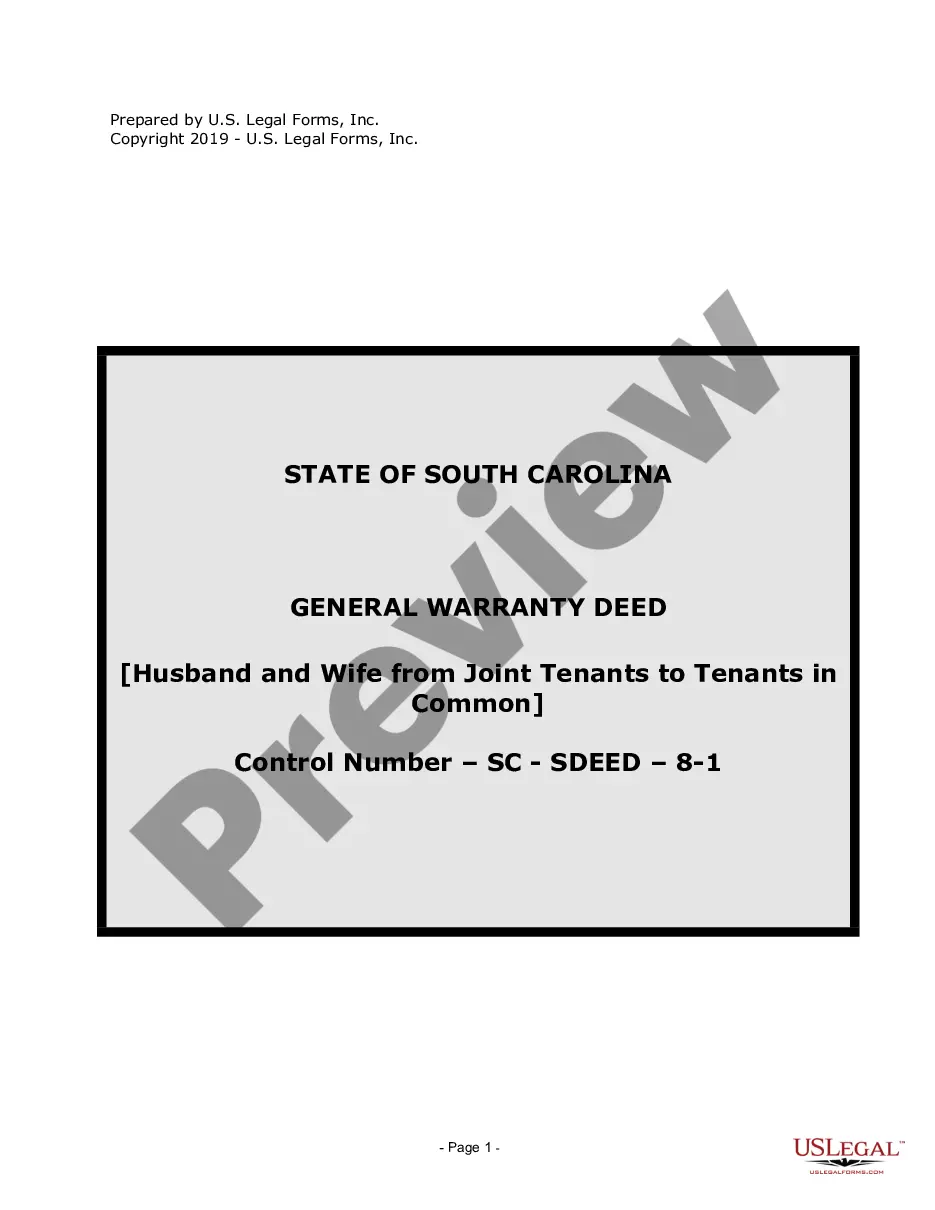
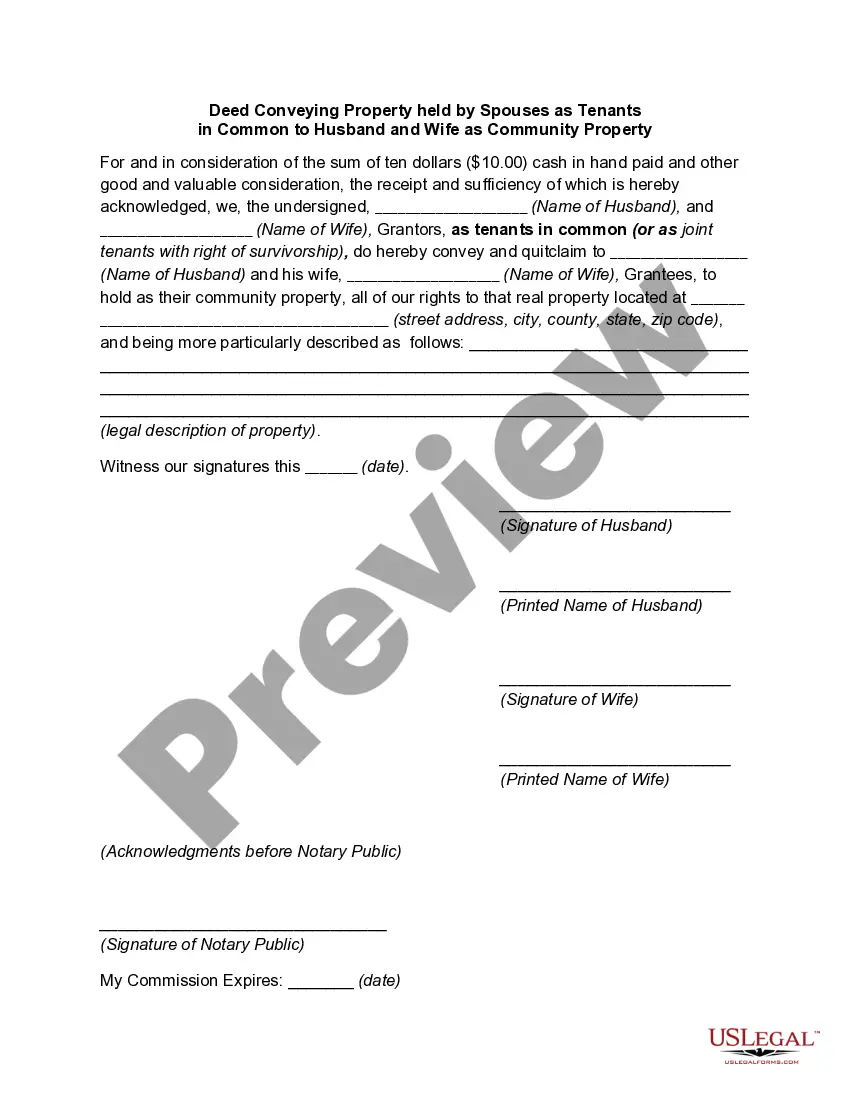
This General Warranty Deed is a legal document used by married couples to change their property ownership from joint tenants to tenants in common. This form ensures that the rights and responsibilities concerning the property are clearly defined, distinct from a joint tenancy which offers survivorship rights. This form is crucial when couples wish to specify their respective shares in the property or when they plan to transfer ownership to others in the future.
Form components explained
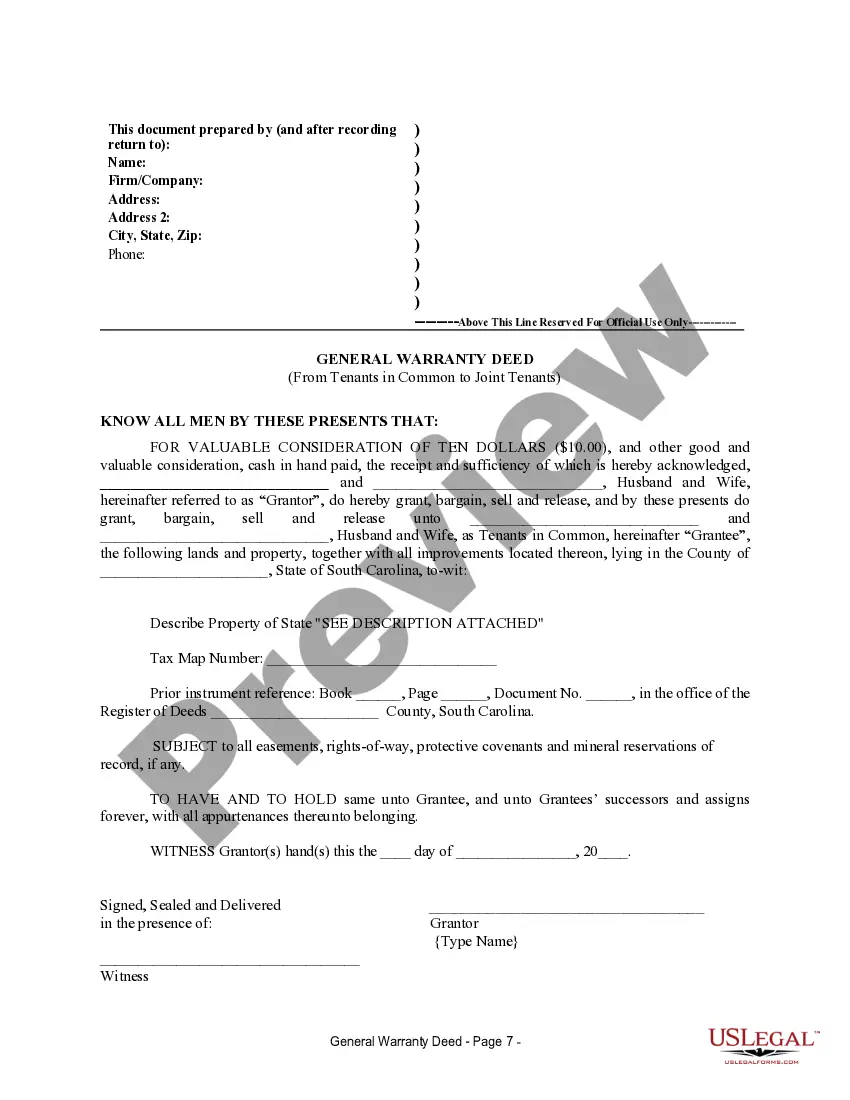
- Identification of Grantors: Specifies the names of both spouses involved in the transfer.
- Property Description: Provides a legal description of the property being conveyed.
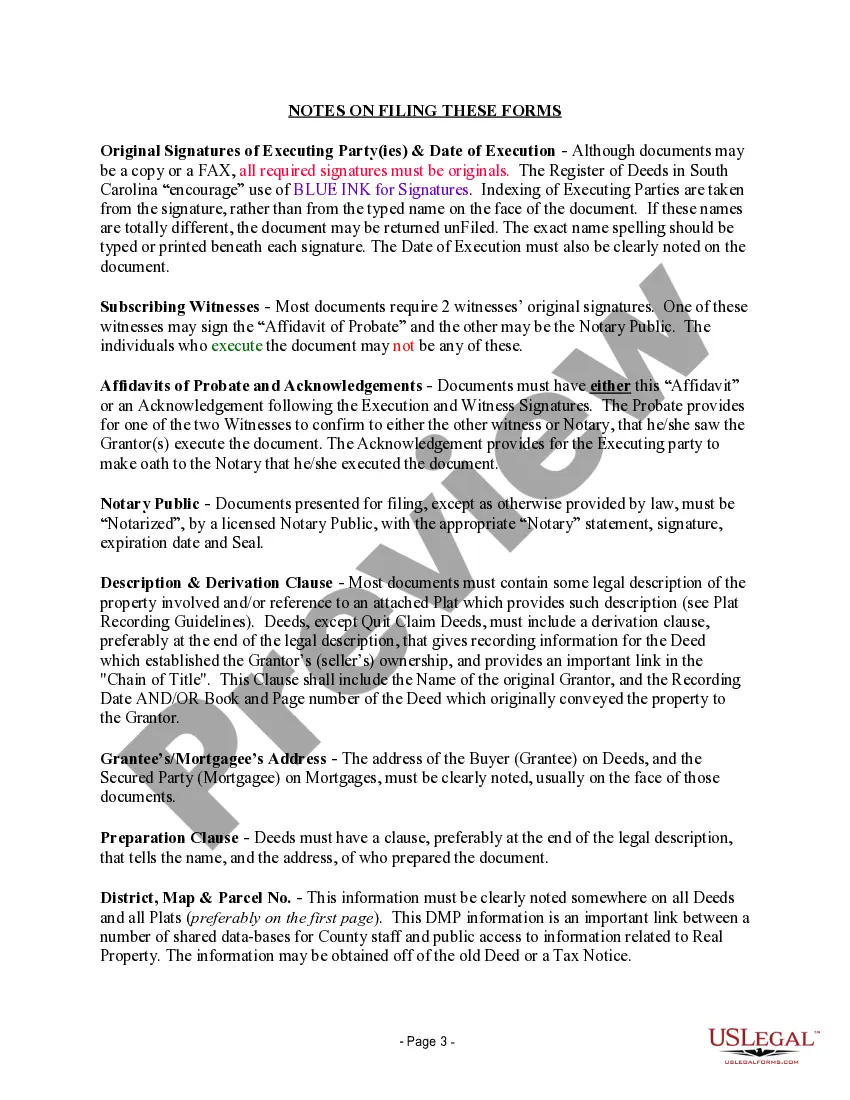
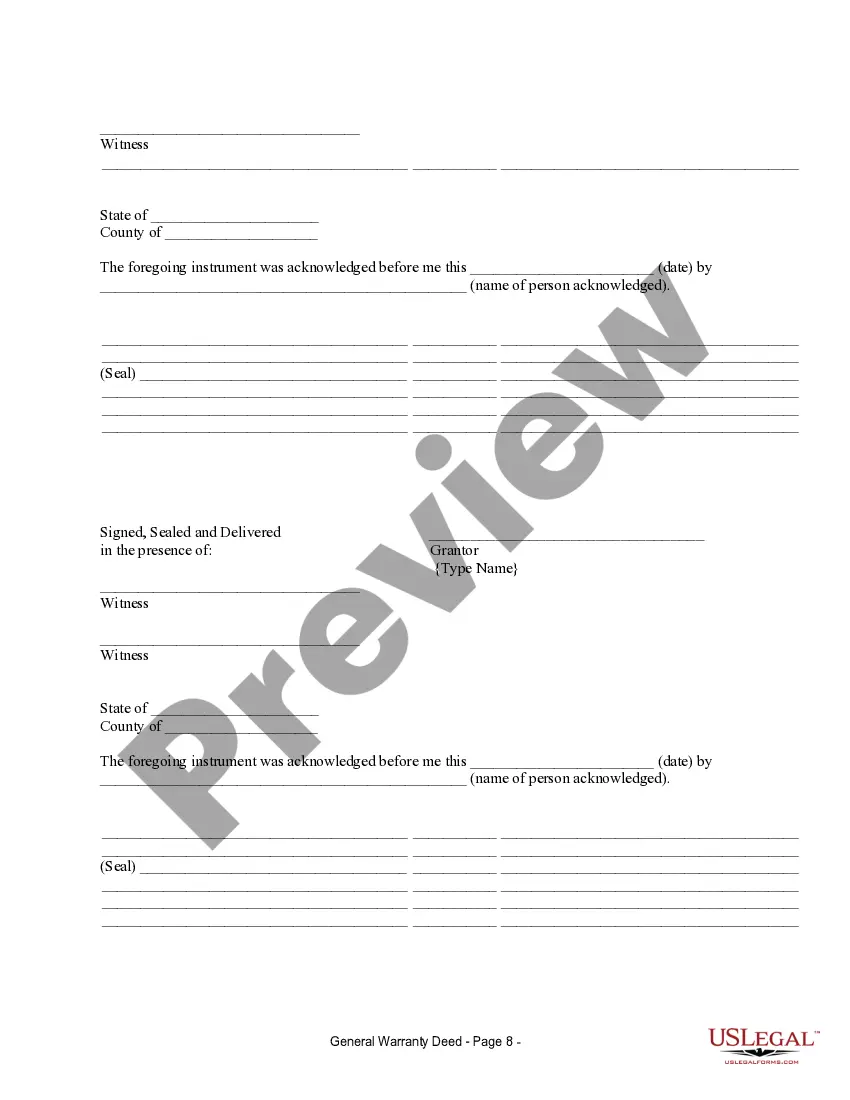
- Acknowledgment Section: Requires notarization and witness signatures to validate the transfer.
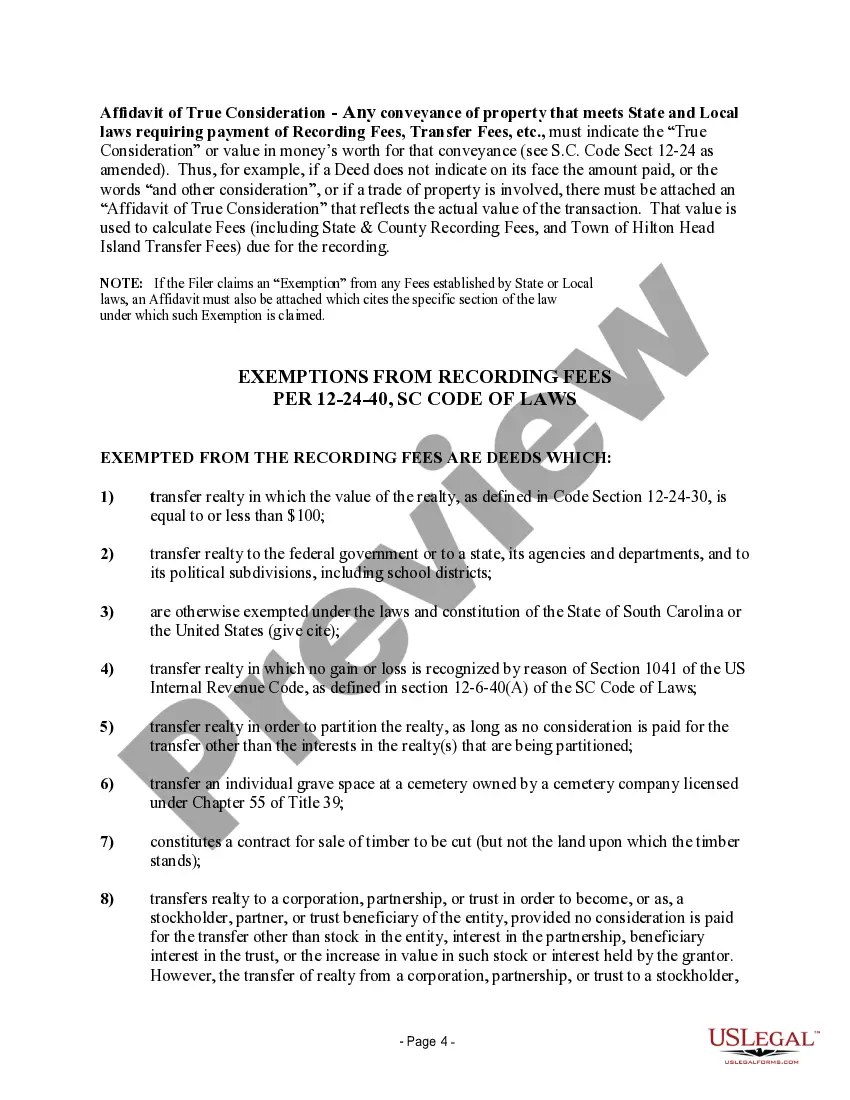
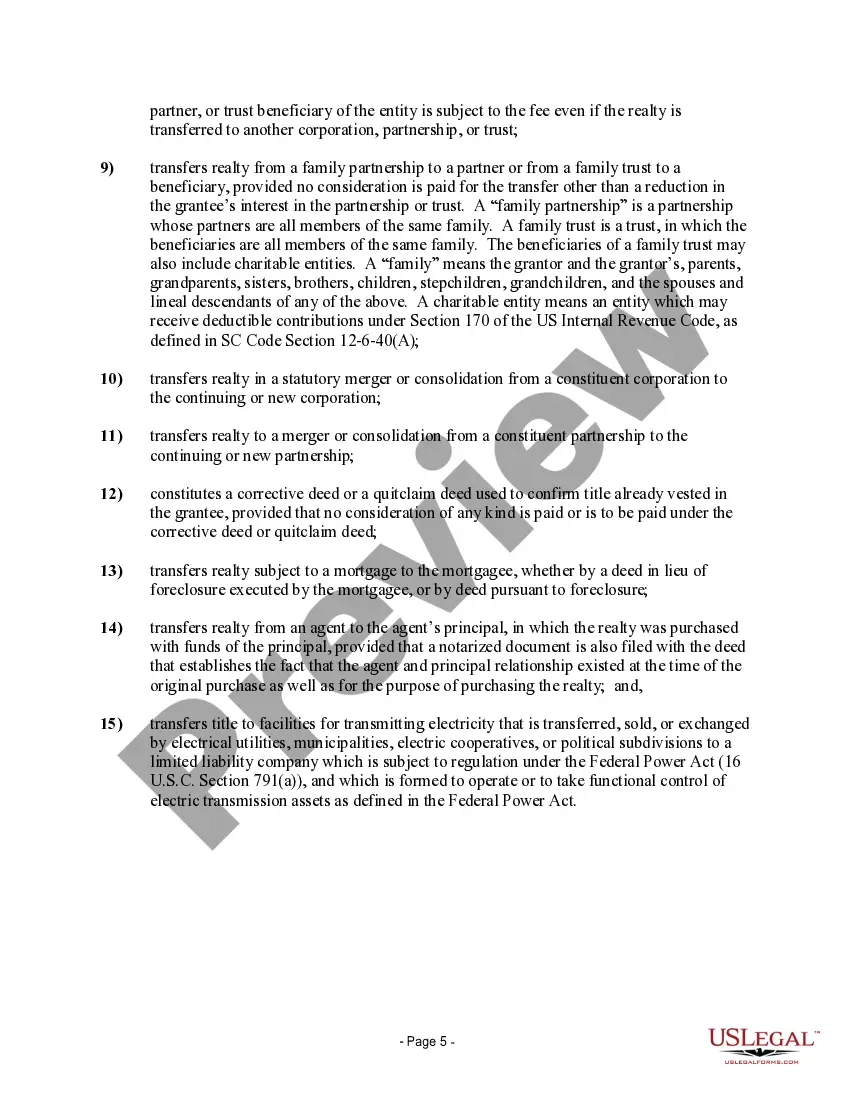
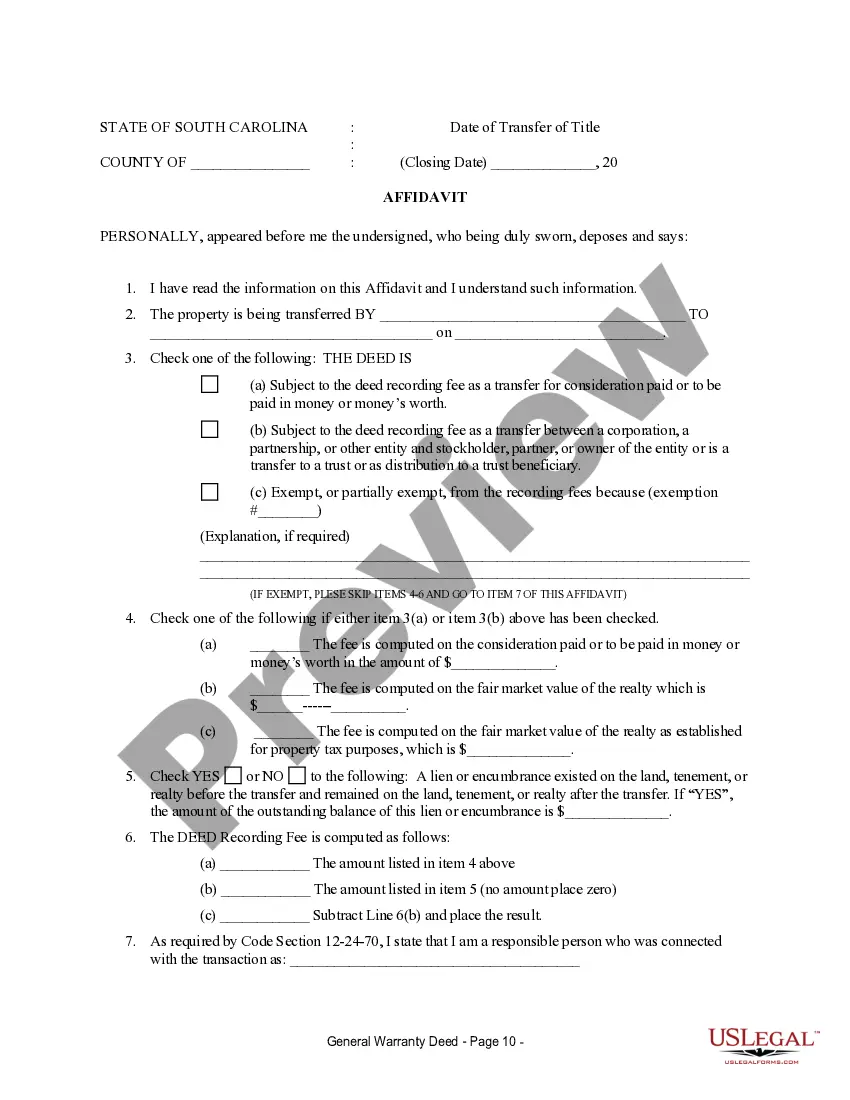
- Affidavit of True Consideration: States the actual value of the transaction for legal and tax purposes.
- Execution Date: Indicates when the deed was signed and executed.



Common use cases
This form should be used when a husband and wife wish to change the ownership structure of their property from joint tenancy to tenants in common. Such a change may be desirable for various reasons, including estate planning, changing financial circumstances, or preparing for a potential future sale of the property. It is particularly relevant when couples want to specify how their interests in the property will be divided and addressed in case of death or separation.
Who needs this form
- Married couples seeking to change how they hold title to real estate.
- Couples planning for estate distribution or trying to simplify property division.
- Spouses wishing to clarify their individual ownership interests in the property.
Steps to complete this form
- Identify the parties: Enter the names of both spouses as grantors.
- Specify the property: Fill in the legal description and associated tax map number.
- Include acknowledgment: Sign in the presence of a notary public and include witness signatures.
- Complete the affidavit: Provide necessary financial details and true consideration for the property transfer.
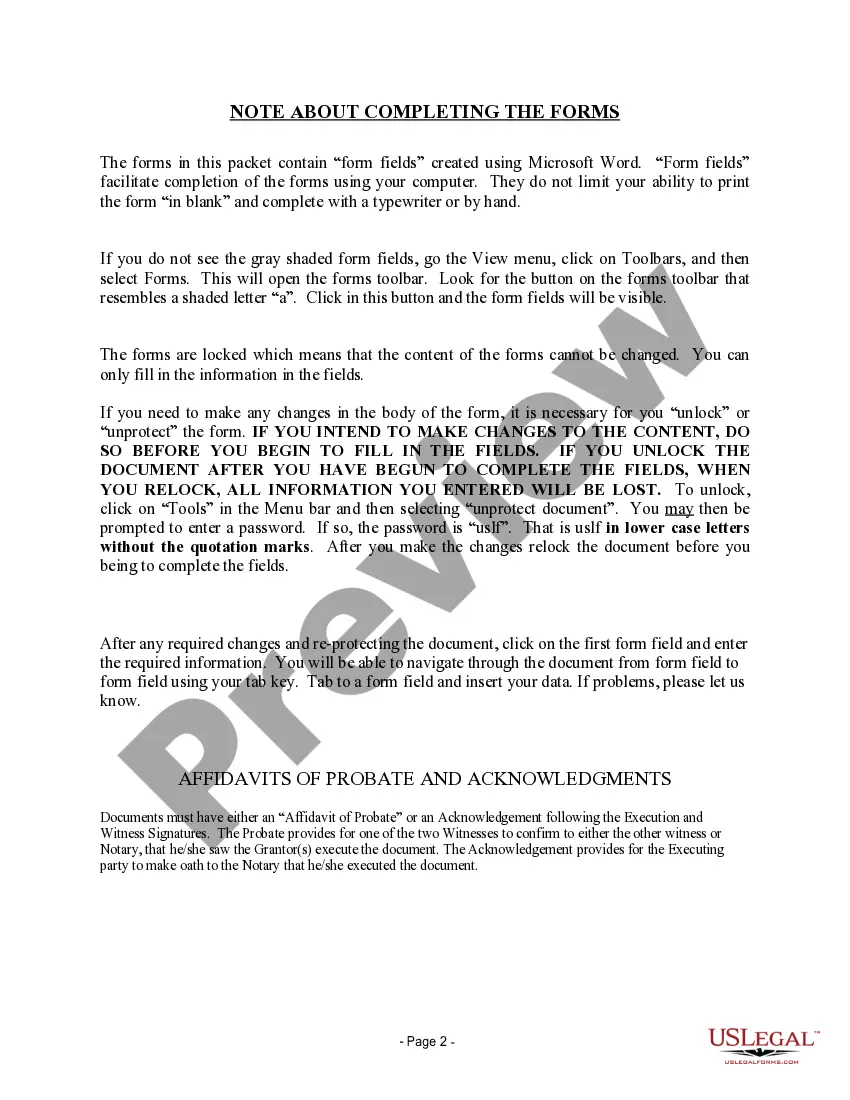
- Unlock the form: If edits are needed before filling the form fields, unlock it using the specified password.
Notarization requirements for this form
This form must be notarized to be legally valid. US Legal Forms provides secure online notarization powered by Notarize, allowing you to complete the process through a verified video call.
Get your form ready online
Our built-in tools help you complete, sign, share, and store your documents in one place.
Make edits, fill in missing information, and update formatting in US Legal Forms—just like you would in MS Word.
Download a copy, print it, send it by email, or mail it via USPS—whatever works best for your next step.
Sign and collect signatures with our SignNow integration. Send to multiple recipients, set reminders, and more. Go Premium to unlock E-Sign.
If this form requires notarization, complete it online through a secure video call—no need to meet a notary in person or wait for an appointment.
We protect your documents and personal data by following strict security and privacy standards.

Make edits, fill in missing information, and update formatting in US Legal Forms—just like you would in MS Word.

Download a copy, print it, send it by email, or mail it via USPS—whatever works best for your next step.

Sign and collect signatures with our SignNow integration. Send to multiple recipients, set reminders, and more. Go Premium to unlock E-Sign.

If this form requires notarization, complete it online through a secure video call—no need to meet a notary in person or wait for an appointment.

We protect your documents and personal data by following strict security and privacy standards.
Avoid these common issues
- Failing to include original signatures from both spouses.
- Omitting required witness signatures and notary acknowledgment.
- Incorrectly describing the property or not including an adequate legal description.
- Not stating the true consideration for the property, leading to delays in processing.
Why use this form online
- Convenience: Download the form at your own pace from anywhere.
- Editability: Make necessary adjustments easily before printing.
- Reliability: Forms are drafted by licensed attorneys, ensuring legal compliance.
Main things to remember
- This General Warranty Deed is crucial for married couples transitioning property ownership types.
- Proper completion requires not just signatures but also notarization and clear descriptions.
- Awareness of state-specific requirements and common mistakes can enhance the effectiveness of your deed.
Looking for another form?


Form popularity
FAQ
South Carolina Fillable Forms is a FREE product and is only for filing your South Carolina return. South Carolina Fillable Forms provides the option to fill out your return online and mail it to the SCDOR OR to submit your return the SCDOR electronically.
If you qualify for a paper copy of a tax form based on these criteria, you can email your paper form request to forms@dor.sc.gov or call 1-844-898-8542 to speak to a representative. You will need to provide your name, address, and the form you are requesting.
Employee instructions Complete the SC W-4 so your employer can withhold the correct South Carolina Income Tax from your pay. If you have too much tax withheld, you will receive a refund when you file your tax return.
File SC1040, including all federal taxable income, and attach SC1040TC to claim a credit for taxes paid to another state.