Real Estate Form 17 With Agent
Description
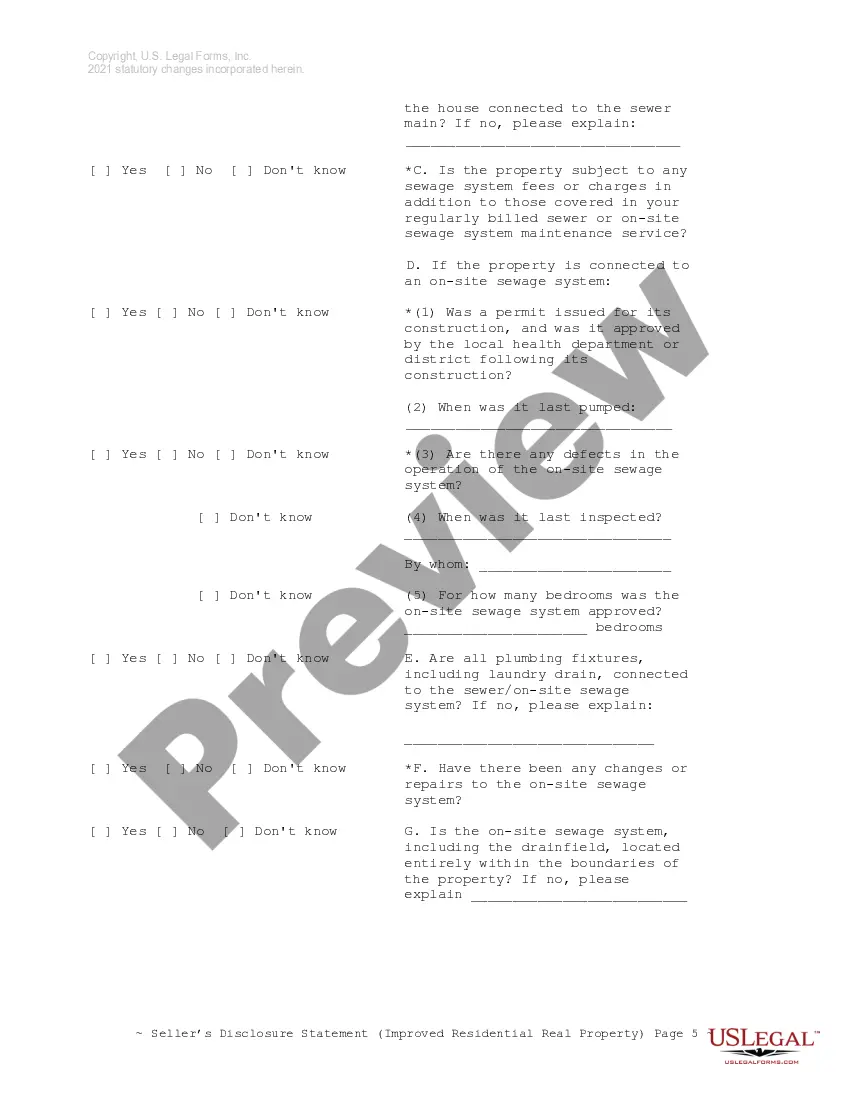
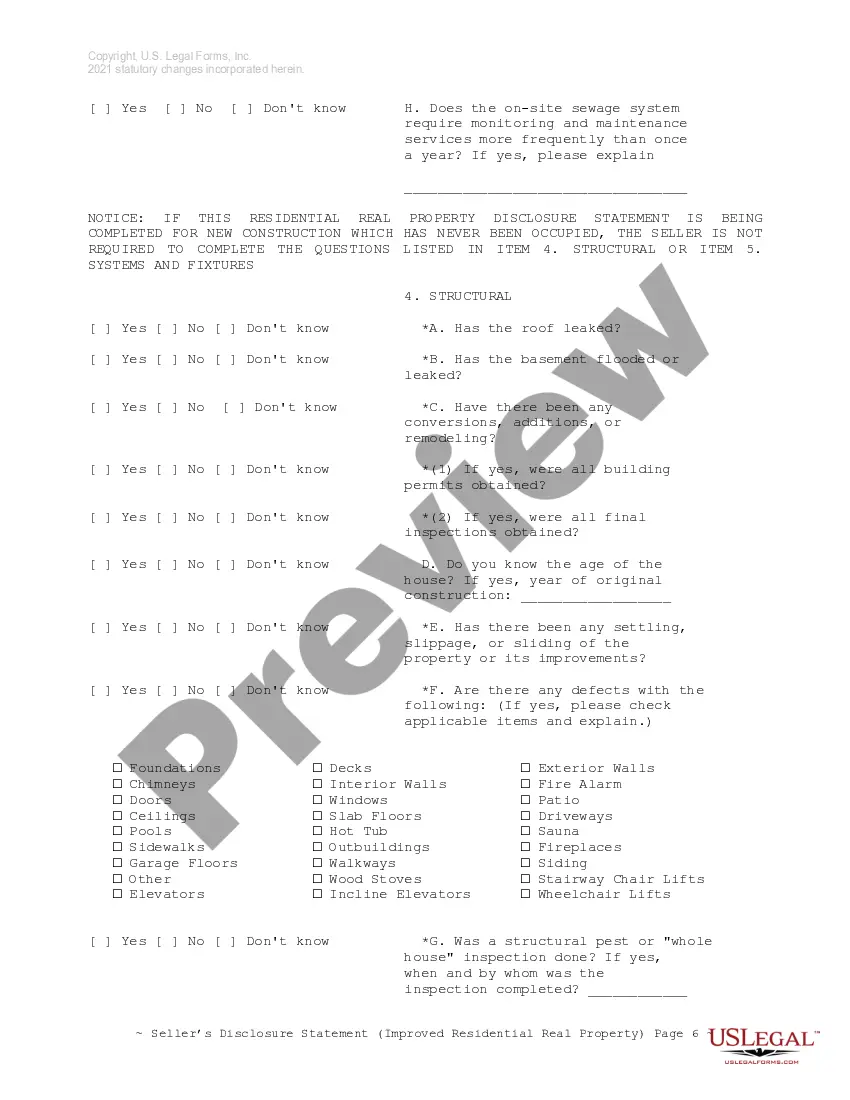
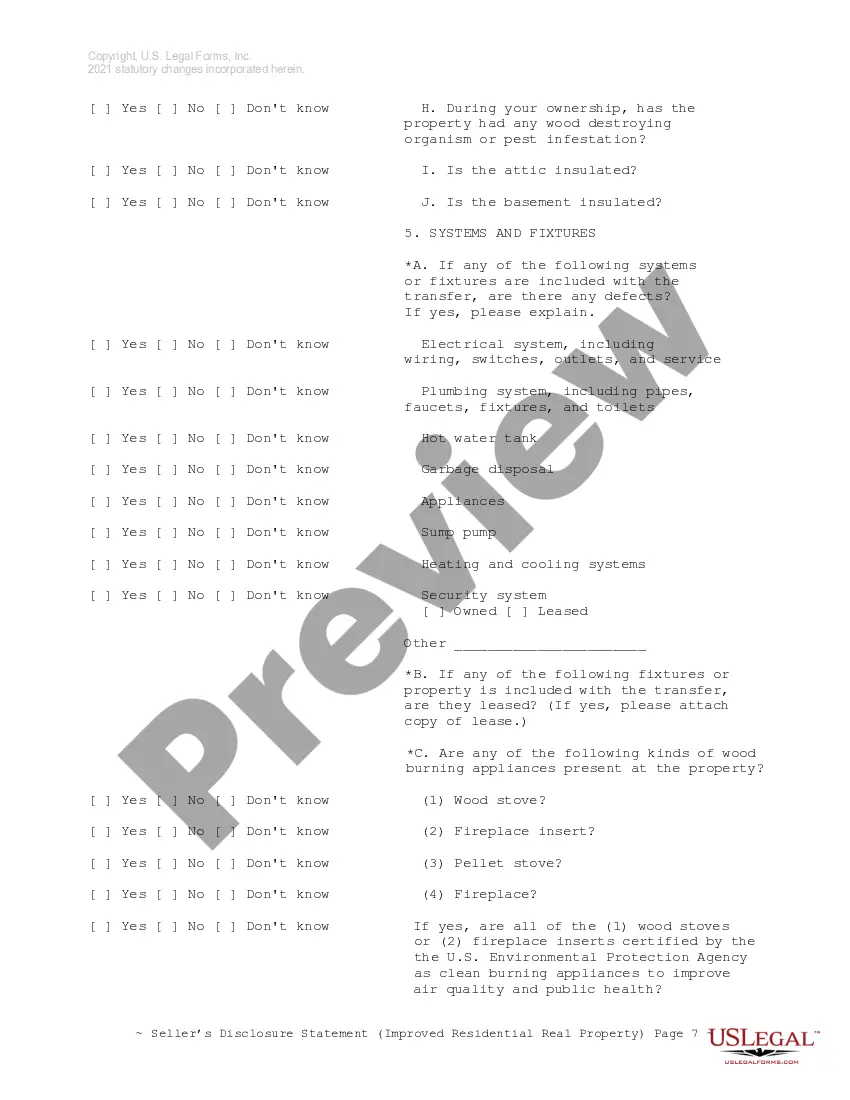
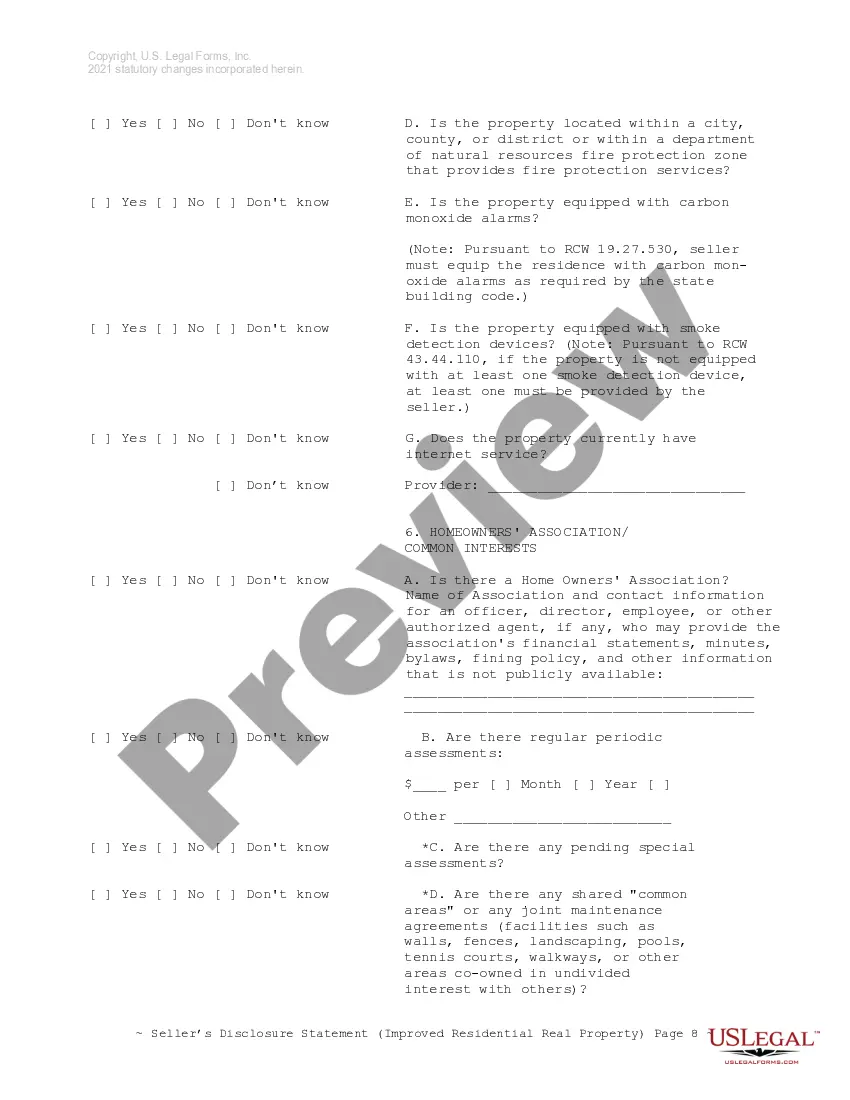
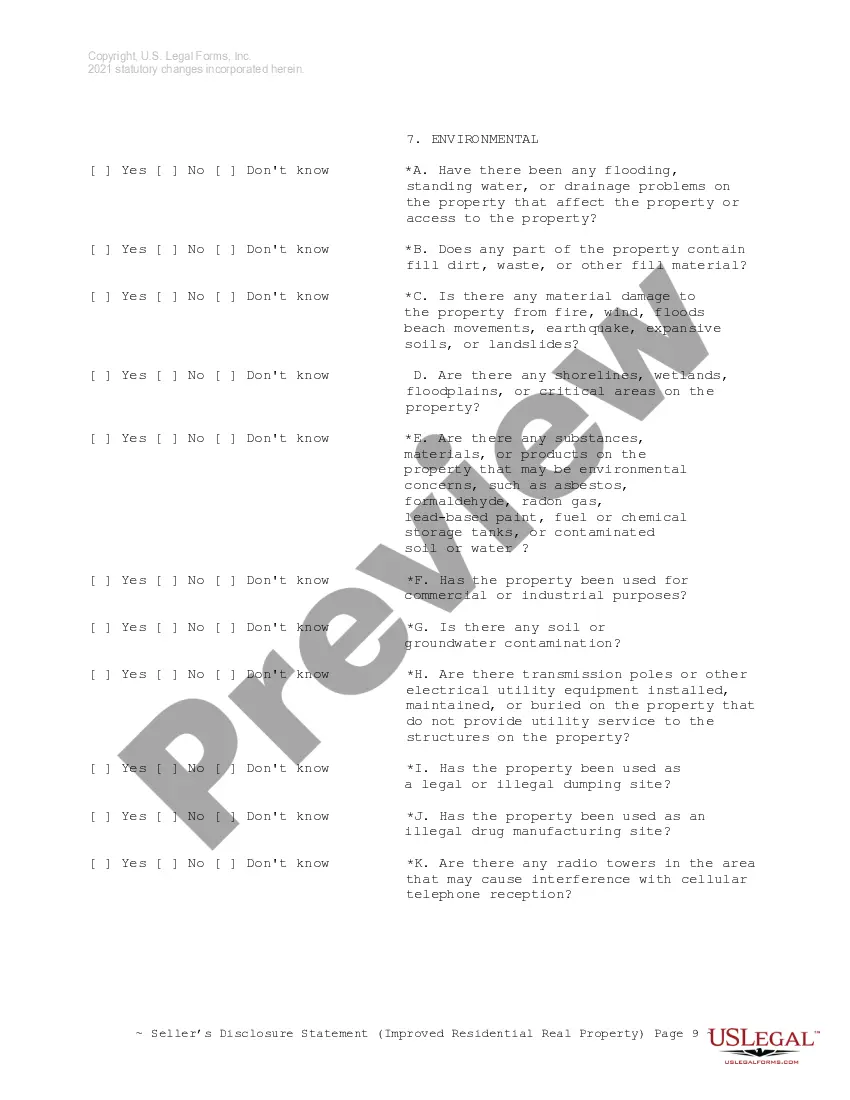
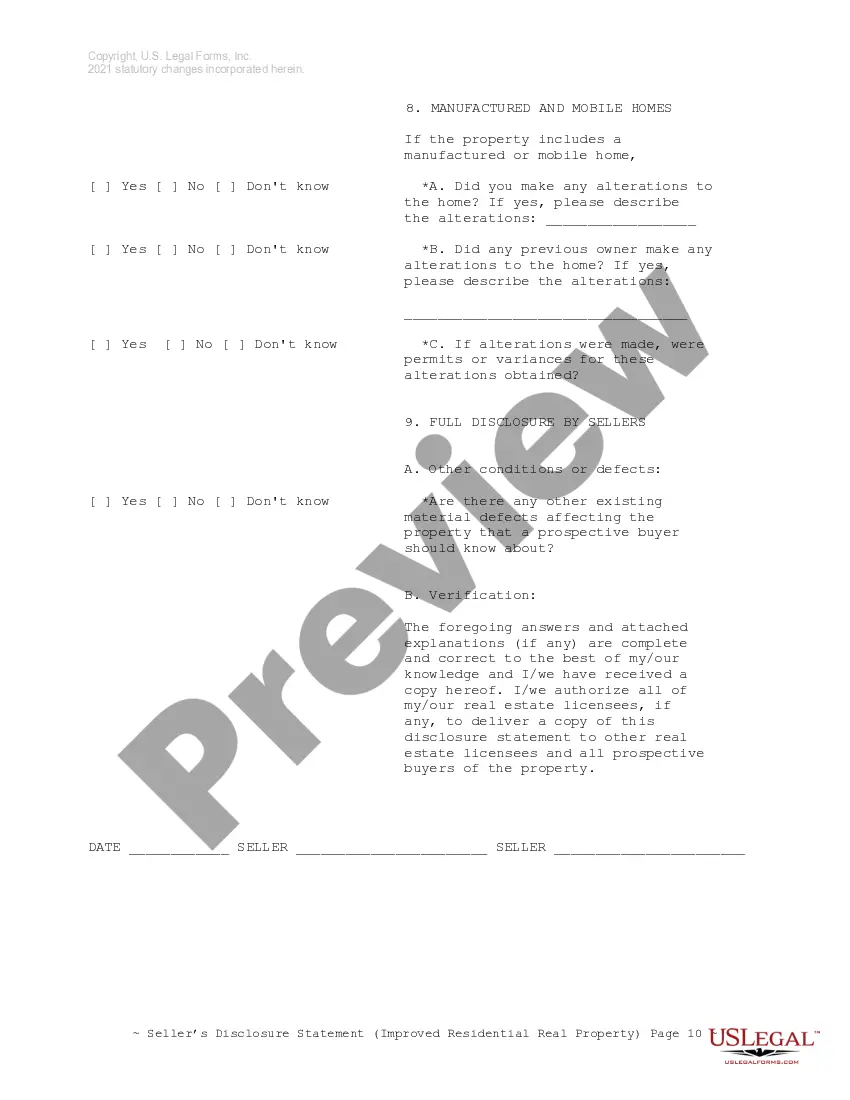

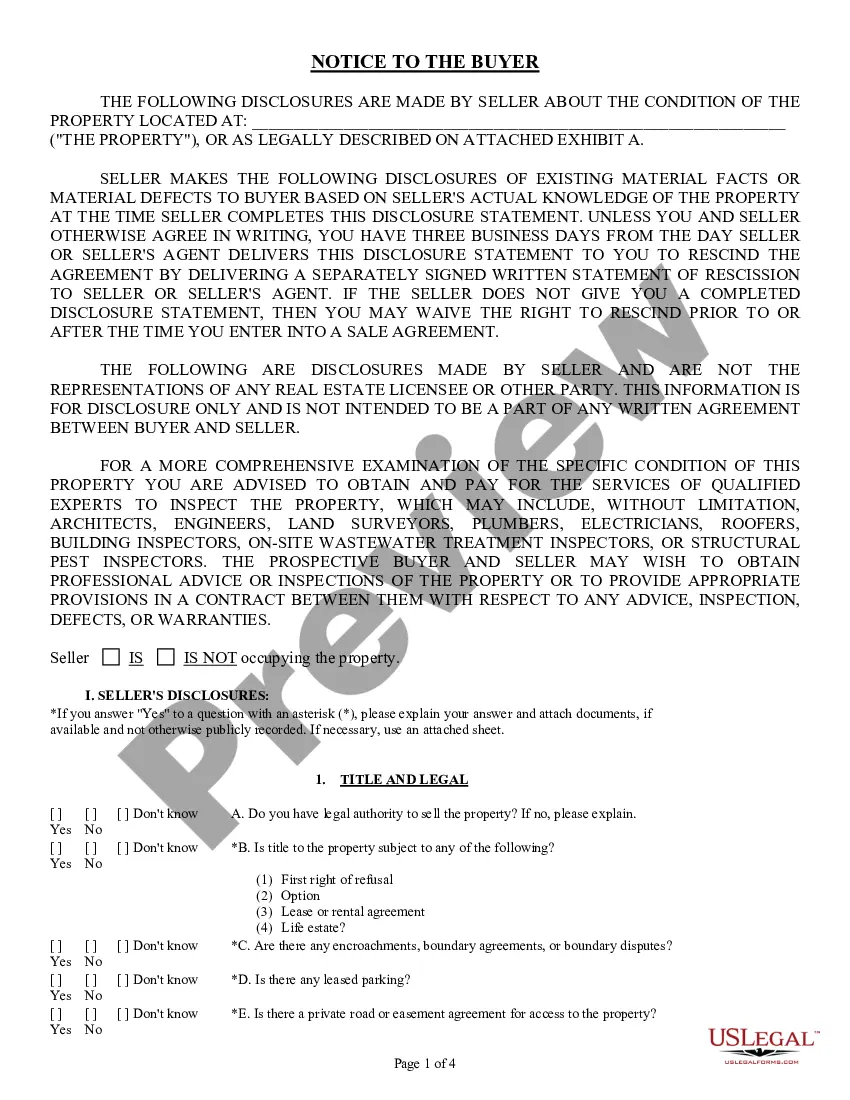
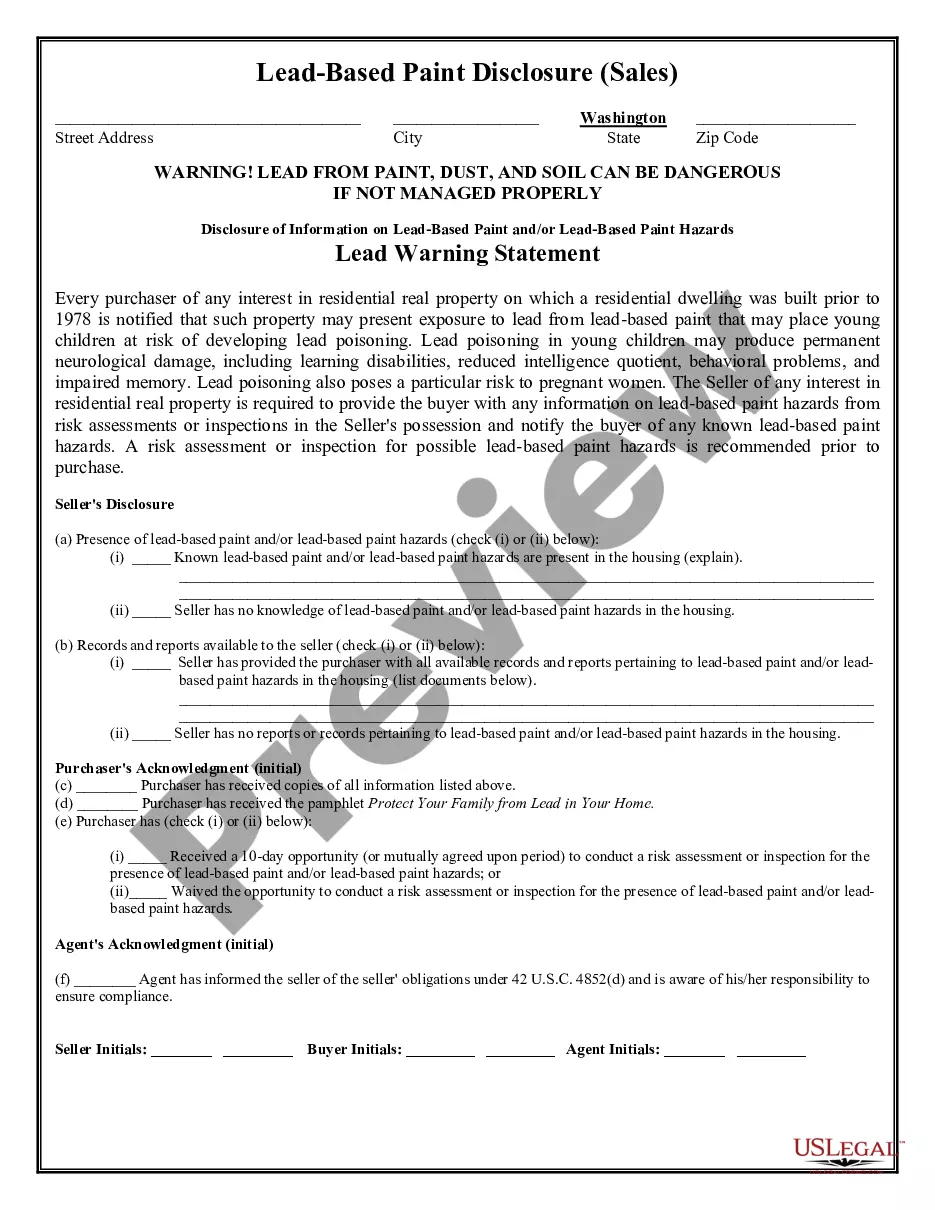
Get your form ready online
Our built-in tools help you complete, sign, share, and store your documents in one place.
Make edits, fill in missing information, and update formatting in US Legal Forms—just like you would in MS Word.
Download a copy, print it, send it by email, or mail it via USPS—whatever works best for your next step.
Sign and collect signatures with our SignNow integration. Send to multiple recipients, set reminders, and more. Go Premium to unlock E-Sign.
If this form requires notarization, complete it online through a secure video call—no need to meet a notary in person or wait for an appointment.
We protect your documents and personal data by following strict security and privacy standards.

Make edits, fill in missing information, and update formatting in US Legal Forms—just like you would in MS Word.

Download a copy, print it, send it by email, or mail it via USPS—whatever works best for your next step.

Sign and collect signatures with our SignNow integration. Send to multiple recipients, set reminders, and more. Go Premium to unlock E-Sign.

If this form requires notarization, complete it online through a secure video call—no need to meet a notary in person or wait for an appointment.

We protect your documents and personal data by following strict security and privacy standards.
Looking for another form?









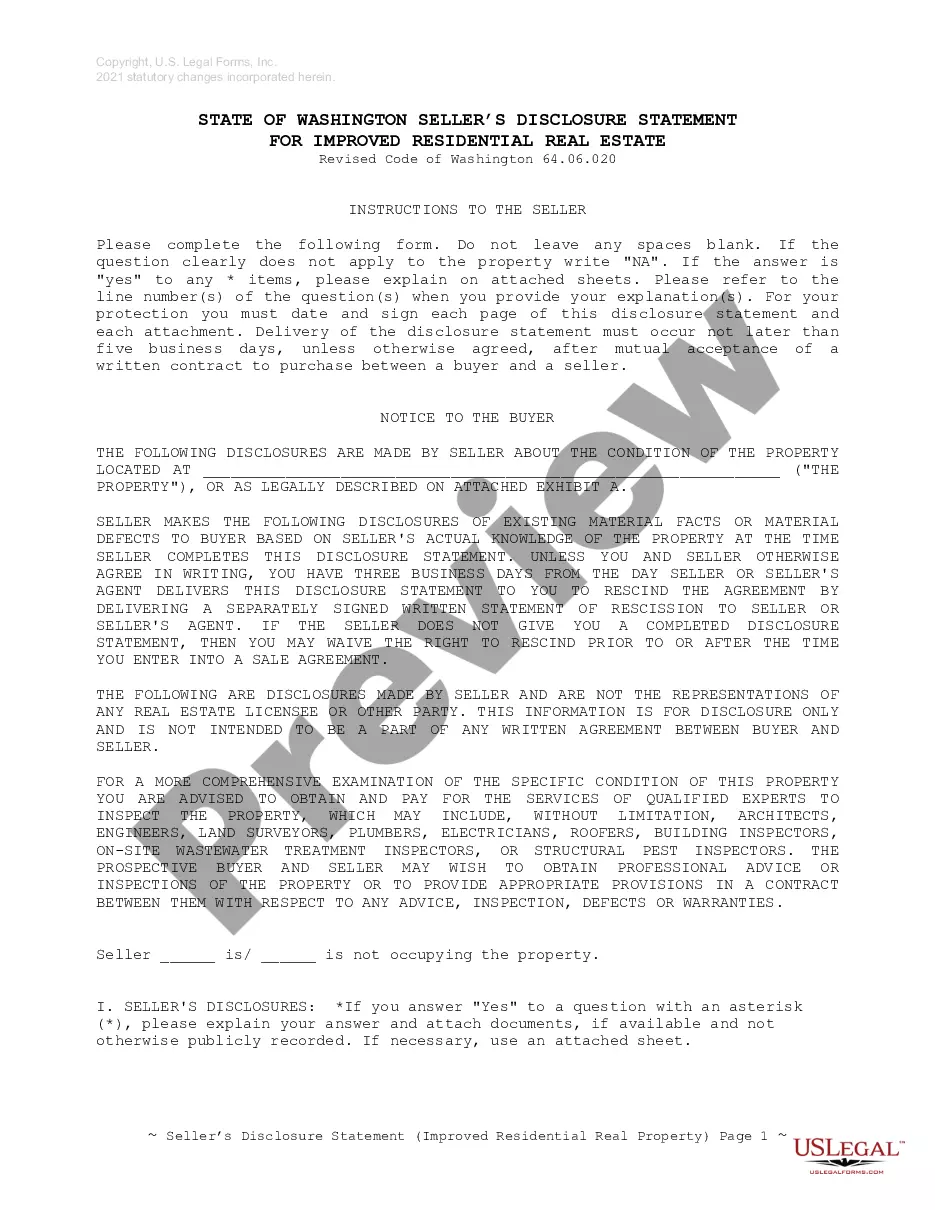
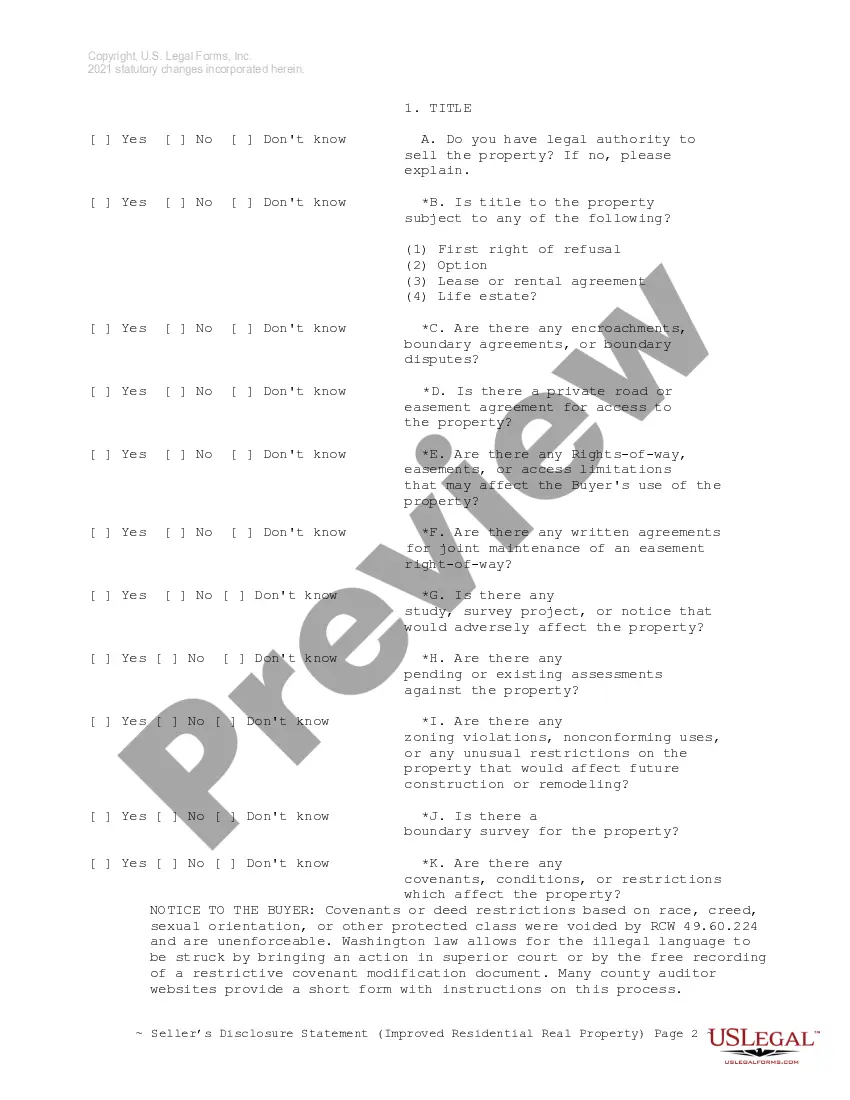
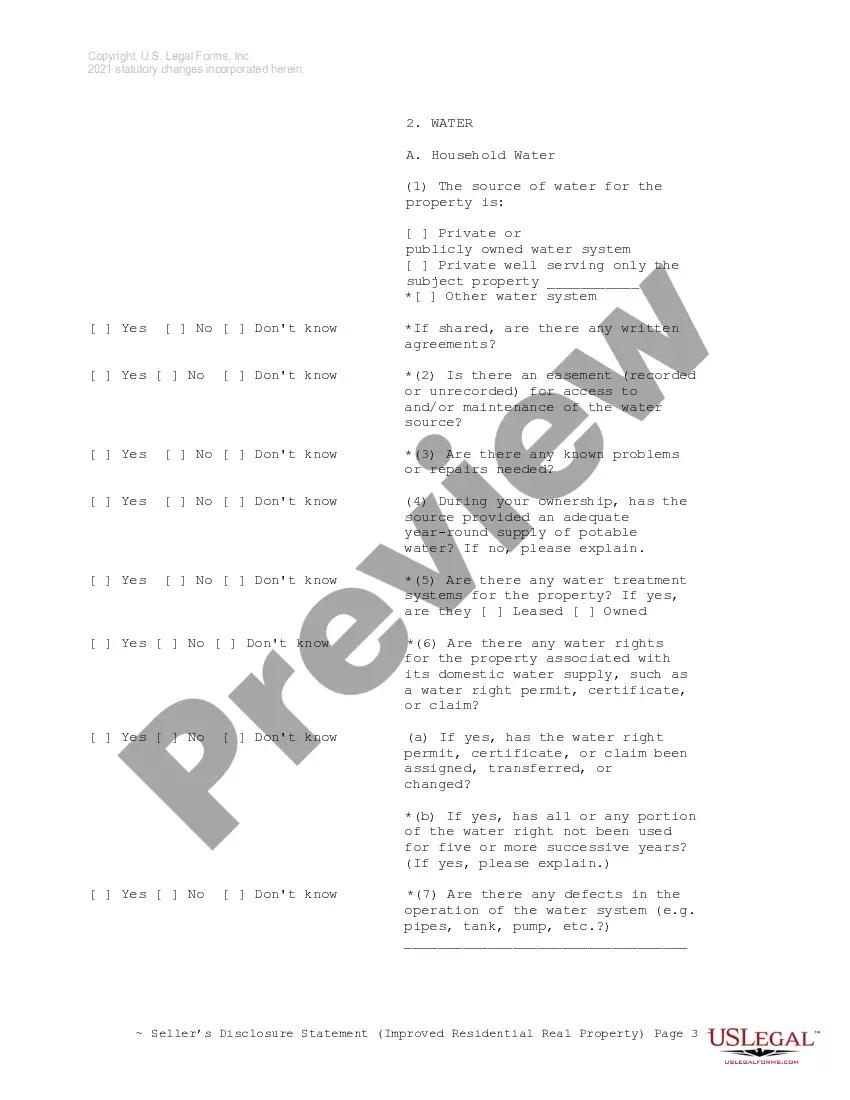
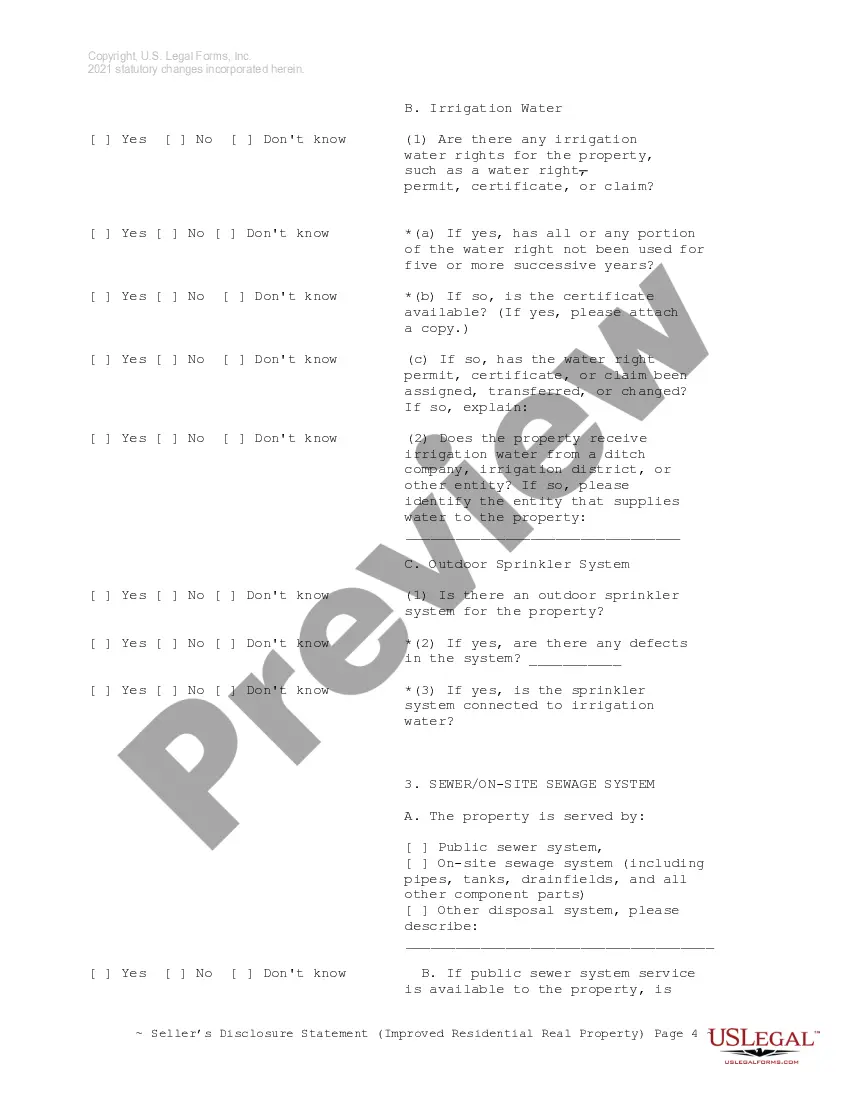
How to fill out Washington Residential Real Estate Sales Disclosure Statement?
Managing legal documents can be perplexing, even for the most experienced professionals.
When you are in search of a Real Estate Form 17 With Agent and do not have the time to look for the accurate and current version, the process can be stressful.
US Legal Forms caters to all your requirements, from personal to business documentation, all in a single place.
Utilize advanced tools to fill out and manage your Real Estate Form 17 With Agent.
Here are the steps to follow after finding the form you need: Validate that this is the correct document by previewing it and reviewing its description. Ensure that the template is accepted in your state or county. Click Buy Now when you are prepared. Choose a subscription plan. Select the file format you desire, and Download, fill out, sign, print, and send your document. Take advantage of the US Legal Forms online library, backed by 25 years of experience and reliability. Make your daily document management a straightforward and user-friendly process today.
- Access a valuable resource library of articles, guides, and materials pertinent to your situation and needs.
- Conserve time and energy searching for the documents you require, and use US Legal Forms' sophisticated search and Preview feature to locate and download Real Estate Form 17 With Agent.
- If you have a subscription, Log In to your US Legal Forms account, search for the form, and download it.
- Visit the My documents tab to review the documents you've previously saved and to manage your folders as needed.
- If this is your first time with US Legal Forms, create a free account and gain unlimited access to all the benefits of the platform.
- A robust online form repository could be transformative for anyone wanting to navigate these challenges effectively.
- US Legal Forms is a frontrunner in online legal documents, boasting over 85,000 state-specific legal forms accessible to you at any time.
- With US Legal Forms, you can access legal and business forms specific to your state or county.
Form popularity
FAQ
A form 17 declaration can only be made by spouses/civil partners and not by any other individuals; married couples who are separated cannot make a form 17 declaration, the income attributable to them is based on the basis of their entitlement.
It may be possible to stop the declaration on Form 17 from having effect by making a small change of beneficial interest in the income or property, such as by one spouse transferring part of their beneficial interest to the other. The rule would then apply again unless another declaration is made.
If you own a home with your spouse or partner and want to change the distribution of your taxable income, you must complete this form. The property of the spouses/marital partners is generally shared on a basis, but Form 17 can be used to notify HM Revenue & Customs of your intention to declare otherwise.
Form 17 process The Form 17 procedure is used to formally notify HMRC that there is, in fact, a different underlying beneficial ownership in the asset in question, other than ? and that new split should be used to determine the split in income, for income tax purposes, from that point onwards.
When submitting Form 17 to HMRC we have to provide them with evidence of the uneven split and we do this by supplying them with a copy of the Deed of Trust. If you need to implement a Deed of Trust, the correct implementation is vital.