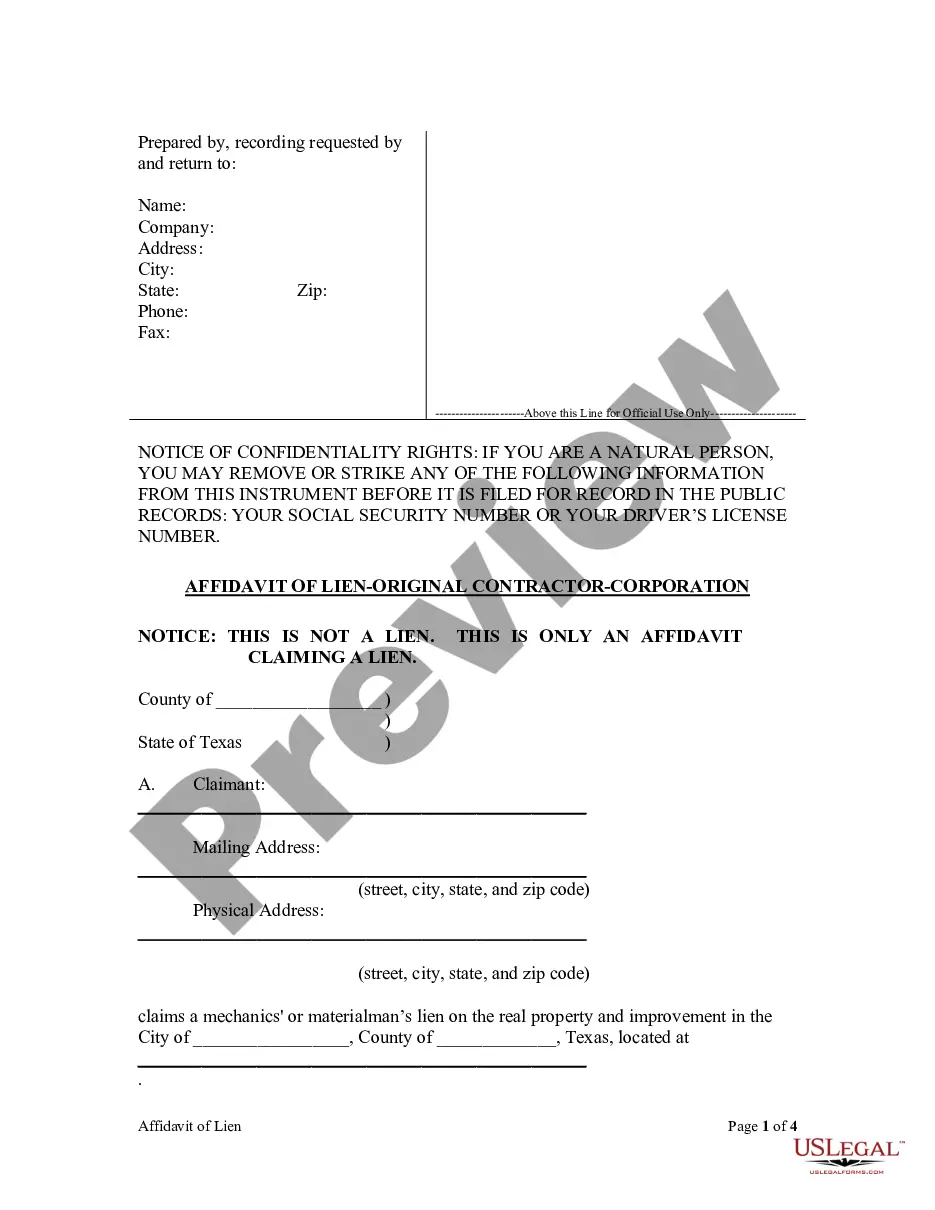
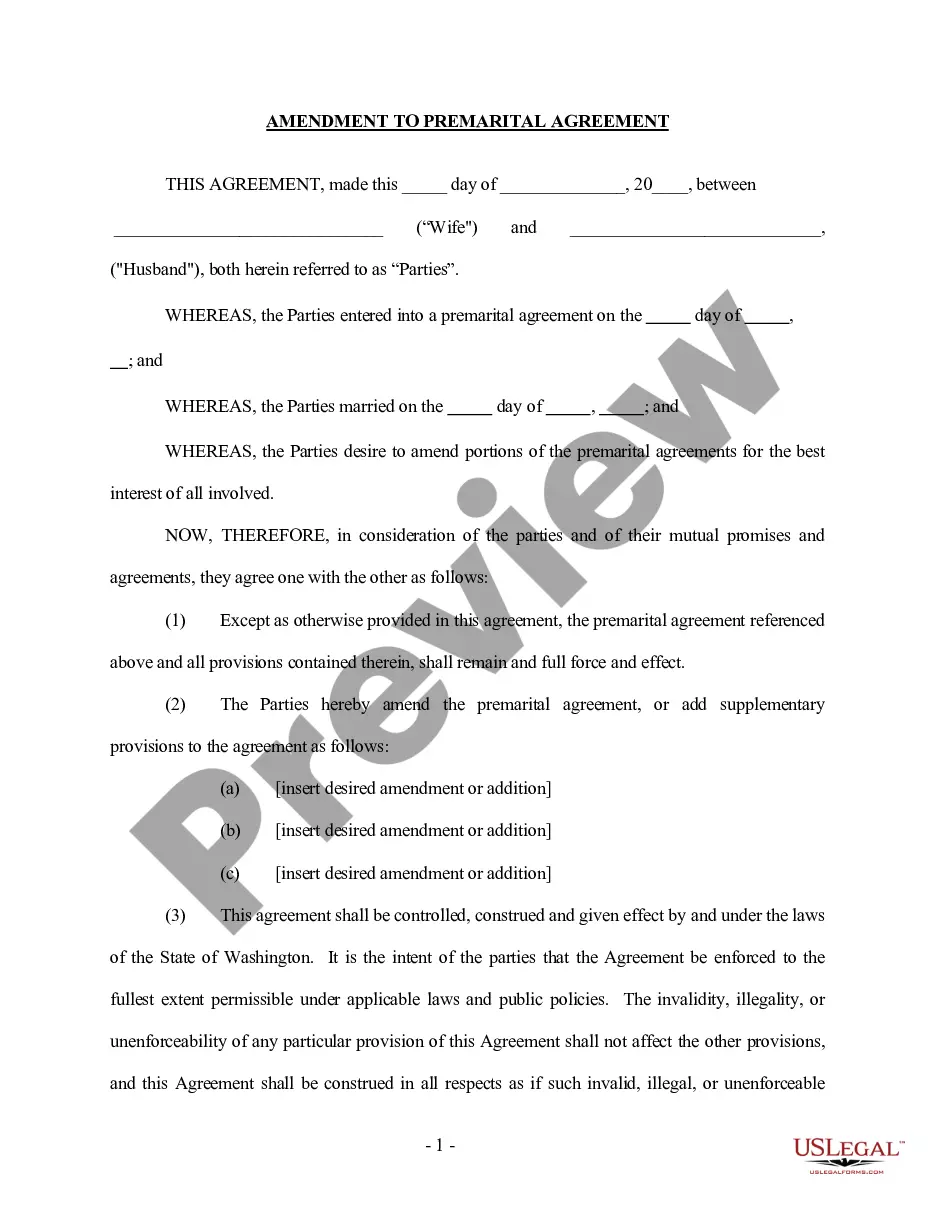
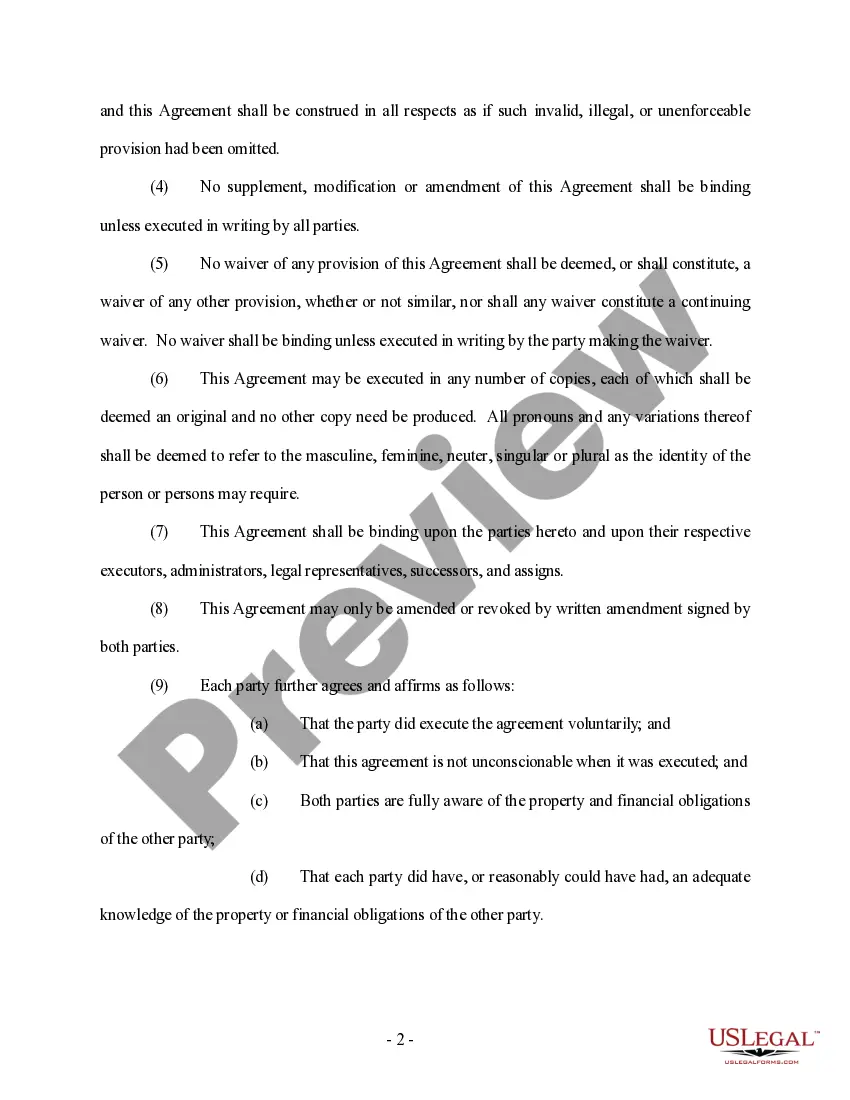
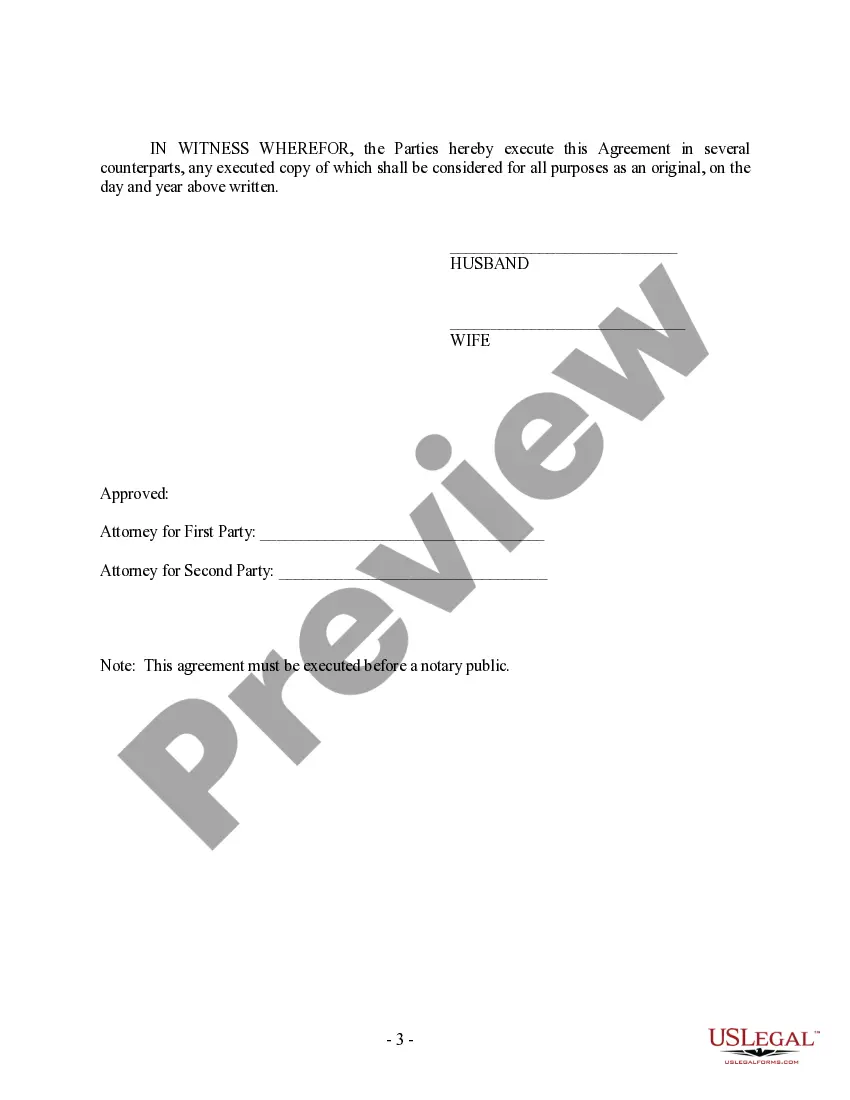
Amendment Prenuptial Agreement For Business Owners
Description
Get your form ready online
Our built-in tools help you complete, sign, share, and store your documents in one place.
Make edits, fill in missing information, and update formatting in US Legal Forms—just like you would in MS Word.
Download a copy, print it, send it by email, or mail it via USPS—whatever works best for your next step.
Sign and collect signatures with our SignNow integration. Send to multiple recipients, set reminders, and more. Go Premium to unlock E-Sign.
If this form requires notarization, complete it online through a secure video call—no need to meet a notary in person or wait for an appointment.
We protect your documents and personal data by following strict security and privacy standards.

Make edits, fill in missing information, and update formatting in US Legal Forms—just like you would in MS Word.

Download a copy, print it, send it by email, or mail it via USPS—whatever works best for your next step.

Sign and collect signatures with our SignNow integration. Send to multiple recipients, set reminders, and more. Go Premium to unlock E-Sign.

If this form requires notarization, complete it online through a secure video call—no need to meet a notary in person or wait for an appointment.

We protect your documents and personal data by following strict security and privacy standards.
Looking for another form?




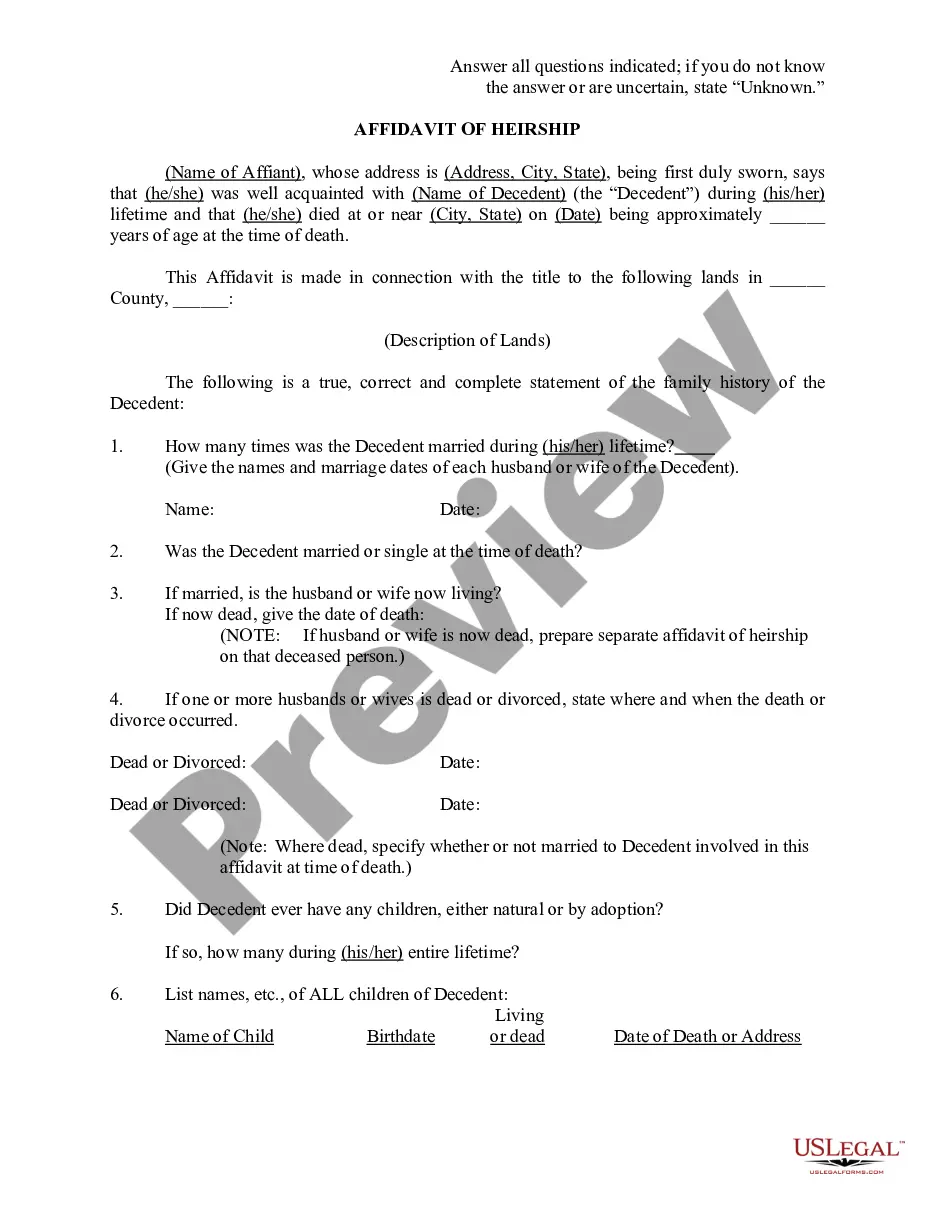

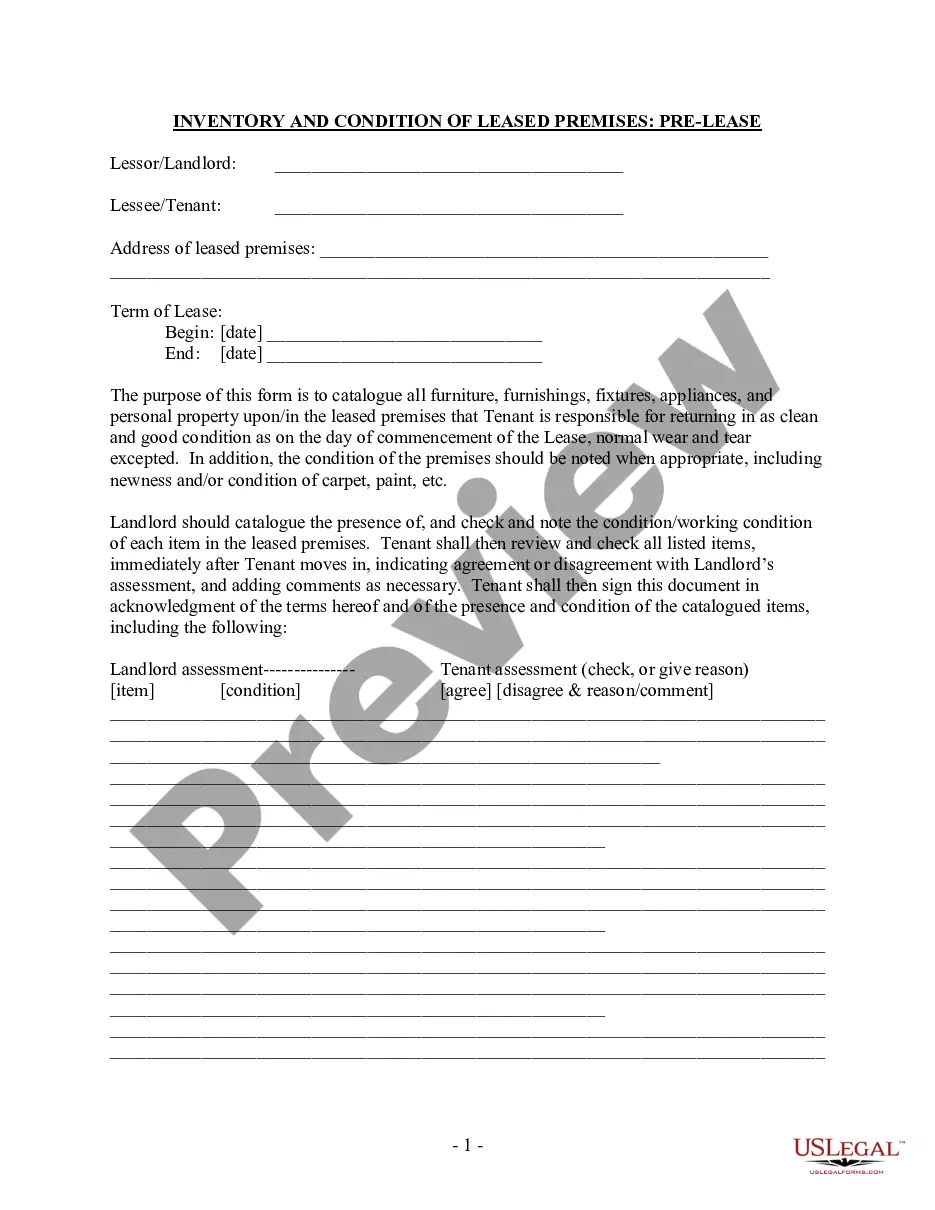
How to fill out Washington Amendment To Prenuptial Or Premarital Agreement?
There's no longer a need to spend countless hours searching for legal documents to comply with your local state regulations. US Legal Forms has compiled all of them in a single location and enhanced their accessibility.
Our platform provides over 85,000 templates for any business and individual legal situations organized by state and purpose. All forms are expertly drafted and verified for accuracy, so you can trust that you're receiving an up-to-date Amendment Prenuptial Agreement For Business Owners.
If you are acquainted with our service and already possess an account, ensure your subscription is active before accessing any templates. Log In to your account, select the document, and click Download. You can also revisit all previously obtained paperwork whenever necessary by navigating to the My documents section in your profile.
Print your form to fill it out by hand or upload the sample if you prefer to complete it in an online editor. Creating official documentation under federal and state guidelines is quick and straightforward with our library. Experience US Legal Forms today to keep your documentation organized!
- If you have never used our service previously, the process will involve additional steps to complete.
- Here’s how new users can acquire the Amendment Prenuptial Agreement For Business Owners from our collection.
- Carefully review the page content to ensure it features the sample you need.
- To do this, use the form description and preview options if available.
- Utilize the Search field above to find another template if the current one does not suit your needs.
- When you locate the right one, click Buy Now next to the template title.
- Select your preferred subscription plan and either register for an account or sign in.
- Complete your subscription payment using a credit card or PayPal to proceed.
- Choose the file format for your Amendment Prenuptial Agreement For Business Owners and download it to your device.
Form popularity
FAQ
Can you renegotiate? Absolutely. Prenuptial agreements aren't necessarily set in stone, and many wealthy couples find themselves back at the negotiating table after changes in their lives make the old prenup seem outdated.
A prenup allows each spouse to protect the property they owned and brought separately into the marriage, such as a family business or a young entrepreneur's start-up.
As long as you and your spouse agree, your prenuptial agreement can be changed. To create an amendment to a prenup, you can either add to the original contract or sign a separate contract that modifies the terms of the initial agreement. This is true for revoking also.
The UPAA (the Golden State's Uniform Premarital Agreement Act) determines the constraints for prenups in California. Couples in California can draft their own prenups, however, if not done properly then it is easy for the contract to become void or invalidated.
A Prenup Can Preclude Problems with Business OwnershipA prenuptial agreement can help business owners protect their ownership of their companies. This is often achieved by explicitly excluding the company from consideration as community property for the purposes of property division.