Tenant Failure Facilities For The Users
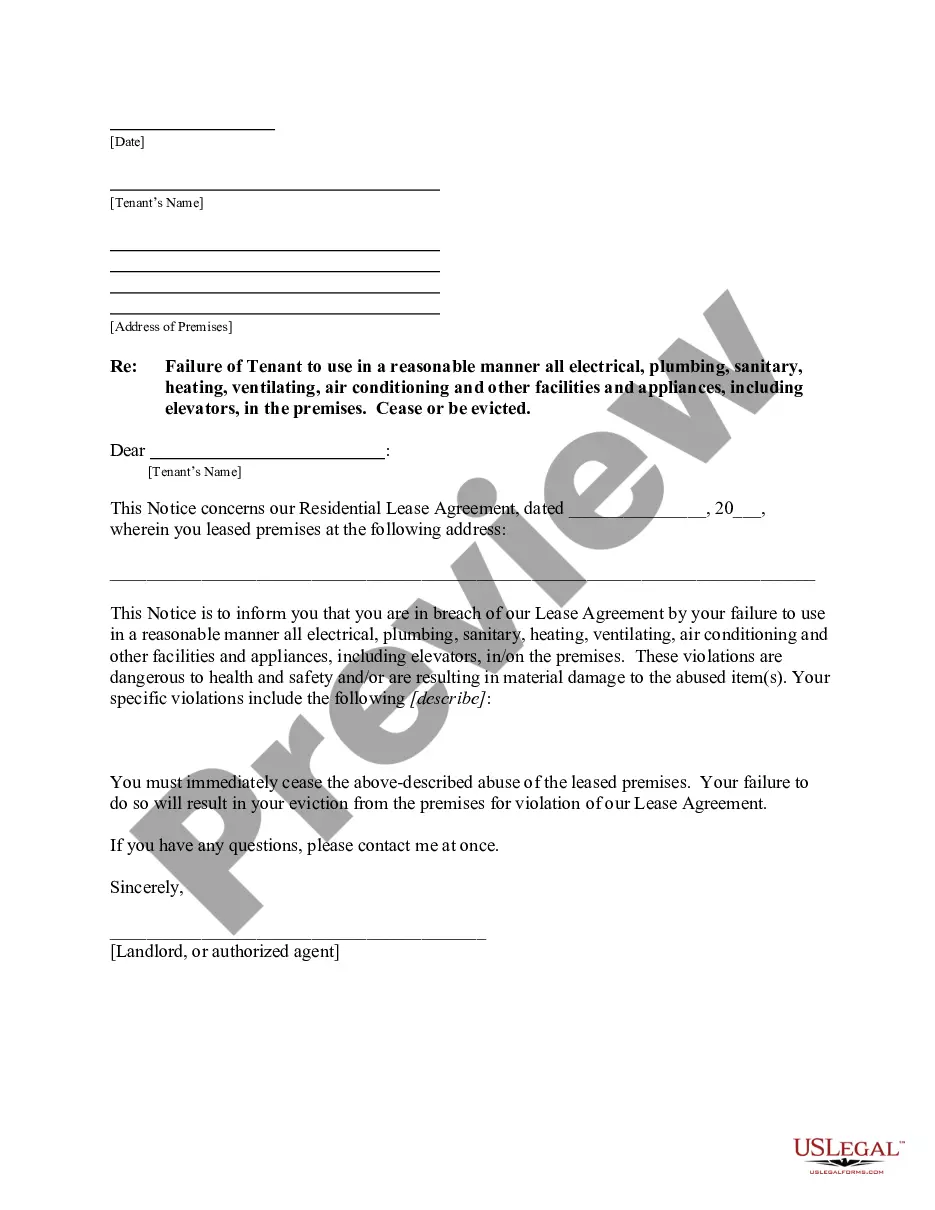
Description


Get your form ready online
Our built-in tools help you complete, sign, share, and store your documents in one place.
Make edits, fill in missing information, and update formatting in US Legal Forms—just like you would in MS Word.
Download a copy, print it, send it by email, or mail it via USPS—whatever works best for your next step.
Sign and collect signatures with our SignNow integration. Send to multiple recipients, set reminders, and more. Go Premium to unlock E-Sign.
If this form requires notarization, complete it online through a secure video call—no need to meet a notary in person or wait for an appointment.
We protect your documents and personal data by following strict security and privacy standards.

Make edits, fill in missing information, and update formatting in US Legal Forms—just like you would in MS Word.

Download a copy, print it, send it by email, or mail it via USPS—whatever works best for your next step.

Sign and collect signatures with our SignNow integration. Send to multiple recipients, set reminders, and more. Go Premium to unlock E-Sign.

If this form requires notarization, complete it online through a secure video call—no need to meet a notary in person or wait for an appointment.

We protect your documents and personal data by following strict security and privacy standards.
Looking for another form?
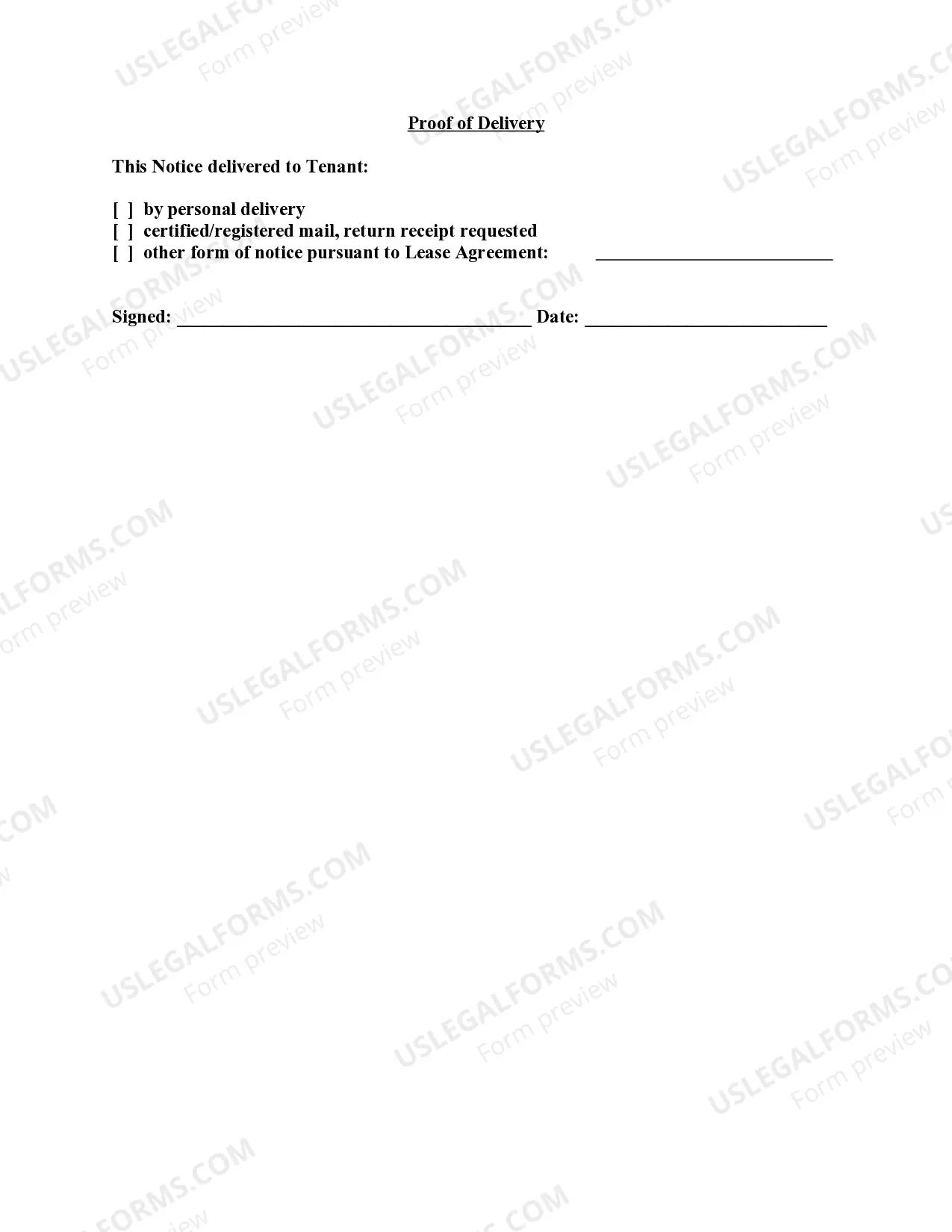
How to fill out Vermont Letter From Landlord To Tenant For Failure To Use Electrical, Plumbing, Sanitary, Heating, Ventilating, Air Conditioning And Other Facilities In A Reasonable Manner?
- Log in to your existing US Legal Forms account to download your required form template by hitting the Download button. Ensure your subscription is active, and renew it if necessary.
- Explore the Preview mode and read the form description carefully. Confirm that you select the appropriate form that aligns with your local jurisdiction's requirements.
- If needed, search for alternative templates using the Search tab above to find a suitable option. Once confirmed, proceed to the next step.
- Purchase the document by clicking the Buy Now button. Choose your preferred subscription plan and register for an account to unlock the full library.
- Complete your payment by entering your credit card information or using your PayPal account for the subscription.
- Download the completed form to your device, allowing for easy access and edits in the My Forms section of your profile whenever required.
In conclusion, US Legal Forms provides a comprehensive collection of legal documents tailored for tenants, ensuring effortless access to critical forms. By following these straightforward steps, you can efficiently navigate the process and secure the documentation you need. Don't hesitate—start your journey with US Legal Forms today!
Form popularity
FAQ
To find your tenant ID for the Microsoft 365 admin, sign in to the admin portal. Go to the Organization settings, and you'll find the tenant ID listed in the properties section. Knowing your tenant ID facilitates easier management and enhances tenant failure facilities for the users, making troubleshooting and updates much simpler.
Editing tenant admins requires you to access the Azure Active Directory in your management portal. Locate the list of administrators, select the one you wish to edit, and make the necessary changes, such as modifying permissions or roles. This function is vital for maintaining effective tenant failure facilities for the users as it ensures proper management is upheld.
To find the administrator of your Azure tenant, log in to your portal and go to the Azure Active Directory section. There, you will find a list of users along with their roles. Identifying the tenant administrator will assist in resolving queries quickly and maintain optimal tenant failure facilities for the users relying on management.
To fix a selected user account that does not exist in the tenant, first check the spelling of the user's email and ensure they are properly set up in your tenant. You may need to add the user manually if they are not present. This step can significantly improve tenant failure facilities for the users by preventing access issues.
The tenant administrator is the individual responsible for managing the tenant's settings and configurations. This person oversees user access, permissions, and overall tenant health. Being aware of who the tenant administrator is can streamline processes and enhance tenant failure facilities for the users by ensuring swift resolution of issues.
To add an organization to cross-tenant access settings, you first need to navigate to your Azure portal and select the tenant settings. From there, choose the option to manage cross-tenant access and click to add an organization. This enables better collaboration and resource sharing, ultimately improving tenant failure facilities for the users involved.
Accessing your tenant admin starts with logging into your administrator account on the management portal. Once you are logged in, find the admin icon or menu option to enter the admin settings. This area provides essential tools and options to manage tenant settings effectively, contributing to better tenant failure facilities for the users.
To configure tenant restrictions, begin by logging into your administrator account. Navigate to the settings menu and select the tenant restrictions option. Here, you can specify which users or groups can access specific features, ensuring the right permissions are in place. This process enhances tenant failure facilities for the users, ensuring secure and efficient management.
Landlords in Maryland are responsible for a wide range of repairs that maintain the habitable condition of rental properties. This includes fixing plumbing, electrical issues, and ensuring proper heating and cooling. Utilizing Tenant failure facilities for the users helps both landlords and tenants track these responsibilities, ensuring that necessary repairs are not overlooked.
Addressing noncompliance of a tenant requires a structured approach, starting with a clear understanding of the lease agreement. Document all instances of noncompliance and discuss the issues directly with the tenant. Utilizing Tenant failure facilities for the users can facilitate effective communication and provide a record of interactions, supporting your case for possible further action if the situation does not improve.