School Trip Form For Physical
Description
Get your form ready online
Our built-in tools help you complete, sign, share, and store your documents in one place.
Make edits, fill in missing information, and update formatting in US Legal Forms—just like you would in MS Word.
Download a copy, print it, send it by email, or mail it via USPS—whatever works best for your next step.
Sign and collect signatures with our SignNow integration. Send to multiple recipients, set reminders, and more. Go Premium to unlock E-Sign.
If this form requires notarization, complete it online through a secure video call—no need to meet a notary in person or wait for an appointment.
We protect your documents and personal data by following strict security and privacy standards.

Make edits, fill in missing information, and update formatting in US Legal Forms—just like you would in MS Word.

Download a copy, print it, send it by email, or mail it via USPS—whatever works best for your next step.

Sign and collect signatures with our SignNow integration. Send to multiple recipients, set reminders, and more. Go Premium to unlock E-Sign.

If this form requires notarization, complete it online through a secure video call—no need to meet a notary in person or wait for an appointment.

We protect your documents and personal data by following strict security and privacy standards.
Looking for another form?





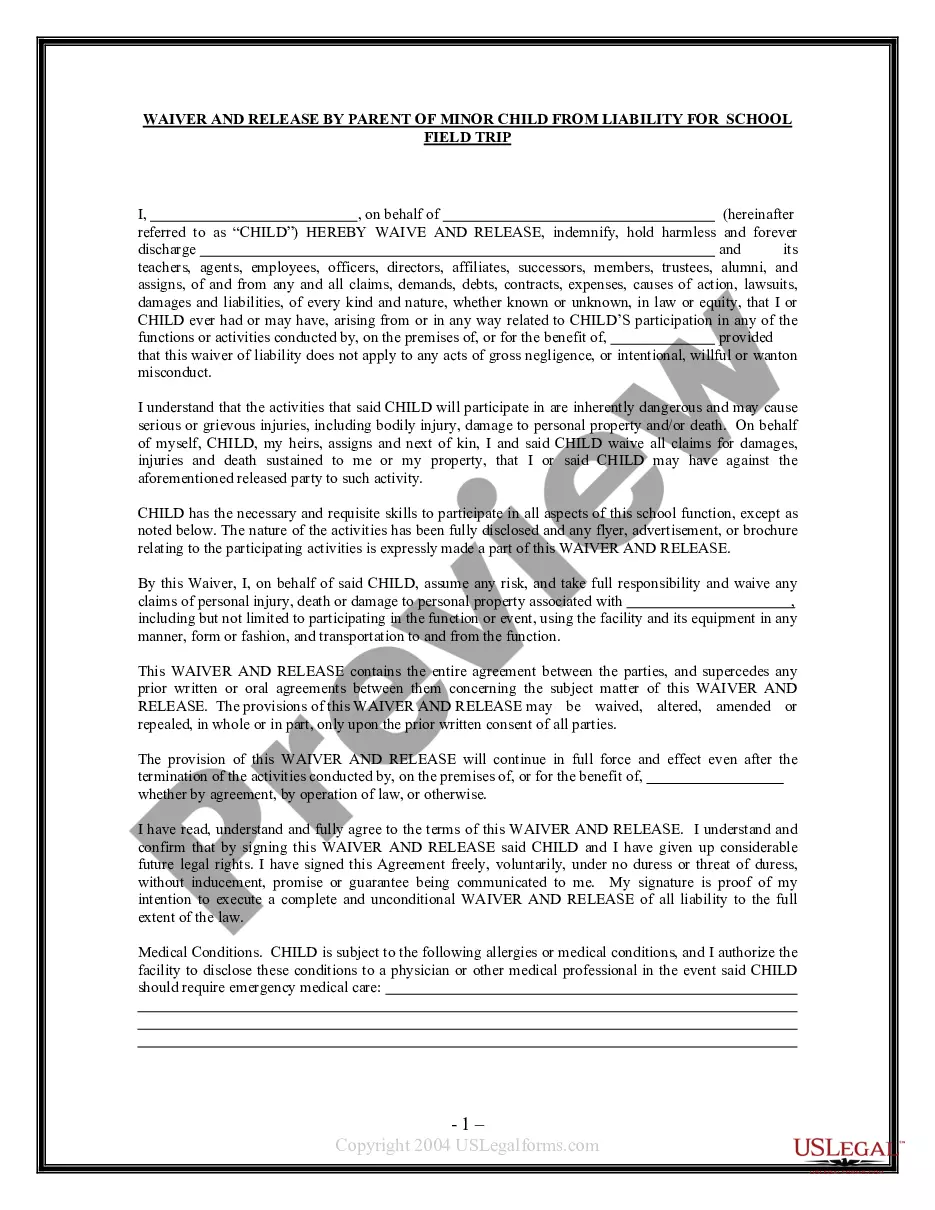
How to fill out Waiver And Release From Liability For Minor Child For School Field Trip?
Utilizing legal documents that adhere to federal and state regulations is crucial, and the web provides numerous alternatives to select from.
However, what’s the purpose of spending time searching for the appropriate School Trip Form For Physical template online when the US Legal Forms digital library already has such documents gathered in one location.
US Legal Forms is the premier online legal repository with over 85,000 editable templates created by attorneys for various professional and personal scenarios. They are easy to navigate with all documents organized by state and intended use.
All templates you find through US Legal Forms are reusable. To re-download and fill out previously saved forms, access the My documents section in your account. Take advantage of the most comprehensive and user-friendly legal document service!
- Our experts stay updated with legislative changes, ensuring you can always trust that your documents are current and compliant when acquiring a School Trip Form For Physical from our platform.
- Accessing a School Trip Form For Physical is straightforward and swift for both existing and new users.
- If you already possess an account with an active subscription, Log In and download the document template you require in your desired format.
- If you are a newcomer to our site, adhere to the guidelines below.
- Examine the template using the Preview feature or through the text description to confirm it meets your requirements.
Form popularity
FAQ
Permission statement ? ?I, (space for parent or guardian's name), give permission for my child, (space for child's name), to attend the field trip to (location of field trip) with (organization or adult's name who is leading the trip).? List of any relevant allergies or medical conditions. Emergency contact information.
Ten Tips for a Successful Field Trip Plan everything well in advance. ... Use pre-visit activities to help prepare the students for the field trip. ... Develop clear learning objectives and share them! ... Chaperoning is not a spectator sport. ... Give everyone nametags. ... Keep the students engaged.
Field trip reports should be approximately 1.5-2 pages in length (single spaced, 12 pt font, typed, 1-1.25 in margins and 2 line breaks between paragraphs). Give a full answer at least 2 questions (from 1-8) as well as 9. Answer the others but the answer can be shorter (i.e. bullets) if you run out of space.
Follow these steps: Prepare beforehand. To make a good report on a field trip, it is important to have a recording device or tool with you that will help you to see everything, write down the important elements of your experience, and still have proof of the major details. ... Record everything. ... Write down the facts.
Field trip report is prepared based on observation in the actual situation.