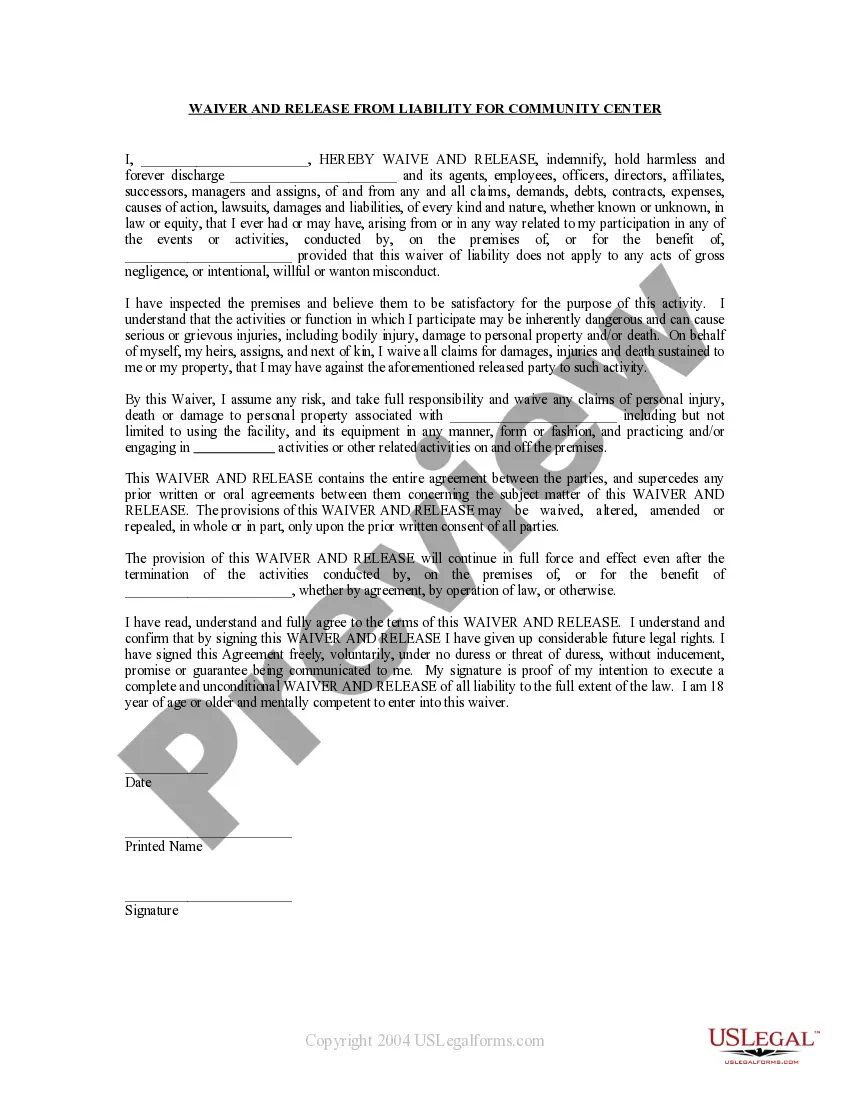
Waiver Form Any For Church Activities
Description
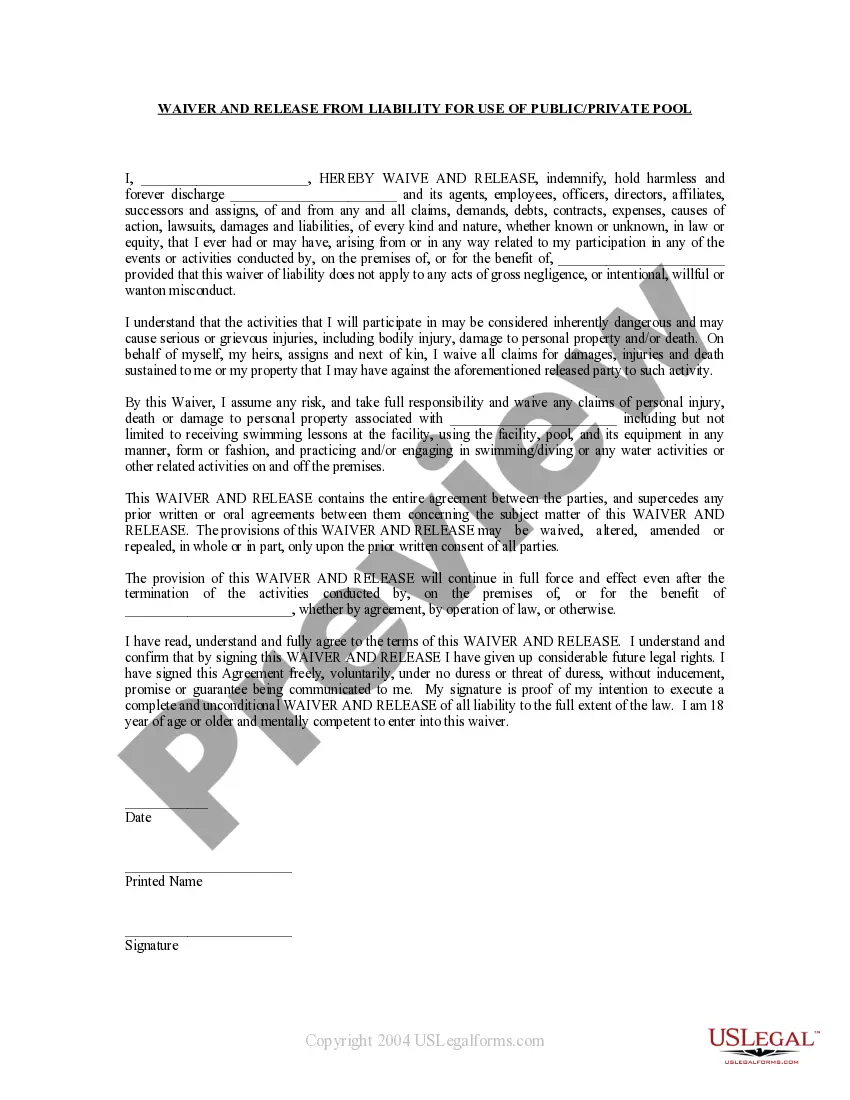
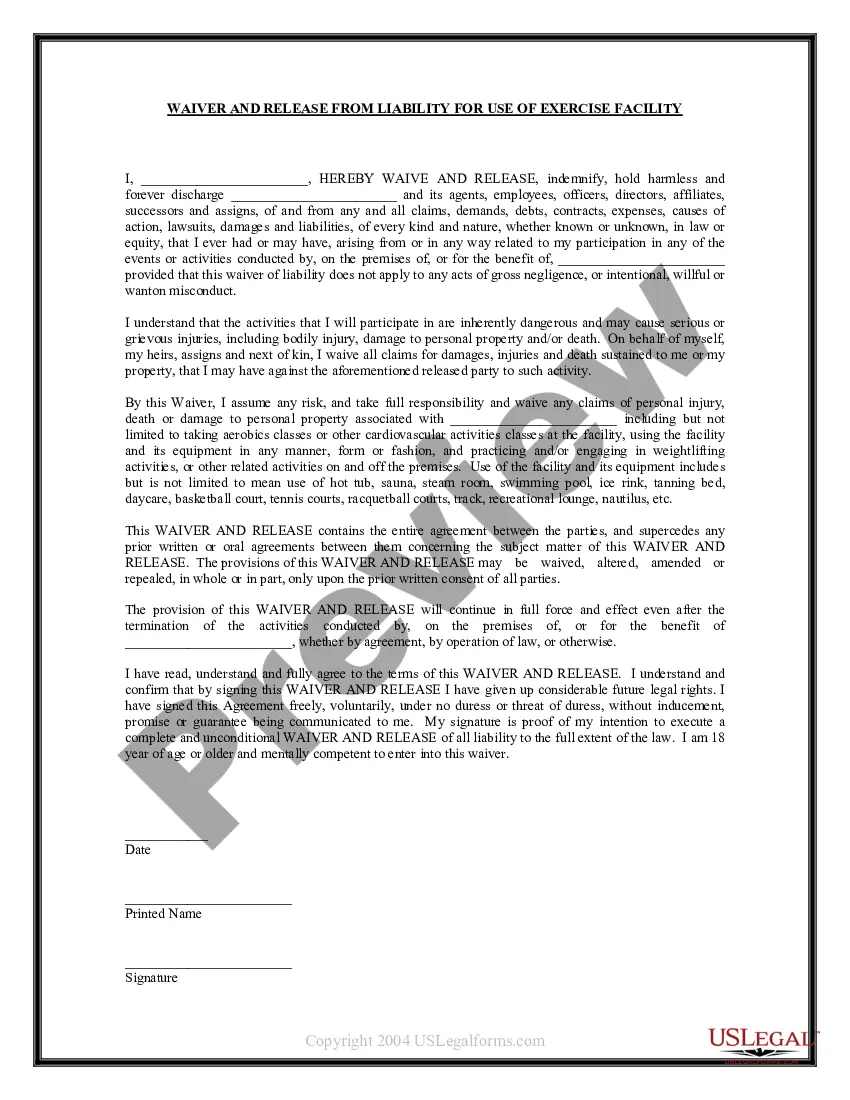
Get your form ready online
Our built-in tools help you complete, sign, share, and store your documents in one place.
Make edits, fill in missing information, and update formatting in US Legal Forms—just like you would in MS Word.
Download a copy, print it, send it by email, or mail it via USPS—whatever works best for your next step.
Sign and collect signatures with our SignNow integration. Send to multiple recipients, set reminders, and more. Go Premium to unlock E-Sign.
If this form requires notarization, complete it online through a secure video call—no need to meet a notary in person or wait for an appointment.
We protect your documents and personal data by following strict security and privacy standards.

Make edits, fill in missing information, and update formatting in US Legal Forms—just like you would in MS Word.

Download a copy, print it, send it by email, or mail it via USPS—whatever works best for your next step.

Sign and collect signatures with our SignNow integration. Send to multiple recipients, set reminders, and more. Go Premium to unlock E-Sign.

If this form requires notarization, complete it online through a secure video call—no need to meet a notary in person or wait for an appointment.

We protect your documents and personal data by following strict security and privacy standards.
Looking for another form?
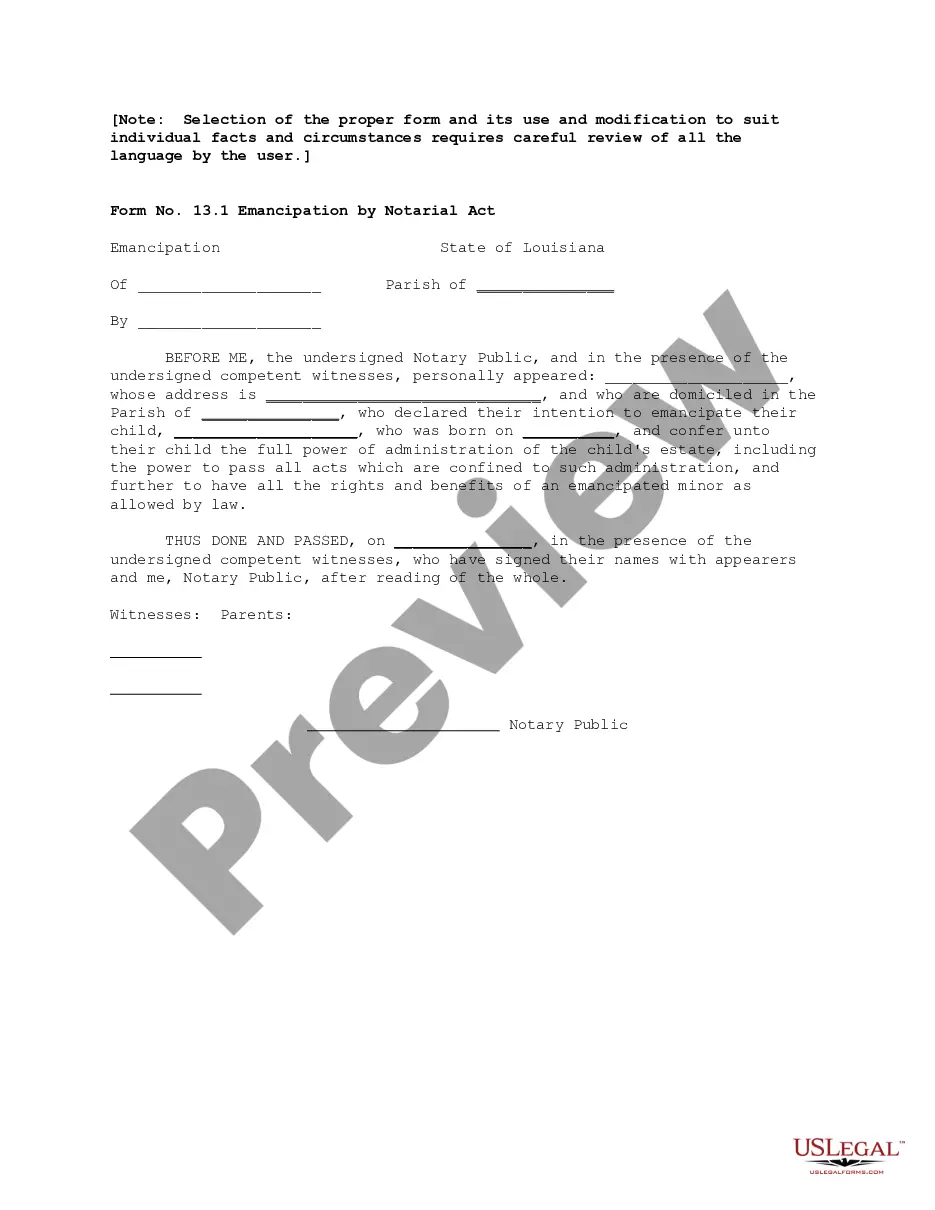
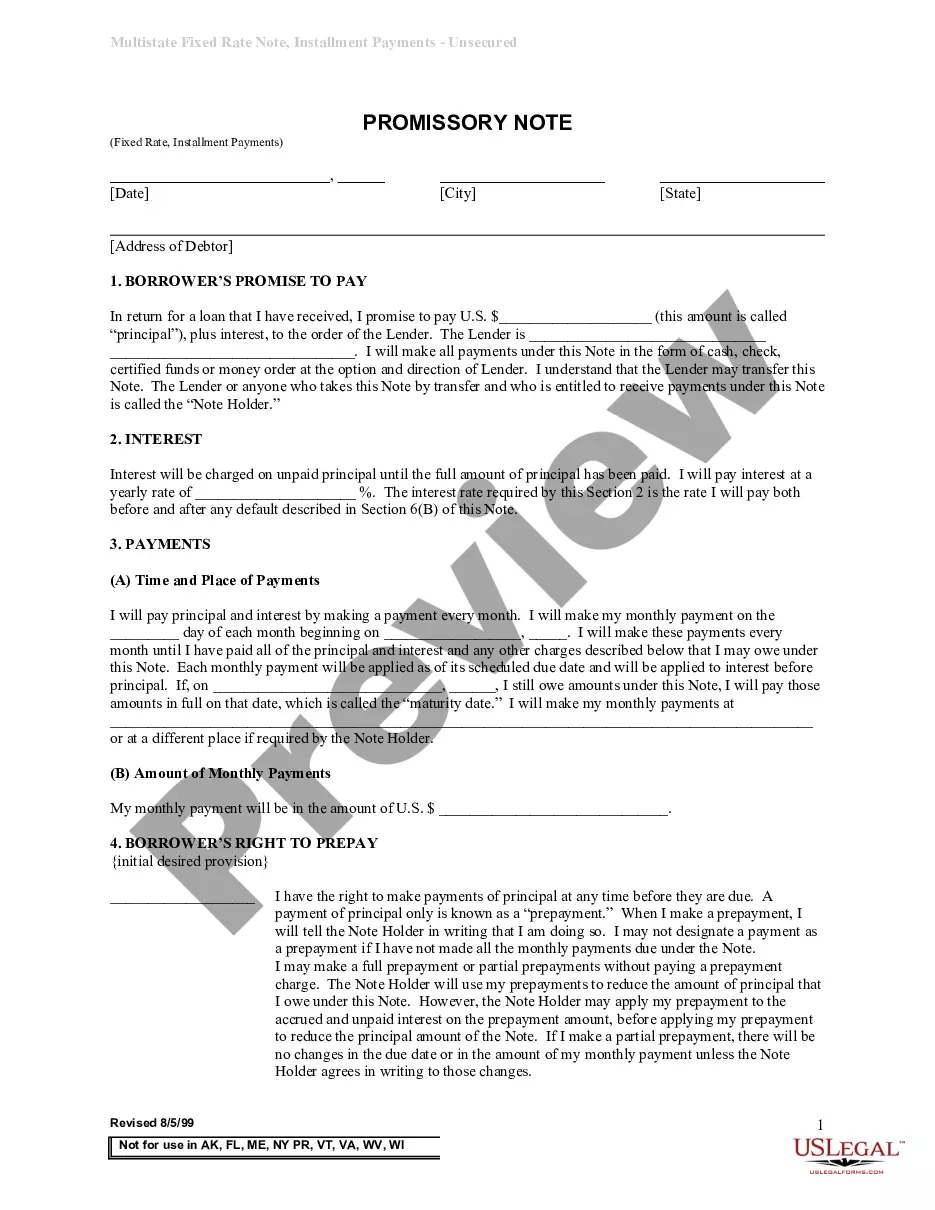
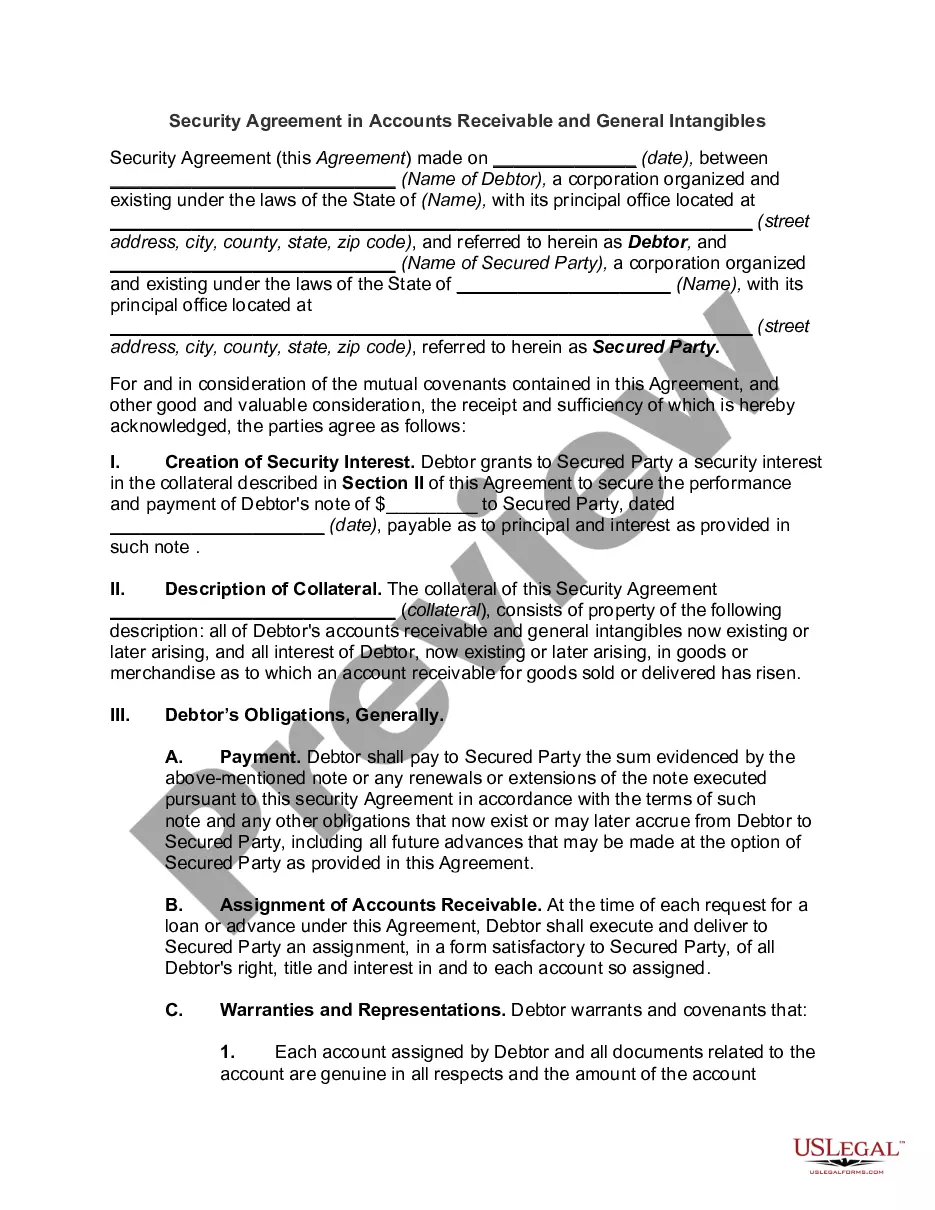
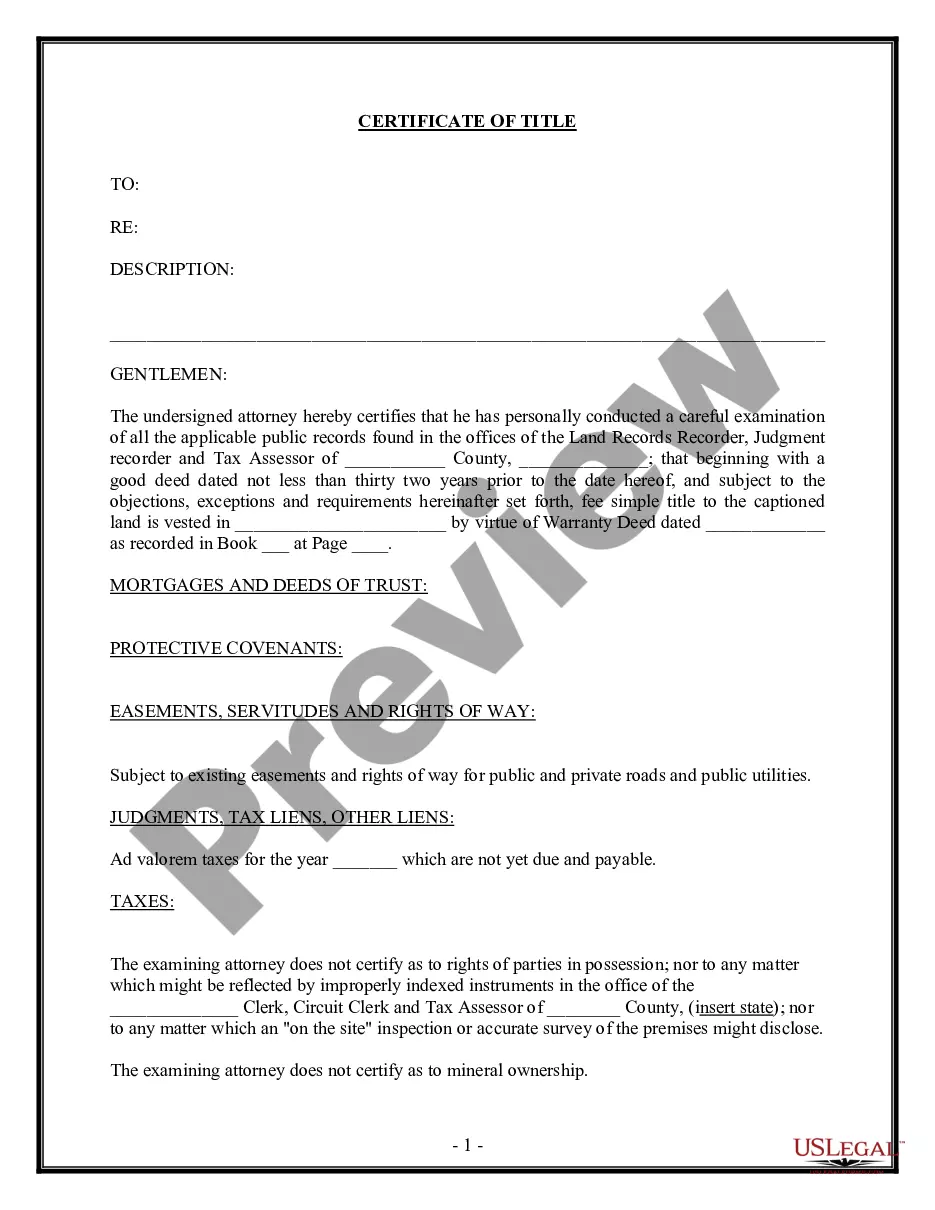
How to fill out Waiver And Release From Liability For Adult For Community Center?
Drafting legal documents from scratch can sometimes be intimidating. Some cases might involve hours of research and hundreds of dollars invested. If you’re looking for a a simpler and more affordable way of creating Waiver Form Any For Church Activities or any other documents without jumping through hoops, US Legal Forms is always at your fingertips.
Our virtual collection of over 85,000 up-to-date legal documents covers almost every aspect of your financial, legal, and personal matters. With just a few clicks, you can quickly access state- and county-compliant forms carefully put together for you by our legal specialists.
Use our platform whenever you need a trustworthy and reliable services through which you can quickly locate and download the Waiver Form Any For Church Activities. If you’re not new to our services and have previously created an account with us, simply log in to your account, select the template and download it away or re-download it anytime later in the My Forms tab.
Not registered yet? No problem. It takes little to no time to register it and navigate the library. But before jumping straight to downloading Waiver Form Any For Church Activities, follow these recommendations:
- Review the document preview and descriptions to make sure you have found the document you are looking for.
- Make sure the template you select conforms with the regulations and laws of your state and county.
- Choose the right subscription option to get the Waiver Form Any For Church Activities.
- Download the form. Then fill out, sign, and print it out.
US Legal Forms has a spotless reputation and over 25 years of experience. Join us today and transform document completion into something simple and streamlined!
Form popularity
FAQ
Waivers are written agreements that say the sponsor of an activity will not be liable for harm suffered by participants. Although waivers are primarily legal tools, they also serve an educational purpose by making people think about the potential risks of an activity.
Key Takeaways On How To Write A Waiver Choose a waiver template. Determine the type of activity or service. State the purpose of the waiver. Identify the risks. Include a title. Include customer information. Include waiver terms. Include a statement of understanding.
When creating a waiver form, there are a few key elements that you will need to include: The name of the business and the event. A description of the risks involved in the event. A release of liability statement. The signature of the customer or participant.
Examples of waivers include the waiving of parental rights, waiving liability, tangible goods waivers, and waivers for grounds of inadmissibility. Waivers are common when finalizing lawsuits, as one party does not want the other pursuing them after a settlement is transferred.
Key Takeaways On How To Write A Waiver Choose a waiver template. Determine the type of activity or service. State the purpose of the waiver. Identify the risks. Include a title. Include customer information. Include waiver terms. Include a statement of understanding.