Confidentiality Agreement Use For Employees
Description
Get your form ready online
Our built-in tools help you complete, sign, share, and store your documents in one place.
Make edits, fill in missing information, and update formatting in US Legal Forms—just like you would in MS Word.
Download a copy, print it, send it by email, or mail it via USPS—whatever works best for your next step.
Sign and collect signatures with our SignNow integration. Send to multiple recipients, set reminders, and more. Go Premium to unlock E-Sign.
If this form requires notarization, complete it online through a secure video call—no need to meet a notary in person or wait for an appointment.
We protect your documents and personal data by following strict security and privacy standards.

Make edits, fill in missing information, and update formatting in US Legal Forms—just like you would in MS Word.

Download a copy, print it, send it by email, or mail it via USPS—whatever works best for your next step.

Sign and collect signatures with our SignNow integration. Send to multiple recipients, set reminders, and more. Go Premium to unlock E-Sign.

If this form requires notarization, complete it online through a secure video call—no need to meet a notary in person or wait for an appointment.

We protect your documents and personal data by following strict security and privacy standards.
Looking for another form?






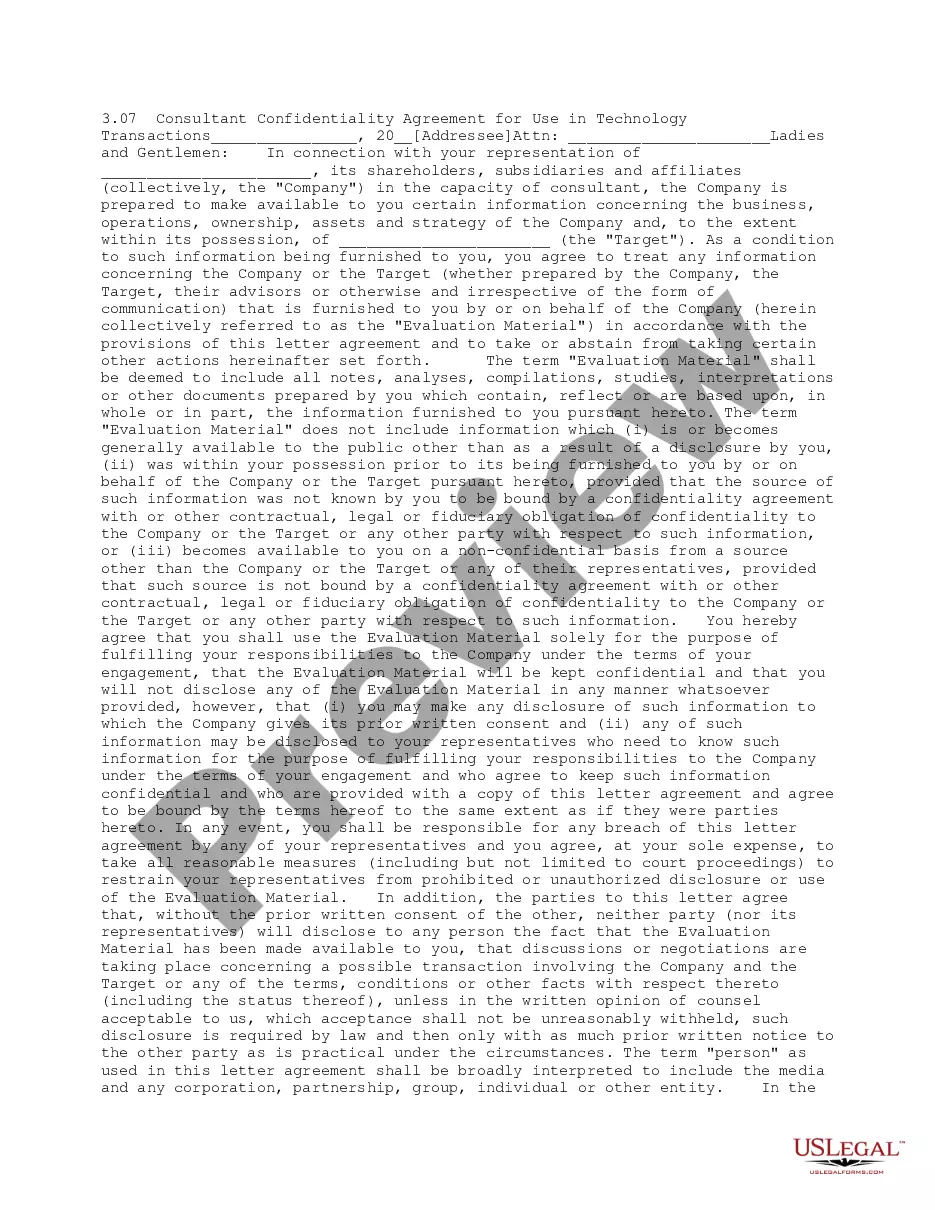
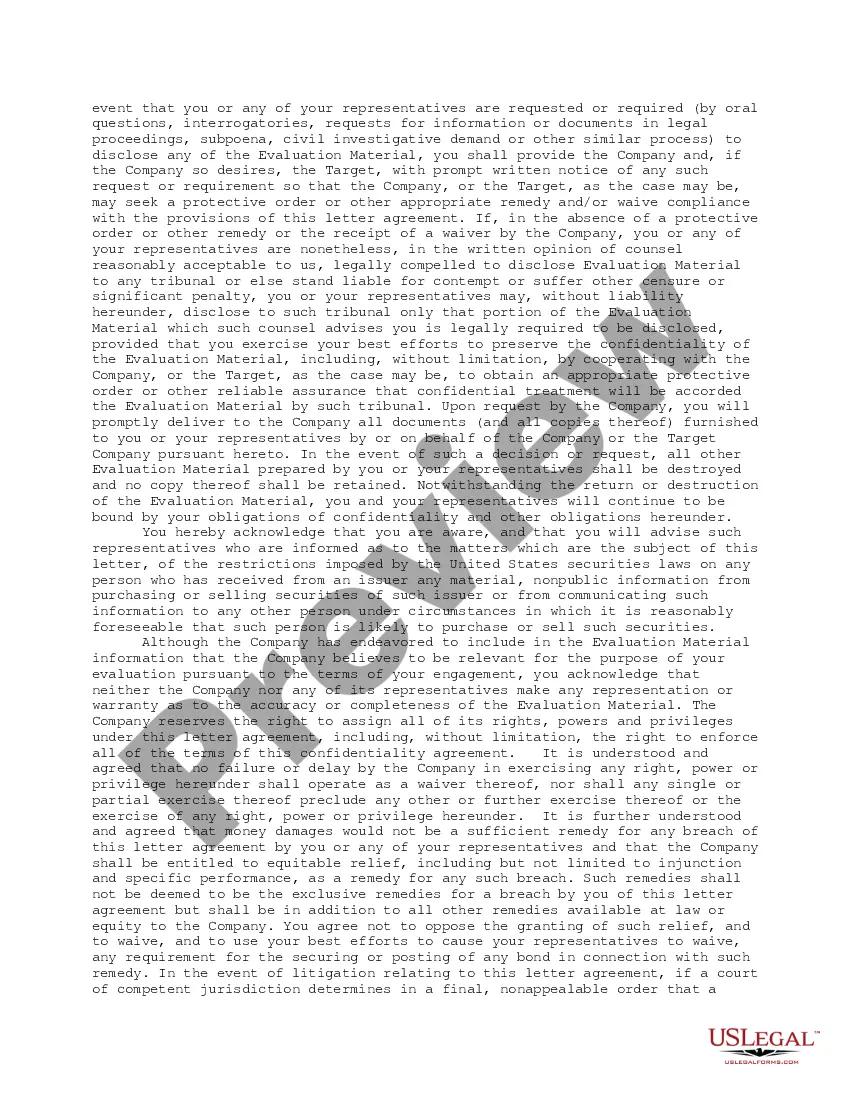
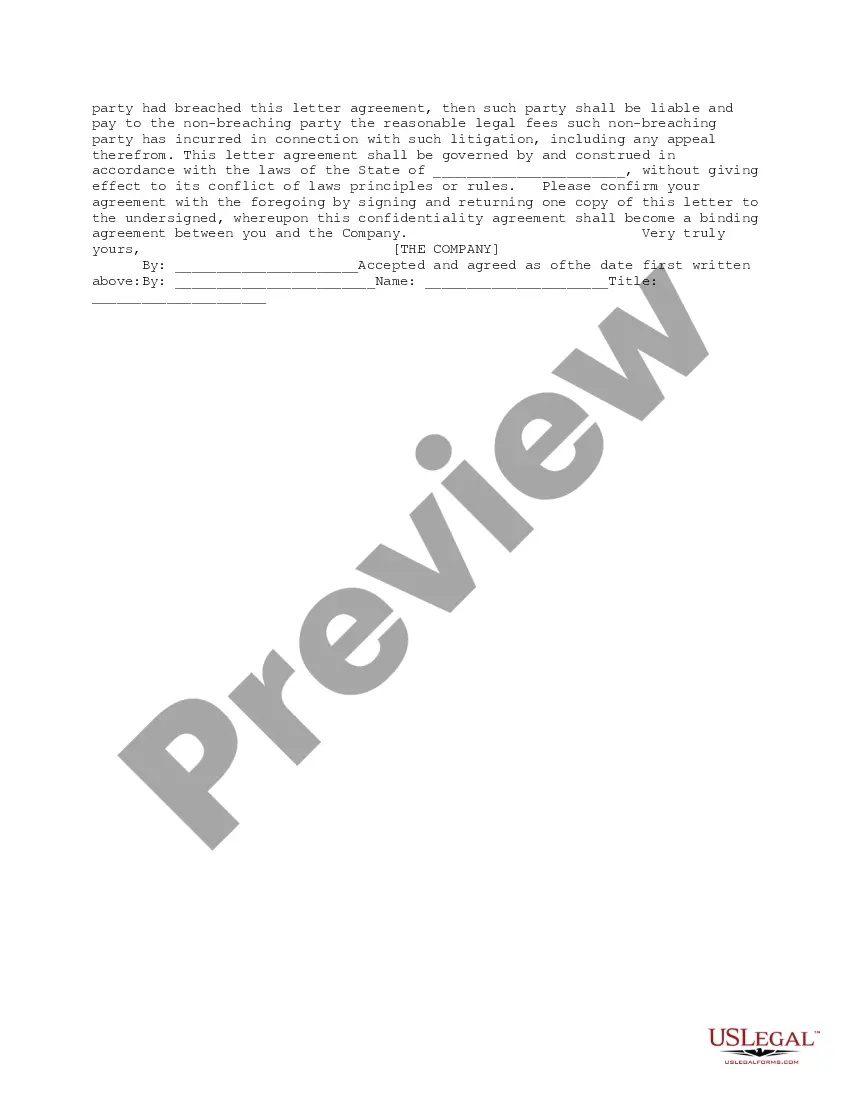
How to fill out Consultant Confidentiality Agreement For Use In Technology Transactions?
There’s no longer a requirement to spend extended hours searching for legal documents to adhere to your local state laws.
US Legal Forms has gathered all of them in a single location and simplified their accessibility.
Our platform provides over 85,000 templates for all business and individual legal needs, categorized by state and area of application.
Completing official documentation under federal and state laws and regulations is quick and straightforward with our library. Explore US Legal Forms today to maintain your documents in order!
- All forms are meticulously prepared and validated for authenticity, ensuring you can confidently acquire an updated Confidentiality Agreement Use For Employees.
- If you are acquainted with our platform and possess an account, verify that your subscription is active before accessing any templates.
- Log In to your account, select the document, and click Download.
- You can also revisit all stored documents at any time by accessing the My documents tab in your profile.
- If you have not interacted with our platform before, the process will require a few additional steps.
- Here’s how new users can locate the Confidentiality Agreement Use For Employees in our library.
- Examine the page content thoroughly to ensure it contains the sample you require.
- To do so, use the form description and preview options if available.
Form popularity
FAQ
What employees should do:Lock or secure confidential information at all times.Shred confidential documents when they're no longer needed.Make sure they only view confidential information on secure devices.Only disclose information to other employees when it's necessary and authorized.More items...
An employee confidentiality agreement, or non-disclosure agreement or an NDA, makes it crystal clear to an employee that he or she cannot under any circumstance, with the exception of prior written approval, disclose company secrets.
For this reason, there are some ways in which an employer can preserve the company's integrity and reputation by proactively mitigating privacy risks in the workplace.Use Employment Contracts with Confidentiality Clauses.Develop Confidentiality Training & Policies.Create a Response Plan & Employee Exit Procedure.
Typically, a legal professional writing the NDA will complete these steps:Step 1 - Describe the scope. Which information is considered confidential?Step 2 - Detail party obligations.Step 3 - Note potential exclusions.Step 4 - Set the term.Step 5 - Spell out consequences.
For example, your beginning paragraph may say something like: "This Nondisclosure Agreement (the "Agreement") is entered into by and between with its principal offices at ("Disclosing Party") and , located at ("Receiving Party") for the purpose of