Trademark With Tm
Description
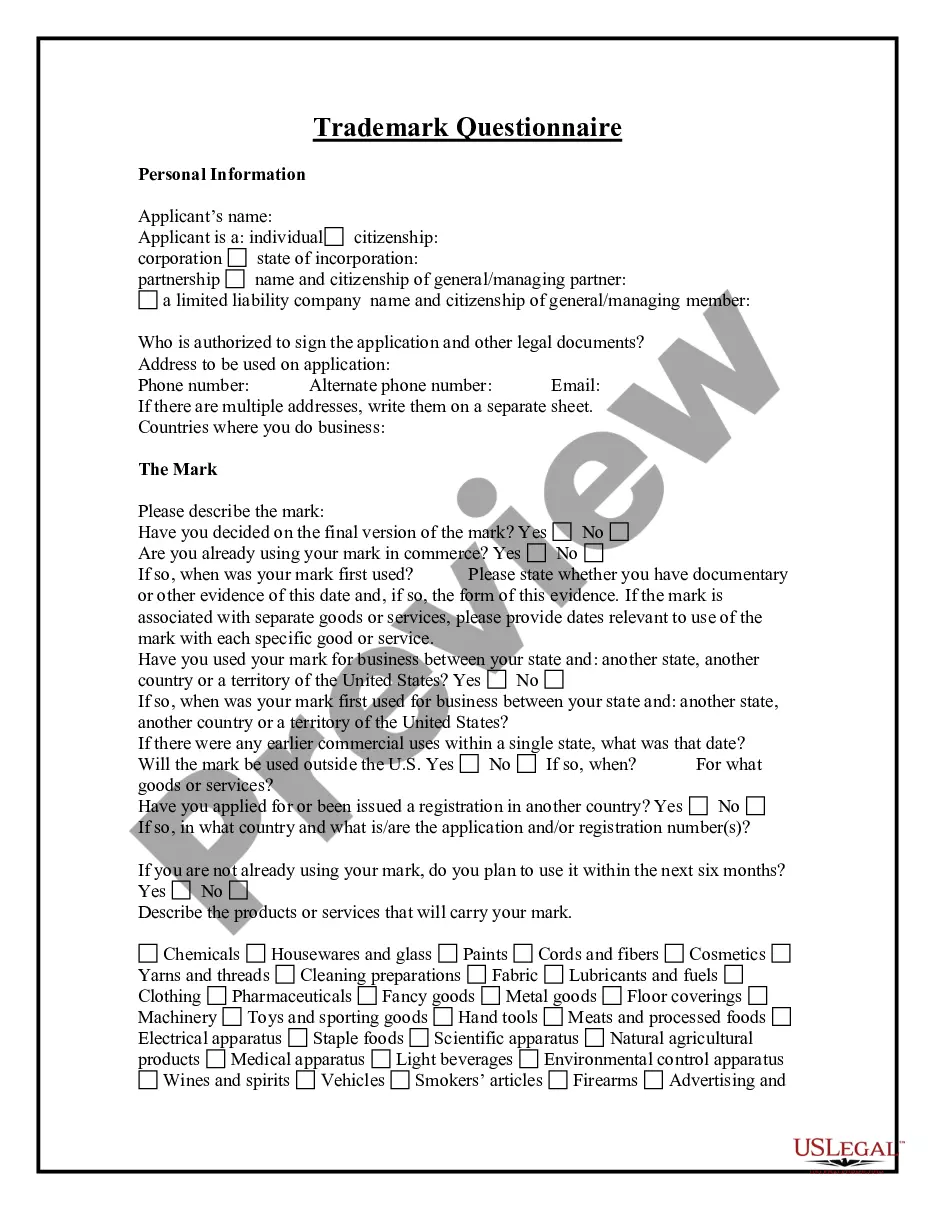
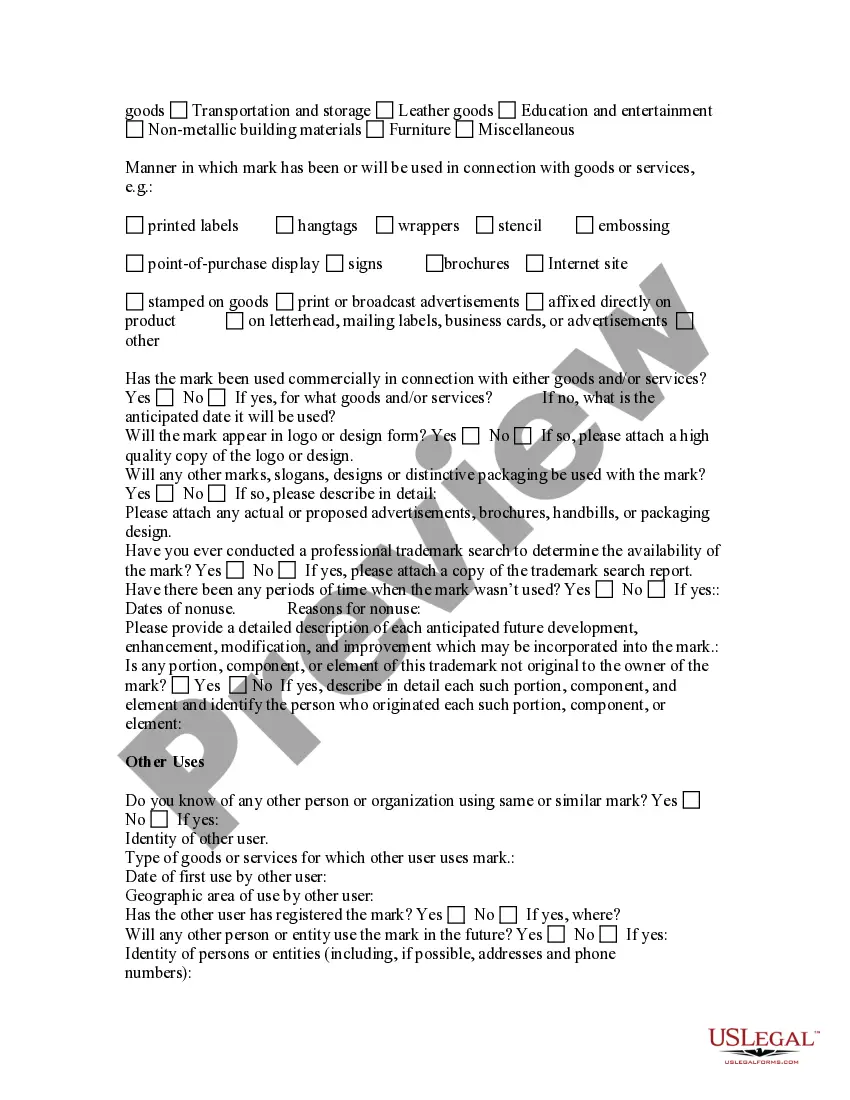
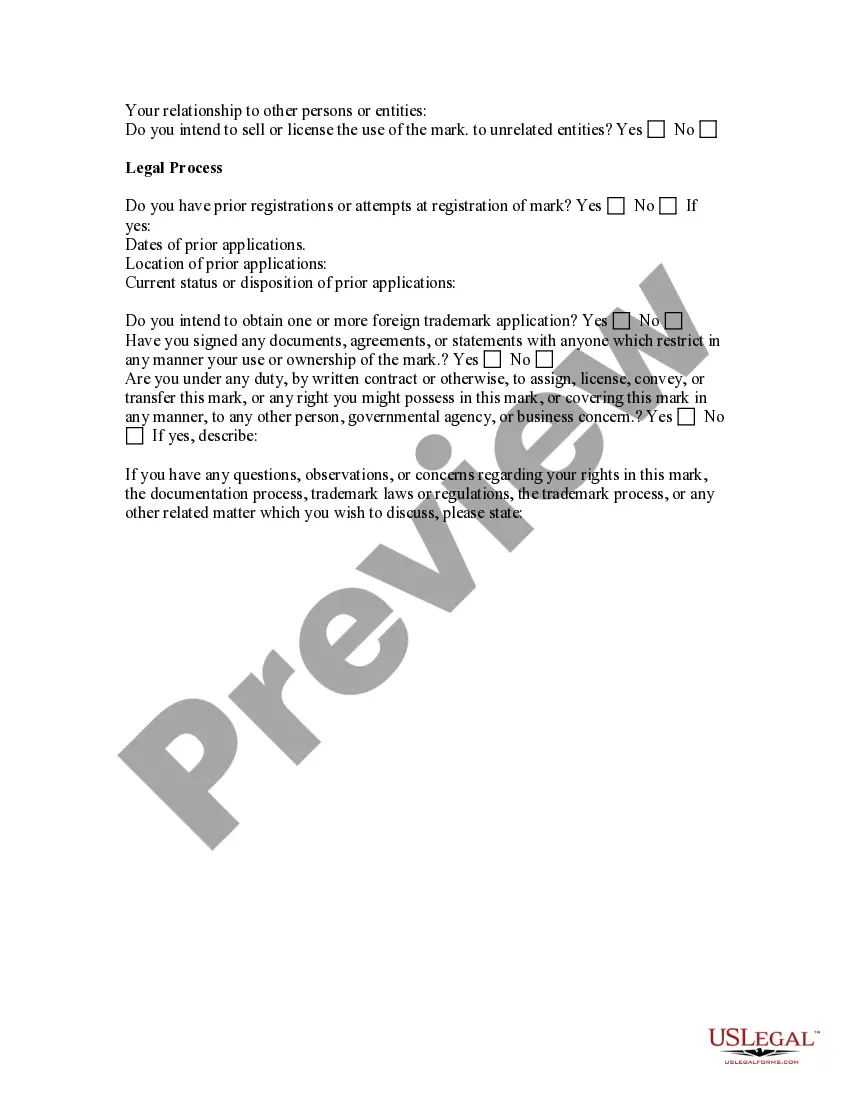
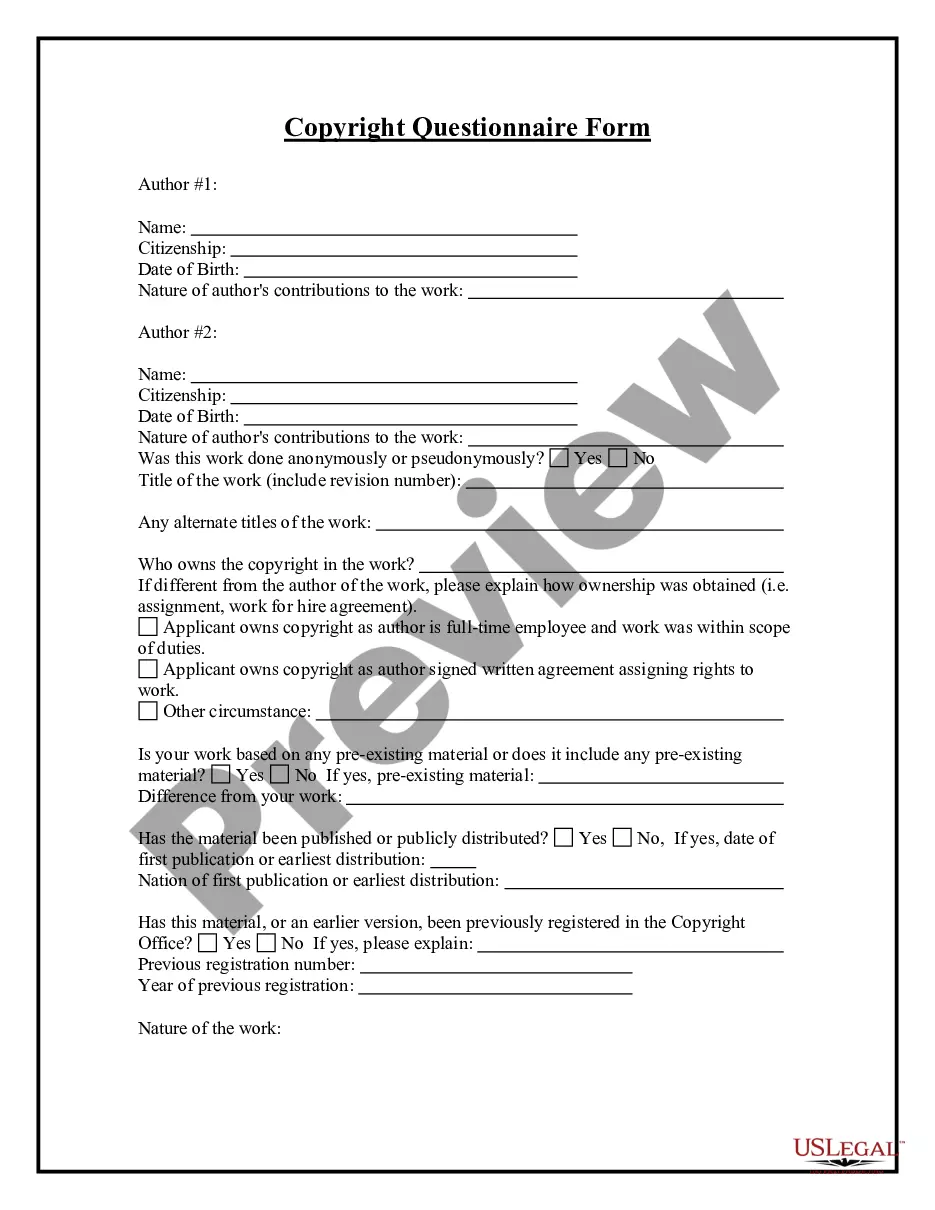
Get your form ready online
Our built-in tools help you complete, sign, share, and store your documents in one place.
Make edits, fill in missing information, and update formatting in US Legal Forms—just like you would in MS Word.
Download a copy, print it, send it by email, or mail it via USPS—whatever works best for your next step.
Sign and collect signatures with our SignNow integration. Send to multiple recipients, set reminders, and more. Go Premium to unlock E-Sign.
If this form requires notarization, complete it online through a secure video call—no need to meet a notary in person or wait for an appointment.
We protect your documents and personal data by following strict security and privacy standards.

Make edits, fill in missing information, and update formatting in US Legal Forms—just like you would in MS Word.

Download a copy, print it, send it by email, or mail it via USPS—whatever works best for your next step.

Sign and collect signatures with our SignNow integration. Send to multiple recipients, set reminders, and more. Go Premium to unlock E-Sign.

If this form requires notarization, complete it online through a secure video call—no need to meet a notary in person or wait for an appointment.

We protect your documents and personal data by following strict security and privacy standards.
Looking for another form?
How to fill out Trademark Or Servicemark Questionnaire?
- Log in to your US Legal Forms account if you're a returning user. Ensure your subscription is active; if it's expired, renew it as per your plan.
- If you're new to US Legal Forms, begin by exploring the preview mode and form descriptions. Verify that the form you select meets your specific needs and complies with local jurisdiction requirements.
- Should you need a different template, utilize the Search feature to find the appropriate form. Once located, confirm it fulfills your legal criteria.
- Purchase the correct document by clicking the Buy Now button and selecting your desired subscription plan, which requires account registration for full access.
- Complete your transaction by providing payment details via credit card or PayPal and confirming your subscription.
- Finally, download your form, saving it to your device. You can also find it anytime in the My Forms section of your profile.
In conclusion, the US Legal Forms service not only provides an extensive collection of over 85,000 legal forms, but it also grants access to premium experts to help you complete your documents accurately. By following these steps, you can effortlessly trademark with tm, safeguarding your intellectual property with confidence.
Don't wait—take advantage of US Legal Forms to start your journey in trademarking today!
Form popularity
FAQ
Adding TM to your name involves typing your name and placing the TM symbol immediately after it. Use keyboard tools or copy the trademark with TM from an online source if needed. This practice signals that you are asserting trademark rights, which is an important step in building your brand identity and legal protection.
To add TM next to your name, type your name followed by the TM symbol using your keyboard or insert it through copy-pasting. This indicates that you are claiming your trademark rights for your personal brand. By doing this, you establish a crucial legal claim that can help protect your identity and reputation.
To insert the TM symbol into your documents or online content, simply use the character map on your operating system or copy it from existing text. It's essential to place the trademark with TM next to your brand name to emphasize your rights. This not only protects your brand but communicates professionalism to your audience.
Typing the TM symbol is straightforward. On a PC, you can use the keyboard shortcut 'Alt+0153' while holding down the Alt key. Alternatively, you can copy the trademark with TM from a reliable source and paste it wherever needed. This ensures you're always using the correct symbol in your branding efforts.
The trademark with TM typically appears at the top right-hand corner of your brand name or logo. Placing it correctly signals to the audience that you claim trademark rights. Maintaining this standard ensures consistent branding, which is crucial for legal protections as well as customer recognition.
While there's no specific TM emoji, you can use the trademark with TM text symbol in your messages or social media. Most platforms allow you to copy and paste the TM symbol from websites that display it. This simple trick helps you convey the trademark status of your brand wherever you share your content.
You can add the TM symbol to a text message by using your device's keyboard. Access the symbols by tapping the '123' key and find the TM symbol within the available options. By inserting this trademark with TM, you're indicating your brand's trademark rights directly in your messages, which is particularly useful in business communications.
To type the TM symbol on your iPhone, simply use the keyboard. Switch to the numeric and symbol keyboard by tapping the '123' key, then look for the TM symbol in the symbols list. Selecting it will insert the trademark with TM into your text. Using this method ensures your communication reflects your brand's protected status clearly.
Making a trademark TM involves creating a unique identifier for your goods or services that distinguishes them from others. Start by brainstorming names, logos, or symbols, and then verify that they are not already in use. After you finalize your trademark, you can file for registration with the USPTO. Using USLegalForms can help you with templates and guidance to efficiently create and register your trademark with TM.
To get a trademark TM, begin by applying through the United States Patent and Trademark Office (USPTO). You'll need to provide essential details about your business and the trademark you wish to register. It’s important to ensure the trademark is unique and not already in use. Alternatively, you can utilize USLegalForms, which offers streamlined services that guide you through the application process for a trademark with TM.