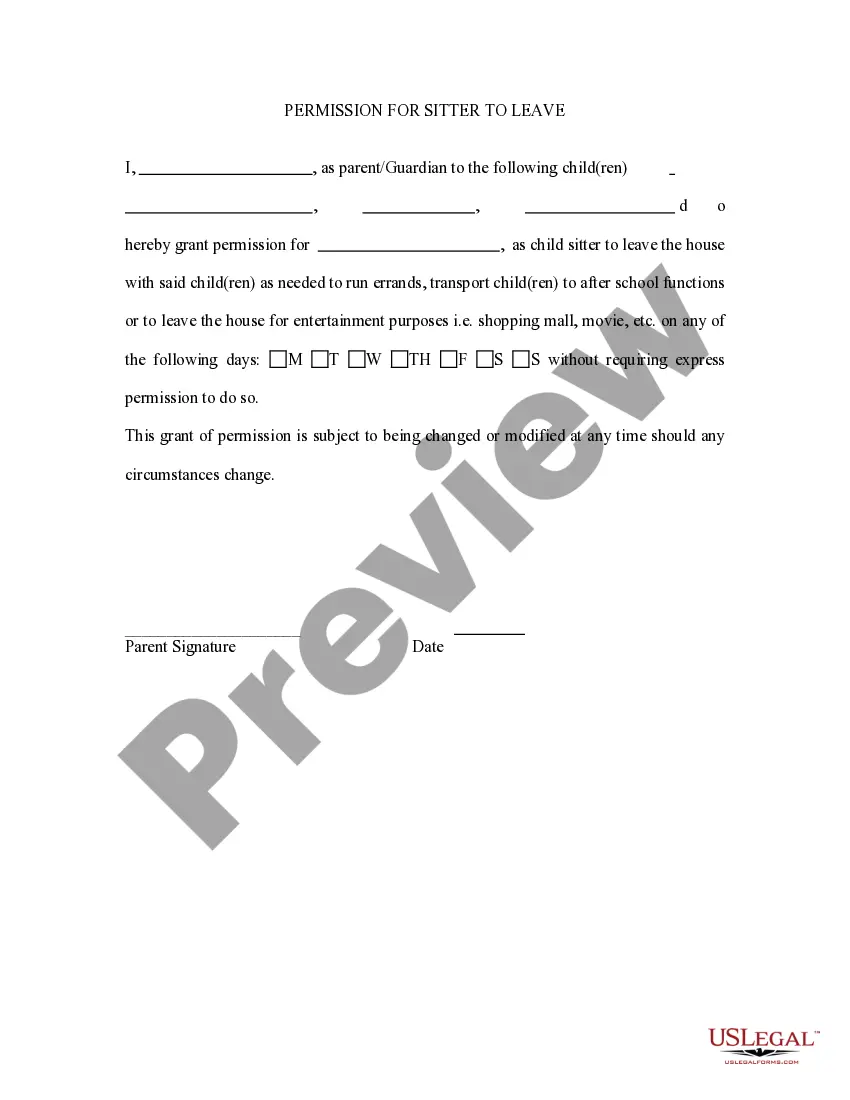
Parental Permission For An Epic Games Account
Description
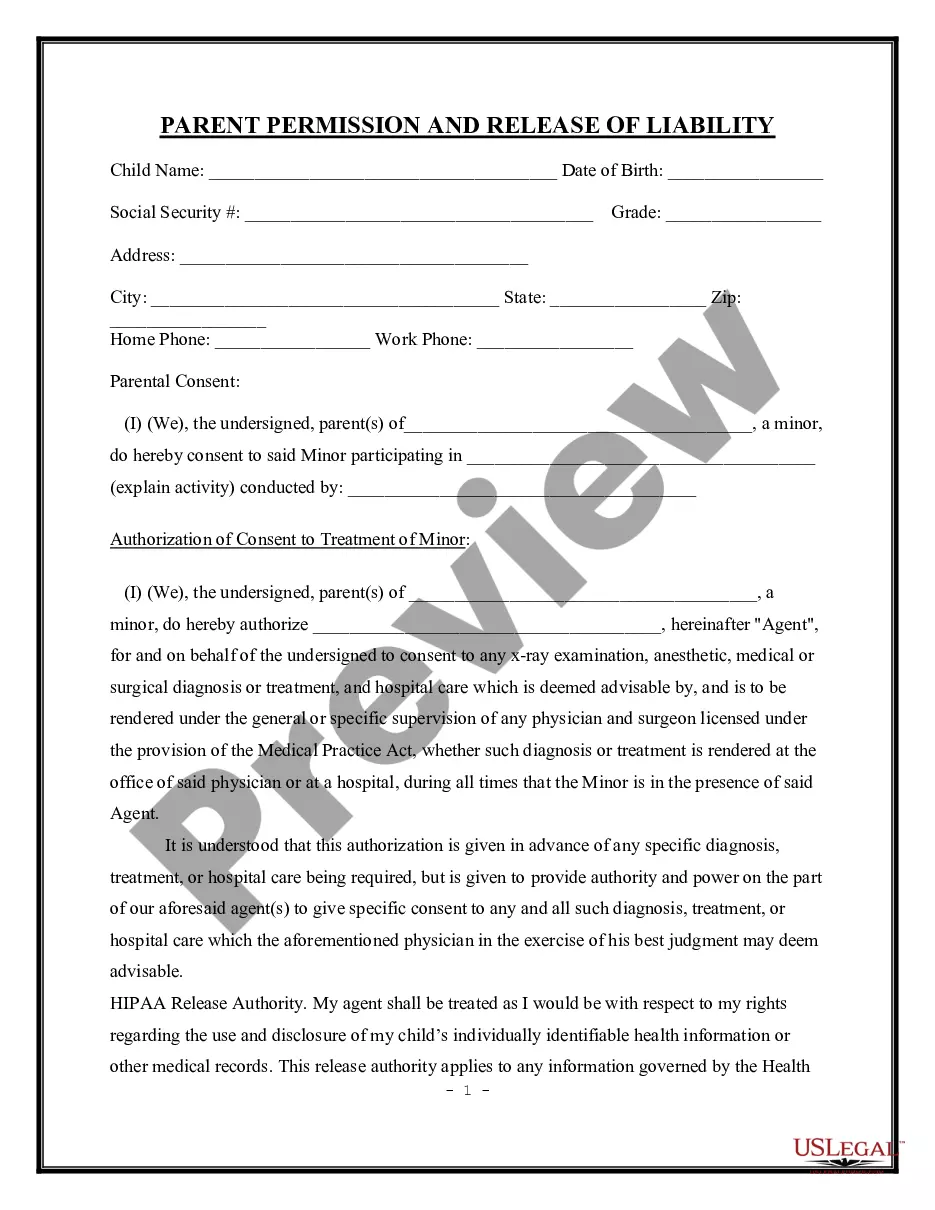
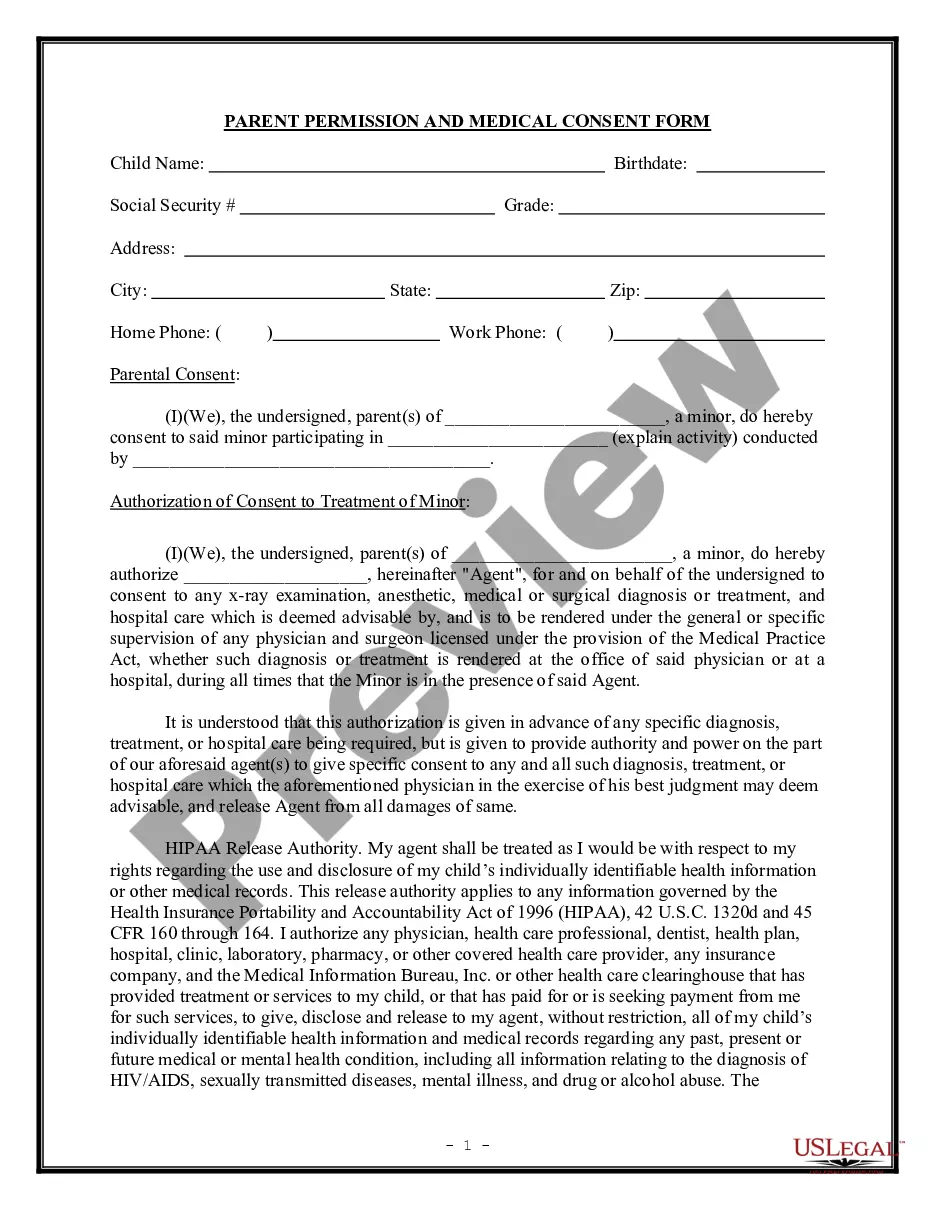
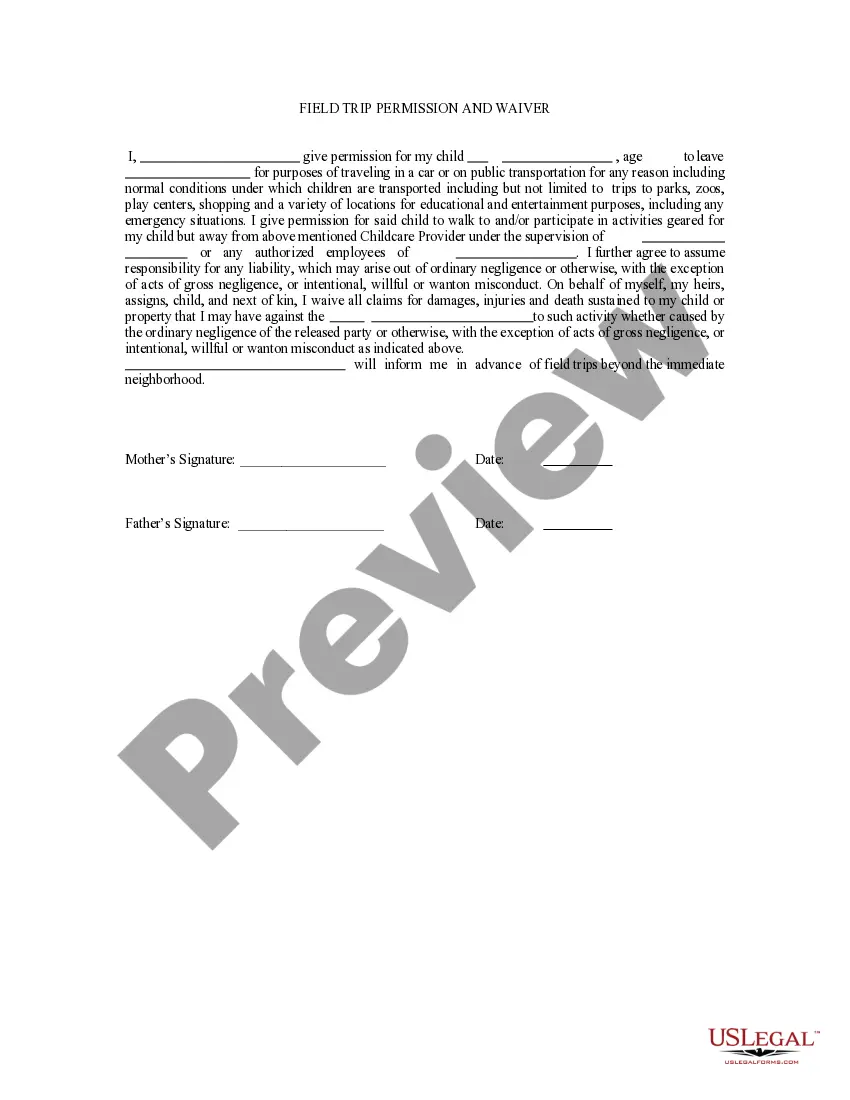
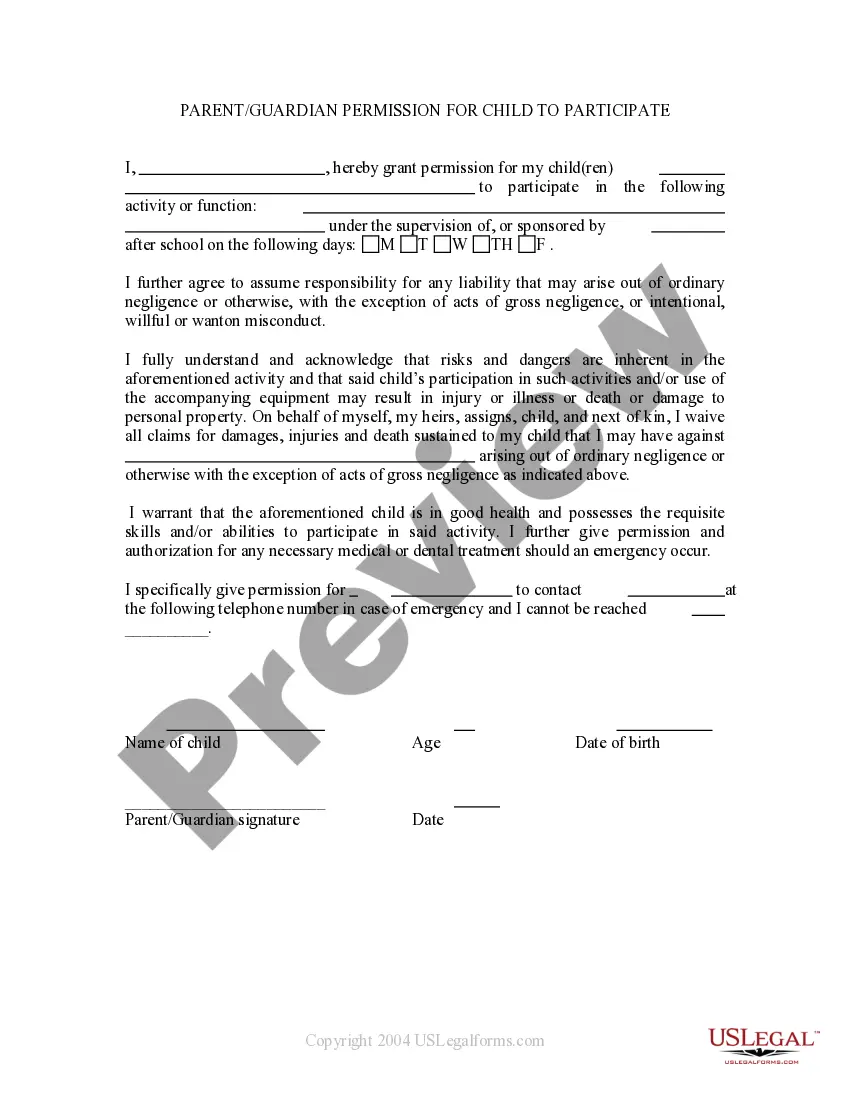
Get your form ready online
Our built-in tools help you complete, sign, share, and store your documents in one place.
Make edits, fill in missing information, and update formatting in US Legal Forms—just like you would in MS Word.
Download a copy, print it, send it by email, or mail it via USPS—whatever works best for your next step.
Sign and collect signatures with our SignNow integration. Send to multiple recipients, set reminders, and more. Go Premium to unlock E-Sign.
If this form requires notarization, complete it online through a secure video call—no need to meet a notary in person or wait for an appointment.
We protect your documents and personal data by following strict security and privacy standards.

Make edits, fill in missing information, and update formatting in US Legal Forms—just like you would in MS Word.

Download a copy, print it, send it by email, or mail it via USPS—whatever works best for your next step.

Sign and collect signatures with our SignNow integration. Send to multiple recipients, set reminders, and more. Go Premium to unlock E-Sign.

If this form requires notarization, complete it online through a secure video call—no need to meet a notary in person or wait for an appointment.

We protect your documents and personal data by following strict security and privacy standards.
Looking for another form?


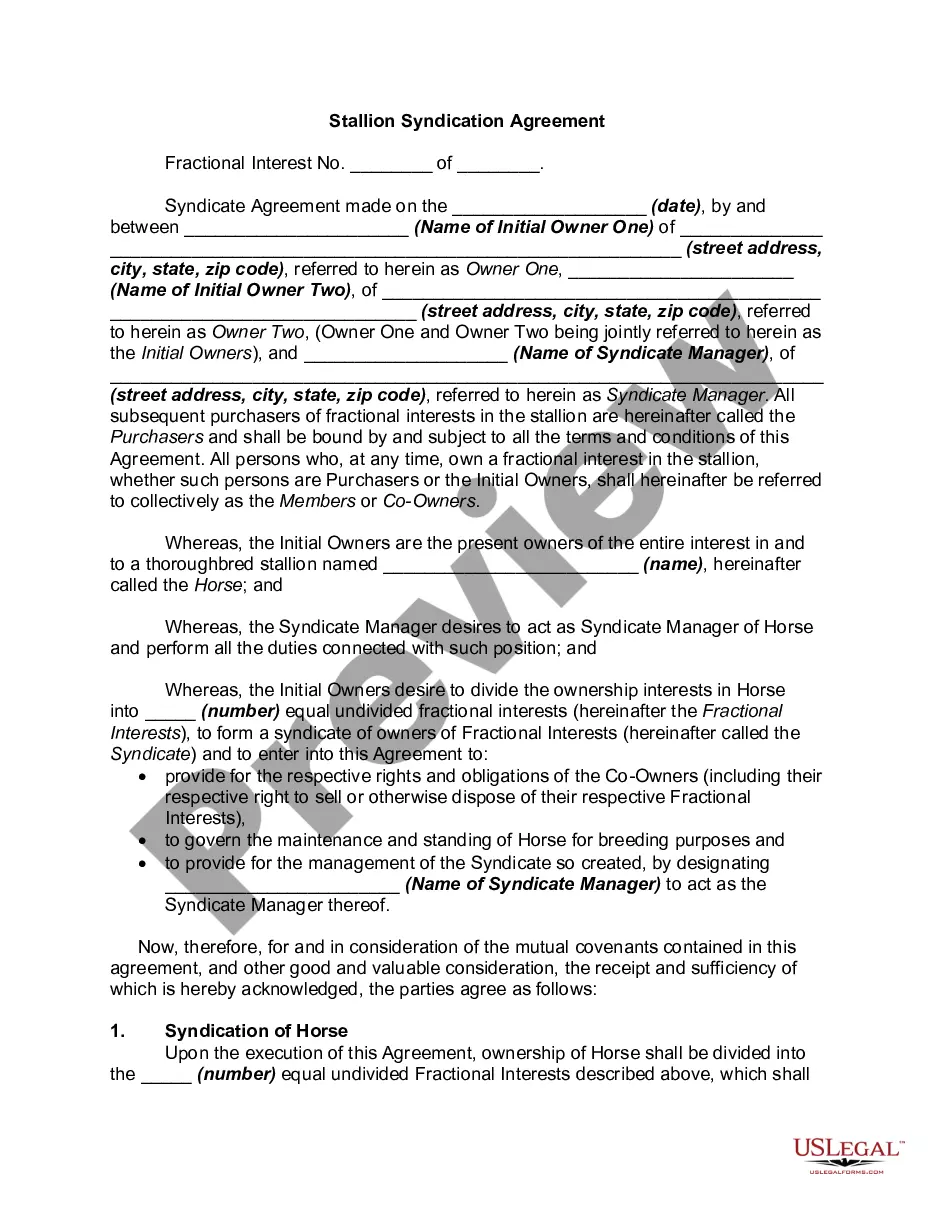





Form popularity
FAQ
To get parental permission for an Epic Games account, you need to initiate the consent process from the account setup page. Epic will send an email to the parent or guardian, who can then review and respond to the consent request directly. This process ensures that you have official parental permission, which is essential for creating a secure gaming experience.
Creating a parental consent form for an Epic Games account is straightforward. Start by outlining the necessary details, including the child's name, age, and the specific permissions being requested. You can also rely on platforms like US Legal Forms to easily generate a tailored parental consent form, ensuring it meets legal requirements.
To complete parental permission for an Epic Games account, you must first access the Epic Games website or app. Look for the parental controls section in your account settings. Follow the prompts to send an email invitation for permission to the parent or guardian, providing them with the necessary steps to grant consent.
To give parental consent on Epic Games, you need to enter your email address linked to the account and follow the verification steps. This process ensures that you, as a parent, provide explicit permission before your child fully engages with their gaming experience. By granting parental permission for an epic games account, you can create a safe environment for your child to enjoy their games.
To enable PARENTAL CONTROLS on Epic Games, start by signing into your account, then navigate to the 'Account' section. Click on 'Parental Controls', and create a password that only you know. This gives you the control to set restrictions on your child's activities, reinforcing parental permission for an epic games account.
To enable parental control in Epic Games, you first need to log into your account and access the 'Account' settings. From there, select 'Parental Controls' and follow the prompts to set up a unique password. This will allow you to manage your child's access and permissions on the platform, ensuring that you maintain parental permission for an epic games account.
If you cannot access 18+ games on Epic Games, it is likely due to parental controls being enabled on your account. These settings restrict access to mature content to protect younger users. You can easily modify these restrictions by providing the necessary parental permission for an Epic Games account. If needed, platforms like USLegalForms can assist you in understanding and navigating these processes to enhance your gaming experience.
To allow permissions on Epic Games, you first need to access your child's account settings. Navigate to the parental controls option, where you can manage various permissions related to gameplay and content access. Make sure to review these settings periodically to adjust based on your child's maturity and gaming needs. This proactive approach ensures you maintain effective parental permission for an Epic Games account.
To complete the parental consent process for an Epic Games account, you need to go to the settings of the account. From there, you can find the parental controls section. Follow the prompts to enter the required information and submit the necessary permissions. By doing this, you ensure that your child can enjoy the games while you maintain control, providing necessary parental permission for an Epic Games account.
Yes, Epic Games parent verification is a legitimate process designed to protect children while they enjoy gaming. The company takes user safety seriously and implements verification measures to give parents peace of mind. By using a secure approach to parental permission for an Epic Games account, Epic Games ensures that your child's gaming experience remains safe and regulated. Trust in this system allows parents to feel confident in their children's online interactions.