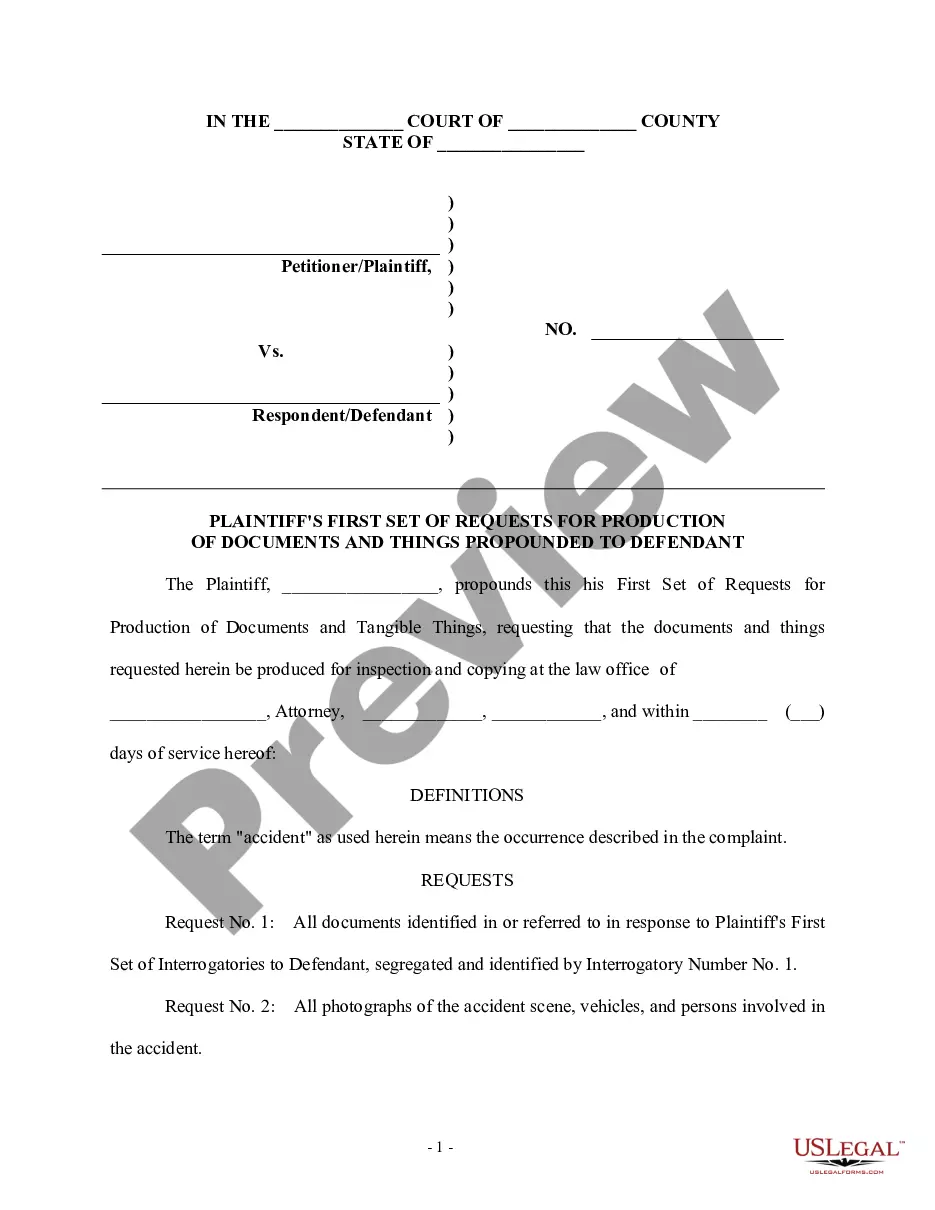
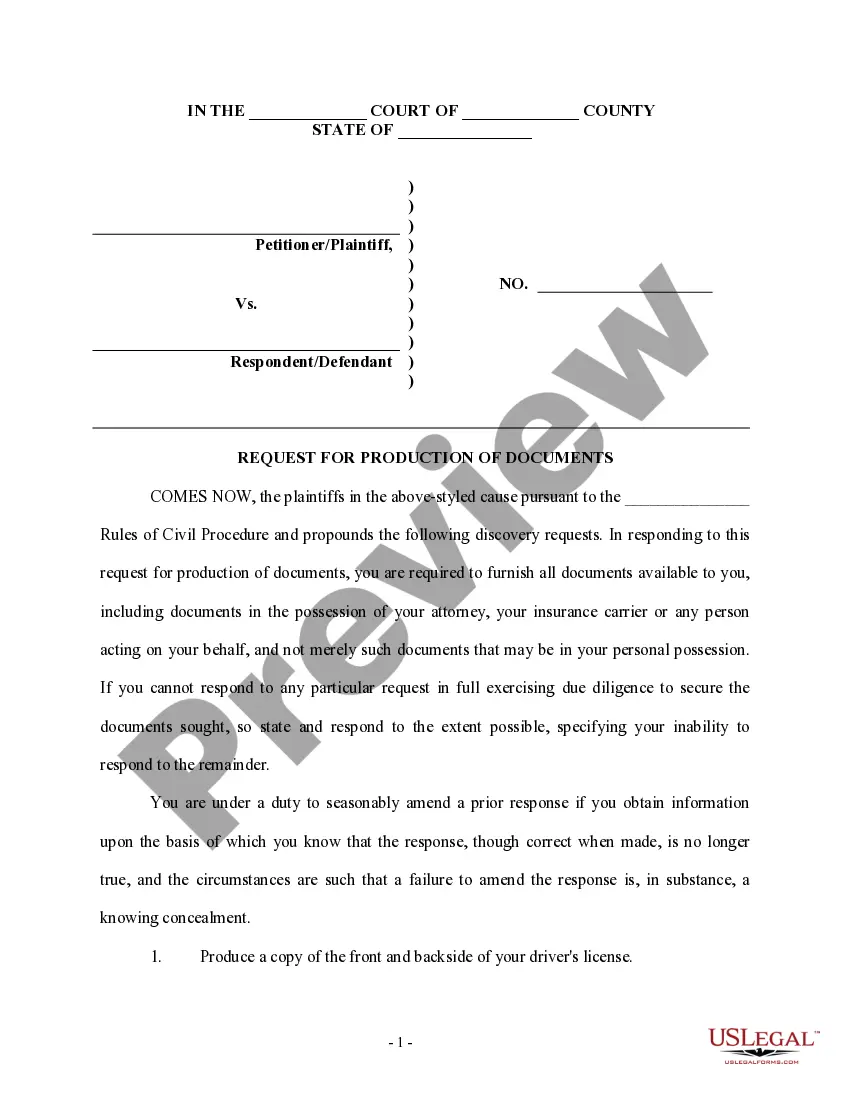
Request For Production Example With Explanation
Description
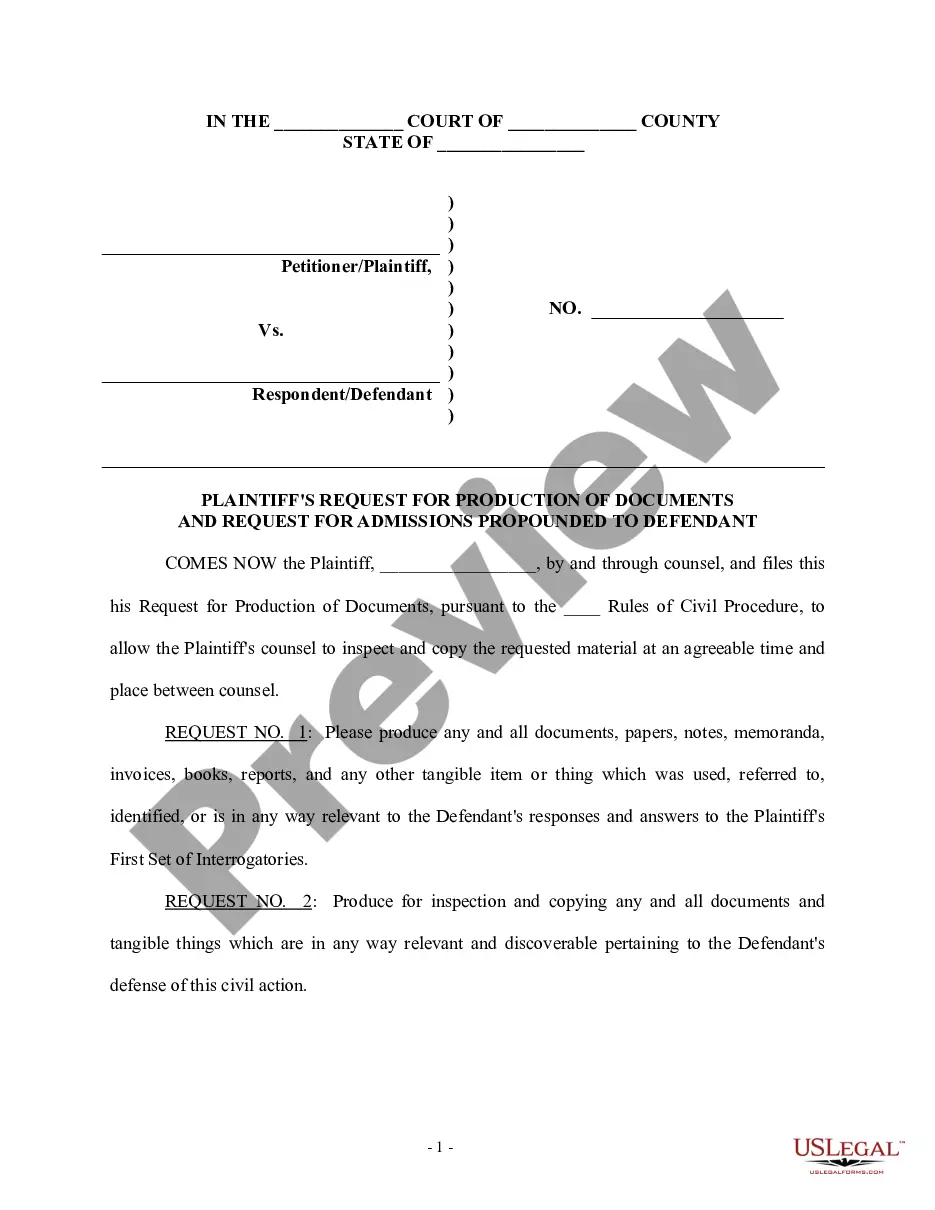
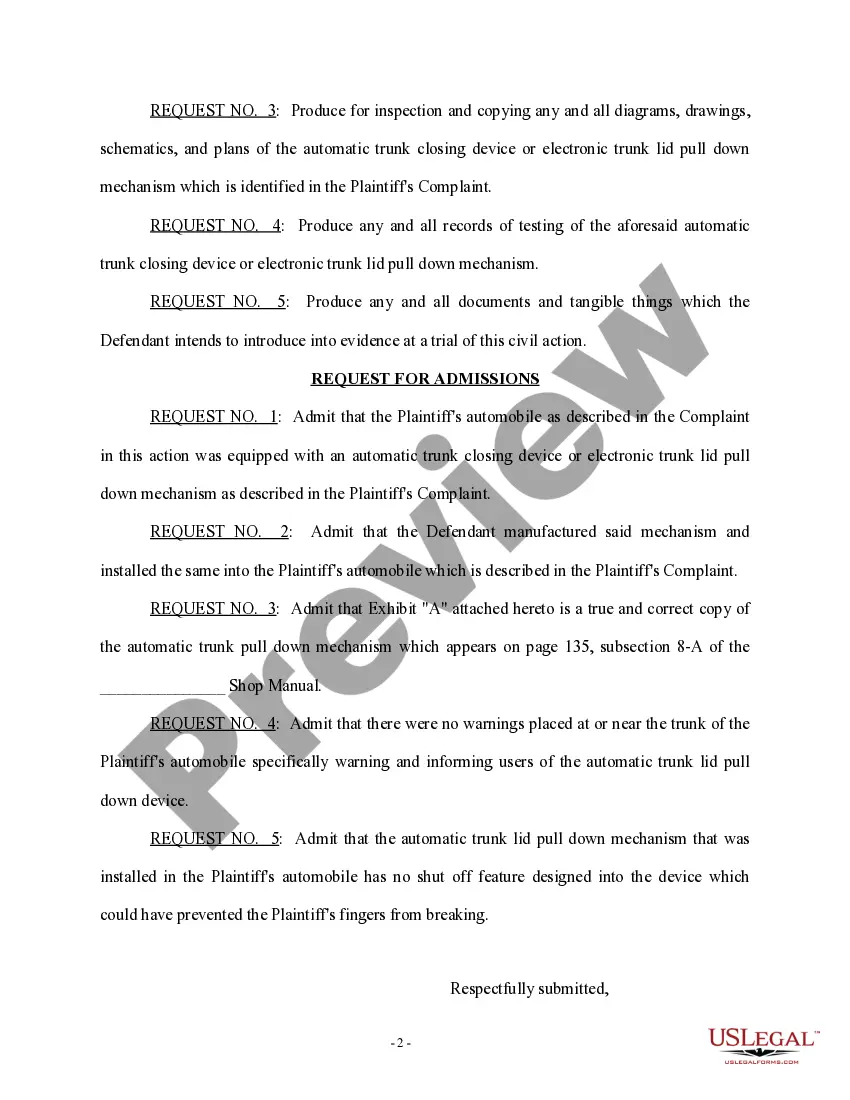
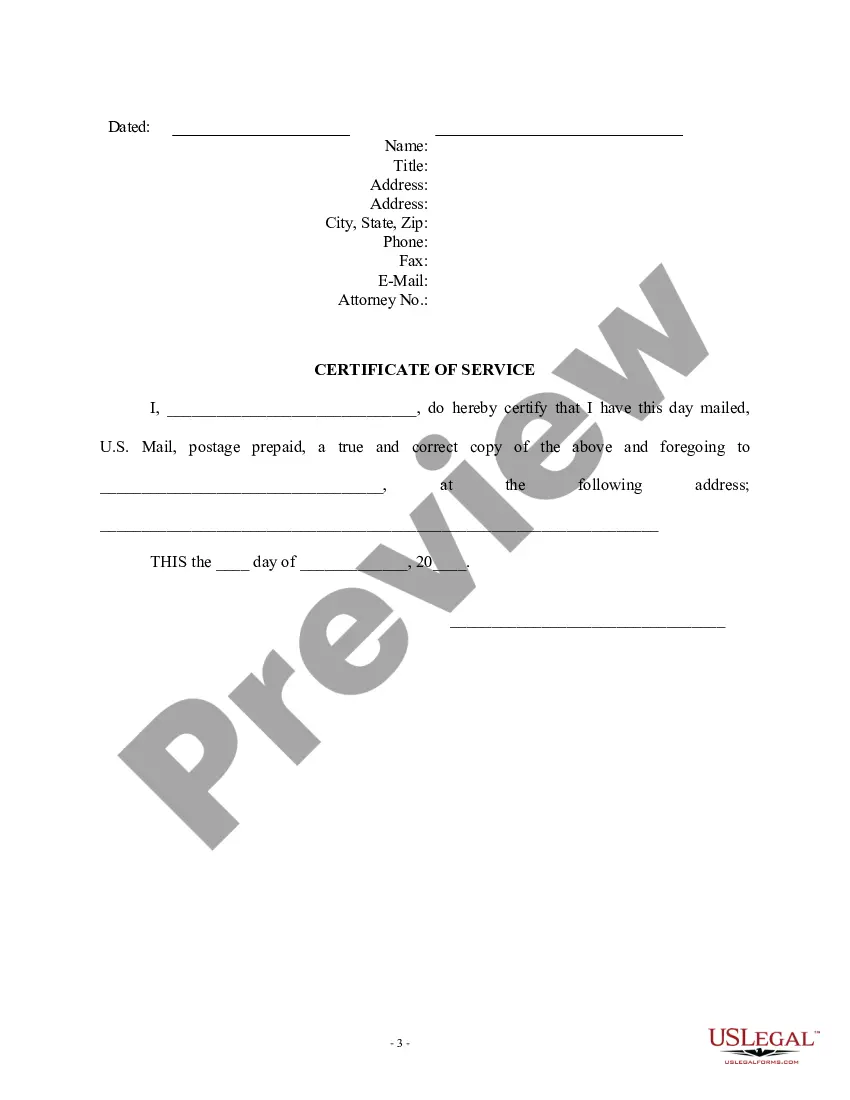
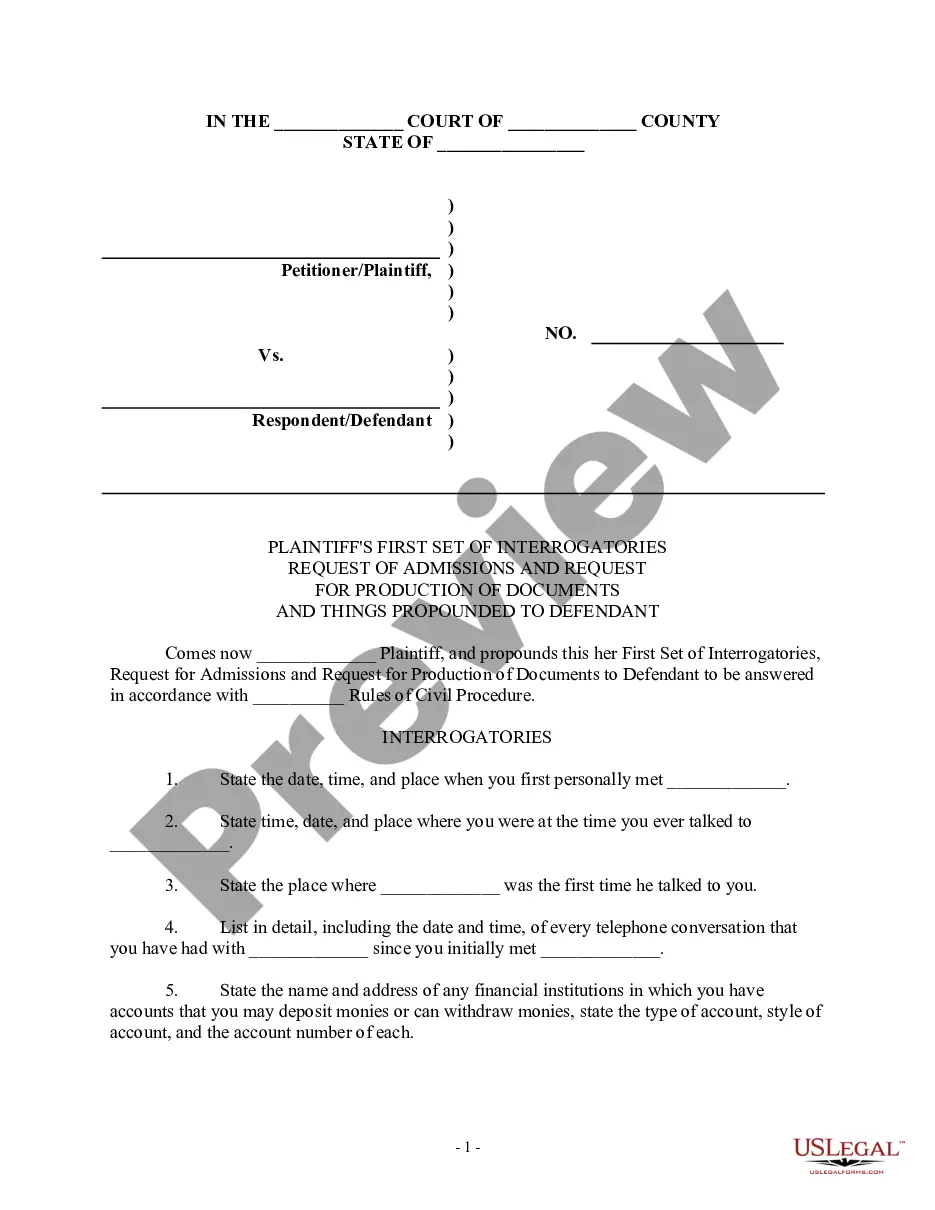
Get your form ready online
Our built-in tools help you complete, sign, share, and store your documents in one place.
Make edits, fill in missing information, and update formatting in US Legal Forms—just like you would in MS Word.
Download a copy, print it, send it by email, or mail it via USPS—whatever works best for your next step.
Sign and collect signatures with our SignNow integration. Send to multiple recipients, set reminders, and more. Go Premium to unlock E-Sign.
If this form requires notarization, complete it online through a secure video call—no need to meet a notary in person or wait for an appointment.
We protect your documents and personal data by following strict security and privacy standards.

Make edits, fill in missing information, and update formatting in US Legal Forms—just like you would in MS Word.

Download a copy, print it, send it by email, or mail it via USPS—whatever works best for your next step.

Sign and collect signatures with our SignNow integration. Send to multiple recipients, set reminders, and more. Go Premium to unlock E-Sign.

If this form requires notarization, complete it online through a secure video call—no need to meet a notary in person or wait for an appointment.

We protect your documents and personal data by following strict security and privacy standards.
Looking for another form?
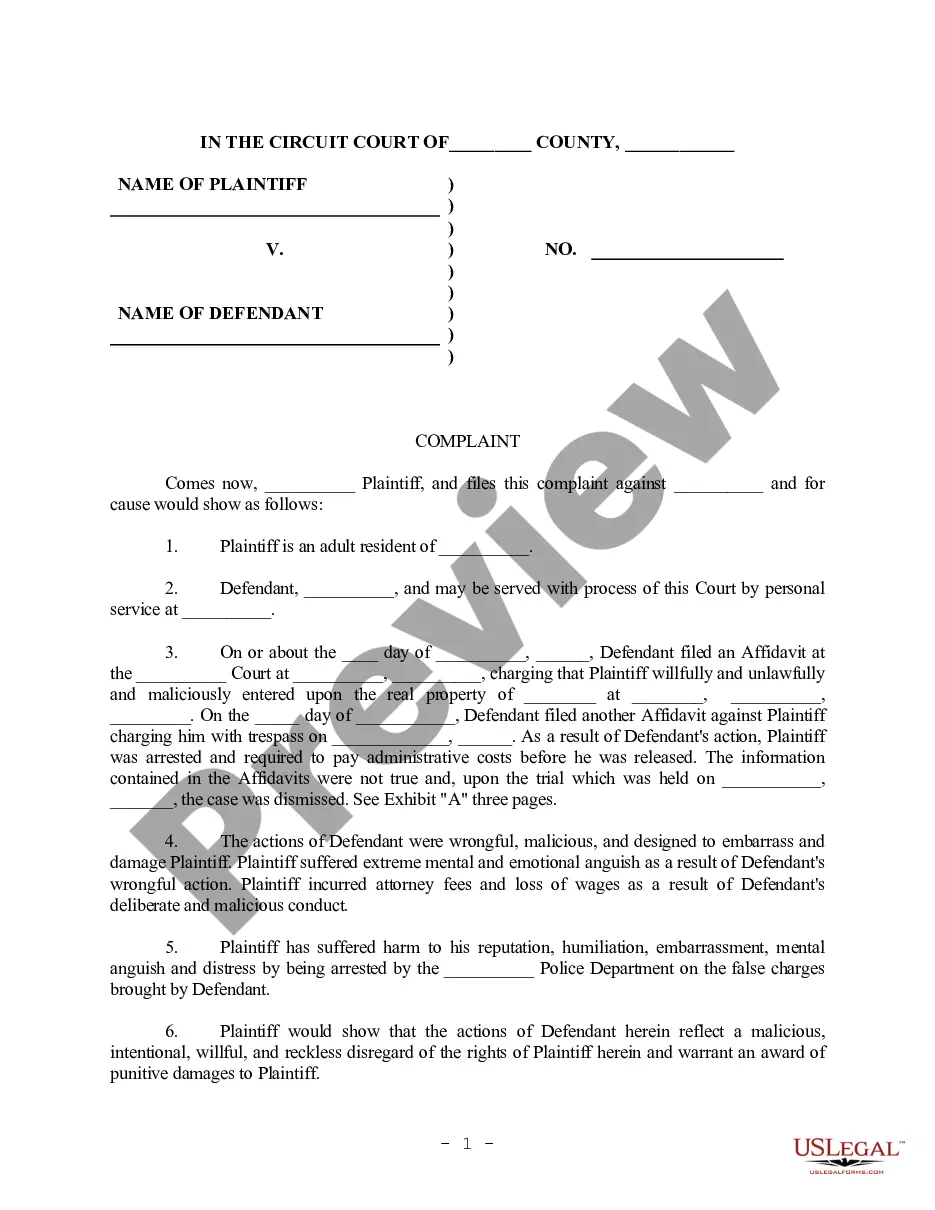
How to fill out Plaintiff's Request For Production Of Documents And Request For Admissions?
Whether for corporate intentions or personal affairs, everyone must handle legal issues at some point in their lives.
Completing legal documents requires meticulous attention, starting from selecting the appropriate form template.
Once it is stored, you can fill out the form using editing software or print it and complete it manually. With a comprehensive US Legal Forms catalog available, you do not have to waste time searching for the appropriate template online. Utilize the library’s straightforward navigation to locate the correct form for any situation.
- For instance, if you select an incorrect version of the Request For Production Example With Explanation, it will be refused upon submission.
- Thus, it is crucial to have a dependable source for legal documents like US Legal Forms.
- If you wish to acquire a Request For Production Example With Explanation template, follow these straightforward steps.
- Utilize the search bar or catalog navigation to obtain the template you require.
- Inspect the form’s description to ensure it matches your case, jurisdiction, and area.
- Click on the form’s preview to view it.
- If it is the incorrect document, return to the search function to find the Request For Production Example With Explanation sample you need.
- Download the file when it fulfills your specifications.
- If you possess a US Legal Forms account, simply click Log in to access previously saved documents in My documents.
- If you do not have an account yet, you can retrieve the form by clicking Buy now.
- Select the appropriate pricing option.
- Complete the account registration form.
- Choose your payment method: utilize a credit card or PayPal account.
- Select the file format you desire and download the Request For Production Example With Explanation.
Form popularity
FAQ
How to respond to Requests for Production Download the blank response template and fill in basic information. ... Prepare the template for your responses. ... Read and answer the questions. ... Sign the document.
How to Request Production of Documents and Things Download the template for Request for Production. ... Fill out basic information at the top. ... Choose a location for the other side to bring the documents. ... Add your own definitions (if useful) ... Write your requests for production. ... Sign and date the document. ... Make copies.
Answer. Requests for the Production of Documents. Definition: A written list of documents, electronic files, and audio and video recordings or physical things, submitted to a party from his or her adversary to inspect and copy the requested items and that have relevance to the issues in a lawsuit.
Check or type: "I cannot comply with the request because no such documents or things exist. A diligent search and reasonable inquiry have been made in an attempt to comply with this demand.? Check or type: ?I cannot comply with the request because the documents or things are no longer in my possession and control.
Common objections to requests for production or inspection include: The request is overly broad or unduly burdensome. The propounding (requesting) party must include enough information to make the requested documents easily identifiable.