Production Docs Form Form_for
Description

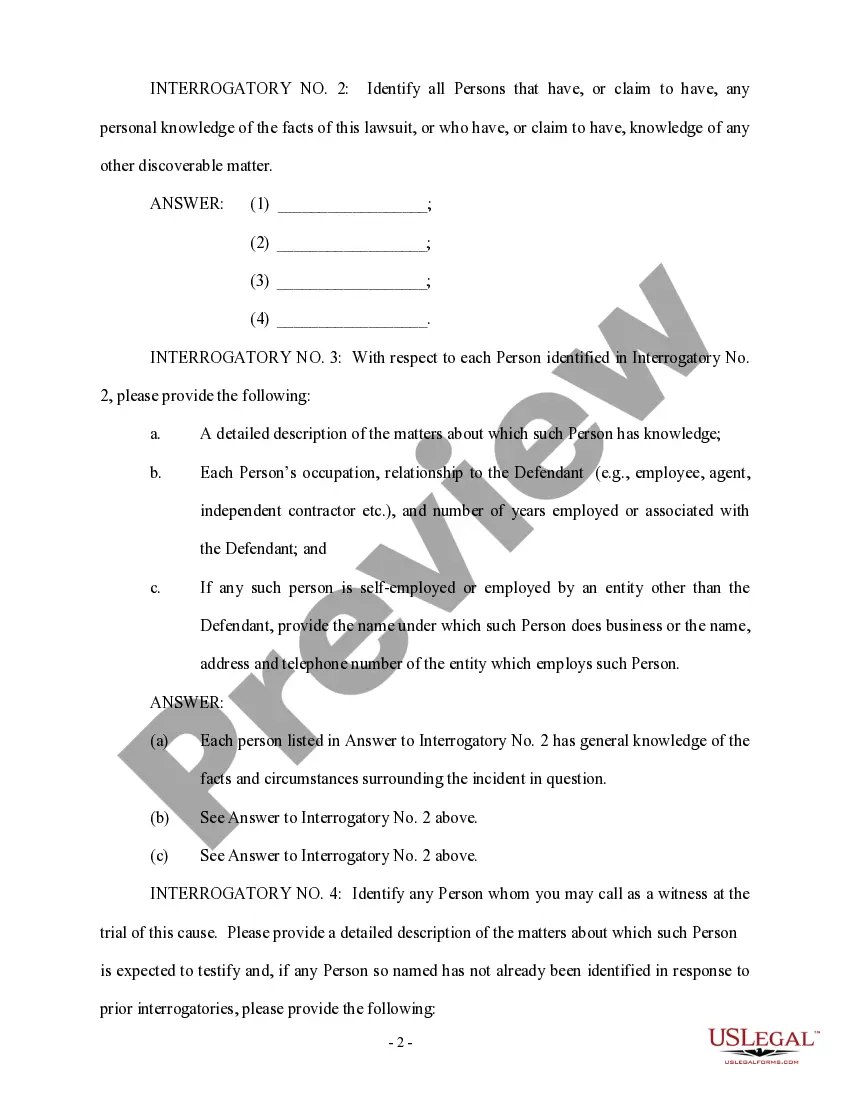
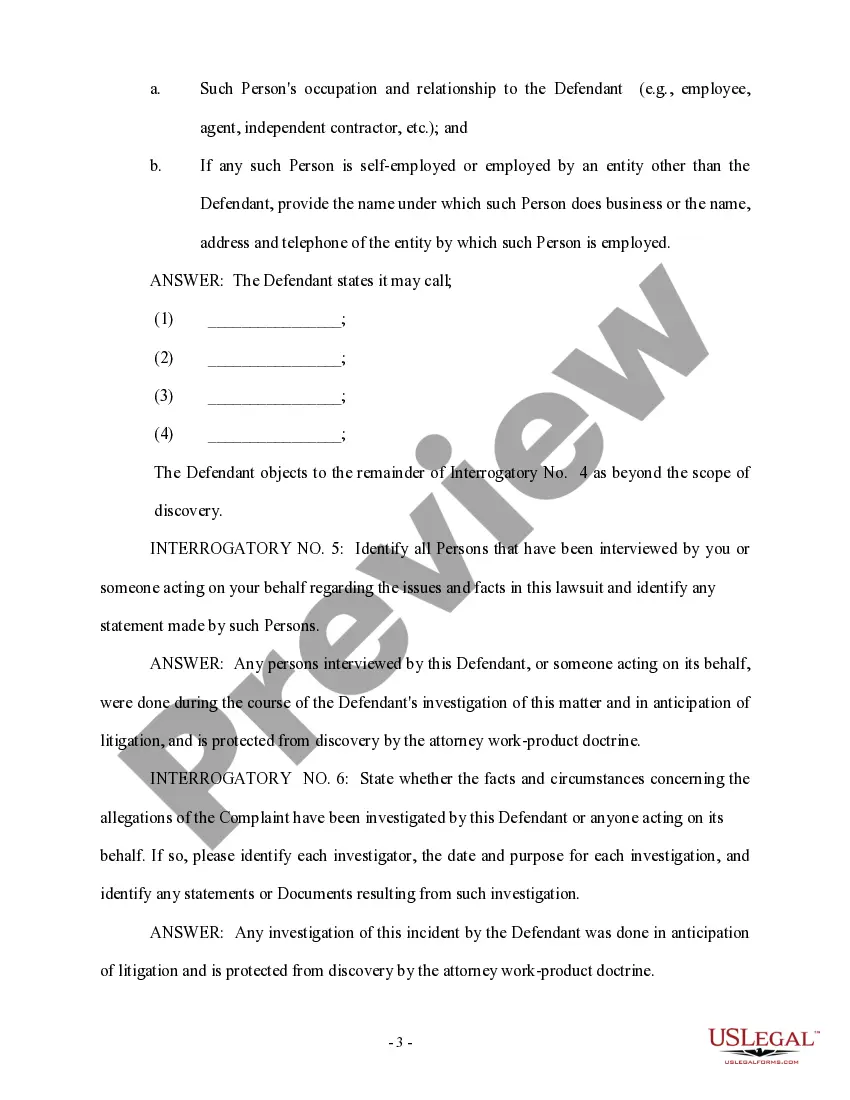
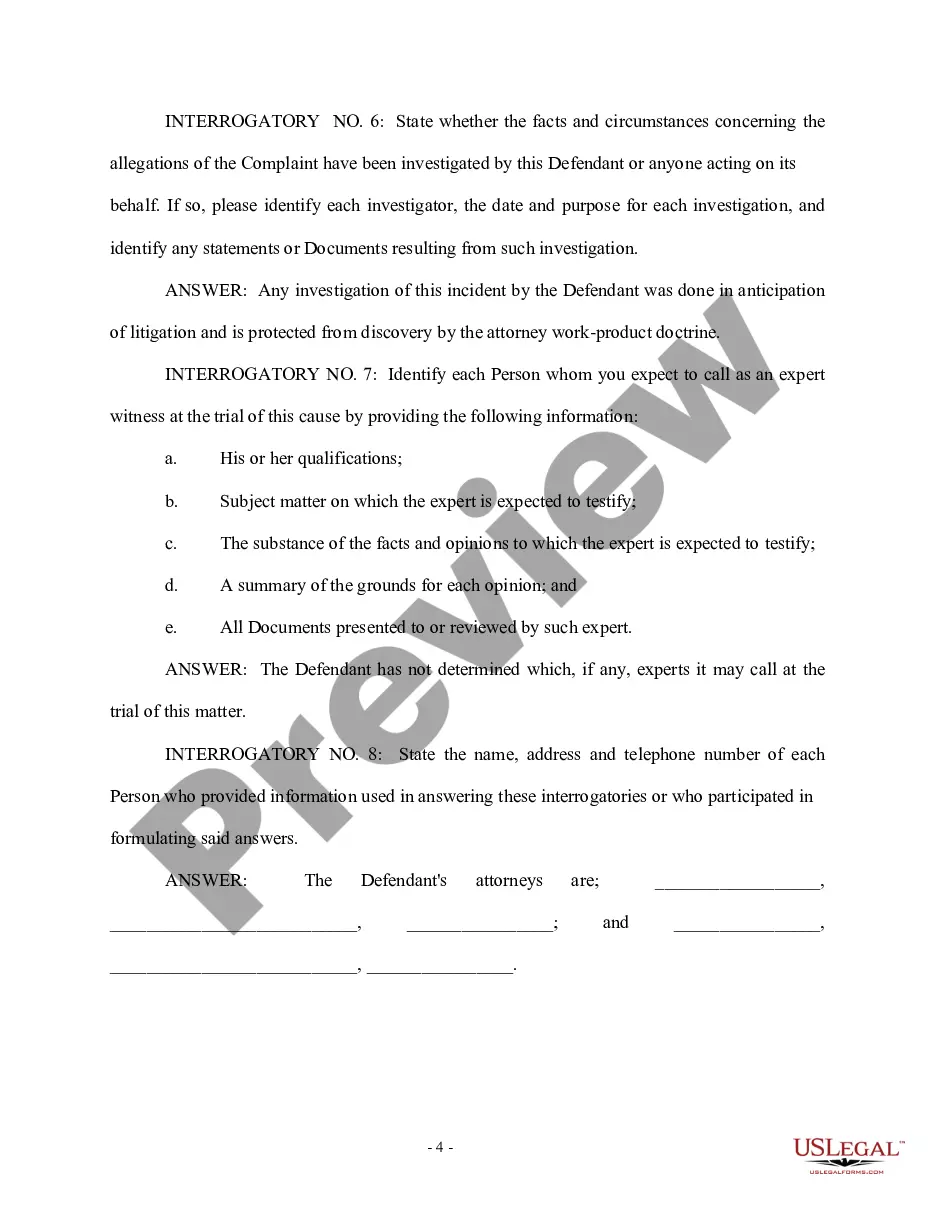
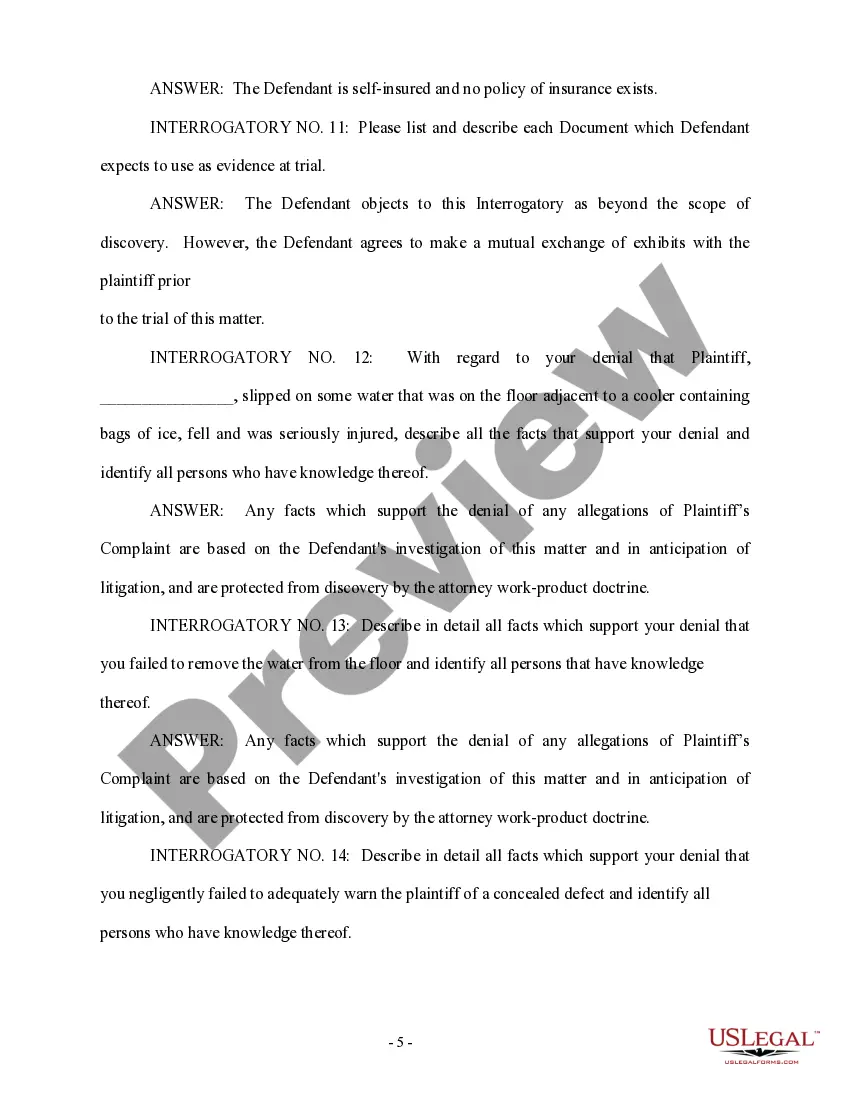

Get your form ready online
Our built-in tools help you complete, sign, share, and store your documents in one place.
Make edits, fill in missing information, and update formatting in US Legal Forms—just like you would in MS Word.
Download a copy, print it, send it by email, or mail it via USPS—whatever works best for your next step.
Sign and collect signatures with our SignNow integration. Send to multiple recipients, set reminders, and more. Go Premium to unlock E-Sign.
If this form requires notarization, complete it online through a secure video call—no need to meet a notary in person or wait for an appointment.
We protect your documents and personal data by following strict security and privacy standards.

Make edits, fill in missing information, and update formatting in US Legal Forms—just like you would in MS Word.

Download a copy, print it, send it by email, or mail it via USPS—whatever works best for your next step.

Sign and collect signatures with our SignNow integration. Send to multiple recipients, set reminders, and more. Go Premium to unlock E-Sign.

If this form requires notarization, complete it online through a secure video call—no need to meet a notary in person or wait for an appointment.

We protect your documents and personal data by following strict security and privacy standards.
Looking for another form?


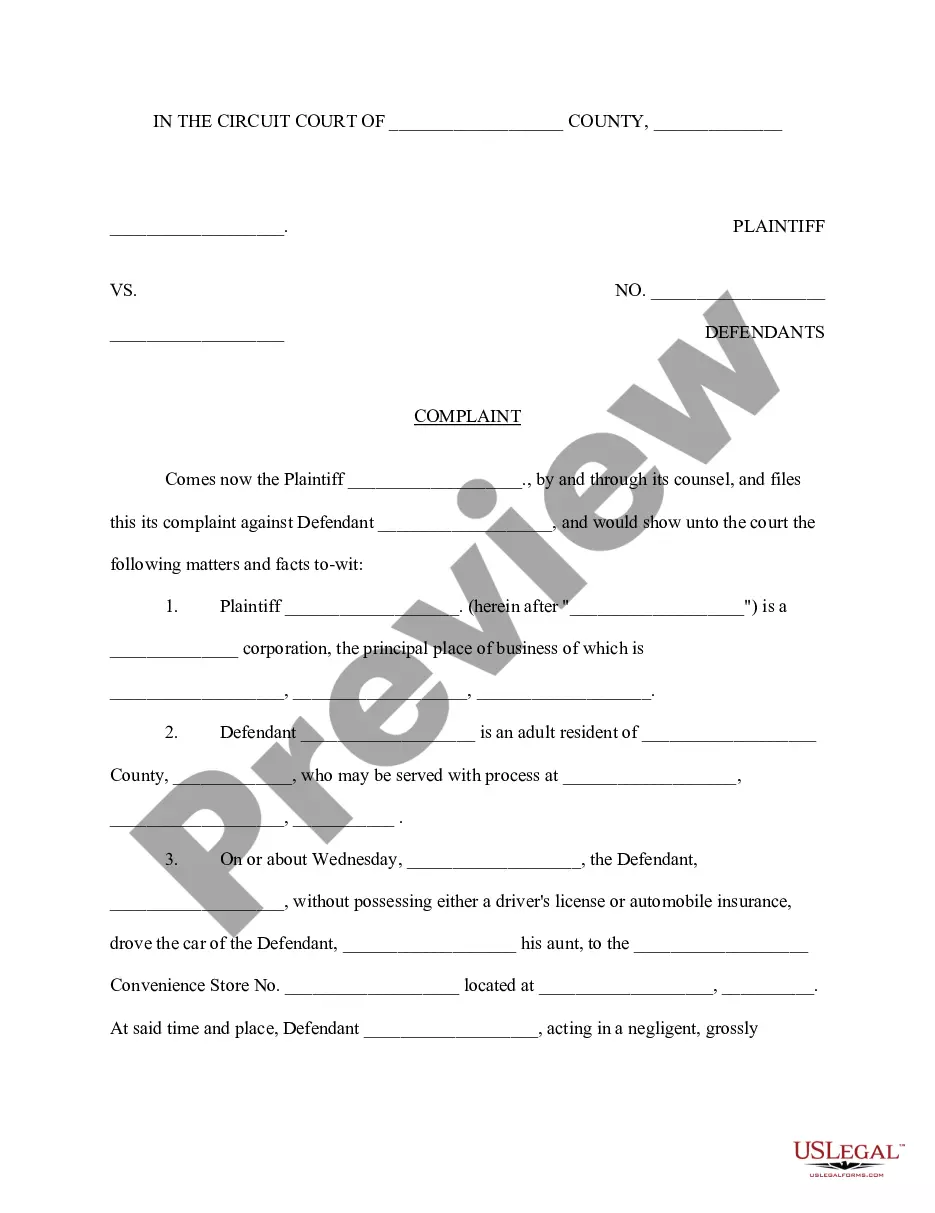

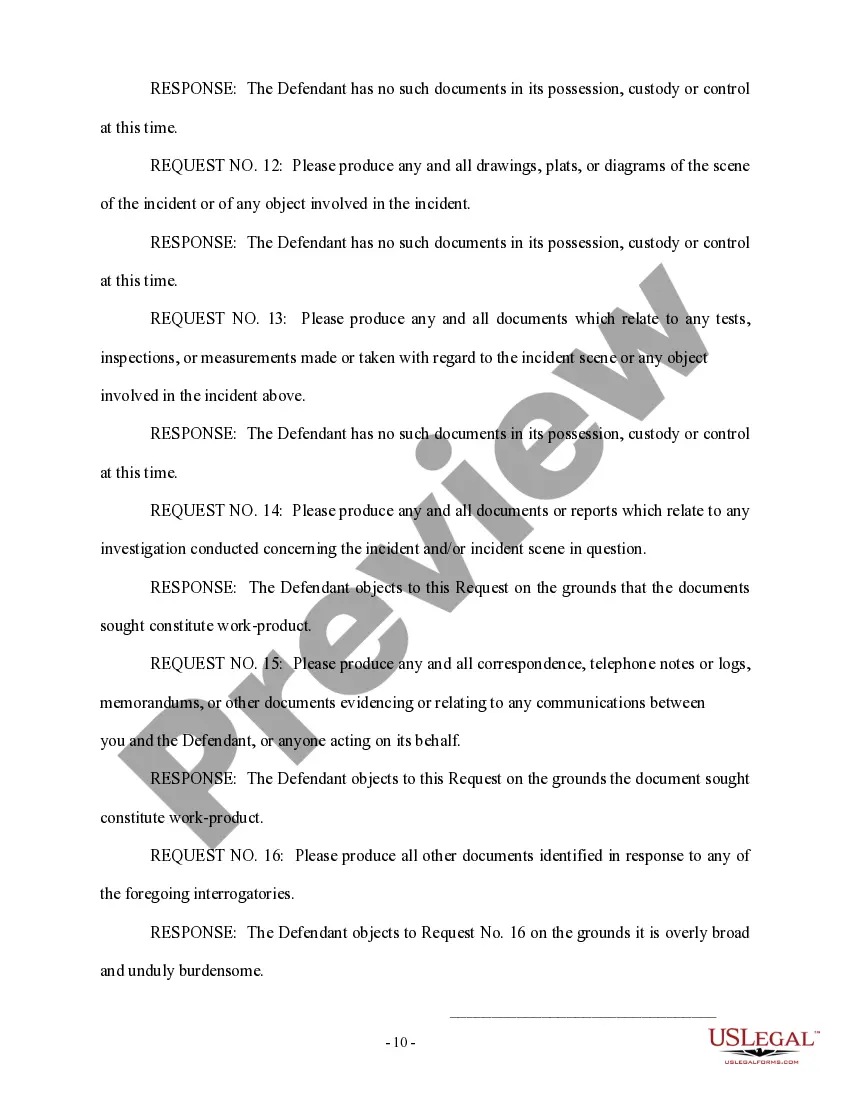
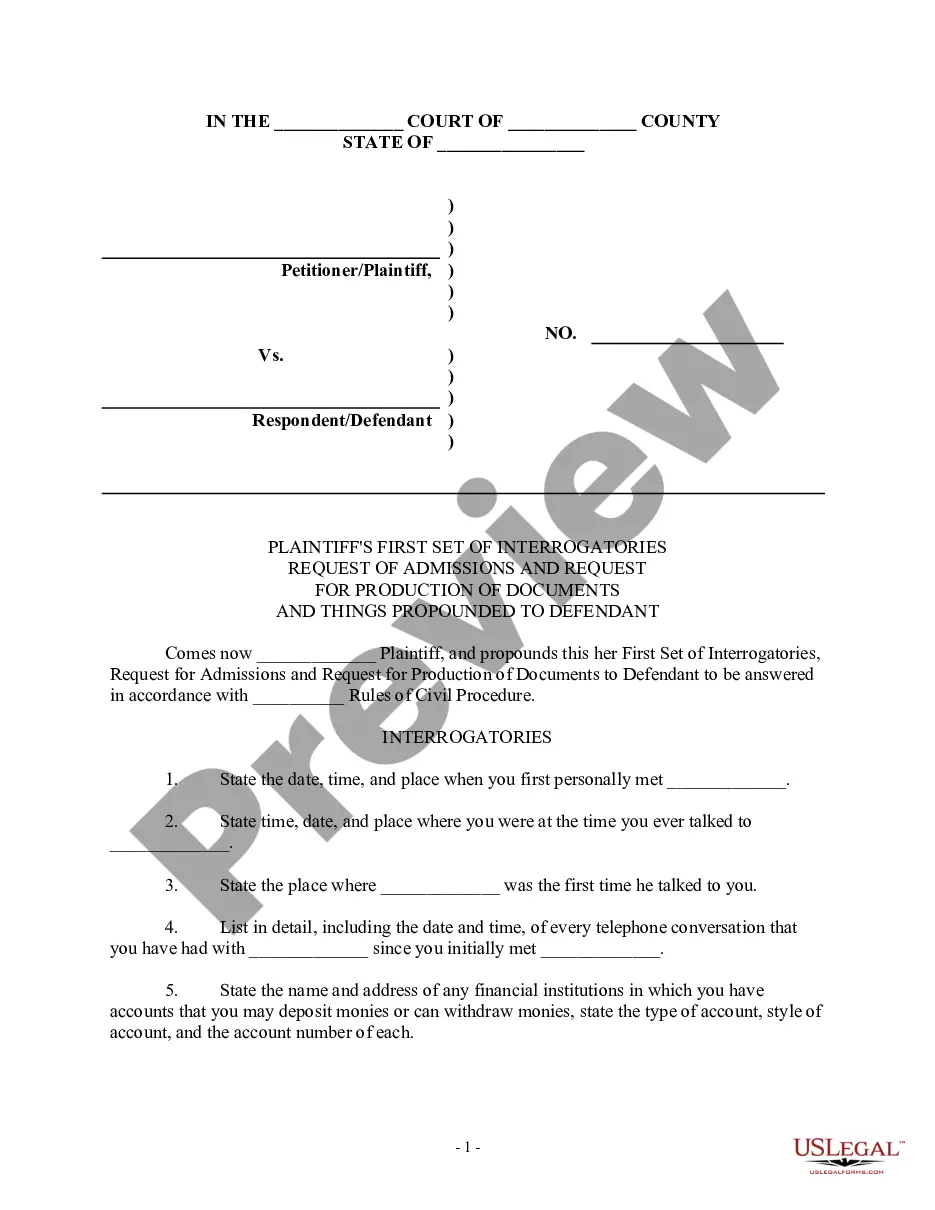
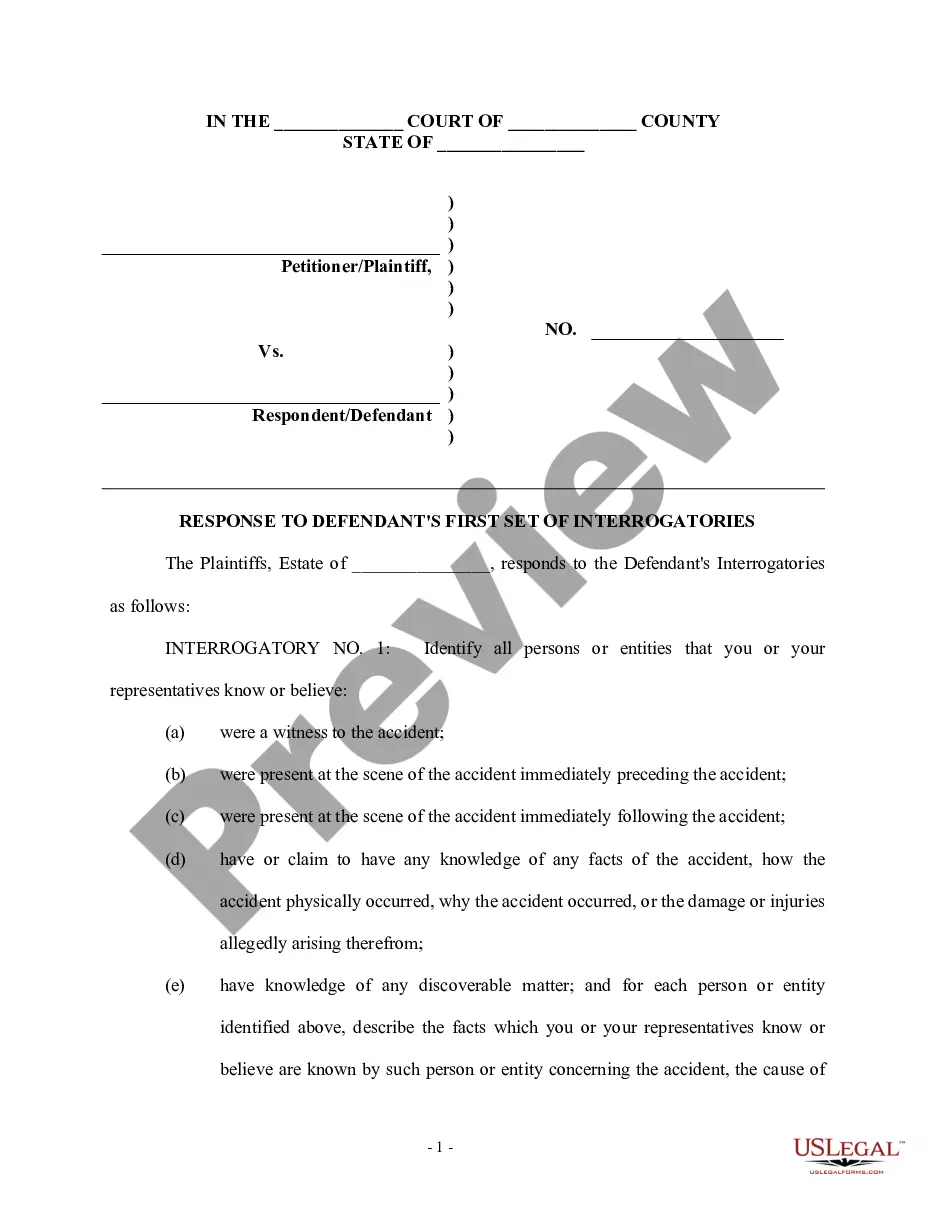
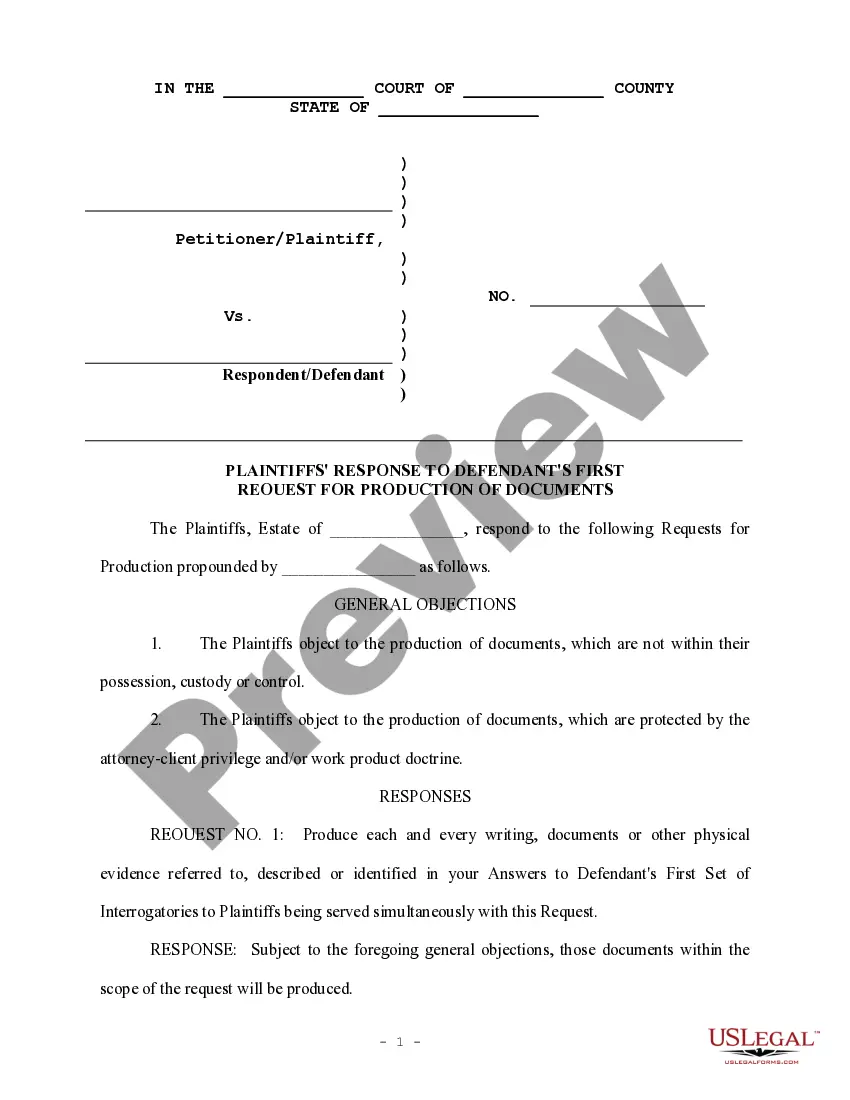
How to fill out Defendant's Answers To Plaintiff's First Set Of Interrogatories And Requests For Production Of Documents?
Utilizing legal templates that adhere to federal and state regulations is essential, and the internet provides numerous choices available.
However, what is the benefit of squandering time seeking the right Production Docs Form Form_for example on the internet if the US Legal Forms online repository already compiles such templates in one location.
US Legal Forms is the largest online legal directory boasting over 85,000 fillable templates crafted by attorneys for various business and personal needs.
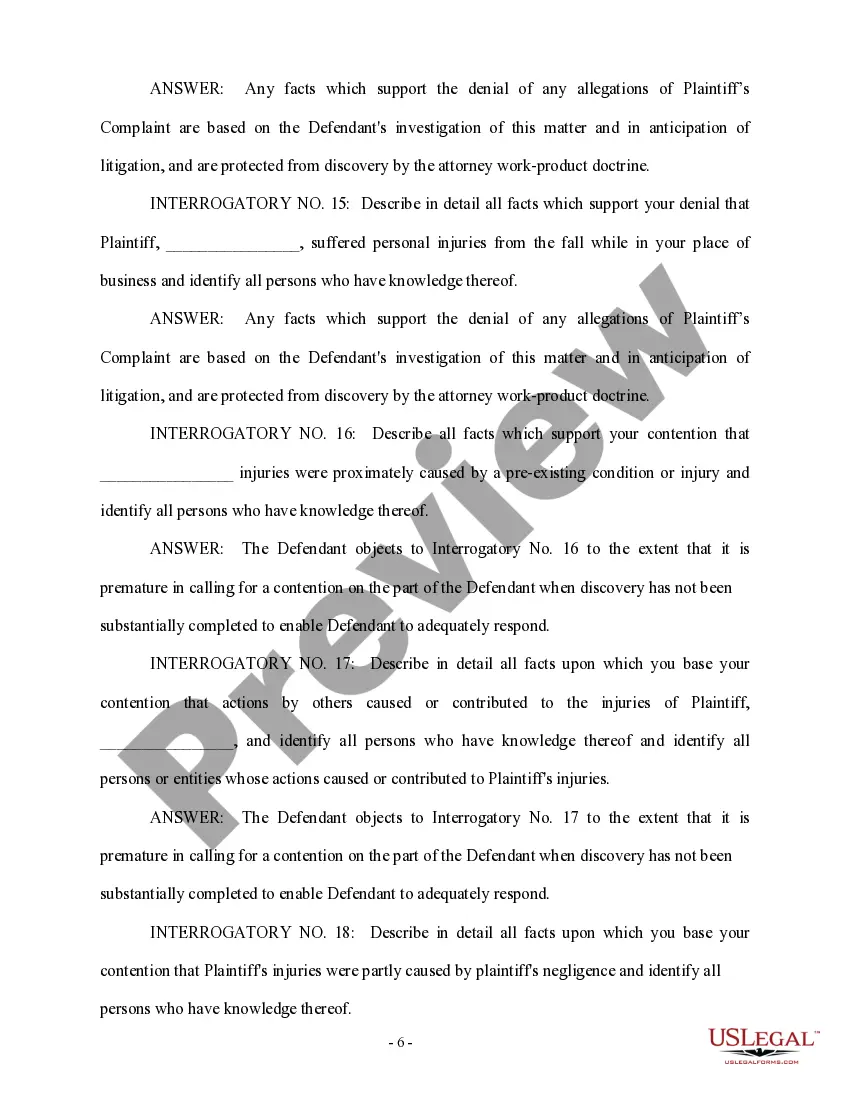
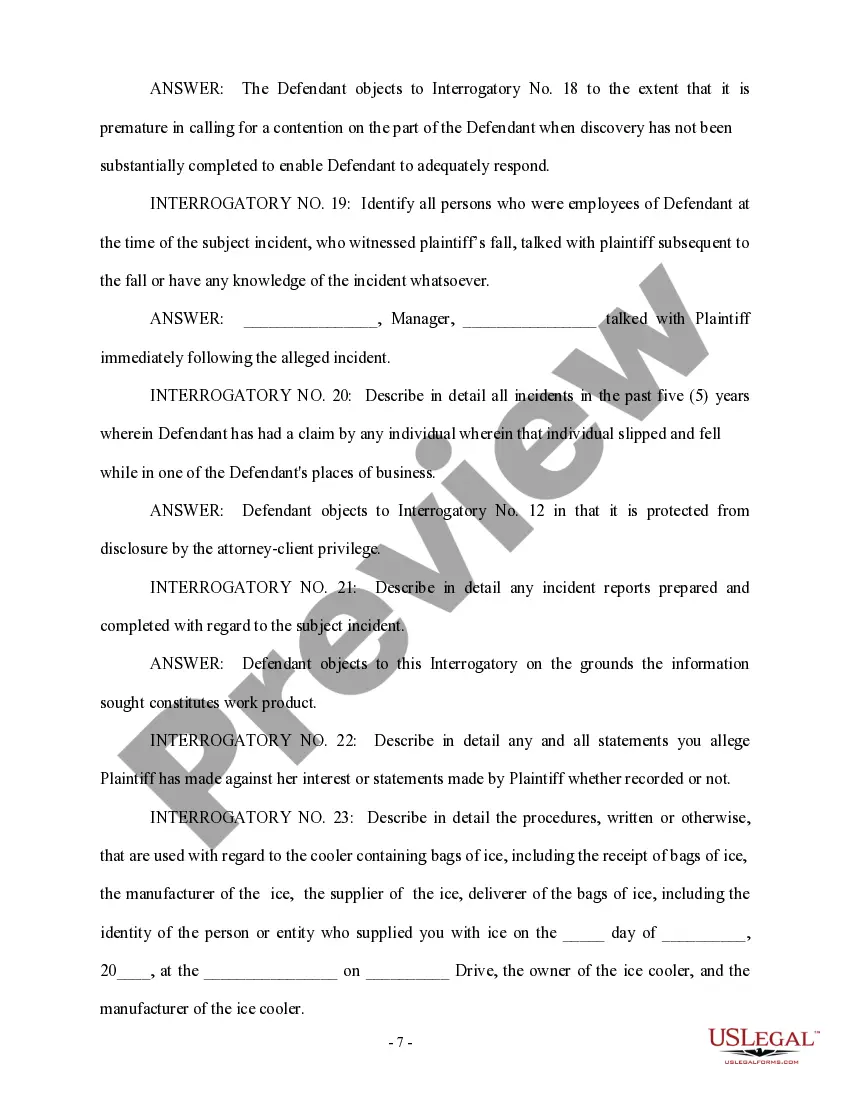
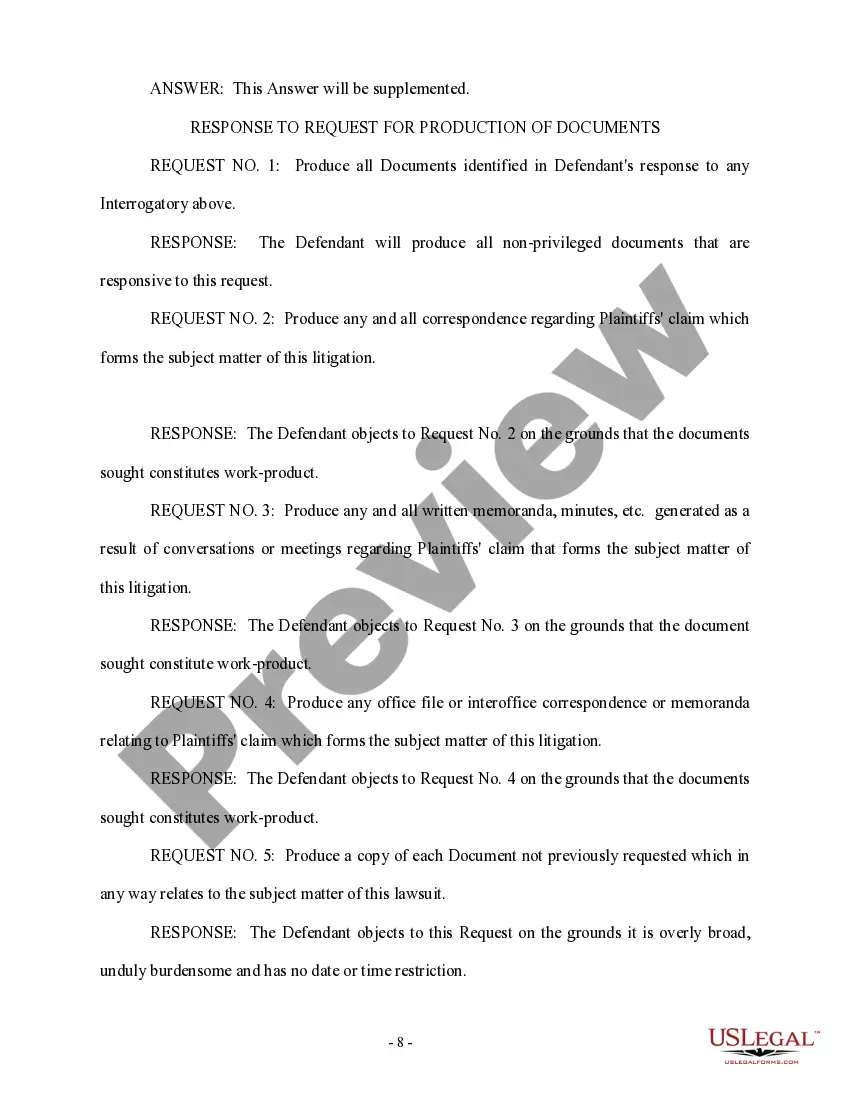
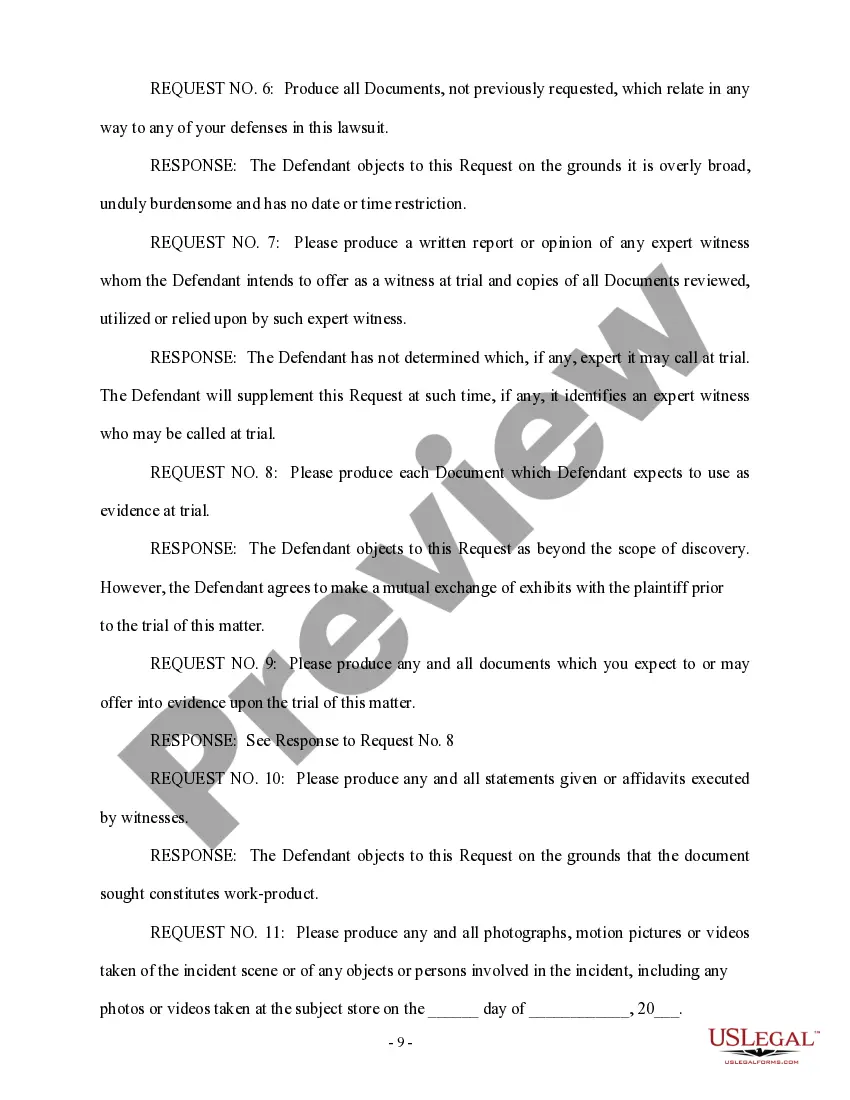
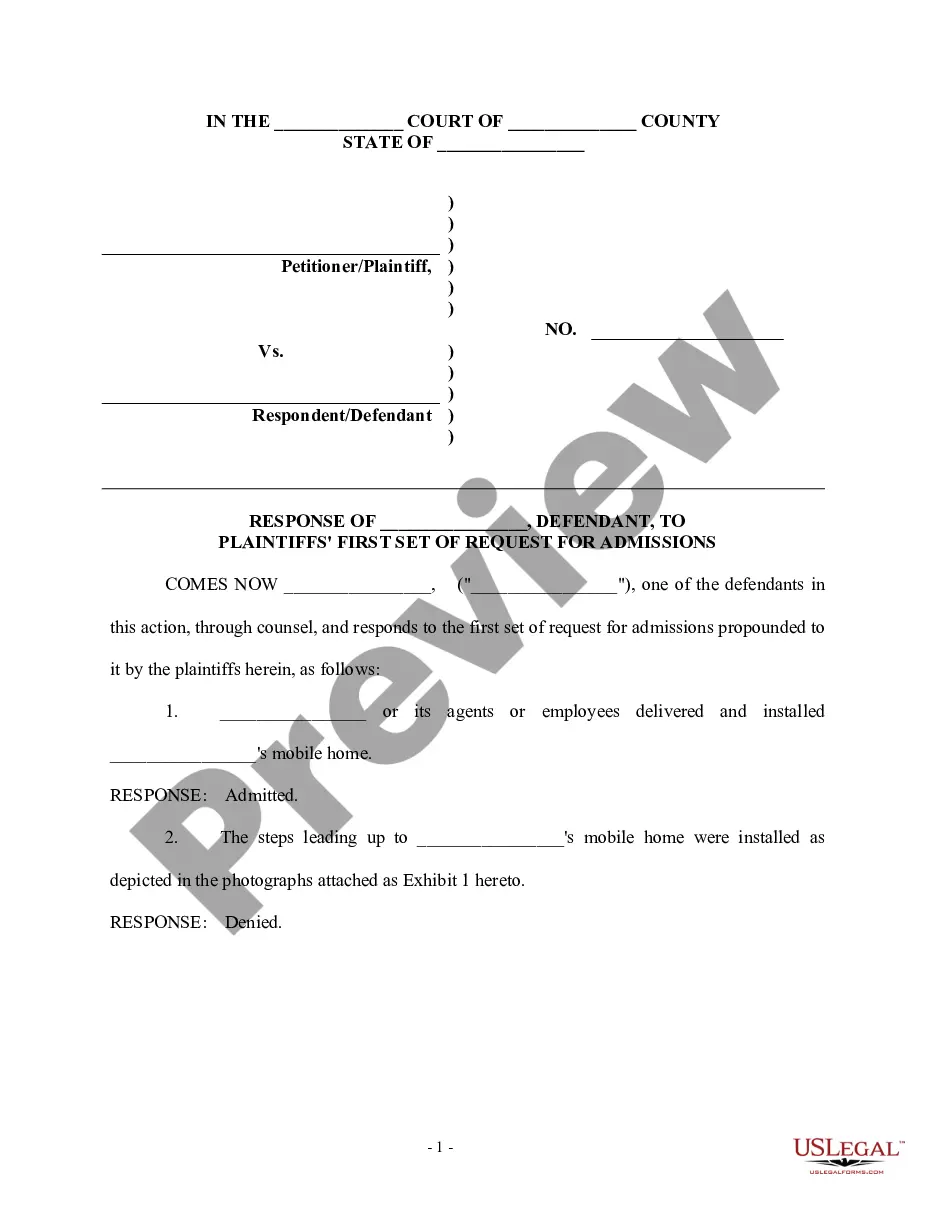
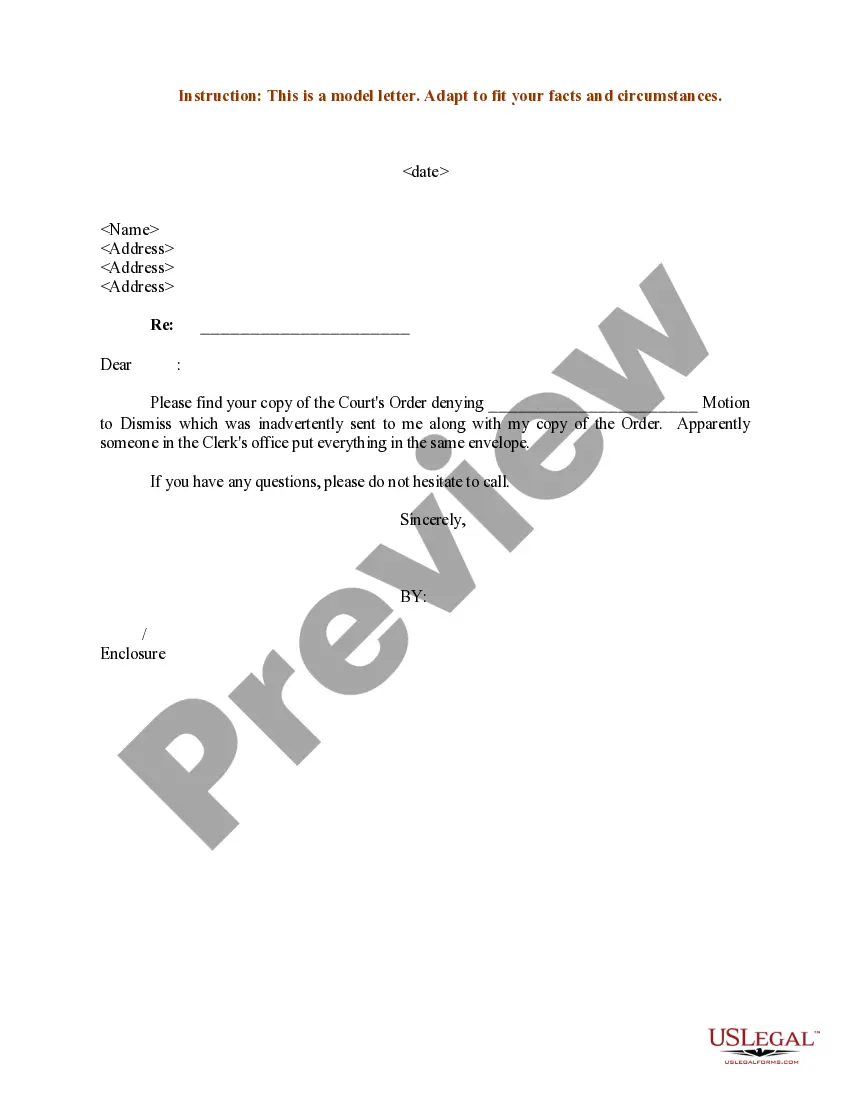
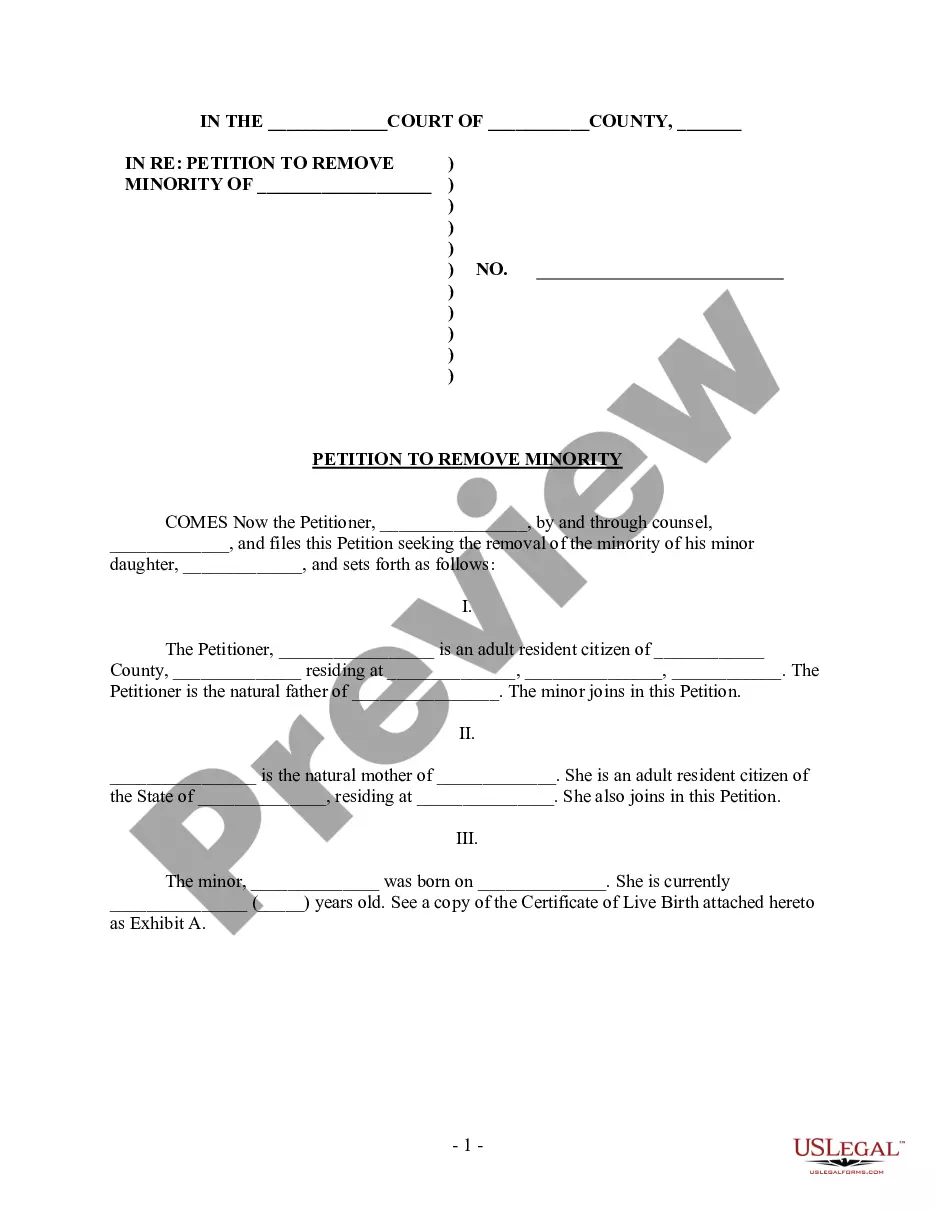
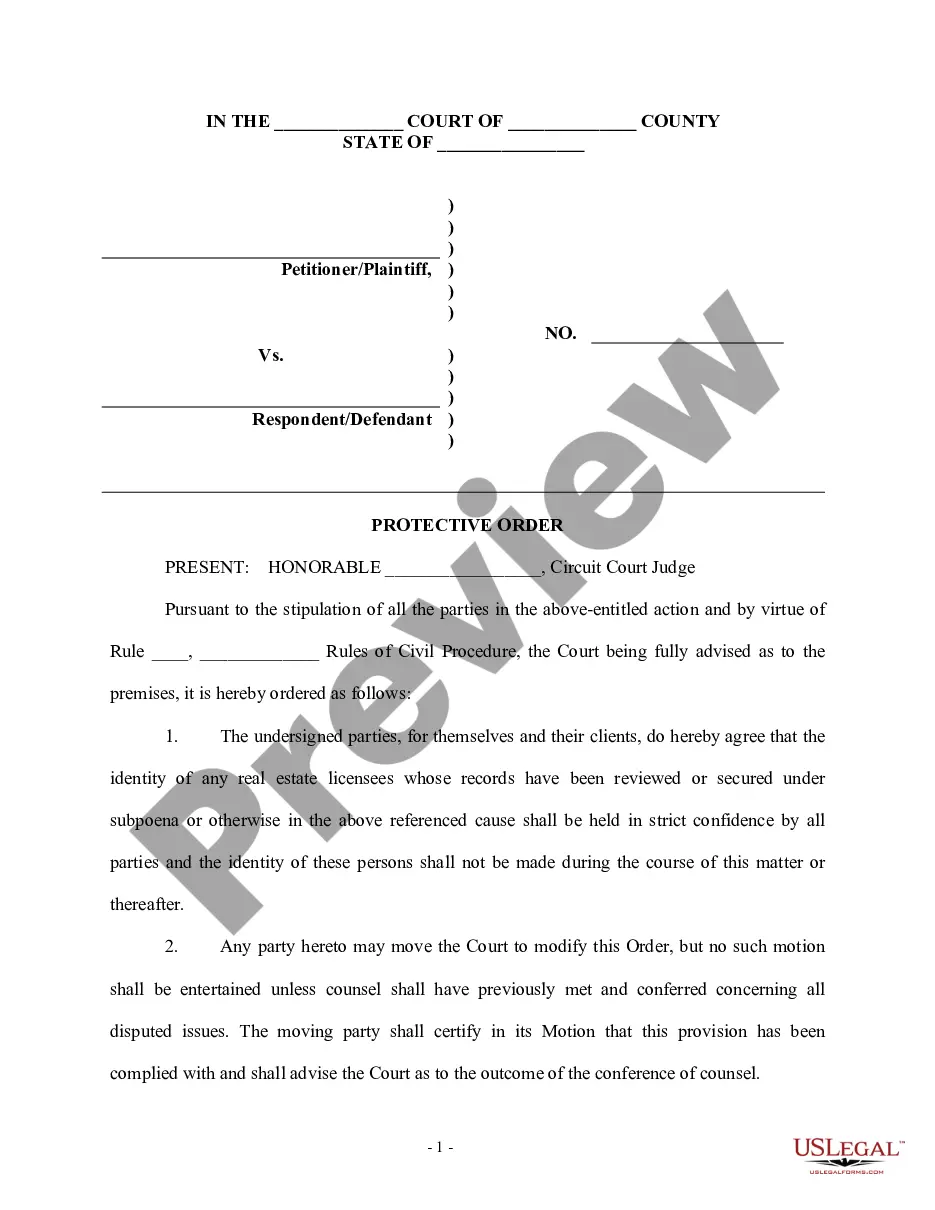
Review the template using the Preview feature or through the textual description to confirm it meets your requirements.
- They are easy to navigate with all documents categorized by state and intended use.
- Our experts keep track of legislative changes, so you can be assured your documents stay current and compliant when obtaining a Production Docs Form Form_for from our site.
- Acquiring a Production Docs Form Form_for is quick and straightforward for both existing and new users.
- If you already possess an account with an active subscription, Log In and save the document sample you require in your desired format.
- If you are unfamiliar with our website, follow the steps outlined below.
Form popularity
FAQ
The main difference between these is that form_tag can create a form without having to use a model and form_for relies on a model to generate the form for (makes sense, right?). When using form_for, we also have access to using form builders, which are not available for form_tag.
Generally, form_tag is used for basic forms that are not attached to a specific Controller#action. For example, if you want to write out a contact form or a search form for your website: <%= form_tag("/search", :method => "get") do %>
The main difference between these is that form_tag can create a form without having to use a model and form_for relies on a model to generate the form for (makes sense, right?). When using form_for, we also have access to using form builders, which are not available for form_tag.
Another difference between form_with compared to form_for and form_tag is that form_for and form_tag generate automatic ids for the input fields. On the other hand, form_with does not. Ids and classes have to be specified. This isn't necessarily considered to be a bad thing.
Form_with is a Rails form helper, similar to form_tag and form_for which have both been soft deprecated. It is a form helper that allows us to use ruby code to build an HTML form. form_with can bind a form to a model object or it can create a simple form that does not require a model.