Supplementary Content
Description
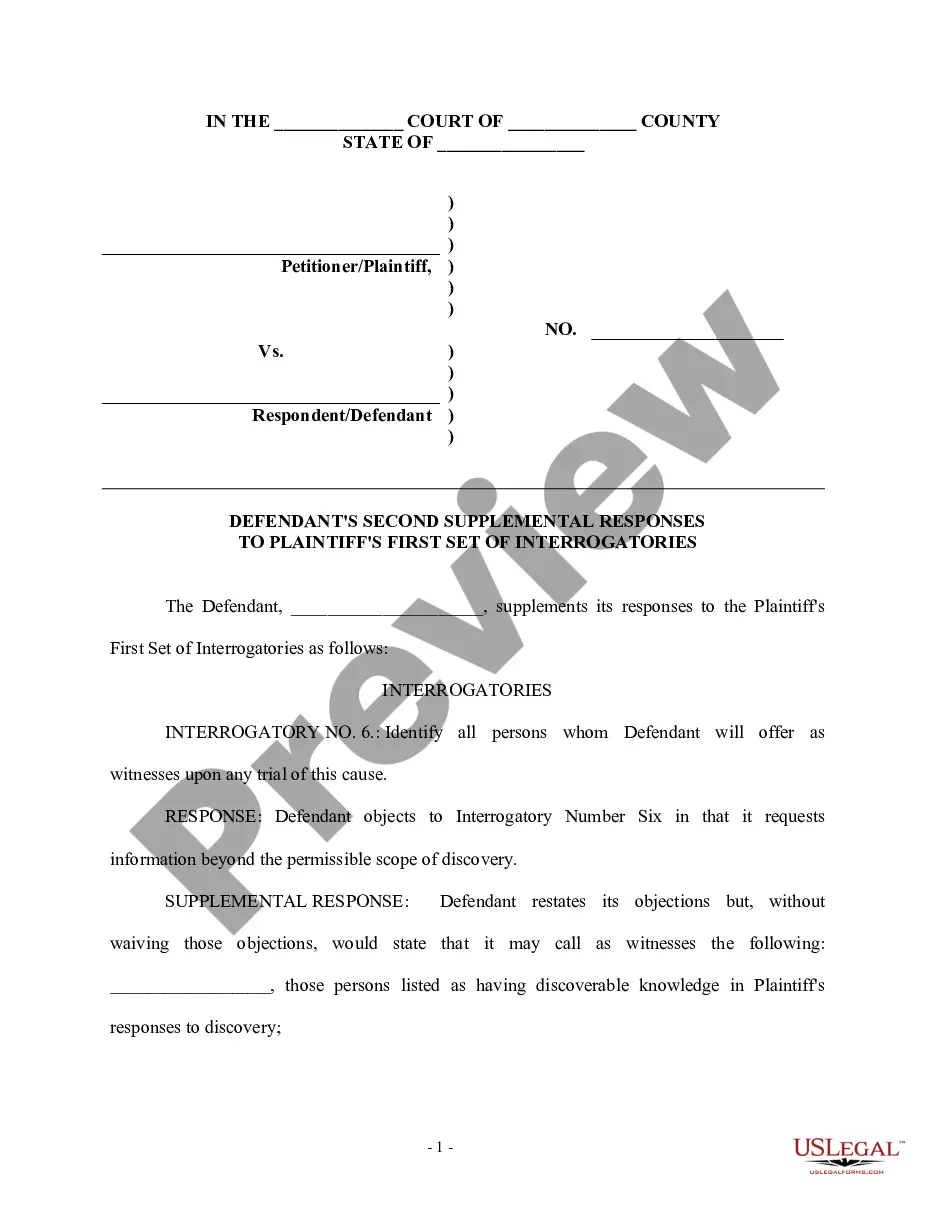
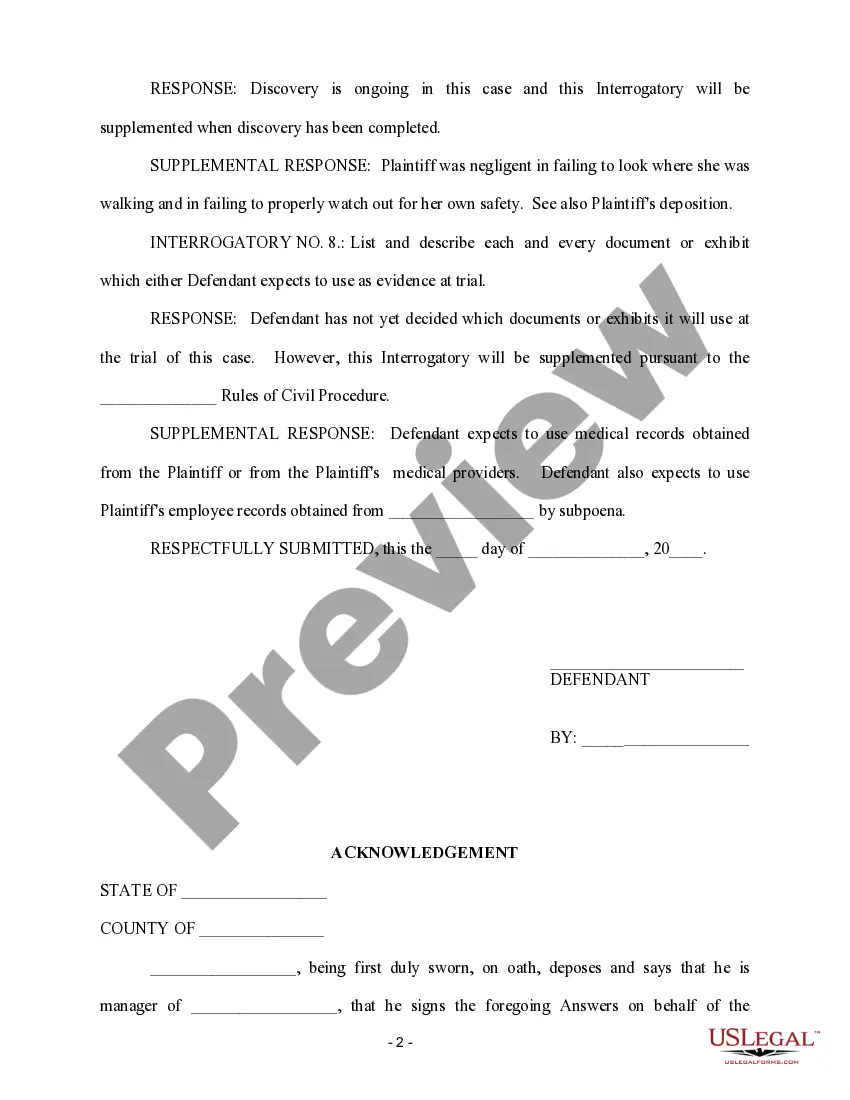
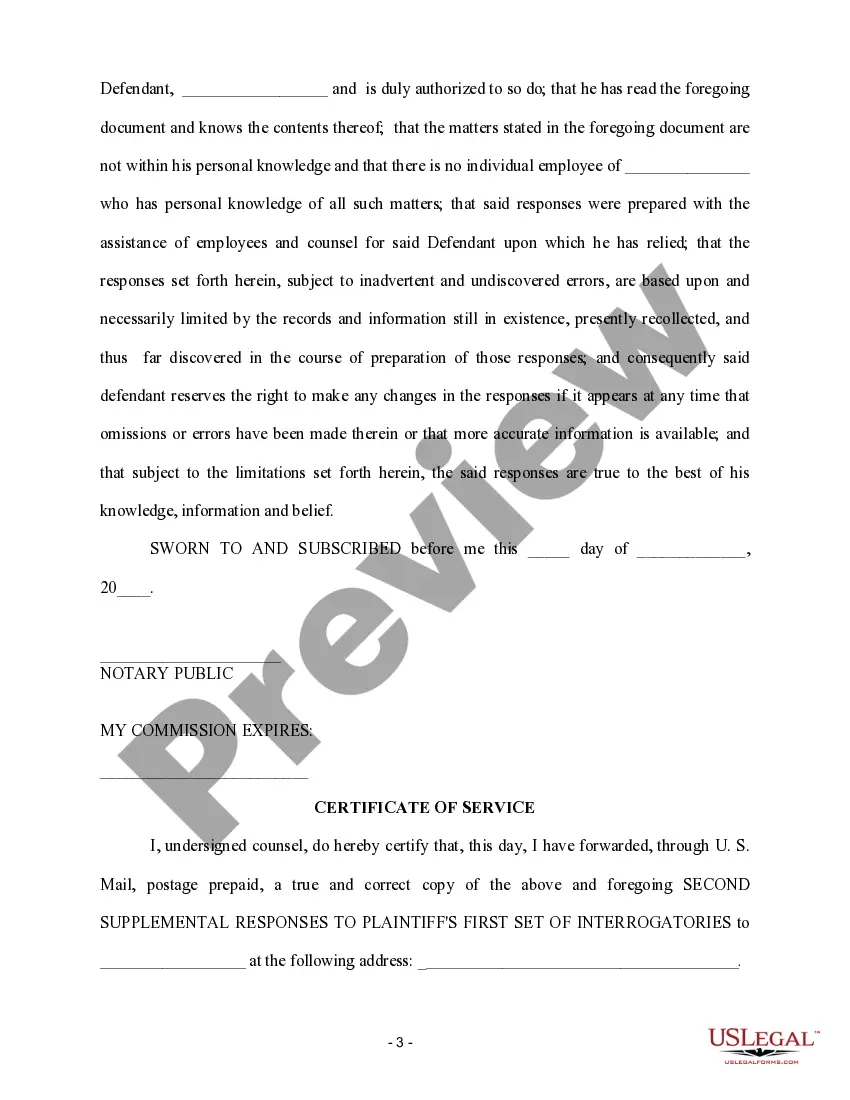

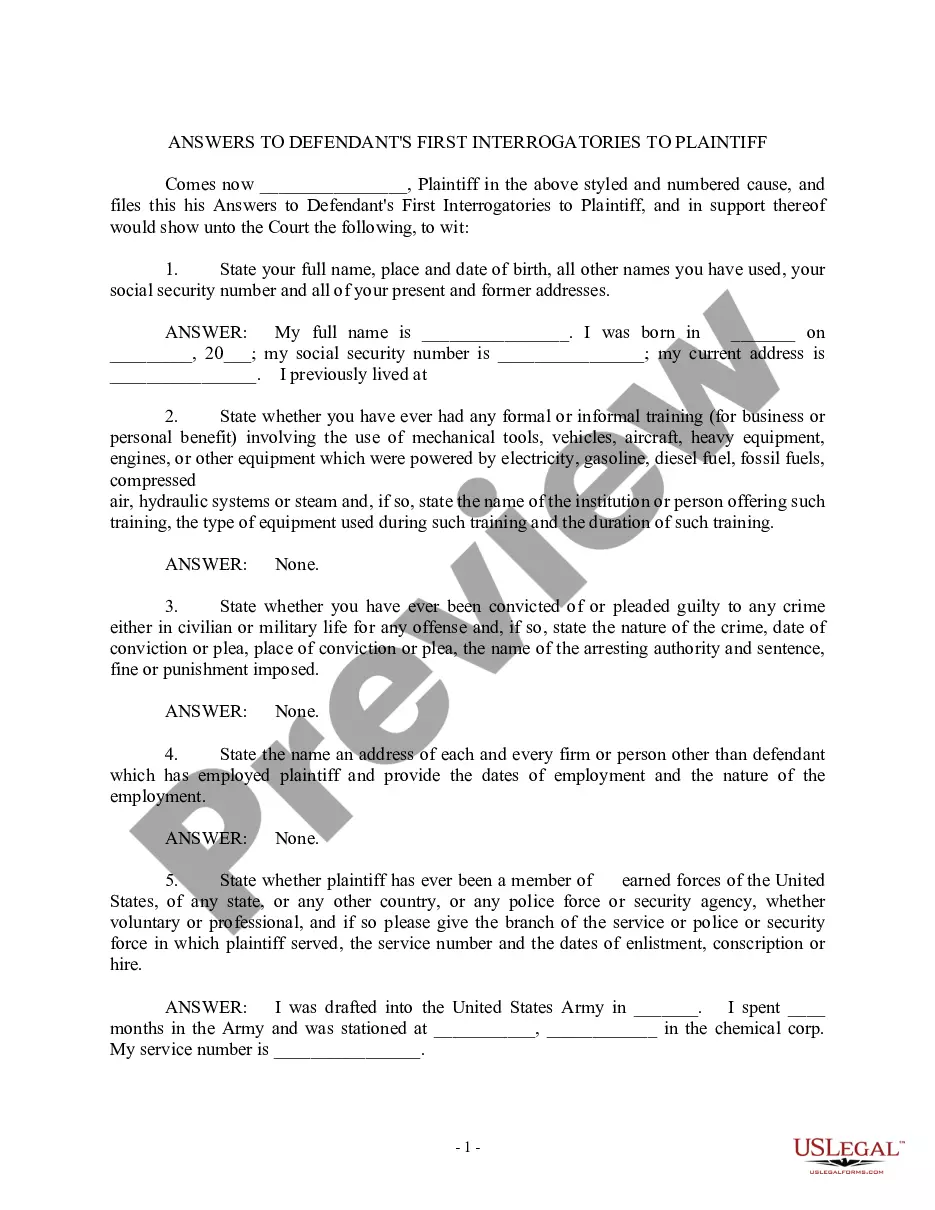

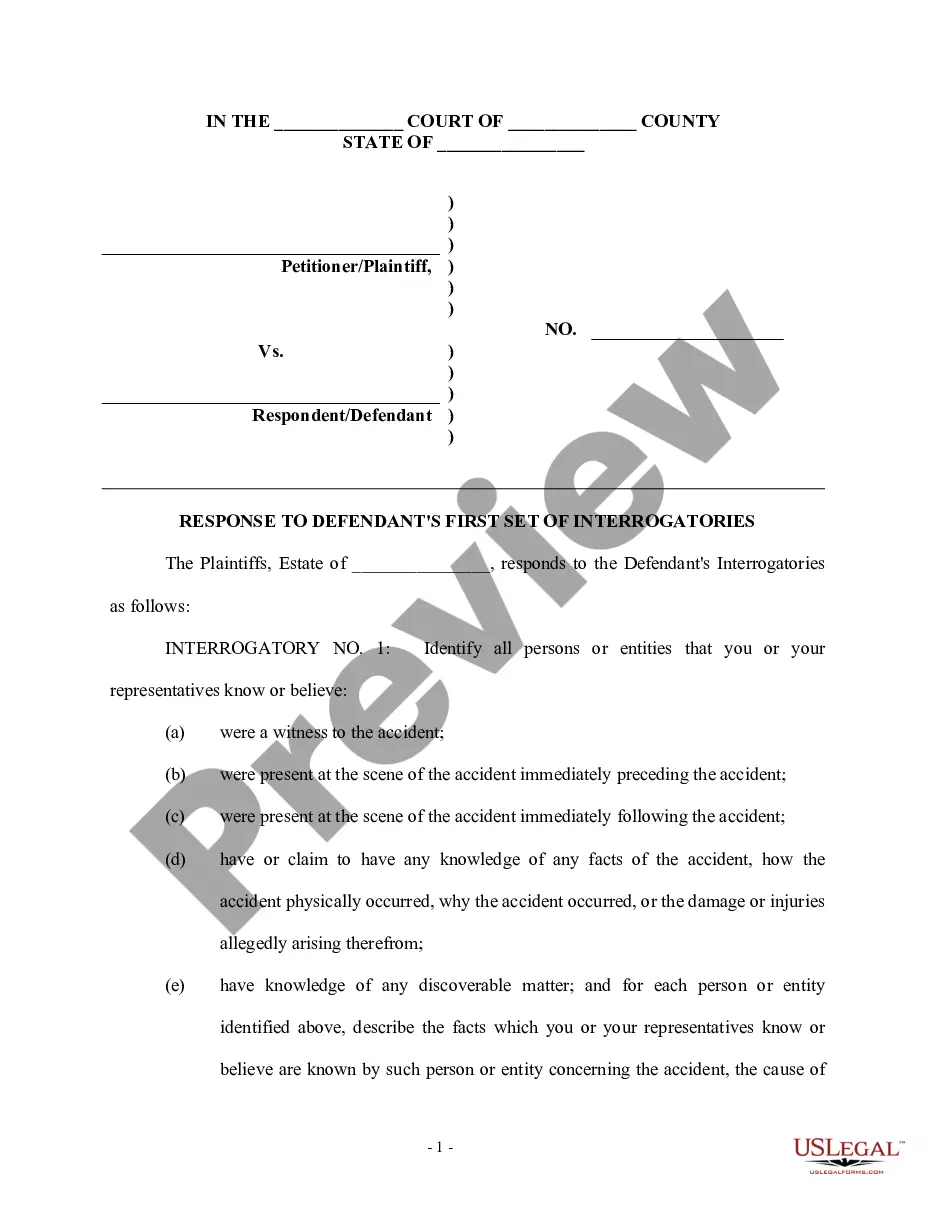
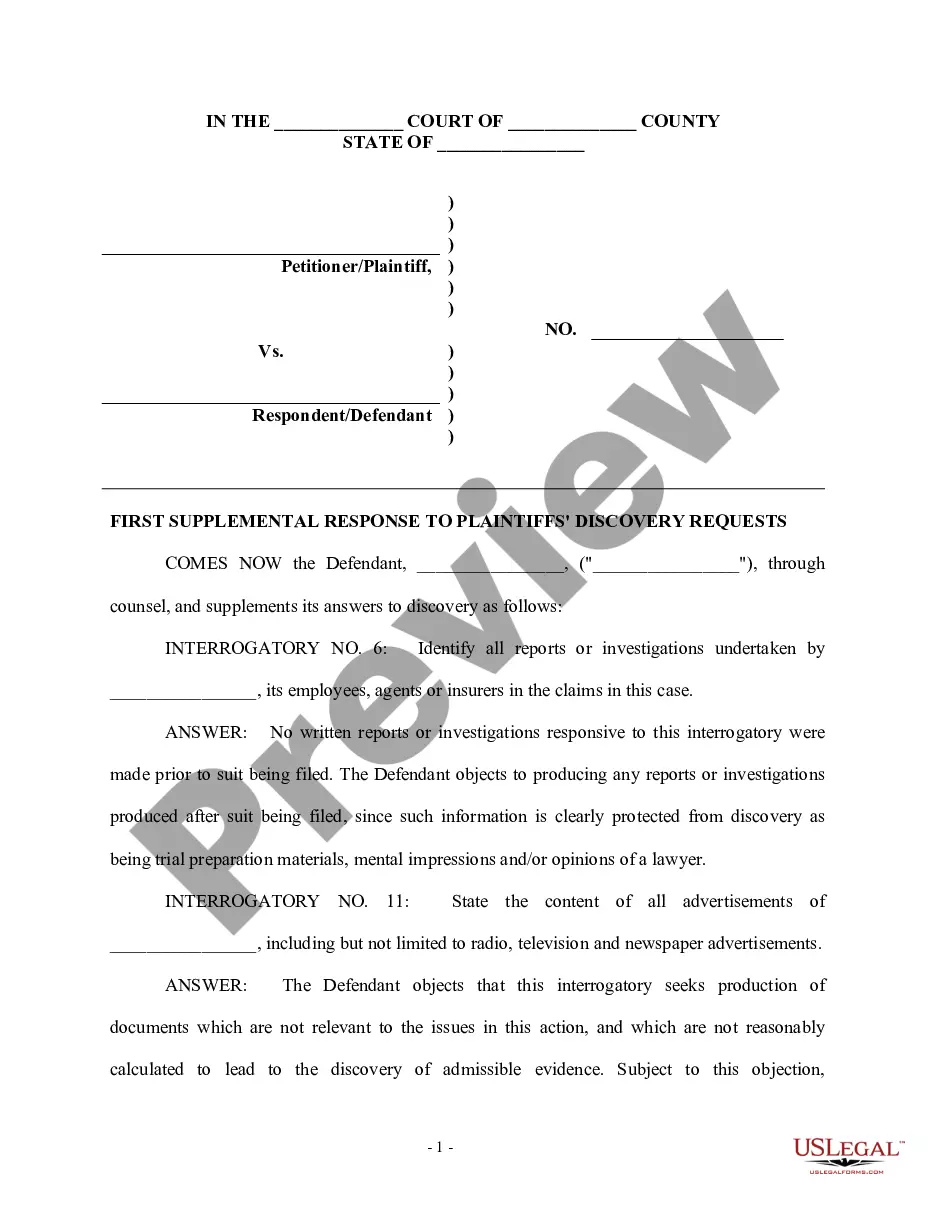
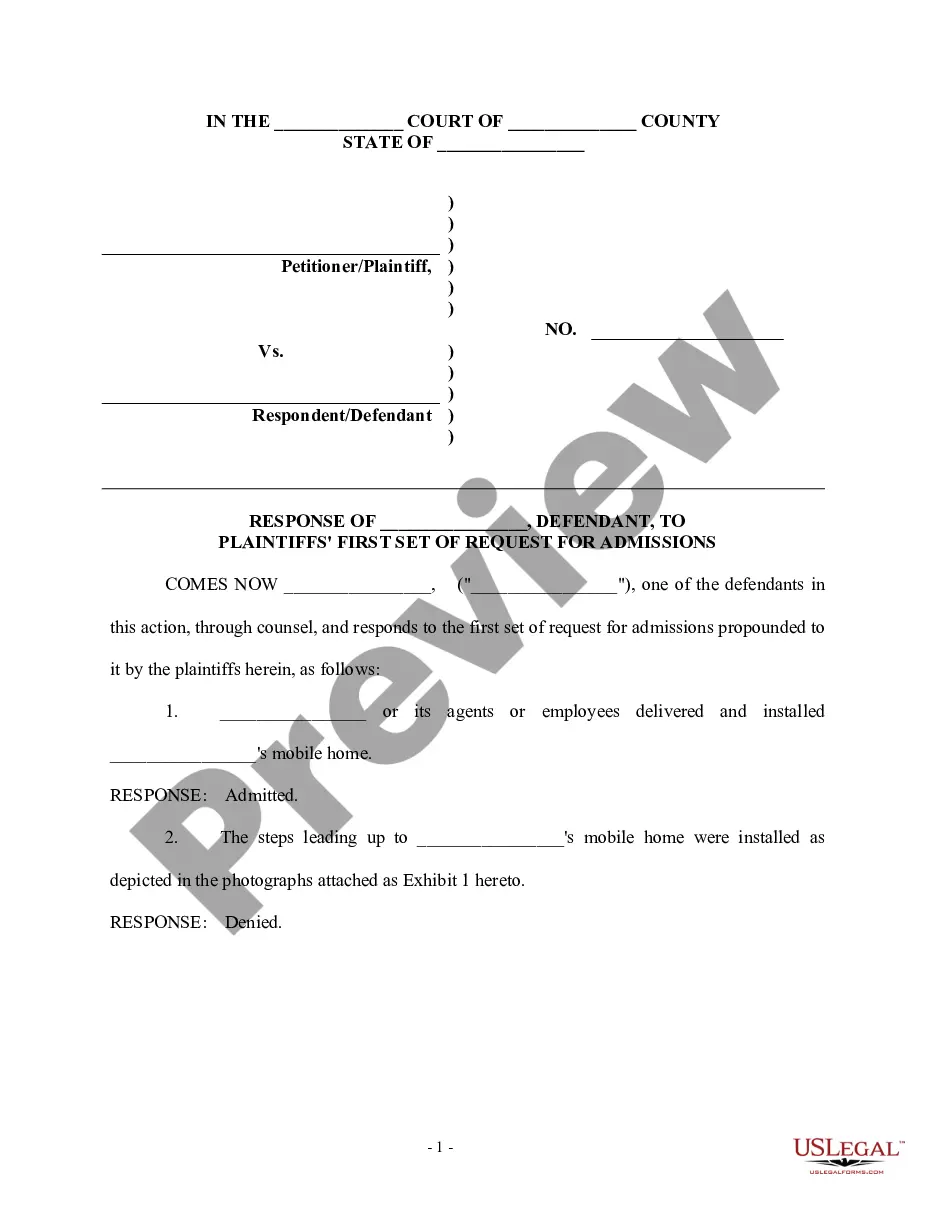
Get your form ready online
Our built-in tools help you complete, sign, share, and store your documents in one place.
Make edits, fill in missing information, and update formatting in US Legal Forms—just like you would in MS Word.
Download a copy, print it, send it by email, or mail it via USPS—whatever works best for your next step.
Sign and collect signatures with our SignNow integration. Send to multiple recipients, set reminders, and more. Go Premium to unlock E-Sign.
If this form requires notarization, complete it online through a secure video call—no need to meet a notary in person or wait for an appointment.
We protect your documents and personal data by following strict security and privacy standards.

Make edits, fill in missing information, and update formatting in US Legal Forms—just like you would in MS Word.

Download a copy, print it, send it by email, or mail it via USPS—whatever works best for your next step.

Sign and collect signatures with our SignNow integration. Send to multiple recipients, set reminders, and more. Go Premium to unlock E-Sign.

If this form requires notarization, complete it online through a secure video call—no need to meet a notary in person or wait for an appointment.

We protect your documents and personal data by following strict security and privacy standards.
Looking for another form?



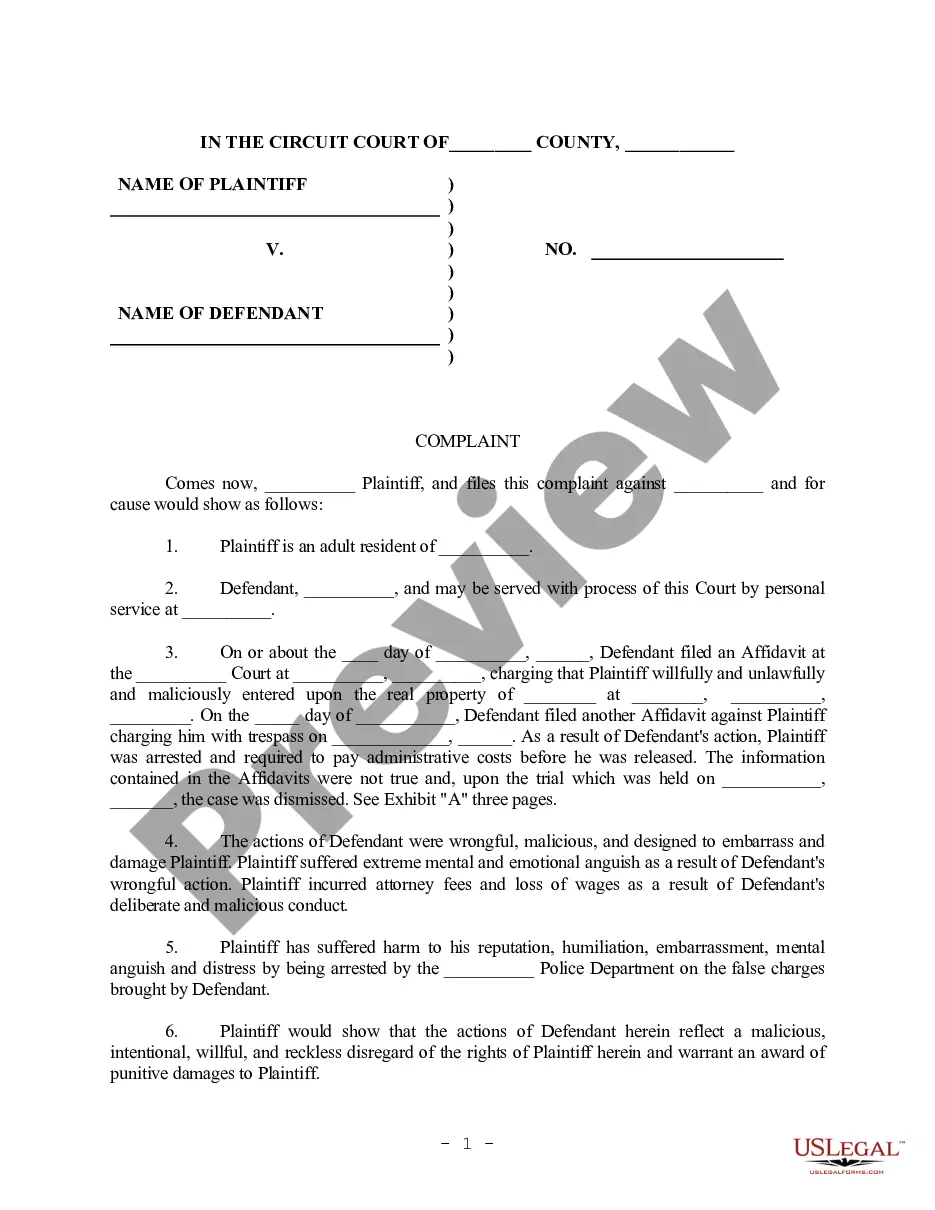



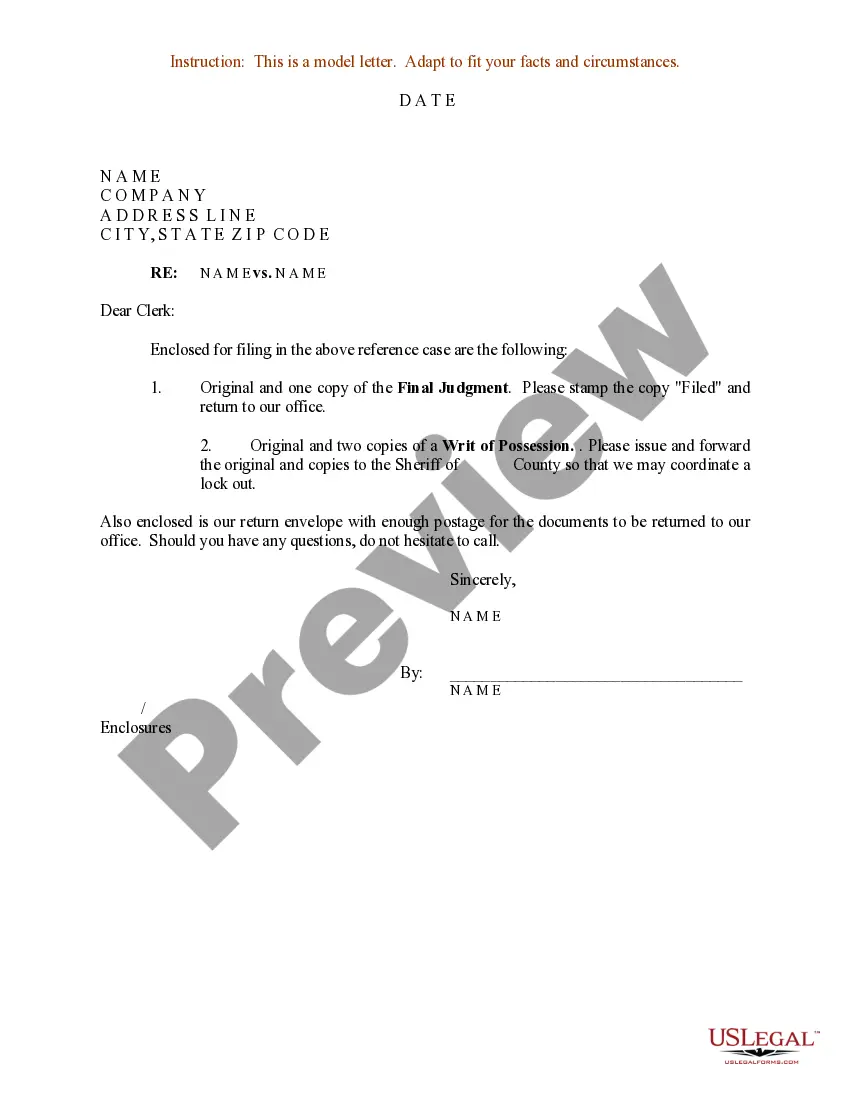
How to fill out Second Supplemental Responses To Plaintiff's First Set Of Interrogatories?
- If you're a returning user, simply log in to access your account and download your desired form template by clicking the Download button. Ensure your subscription is active; if not, renew it before proceeding.
- For first-time users, begin by exploring the Preview mode and the form description to confirm it aligns with your specific needs and adheres to local jurisdiction standards.
- If the template doesn't meet your requirements, utilize the Search feature to locate the appropriate document. Once you find the right form, proceed to the next step.
- Purchase the form by clicking the Buy Now button, where you can select your preferred subscription plan. You'll need to create an account to access the vast library.
- Complete the purchase by entering your payment details or using PayPal for a quick transaction.
- Finally, download the template to your device, and you can access it anytime through the My Forms section of your profile.
US Legal Forms is a powerful tool that simplifies the creation of legal documents, offering greater value with more options than many competitors. By providing users with access to expert guidance, it ensures that your documents are both accurate and compliant.
Don't hesitate! Start using US Legal Forms today to streamline your legal document needs.
Form popularity
FAQ
An example of supplementary data would be raw statistical data presented alongside a research paper's primary results. This supplementary content allows other researchers to verify findings and understand the methodology. It contributes to greater transparency and trustworthiness in the presented information.
Supplementary data may consist of extra figures, tables, or detailed explanations that accompany main findings in a research study. This type of data enhances the quality of primary data by providing necessary clarity and context. By offering such supplementary content, you make your research more accessible and informative.
Supplementary information might include background notes or an FAQ section in a legal document, which provides clarity for certain terms and concepts. This information can help the reader grasp complex issues and understand implications more thoroughly. Incorporating this supplementary content makes your material more user-friendly.
An example of supplementary content is an appendix in a research report that contains data sets used in analysis. This extra section may also feature additional explanations or related articles. Such supplementary content enriches the reader's experience and promotes a deeper understanding of the subject matter.
When creating supplementary material, consider including charts, graphs, reference lists, or case studies. This supplementary content helps clarify complex topics and offers valuable insights for readers. By providing diverse formats, you ensure that your audience engages more deeply with the main content.
Supplemental data refers to additional information that supports primary documents or findings. This type of supplementary content can enhance understanding and provide context. It often accompanies reports, studies, or legal documents, ensuring that users have comprehensive access to all necessary details.
Libby does not automatically download books for you by default, but you can enable certain settings to facilitate easier access. You can choose to have items downloaded automatically when you borrow them, ensuring you always have your supplementary content available offline. Adjust these settings in the app's preferences for a tailored reading experience.
To verify that your Libby books are downloaded, head to your Shelf and look for the checkmarks on the book covers. If you see them, it indicates that your supplementary content is ready for offline access. You may also check the app’s settings to adjust your download preferences for future titles.
Libby does not offer a built-in feature to convert books to PDF. However, you can take screenshots of specific pages for personal use, though that might not be practical for larger texts. If you're looking for supplementary content that you can extract easily, consider exploring different formats available through platforms that allow for more flexible file management.
Yes, you can download Libby books directly from the app. Simply find the book you want, tap on 'Borrow', and then select the download option before it appears in your Shelf. This allows you to enjoy your supplementary content offline and ensures your reading experience remains uninterrupted.