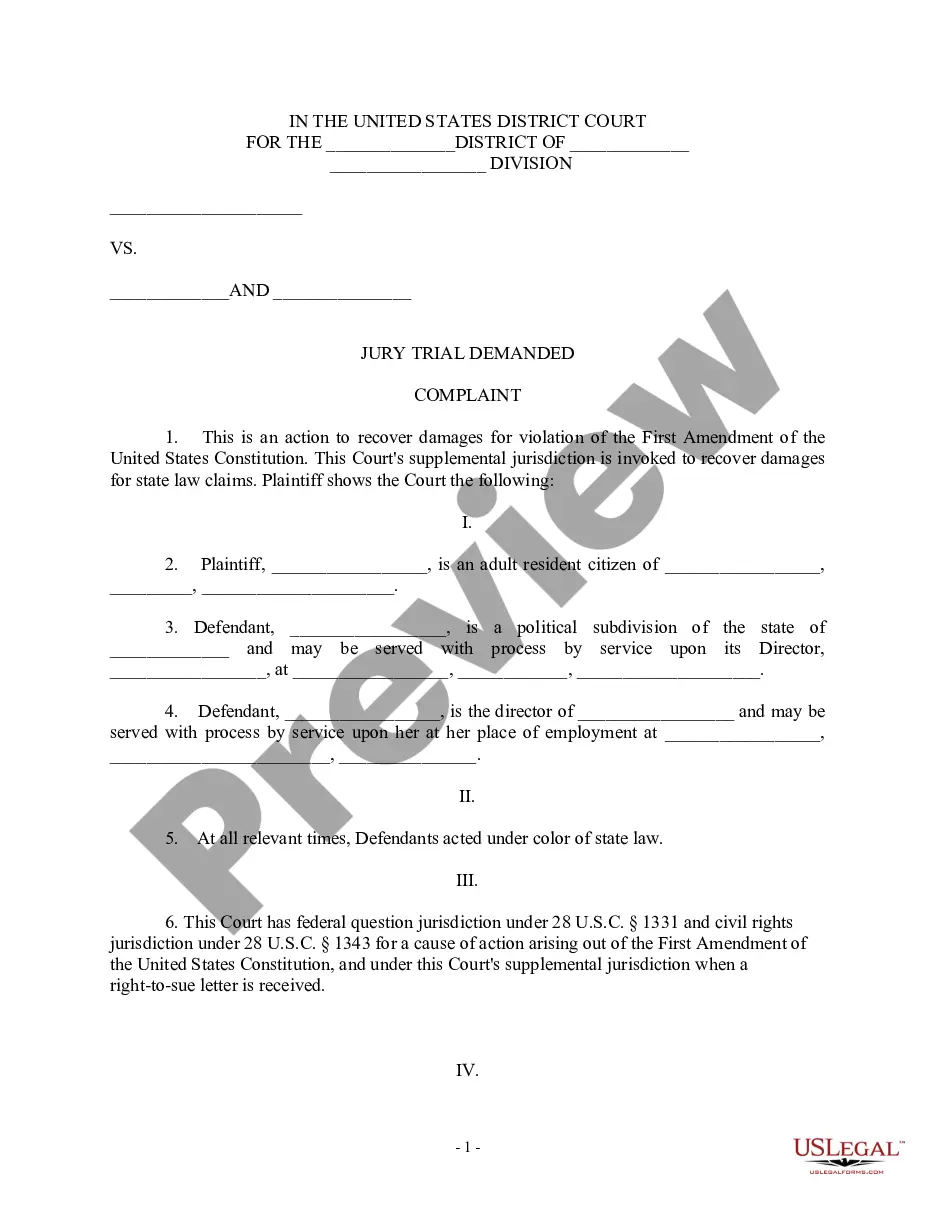
Lost Wages Form For Independent Contractor
Description
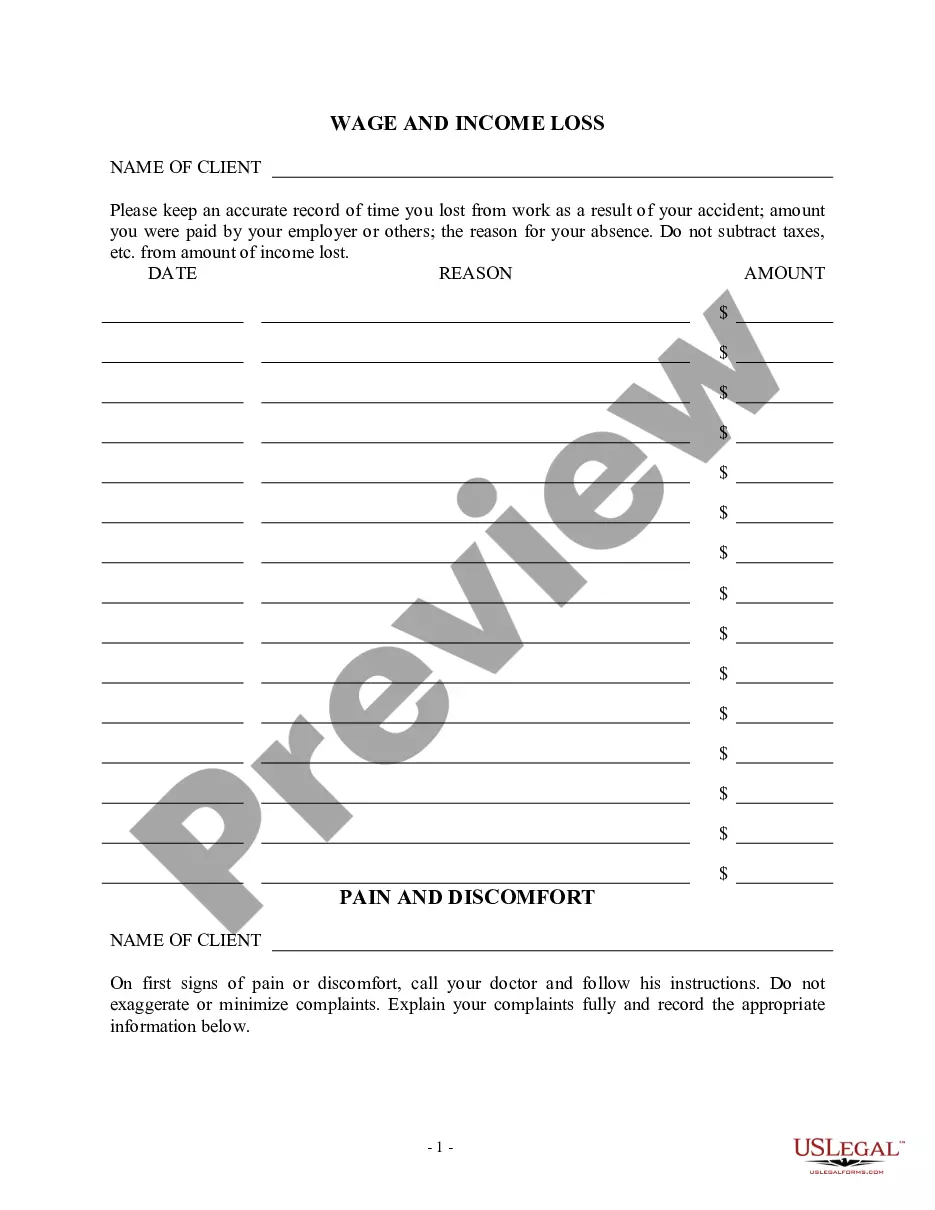
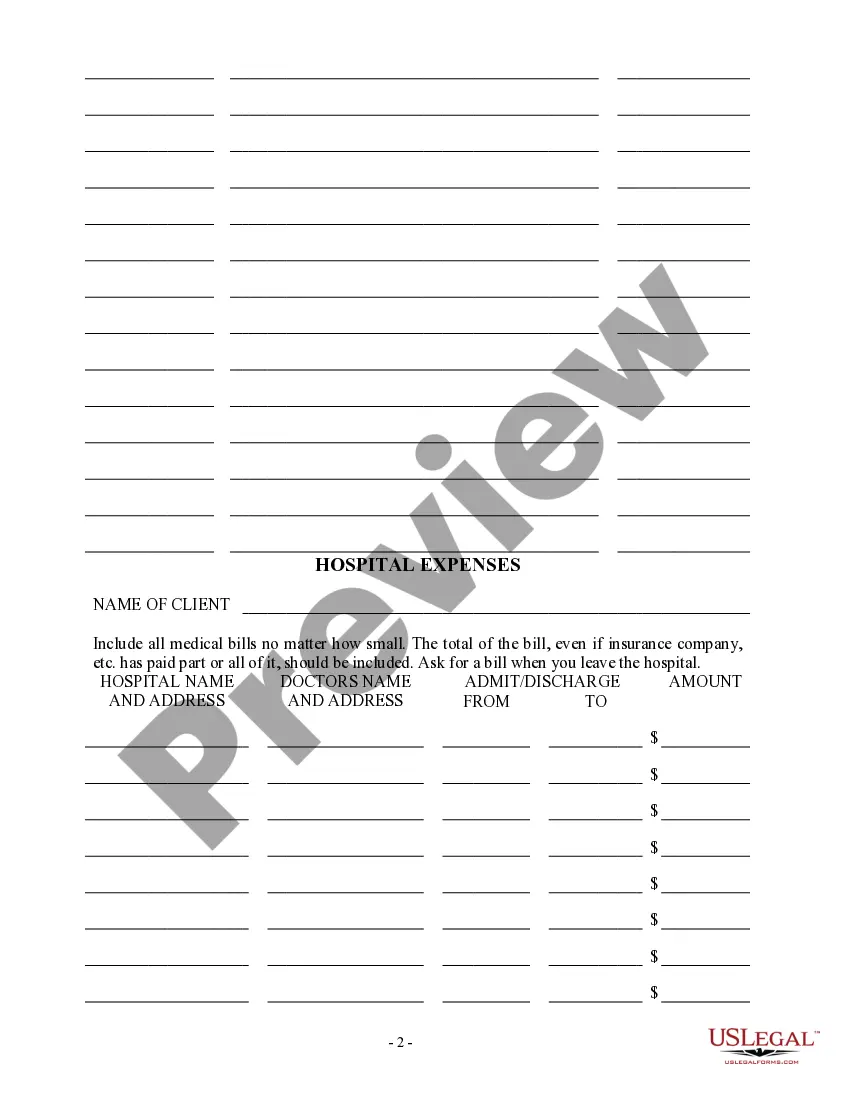
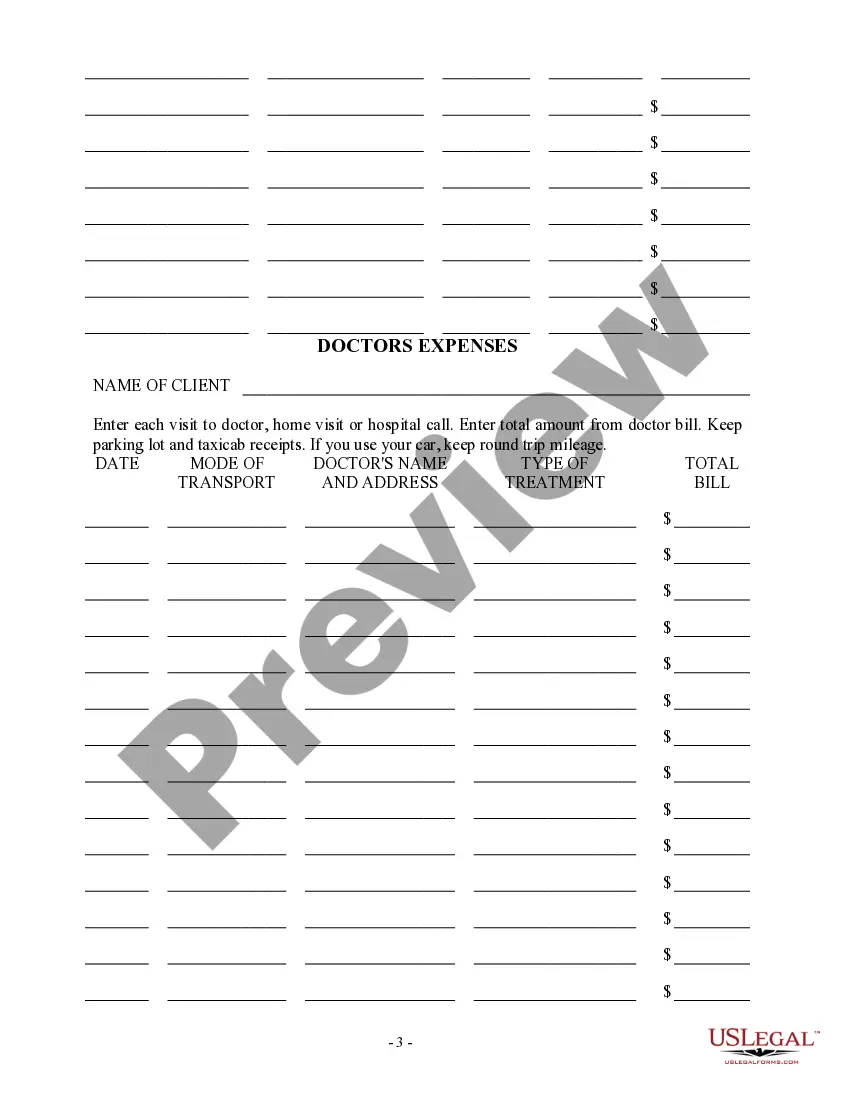

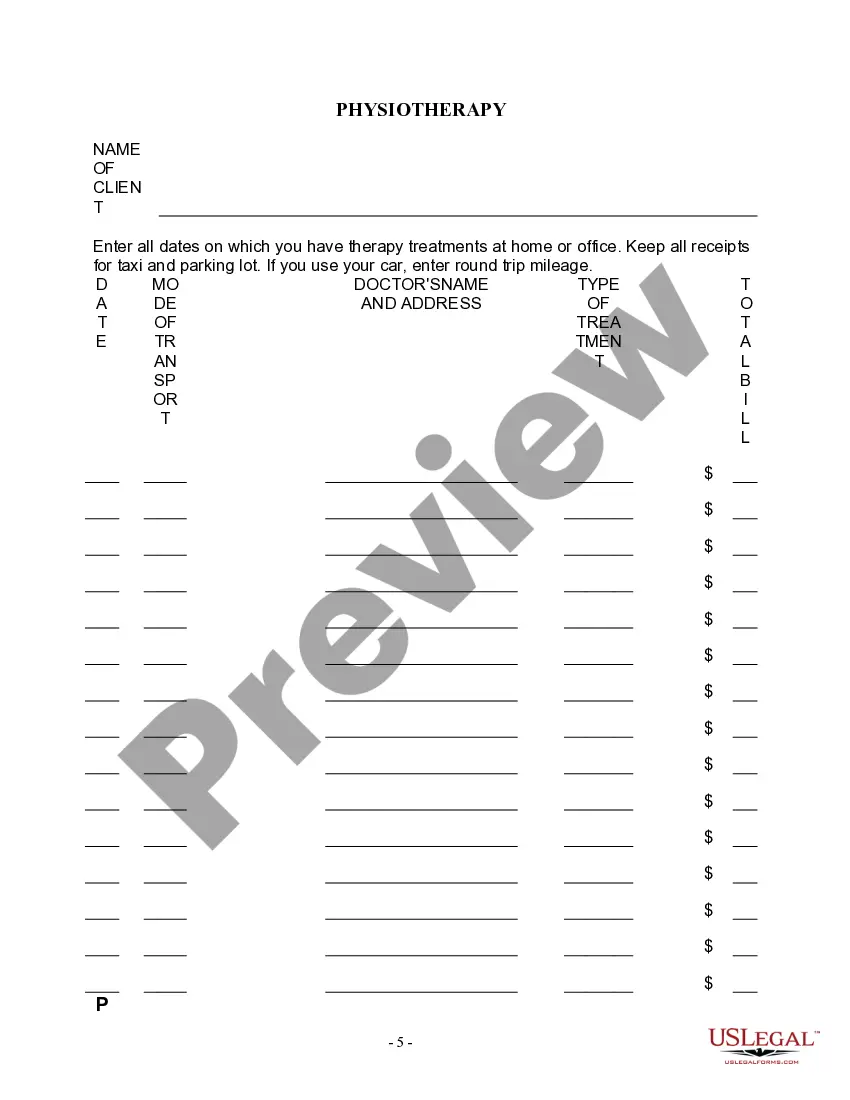
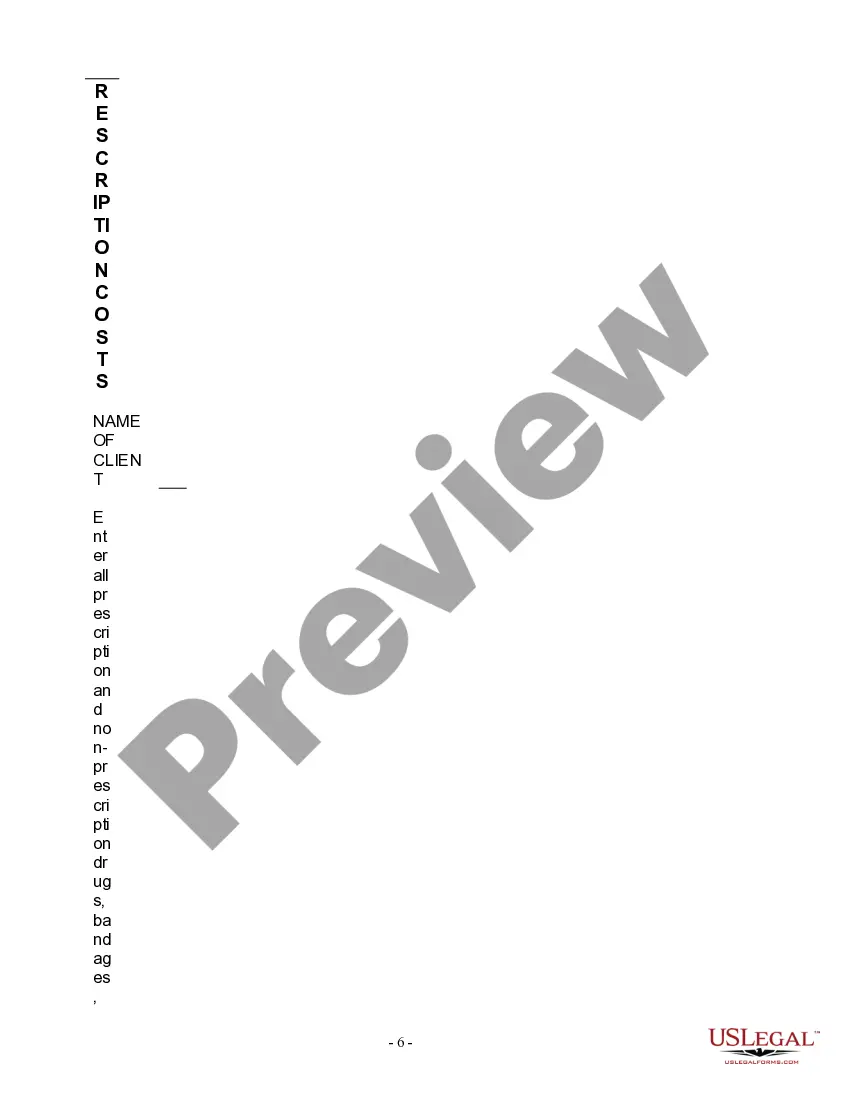
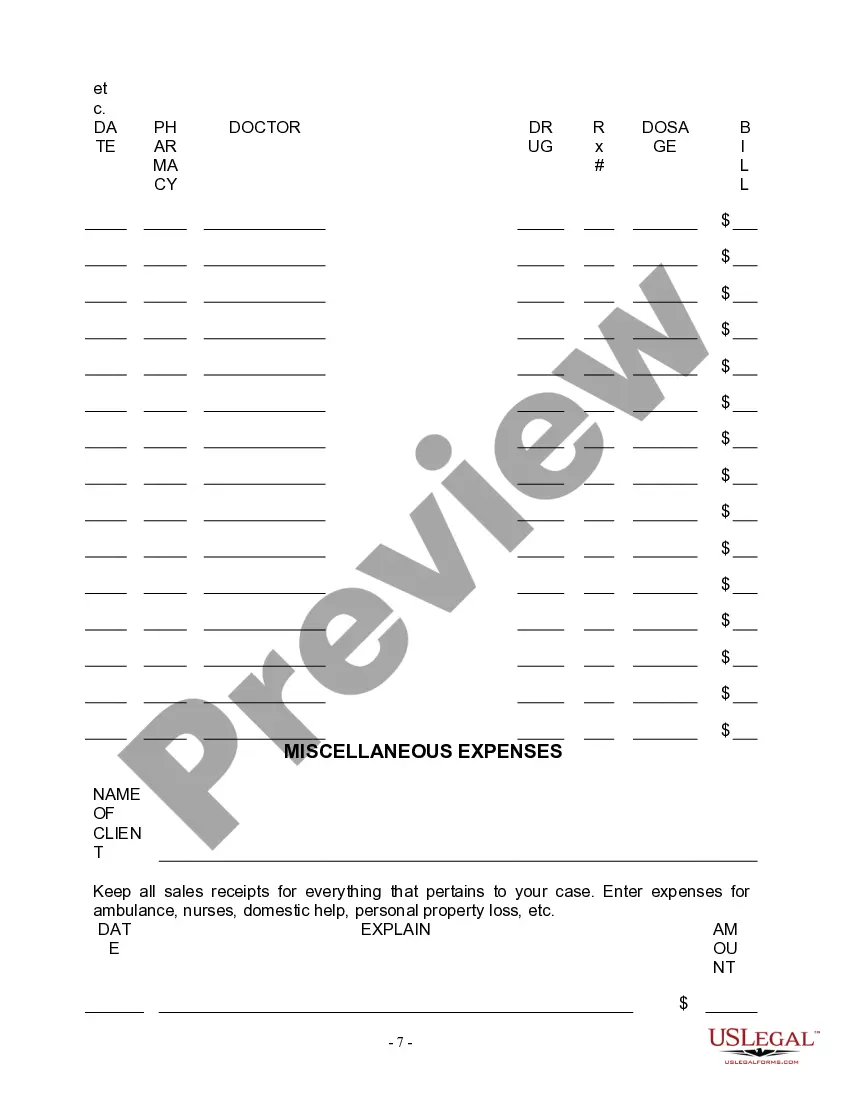

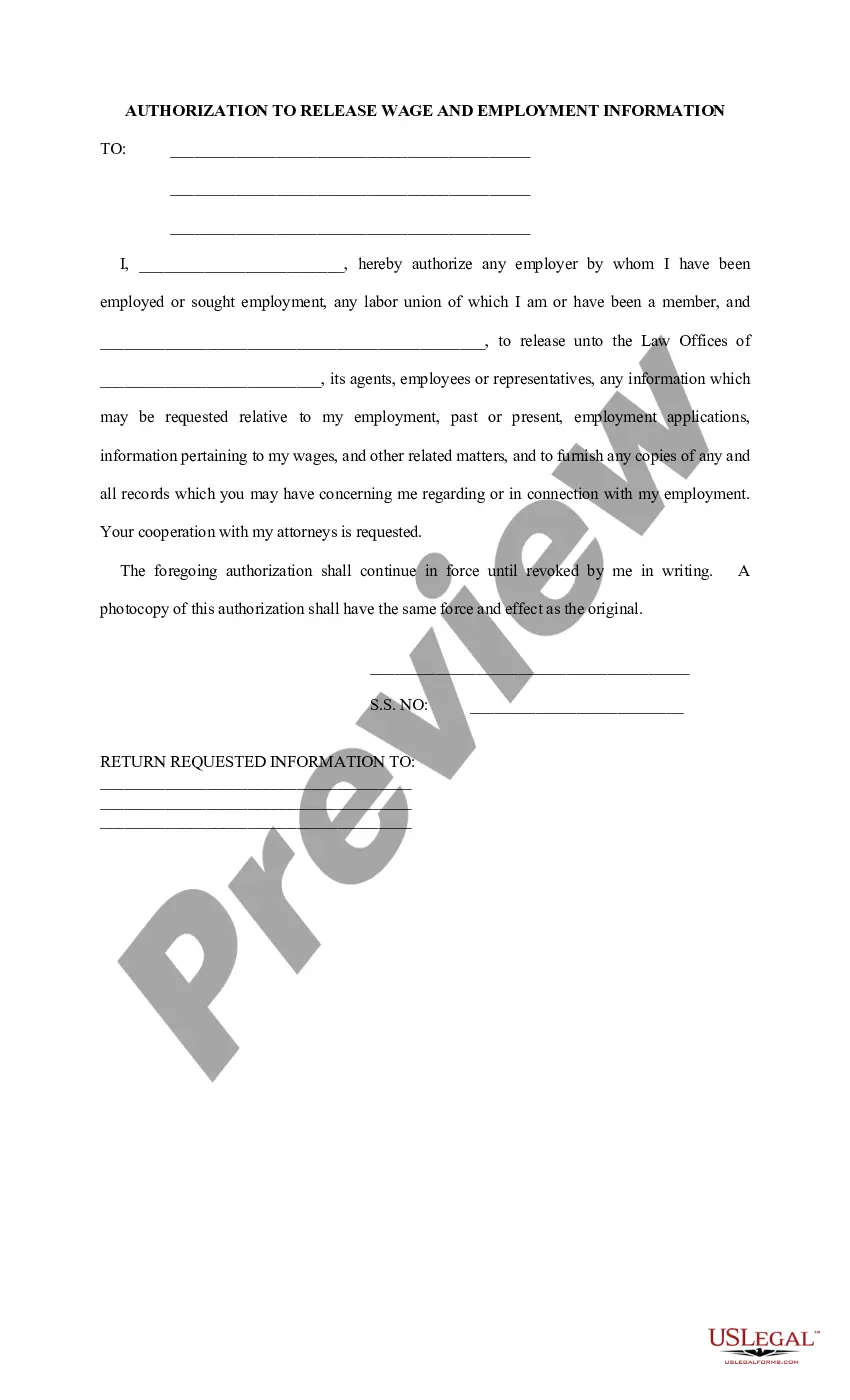
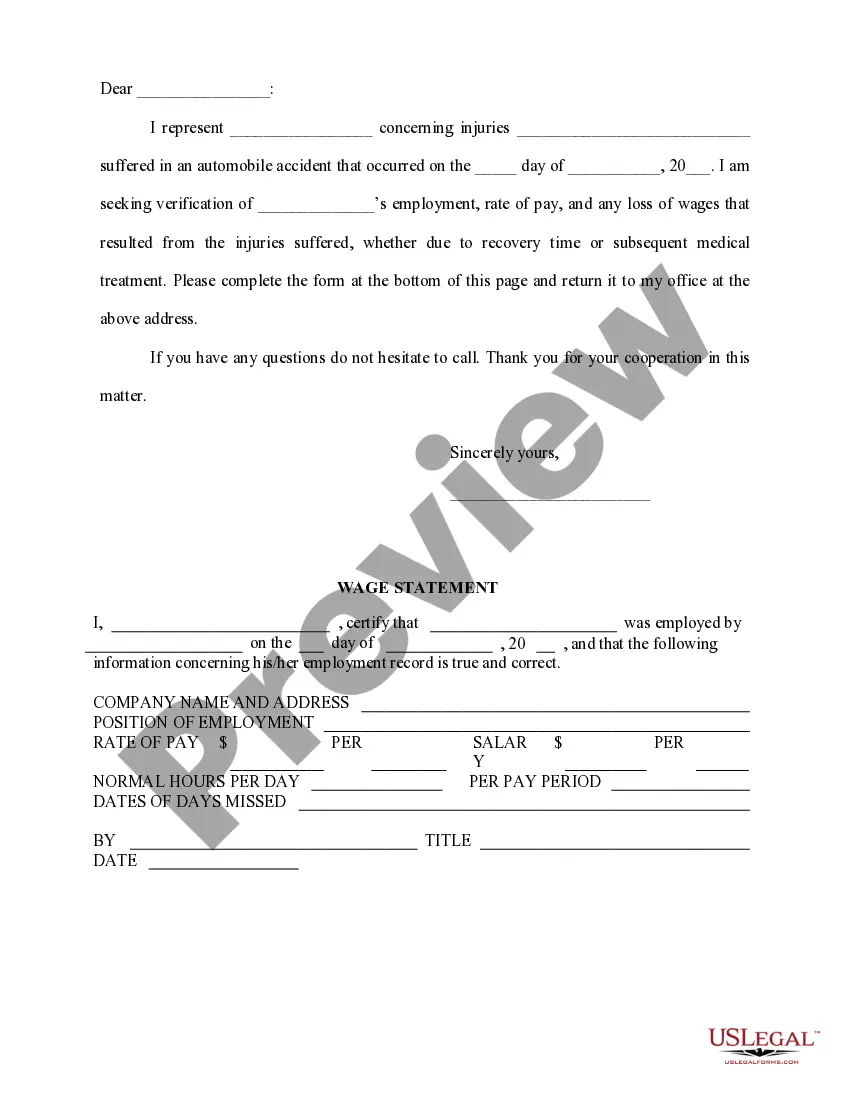

Get your form ready online
Our built-in tools help you complete, sign, share, and store your documents in one place.
Make edits, fill in missing information, and update formatting in US Legal Forms—just like you would in MS Word.
Download a copy, print it, send it by email, or mail it via USPS—whatever works best for your next step.
Sign and collect signatures with our SignNow integration. Send to multiple recipients, set reminders, and more. Go Premium to unlock E-Sign.
If this form requires notarization, complete it online through a secure video call—no need to meet a notary in person or wait for an appointment.
We protect your documents and personal data by following strict security and privacy standards.

Make edits, fill in missing information, and update formatting in US Legal Forms—just like you would in MS Word.

Download a copy, print it, send it by email, or mail it via USPS—whatever works best for your next step.

Sign and collect signatures with our SignNow integration. Send to multiple recipients, set reminders, and more. Go Premium to unlock E-Sign.

If this form requires notarization, complete it online through a secure video call—no need to meet a notary in person or wait for an appointment.

We protect your documents and personal data by following strict security and privacy standards.
Looking for another form?
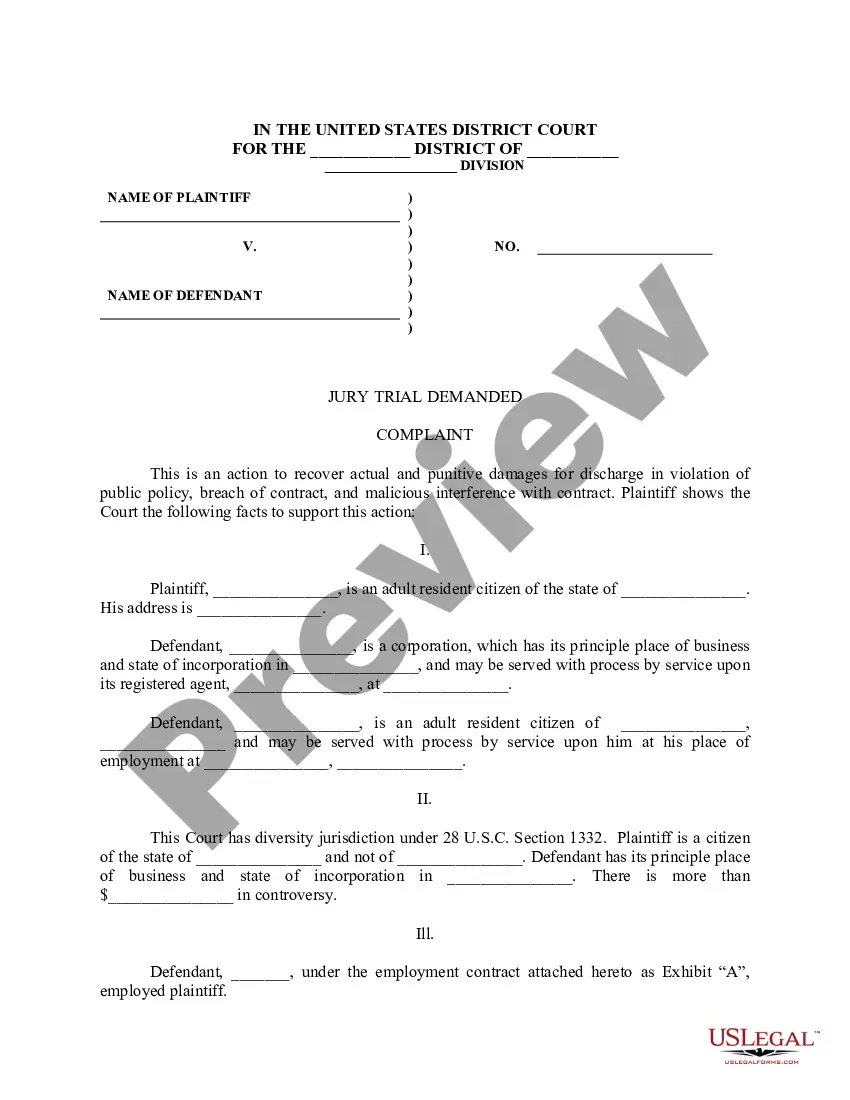
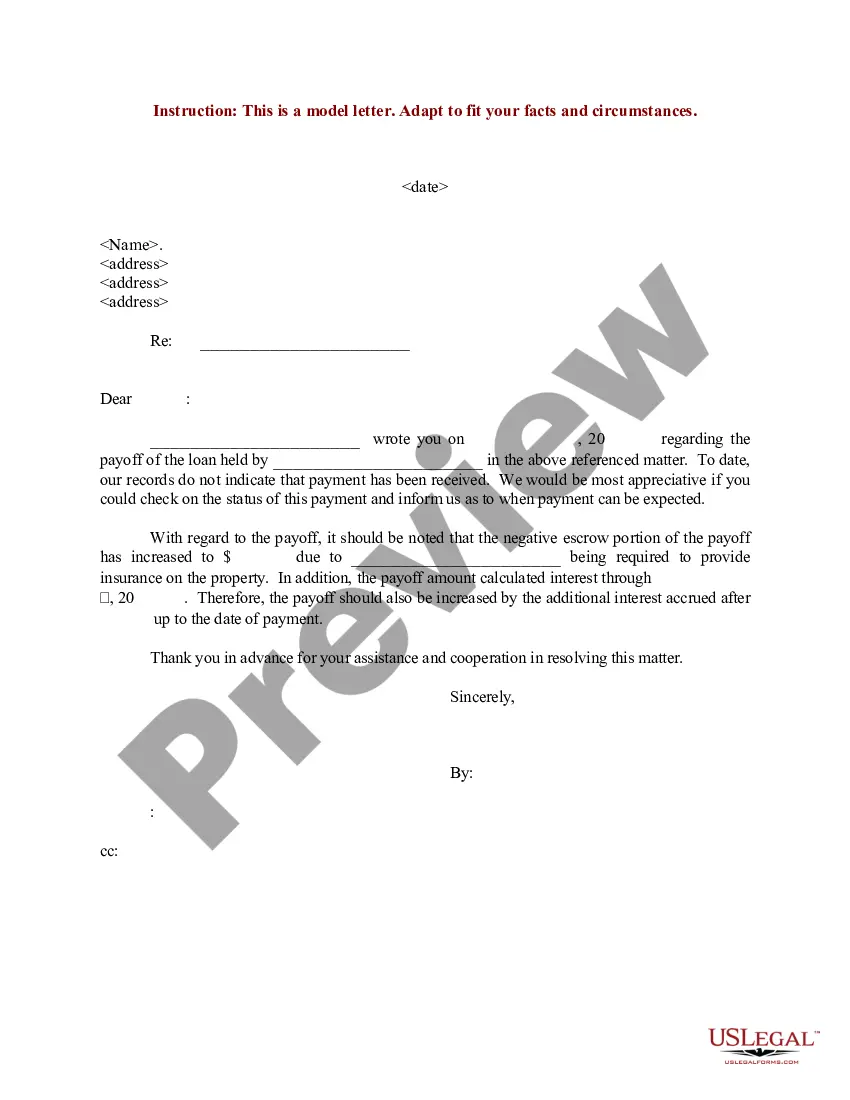
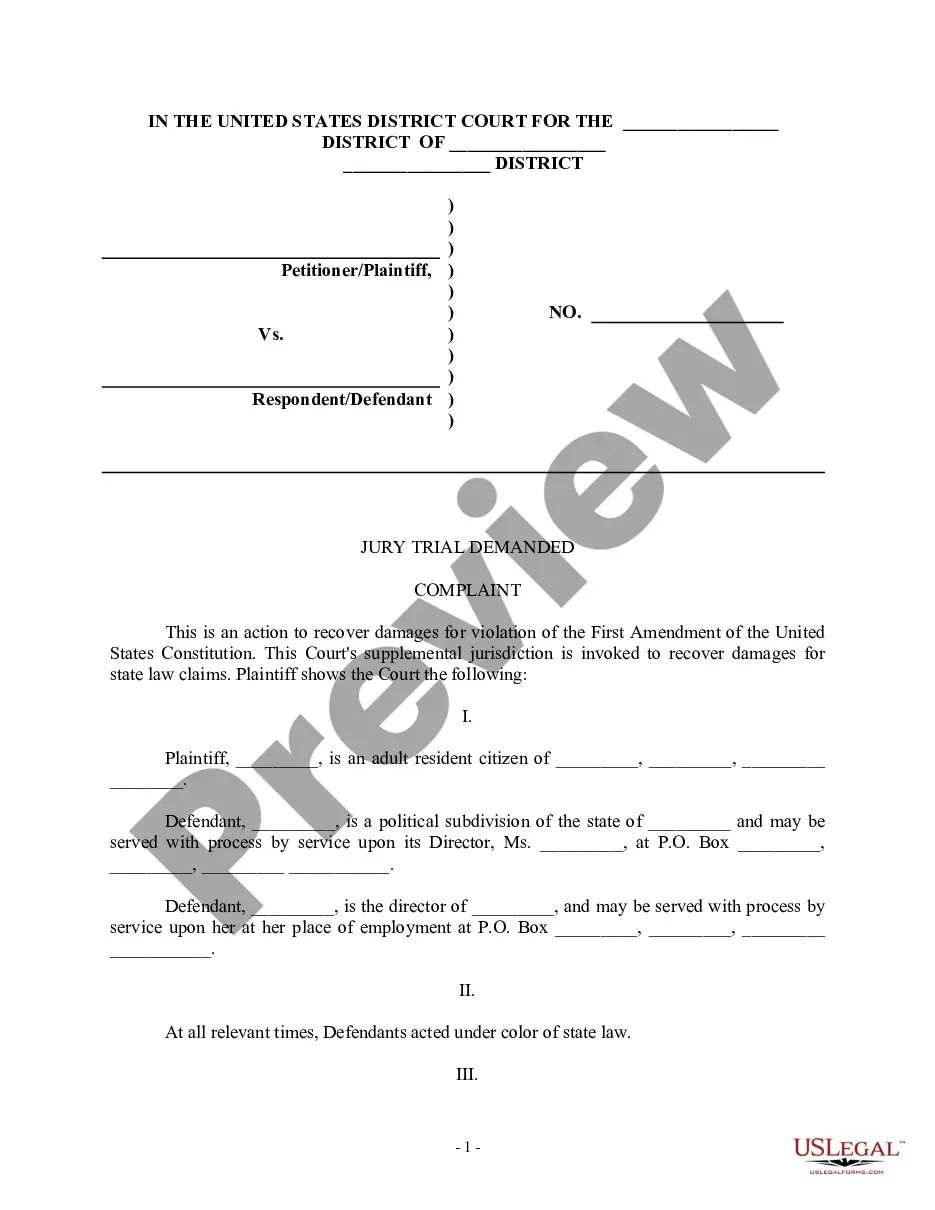
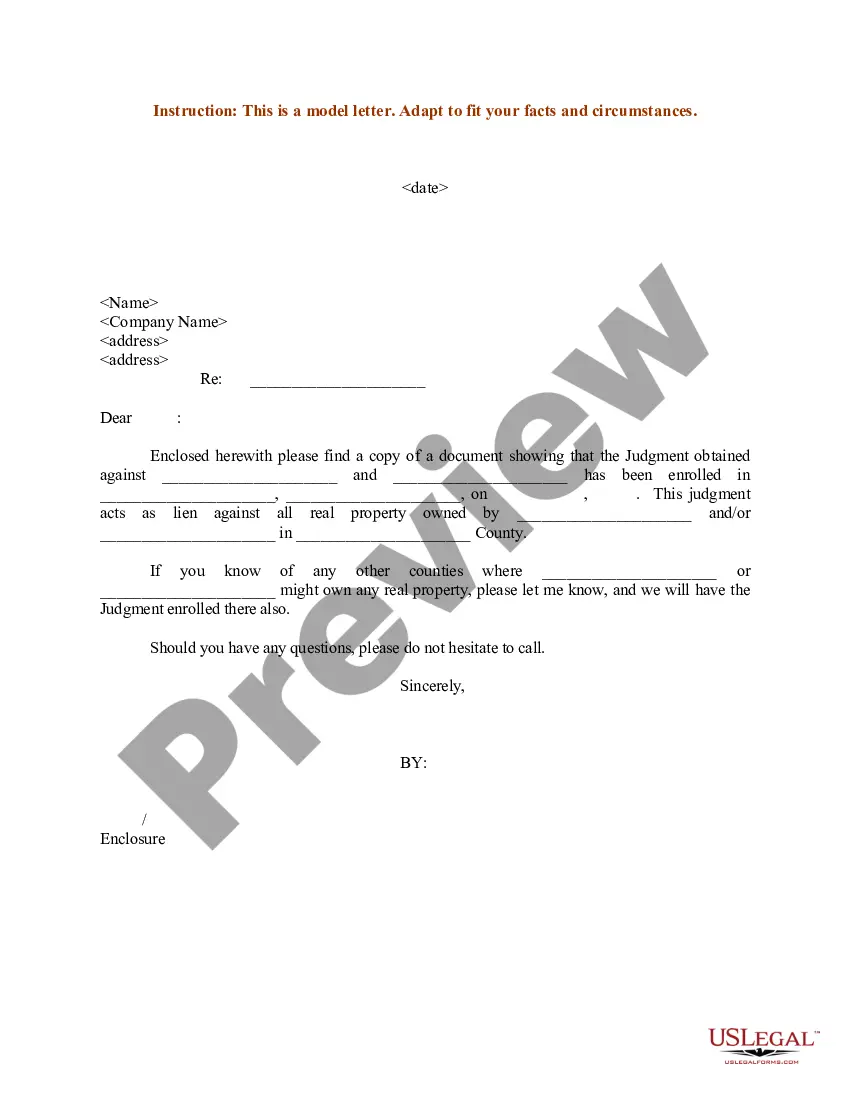
How to fill out Wage And Income Loss Statement?
The Lost Earnings Document For Self-Employed Individuals that you see on this page is a reusable formal template crafted by expert attorneys in adherence to federal and local laws and regulations.
For over 25 years, US Legal Forms has delivered individuals, businesses, and lawyers with more than 85,000 validated, state-specific documents for any business and personal event. It’s the fastest, easiest, and most reliable way to acquire the papers you require, as the service assures the utmost level of data security and anti-malware safeguards.
Sign up for US Legal Forms to have verified legal templates for every life circumstance at your fingertips.
- Search for the document you need and review it.
- Browse through the file you explored and preview it or check the document description to confirm it meets your needs. If it doesn’t, utilize the search function to find the correct one. Click Buy Now when you have found the template you require.
- Register and Log In.
- Choose the payment plan that works for you and create an account. Use PayPal or a credit card for a swift transaction. If you already have an account, Log In and review your subscription to proceed.
- Obtain the editable template.
- Select the format you want for your Lost Earnings Document For Self-Employed Individuals (PDF, DOCX, RTF) and download the sample onto your device.
- Fill out and sign the document.
- Print the template to complete it manually. Alternatively, use an online multi-functional PDF editor to quickly and accurately fill out and sign your form with a legally-binding electronic signature.
- Redownload your documents when needed.
- Utilize the same document again whenever required. Access the My documents tab in your profile to retrieve any previously saved documents.
Form popularity
FAQ
Independent contractors receive a 1099 form, not a W-2. The 1099 form is used to report income earned from contracts and freelance work. This arrangement signifies an independent working relationship, distinct from traditional employment. Using a lost wages form for independent contractor can assist in organizing the income reflected on your 1099 form.
Using any email service, locate an email containing a PDF attachment that you wish to add to the loop. Forward that email to dotloop by pasting into the TO: field. Once you have sent the email to dotloop with a PDF attachment, dotloop will return an email once it is received, letting you know the status of the upload.
How To Create Form Templates in Dotloop - YouTube YouTube Start of suggested clip End of suggested clip Or also to browse your computer. Ok in this example let's go ahead and click on the templates. Icon.MoreOr also to browse your computer. Ok in this example let's go ahead and click on the templates. Icon. So that first blue box there.
Follow the steps below- be sure to click on each step to read more. Step 1: Review the Document Editor toolbar. ... Step 2: Add interactive fields. ... Step 3: Review new line of options in the toolbar. ... Step 4: Label the Interactive fields. ... Step 5: Assign Roles to Interactive Fields. ... Step 6: Group Fields.
How do I access these forms in my dotloop account? Sign in to your dotloop account. Go to ?My Account? section and select a profile. Scroll to ?Company and Associations? Click ?Add Association? Search for ?Worksheets, Templates & Guides? Enter the invitation code.
Open a document in your loop by clicking the document title. Review the toolbar options to add more fields, download, or print the document. A second toolbar appears upon clicking fields - use these options to edit text and adjust formatting.