Ciudadanía Hijo Formal
Description
Get your form ready online
Our built-in tools help you complete, sign, share, and store your documents in one place.
Make edits, fill in missing information, and update formatting in US Legal Forms—just like you would in MS Word.
Download a copy, print it, send it by email, or mail it via USPS—whatever works best for your next step.
Sign and collect signatures with our SignNow integration. Send to multiple recipients, set reminders, and more. Go Premium to unlock E-Sign.
If this form requires notarization, complete it online through a secure video call—no need to meet a notary in person or wait for an appointment.
We protect your documents and personal data by following strict security and privacy standards.

Make edits, fill in missing information, and update formatting in US Legal Forms—just like you would in MS Word.

Download a copy, print it, send it by email, or mail it via USPS—whatever works best for your next step.

Sign and collect signatures with our SignNow integration. Send to multiple recipients, set reminders, and more. Go Premium to unlock E-Sign.

If this form requires notarization, complete it online through a secure video call—no need to meet a notary in person or wait for an appointment.

We protect your documents and personal data by following strict security and privacy standards.
Looking for another form?







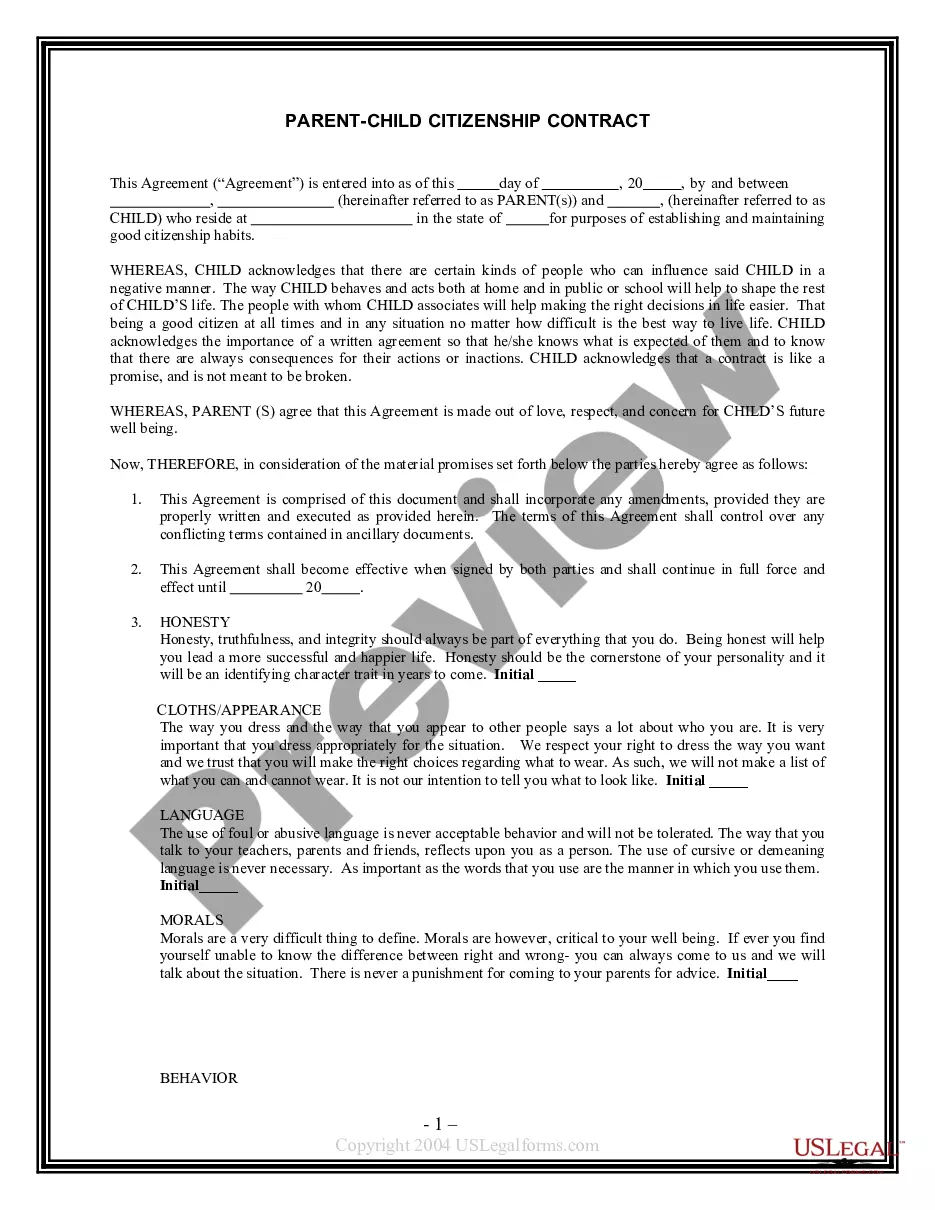
How to fill out Parent - Child Citizenship Contract?
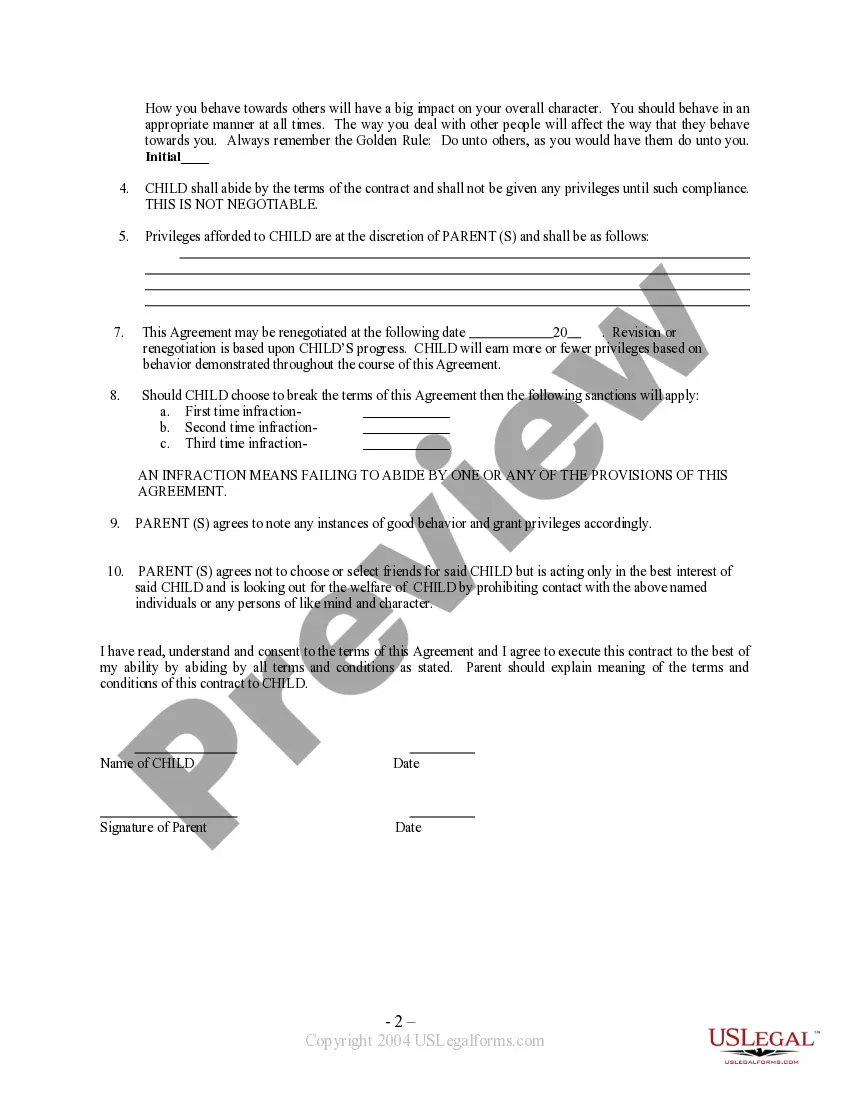
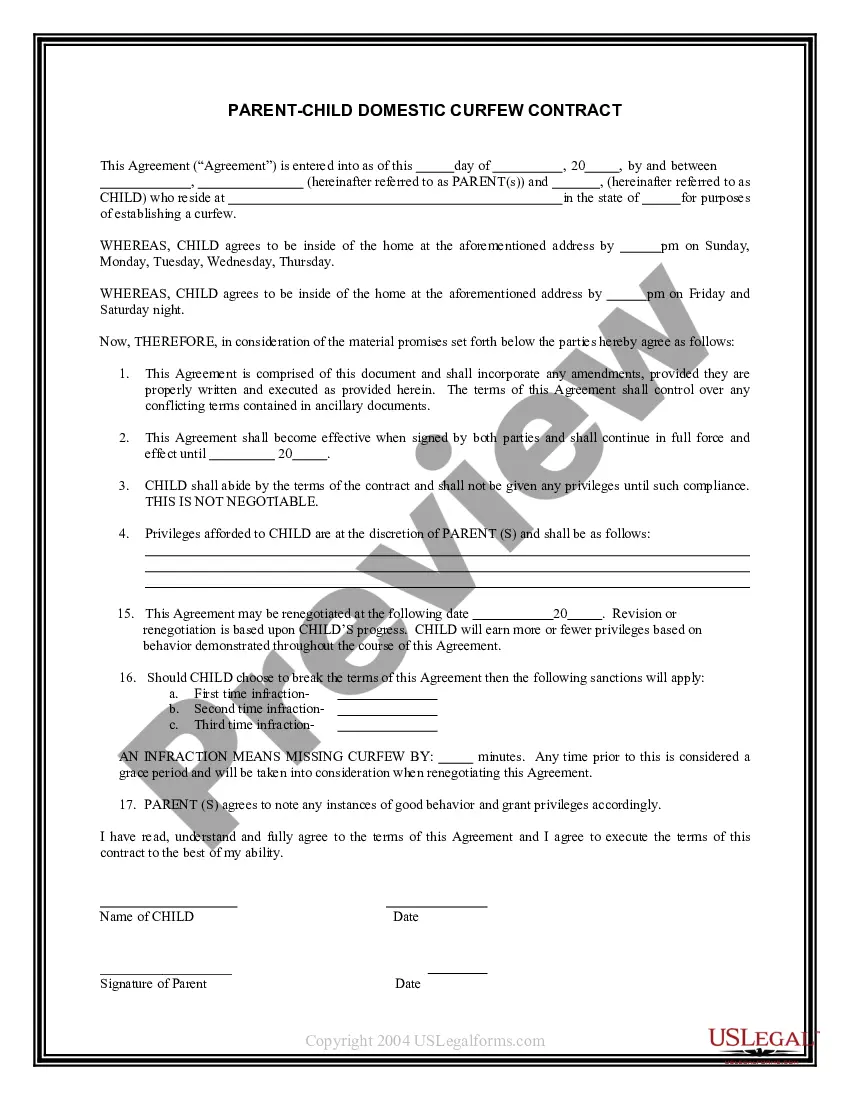
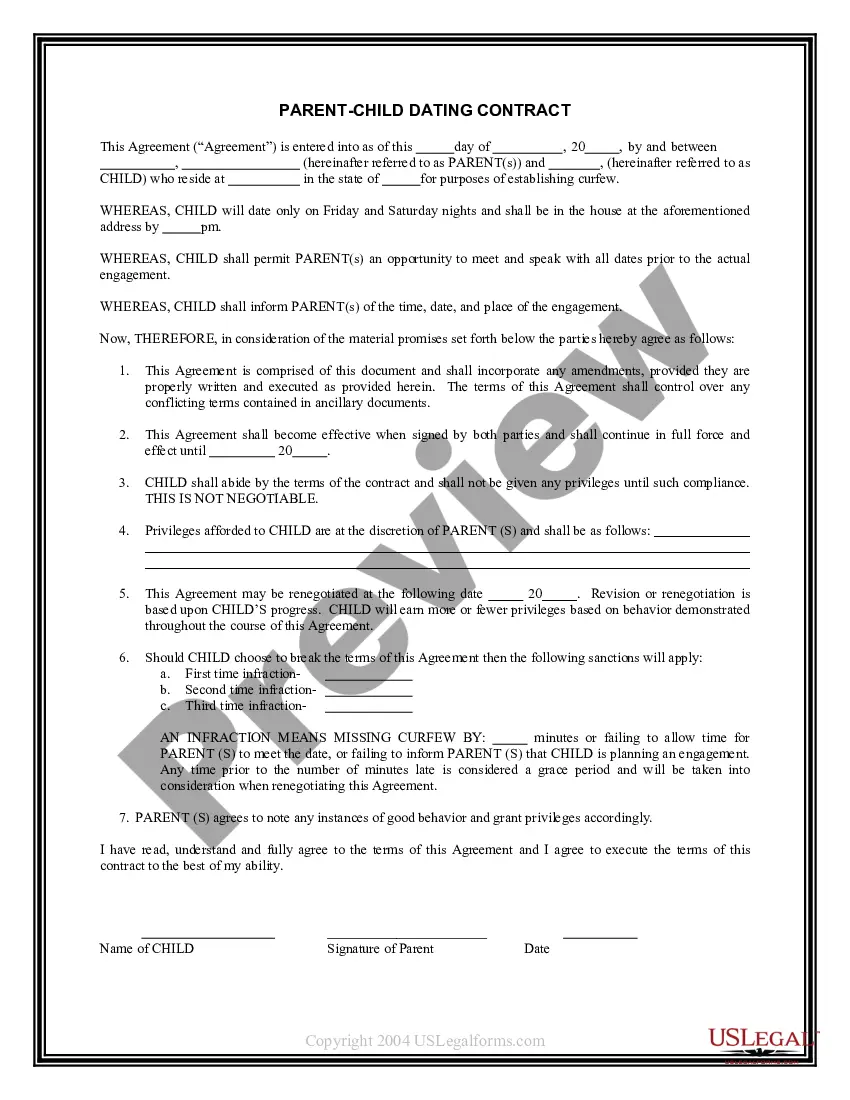
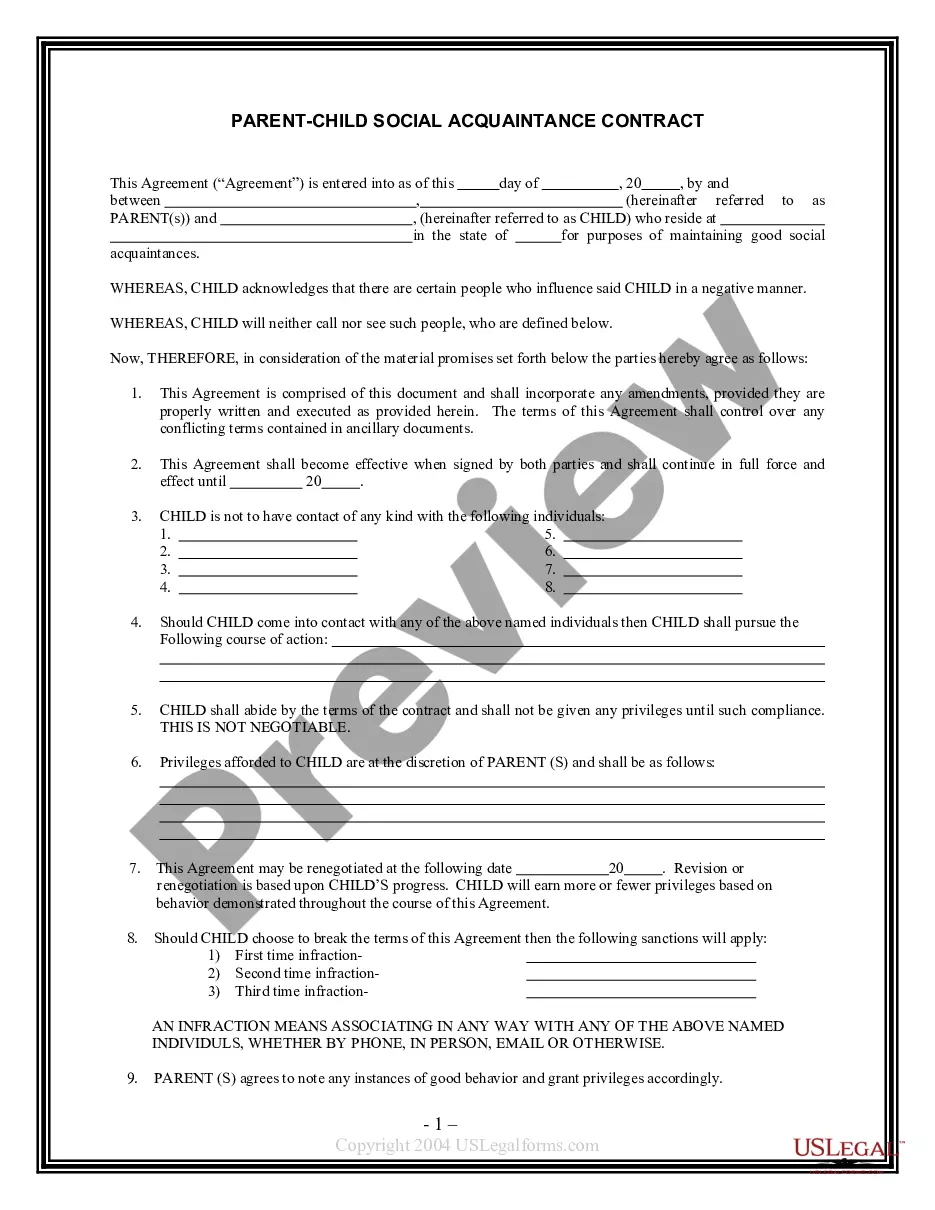
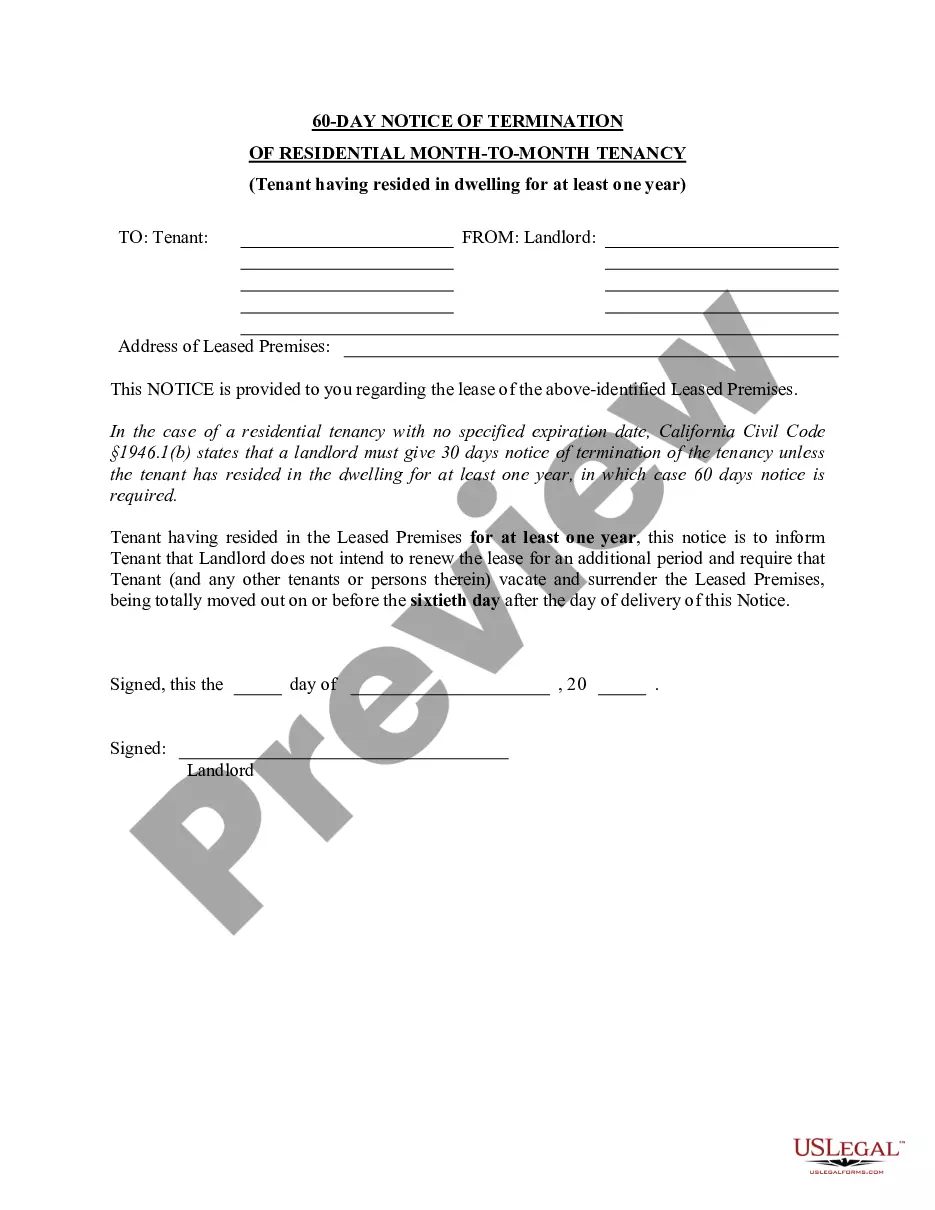
The Ciudadanía Hijo Formal displayed on this page is a reusable legal document created by expert attorneys in compliance with national and local laws and regulations.
For over 25 years, US Legal Forms has supplied individuals, businesses, and legal practitioners with more than 85,000 validated, state-specific forms for various business and personal needs. It’s the fastest, simplest, and most trustworthy method to acquire the documents you require, as the service ensures bank-grade data security and anti-malware safeguards.
Select the format you want for your Ciudadanía Hijo Formal (PDF, DOCX, RTF) and save the sample to your device. Complete and sign the document. Print the template to fill it out manually, or use an online multifunctional PDF editor to quickly and accurately complete and sign your document with a legally binding electronic signature. Download your documents again. Reuse the same document whenever needed. Access the My documents tab in your profile to redownload any forms you previously acquired. Enroll in US Legal Forms to have verified legal templates for all of life’s circumstances readily available.
- Browse for the document you require and review it.
- Examine the file you searched and preview it or review the form description to verify it meets your requirements. If it doesn’t, utilize the search bar to find the right one. Click Buy Now when you have found the document you need.
- Register and Log In.
- Choose the subscription plan that works for you and create an account. Use PayPal or a credit card for a swift payment. If you already possess an account, Log In and verify your subscription to continue.
- Obtain the fillable template.
Form popularity
FAQ
USCIS may not automatically issue a naturalization certificate once a child becomes a U.S. citizen. Since the document may be needed later when the child applies for jobs or student loans, GCLO recommends filing an N-600 so the child can receive his or her own certificate of citizenship.
(A parent or legal guardian can also file Form N-600 on behalf of a minor child.) Citizenship law has changed over the years and different laws apply to determine whether you automatically became a U.S. citizen at birth, or after birth but before you turned 18 years of age.
By law, applicants for naturalization must be 18 years of age. But don't worry. This means that children cannot file the naturalization application or be included on their parents' application.
If you would like proof of your child's U.S. citizenship, you may file Form N-600, Application for Certificate of Citizenship, (.uscis.gov/n-600) after your child meets all the conditions to acquire U.S. citizenship. A Certificate of Citizenship does not expire.
Form N-600, Application for Certificate of Citizenship, is filed to obtain a Certificate of Citizenship which serves as evidence of your or your child's U.S. citizenship. You may file Form N-600 if you were born abroad and are claiming U.S. citizenship at birth through your parents.