Legal For Parcel
Description
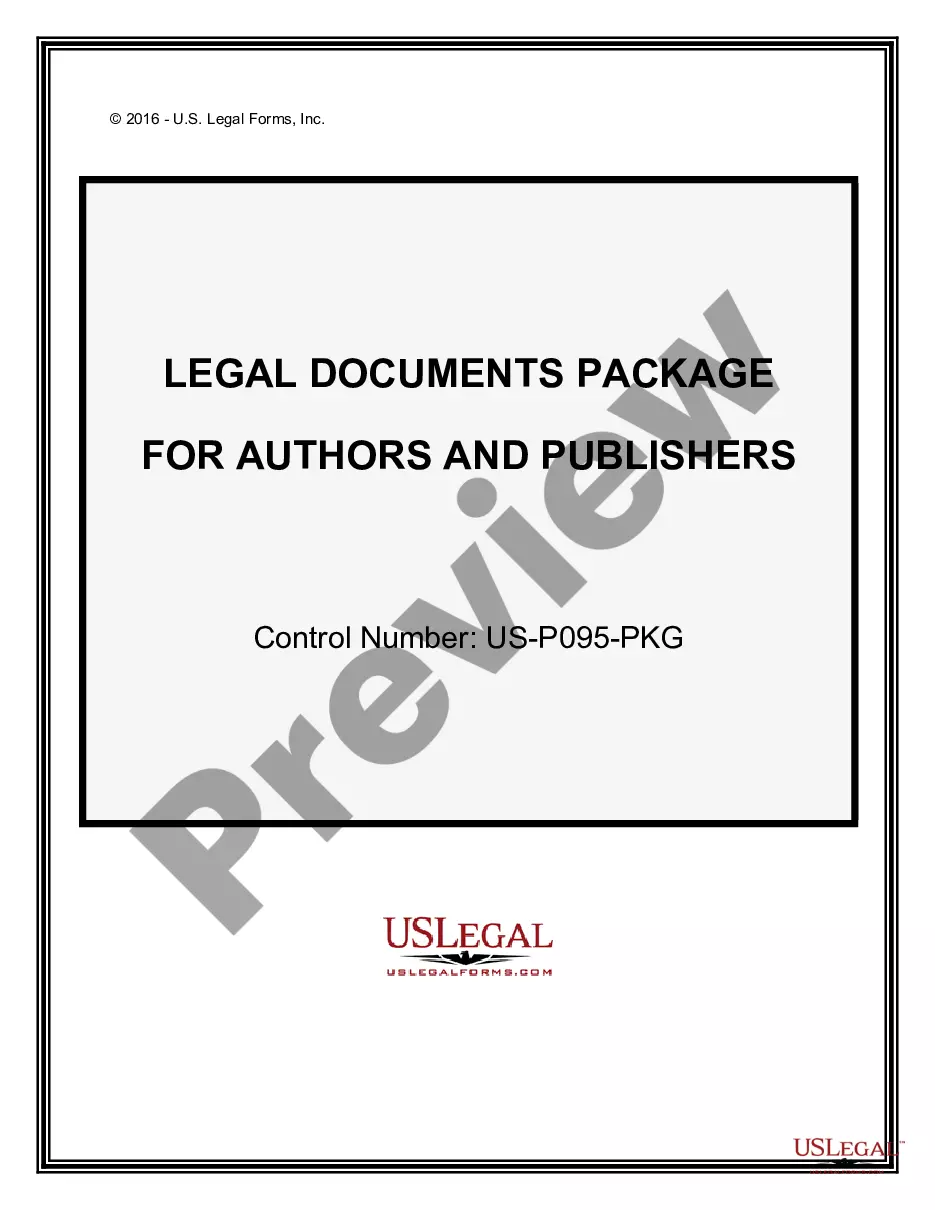
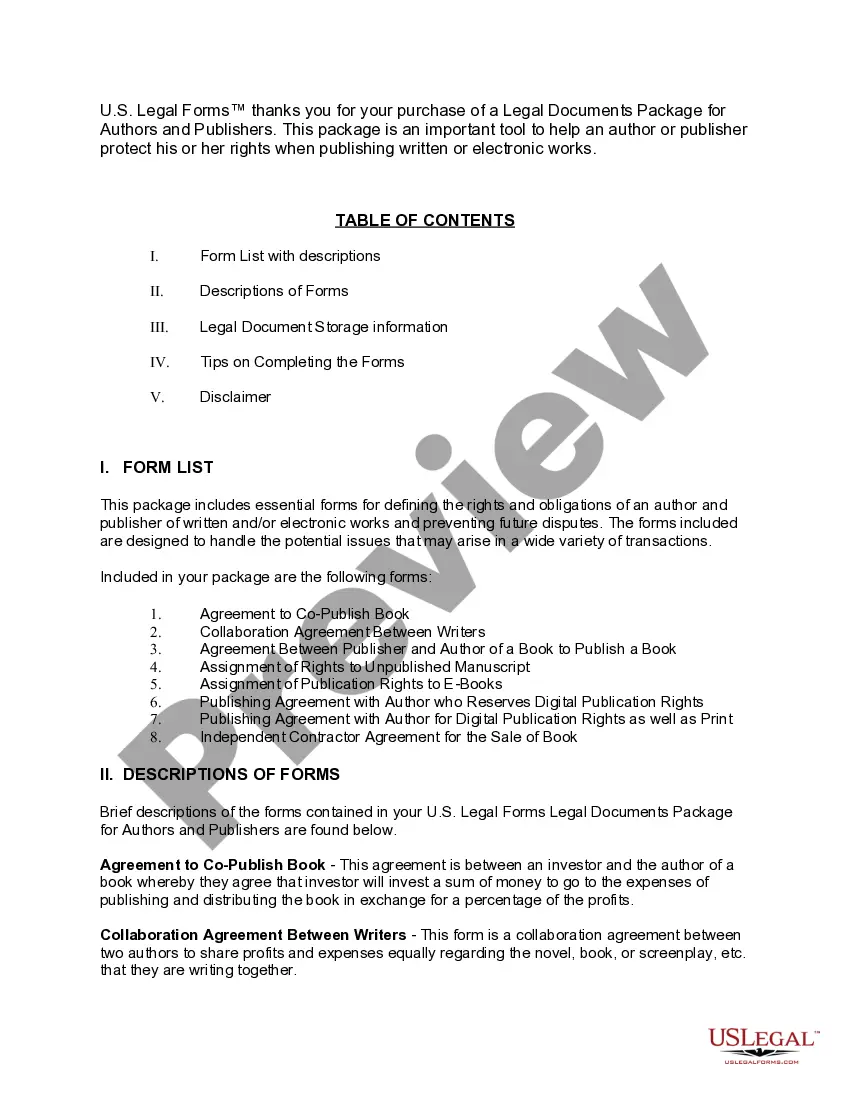
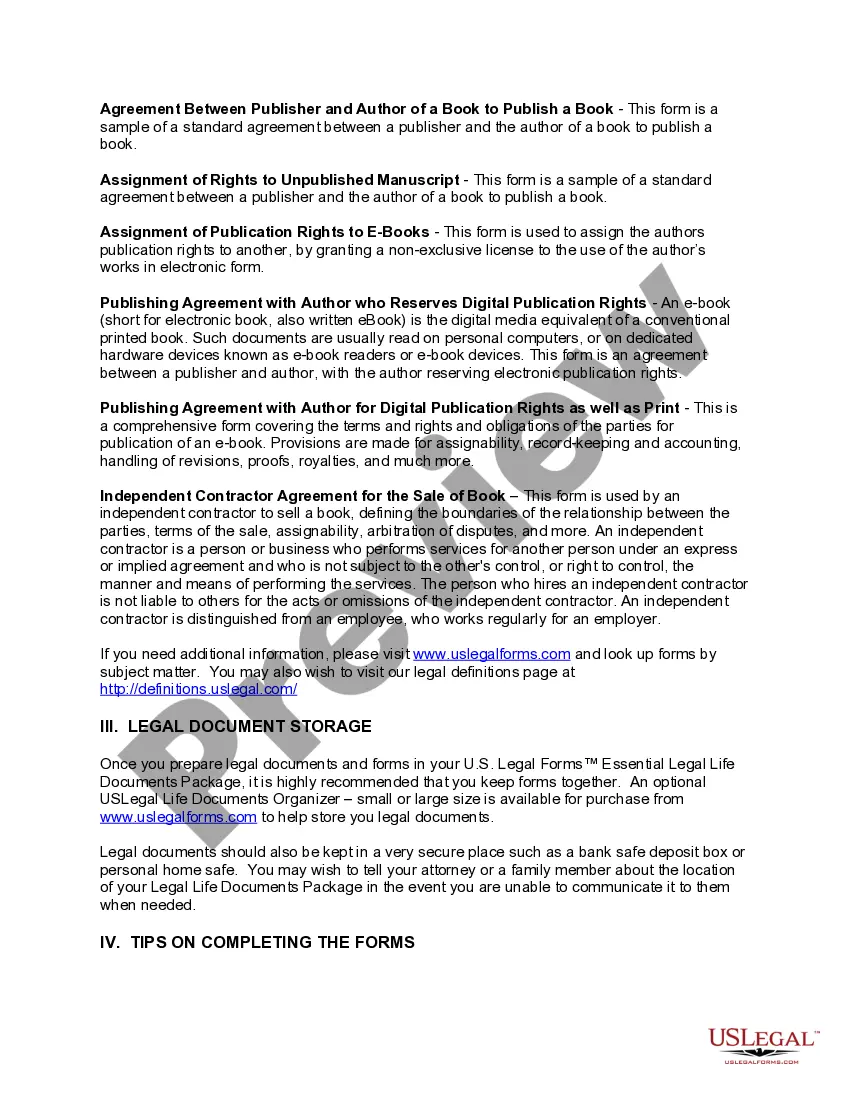
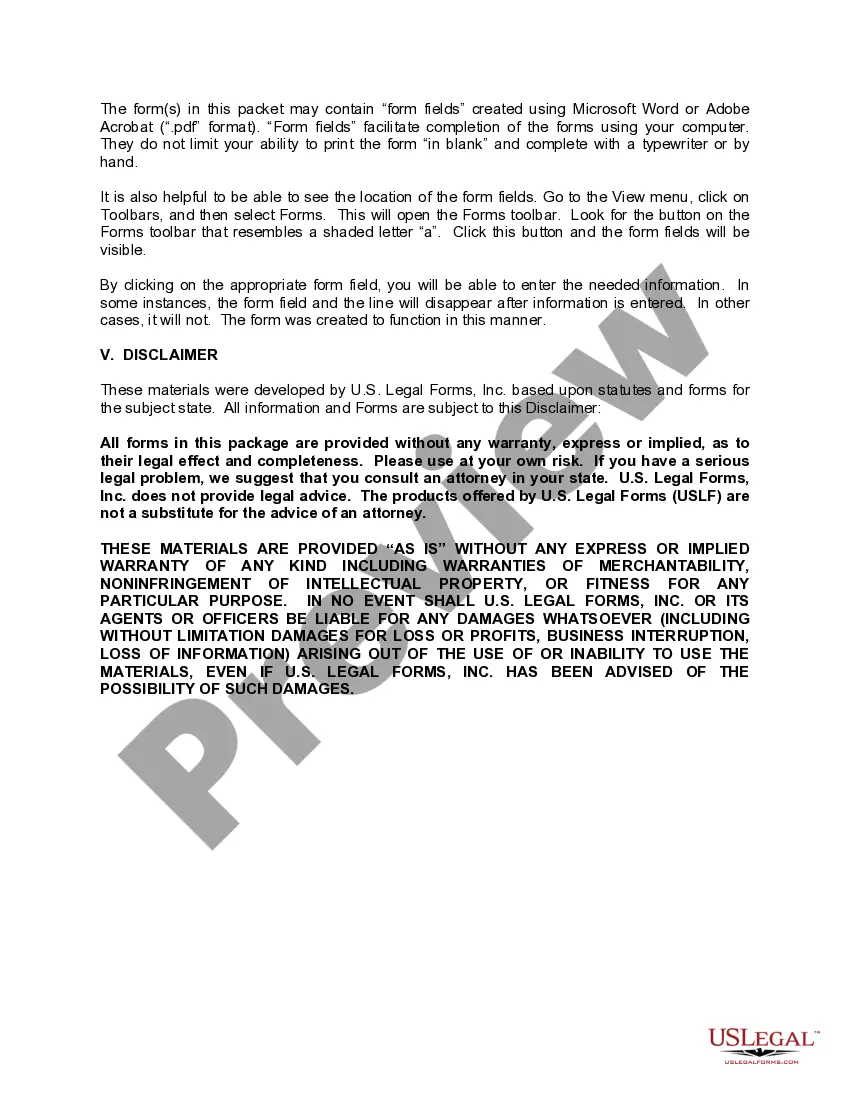
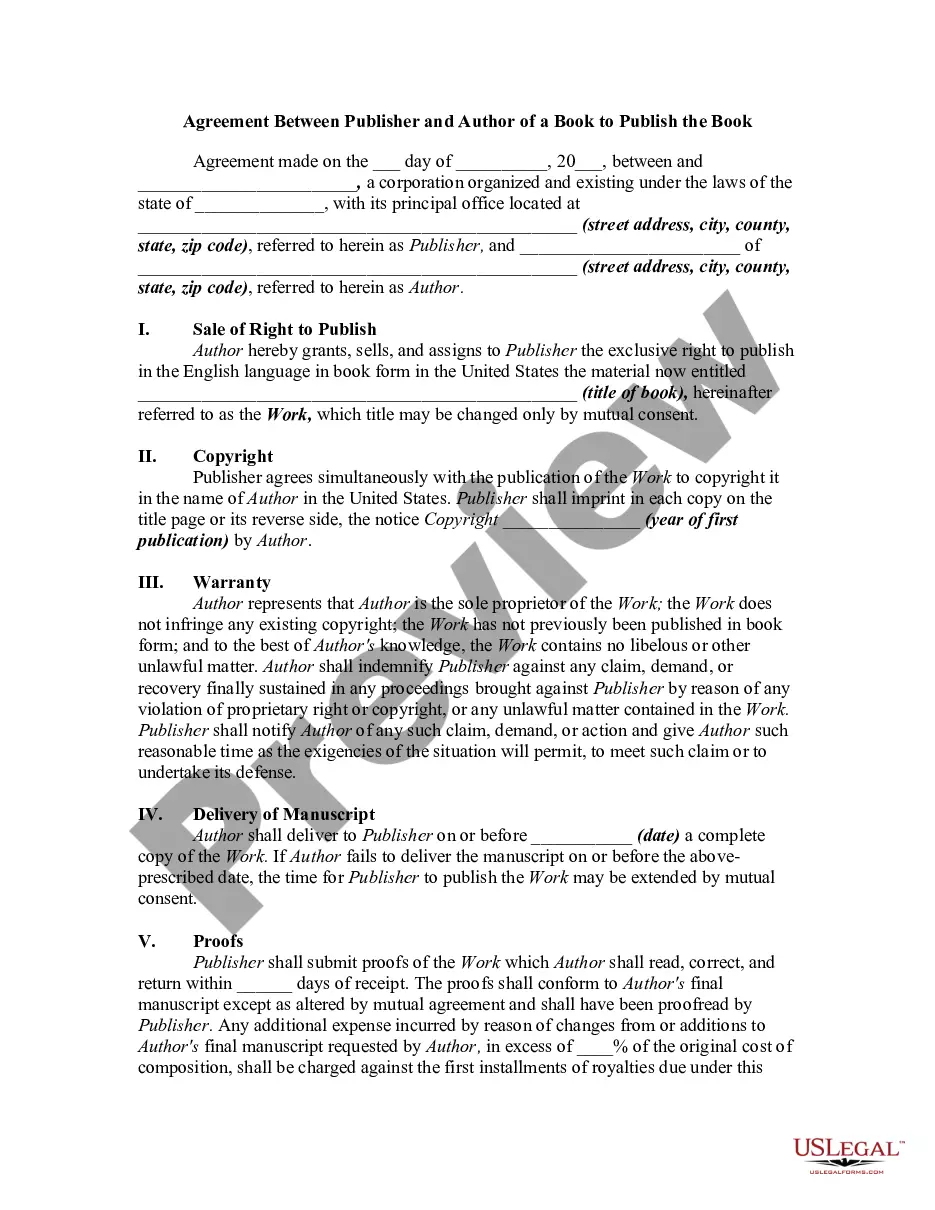

Get your form ready online
Our built-in tools help you complete, sign, share, and store your documents in one place.
Make edits, fill in missing information, and update formatting in US Legal Forms—just like you would in MS Word.
Download a copy, print it, send it by email, or mail it via USPS—whatever works best for your next step.
Sign and collect signatures with our SignNow integration. Send to multiple recipients, set reminders, and more. Go Premium to unlock E-Sign.
If this form requires notarization, complete it online through a secure video call—no need to meet a notary in person or wait for an appointment.
We protect your documents and personal data by following strict security and privacy standards.

Make edits, fill in missing information, and update formatting in US Legal Forms—just like you would in MS Word.

Download a copy, print it, send it by email, or mail it via USPS—whatever works best for your next step.

Sign and collect signatures with our SignNow integration. Send to multiple recipients, set reminders, and more. Go Premium to unlock E-Sign.

If this form requires notarization, complete it online through a secure video call—no need to meet a notary in person or wait for an appointment.

We protect your documents and personal data by following strict security and privacy standards.
Looking for another form?
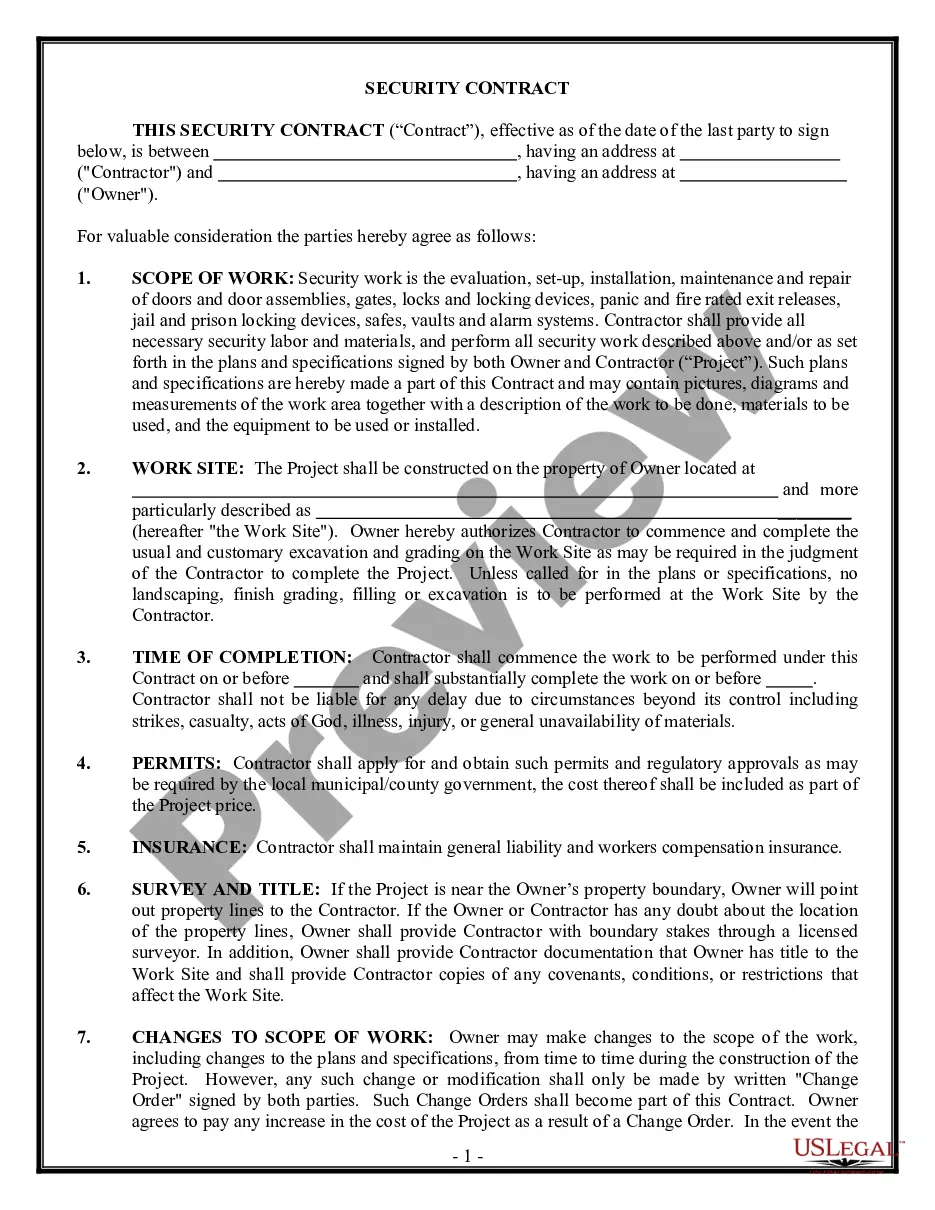
How to fill out Legal Documents Package For Authors And Publishers?
Whether for commercial objectives or for individual issues, everyone must handle legal circumstances sooner or later in their life.
Completing legal documentation requires meticulous focus, starting from selecting the correct form template.
Once it is saved, you can complete the form with the assistance of editing software or print it and finalize it manually. With an extensive US Legal Forms catalog available, you do not have to waste time searching for the suitable template online. Utilize the library’s straightforward navigation to find the right form for any situation.
- For instance, if you choose an incorrect version of a Legal For Parcel, it will be rejected upon submission.
- Thus, it is crucial to have a trustworthy source of legal documents like US Legal Forms.
- If you wish to acquire a Legal For Parcel template, follow these simple steps.
- Obtain the template you require using the search bar or catalog navigation.
- Review the form’s description to confirm it suits your case, state, and county.
- Click on the form’s preview to examine it.
- If it is the wrong form, return to the search function to locate the Legal For Parcel sample you need.
- Download the file if it satisfies your requirements.
- If you already possess a US Legal Forms account, simply click Log in to access previously saved templates in My documents.
- In case you do not have an account yet, you may download the form by clicking Buy now.
- Choose the correct pricing option.
- Fill out the account registration form.
- Choose your payment method: you can utilize a credit card or PayPal account.
- Select the document format you desire and download the Legal For Parcel.
Form popularity
FAQ
How to Fill Out a Customs Form for International Shipping Name and complete address of the sender. Complete address and name of receiver. Item description (if there are several different products in the same package, note them all separately) Quantity of items. Value of each item. Weight and dimensions of a package.
Each individual arriving into the United States must complete the CBP Declaration Form 6059B. Explanations and a sample declaration form can be found on the Sample Customs Declaration Form.
Customs documents must be securely attached to the outside of the box, so customs officers can check what items you're shipping. You should add 5 copies of the customs documents into a clear plastic envelope or wallet and ensure that this is fastened securely to the outside of the box.
Generally, written declarations are required from travelers arriving by air or sea. Section 148.12 requires verbal declarations from travelers entering the United States. Generally, verbal declarations are required from travelers arriving by land.
Can I complete a customs form at the Post Office? If you didn't complete your customs form online or are using postage stamps on a package that requires a customs form, visit your local Post Office? branch, fill out form PS 2976-R, and present your package at the counter to have the clerk create your label.