Legal Court Documents With Track Changes
Description
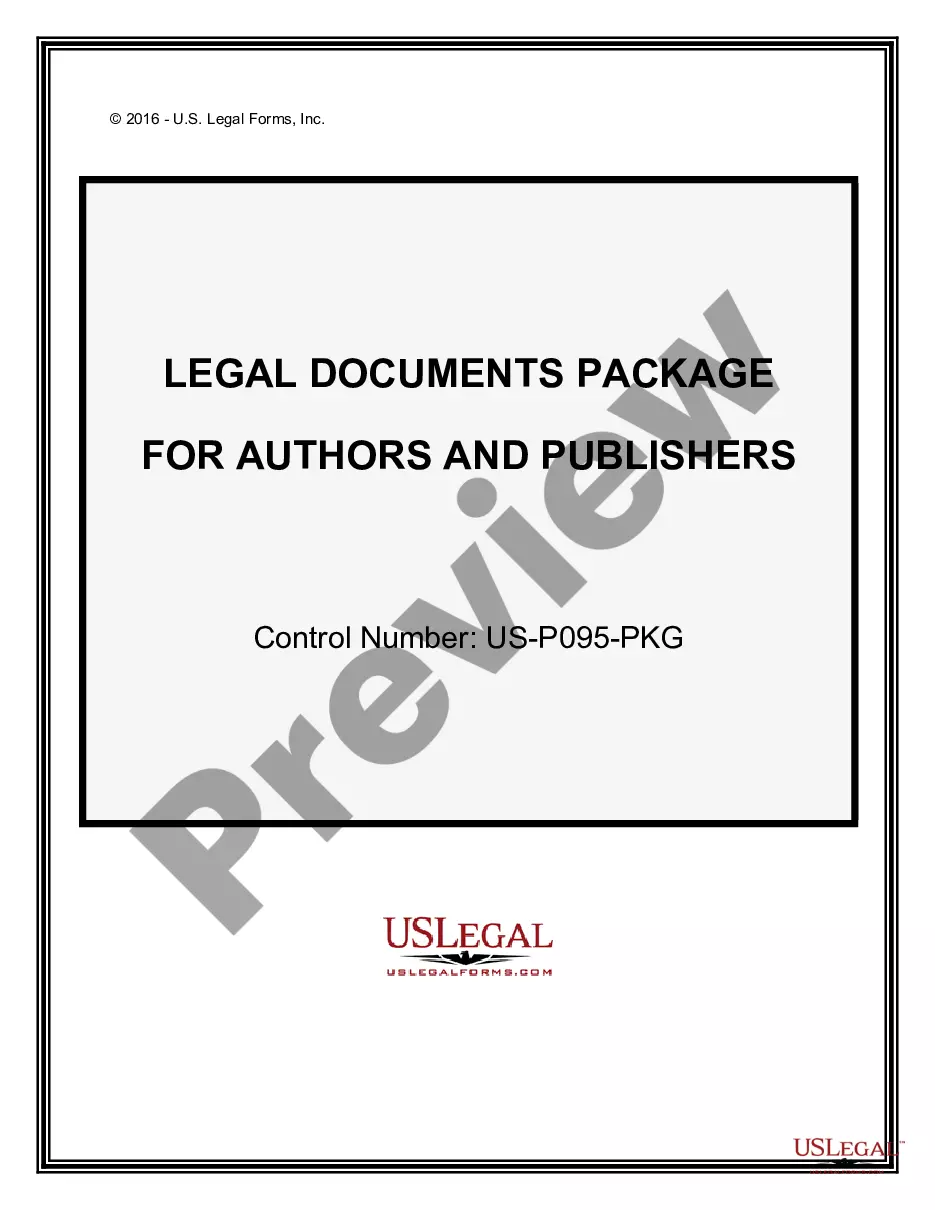
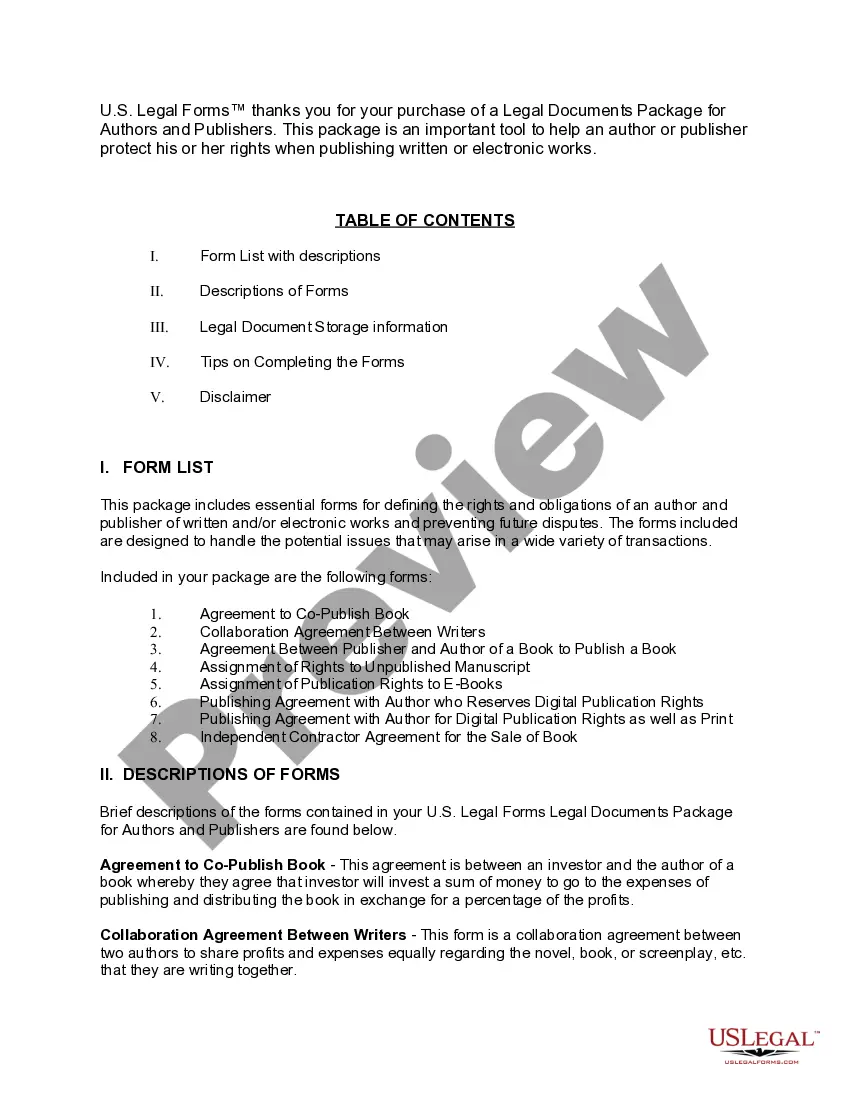
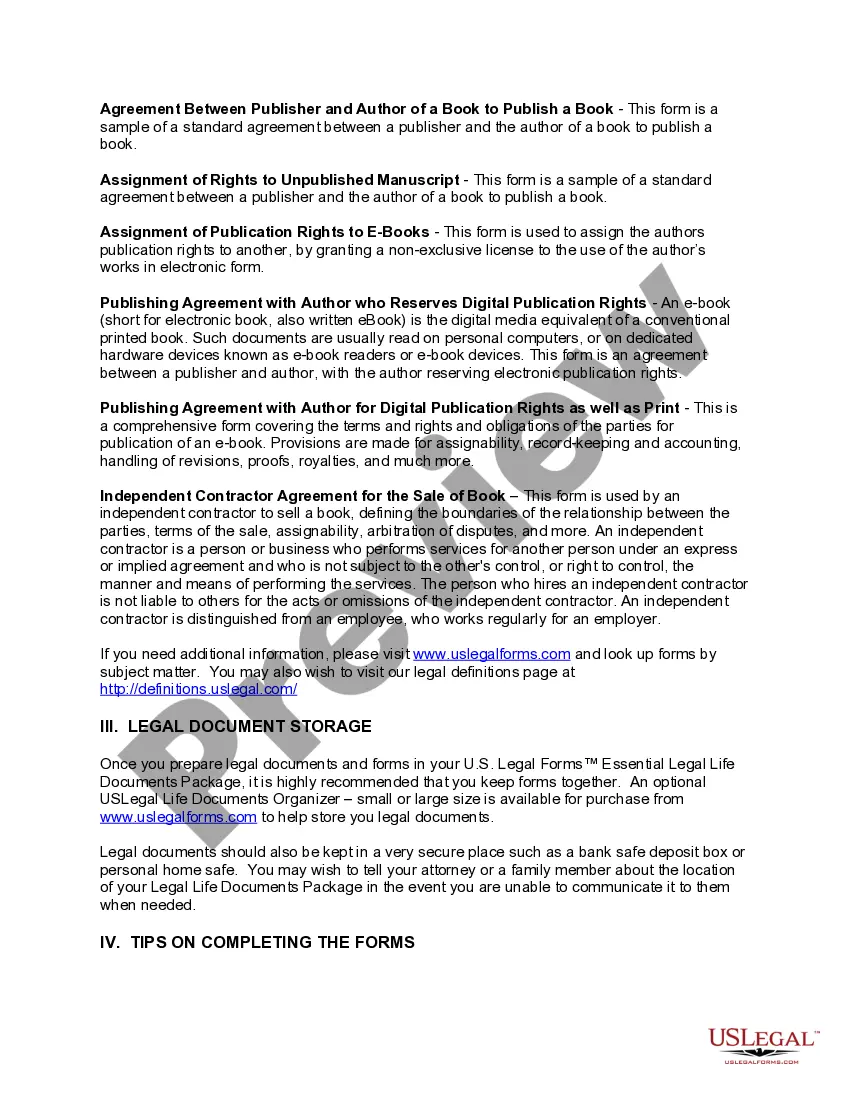
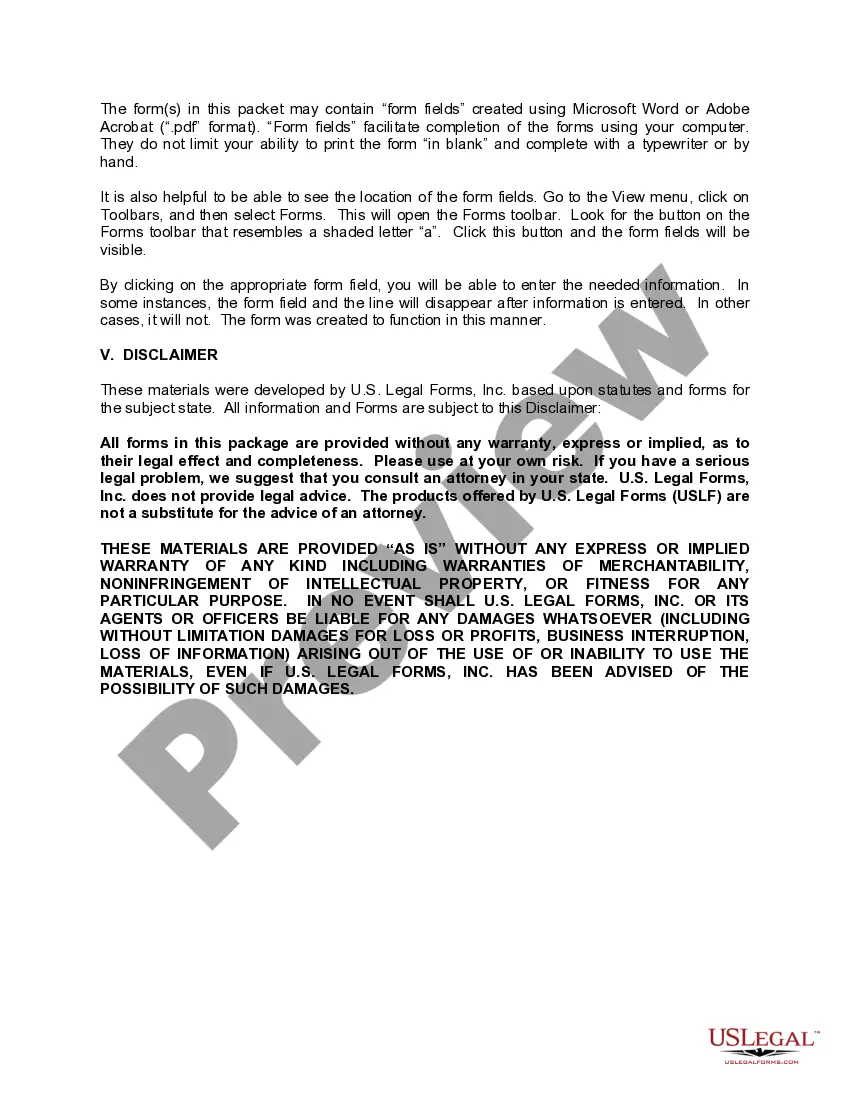
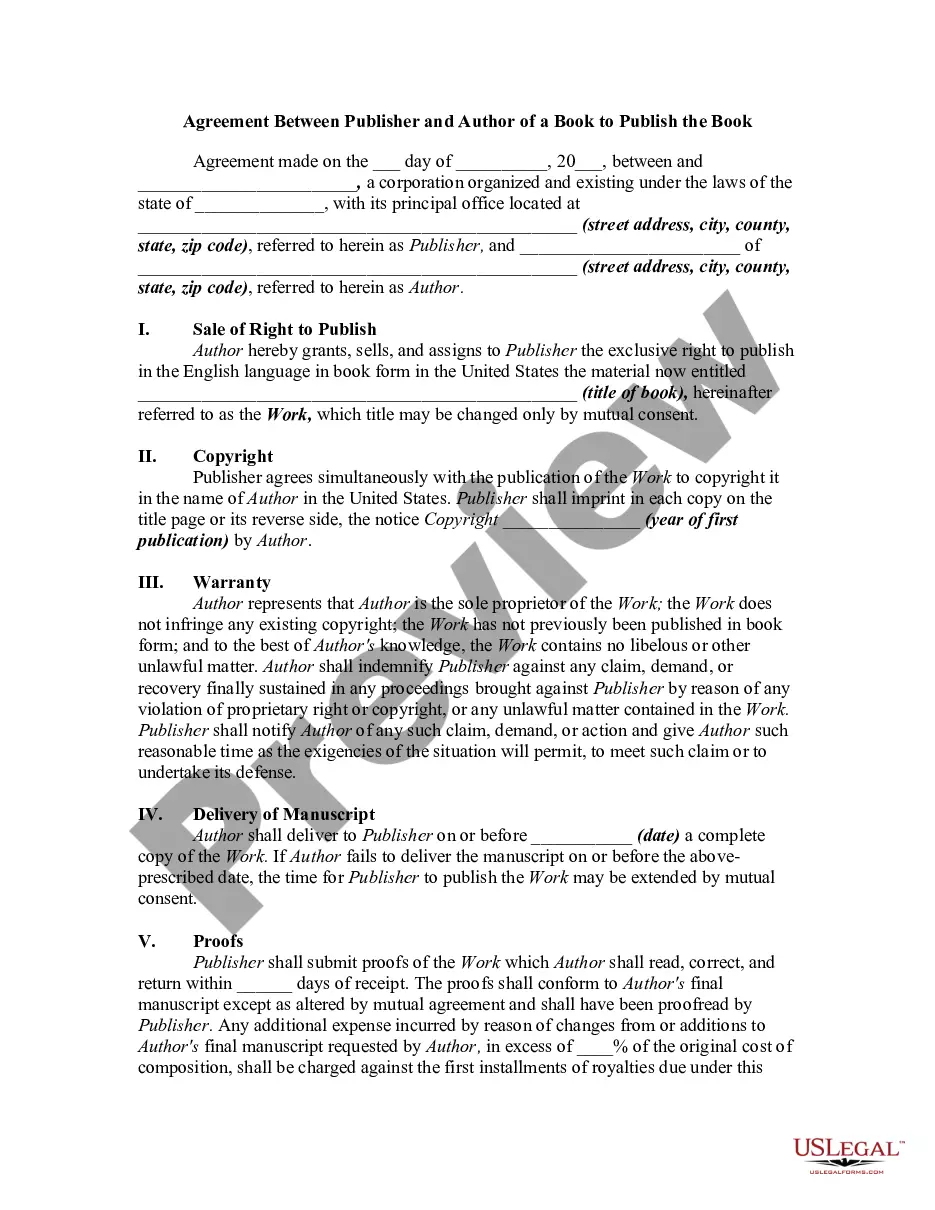
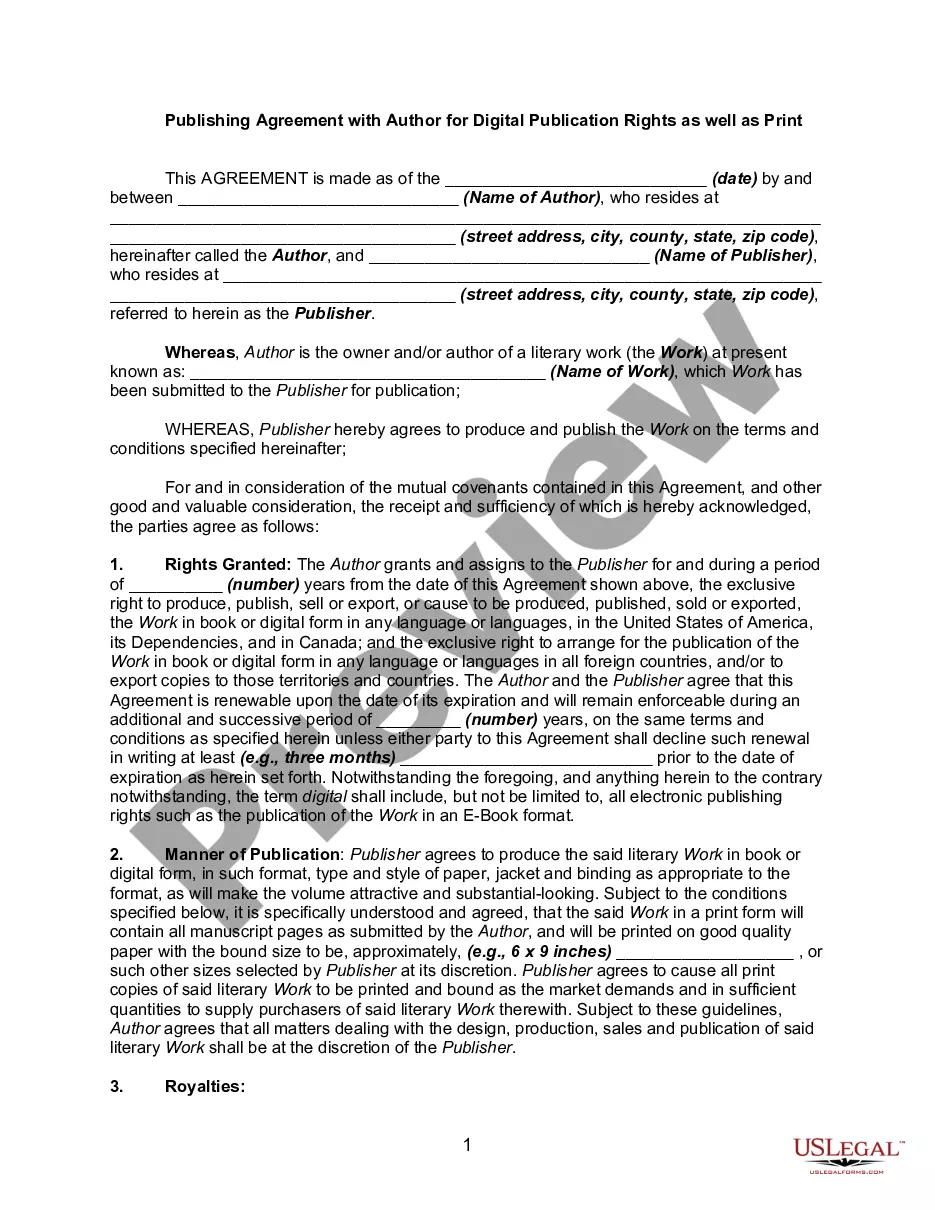

Get your form ready online
Our built-in tools help you complete, sign, share, and store your documents in one place.
Make edits, fill in missing information, and update formatting in US Legal Forms—just like you would in MS Word.
Download a copy, print it, send it by email, or mail it via USPS—whatever works best for your next step.
Sign and collect signatures with our SignNow integration. Send to multiple recipients, set reminders, and more. Go Premium to unlock E-Sign.
If this form requires notarization, complete it online through a secure video call—no need to meet a notary in person or wait for an appointment.
We protect your documents and personal data by following strict security and privacy standards.

Make edits, fill in missing information, and update formatting in US Legal Forms—just like you would in MS Word.

Download a copy, print it, send it by email, or mail it via USPS—whatever works best for your next step.

Sign and collect signatures with our SignNow integration. Send to multiple recipients, set reminders, and more. Go Premium to unlock E-Sign.

If this form requires notarization, complete it online through a secure video call—no need to meet a notary in person or wait for an appointment.

We protect your documents and personal data by following strict security and privacy standards.
Looking for another form?

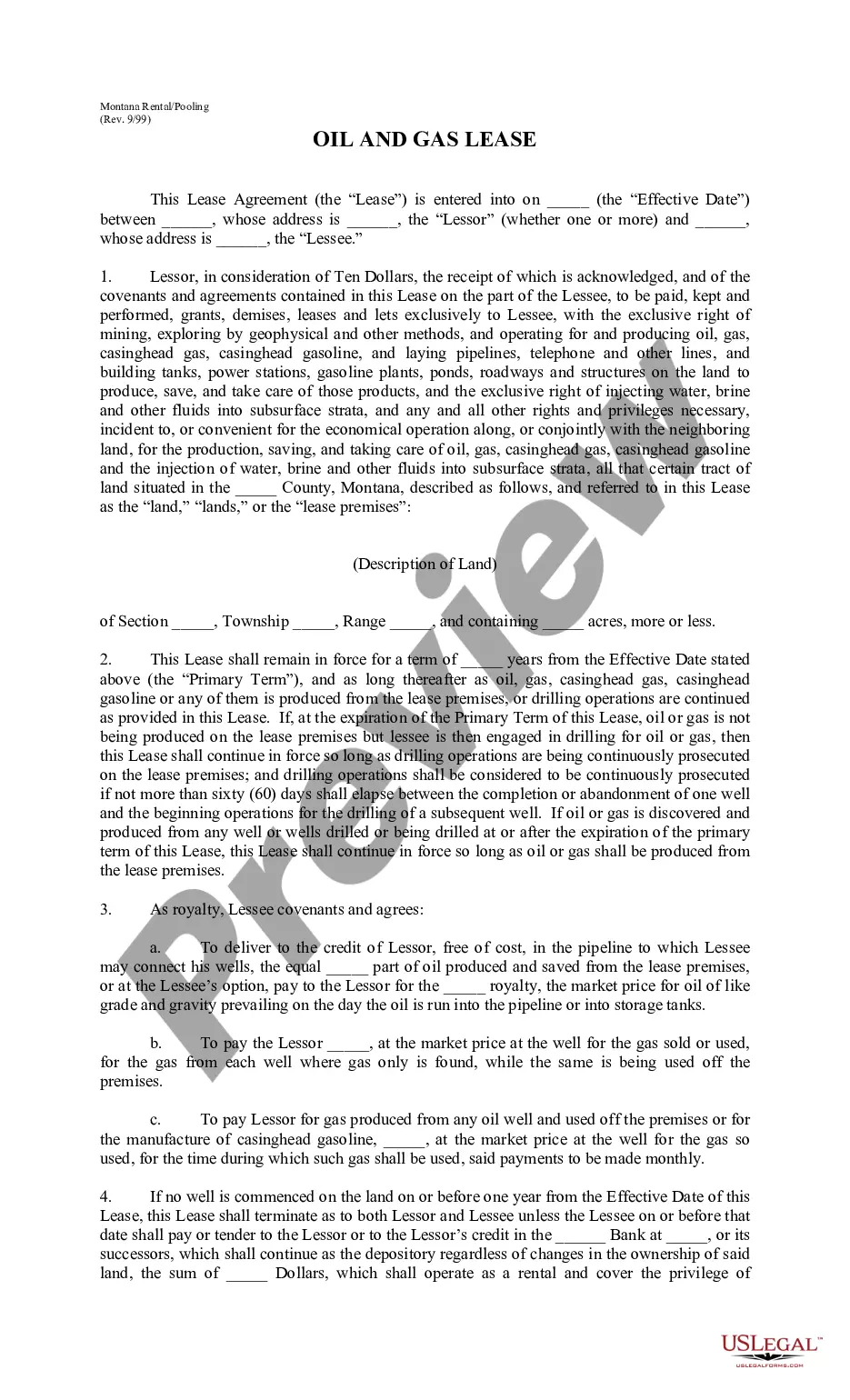







How to fill out Legal Documents Package For Authors And Publishers?
- If you're an existing user, log in to your account, ensure your subscription is up-to-date, and directly download your desired form template.
- For new users, begin by browsing the comprehensive library to find your required legal document; use the Preview mode to assess its suitability.
- If you need an alternative template, utilize the Search tab for a more targeted search, ensuring it meets your local requirements.
- Once you've selected the correct form, click the Buy Now button and choose your preferred subscription plan, which will grant access to a wealth of resources.
- Complete your purchase by entering your payment details, either via credit card or PayPal.
- After purchasing, download the form to your device, and access it anytime via the My Forms section of your profile.
The US Legal Forms service not only empowers users to efficiently create legal documents but also connects them to premium experts for additional support, ensuring your forms are precise and valid.
Start your journey to hassle-free legal documentation today by visiting US Legal Forms!
Form popularity
FAQ
To finalize a document after applying track changes in legal court documents with track changes, first accept or reject any outstanding changes. Next, make sure to delete comments to clean up the document. Lastly, save the final version, ideally in a secure location like UsLegalForms, to ensure you retain access to the essential documents without confusion.
Using track changes effectively allows you to manage edits in legal court documents with track changes seamlessly. Make sure to encourage open communication among collaborators about the changes suggested. Regularly review modifications and leave comments for clarification, ensuring all team members understand the purpose behind each edit.
To unify track changes in Word for legal court documents with track changes, you should accept or reject changes collaboratively. Navigate to the 'Review' tab and utilize the 'Accept' or 'Reject' buttons for each tracked edit. This step ensures all contributions are finalized into a single, cohesive document, simplifying the review process.
To use track changes in Word when collaborating on legal court documents with track changes, first enable the feature in the 'Review' tab. As collaborators make edits, their changes will show in different colors, allowing you to see modifications easily. This feature enhances transparency and helps everyone involved stay informed about updates, making it ideal for legal teams.
To organize legal court documents with track changes, start by categorizing your documents based on the type of case. Use clear file names that identify each document's contents for easy retrieval. Additionally, consider utilizing a document management system, such as UsLegalForms, which helps you maintain version control and track changes efficiently.
A court document is considered legal when it meets specific criteria set by law. This includes proper formatting, appropriate signatures, and compliance with local regulations. When utilizing legal court documents with track changes, you can clearly see edits and modifications that enhance transparency and accuracy. Using a reliable platform like uslegalforms ensures that your documents adhere to legal standards while providing a clear record of changes.
Yes, you can view the editing history of a Word document by accessing the 'Version History' feature in your document software. This feature allows you to see all previous edits, comments, and the authors behind the changes. This capability is particularly beneficial for legal court documents with track changes, as it provides insight into the evolution of your document. Additionally, it helps ensure accountability among collaborators.
To track changes between two documents, use the comparison feature found in most word processing programs. You can upload both versions of your legal court documents with track changes to compare them side by side. This will allow you to see what has been added or removed, streamlining your review process. Using this method, you can efficiently prepare for court presentations.
You can track changes in a document by turning on the 'Track Changes' option in your word processor. This function will highlight all alterations, comments, and deletions, helping you understand the document's evolution. Especially with legal court documents with track changes, it is vital to also communicate with other stakeholders about the changes for transparency. Regularly reviewing these revisions can clarify intentions.
To track changes in documents, utilize the 'Track Changes' feature available in most word processing software. This feature allows you to monitor every edit made, enabling you to compare revisions easily. When editing legal court documents with track changes, make sure to save the document regularly to avoid any loss of information. This practice helps maintain an accurate record of modifications.