Fillable Legal Forms With Adobe Acrobat Pro
Description

Get your form ready online
Our built-in tools help you complete, sign, share, and store your documents in one place.
Make edits, fill in missing information, and update formatting in US Legal Forms—just like you would in MS Word.
Download a copy, print it, send it by email, or mail it via USPS—whatever works best for your next step.
Sign and collect signatures with our SignNow integration. Send to multiple recipients, set reminders, and more. Go Premium to unlock E-Sign.
If this form requires notarization, complete it online through a secure video call—no need to meet a notary in person or wait for an appointment.
We protect your documents and personal data by following strict security and privacy standards.

Make edits, fill in missing information, and update formatting in US Legal Forms—just like you would in MS Word.

Download a copy, print it, send it by email, or mail it via USPS—whatever works best for your next step.

Sign and collect signatures with our SignNow integration. Send to multiple recipients, set reminders, and more. Go Premium to unlock E-Sign.

If this form requires notarization, complete it online through a secure video call—no need to meet a notary in person or wait for an appointment.

We protect your documents and personal data by following strict security and privacy standards.
Looking for another form?

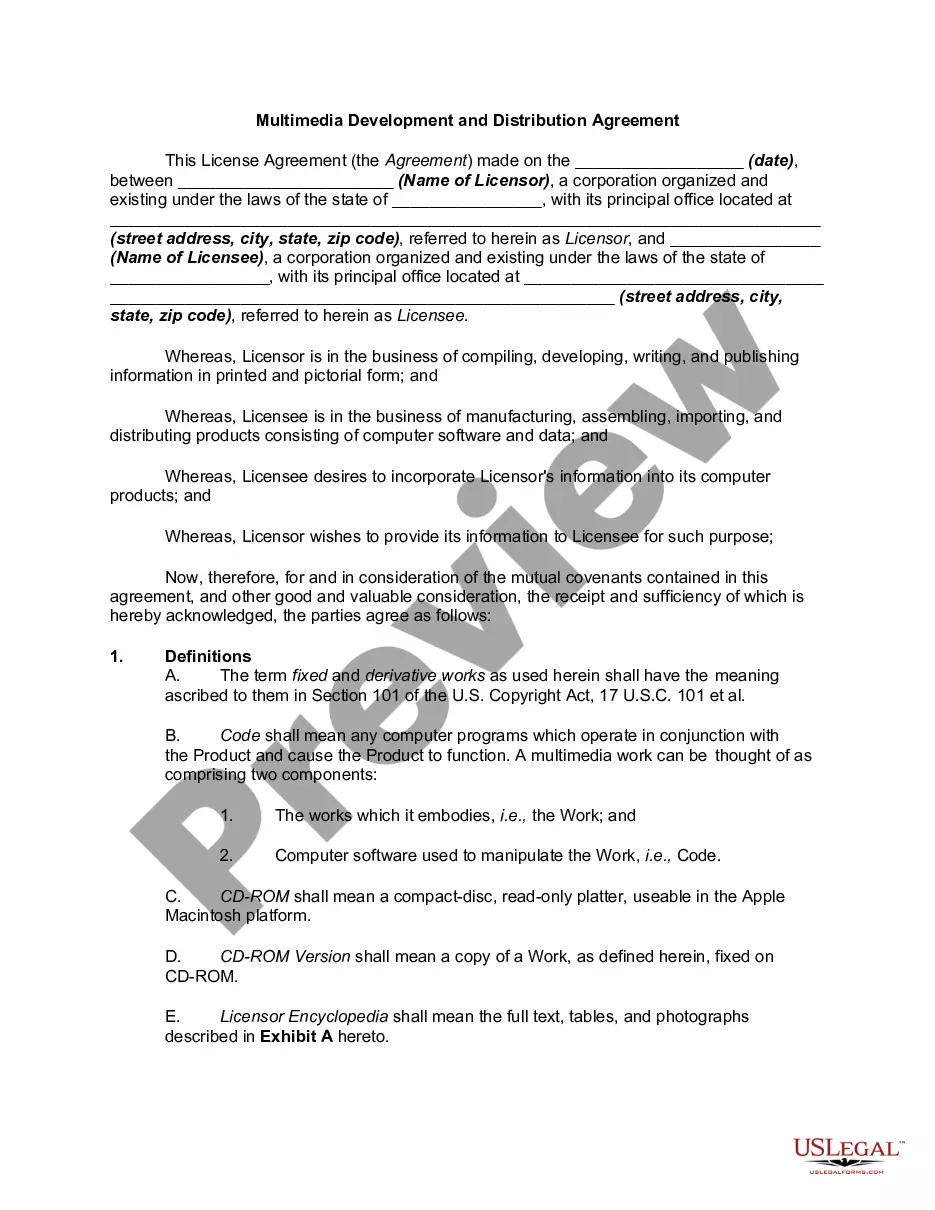
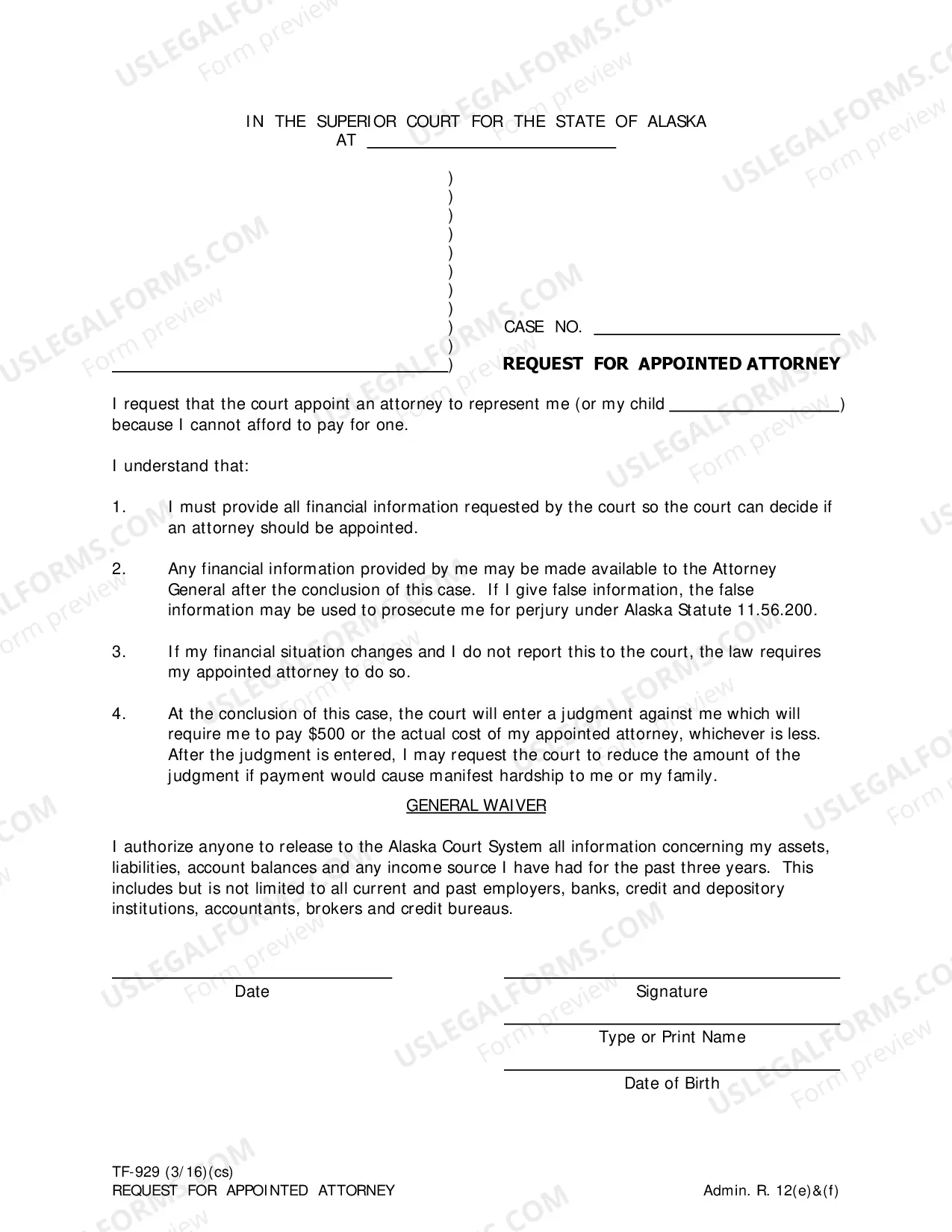
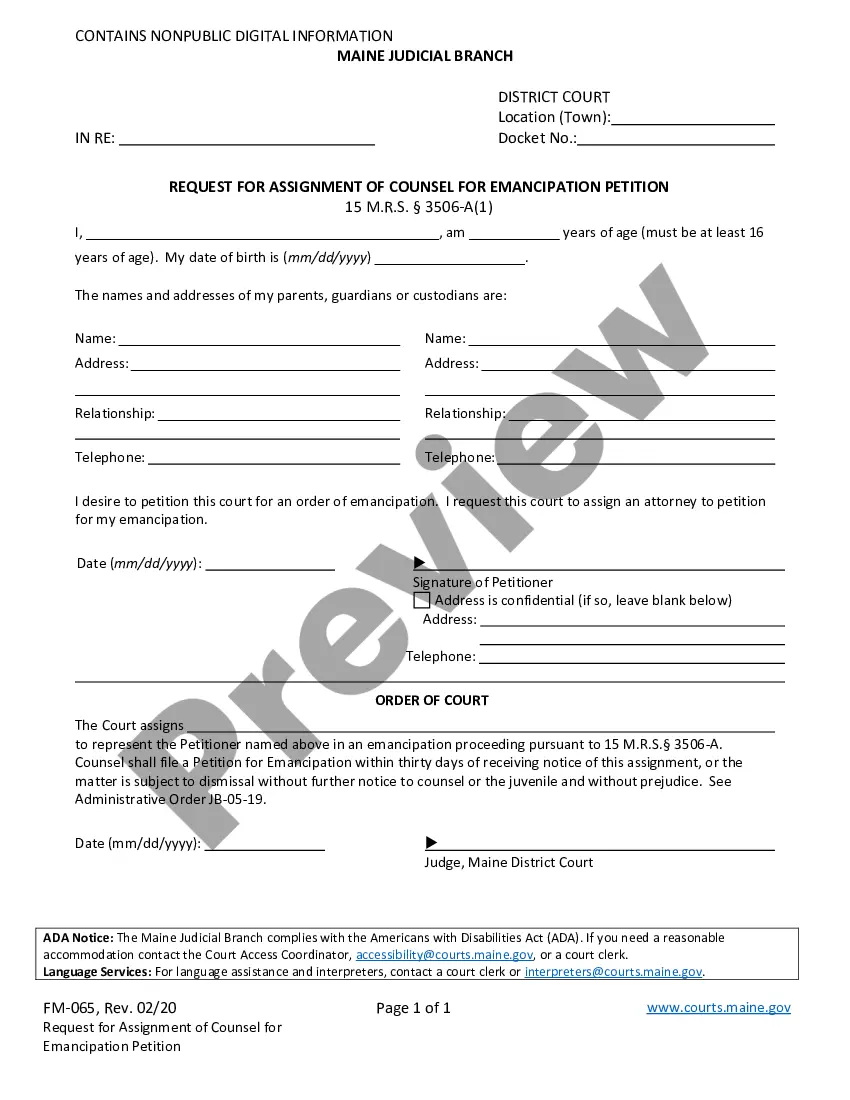
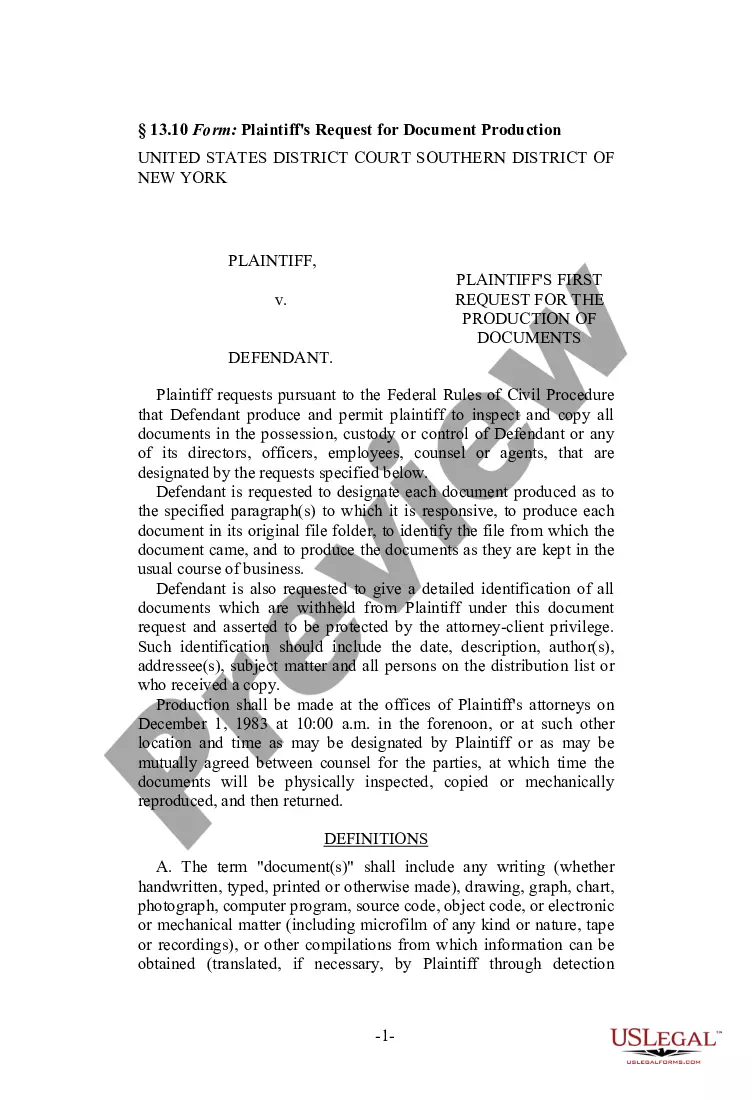
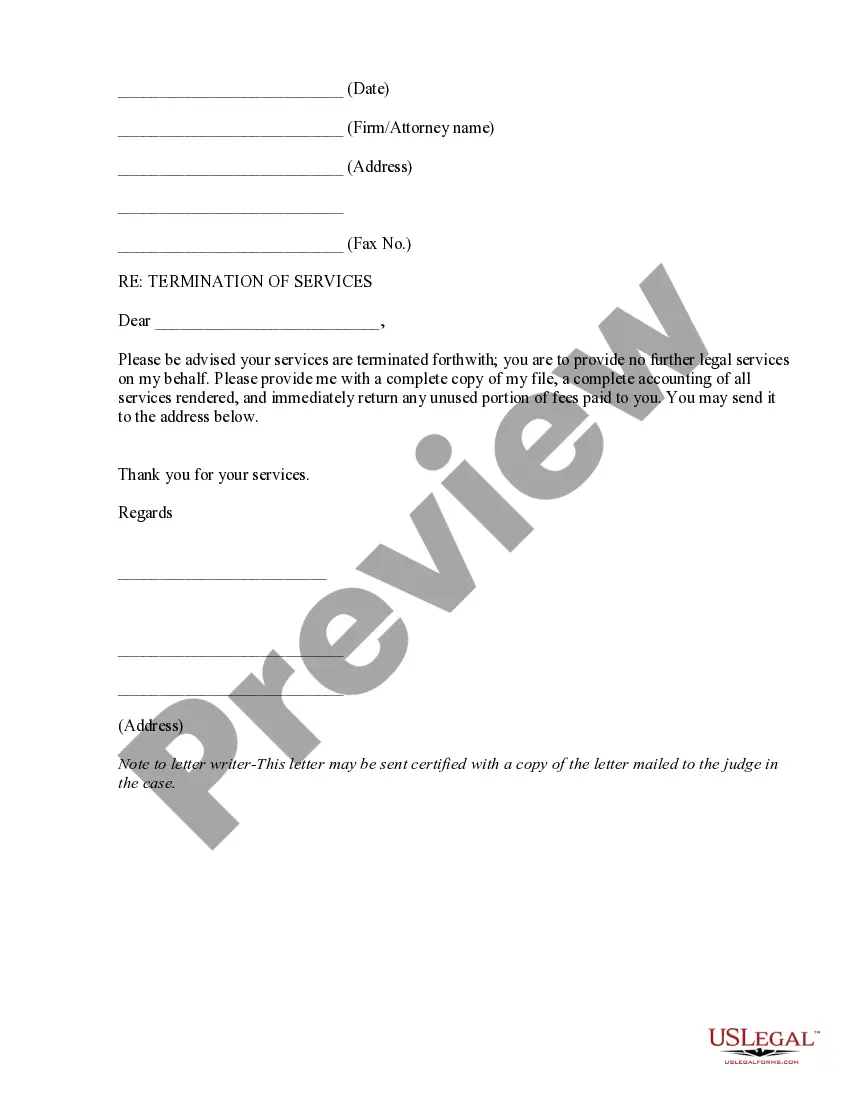
How to fill out Legal Documents Package For Authors And Publishers?
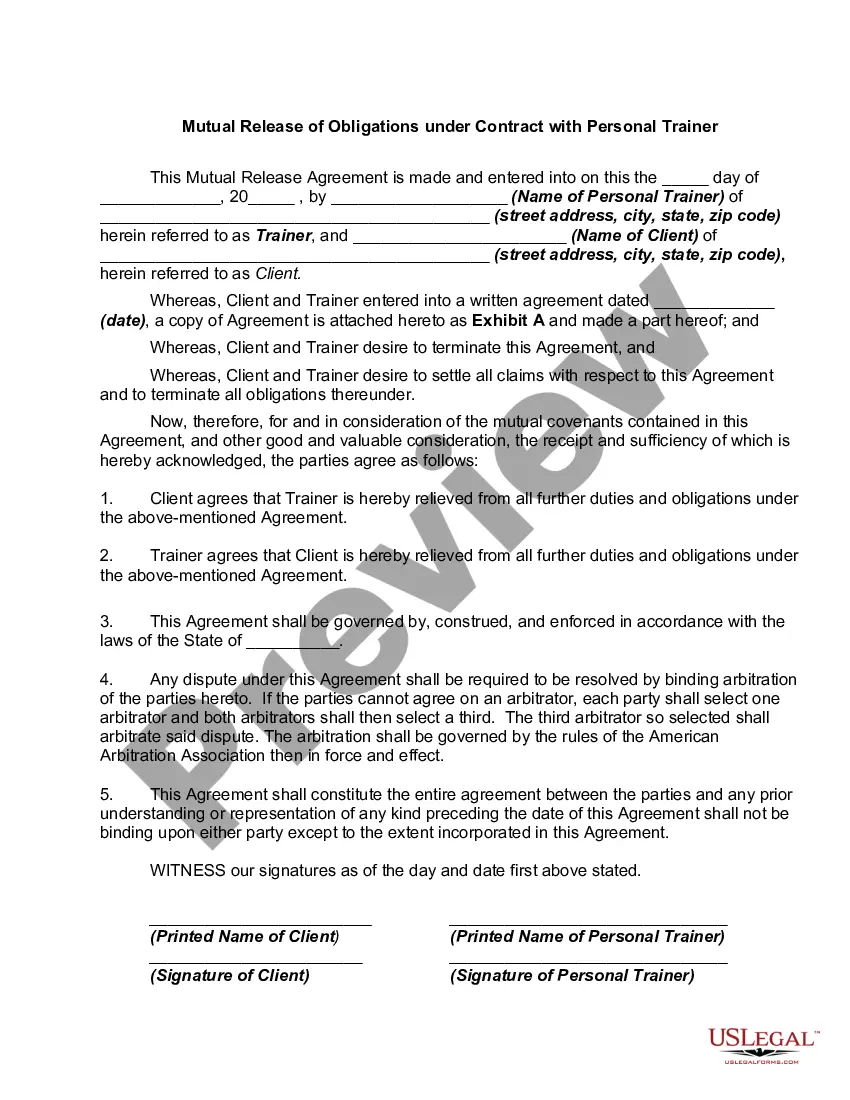
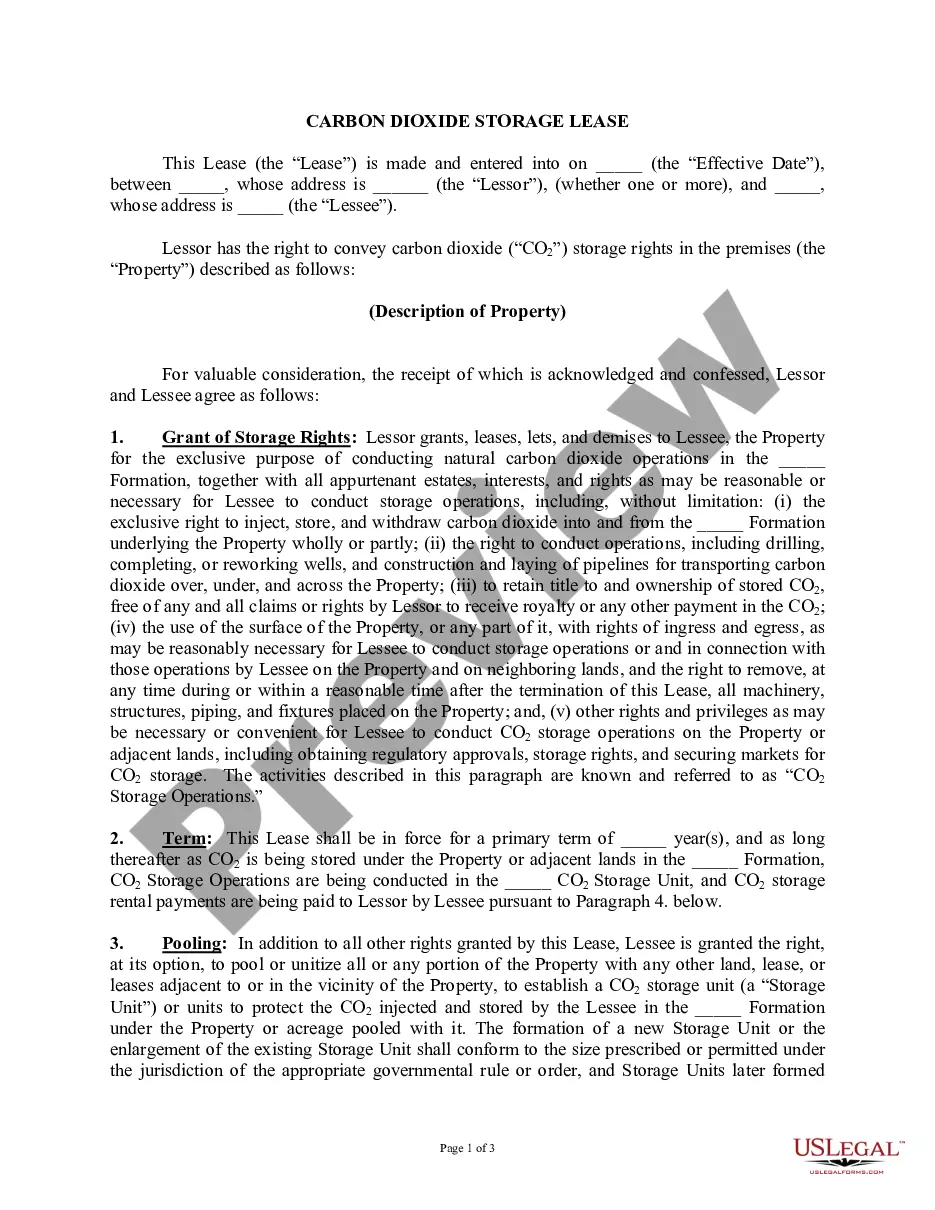
Finding a go-to place to take the most current and appropriate legal samples is half the struggle of handling bureaucracy. Choosing the right legal documents requirements precision and attention to detail, which explains why it is important to take samples of Fillable Legal Forms With Adobe Acrobat Pro only from reputable sources, like US Legal Forms. An improper template will waste your time and delay the situation you are in. With US Legal Forms, you have little to be concerned about. You can access and view all the details about the document’s use and relevance for your situation and in your state or region.
Consider the following steps to finish your Fillable Legal Forms With Adobe Acrobat Pro:
- Utilize the catalog navigation or search field to find your template.
- Open the form’s information to ascertain if it matches the requirements of your state and area.
- Open the form preview, if there is one, to make sure the template is the one you are searching for.
- Return to the search and find the appropriate document if the Fillable Legal Forms With Adobe Acrobat Pro does not fit your requirements.
- If you are positive about the form’s relevance, download it.
- When you are a registered user, click Log in to authenticate and access your selected templates in My Forms.
- If you do not have a profile yet, click Buy now to get the template.
- Pick the pricing plan that fits your preferences.
- Proceed to the registration to finalize your purchase.
- Complete your purchase by selecting a transaction method (credit card or PayPal).
- Pick the file format for downloading Fillable Legal Forms With Adobe Acrobat Pro.
- When you have the form on your device, you may change it using the editor or print it and complete it manually.
Eliminate the inconvenience that accompanies your legal documentation. Explore the extensive US Legal Forms library where you can find legal samples, examine their relevance to your situation, and download them immediately.
Form popularity
FAQ
The free Adobe Reader cannot create fillable forms. You need the full Acrobat product to create forms that Reader users and other Acrobat users can fill in.
Make sure that the security settings allow form filling. (See File > Properties > Security.) Make sure that the PDF includes interactive, or fillable, form fields. Sometimes form creators forget to convert their PDFs to interactive forms, or they intentionally design a form you can only fill in by hand.
Make sure that the security settings allow form filling. (See File > Properties > Security.) Make sure that the PDF includes interactive, or fillable, form fields. Sometimes form creators forget to convert their PDFs to interactive forms, or they intentionally design a form you can only fill in by hand. Fix the common issues in fillable forms in Acrobat or Reader Adobe ? troubleshooting-forms Adobe ? troubleshooting-forms
How to create fillable PDF files: Open Acrobat: Click on the ?Tools? tab and select ?Prepare Form.? Select a file or scan a document: Acrobat will automatically analyze your document and add form fields. Add new form fields: Use the top toolbar and adjust the layout using tools in the right pane. Save your fillable PDF:
If you can't type into a form field on a pdf, it may be due to a browser's default viewer for pdfs. Fillable forms require Adobe Acrobat or Acrobat Reader/Acrobat DC to fill them out online or on your computer. Many browsers use a different pdf viewer by default that doesn't support fillable form fields.