Agreement Purchase Gas With Apple Pay
Description
Get your form ready online
Our built-in tools help you complete, sign, share, and store your documents in one place.
Make edits, fill in missing information, and update formatting in US Legal Forms—just like you would in MS Word.
Download a copy, print it, send it by email, or mail it via USPS—whatever works best for your next step.
Sign and collect signatures with our SignNow integration. Send to multiple recipients, set reminders, and more. Go Premium to unlock E-Sign.
If this form requires notarization, complete it online through a secure video call—no need to meet a notary in person or wait for an appointment.
We protect your documents and personal data by following strict security and privacy standards.

Make edits, fill in missing information, and update formatting in US Legal Forms—just like you would in MS Word.

Download a copy, print it, send it by email, or mail it via USPS—whatever works best for your next step.

Sign and collect signatures with our SignNow integration. Send to multiple recipients, set reminders, and more. Go Premium to unlock E-Sign.

If this form requires notarization, complete it online through a secure video call—no need to meet a notary in person or wait for an appointment.

We protect your documents and personal data by following strict security and privacy standards.
Looking for another form?

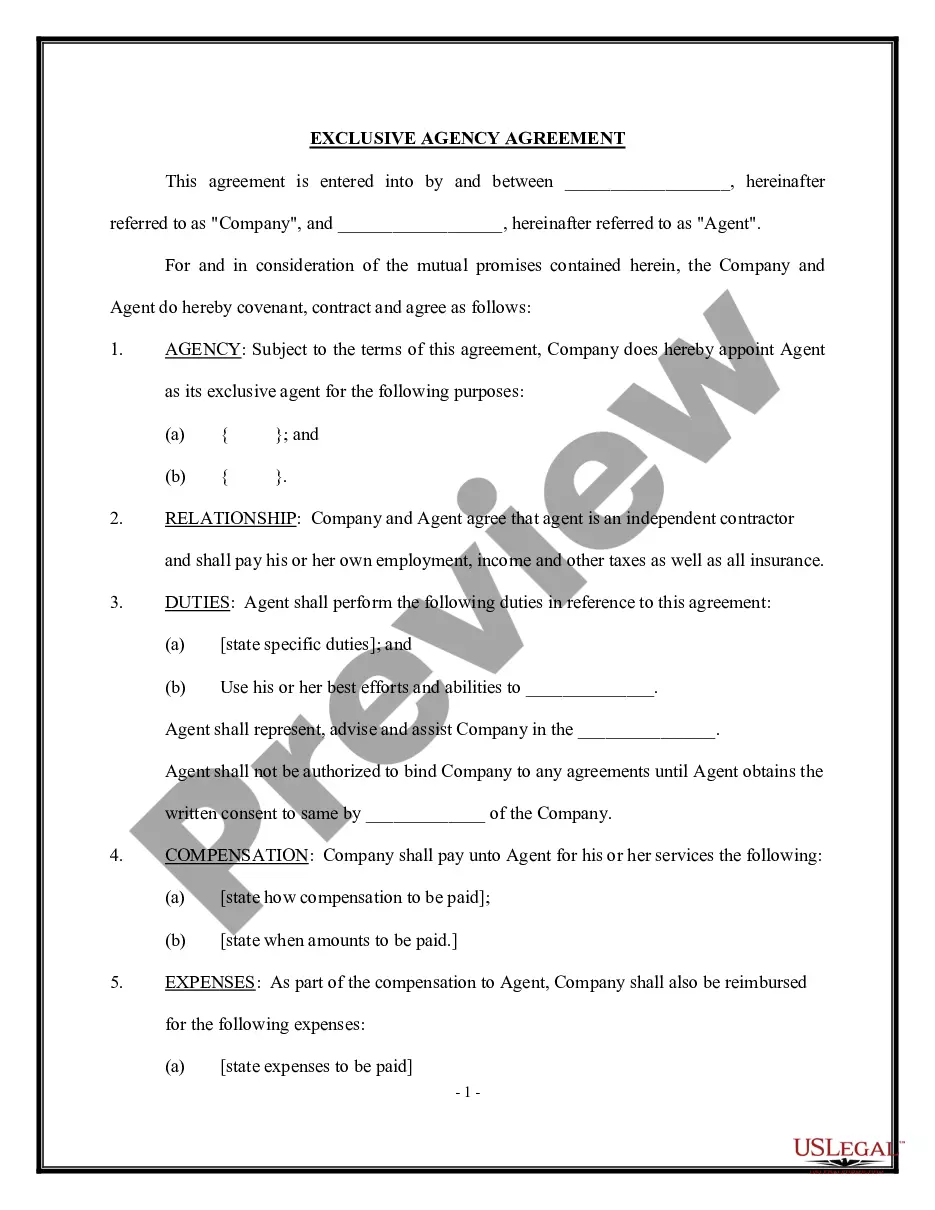





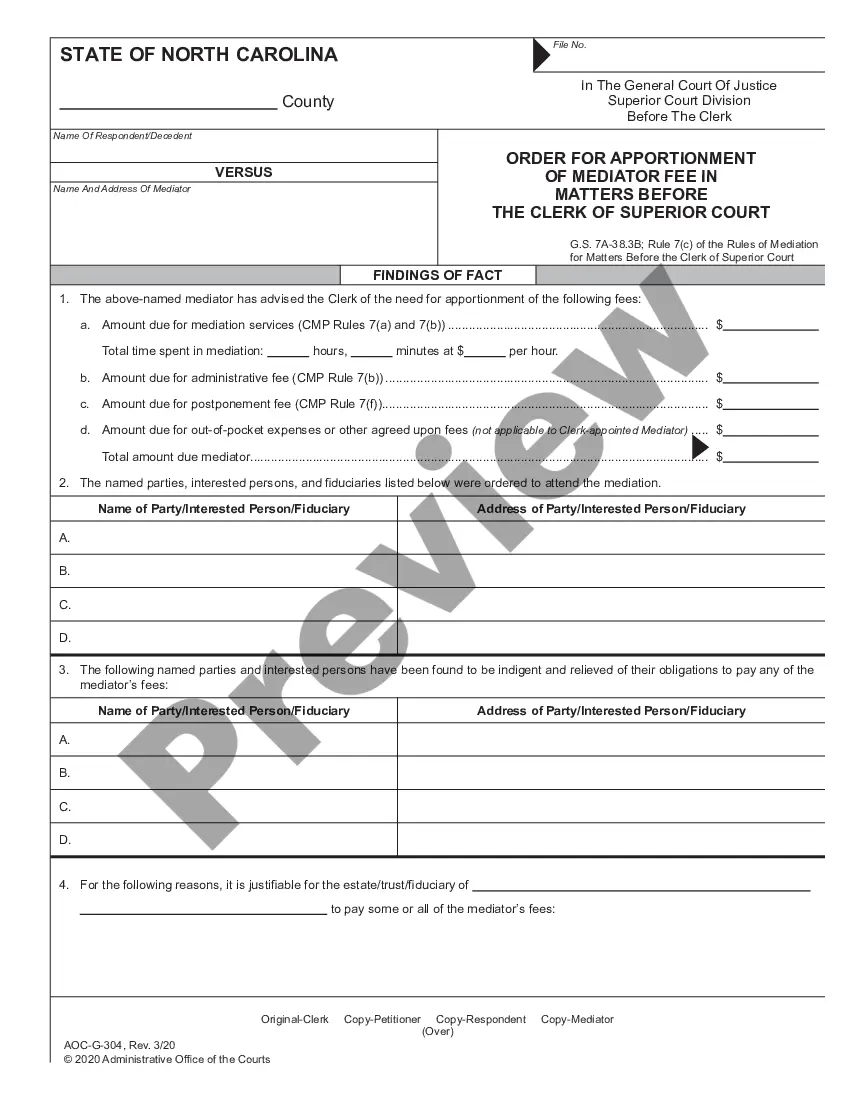
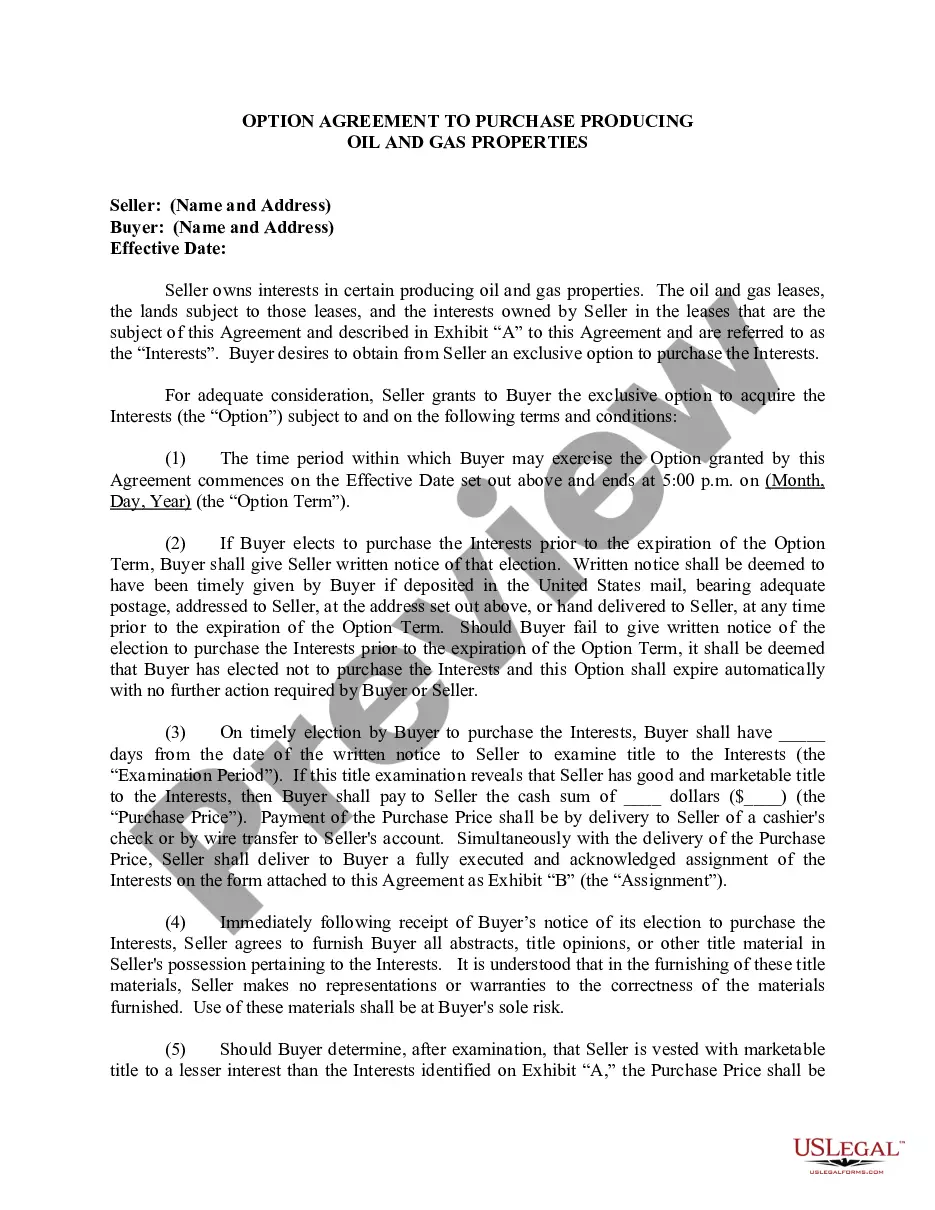
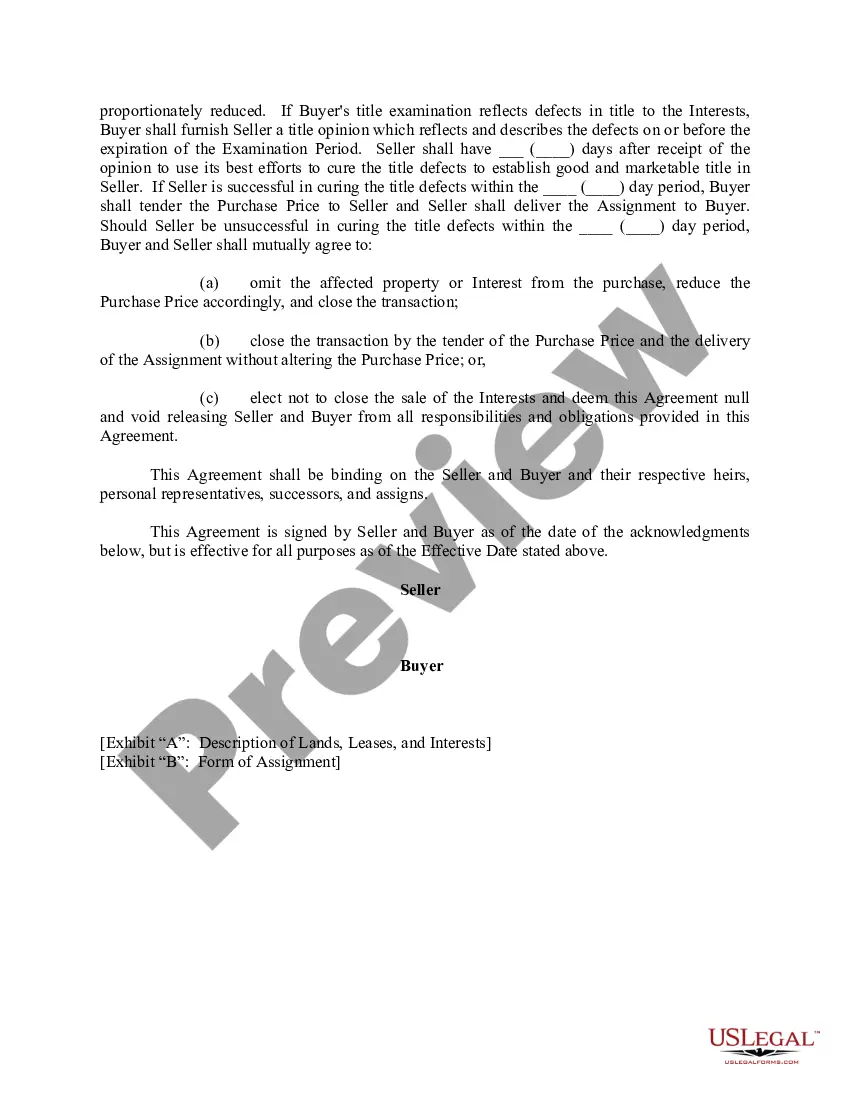
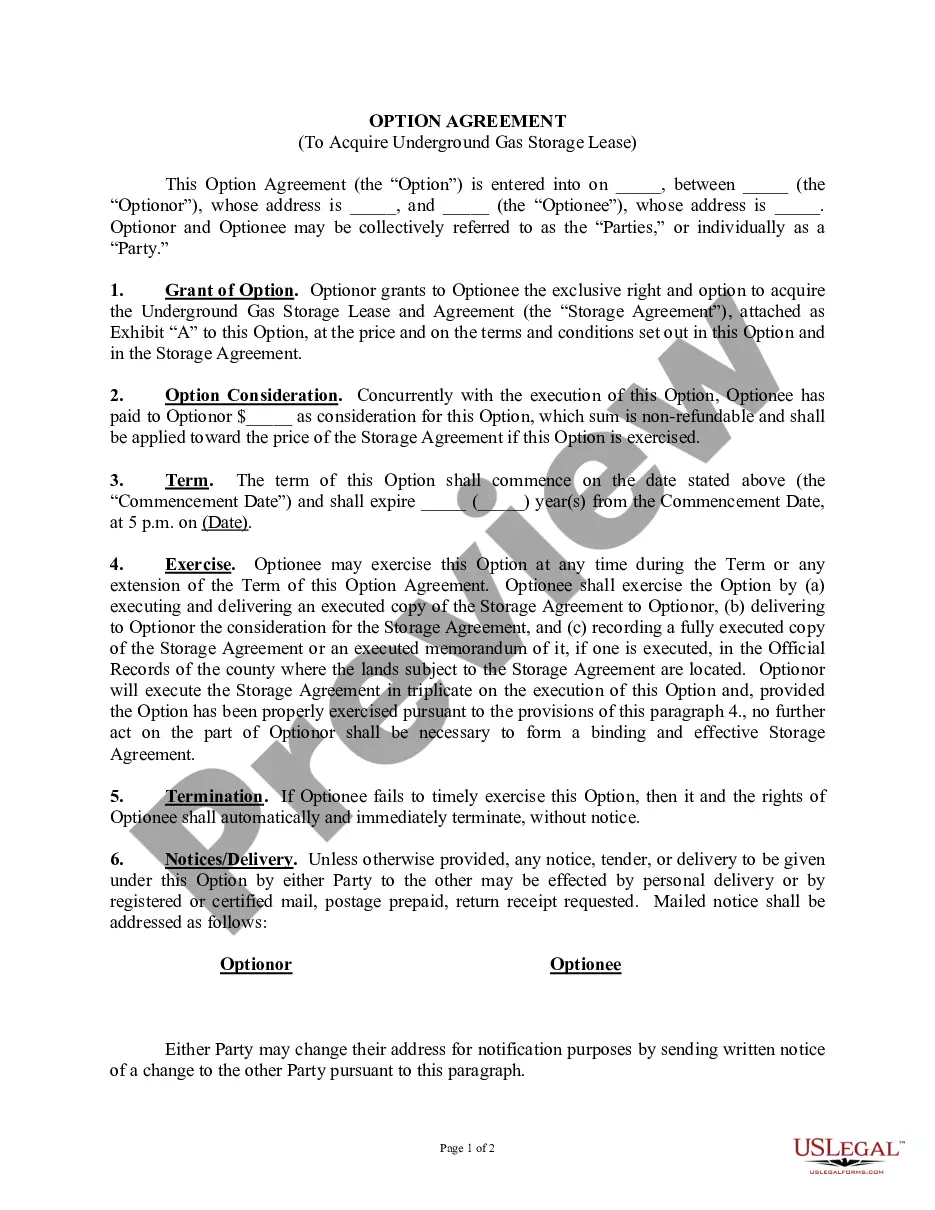
How to fill out Option Agreement To Purchase Producing Oil And Gas Properties?
There’s no longer a necessity to squander time hunting for legal documents to adhere to your local state regulations.
US Legal Forms has gathered all of them in one location and streamlined their availability.
Our platform provides over 85k templates for any business and personal legal situations compiled by state and usage area.
Select the file format for your Agreement Purchase Gas With Apple Pay and download it to your device. Print your form for manual completion or upload the sample if you prefer to fill it out in an online editor. Preparing formal documents under federal and state regulations is quick and easy with our platform. Try US Legal Forms today to keep your paperwork organized!
- All forms are expertly crafted and verified for legitimacy, so you can be confident in acquiring an up-to-date Agreement Purchase Gas With Apple Pay.
- If you are acquainted with our service and already have an account, ensure your subscription is active prior to obtaining any templates.
- Log In to your account, choose the document, and click Download.
- You can also access all saved documents at any time by navigating to the My documents tab in your profile.
- If you have not used our service previously, the procedure will require additional steps to finalize.
- Here’s how new users can locate the Agreement Purchase Gas With Apple Pay in our catalog.
- Review the page content thoroughly to ensure it has the sample you need.
- To do this, utilize the form description and preview options if available.
Form popularity
FAQ
You can now pay your bill online using Apple Pay in the Safari web browser with a compatible Apple device. To use Apple Pay, you must first add a credit or debit card to your Apple Wallet.
IPhones and Apple Watches can do mobile payments with Apple Pay. The setup process simply involves adding your desired credit card to the app. From there, you can tap your Apple device to the gas pump to make a payment.
Apple Pay is accepted at over 85 percent of retailers in the U.S., so you can likely use it wherever and however you want. If you're not sure, just ask. Apple Pay works anywhere that takes contactless payments from vending machines and grocery stores to taxis and subway stations.
How To Use Apple PayLook for the contactless payment symbol at the gas station.On your smartphone or watch, open the Apple Wallet.Double click the side button.Verify your identity via a Face ID, Touch ID, or a passcode.Place your smartphone or watch near the payment system screen.The transaction should go through.
Look for the contactless payment symbol at the gas station. On your smartphone or watch, open the Apple Wallet. Double click the side button. Verify your identity via a Face ID, Touch ID, or a passcode.