Transfer Slip
Description
Get your form ready online
Our built-in tools help you complete, sign, share, and store your documents in one place.
Make edits, fill in missing information, and update formatting in US Legal Forms—just like you would in MS Word.
Download a copy, print it, send it by email, or mail it via USPS—whatever works best for your next step.
Sign and collect signatures with our SignNow integration. Send to multiple recipients, set reminders, and more. Go Premium to unlock E-Sign.
If this form requires notarization, complete it online through a secure video call—no need to meet a notary in person or wait for an appointment.
We protect your documents and personal data by following strict security and privacy standards.

Make edits, fill in missing information, and update formatting in US Legal Forms—just like you would in MS Word.

Download a copy, print it, send it by email, or mail it via USPS—whatever works best for your next step.

Sign and collect signatures with our SignNow integration. Send to multiple recipients, set reminders, and more. Go Premium to unlock E-Sign.

If this form requires notarization, complete it online through a secure video call—no need to meet a notary in person or wait for an appointment.

We protect your documents and personal data by following strict security and privacy standards.
Looking for another form?





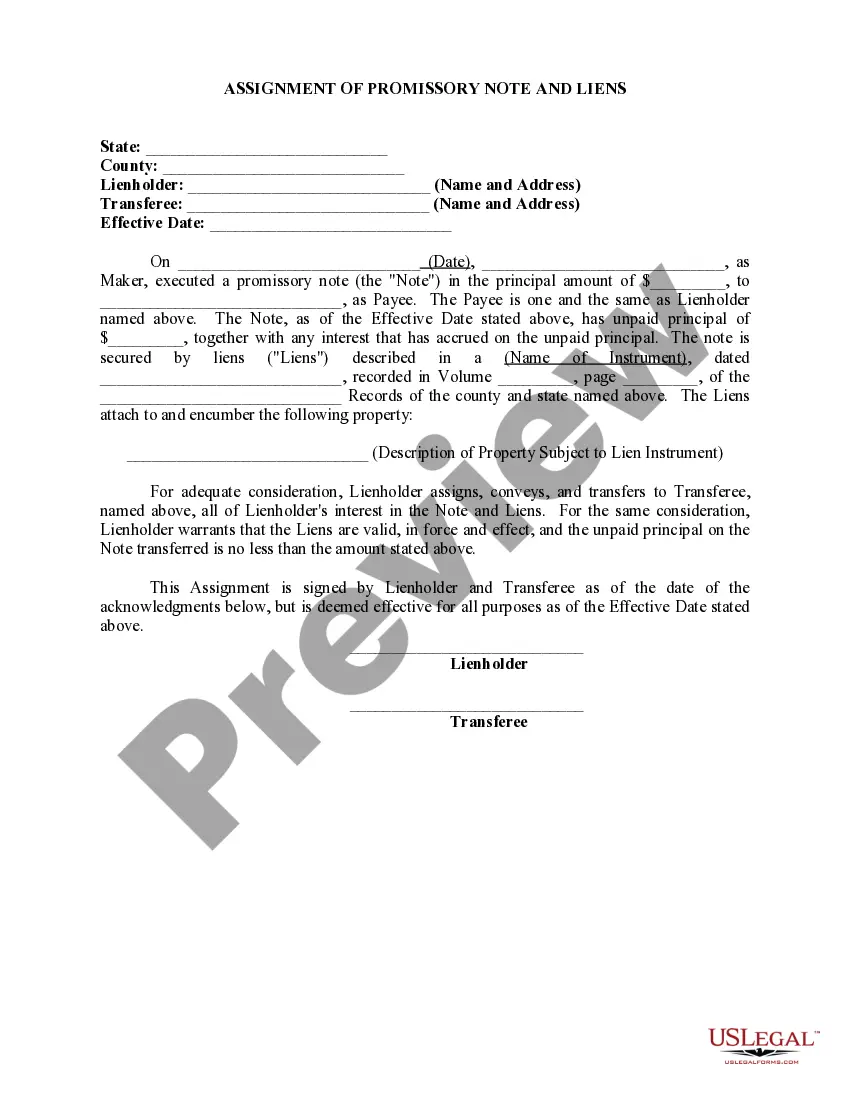
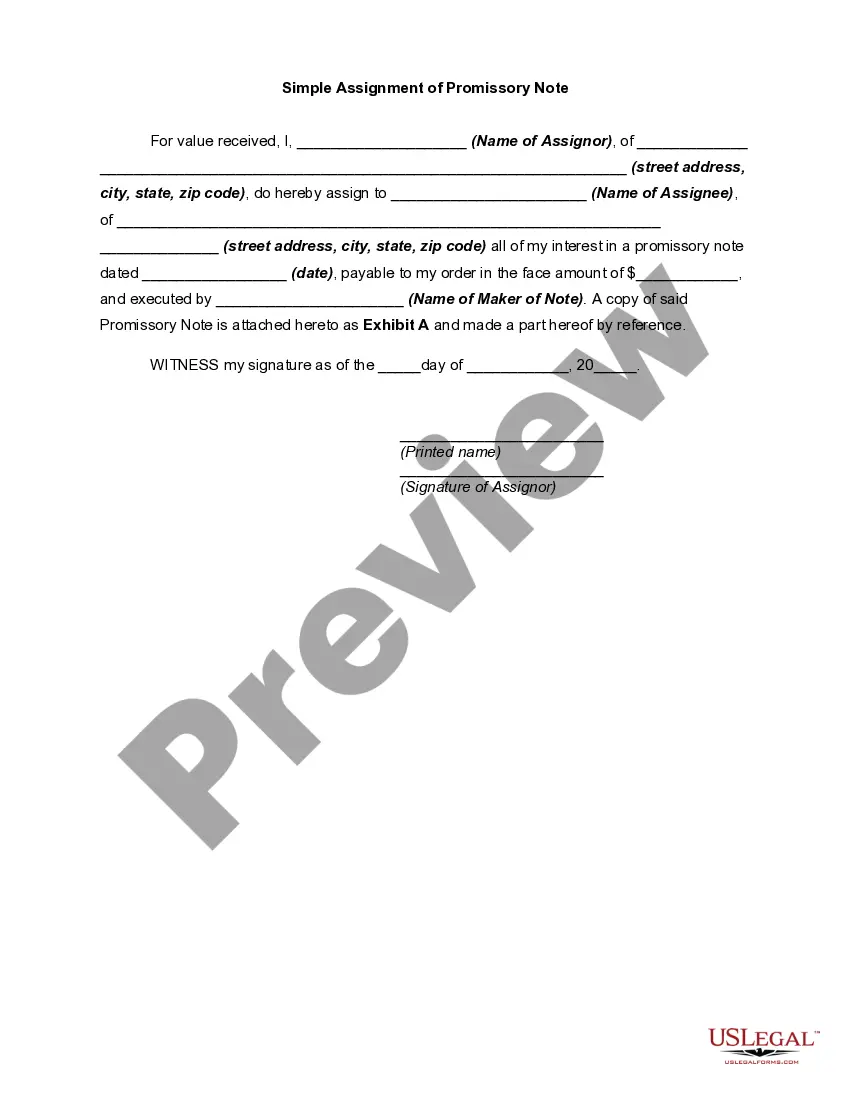
How to fill out Assignment Of Promissory Note And Liens?
- Log in to your account if you're a returning user. Ensure your subscription is active; if not, renew it.
- For new users, start by exploring the Preview mode and detailed description of the transfer slip form. Confirm it meets your needs and local jurisdiction regulations.
- If the current form doesn't suit you, utilize the Search function to find an appropriate template.
- Once you select the right document, click the 'Buy Now' button to choose your preferred subscription plan.
- Proceed to checkout by entering your payment information, either through a credit card or PayPal.
- Download the completed transfer slip to your device. You can also find it in the 'My Forms' section of your account for future access.
Following these steps ensures you have a legally sound form ready for your use. US Legal Forms stands out with its vast library and expert support, assisting you in creating accurate legal documents.
Ready to get started? Visit US Legal Forms today to simplify your legal paperwork process.
Form popularity
FAQ
To add a person to your car title, start by obtaining a transfer slip from the DMV. Fill out the required information for both parties and ensure all signatures are provided. Once completed, submit the transfer slip along with any additional documents needed to your local DMV office. This simple process secures both parties' rights to the vehicle.
Yes, it does matter whose name is on the car title. The name on the title signifies ownership and holds legal responsibility for the vehicle. If you plan to sell, insure, or make significant changes to the vehicle, clarity of ownership via the transfer slip is essential. This ensures all parties are protected under the law.
To transfer ownership of a car in California, you must sign the transfer slip on the back of the title. Both the seller and buyer should complete this form accurately to avoid any legal issues. After signing, submit the title and necessary paperwork to the DMV. This official process helps you avoid complications down the line.
To add someone to your car title, you will need to complete a transfer slip. This document serves as an official record of the addition. You should visit your local Department of Motor Vehicles (DMV) to update the title and provide necessary identification for both parties. This process helps ensure that all legal ownership is documented properly.
Line 2 on a pink slip, commonly known as the title, is typically signed by the seller. This signature indicates the transfer of ownership from the seller to the buyer. It is crucial to complete this step accurately to ensure a legal transfer process. You also want to keep a copy of this transfer slip for your records.
Transferring files from one device to another can be accomplished through various methods including Bluetooth, Wi-Fi direct, or using a cable. Simply select the files, choose the target device, and start the transfer. To ensure a smooth transfer, you may benefit from using a transfer slip for additional organization. Always verify the files at the destination device after transfer.
To set your phone to file transfer mode, connect it to your computer using a USB cable. On your phone, a notification will appear; select the option for file transfer. Follow the prompts to allow your computer to access the files on your phone. Utilizing a transfer slip can help you organize and keep track of important files during the process.
Moving files step by step involves selecting your files and deciding on a transfer method, such as drag-and-drop or using file transfer software. After that, initiate the transfer by following on-screen instructions. Always remember to verify that the files are accurately transferred, and consider using a transfer slip for better tracking and organization.
To transfer files from one computer to another, you can use a USB drive or cloud storage. Simply copy the files onto the USB or upload them to the cloud from the first computer. Then, connect the USB to the second computer or log into the cloud to retrieve your files. Remember, creating a transfer slip may help you keep track of what you’ve moved.
To transfer files step by step, first, select the files you want to move. Then, choose the method you will use, such as USB, cloud storage, or email. Follow the prompts for your chosen method, ensuring to create a transfer slip if necessary for organization. Finally, check your destination to confirm that all files transferred correctly.