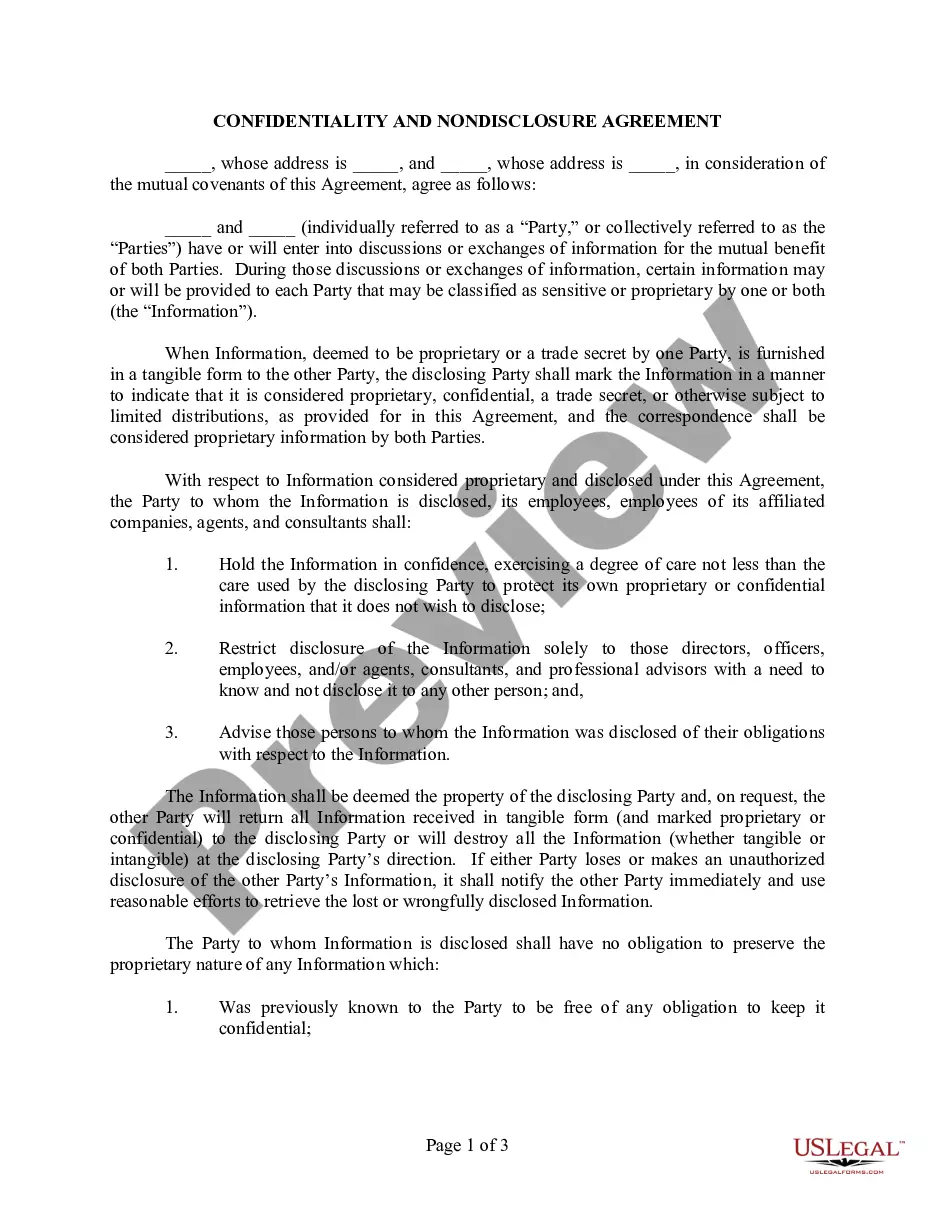
Confidentiality Agreement Review With Employees
Description
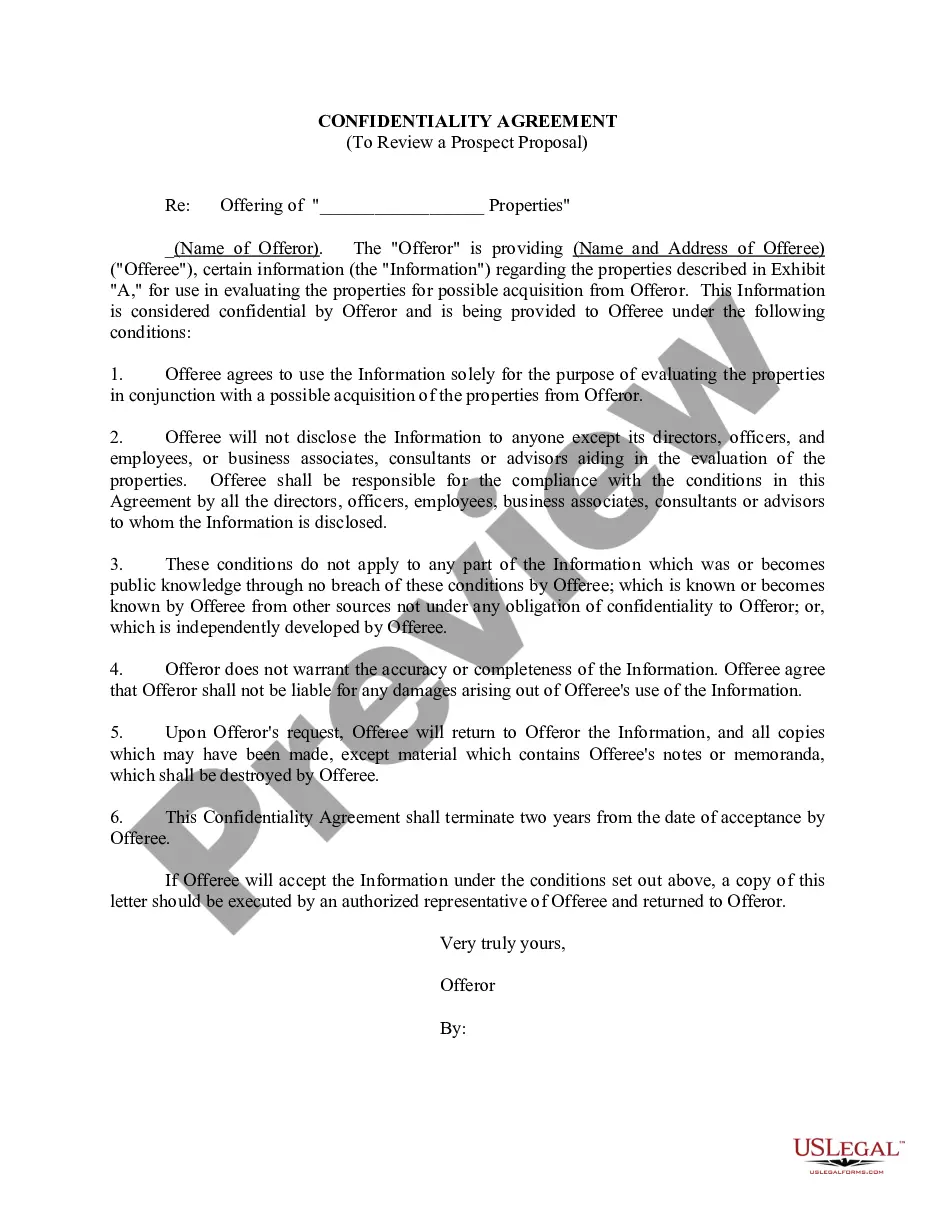
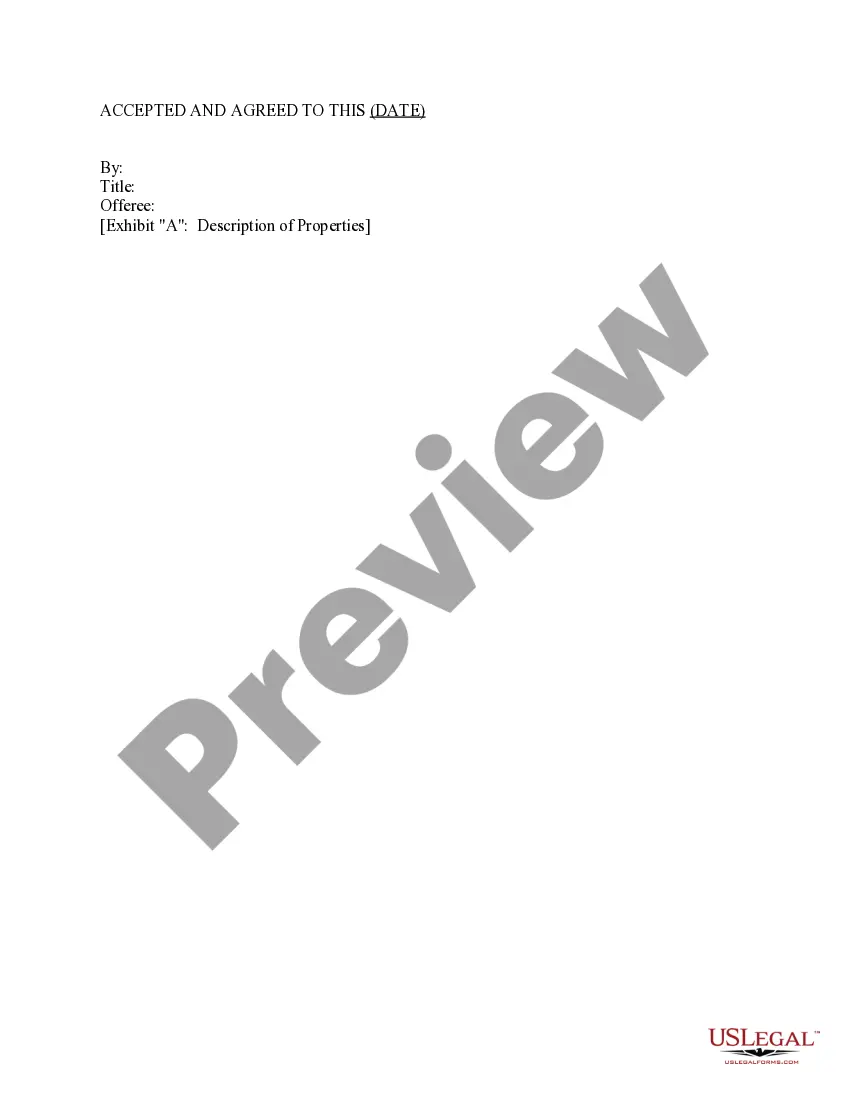
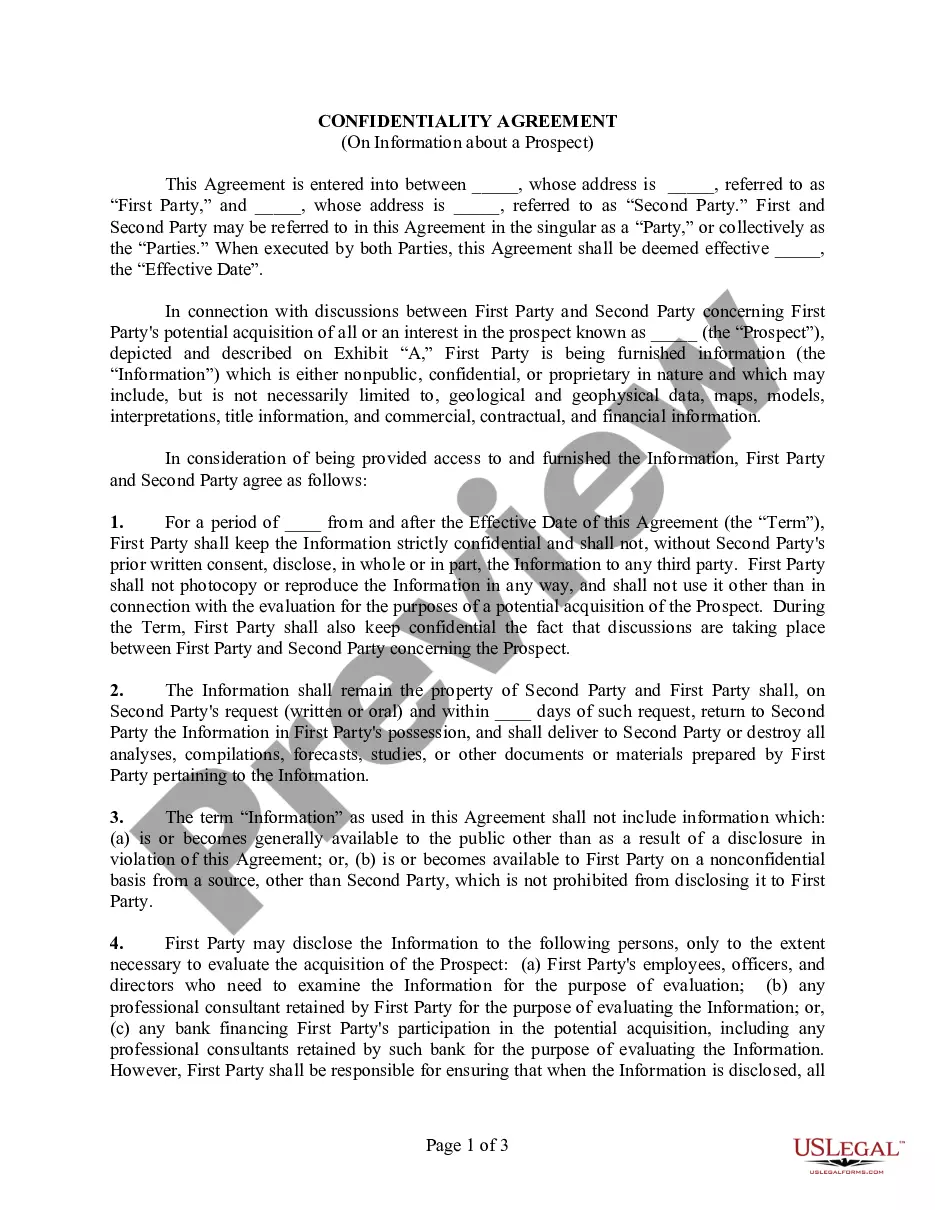
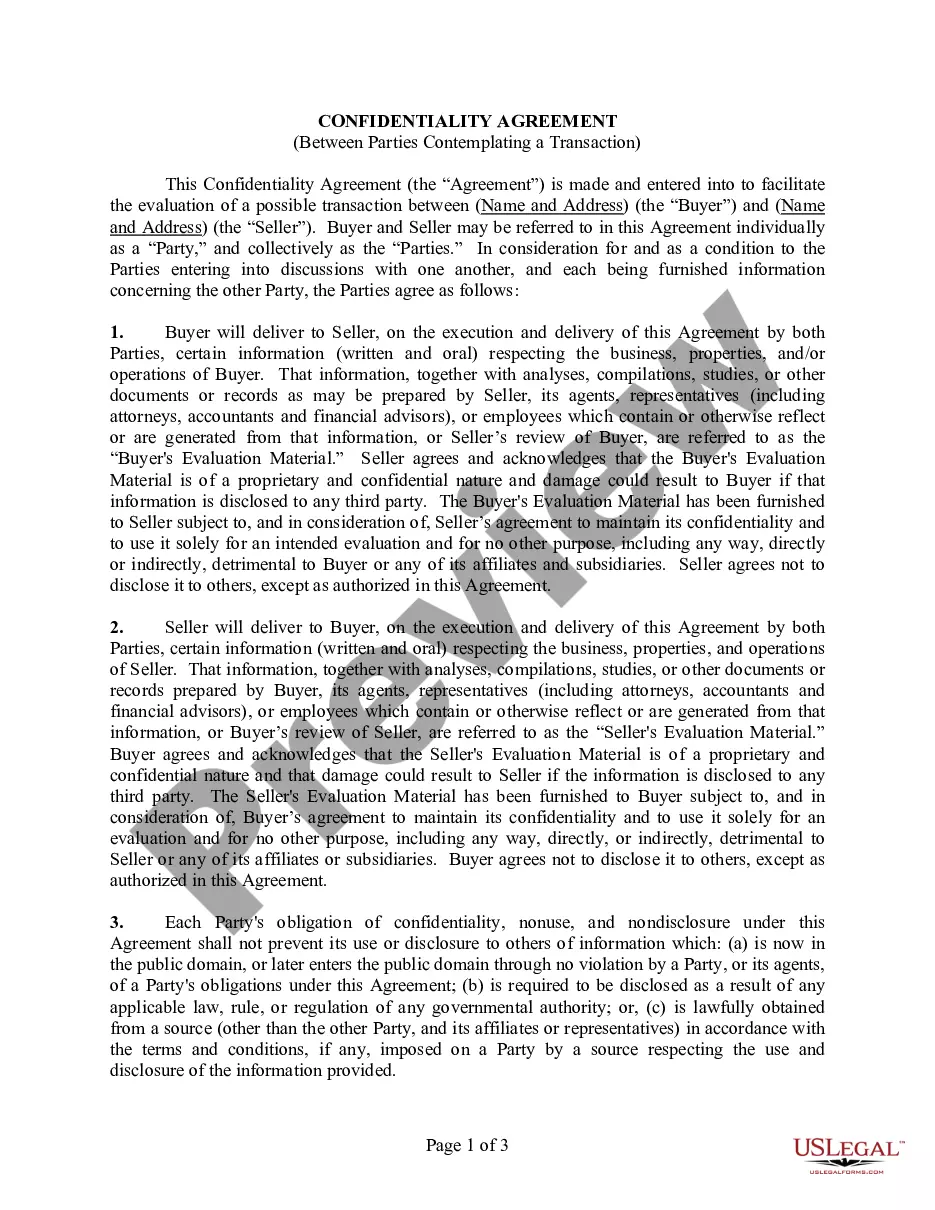
Get your form ready online
Our built-in tools help you complete, sign, share, and store your documents in one place.
Make edits, fill in missing information, and update formatting in US Legal Forms—just like you would in MS Word.
Download a copy, print it, send it by email, or mail it via USPS—whatever works best for your next step.
Sign and collect signatures with our SignNow integration. Send to multiple recipients, set reminders, and more. Go Premium to unlock E-Sign.
If this form requires notarization, complete it online through a secure video call—no need to meet a notary in person or wait for an appointment.
We protect your documents and personal data by following strict security and privacy standards.

Make edits, fill in missing information, and update formatting in US Legal Forms—just like you would in MS Word.

Download a copy, print it, send it by email, or mail it via USPS—whatever works best for your next step.

Sign and collect signatures with our SignNow integration. Send to multiple recipients, set reminders, and more. Go Premium to unlock E-Sign.

If this form requires notarization, complete it online through a secure video call—no need to meet a notary in person or wait for an appointment.

We protect your documents and personal data by following strict security and privacy standards.
Looking for another form?


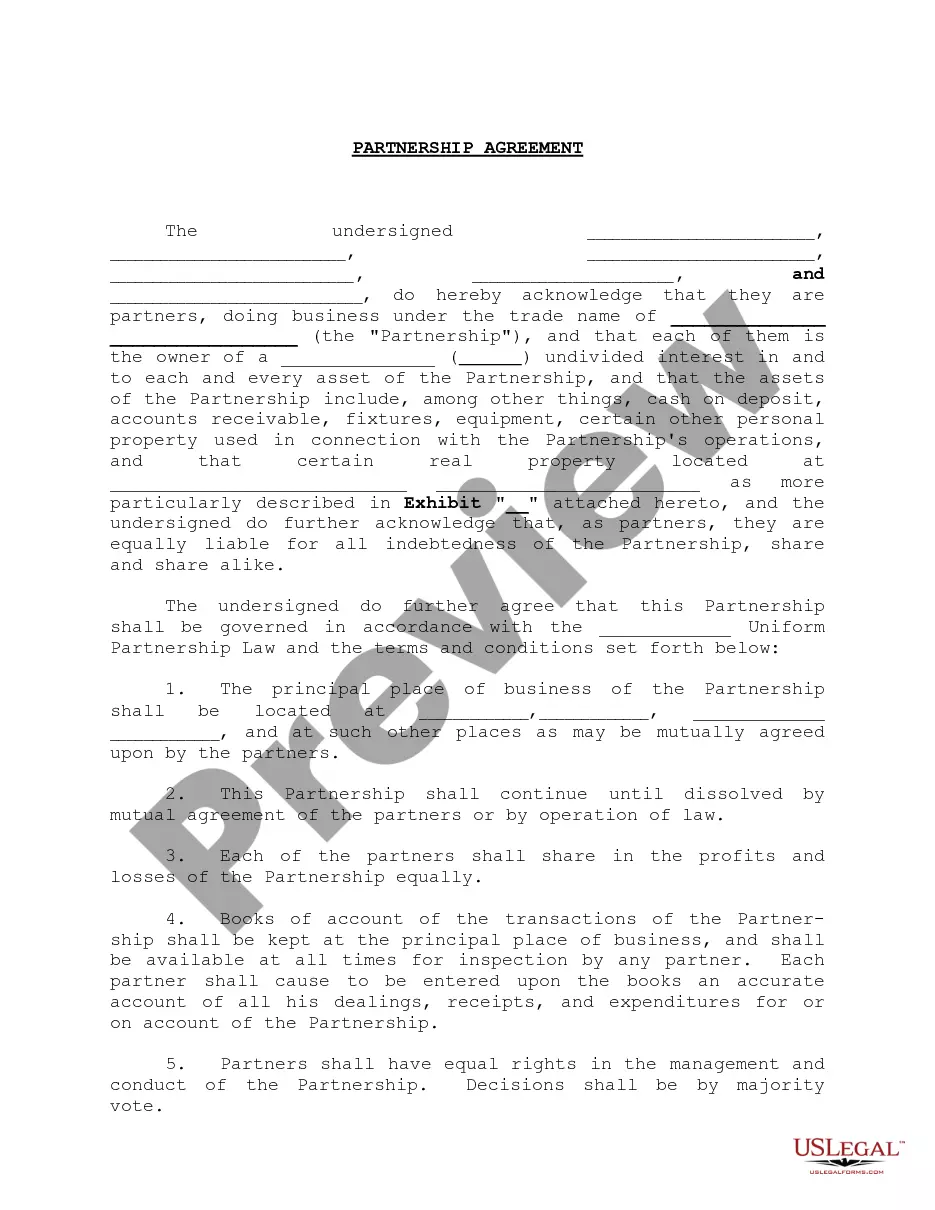


How to fill out Confidentiality Agreement To Review A Prospect Proposal?
What is the most reliable service to acquire the Confidentiality Agreement Review With Employees and other updated versions of legal documents? US Legal Forms is the solution! It boasts the largest collection of legal forms for any scenario.
Each template is meticulously crafted and verified for adherence to federal and regional regulations. They are categorized by area and state of application, making it simple to find what you need.
Alternative form search. If there are any discrepancies, use the search bar in the page header to find another template. Click Buy Now to select the appropriate one.
- Experienced users of the platform just need to Log In to the system, verify their subscription status, and click the Download button next to the Confidentiality Agreement Review With Employees to retrieve it.
- Once saved, the document remains accessible for future use within the My documents section of your account.
- If you haven't created an account with us yet, here are the steps you need to follow to get one.
- Form compliance review. Before you obtain any template, you must ascertain whether it meets your usage requirements and complies with your state or county laws. Read the form details and utilize the Preview if available.
Form popularity
FAQ
What employees should do:Lock or secure confidential information at all times.Shred confidential documents when they're no longer needed.Make sure they only view confidential information on secure devices.Only disclose information to other employees when it's necessary and authorized.More items...
An employee confidentiality agreement, or non-disclosure agreement or an NDA, makes it crystal clear to an employee that he or she cannot under any circumstance, with the exception of prior written approval, disclose company secrets.
7 Things to Look for Before You Sign a Nondisclosure AgreementParties to the Agreement.Identification of What Information Is Confidential.Time Frame of the Agreement.Return of the Information.Obligations of the Recipient.Remedies for Breaches of Agreement.Other Clauses.
Typically, a legal professional writing the NDA will complete these steps:Step 1 - Describe the scope. Which information is considered confidential?Step 2 - Detail party obligations.Step 3 - Note potential exclusions.Step 4 - Set the term.Step 5 - Spell out consequences.
Look for language like the disclosing party and the receiving party or both parties as opposed to one-sided language with noticeably absent requirements from the other side. If the NDA is intended to bind only one party, you should walk into that arrangement with eyes wide open.