Agreement Oil Lease With Trust
Description
Get your form ready online
Our built-in tools help you complete, sign, share, and store your documents in one place.
Make edits, fill in missing information, and update formatting in US Legal Forms—just like you would in MS Word.
Download a copy, print it, send it by email, or mail it via USPS—whatever works best for your next step.
Sign and collect signatures with our SignNow integration. Send to multiple recipients, set reminders, and more. Go Premium to unlock E-Sign.
If this form requires notarization, complete it online through a secure video call—no need to meet a notary in person or wait for an appointment.
We protect your documents and personal data by following strict security and privacy standards.

Make edits, fill in missing information, and update formatting in US Legal Forms—just like you would in MS Word.

Download a copy, print it, send it by email, or mail it via USPS—whatever works best for your next step.

Sign and collect signatures with our SignNow integration. Send to multiple recipients, set reminders, and more. Go Premium to unlock E-Sign.

If this form requires notarization, complete it online through a secure video call—no need to meet a notary in person or wait for an appointment.

We protect your documents and personal data by following strict security and privacy standards.
Looking for another form?










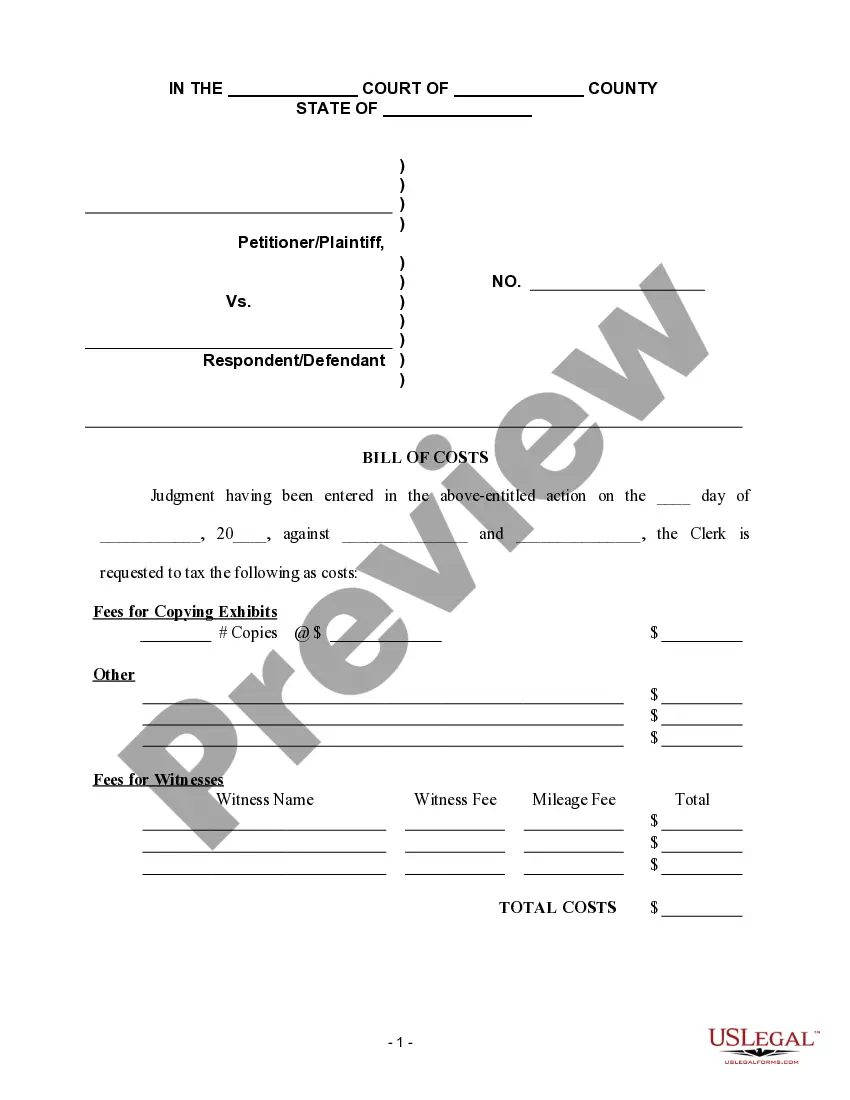
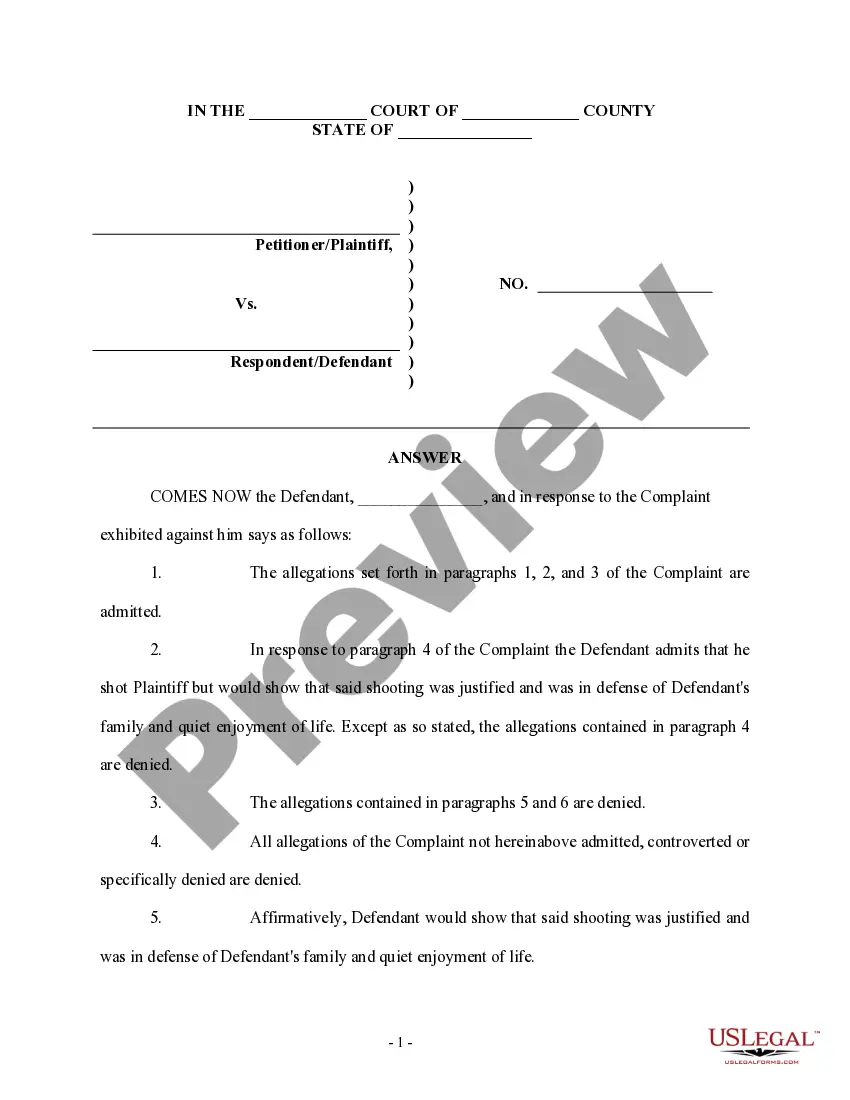
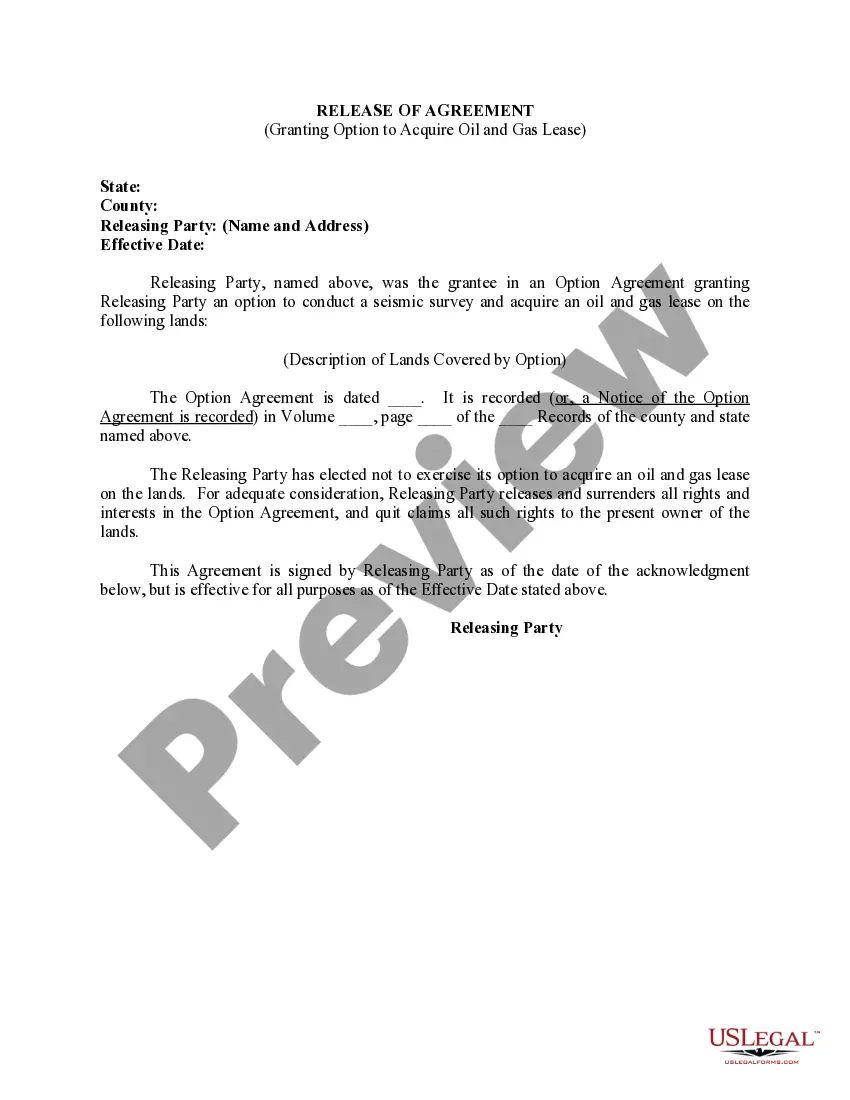
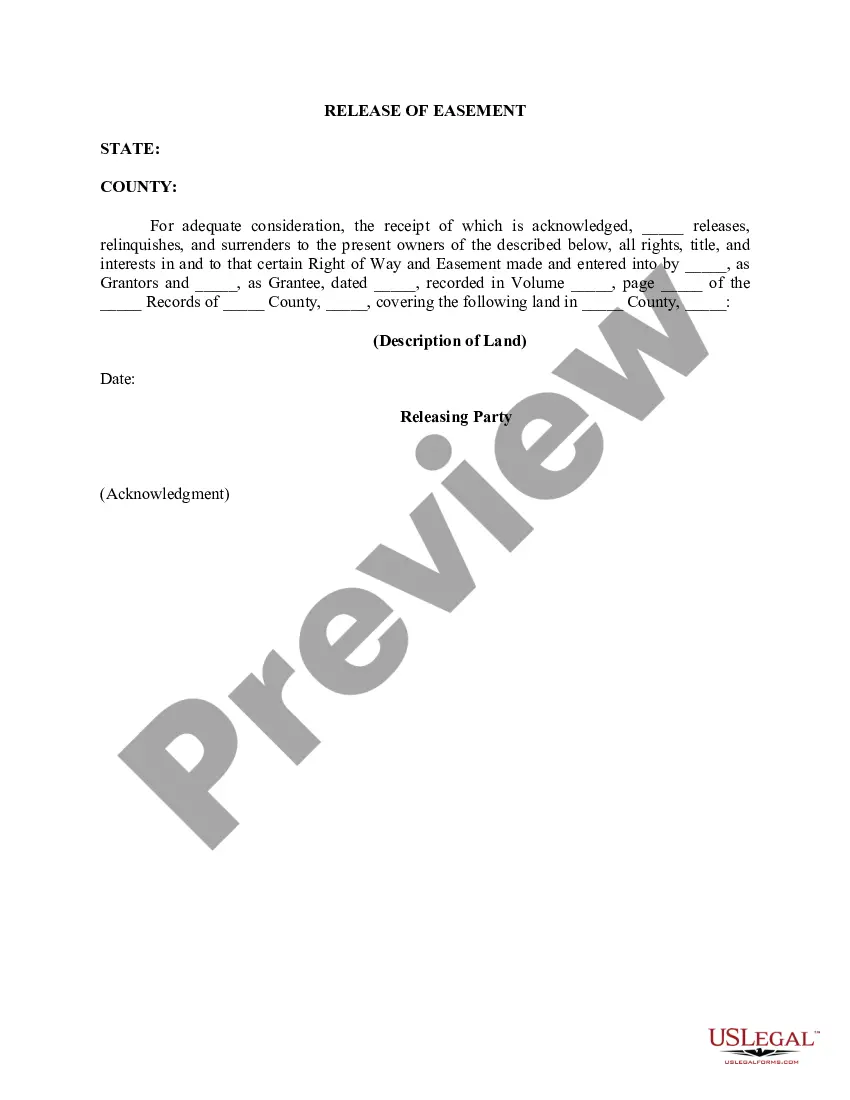
How to fill out Release Of Agreement Granting Option To Acquire Oil And Gas Lease?
Administration demands exactness and correctness.
If you do not manage completing documents like Agreement Oil Lease With Trust on a daily basis, it could result in some misinterpretations.
Choosing the proper template from the outset will ensure that your document submission proceeds smoothly and avert any troubles of re-sending a document or repeating the same task from the start.
If you are not a registered user, finding the needed template will take a few extra steps: Find the template using the search bar, ensure the Agreement Oil Lease With Trust you’ve located is suitable for your state or county, check the preview or read the description with the details on the template's use. If the result matches your query, press the Buy Now button. Choose the appropriate option from the suggested pricing plans. Log In to your account or create a new one. Complete the purchase using a credit card or PayPal account. Download the form in your preferred file format. Locating the correct and current samples for your documents takes just a couple of minutes with an account at US Legal Forms. Eliminate bureaucratic uncertainties and simplify your paperwork process.
- Access the proper template for your documentation at US Legal Forms.
- US Legal Forms is the largest online repository of forms with over 85 thousand samples for various domains.
- You can retrieve the latest and most pertinent edition of the Agreement Oil Lease With Trust by simply searching on the platform.
- Find, store, and archive templates in your account or refer to the description to confirm you have the correct one available.
- With an account at US Legal Forms, you can conveniently obtain, save in one location, and browse through the templates you store to access them with just a few clicks.
- When on the webpage, press the Log In button to authenticate.
- Then, navigate to the My documents page, where your form history is maintained.
- Review the descriptions of the forms and save the ones you need at any moment.
Form popularity
FAQ
Defining the Pugh Clause A Pugh Clause is meant to prevent a lessee from declaring all lands under an oil and gas lease as being held by production, even if production only occurs on a fraction of the property.
If you want to sell the mineral rights to another person, you can transfer them by deed. You will need to create a mineral deed and have it recorded. You should check with the county Recorder of Deeds in the county where the land is located and ask if a printed mineral deed form is available to use.
A mineral lease is a contractual agreement between the owner of a mineral estate (known as the lessor), and another party such as an oil and gas company (the lessee). The lease gives an oil or gas company the right to explore for and develop the oil and gas deposits in the area described in the lease.
For many years, almost all oil and gas leases reserved a 1/8th royalty. Today, the royalty fraction is negotiable, and is usually between 1/8th and 1/4th. Bonus. The bonus is the amount paid to the Lessor as consideration for his/her execution of the lease.
To limit such outcomes, lessors often employ Pugh clauses, named after the creative Louisiana lawyer Lawrence G. Pugh, who first used such a clause in 1947 to prevent the holding of non-pooled acreage in his client's lease while only certain portions of the lease acreage were being held under pooling agreements.